red /
- http
- auth
- rendered
- visual
- seo
- assets
- css
- a11y
- i18n
- behaviour
- network
- data
- weight
- responsiveness
JavaScript on the wire 357.6 kB → 188.6 kB, run at load 564.5 kB → 196.2 kB (uncompressed)
CSS states and conditions from the old stylesheets: 12 forced and compared, 28 not forced
- :hover on a (desktop)
- :hover on .button (desktop)
- :disabled on .button (desktop)
- :hover on :where(.button--primary):not(.button--outline) (desktop)
- :active on .button--primary (desktop)
- :hover on :where(.button--info):not(.button--outline) (desktop)
- :active on .button--info (desktop)
- :hover on .close (desktop)
- :focus on .close (desktop)
- :hover on .dropdown--hoverable (desktop)
- :hover on .footer__link-item (desktop)
- :hover on .navbar__brand (desktop)
- not forced: :hover on .text--no-decoration: no visible element on the page matches it on both sides
- not forced: :hover on .alert .close: no visible element on the page matches it on both sides
- not forced: :focus on .alert .close: no visible element on the page matches it on both sides
- not forced: :hover on .alert a: no visible element on the page matches it on both sides
- not forced: :hover on .breadcrumbs__link:link: no visible element on the page matches it on both sides
- not forced: :hover on .breadcrumbs__link:visited: no visible element on the page matches it on both sides
- not forced: :hover on area[href].breadcrumbs__link: no visible element on the page matches it on both sides
- not forced: :hover on .breadcrumbs__link:any-link: no visible element on the page matches it on both sides
- not forced: :hover on .button--outline: no visible element on the page matches it on both sides
- not forced: :active on .button--outline: no visible element on the page matches it on both sides
- not forced: :hover on .button--link: no visible element on the page matches it on both sides
- not forced: :active on .button--link: no visible element on the page matches it on both sides
- not forced: :hover on :where(.button--secondary):not(.button--outline): no visible element on the page matches it on both sides
- not forced: :active on .button--secondary: no visible element on the page matches it on both sides
- not forced: :hover on :where(.button--success):not(.button--outline): no visible element on the page matches it on both sides
- not forced: :active on .button--success: no visible element on the page matches it on both sides
- not forced: :hover on :where(.button--warning):not(.button--outline): no visible element on the page matches it on both sides
- not forced: :active on .button--warning: no visible element on the page matches it on both sides
- not forced: :hover on :where(.button--danger):not(.button--outline): no visible element on the page matches it on both sides
- not forced: :active on .button--danger: no visible element on the page matches it on both sides
- not forced: :hover on .table-of-contents__link: no visible element on the page matches it on both sides
- not forced: :hover on .dropdown__link: no visible element on the page matches it on both sides
- not forced: :hover on .dropdown__link--active: no visible element on the page matches it on both sides
- not forced: :hover on .menu__list-item-collapsible: no visible element on the page matches it on both sides
- not forced: :hover on .menu__list-item-collapsible .menu__link: no visible element on the page matches it on both sides
- not forced: :hover on .menu__link: no visible element on the page matches it on both sides
- not forced: :hover on .menu__caret: no visible element on the page matches it on both sides
- not forced: :hover on .menu__link--active: no visible element on the page matches it on both sides
Network contract: 4 old, 4 new, browser requests only (server recorder: old off, new off)
Old
browser GET ghbtns.com/github-btn.html?count=true&repo=docusaurus&size=large&type=star&user=facebookbrowser GET {self}/assets/ideal-img/christopher-chedeau.a975949.200.jpgbrowser GET {self}/assets/ideal-img/hector-ramos.957d17a.200.jpgbrowser GET {self}/assets/ideal-img/ricky-vetter.b237586.200.jpg
New
browser GET ghbtns.com/github-btn.html?count=true&repo=docusaurus&size=large&type=star&user=facebookbrowser GET {self}/assets/ideal-img/christopher-chedeau.a975949.200.jpgbrowser GET {self}/assets/ideal-img/hector-ramos.957d17a.200.jpgbrowser GET {self}/assets/ideal-img/ricky-vetter.b237586.200.jpg
Writes: 21, 21 held back
would POST https://x1z85qjpuv-dsn.algolia.net/1/indexes/*/queries?x-algolia-agent&x-algolia-api-key&x-algolia-application-id {"requests":[{"filters":"string","hitsPerPage":"number","indexName":"string"}]}during click button "Search (Meta+k)": POST requestwould POST https://x1z85qjpuv-dsn.algolia.net/1/indexes/*/queries?x-algolia-agent&x-algolia-api-key&x-algolia-application-id {"requests":[{"filters":"string","hitsPerPage":"number","indexName":"string"}]}during click button "Search (Meta+k)", then click button "Cancel": POST requestwould POST https://x1z85qjpuv-dsn.algolia.net/1/indexes/*/queries?x-algolia-agent&x-algolia-api-key&x-algolia-application-id {"requests":[{"filters":"string","hitsPerPage":"number","indexName":"string"}]}during click button "Search (Meta+k)", then type "coffee" into searchbox "Search": POST requestwould POST https://x1z85qjpuv-dsn.algolia.net/1/indexes/*/queries?x-algolia-agent&x-algolia-api-key&x-algolia-application-id {"requests":[{"attributesToRetrieve":["string"],"attributesToSnippet":["string"],"clickAnalytics":"boolean","facetFilters":["string"],"highlightPostTag":"string","highlightPreTag":"string","hitsPerPage":"number","indexName":"string","query":"string","snippetEllipsisText":"string"}]}during click button "Search (Meta+k)", then type "coffee" into searchbox "Search": POST requestwould POST https://x1z85qjpuv-dsn.algolia.net/1/indexes/*/queries?x-algolia-agent&x-algolia-api-key&x-algolia-application-id {"requests":[{"filters":"string","hitsPerPage":"number","indexName":"string"}]}during click button "Search (Meta+k)", then click button "Search": POST requestwould POST https://x1z85qjpuv-dsn.algolia.net/1/indexes/*/queries?x-algolia-agent&x-algolia-api-key&x-algolia-application-id {"requests":[{"filters":"string","hitsPerPage":"number","indexName":"string"}]}during click button "Search (Meta+k)", then type "coffee" into searchbox "Search", then click button "Clear the query": POST requestwould POST https://x1z85qjpuv-dsn.algolia.net/1/indexes/*/queries?x-algolia-agent&x-algolia-api-key&x-algolia-application-id {"requests":[{"attributesToRetrieve":["string"],"attributesToSnippet":["string"],"clickAnalytics":"boolean","facetFilters":["string"],"highlightPostTag":"string","highlightPreTag":"string","hitsPerPage":"number","indexName":"string","query":"string","snippetEllipsisText":"string"}]}during click button "Search (Meta+k)", then type "coffee" into searchbox "Search", then click button "Clear the query": POST requestwould POST https://x1z85qjpuv-dsn.algolia.net/1/indexes/*/queries?x-algolia-agent&x-algolia-api-key&x-algolia-application-id {"requests":[{"filters":"string","hitsPerPage":"number","indexName":"string"}]}during click button "Search (Meta+k)", then type "coffee" into searchbox "Search", then click link: POST requestwould POST https://x1z85qjpuv-dsn.algolia.net/1/indexes/*/queries?x-algolia-agent&x-algolia-api-key&x-algolia-application-id {"requests":[{"attributesToRetrieve":["string"],"attributesToSnippet":["string"],"clickAnalytics":"boolean","facetFilters":["string"],"highlightPostTag":"string","highlightPreTag":"string","hitsPerPage":"number","indexName":"string","query":"string","snippetEllipsisText":"string"}]}during click button "Search (Meta+k)", then type "coffee" into searchbox "Search", then click link: POST requestwould POST https://x1z85qjpuv-dsn.algolia.net/1/indexes/*/queries?x-algolia-agent&x-algolia-api-key&x-algolia-application-id {"requests":[{"filters":"string","hitsPerPage":"number","indexName":"string"}]}during press Enter on button "Search (Meta+k)": POST requestwould POST https://x1z85qjpuv-dsn.algolia.net/1/indexes/*/queries?x-algolia-agent&x-algolia-api-key&x-algolia-application-id {"requests":[{"filters":"string","hitsPerPage":"number","indexName":"string"}]}during press Space on button "Search (Meta+k)": POST requestwould POST https://x1z85qjpuv-dsn.algolia.net/1/indexes/*/queries?x-algolia-agent&x-algolia-api-key&x-algolia-application-id {"requests":[{"filters":"string","hitsPerPage":"number","indexName":"string"}]}during click button "Search (Meta+k)", then press Enter on button "Cancel": POST requestwould POST https://x1z85qjpuv-dsn.algolia.net/1/indexes/*/queries?x-algolia-agent&x-algolia-api-key&x-algolia-application-id {"requests":[{"filters":"string","hitsPerPage":"number","indexName":"string"}]}during click button "Search (Meta+k)", then press Space on button "Cancel": POST requestwould POST https://x1z85qjpuv-dsn.algolia.net/1/indexes/*/queries?x-algolia-agent&x-algolia-api-key&x-algolia-application-id {"requests":[{"filters":"string","hitsPerPage":"number","indexName":"string"}]}during click button "Search (Meta+k)", then press Enter on button "Search": POST requestwould POST https://x1z85qjpuv-dsn.algolia.net/1/indexes/*/queries?x-algolia-agent&x-algolia-api-key&x-algolia-application-id {"requests":[{"filters":"string","hitsPerPage":"number","indexName":"string"}]}during click button "Search (Meta+k)", then press Space on button "Search": POST requestwould POST https://x1z85qjpuv-dsn.algolia.net/1/indexes/*/queries?x-algolia-agent&x-algolia-api-key&x-algolia-application-id {"requests":[{"filters":"string","hitsPerPage":"number","indexName":"string"}]}during click button "Search (Meta+k)", then type "coffee" into searchbox "Search", then press Enter on button "Clear the query": POST requestwould POST https://x1z85qjpuv-dsn.algolia.net/1/indexes/*/queries?x-algolia-agent&x-algolia-api-key&x-algolia-application-id {"requests":[{"attributesToRetrieve":["string"],"attributesToSnippet":["string"],"clickAnalytics":"boolean","facetFilters":["string"],"highlightPostTag":"string","highlightPreTag":"string","hitsPerPage":"number","indexName":"string","query":"string","snippetEllipsisText":"string"}]}during click button "Search (Meta+k)", then type "coffee" into searchbox "Search", then press Enter on button "Clear the query": POST requestwould POST https://x1z85qjpuv-dsn.algolia.net/1/indexes/*/queries?x-algolia-agent&x-algolia-api-key&x-algolia-application-id {"requests":[{"filters":"string","hitsPerPage":"number","indexName":"string"}]}during click button "Search (Meta+k)", then type "coffee" into searchbox "Search", then press Space on button "Clear the query": POST requestwould POST https://x1z85qjpuv-dsn.algolia.net/1/indexes/*/queries?x-algolia-agent&x-algolia-api-key&x-algolia-application-id {"requests":[{"attributesToRetrieve":["string"],"attributesToSnippet":["string"],"clickAnalytics":"boolean","facetFilters":["string"],"highlightPostTag":"string","highlightPreTag":"string","hitsPerPage":"number","indexName":"string","query":"string","snippetEllipsisText":"string"}]}during click button "Search (Meta+k)", then type "coffee" into searchbox "Search", then press Space on button "Clear the query": POST requestwould POST https://x1z85qjpuv-dsn.algolia.net/1/indexes/*/queries?x-algolia-agent&x-algolia-api-key&x-algolia-application-id {"requests":[{"filters":"string","hitsPerPage":"number","indexName":"string"}]}during click button "Search (Meta+k)", then type "coffee" into searchbox "Search", then press Enter on link: POST requestwould POST https://x1z85qjpuv-dsn.algolia.net/1/indexes/*/queries?x-algolia-agent&x-algolia-api-key&x-algolia-application-id {"requests":[{"attributesToRetrieve":["string"],"attributesToSnippet":["string"],"clickAnalytics":"boolean","facetFilters":["string"],"highlightPostTag":"string","highlightPreTag":"string","hitsPerPage":"number","indexName":"string","query":"string","snippetEllipsisText":"string"}]}during click button "Search (Meta+k)", then type "coffee" into searchbox "Search", then press Enter on link: POST request
Interactive elements exercised: 55 of 62, 7 not exercised
- button not exercised: it could not be used on the old page: button could not be used: locator.click: Timeout 3000ms exceeded.
- link "Skip to main content" not exercised: it could not be used on the old page: link "Skip to main content" could not be used: locator.click: Timeout 3000ms exceeded.old _dogfooding/_docs tests/tests/admonitions.mdx:66 renders link "Skip to main content"; new components/generated/home.tsrx:11 renders it
- clickable not exercised: it answers clicks or keys but has no text or label, so check cannot find it again on the new page: label it in the old app, or accept it
- clickable #2 not exercised: it answers clicks or keys but has no text or label, so check cannot find it again on the new page: label it in the old app, or accept it
- clickable #3 not exercised: it answers clicks or keys but has no text or label, so check cannot find it again on the new page: label it in the old app, or accept it
- clickable #4 (after click button "Search (Meta+k)", then click button "Cancel") not exercised: it answers clicks or keys but has no text or label, so check cannot find it again on the new page: label it in the old app, or accept it
- link (after click button "Search (Meta+k)", then type "coffee" into searchbox "Search") not exercised: it could not be used on the old page: link could not be used: locator.click: Timeout 3000ms exceeded.
- button "Close" exercised by click button "Close"
- button "Canary 🚧" exercised by click button "Canary 🚧"
- button "English" exercised by click button "English"
- button "Switch between dark and light mode (currently system mode)" exercised by click button "Switch between dark and light mode (currently system mode)"
- button "Search (Meta+k)" exercised by click button "Search (Meta+k)"
- link "Docusaurus v3.10" exercised by it leaves the app: its address is compared by the rendered check
- link "Docusaurus" exercised by click link "Docusaurus"
- link "Docs" exercised by click link "Docs"
- link "API" exercised by click link "API"
- link "Blog" exercised by click link "Blog"
- link "Showcase" exercised by click link "Showcase"
- link "Community" exercised by click link "Community"
- link "GitHub repository" exercised by it leaves the app: its address is compared by the rendered check
- link "Docusaurus 3.10 is out!️" exercised by click link "Docusaurus 3.10 is out!️"
- link "Get Started" exercised by click link "Get Started"
- link "Try a Demo" exercised by it leaves the app: its address is compared by the rendered check
- link "Oct 26, 2021" exercised by it leaves the app: its address is compared by the rendered check
- link "Nov 18, 2020" exercised by it leaves the app: its address is compared by the rendered check
- link "Oct 11, 2021" exercised by it leaves the app: its address is compared by the rendered check
- link "Jan 20, 2021" exercised by it leaves the app: its address is compared by the rendered check
- link "Apr 27, 2021" exercised by it leaves the app: its address is compared by the rendered check
- link "Nov 4, 2020" exercised by it leaves the app: its address is compared by the rendered check
- link "Mar 25, 2021" exercised by it leaves the app: its address is compared by the rendered check
- link "Mar 24, 2021" exercised by it leaves the app: its address is compared by the rendered check
- link "Jul 23, 2021" exercised by it leaves the app: its address is compared by the rendered check
- link "Introduction" exercised by click link "Introduction"
- link "Installation" exercised by click link "Installation"
- link "Upgrading" exercised by click link "Upgrading"
- link "Stack Overflow(opens in new tab)" exercised by it leaves the app: its address is compared by the rendered check
- link "Feature Requests" exercised by click link "Feature Requests"
- link "Discord(opens in new tab)" exercised by it leaves the app: its address is compared by the rendered check
- link "Help" exercised by click link "Help"
- link "Blog" #2 exercised by click link "Blog" #2
- link "Changelog" exercised by click link "Changelog"
- link "GitHub(opens in new tab)" exercised by it leaves the app: its address is compared by the rendered check
- link "X(opens in new tab)" exercised by it leaves the app: its address is compared by the rendered check
- link "Deploys by Netlify" exercised by it leaves the app: its address is compared by the rendered check
- link "Covered by Argos" exercised by it leaves the app: its address is compared by the rendered check
- link "Privacy(opens in new tab)" exercised by it leaves the app: its address is compared by the rendered check
- link "Terms(opens in new tab)" exercised by it leaves the app: its address is compared by the rendered check
- link "Cookie Policy(opens in new tab)" exercised by it leaves the app: its address is compared by the rendered check
- link "Meta Open Source Logo" exercised by it leaves the app: its address is compared by the rendered check
- link "English" (after click button "English") exercised by click button "English", then click link "English"
- link "Français" (after click button "English") exercised by click button "English", then click link "Français"
- link "Português (Brasil)" (after click button "English") exercised by click button "English", then click link "Português (Brasil)"
- link "한국어" (after click button "English") exercised by click button "English", then click link "한국어"
- link "中文(中国)" (after click button "English") exercised by click button "English", then click link "中文(中国)"
- link "Help Us Translate(opens in new tab)" (after click button "English") exercised by it leaves the app: its address is compared by the rendered check
- button "Switch between dark and light mode (currently light mode)" (after click button "Switch between dark and light mode (currently system mode)") exercised by click button "Switch between dark and light mode (currently system mode)", then click button "Switch between dark and light mode (currently light mode)"
- button "Search" (after click button "Search (Meta+k)") exercised by click button "Search (Meta+k)", then click button "Search"
- button "Cancel" (after click button "Search (Meta+k)") exercised by click button "Search (Meta+k)", then click button "Cancel"
- link "Powered by Algolia" (after click button "Search (Meta+k)") exercised by it leaves the app: its address is compared by the rendered check
- searchbox "Search" (after click button "Search (Meta+k)") exercised by click button "Search (Meta+k)", then type "coffee" into searchbox "Search"
- button "Switch between dark and light mode (currently dark mode)" (after click button "Switch between dark and light mode (currently system mode)", then click button "Switch between dark and light mode (currently light mode)") exercised by click button "Switch between dark and light mode (currently system mode)", then click button "Switch between dark and light mode (currently light mode)", then click button "Switch between dark and light mode (currently dark mode)"
- button "Clear the query" (after click button "Search (Meta+k)", then type "coffee" into searchbox "Search") exercised by click button "Search (Meta+k)", then type "coffee" into searchbox "Search", then click button "Clear the query"
Responsiveness: 10 controls timed on a fresh load, 1 slower
| Control | Speed | Old | New | Between runs | Verdict |
|---|---|---|---|---|---|
| button "Close" in-page | desktop | 48 ms fetched code: /assets/js/74443.7a9ca83c5c.js (110.1 kB), /assets/js/36407.4789e9c82e.js (0.2 kB), /assets/js/71042.3ad7d95b94.js (0.2 kB) | 40 ms | one run | |
| button "Close" in-page | 4x CPU, mobile | 64 ms | 56 ms | one run | |
| button "English" in-page | desktop | 32 ms no visible change | 32 ms no visible change | one run | |
| button "English" in-page | 4x CPU, mobile | – no visible change; button "English" is not shown at 412x823 | – no visible change; button "English" is not shown at 412x823 | one run | |
| button "Switch between dark and light mode (currently system mode)" in-page | desktop | 48 ms | 43 ms | one run | |
| button "Switch between dark and light mode (currently system mode)" in-page | 4x CPU, mobile | – no visible change; button "Switch between dark and light mode (currently system mode)" is not shown at 412x823 | – no visible change; button "Switch between dark and light mode (currently system mode)" is not shown at 412x823 | one run | |
| button "Search (Meta+k)" in-page | desktop | 40 ms fetched code: /assets/js/74443.7a9ca83c5c.js (110.1 kB), /assets/js/36407.4789e9c82e.js (0.2 kB), /assets/js/71042.3ad7d95b94.js (0.2 kB); 1 other fetch; a write was held back 48 ms fetched code: /assets/js/74443.7a9ca83c5c.js (110.0 kB), /assets/js/36407.4789e9c82e.js (0.2 kB), /assets/js/71042.3ad7d95b94.js (0.2 kB); 1 other fetch; a write was held back | 64 ms 1 other fetch; a write was held back 88 ms 1 other fetch; a write was held back | old ±8 ms, new ±24 ms | |
| button "Search (Meta+k)" in-page | 4x CPU, mobile | 64 ms fetched code: /assets/js/74443.7a9ca83c5c.js (110.1 kB), /assets/js/36407.4789e9c82e.js (0.2 kB), /assets/js/71042.3ad7d95b94.js (0.2 kB); 1 other fetch; a write was held back | 120 ms 1 other fetch; a write was held back | one run | |
| link "Docusaurus 3.10 is out!️" navigation | desktop | 48 ms navigated in the page; fetched code: /assets/js/99015.5fd45a5e47.js (54.3 kB), /assets/js/ccc49370.aadb57d538.js (25.5 kB), /assets/js/acecf23e.6deaff8375.js (0.3 kB), /assets/js/36994c47.3d1e1ce96d.js (0.3 kB), /assets/js/814f3328.84eeee469b.js (1.0 kB), /assets/js/9320237e.67347827f4.js (9.3 kB), /assets/js/ccc49370.aadb57d538.js (25.4 kB), /assets/js/acecf23e.6deaff8375.js (0.3 kB), /assets/js/36994c47.3d1e1ce96d.js (0.2 kB), /assets/js/814f3328.84eeee469b.js (0.9 kB), /assets/js/141512d1.7a16b3afb1.js (10.9 kB), /assets/js/c2b0c22e.b561af74e9.js (8.5 kB), /assets/js/859d83d7.8bd235519e.js (4.8 kB), /assets/js/644fe7d5.6d7603d143.js (5.5 kB), /assets/js/028951d7.768e0875df.js (3.9 kB), /assets/js/52aace1b.243667284d.js (8.5 kB), /assets/js/5e95c892.573ab7cc09.js (0.1 kB), /assets/js/e0719818.943c6434bf.js (0.1 kB), /assets/js/a7bd4aaa.eb6dd30e07.js (0.1 kB), /assets/js/dede0edd.5dec130228.js (0.1 kB), /assets/js/a94703ab.a4e5229549.js (0.1 kB), /assets/js/17896441.95959a63fc.js (0.1 kB), /assets/js/276a1994.2118a77318.js (11.3 kB), /assets/js/c00eca4d.be1bbf8315.js (4.2 kB), /assets/js/33fc5bb8.2aa0631548.js (23.6 kB), /assets/js/fdd62800.2bba53b3c9.js (0.1 kB), /assets/js/fabb1444.609a049293.js (0.1 kB), /assets/js/0afaf77b.959b2e0202.js (0.1 kB), /assets/js/6fe279ac.4d8aed38bc.js (0.1 kB), /assets/js/3fd4127d.b4976db461.js (0.1 kB), /assets/js/ee89fdbd.2c6987e042.js (0.8 kB), /assets/js/16f8f4fb.18507115e4.js (5.0 kB), /assets/js/e818fdac.7434890148.js (8.0 kB), /assets/js/1582a4a4.8149f0f9b1.js (3.9 kB), /assets/js/5bdb6cb3.25c4e2cab0.js (3.4 kB), /assets/js/575718d1.d4837ec1b8.js (9.9 kB); 4 other fetches | – full page load; the link leads to /blog/releases/3.10, which answers 404 | one run | |
| link "Docusaurus 3.10 is out!️" navigation | 4x CPU, mobile | 64 ms navigated in the page; fetched code: /assets/js/99015.5fd45a5e47.js (54.2 kB), /assets/js/ccc49370.aadb57d538.js (25.4 kB), /assets/js/acecf23e.6deaff8375.js (0.3 kB), /assets/js/36994c47.3d1e1ce96d.js (0.3 kB), /assets/js/814f3328.84eeee469b.js (0.9 kB), /assets/js/9320237e.67347827f4.js (9.4 kB), /assets/js/5e95c892.573ab7cc09.js (0.1 kB), /assets/js/e0719818.943c6434bf.js (0.3 kB), /assets/js/a7bd4aaa.eb6dd30e07.js (0.1 kB), /assets/js/dede0edd.5dec130228.js (0.8 kB), /assets/js/a94703ab.a4e5229549.js (0.1 kB), /assets/js/17896441.95959a63fc.js (0.1 kB), /assets/js/276a1994.2118a77318.js (11.3 kB), /assets/js/33fc5bb8.2aa0631548.js (23.7 kB), /assets/js/acecf23e.6deaff8375.js (0.3 kB), /assets/js/36994c47.3d1e1ce96d.js (0.3 kB), /assets/js/fdd62800.2bba53b3c9.js (1.8 kB), /assets/js/fabb1444.609a049293.js (1.8 kB), /assets/js/0afaf77b.959b2e0202.js (1.7 kB), /assets/js/6fe279ac.4d8aed38bc.js (1.7 kB), /assets/js/3fd4127d.b4976db461.js (1.7 kB), /assets/js/814f3328.84eeee469b.js (1.1 kB), /assets/js/ee89fdbd.2c6987e042.js (0.7 kB); 4 other fetches | – full page load; the link leads to /blog/releases/3.10, which answers 404 | one run | |
| link "Get Started" navigation | desktop | 32 ms navigated in the page; fetched code: /assets/js/5e95c892.573ab7cc09.js (0.4 kB), /assets/js/aba21aa0.22bd7fa1d1.js (0.4 kB), /assets/js/a7bd4aaa.eb6dd30e07.js (0.7 kB), /assets/js/44f814cc.597c53af82.js (6.9 kB), /assets/js/a94703ab.a4e5229549.js (5.0 kB), /assets/js/99015.5fd45a5e47.js (54.2 kB), /assets/js/17896441.95959a63fc.js (16.7 kB), /assets/js/972d9d57.a10c9faa0f.js (11.3 kB), /assets/js/5e95c892.573ab7cc09.js (0.3 kB), /assets/js/aba21aa0.22bd7fa1d1.js (0.3 kB), /assets/js/a7bd4aaa.eb6dd30e07.js (0.7 kB), /assets/js/44f814cc.597c53af82.js (6.9 kB), /assets/js/a94703ab.a4e5229549.js (5.0 kB), /assets/js/17896441.95959a63fc.js (16.7 kB), /assets/js/972d9d57.a10c9faa0f.js (11.3 kB), /assets/js/fa4d91bf.6e502f70e4.js (16.1 kB), /assets/js/14eb3368.a0a861c19b.js (4.4 kB), /assets/js/4cff09f6.88c0219011.js (0.6 kB), /assets/js/70e09343.f798524654.js (8.7 kB), /assets/js/d7206776.abf936a2f8.js (3.0 kB), /assets/js/cbb899e4.5a13093a98.js (7.7 kB), /assets/js/a05ec3a8.8a2fa3a024.js (5.5 kB), /assets/js/c260b502.21e028cc77.js (0.5 kB), /assets/js/91b203fb.2a58fac22d.js (5.5 kB); 3 other fetches | 58 ms navigated in the page; fetched code: /build/chunk-UGqyQq0d.js (2.1 kB); 4 other fetches | one run | |
| link "Get Started" navigation | 4x CPU, mobile | 68 ms navigated in the page; fetched code: /assets/js/5e95c892.573ab7cc09.js (0.3 kB), /assets/js/aba21aa0.22bd7fa1d1.js (0.2 kB), /assets/js/a7bd4aaa.eb6dd30e07.js (0.8 kB), /assets/js/44f814cc.597c53af82.js (6.9 kB), /assets/js/a94703ab.a4e5229549.js (5.0 kB), /assets/js/99015.5fd45a5e47.js (54.2 kB), /assets/js/17896441.95959a63fc.js (16.7 kB), /assets/js/972d9d57.a10c9faa0f.js (11.3 kB); 3 other fetches 72 ms navigated in the page; fetched code: /assets/js/5e95c892.573ab7cc09.js (0.3 kB), /assets/js/aba21aa0.22bd7fa1d1.js (0.2 kB), /assets/js/a7bd4aaa.eb6dd30e07.js (0.7 kB), /assets/js/44f814cc.597c53af82.js (6.8 kB), /assets/js/a94703ab.a4e5229549.js (5.0 kB), /assets/js/99015.5fd45a5e47.js (54.2 kB), /assets/js/17896441.95959a63fc.js (16.7 kB), /assets/js/972d9d57.a10c9faa0f.js (11.3 kB); 3 other fetches | 122 ms navigated in the page; 3 other fetches 164 ms navigated in the page; 3 other fetches | old ±4 ms, new ±42 ms | slower than the old 72 ms by more than max(16 ms, 10%, the old runs' spread); likely cause: long task 109 ms, top script /_markless/links.1a47lin.js (import.then) |
| button "Canary 🚧" navigation | desktop | 32 ms navigated in the page; fetched code: /assets/js/5e95c892.573ab7cc09.js (0.4 kB), /assets/js/aba21aa0.22bd7fa1d1.js (0.3 kB), /assets/js/a7bd4aaa.eb6dd30e07.js (0.8 kB), /assets/js/44f814cc.597c53af82.js (6.9 kB), /assets/js/a94703ab.a4e5229549.js (5.0 kB), /assets/js/99015.5fd45a5e47.js (54.2 kB), /assets/js/17896441.95959a63fc.js (16.8 kB), /assets/js/972d9d57.a10c9faa0f.js (11.4 kB), /assets/js/5e95c892.573ab7cc09.js (0.3 kB), /assets/js/aba21aa0.22bd7fa1d1.js (0.3 kB), /assets/js/a7bd4aaa.eb6dd30e07.js (0.7 kB), /assets/js/44f814cc.597c53af82.js (6.8 kB), /assets/js/a94703ab.a4e5229549.js (5.0 kB), /assets/js/17896441.95959a63fc.js (16.7 kB), /assets/js/972d9d57.a10c9faa0f.js (11.4 kB), /assets/js/d7206776.abf936a2f8.js (3.0 kB), /assets/js/cbb899e4.5a13093a98.js (7.7 kB), /assets/js/91b203fb.2a58fac22d.js (5.5 kB), /assets/js/a05ec3a8.8a2fa3a024.js (5.4 kB), /assets/js/fa4d91bf.6e502f70e4.js (16.1 kB), /assets/js/70e09343.f798524654.js (8.7 kB), /assets/js/14eb3368.a0a861c19b.js (4.4 kB), /assets/js/c260b502.21e028cc77.js (0.5 kB), /assets/js/4cff09f6.88c0219011.js (0.6 kB); 3 other fetches | 59 ms navigated in the page; fetched code: /build/chunk-UGqyQq0d.js (2.1 kB); 4 other fetches | one run | |
| button "Canary 🚧" navigation | 4x CPU, mobile | – no visible change; button "Canary 🚧" is not shown at 412x823 | – no visible change; button "Canary 🚧" is not shown at 412x823 | one run | |
| link "Docusaurus" navigation | desktop | 32 ms no visible change | 32 ms no visible change | one run | |
| link "Docusaurus" navigation | 4x CPU, mobile | 64 ms no visible change | 64 ms no visible change | one run | |
| link "Docs" navigation | desktop | 32 ms navigated in the page; fetched code: /assets/js/5e95c892.573ab7cc09.js (0.3 kB), /assets/js/aba21aa0.22bd7fa1d1.js (0.3 kB), /assets/js/a7bd4aaa.eb6dd30e07.js (0.8 kB), /assets/js/44f814cc.597c53af82.js (6.9 kB), /assets/js/a94703ab.a4e5229549.js (5.1 kB), /assets/js/99015.5fd45a5e47.js (54.2 kB), /assets/js/17896441.95959a63fc.js (16.7 kB), /assets/js/972d9d57.a10c9faa0f.js (11.3 kB), /assets/js/5e95c892.573ab7cc09.js (0.4 kB), /assets/js/aba21aa0.22bd7fa1d1.js (0.3 kB), /assets/js/a7bd4aaa.eb6dd30e07.js (0.8 kB), /assets/js/44f814cc.597c53af82.js (6.8 kB), /assets/js/a94703ab.a4e5229549.js (5.0 kB), /assets/js/17896441.95959a63fc.js (16.7 kB), /assets/js/972d9d57.a10c9faa0f.js (11.3 kB), /assets/js/70e09343.f798524654.js (8.8 kB), /assets/js/14eb3368.a0a861c19b.js (4.4 kB), /assets/js/c260b502.21e028cc77.js (0.6 kB), /assets/js/fa4d91bf.6e502f70e4.js (16.1 kB), /assets/js/91b203fb.2a58fac22d.js (5.5 kB), /assets/js/a05ec3a8.8a2fa3a024.js (5.4 kB), /assets/js/cbb899e4.5a13093a98.js (7.7 kB), /assets/js/d7206776.abf936a2f8.js (3.0 kB), /assets/js/4cff09f6.88c0219011.js (0.6 kB); 3 other fetches | 54 ms navigated in the page; fetched code: /build/chunk-UGqyQq0d.js (2.0 kB); 4 other fetches | one run | |
| link "Docs" navigation | 4x CPU, mobile | – no visible change; link "Docs" is not shown at 412x823 | – no visible change; link "Docs" is not shown at 412x823 | one run | |
| link "API" navigation | desktop | 24 ms navigated in the page; fetched code: /assets/js/5e95c892.573ab7cc09.js (0.4 kB), /assets/js/aba21aa0.22bd7fa1d1.js (0.3 kB), /assets/js/a7bd4aaa.eb6dd30e07.js (0.7 kB), /assets/js/44f814cc.597c53af82.js (6.8 kB), /assets/js/a94703ab.a4e5229549.js (5.1 kB), /assets/js/99015.5fd45a5e47.js (54.2 kB), /assets/js/17896441.95959a63fc.js (16.8 kB), /assets/js/ba61d949.efe2074cde.js (7.2 kB), /assets/js/5e95c892.573ab7cc09.js (0.3 kB), /assets/js/aba21aa0.22bd7fa1d1.js (0.2 kB), /assets/js/a7bd4aaa.eb6dd30e07.js (0.7 kB), /assets/js/44f814cc.597c53af82.js (6.9 kB), /assets/js/a94703ab.a4e5229549.js (5.1 kB), /assets/js/17896441.95959a63fc.js (16.7 kB), /assets/js/972d9d57.a10c9faa0f.js (0.1 kB), /assets/js/bcbb32e8.0b8e69bfa5.js (16.1 kB), /assets/js/dec47d54.0cc7b3d11c.js (1.4 kB), /assets/js/91cd22f1.1a97644496.js (1.6 kB), /assets/js/891c0dad.8798e7827f.js (9.4 kB), /assets/js/14eb3368.a0a861c19b.js (4.4 kB), /assets/js/298defe3.bf3ca46875.js (0.6 kB), /assets/js/c4ace355.8c2df418e4.js (3.1 kB) | – full page load; the link leads to /docs/cli, which answers 404 | one run | |
| link "API" navigation | 4x CPU, mobile | – no visible change; link "API" is not shown at 412x823 | – no visible change; link "API" is not shown at 412x823 | one run |
Not timed:
- button: it could not be used on the old page
- link "Skip to main content": it could not be used on the old page
- link "Blog": over the 16-control limit (6 links) per route: raise --interaction-controls
- link "Showcase": over the 16-control limit (6 links) per route: raise --interaction-controls
- link "Community": over the 16-control limit (6 links) per route: raise --interaction-controls
- link "Introduction": over the 16-control limit (6 links) per route: raise --interaction-controls
- link "Installation": over the 16-control limit (6 links) per route: raise --interaction-controls
- link "Upgrading": over the 16-control limit (6 links) per route: raise --interaction-controls
- link "Feature Requests": over the 16-control limit (6 links) per route: raise --interaction-controls
- link "Help": over the 16-control limit (6 links) per route: raise --interaction-controls
- link "Blog" #2: over the 16-control limit (6 links) per route: raise --interaction-controls
- link "Changelog": over the 16-control limit (6 links) per route: raise --interaction-controls
Interactions explored on the old page and replayed on the new one: 78, 21 differ
- click button
- click link "Docusaurus 3.10 is out!️"
- click link "Get Started"
- click link "Skip to main content"
- click button "Close"
- click button "Canary 🚧"
- click button "English"
- click button "Switch between dark and light mode (currently system mode)"
- click button "Search (Meta+k)"
- click link "Docusaurus"
- click link "Docs"
- click link "API"
- click link "Blog"
- click link "Showcase"
- click link "Community"
- click link "Introduction"
- click link "Installation"
- click link "Upgrading"
- click link "Feature Requests"
- click link "Help"
- click link "Blog" #2
- click link "Changelog"
- click button "English", then click link "English"
- click button "English", then click link "Français"
- click button "English", then click link "Português (Brasil)"
- click button "English", then click link "한국어"
- click button "English", then click link "中文(中国)"
- click button "Switch between dark and light mode (currently system mode)", then click button "Switch between dark and light mode (currently light mode)"
- click button "Search (Meta+k)", then click button "Cancel"
- click button "Search (Meta+k)", then type "coffee" into searchbox "Search"
- click button "Search (Meta+k)", then click button "Search"
- click button "Switch between dark and light mode (currently system mode)", then click button "Switch between dark and light mode (currently light mode)", then click button "Switch between dark and light mode (currently dark mode)"
- click button "Search (Meta+k)", then type "coffee" into searchbox "Search", then click button "Clear the query"
- click button "Search (Meta+k)", then type "coffee" into searchbox "Search", then click link
- press Enter on button
- press Space on button
- press Enter on link "Docusaurus 3.10 is out!️"
- press Enter on link "Get Started"
- press Enter on link "Skip to main content"
- press Enter on button "Close"
- press Space on button "Close"
- press Enter on button "Canary 🚧"
- press Space on button "Canary 🚧"
- press Enter on button "English"
- press Space on button "English"
- press Enter on button "Switch between dark and light mode (currently system mode)"
- press Space on button "Switch between dark and light mode (currently system mode)"
- press Enter on button "Search (Meta+k)"
- press Space on button "Search (Meta+k)"
- press Enter on link "Docusaurus"
- press Enter on link "Docs"
- press Enter on link "API"
- press Enter on link "Blog"
- press Enter on link "Showcase"
- press Enter on link "Community"
- press Enter on link "Introduction"
- press Enter on link "Installation"
- press Enter on link "Upgrading"
- press Enter on link "Feature Requests"
- press Enter on link "Help"
- press Enter on link "Blog" #2
- press Enter on link "Changelog"
- click button "English", then press Enter on link "English"
- click button "English", then press Enter on link "Français"
- click button "English", then press Enter on link "Português (Brasil)"
- click button "English", then press Enter on link "한국어"
- click button "English", then press Enter on link "中文(中国)"
- click button "Switch between dark and light mode (currently system mode)", then press Enter on button "Switch between dark and light mode (currently light mode)"
- click button "Switch between dark and light mode (currently system mode)", then press Space on button "Switch between dark and light mode (currently light mode)"
- click button "Search (Meta+k)", then press Enter on button "Cancel"
- click button "Search (Meta+k)", then press Space on button "Cancel"
- click button "Search (Meta+k)", then press Enter on button "Search"
- click button "Search (Meta+k)", then press Space on button "Search"
- click button "Switch between dark and light mode (currently system mode)", then click button "Switch between dark and light mode (currently light mode)", then press Enter on button "Switch between dark and light mode (currently dark mode)"
- click button "Switch between dark and light mode (currently system mode)", then click button "Switch between dark and light mode (currently light mode)", then press Space on button "Switch between dark and light mode (currently dark mode)"
- click button "Search (Meta+k)", then type "coffee" into searchbox "Search", then press Enter on button "Clear the query"
- click button "Search (Meta+k)", then type "coffee" into searchbox "Search", then press Space on button "Clear the query"
- click button "Search (Meta+k)", then type "coffee" into searchbox "Search", then press Enter on link
Failures (32)
| Dimension | Viewport | Check | Expected (old) | Actual (new) | Fix |
|---|---|---|---|---|---|
| visual | mobile | screenshot id 2ab7cfc431 | same pixels outside the noise mask | 5935 pixels (0.19%) differ in x=33..148, y=4344..5560, first near img "Paul Armstrong" (main>img/img), strong "Paul Armstrong" (main/strong) | Pixels differ in the named region. If the DOM and CSS checks pass, look at fonts, images and stacking there. old src/data/tweets.tsx:81 renders img "Paul Armstrong"; new components/generated/home.tsrx:457 renders it |
| assets | mobile | image #13 https://unavatar.io/x/paularmstrong?fallback=https://github.com/paularmstrong.png id b27e22de49 | 400x400 | broken | The image at this position in the page loads a different picture or fails to load. old src/data/tweets.tsx:81 renders img "Paul Armstrong"; new components/generated/home.tsrx:457 renders it |
| assets | mobile | image #14 https://unavatar.io/x/kentcdodds?fallback=https://github.com/kentcdodds.png id f9d0dae6f1 | 200x200 | broken | The image at this position in the page loads a different picture or fails to load. old src/data/tweets.tsx:142 renders img "Kent C. Dodds"; new components/generated/home.tsrx:481 renders it |
| assets | mobile | image #15 https://unavatar.io/x/maxlynch?fallback=https://github.com/mlynch.png id 49286dc1f3 | 400x400 | broken | The image at this position in the page loads a different picture or fails to load. old src/data/tweets.tsx:50 renders img "Max Lynch"; new components/generated/home.tsrx:514 renders it |
| assets | mobile | image #17 https://unavatar.io/x/swyx?fallback=https://github.com/sw-yx.png id faa2688b55 | 400x400 | broken | The image at this position in the page loads a different picture or fails to load. old src/data/tweets.tsx:168 renders img "swyx"; new components/generated/home.tsrx:566 renders it |
| behaviour | click link "Docusaurus 3.10 is out!️" id 7805ccc2f8 | console errors: window.gtag is not a function | console errors: registerSW failed TypeError: Cannot read properties of undefined (reading 'waiting')
at /assets/js/17698.64a0fc96bb.js:1:2802
at async g (/assets/js/main.ce74aa1a0f.js:5:3681) | Doing this on the new page gives a different result. Port the event handler, form action or state update behind this control so the URL, the page, the requests and the announcements match. old blog/2022/08-01-announcing-docusaurus-2.0/ShowcaseCarousel.tsx:112 renders link "Docusaurus 3.10 is out!️"; new components/generated/home.tsrx:226 renders it | |
| behaviour | click link "API" id f71106257e | console errors: window.gtag is not a function | console errors: registerSW failed TypeError: Cannot read properties of undefined (reading 'waiting')
at /assets/js/17698.64a0fc96bb.js:1:2802
at async g (/assets/js/main.ce74aa1a0f.js:5:3681) | Doing this on the new page gives a different result. Port the event handler, form action or state update behind this control so the URL, the page, the requests and the announcements match. old docs/guides/docs/sidebar/multiple-sidebars.mdx:14 renders link "API"; new components/generated/home.tsrx:54 renders it | |
| behaviour | click link "Blog" id 048549d909 | console errors: window.gtag is not a function | console errors: registerSW failed TypeError: Cannot read properties of undefined (reading 'waiting')
at /assets/js/17698.64a0fc96bb.js:1:2802
at async g (/assets/js/main.ce74aa1a0f.js:5:3681) | Doing this on the new page gives a different result. Port the event handler, form action or state update behind this control so the URL, the page, the requests and the announcements match. old docs/blog.mdx:5 renders link "Blog"; new components/generated/home.tsrx:57 renders it | |
| behaviour | click link "Showcase" id 5f2e1d2e6a | console errors: window.gtag is not a function | console errors: registerSW failed TypeError: Cannot read properties of undefined (reading 'waiting')
at /assets/js/17698.64a0fc96bb.js:1:2802
at async g (/assets/js/main.ce74aa1a0f.js:5:3681) | Doing this on the new page gives a different result. Port the event handler, form action or state update behind this control so the URL, the page, the requests and the announcements match. old sidebarsCommunity.js:23 renders link "Showcase"; new components/generated/home.tsrx:60 renders it | |
| behaviour | click link "Community" id ef661c5bf5 | console errors: window.gtag is not a function | console errors: registerSW failed TypeError: Cannot read properties of undefined (reading 'waiting')
at /assets/js/17698.64a0fc96bb.js:1:2802
at async g (/assets/js/main.ce74aa1a0f.js:5:3681) | Doing this on the new page gives a different result. Port the event handler, form action or state update behind this control so the URL, the page, the requests and the announcements match. old renders link "Community" (source not found); new components/generated/home.tsrx:63 renders it | |
| behaviour | click link "Upgrading" id 8a1c21a082 | console errors: window.gtag is not a function | console errors: registerSW failed TypeError: Cannot read properties of undefined (reading 'waiting')
at /assets/js/17698.64a0fc96bb.js:1:2802
at async g (/assets/js/main.ce74aa1a0f.js:5:3681) | Doing this on the new page gives a different result. Port the event handler, form action or state update behind this control so the URL, the page, the requests and the announcements match. old sidebars.ts:144 renders link "Upgrading"; new components/generated/home.tsrx:680 renders it | |
| behaviour | click link "Feature Requests" id 24dbeee6fb | URL /feature-requests; appears: (nothing) | link "Feature Requests" could not be used: locator.click: Timeout 3000ms exceeded. | Doing this on the new page gives a different result. Port the event handler, form action or state update behind this control so the URL, the page, the requests and the announcements match. old sidebarsCommunity.js:28 renders link "Feature Requests"; new components/generated/home.tsrx:700 renders it | |
| behaviour | click link "Changelog" id d0be2cb733 | URL /changelog; appears: - complementary: | - navigation "Blog recent posts navigation": | - text: Changelog | - group: | - heading "2026" [level=3] | - link "3.10.2": | - /url: /changelog/3.10.2 | - link "3.10.1": | - /url: /changelog/3.10.1 | - link "3.10.0": | - /url: /changelog/3.10.0 | - group: | - heading "2025" [level=3] | - link "3.9.2": | - /url: /changelog/3.9.2 | - link "3.9.1": | - /url: /changelog/3.9.1 | - link "3.9.0": | - /url: /changelog/3.9.0 | - link "3.8.1": | - /url: /changelog/3.8.1 | - link "3.8.0": | - /url: /changelog/3.8.0 | - link "3.7.0": | - /url: /changelog/3.7.0 | - group: | - heading "2024" [level=3] | - link "3.6.3": | - /url: /changelog/3.6.3 | - link "3.6.2": | - /url: /changelog/3.6.2 | - link "3.6.1": | - /url: /changelog/3.6.1 | - link "3.6.0": | - /url: /changelog/3.6.0 | - link "3.5.2": | - /url: /changelog/3.5.2 | - link "3.5.1": | - /url: /changelog/3.5.1 | - link "3.5.0": | - /url: /changelog/3.5.0 | - listitem: | - link "3.4.0": | - /url: /changelog/3.4.0 | - listitem: | - link "3.3.2": | - /url: /changelog/3.3.2 | - listitem: | - link "3.3.1": | - /url: /changelog/3.3.1 | - listitem: | - link "3.3.0": | - /url: /changelog/3.3.0 | - listitem: | - link "3.2.1": | - /url: /changelog/3.2.1 | - listitem: | - link "3.2.0": | - /url: /changelog/3.2.0 | - listitem: | - link "3.1.1": | - /url: /changelog/3.1.1 | - listitem: | - link "3.1.0": | - /url: /changelog/3.1.0 | - group: | - heading "2023" [level=3] | - listitem: | - link "3.0.1": | - /url: /changelog/3.0.1 | - listitem: | - link "3.0.0": | - /url: /changelog/3.0.0 | - listitem: | - link "2.4.3": | - /url: /changelog/2.4.3 | - listitem: | - link "2.4.2": | - /url: /changelog/2.4.2 | - listitem: | - link "2.4.1": | - /url: /changelog/2.4.1 | - listitem: | - link "2.4.0": | - /url: /changelog/2.4.0 | - listitem: | - link "2.3.1": | - /url: /changelog/2.3.1 | - listitem: | - link "2.3.0": | - /url: /changelog/2.3.0 | - group: | - heading "2022" [level=3] | - list: | - listitem: | - link "2.2.0": | - /url: /changelog/2.2.0 | - listitem: | - link "2.1.0": | - /url: /changelog/2.1.0 | - listitem: | - link "2.0.1": | - /url: /changelog/2.0.1 | - listitem: | - link "2.0.0": | - /url: /changelog/2.0.0 | - listitem: | - link "2.0.0-rc.1": | - /url: /changelog/2.0.0-rc.1 | - listitem: | - link "2.0.0-beta.22": | - /url: /changelog/2.0.0-beta.22 | - listitem: | - link "2.0.0-beta.21": | - /url: /changelog/2.0.0-beta.21 | - listitem: | - link "2.0.0-beta.20": | - /url: /changelog/2.0.0-beta.20 | - listitem: | - link "2.0.0-beta.19": | - /url: /changelog/2.0.0-beta.19 | - listitem: | - link "2.0.0-beta.18": | - /url: /changelog/2.0.0-beta.18 | - listitem: | - link "2.0.0-beta.17": | - /url: /changelog/2.0.0-beta.17 | - listitem: | - link "2.0.0-beta.16": | - /url: /changelog/2.0.0-beta.16 | - listitem: | - link "2.0.0-beta.15": | - /url: /changelog/2.0.0-beta.15 | - group: | - heading "2021" [level=3] | - list: | - listitem: | - link "2.0.0-beta.14": | - /url: /changelog/2.0.0-beta.14 | - listitem: | - link "2.0.0-beta.13": | - /url: /changelog/2.0.0-beta.13 | - listitem: | - link "2.0.0-beta.12": | - /url: /changelog/2.0.0-beta.12 | - listitem: | - link "2.0.0-beta.11": | - /url: /changelog/2.0.0-beta.11 | - listitem: | - link "2.0.0-beta.10": | - /url: /changelog/2.0.0-beta.10 | - listitem: | - link "2.0.0-beta.9": | - /url: /changelog/2.0.0-beta.9 | - listitem: | - link "2.0.0-beta.8": | - /url: /changelog/2.0.0-beta.8 | - listitem: | - link "2.0.0-beta.7": | - /url: /changelog/2.0.0-beta.7 | - listitem: | - link "2.0.0-beta.6": | - /url: /changelog/2.0.0-beta.6 | - listitem: | - link "2.0.0-beta.5": | - /url: /changelog/2.0.0-beta.5 | - listitem: | - link "2.0.0-beta.4": | - /url: /changelog/2.0.0-beta.4 | - listitem: | - link "2.0.0-beta.3": | - /url: /changelog/2.0.0-beta.3 | - listitem: | - link "2.0.0-beta.2": | - /url: /changelog/2.0.0-beta.2 | - listitem: | - link "2.0.0-beta.1": | - /url: /changelog/2.0.0-beta.1 | - listitem: | - link "2.0.0-beta.0": | - /url: /changelog/2.0.0-beta.0 | - listitem: | - link "2.0.0-alpha.75": | - /url: /changelog/2.0.0-alpha.75 | - listitem: | - link "2.0.0-alpha.74": | - /url: /changelog/2.0.0-alpha.74 | - listitem: | - link "2.0.0-alpha.73": | - /url: /changelog/2.0.0-alpha.73 | - listitem: | - link "2.0.0-alpha.72": | - /url: /changelog/2.0.0-alpha.72 | - listitem: | - link "2.0.0-alpha.71": | - /url: /changelog/2.0.0-alpha.71 | - group: | - heading "2020" [level=3] | - list: | - listitem: | - link "2.0.0-alpha.70": | - /url: /changelog/2.0.0-alpha.70 | - listitem: | - link "2.0.0-alpha.69": | - /url: /changelog/2.0.0-alpha.69 | - listitem: | - link "2.0.0-alpha.68": | - /url: /changelog/2.0.0-alpha.68 | - listitem: | - link "2.0.0-alpha.67": | - /url: /changelog/2.0.0-alpha.67 | - listitem: | - link "2.0.0-alpha.66": | - /url: /changelog/2.0.0-alpha.66 | - listitem: | - link "2.0.0-alpha.65": | - /url: /changelog/2.0.0-alpha.65 | - listitem: | - link "2.0.0-alpha.64": | - /url: /changelog/2.0.0-alpha.64 | - listitem: | - link "2.0.0-alpha.63": | - /url: /changelog/2.0.0-alpha.63 | - listitem: | - link "2.0.0-alpha.62": | - /url: /changelog/2.0.0-alpha.62 | - listitem: | - link "2.0.0-alpha.61": | - /url: /changelog/2.0.0-alpha.61 | - listitem: | - link "2.0.0-alpha.60": | - /url: /changelog/2.0.0-alpha.60 | - listitem: | - link "2.0.0-alpha.59": | - /url: /changelog/2.0.0-alpha.59 | - listitem: | - link "2.0.0-alpha.58": | - /url: /changelog/2.0.0-alpha.58 | - listitem: | - link "2.0.0-alpha.57": | - /url: /changelog/2.0.0-alpha.57 | - listitem: | - link "2.0.0-alpha.56": | - /url: /changelog/2.0.0-alpha.56 | - listitem: | - link "2.0.0-alpha.55": | - /url: /changelog/2.0.0-alpha.55 | - listitem: | - link "2.0.0-alpha.54": | - /url: /changelog/2.0.0-alpha.54 | - listitem: | - link "2.0.0-alpha.53": | - /url: /changelog/2.0.0-alpha.53 | - listitem: | - link "2.0.0-alpha.51": | - /url: /changelog/2.0.0-alpha.51 | - listitem: | - link "2.0.0-alpha.50": | - /url: /changelog/2.0.0-alpha.50 | - listitem: | - link "2.0.0-alpha.49": | - /url: /changelog/2.0.0-alpha.49 | - listitem: | - link "2.0.0-alpha.48": | - /url: /changelog/2.0.0-alpha.48 | - listitem: | - link "2.0.0-alpha.44": | - /url: /changelog/2.0.0-alpha.44 | - listitem: | - link "2.0.0-alpha.43": | - /url: /changelog/2.0.0-alpha.43 | - listitem: | - link "2.0.0-alpha.41": | - /url: /changelog/2.0.0-alpha.41 | - group: | - heading "2019" [level=3] | - list: | - listitem: | - link "2.0.0-alpha.40": | - /url: /changelog/2.0.0-alpha.40 | - listitem: | - link "2.0.0-alpha.39": | - /url: /changelog/2.0.0-alpha.39 | - listitem: | - link "2.0.0-alpha.38": | - /url: /changelog/2.0.0-alpha.38 | - listitem: | - link "2.0.0-alpha.37": | - /url: /changelog/2.0.0-alpha.37 | - listitem: | - link "2.0.0-alpha.36": | - /url: /changelog/2.0.0-alpha.36 | - listitem: | - link "2.0.0-alpha.35": | - /url: /changelog/2.0.0-alpha.35 | - listitem: | - link "2.0.0-alpha.34": | - /url: /changelog/2.0.0-alpha.34 | - listitem: | - link "2.0.0-alpha.33": | - /url: /changelog/2.0.0-alpha.33 | - listitem: | - link "2.0.0-alpha.32": | - /url: /changelog/2.0.0-alpha.32 | - listitem: | - link "2.0.0-alpha.31": | - /url: /changelog/2.0.0-alpha.31 | - listitem: | - link "2.0.0-alpha.30": | - /url: /changelog/2.0.0-alpha.30 | - listitem: | - link "2.0.0-alpha.29": | - /url: /changelog/2.0.0-alpha.29 | - listitem: | - link "2.0.0-alpha.28": | - /url: /changelog/2.0.0-alpha.28 | - listitem: | - link "2.0.0-alpha.27": | - /url: /changelog/2.0.0-alpha.27 | - listitem: | - link "2.0.0-alpha.26": | - /url: /changelog/2.0.0-alpha.26 | - listitem: | - link "2.0.0-alpha.25": | - /url: /changelog/2.0.0-alpha.25 | - listitem: | - link "2.0.0-alpha.24": | - /url: /changelog/2.0.0-alpha.24 | - listitem: | - link "2.0.0-alpha.23": | - /url: /changelog/2.0.0-alpha.23 | - listitem: | - link "2.0.0-alpha.22": | - /url: /changelog/2.0.0-alpha.22 | - listitem: | - link "2.0.0-alpha.21": | - /url: /changelog/2.0.0-alpha.21 | - listitem: | - link "2.0.0-alpha.20": | - /url: /changelog/2.0.0-alpha.20 | - listitem: | - link "2.0.0-alpha.19": | - /url: /changelog/2.0.0-alpha.19 | - heading "Docusaurus changelog" [level=1] | - paragraph: | - text: Subscribe through | - link "RSS feeds": | - /url: /changelog/rss.xml | - text: RSS feeds | - text: or follow us on | - link "X": | - text: to stay up-to-date with new releases! | - article: | - heading "3.10.2" [level=2]: | - link "3.10.2": | - /url: /changelog/3.10.2 | - time: July 10, 2026 | - article: | - heading "3.10.1" [level=2]: | - link "3.10.1": | - /url: /changelog/3.10.1 | - time: April 30, 2026 | - link "Sébastien Lorber": | - /url: https://github.com/slorber | - img "Sébastien Lorber" | - article: | - heading "3.10.0" [level=2]: | - link "3.10.0": | - /url: /changelog/3.10.0 | - time: April 7, 2026 | - link "Artem Lytkin": | - /url: https://github.com/4RH1T3CT0R7 | - img "Artem Lytkin" | - link "Aleksandar Zgonjan": | - /url: https://github.com/acosoft | - img "Aleksandar Zgonjan" | - link "Akshat Sinha": | - /url: https://github.com/akshatsinha0 | - img "Akshat Sinha" | - link "Andrew Kazakov": | - /url: https://github.com/andreww2012 | - img "Andrew Kazakov" | - link "Anukool Pandey": | - /url: https://github.com/ANUKOOL324 | - img "Anukool Pandey" | - link "Nick Cacace": | - /url: https://github.com/BearAlliance | - img "Nick Cacace" | - link "Bhoomi Sharma": | - /url: https://github.com/Bhoomi070 | - img "Bhoomi Sharma" | - link "Cesar Garcia": | - /url: https://github.com/Chesars | - img "Cesar Garcia" | - link "Dmitriy Rotaenko": | - /url: https://github.com/dmitriyrotaenko | - img "Dmitriy Rotaenko" | - link "Denny Morán": | - /url: https://github.com/dmoranp | - img "Denny Morán" | - button "expand": | - article: | - heading "3.9.2" [level=2]: | - link "3.9.2": | - /url: /changelog/3.9.2 | - time: October 17, 2025 | - link "Dan Roscigno": | - /url: https://github.com/DanRoscigno | - img "Dan Roscigno" | - link "Eleni Grosdouli": | - /url: https://github.com/egrosdou01 | - img "Eleni Grosdouli" | - link "Ethan": | - /url: https://github.com/ethanppl | - img "Ethan" | - link "Mariusz Krzaczkowski": | - /url: https://github.com/mariuszkrzaczkowski | - img "Mariusz Krzaczkowski" | - link "Maysara": | - /url: https://github.com/maysara-elshewehy | - img "Maysara" | - link "Richa Kiran": | - /url: https://github.com/richk21 | - img "Richa Kiran" | - link "Sébastien Lorber": | - /url: https://github.com/slorber | - img "Sébastien Lorber" | - link "Alexander Trofimov": | - /url: https://github.com/trofim24 | - img "Alexander Trofimov" | - link "YDKK": | - /url: https://github.com/YDKK | - img "YDKK" | - article: | - heading "3.9.1" [level=2]: | - link "3.9.1": | - /url: /changelog/3.9.1 | - time: September 26, 2025 | - link "Sébastien Lorber": | - /url: https://github.com/slorber | - img "Sébastien Lorber" | - article: | - heading "3.9.0" [level=2]: | - link "3.9.0": | - /url: /changelog/3.9.0 | - time: September 25, 2025 | - link "Riccardo": | - /url: https://github.com/3v0k4 | - img "Riccardo" | - link "Akshat Sinha": | - /url: https://github.com/akshatsinha0 | - img "Akshat Sinha" | - link "Dylan Tientcheu": | - /url: https://github.com/dylantientcheu | - img "Dylan Tientcheu" | - link "enumura": | - /url: https://github.com/enumura1 | - img "enumura" | - link "Feez2403": | - /url: https://github.com/Feez2403 | - img "Feez2403" | - link "Guo Ci": | - /url: https://github.com/guoci | - img "Guo Ci" | - link "Jaime Iniesta": | - /url: https://github.com/jaimeiniesta | - img "Jaime Iniesta" | - link "Joshua Chen": | - /url: https://github.com/Josh-Cena | - img "Joshua Chen" | - link "Sergey Schetinin": | - /url: https://github.com/maluke | - img "Sergey Schetinin" | - link "Marcelo Junior": | - /url: https://github.com/marcelocell | - img "Marcelo Junior" | - button "expand": | - img | - article: | - heading "3.8.1" [level=2]: | - link "3.8.1": | - /url: /changelog/3.8.1 | - time: June 6, 2025 | - link "Ben McCann": | - /url: https://github.com/benmccann | - img "Ben McCann" | - link "Dave Meyer": | - /url: https://github.com/dave-meyer | - img "Dave Meyer" | - link "Léo Vincent": | - /url: https://github.com/leovct | - img "Léo Vincent" | - link "Noritaka Kobayashi": | - /url: https://github.com/noritaka1166 | - img "Noritaka Kobayashi" | - link "Phil Parsons": | - /url: https://github.com/p-m-p | - img "Phil Parsons" | - link "Sébastien Lorber": | - /url: https://github.com/slorber | - img "Sébastien Lorber" | - link "Weslley Araújo": | - /url: https://github.com/wellwelwel | - img "Weslley Araújo" | - article: | - heading "3.8.0" [level=2]: | - link "3.8.0": | - /url: /changelog/3.8.0 | - time: May 26, 2025 | - link "Arien Shibani": | - /url: https://github.com/arienshibani | - img "Arien Shibani" | - link "Ben McCann": | - /url: https://github.com/benmccann | - img "Ben McCann" | - link "程序员小墨": | - /url: https://github.com/coder-xiaomo | - img "程序员小墨" | - link "cylewaitforit": | - /url: https://github.com/cylewaitforit | - img "cylewaitforit" | - link "Daniel Kuschny": | - /url: https://github.com/Danielku15 | - img "Daniel Kuschny" | - link "João Victor Lopes": | - /url: https://github.com/DevJoaoLopes | - img "João Victor Lopes" | - link "David King Roderos": | - /url: https://github.com/dkroderos | - img "David King Roderos" | - link "Hichem Fantar": | - /url: https://github.com/hichemfantar | - img "Hichem Fantar" | - link "Hidde de Vries": | - /url: https://github.com/hidde | - img "Hidde de Vries" | - link "Oleksiy Gapotchenko": | - /url: https://github.com/hrumhurum | - img "Oleksiy Gapotchenko" | - button "expand": | - img | - article: | - heading "3.7.0" [level=2]: | - link "3.7.0": | - /url: /changelog/3.7.0 | - time: January 3, 2025 | - link "Alvin Bryan": | - /url: https://github.com/alvinometric | - img "Alvin Bryan" | - link "Lin Huang": | - /url: https://github.com/codimiracle | - img "Lin Huang" | - link "Zen": | - /url: https://github.com/effozen | - img "Zen" | - link "Zed Spencer-Milnes": | - /url: https://github.com/GingerGeek | - img "Zed Spencer-Milnes" | - link "Hichem Fantar": | - /url: https://github.com/hichemfantar | - img "Hichem Fantar" | - link "Ivan Cheban": | - /url: https://github.com/ivancheban | - img "Ivan Cheban" | - link "Jake Boone": | - /url: https://github.com/jakeboone02 | - img "Jake Boone" | - link "Jan Aukema": | - /url: https://github.com/janaukema | - img "Jan Aukema" | - link "Lehoczky Zoltán": | - /url: https://github.com/Lehoczky | - img "Lehoczky Zoltán" | - link "Pierre Millot": | - /url: https://github.com/millotp | - img "Pierre Millot" | - button "expand": | - img | - article: | - heading "3.6.3" [level=2]: | - link "3.6.3": | - /url: /changelog/3.6.3 | - time: November 22, 2024 | - link "Sébastien Lorber": | - /url: https://github.com/slorber | - img "Sébastien Lorber" | - article: | - heading "3.6.2" [level=2]: | - link "3.6.2": | - /url: /changelog/3.6.2 | - time: November 19, 2024 | - link "Junior_Gx": | - /url: https://github.com/goffxnca | - img "Junior_Gx" | - link "Kyle Tsang": | - /url: https://github.com/kyletsang | - img "Kyle Tsang" | - link "Ryoga": | - /url: https://github.com/Ryoga-exe | - img "Ryoga" | - link "Sébastien Lorber": | - /url: https://github.com/slorber | - img "Sébastien Lorber" | - link "Zwyx": | - /url: https://github.com/Zwyx | - img "Zwyx" | - article: | - heading "3.6.1" [level=2]: | - link "3.6.1": | - /url: /changelog/3.6.1 | - time: November 8, 2024 | - link "Balthasar Hofer": | - /url: https://github.com/lebalz | - img "Balthasar Hofer" | - link "Sébastien Lorber": | - /url: https://github.com/slorber | - img "Sébastien Lorber" | - article: | - heading "3.6.0" [level=2]: | - link "3.6.0": | - /url: /changelog/3.6.0 | - time: November 4, 2024 | - link "Andrew Asche": | - /url: https://github.com/andrewasche | - img "Andrew Asche" | - link "Boris Depoortere": | - /url: https://github.com/B0r1sD | - img "Boris Depoortere" | - link "Chris Cho": | - /url: https://github.com/ccho-mongodb | - img "Chris Cho" | - link "Flix": | - /url: https://github.com/flixyudh | - img "Flix" | - link "Liviu Ionescu": | - /url: https://github.com/ilg-ul | - img "Liviu Ionescu" | - link "jackrabbit128": | - /url: https://github.com/jackrabbit128 | - img "jackrabbit128" | - link "k-seltzer": | - /url: https://github.com/k-seltzer | - img "k-seltzer" | - link "Kenrick": | - /url: https://github.com/kenrick95 | - img "Kenrick" | - link "moonrailgun": | - /url: https://github.com/moonrailgun | - img "moonrailgun" | - link "Kamil Moskała": | - /url: https://github.com/moskalakamil | - img "Kamil Moskała" | - button "expand": | - img | - article: | - heading "3.5.2" [level=2]: | - link "3.5.2": | - /url: /changelog/3.5.2 | - time: August 13, 2024 | - link "Christian Stangerup": | - /url: https://github.com/cstangerup | - img "Christian Stangerup" | - link "Gatien Boquet": | - /url: https://github.com/GatienBoquet | - img "Gatien Boquet" | - link "Josh Wong": | - /url: https://github.com/josh-wong | - img "Josh Wong" | - link "Sébastien Lorber": | - /url: https://github.com/slorber | - img "Sébastien Lorber" | - article: | - heading "3.5.1" [level=2]: | - link "3.5.1": | - /url: /changelog/3.5.1 | - time: August 9, 2024 | - link "Sunghyun Cho": | - /url: https://github.com/anaclumos | - img "Sunghyun Cho" | - link "Sébastien Lorber": | - /url: https://github.com/slorber | - img "Sébastien Lorber" | - article: | - heading "3.5.0" [level=2]: | - link "3.5.0": | - /url: /changelog/3.5.0 | - time: August 9, 2024 | - link "Alice Zhao": | - /url: https://github.com/alicelovescake | - img "Alice Zhao" | - link "Ashiq Firoz": | - /url: https://github.com/ashiq-firoz | - img "Ashiq Firoz" | - link "Mohammad Bagher Abiyat": | - /url: https://github.com/Aslemammad | - img "Mohammad Bagher Abiyat" | - link "Bharatesh": | - /url: https://github.com/bharateshwq | - img "Bharatesh" | - link "정보현 Bohyun Jung": | - /url: https://github.com/bohyunjung | - img "정보현 Bohyun Jung" | - link "Markus Tamm": | - /url: https://github.com/chirbard | - img "Markus Tamm" | - link "Daniel Li": | - /url: https://github.com/d4nyll | - img "Daniel Li" | - link "Dhaya": | - /url: https://github.com/dhayab | - img "Dhaya" | - link "franzd1": | - /url: https://github.com/franzd1 | - img "franzd1" | - link "Robin Otter": | - /url: https://github.com/Gekd | - img "Robin Otter" | - button "expand": | - img | - article: | - heading "3.4.0" [level=2]: | - link "3.4.0": | - /url: /changelog/3.4.0 | - time: May 31, 2024 | - link "Azzedine E.": | - /url: https://github.com/Arsero | - img "Azzedine E." | - link "CodeDoctor": | - /url: https://github.com/CodeDoctorDE | - img "CodeDoctor" | - link "Mikey O'Toole": | - /url: https://github.com/homotechsual | - img "Mikey O'Toole" | - link "Mahri Ilmedova": | - /url: https://github.com/ilmedova | - img "Mahri Ilmedova" | - link "Nguyễn Thành Nam": | - /url: https://github.com/namnguyenthanhwork | - img "Nguyễn Thành Nam" | - link "Nick Coughlin": | - /url: https://github.com/ncoughlin | - img "Nick Coughlin" | - link "ozaki": | - /url: https://github.com/OzakIOne | - img "ozaki" | - link "Petar_mc": | - /url: https://github.com/PetarMc1 | - img "Petar_mc" | - link "Yongmin": | - /url: https://github.com/revi | - img "Yongmin" | - link "Sébastien Lorber": | - /url: https://github.com/slorber | - img "Sébastien Lorber" | - button "expand": | - img | - article: | - heading "3.3.2" [level=2]: | - link "3.3.2": | - /url: /changelog/3.3.2 | - time: May 3, 2024 | - link "Sébastien Lorber": | - /url: https://github.com/slorber | - img "Sébastien Lorber" | - article: | - heading "3.3.1" [level=2]: | - link "3.3.1": | - /url: /changelog/3.3.1 | - time: May 3, 2024 | - article: | - heading "3.3.0" [level=2]: | - link "3.3.0": | - /url: /changelog/3.3.0 | - time: May 3, 2024 | - link "Abdullah Saud": | - /url: https://github.com/Abdullah-03 | - img "Abdullah Saud" | - link "Andrea Mazzucchelli": | - /url: https://github.com/andrmaz | - img "Andrea Mazzucchelli" | - link "Daniel Li": | - /url: https://github.com/d4nyll | - img "Daniel Li" | - link "Can Eldem": | - /url: https://github.com/eldemcan | - img "Can Eldem" | - link "Guille": | - /url: https://github.com/gagdiez | - img "Guille" | - link "H3NR1KE": | - /url: https://github.com/h3nr1ke | - img "H3NR1KE" | - link "Mikey O'Toole": | - /url: https://github.com/homotechsual | - img "Mikey O'Toole" | - link "Alexey Ivanov": | - /url: https://github.com/iAdramelk | - img "Alexey Ivanov" | - link "John Reilly": | - /url: https://github.com/johnnyreilly | - img "John Reilly" | - link "Kai Hoffman": | - /url: https://github.com/kaihoffman | - img "Kai Hoffman" | - button "expand": | - img | - navigation "Blog list page navigation": | - link "Older entries »": | - /url: /changelog/page/2 | - list: | - listitem: | - listitem: | - listitem: | - list: | - listitem: | - listitem: | - listitem: | - listitem: | - list: | - listitem: | - listitem: | - listitem: | - listitem: | - /url: https://x.com/docusaurus | - text: X | - listitem: | - listitem: | - list: | - listitem: | - listitem: | - listitem: | link "Changelog" could not be used: locator.click: Timeout 3000ms exceeded. | Doing this on the new page gives a different result. Port the event handler, form action or state update behind this control so the URL, the page, the requests and the announcements match. old sidebarsCommunity.js:18 renders link "Changelog"; new components/generated/home.tsrx:730 renders it | |
| behaviour | click button "Search (Meta+k)", then type "coffee" into searchbox "Search" (step 2) id c3de795302 | appears: - searchbox "Search": coffee | - button "Clear the query" | - 'link "See all {count} results"': | - /url: /search?q=coffee | appears: - searchbox "Search": coffee | - button "Clear the query" | - link "See all 0 results": | - /url: /search?q=coffee | Doing this on the new page gives a different result. Port the event handler, form action or state update behind this control so the URL, the page, the requests and the announcements match. old docs/search.mdx:7 renders span "Search"; new components/generated/home.tsrx:203 renders it | |
| behaviour | click button "Search (Meta+k)", then type "coffee" into searchbox "Search", then click button "Clear the query" (step 2) id ef39152210 | appears: - searchbox "Search": coffee | - button "Clear the query" | - 'link "See all {count} results"': | - /url: /search?q=coffee | appears: - searchbox "Search": coffee | - button "Clear the query" | - link "See all 0 results": | - /url: /search?q=coffee | Doing this on the new page gives a different result. Port the event handler, form action or state update behind this control so the URL, the page, the requests and the announcements match. old docs/search.mdx:7 renders span "Search"; new components/generated/home.tsrx:203 renders it | |
| behaviour | click button "Search (Meta+k)", then type "coffee" into searchbox "Search", then click link (step 2) id 1a5fe9576b | appears: - searchbox "Search": coffee | - button "Clear the query" | - 'link "See all {count} results"': | - /url: /search?q=coffee | appears: - searchbox "Search": coffee | - button "Clear the query" | - link "See all 0 results": | - /url: /search?q=coffee | Doing this on the new page gives a different result. Port the event handler, form action or state update behind this control so the URL, the page, the requests and the announcements match. old docs/search.mdx:7 renders span "Search"; new components/generated/home.tsrx:203 renders it | |
| a11y | press Enter on link "Docusaurus 3.10 is out!️" id b4bf48b3a1 | console errors: window.gtag is not a function | console errors: registerSW failed TypeError: Cannot read properties of undefined (reading 'waiting')
at /assets/js/17698.64a0fc96bb.js:1:2802
at async g (/assets/js/main.ce74aa1a0f.js:5:3681) | This keyboard path gives a different result. Use a real <button> or <a href>, or handle Enter and Space as the old control did, and keep focus where it went. old blog/2022/08-01-announcing-docusaurus-2.0/ShowcaseCarousel.tsx:112 renders link "Docusaurus 3.10 is out!️"; new components/generated/home.tsrx:226 renders it | |
| a11y | press Enter on link "API" id f8105e16d9 | console errors: window.gtag is not a function | console errors: registerSW failed TypeError: Cannot read properties of undefined (reading 'waiting')
at /assets/js/17698.64a0fc96bb.js:1:2802
at async g (/assets/js/main.ce74aa1a0f.js:5:3681) | This keyboard path gives a different result. Use a real <button> or <a href>, or handle Enter and Space as the old control did, and keep focus where it went. old docs/guides/docs/sidebar/multiple-sidebars.mdx:14 renders link "API"; new components/generated/home.tsrx:54 renders it | |
| a11y | press Enter on link "Blog" id caed091197 | console errors: window.gtag is not a function | console errors: registerSW failed TypeError: Cannot read properties of undefined (reading 'waiting')
at /assets/js/17698.64a0fc96bb.js:1:2802
at async g (/assets/js/main.ce74aa1a0f.js:5:3681) | This keyboard path gives a different result. Use a real <button> or <a href>, or handle Enter and Space as the old control did, and keep focus where it went. old docs/blog.mdx:5 renders link "Blog"; new components/generated/home.tsrx:57 renders it | |
| a11y | press Enter on link "Showcase" id 65787ec781 | console errors: window.gtag is not a function | console errors: registerSW failed TypeError: Cannot read properties of undefined (reading 'waiting')
at /assets/js/17698.64a0fc96bb.js:1:2802
at async g (/assets/js/main.ce74aa1a0f.js:5:3681) | This keyboard path gives a different result. Use a real <button> or <a href>, or handle Enter and Space as the old control did, and keep focus where it went. old sidebarsCommunity.js:23 renders link "Showcase"; new components/generated/home.tsrx:60 renders it | |
| a11y | press Enter on link "Community" id 3ad751f16b | console errors: window.gtag is not a function | console errors: registerSW failed TypeError: Cannot read properties of undefined (reading 'waiting')
at /assets/js/17698.64a0fc96bb.js:1:2802
at async g (/assets/js/main.ce74aa1a0f.js:5:3681) | This keyboard path gives a different result. Use a real <button> or <a href>, or handle Enter and Space as the old control did, and keep focus where it went. old renders link "Community" (source not found); new components/generated/home.tsrx:63 renders it | |
| behaviour | click button "Search (Meta+k)", then type "coffee" into searchbox "Search", then press Enter on button "Clear the query" (step 2) id d91066db11 | appears: - searchbox "Search": coffee | - button "Clear the query" | - 'link "See all {count} results"': | - /url: /search?q=coffee | appears: - searchbox "Search": coffee | - button "Clear the query" | - link "See all 0 results": | - /url: /search?q=coffee | Doing this on the new page gives a different result. Port the event handler, form action or state update behind this control so the URL, the page, the requests and the announcements match. old docs/search.mdx:7 renders span "Search"; new components/generated/home.tsrx:203 renders it | |
| behaviour | click button "Search (Meta+k)", then type "coffee" into searchbox "Search", then press Space on button "Clear the query" (step 2) id a6bd678d28 | appears: - searchbox "Search": coffee | - button "Clear the query" | - 'link "See all {count} results"': | - /url: /search?q=coffee | appears: - searchbox "Search": coffee | - button "Clear the query" | - link "See all 0 results": | - /url: /search?q=coffee | Doing this on the new page gives a different result. Port the event handler, form action or state update behind this control so the URL, the page, the requests and the announcements match. old docs/search.mdx:7 renders span "Search"; new components/generated/home.tsrx:203 renders it | |
| behaviour | click button "Search (Meta+k)", then type "coffee" into searchbox "Search", then press Enter on link (step 2) id 3ff106c101 | appears: - searchbox "Search": coffee | - button "Clear the query" | - 'link "See all {count} results"': | - /url: /search?q=coffee | appears: - searchbox "Search": coffee | - button "Clear the query" | - link "See all 0 results": | - /url: /search?q=coffee | Doing this on the new page gives a different result. Port the event handler, form action or state update behind this control so the URL, the page, the requests and the announcements match. old docs/search.mdx:7 renders span "Search"; new components/generated/home.tsrx:203 renders it | |
| behaviour | not exercised: button id e33943acda | a journey that uses it on the old page, replayed on the new one | it could not be used on the old page: button could not be used: locator.click: Timeout 3000ms exceeded. | No journey used this control on the old page, so nothing proves the new page does the same with it. Raise --journey-budget (or --max-journeys) until check reaches it; if a person decides it needs no check, they accept it with `markless-migrate accept <id> --reason "..."`. | |
| behaviour | not exercised: link "Skip to main content" id f840d67d41 | a journey that uses it on the old page, replayed on the new one | it could not be used on the old page: link "Skip to main content" could not be used: locator.click: Timeout 3000ms exceeded. | No journey used this control on the old page, so nothing proves the new page does the same with it. Raise --journey-budget (or --max-journeys) until check reaches it; if a person decides it needs no check, they accept it with `markless-migrate accept <id> --reason "..."`. old _dogfooding/_docs tests/tests/admonitions.mdx:66 renders link "Skip to main content"; new components/generated/home.tsrx:11 renders it | |
| behaviour | not exercised: clickable id 6eb70e8729 | a journey that uses it on the old page, replayed on the new one | it answers clicks or keys but has no text or label, so check cannot find it again on the new page: label it in the old app, or accept it | No journey used this control on the old page, so nothing proves the new page does the same with it. Raise --journey-budget (or --max-journeys) until check reaches it; if a person decides it needs no check, they accept it with `markless-migrate accept <id> --reason "..."`. | |
| behaviour | not exercised: clickable #2 id 5a389cb9de | a journey that uses it on the old page, replayed on the new one | it answers clicks or keys but has no text or label, so check cannot find it again on the new page: label it in the old app, or accept it | No journey used this control on the old page, so nothing proves the new page does the same with it. Raise --journey-budget (or --max-journeys) until check reaches it; if a person decides it needs no check, they accept it with `markless-migrate accept <id> --reason "..."`. | |
| behaviour | not exercised: clickable #3 id d64f952e45 | a journey that uses it on the old page, replayed on the new one | it answers clicks or keys but has no text or label, so check cannot find it again on the new page: label it in the old app, or accept it | No journey used this control on the old page, so nothing proves the new page does the same with it. Raise --journey-budget (or --max-journeys) until check reaches it; if a person decides it needs no check, they accept it with `markless-migrate accept <id> --reason "..."`. | |
| behaviour | not exercised: clickable #4 (after click button "Search (Meta+k)", then click button "Cancel") id 94a776e3f5 | a journey that uses it on the old page, replayed on the new one | it answers clicks or keys but has no text or label, so check cannot find it again on the new page: label it in the old app, or accept it | No journey used this control on the old page, so nothing proves the new page does the same with it. Raise --journey-budget (or --max-journeys) until check reaches it; if a person decides it needs no check, they accept it with `markless-migrate accept <id> --reason "..."`. | |
| behaviour | not exercised: link (after click button "Search (Meta+k)", then type "coffee" into searchbox "Search") id fa5e3c9453 | a journey that uses it on the old page, replayed on the new one | it could not be used on the old page: link could not be used: locator.click: Timeout 3000ms exceeded. | No journey used this control on the old page, so nothing proves the new page does the same with it. Raise --journey-budget (or --max-journeys) until check reaches it; if a person decides it needs no check, they accept it with `markless-migrate accept <id> --reason "..."`. | |
| responsiveness | mobile | navigation from link "Get Started" (4x CPU, mobile) id 8c27ca03cc | old 72 ms (runs 68 ms, 72 ms); new within max(16 ms, 10%) of it | new 164 ms (runs 122 ms, 164 ms); likely cause: long task 109 ms, top script /_markless/links.1a47lin.js (import.then); slower than the old 72 ms by more than max(16 ms, 10%, the old runs' spread) | Following this link shows the next page later on the new app than on the old one. A full page load where the old app navigated in the page, a cold server function where the old app served a static file, or a missing prefetch are the usual causes: prerender or cache the target page, or prefetch it. old renders link "Get Started" (source not found); new components/generated/home.tsrx:252 renders it |
same desktop same pixels outside the noise mask
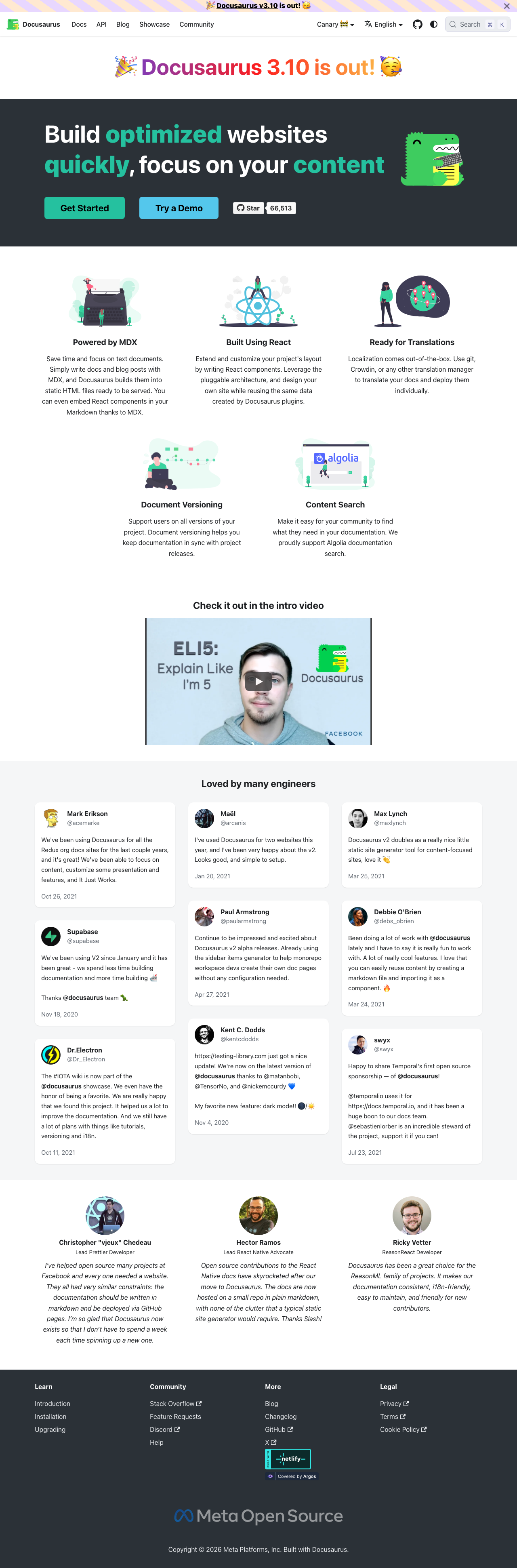
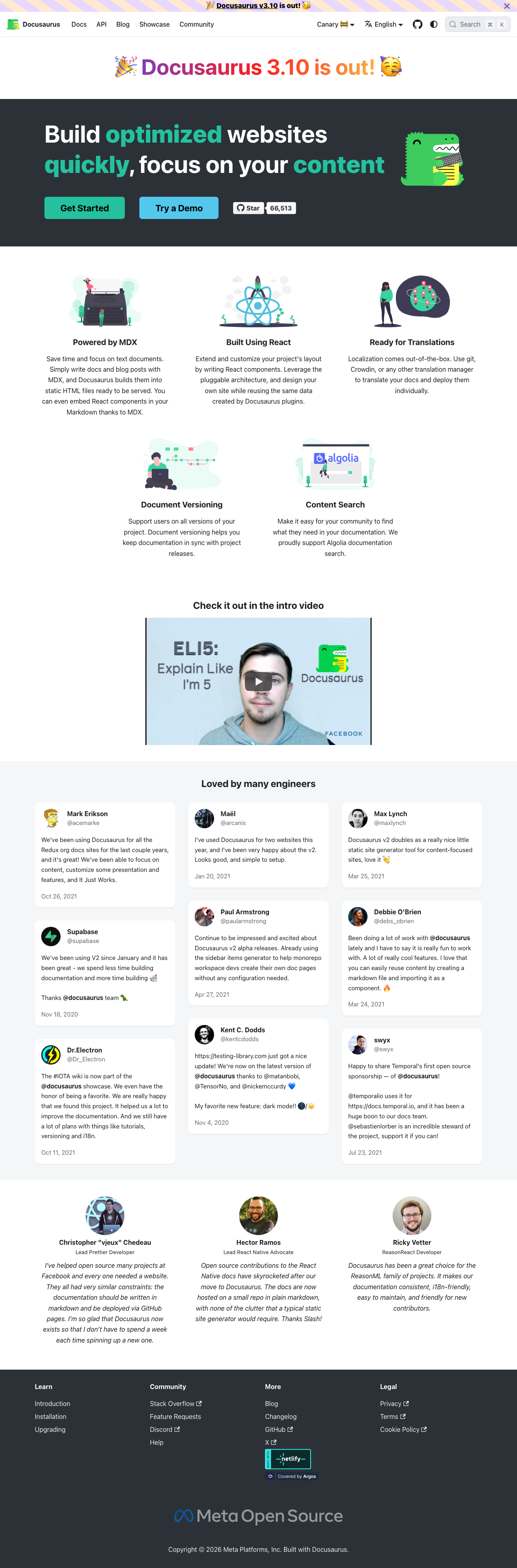
Showing old
differs mobile 5 regions differ



Showing old
red /docs
- http
- auth
- rendered
- visual
- seo
- assets
- css
- a11y
- i18n
- behaviour
- network
- data
- weight
- responsiveness
JavaScript on the wire 433.5 kB → 187.5 kB, run at load 699.3 kB → 187.7 kB (uncompressed)
CSS states and conditions from the old stylesheets: 9 forced and compared, 31 not forced
- :hover on a (desktop)
- :hover on .alert a (desktop)
- :hover on .breadcrumbs__link:link (desktop)
- :hover on .breadcrumbs__link:any-link (desktop)
- :hover on .close (desktop)
- :focus on .close (desktop)
- :hover on .dropdown--hoverable (desktop)
- :hover on .footer__link-item (desktop)
- :hover on .navbar__brand (desktop)
- not forced: :hover on .text--no-decoration: no visible element on the page matches it on both sides
- not forced: :hover on .alert .close: no visible element on the page matches it on both sides
- not forced: :focus on .alert .close: no visible element on the page matches it on both sides
- not forced: :hover on .breadcrumbs__link:visited: no visible element on the page matches it on both sides
- not forced: :hover on area[href].breadcrumbs__link: no visible element on the page matches it on both sides
- not forced: :hover on .button: no visible element on the page matches it on both sides
- not forced: :hover on .button--outline: no visible element on the page matches it on both sides
- not forced: :active on .button--outline: no visible element on the page matches it on both sides
- not forced: :hover on .button--link: no visible element on the page matches it on both sides
- not forced: :active on .button--link: no visible element on the page matches it on both sides
- not forced: :disabled on .button: no visible element on the page matches it on both sides
- not forced: :hover on :where(.button--primary):not(.button--outline): no visible element on the page matches it on both sides
- not forced: :active on .button--primary: no visible element on the page matches it on both sides
- not forced: :hover on :where(.button--secondary):not(.button--outline): no visible element on the page matches it on both sides
- not forced: :active on .button--secondary: no visible element on the page matches it on both sides
- not forced: :hover on :where(.button--success):not(.button--outline): no visible element on the page matches it on both sides
- not forced: :active on .button--success: no visible element on the page matches it on both sides
- not forced: :hover on :where(.button--info):not(.button--outline): no visible element on the page matches it on both sides
- not forced: :active on .button--info: no visible element on the page matches it on both sides
- not forced: :hover on :where(.button--warning):not(.button--outline): no visible element on the page matches it on both sides
- not forced: :active on .button--warning: no visible element on the page matches it on both sides
- not forced: :hover on :where(.button--danger):not(.button--outline): no visible element on the page matches it on both sides
- not forced: :active on .button--danger: no visible element on the page matches it on both sides
- not forced: :hover on .table-of-contents__link: no visible element on the page matches it on both sides
- not forced: :hover on .dropdown__link: no visible element on the page matches it on both sides
- not forced: :hover on .dropdown__link--active: no visible element on the page matches it on both sides
- not forced: :hover on .menu__list-item-collapsible: no visible element on the page matches it on both sides
- not forced: :hover on .menu__list-item-collapsible .menu__link: no visible element on the page matches it on both sides
- not forced: :hover on .menu__link: no visible element on the page matches it on both sides
- not forced: :hover on .menu__caret: no visible element on the page matches it on both sides
- not forced: :hover on .menu__link--active: no visible element on the page matches it on both sides
Network contract: 0 old, 0 new, browser requests only (server recorder: old off, new off)
Old
- (none)
New
- (none)
Interactive elements exercised: 169 of 174, 5 not exercised, 5 keyboard journeys left out for the budget
- button not exercised: it could not be used on the old page: button could not be used: locator.click: Timeout 3000ms exceeded.
- link "Skip to main content" not exercised: it could not be used on the old page: link "Skip to main content" could not be used: locator.click: Timeout 3000ms exceeded.old _dogfooding/_docs tests/tests/admonitions.mdx:66 renders link "Skip to main content"; new components/generated/intro.tsrx:11 renders it
- link "Docusaurus" #2 not exercised: it could not be used on the old page: link "Docusaurus" #2 could not be used: locator.click: Timeout 3000ms exceeded.old blog/2022/08-01-announcing-docusaurus-2.0/ShowcaseCarousel.tsx:112 renders link "Docusaurus"; new components/generated/intro.tsrx:43 renders it
- link not exercised: it could not be used on the old page: link "Skip to main content" could not be used: locator.click: Timeout 3000ms exceeded.old _dogfooding/_docs tests/tests/admonitions.mdx:66 renders link "Skip to main content"; new components/generated/intro.tsrx:11 renders it
- link #2 not exercised: it could not be used on the old page: link #2 could not be used: locator.click: Timeout 3000ms exceeded.
- button "Close" in a layout shared with /, exercised there
- button "Canary 🚧" in a layout shared with /, exercised there
- button "English" in a layout shared with /, exercised there
- button "Switch between dark and light mode (currently system mode)" in a layout shared with /, exercised there
- button "Search (Meta+k)" in a layout shared with /, exercised there
- button "Collapse sidebar category 'Getting Started'" exercised by click button "Collapse sidebar category 'Getting Started'"
- button "Expand sidebar category 'Guides'" exercised by click button "Expand sidebar category 'Guides'"
- button "Expand sidebar category 'Advanced Guides'" exercised by click button "Expand sidebar category 'Advanced Guides'"
- button "Expand sidebar category 'Upgrading'" exercised by click button "Expand sidebar category 'Upgrading'"
- button "Collapse sidebar" exercised by click button "Collapse sidebar"
- button "Copy code to clipboard" exercised by click button "Copy code to clipboard"
- button "Copy code to clipboard" #2 exercised by click button "Copy code to clipboard" #2
- link "Docusaurus v3.10" in a layout shared with /, exercised there
- link "Docusaurus" not exercised: it could not be used on the old page: link "Docusaurus" #2 could not be used: locator.click: Timeout 3000ms exceeded.old blog/2022/08-01-announcing-docusaurus-2.0/ShowcaseCarousel.tsx:112 renders link "Docusaurus"; new components/generated/intro.tsrx:43 renders it
- link "Docs" in a layout shared with /, exercised there
- link "API" in a layout shared with /, exercised there
- link "Blog" in a layout shared with /, exercised there
- link "Showcase" in a layout shared with /, exercised there
- link "Community" in a layout shared with /, exercised there
- link "GitHub repository" in a layout shared with /, exercised there
- link "Introduction" exercised by click link "Introduction"
- link "Getting Started" exercised by click link "Getting Started"
- link "Installation" exercised by click link "Installation"
- link "Configuration" exercised by click link "Configuration"
- link "Playground" exercised by click link "Playground"
- link "TypeScript Support" exercised by click link "TypeScript Support"
- link "Guides" exercised by click link "Guides"
- link "Advanced Guides" exercised by click link "Advanced Guides"
- link "Upgrading" exercised by click link "Upgrading"
- link "Home page" exercised by click link "Home page"
- link "best Docusaurus sites" exercised by click link "best Docusaurus sites"
- link "Direct link to Fast Track ⏱️" exercised by click link "Direct link to Fast Track ⏱️"
- link "Node.js" exercised by it leaves the app: its address is compared by the rendered check
- link "http://localhost:3000" exercised by it leaves the app: its address is compared by the rendered check
- link "docusaurus.new" exercised by it leaves the app: its address is compared by the rendered check
- link "5-minute tutorial" exercised by it leaves the app: its address is compared by the rendered check
- link "Algolia Community Event" exercised by it leaves the app: its address is compared by the rendered check
- link "Meta Open Source team" exercised by it leaves the app: its address is compared by the rendered check
- link "Direct link to Features" exercised by click link "Direct link to Features"
- link "PRPL Pattern" exercised by it leaves the app: its address is compared by the rendered check
- link "Direct link to Design principles" exercised by click link "Direct link to Design principles"
- link "Minimal API Surface Area" exercised by it leaves the app: its address is compared by the rendered check
- link "Direct link to Comparison with other tools" exercised by click link "Direct link to Comparison with other tools"
- link "Direct link to Gatsby" exercised by click link "Direct link to Gatsby"
- link "Gatsby" exercised by it leaves the app: its address is compared by the rendered check
- link "Docz" exercised by it leaves the app: its address is compared by the rendered check
- link "Direct link to Next.js" exercised by click link "Direct link to Next.js"
- link "Next.js" exercised by it leaves the app: its address is compared by the rendered check
- link "Nextra" exercised by it leaves the app: its address is compared by the rendered check
- link "Direct link to VitePress" exercised by click link "Direct link to VitePress"
- link "VitePress" exercised by it leaves the app: its address is compared by the rendered check
- link "Direct link to MkDocs" exercised by click link "Direct link to MkDocs"
- link "MkDocs" exercised by it leaves the app: its address is compared by the rendered check
- link "Material for MkDocs" exercised by it leaves the app: its address is compared by the rendered check
- link "Direct link to Docsify" exercised by click link "Direct link to Docsify"
- link "Docsify" exercised by it leaves the app: its address is compared by the rendered check
- link "Direct link to GitBook" exercised by click link "Direct link to GitBook"
- link "GitBook" exercised by it leaves the app: its address is compared by the rendered check
- link "here" exercised by it leaves the app: its address is compared by the rendered check
- link "Direct link to Jekyll" exercised by click link "Direct link to Jekyll"
- link "Jekyll" exercised by it leaves the app: its address is compared by the rendered check
- link "Direct link to Rspress" exercised by click link "Direct link to Rspress"
- link "Rspress" exercised by it leaves the app: its address is compared by the rendered check
- link "modernizing its infrastructure" exercised by it leaves the app: its address is compared by the rendered check
- link "Direct link to Staying informed" exercised by click link "Direct link to Staying informed"
- link "GitHub" exercised by it leaves the app: its address is compared by the rendered check
- link "X" exercised by it leaves the app: its address is compared by the rendered check
- link "Blog" #2 exercised by click link "Blog" #2
- link "Discord" exercised by it leaves the app: its address is compared by the rendered check
- link "Direct link to Something missing?" exercised by click link "Direct link to Something missing?"
- link "file an issue" exercised by it leaves the app: its address is compared by the rendered check
- link "@docusaurus" exercised by it leaves the app: its address is compared by the rendered check
- link "feature requests board (Canny)" exercised by click link "feature requests board (Canny)"
- link "Edit this page" exercised by it leaves the app: its address is compared by the rendered check
- link "Next Getting Started »" exercised by click link "Next Getting Started »"
- link "Fast Track ⏱️" exercised by click link "Fast Track ⏱️"
- link "Features" exercised by click link "Features"
- link "Design principles" exercised by click link "Design principles"
- link "Comparison with other tools" exercised by click link "Comparison with other tools"
- link "Gatsby" #2 exercised by click link "Gatsby" #2
- link "Next.js" #2 exercised by click link "Next.js" #2
- link "VitePress" #2 exercised by click link "VitePress" #2
- link "MkDocs" #2 exercised by click link "MkDocs" #2
- link "Docsify" #2 exercised by click link "Docsify" #2
- link "GitBook" #2 exercised by click link "GitBook" #2
- link "Jekyll" #2 exercised by click link "Jekyll" #2
- link "Rspress" #2 exercised by click link "Rspress" #2
- link "Staying informed" exercised by click link "Staying informed"
- link "Something missing?" exercised by click link "Something missing?"
- link "Introduction" #2 in a layout shared with /, exercised there
- link "Installation" #2 in a layout shared with /, exercised there
- link "Upgrading" #2 in a layout shared with /, exercised there
- link "Stack Overflow(opens in new tab)" in a layout shared with /, exercised there
- link "Feature Requests" in a layout shared with /, exercised there
- link "Discord(opens in new tab)" in a layout shared with /, exercised there
- link "Help" in a layout shared with /, exercised there
- link "Blog" #3 in a layout shared with /, exercised there
- link "Changelog" in a layout shared with /, exercised there
- link "GitHub(opens in new tab)" in a layout shared with /, exercised there
- link "X(opens in new tab)" in a layout shared with /, exercised there
- link "Deploys by Netlify" in a layout shared with /, exercised there
- link "Covered by Argos" in a layout shared with /, exercised there
- link "Privacy(opens in new tab)" in a layout shared with /, exercised there
- link "Terms(opens in new tab)" in a layout shared with /, exercised there
- link "Cookie Policy(opens in new tab)" in a layout shared with /, exercised there
- link "Meta Open Source Logo" in a layout shared with /, exercised there
- tab "npm" exercised by click tab "npm"
- tab "Yarn" exercised by click tab "Yarn"
- tab "pnpm" exercised by click tab "pnpm"
- tab "Bun" exercised by click tab "Bun"
- button "Expand sidebar category 'Getting Started'" (after click button "Collapse sidebar category 'Getting Started'") exercised by click button "Collapse sidebar category 'Getting Started'", then click button "Expand sidebar category 'Getting Started'"
- button "Collapse sidebar category 'Guides'" (after click button "Expand sidebar category 'Guides'") exercised by click button "Expand sidebar category 'Guides'", then click button "Collapse sidebar category 'Guides'"
- button "Expand sidebar category 'Docs'" (after click button "Expand sidebar category 'Guides'") exercised by click button "Expand sidebar category 'Guides'", then click button "Expand sidebar category 'Docs'"
- button "Expand sidebar category 'Markdown Features'" (after click button "Expand sidebar category 'Guides'") exercised by click button "Expand sidebar category 'Guides'", then click button "Expand sidebar category 'Markdown Features'"
- button "Expand sidebar category 'Deployment'" (after click button "Expand sidebar category 'Guides'") exercised by click button "Expand sidebar category 'Guides'", then click button "Expand sidebar category 'Deployment'"
- button "Expand sidebar category 'Internationalization'" (after click button "Expand sidebar category 'Guides'") exercised by click button "Expand sidebar category 'Guides'", then click button "Expand sidebar category 'Internationalization'"
- link "Pages" (after click button "Expand sidebar category 'Guides'") exercised by click button "Expand sidebar category 'Guides'", then click link "Pages"
- link "Docs" #2 (after click button "Expand sidebar category 'Guides'") exercised by click button "Expand sidebar category 'Guides'", then click link "Docs" #2
- link "Markdown Features" (after click button "Expand sidebar category 'Guides'") exercised by click button "Expand sidebar category 'Guides'", then click link "Markdown Features"
- link "Styling and Layout" (after click button "Expand sidebar category 'Guides'") exercised by click button "Expand sidebar category 'Guides'", then click link "Styling and Layout"
- link "Swizzling" (after click button "Expand sidebar category 'Guides'") exercised by click button "Expand sidebar category 'Guides'", then click link "Swizzling"
- link "Static Assets" (after click button "Expand sidebar category 'Guides'") exercised by click button "Expand sidebar category 'Guides'", then click link "Static Assets"
- link "Search" (after click button "Expand sidebar category 'Guides'") exercised by click button "Expand sidebar category 'Guides'", then click link "Search"
- link "Browser support" (after click button "Expand sidebar category 'Guides'") exercised by click button "Expand sidebar category 'Guides'", then click link "Browser support"
- link "SEO" (after click button "Expand sidebar category 'Guides'") exercised by click button "Expand sidebar category 'Guides'", then click link "SEO"
- link "Using Plugins" (after click button "Expand sidebar category 'Guides'") exercised by click button "Expand sidebar category 'Guides'", then click link "Using Plugins"
- link "Deployment" (after click button "Expand sidebar category 'Guides'") exercised by click button "Expand sidebar category 'Guides'", then click link "Deployment"
- link "Internationalization" (after click button "Expand sidebar category 'Guides'") exercised by click button "Expand sidebar category 'Guides'", then click link "Internationalization"
- link "What's next?" (after click button "Expand sidebar category 'Guides'") exercised by click button "Expand sidebar category 'Guides'", then click link "What's next?"
- link "Blog" #4 (after click button "Expand sidebar category 'Guides'") exercised by click button "Expand sidebar category 'Guides'", then click link "Blog" #4
- button "Collapse sidebar category 'Advanced Guides'" (after click button "Expand sidebar category 'Advanced Guides'") exercised by click button "Expand sidebar category 'Advanced Guides'", then click button "Collapse sidebar category 'Advanced Guides'"
- link "Architecture" (after click button "Expand sidebar category 'Advanced Guides'") exercised by click button "Expand sidebar category 'Advanced Guides'", then click link "Architecture"
- link "Plugins" (after click button "Expand sidebar category 'Advanced Guides'") exercised by click button "Expand sidebar category 'Advanced Guides'", then click link "Plugins"
- link "Routing" (after click button "Expand sidebar category 'Advanced Guides'") exercised by click button "Expand sidebar category 'Advanced Guides'", then click link "Routing"
- link "Static site generation" (after click button "Expand sidebar category 'Advanced Guides'") exercised by click button "Expand sidebar category 'Advanced Guides'", then click link "Static site generation"
- link "Client architecture" (after click button "Expand sidebar category 'Advanced Guides'") exercised by click button "Expand sidebar category 'Advanced Guides'", then click link "Client architecture"
- button "Collapse sidebar category 'Upgrading'" (after click button "Expand sidebar category 'Upgrading'") exercised by click button "Expand sidebar category 'Upgrading'", then click button "Collapse sidebar category 'Upgrading'"
- link "To Docusaurus v3" (after click button "Expand sidebar category 'Upgrading'") exercised by click button "Expand sidebar category 'Upgrading'", then click link "To Docusaurus v3"
- button "Expand sidebar" (after click button "Collapse sidebar") exercised by click button "Collapse sidebar", then click button "Expand sidebar"
- button "Collapse sidebar category 'Docs'" (after click button "Expand sidebar category 'Guides'", then click button "Expand sidebar category 'Docs'") exercised by click button "Expand sidebar category 'Guides'", then click button "Expand sidebar category 'Docs'", then click button "Collapse sidebar category 'Docs'"
- button "Expand sidebar category 'Sidebar'" (after click button "Expand sidebar category 'Guides'", then click button "Expand sidebar category 'Docs'") exercised by click button "Expand sidebar category 'Guides'", then click button "Expand sidebar category 'Docs'", then click button "Expand sidebar category 'Sidebar'"
- link "Create a doc" (after click button "Expand sidebar category 'Guides'", then click button "Expand sidebar category 'Docs'") exercised by click button "Expand sidebar category 'Guides'", then click button "Expand sidebar category 'Docs'", then click link "Create a doc"
- link "Sidebar" (after click button "Expand sidebar category 'Guides'", then click button "Expand sidebar category 'Docs'") exercised by click button "Expand sidebar category 'Guides'", then click button "Expand sidebar category 'Docs'", then click link "Sidebar"
- link "Versioning" (after click button "Expand sidebar category 'Guides'", then click button "Expand sidebar category 'Docs'") exercised by click button "Expand sidebar category 'Guides'", then click button "Expand sidebar category 'Docs'", then click link "Versioning"
- link "Docs Multi-instance" (after click button "Expand sidebar category 'Guides'", then click button "Expand sidebar category 'Docs'") exercised by click button "Expand sidebar category 'Guides'", then click button "Expand sidebar category 'Docs'", then click link "Docs Multi-instance"
- button "Collapse sidebar category 'Markdown Features'" (after click button "Expand sidebar category 'Guides'", then click button "Expand sidebar category 'Markdown Features'") exercised by click button "Expand sidebar category 'Guides'", then click button "Expand sidebar category 'Markdown Features'", then click button "Collapse sidebar category 'Markdown Features'"
- link "MDX and React" (after click button "Expand sidebar category 'Guides'", then click button "Expand sidebar category 'Markdown Features'") exercised by click button "Expand sidebar category 'Guides'", then click button "Expand sidebar category 'Markdown Features'", then click link "MDX and React"
- link "Tabs" (after click button "Expand sidebar category 'Guides'", then click button "Expand sidebar category 'Markdown Features'") exercised by click button "Expand sidebar category 'Guides'", then click button "Expand sidebar category 'Markdown Features'", then click link "Tabs"
- link "Code blocks" (after click button "Expand sidebar category 'Guides'", then click button "Expand sidebar category 'Markdown Features'") exercised by click button "Expand sidebar category 'Guides'", then click button "Expand sidebar category 'Markdown Features'", then click link "Code blocks"
- link "Admonitions" (after click button "Expand sidebar category 'Guides'", then click button "Expand sidebar category 'Markdown Features'") exercised by click button "Expand sidebar category 'Guides'", then click button "Expand sidebar category 'Markdown Features'", then click link "Admonitions"
- link "Headings and Table of contents" (after click button "Expand sidebar category 'Guides'", then click button "Expand sidebar category 'Markdown Features'") exercised by click button "Expand sidebar category 'Guides'", then click button "Expand sidebar category 'Markdown Features'", then click link "Headings and Table of contents"
- link "Assets" (after click button "Expand sidebar category 'Guides'", then click button "Expand sidebar category 'Markdown Features'") exercised by click button "Expand sidebar category 'Guides'", then click button "Expand sidebar category 'Markdown Features'", then click link "Assets"
- link "Markdown links" (after click button "Expand sidebar category 'Guides'", then click button "Expand sidebar category 'Markdown Features'") exercised by click button "Expand sidebar category 'Guides'", then click button "Expand sidebar category 'Markdown Features'", then click link "Markdown links"
- link "MDX Plugins" (after click button "Expand sidebar category 'Guides'", then click button "Expand sidebar category 'Markdown Features'") exercised by click button "Expand sidebar category 'Guides'", then click button "Expand sidebar category 'Markdown Features'", then click link "MDX Plugins"
- link "Math Equations" (after click button "Expand sidebar category 'Guides'", then click button "Expand sidebar category 'Markdown Features'") exercised by click button "Expand sidebar category 'Guides'", then click button "Expand sidebar category 'Markdown Features'", then click link "Math Equations"
- link "Diagrams" (after click button "Expand sidebar category 'Guides'", then click button "Expand sidebar category 'Markdown Features'") exercised by click button "Expand sidebar category 'Guides'", then click button "Expand sidebar category 'Markdown Features'", then click link "Diagrams"
- link "Head metadata" (after click button "Expand sidebar category 'Guides'", then click button "Expand sidebar category 'Markdown Features'") exercised by click button "Expand sidebar category 'Guides'", then click button "Expand sidebar category 'Markdown Features'", then click link "Head metadata"
- button "Collapse sidebar category 'Deployment'" (after click button "Expand sidebar category 'Guides'", then click button "Expand sidebar category 'Deployment'") exercised by click button "Expand sidebar category 'Guides'", then click button "Expand sidebar category 'Deployment'", then click button "Collapse sidebar category 'Deployment'"
- link "GitHub Pages" (after click button "Expand sidebar category 'Guides'", then click button "Expand sidebar category 'Deployment'") exercised by click button "Expand sidebar category 'Guides'", then click button "Expand sidebar category 'Deployment'", then click link "GitHub Pages"
- link "Netlify" (after click button "Expand sidebar category 'Guides'", then click button "Expand sidebar category 'Deployment'") exercised by click button "Expand sidebar category 'Guides'", then click button "Expand sidebar category 'Deployment'", then click link "Netlify"
- link "Vercel" (after click button "Expand sidebar category 'Guides'", then click button "Expand sidebar category 'Deployment'") exercised by click button "Expand sidebar category 'Guides'", then click button "Expand sidebar category 'Deployment'", then click link "Vercel"
- button "Collapse sidebar category 'Internationalization'" (after click button "Expand sidebar category 'Guides'", then click button "Expand sidebar category 'Internationalization'") exercised by click button "Expand sidebar category 'Guides'", then click button "Expand sidebar category 'Internationalization'", then click button "Collapse sidebar category 'Internationalization'"
- link "Tutorial" (after click button "Expand sidebar category 'Guides'", then click button "Expand sidebar category 'Internationalization'") exercised by click button "Expand sidebar category 'Guides'", then click button "Expand sidebar category 'Internationalization'", then click link "Tutorial"
- link "Using Git" (after click button "Expand sidebar category 'Guides'", then click button "Expand sidebar category 'Internationalization'") exercised by click button "Expand sidebar category 'Guides'", then click button "Expand sidebar category 'Internationalization'", then click link "Using Git"
- link "Using Crowdin" (after click button "Expand sidebar category 'Guides'", then click button "Expand sidebar category 'Internationalization'") exercised by click button "Expand sidebar category 'Guides'", then click button "Expand sidebar category 'Internationalization'", then click link "Using Crowdin"
- button "Collapse sidebar category 'Sidebar'" (after click button "Expand sidebar category 'Guides'", then click button "Expand sidebar category 'Docs'", then click button "Expand sidebar category 'Sidebar'") exercised by click button "Expand sidebar category 'Guides'", then click button "Expand sidebar category 'Docs'", then click button "Expand sidebar category 'Sidebar'", then click button "Collapse sidebar category 'Sidebar'"
- link "Sidebar items" (after click button "Expand sidebar category 'Guides'", then click button "Expand sidebar category 'Docs'", then click button "Expand sidebar category 'Sidebar'") exercised by click button "Expand sidebar category 'Guides'", then click button "Expand sidebar category 'Docs'", then click button "Expand sidebar category 'Sidebar'", then click link "Sidebar items"
- link "Autogenerated" (after click button "Expand sidebar category 'Guides'", then click button "Expand sidebar category 'Docs'", then click button "Expand sidebar category 'Sidebar'") exercised by click button "Expand sidebar category 'Guides'", then click button "Expand sidebar category 'Docs'", then click button "Expand sidebar category 'Sidebar'", then click link "Autogenerated"
- link "Using multiple sidebars" (after click button "Expand sidebar category 'Guides'", then click button "Expand sidebar category 'Docs'", then click button "Expand sidebar category 'Sidebar'") exercised by click button "Expand sidebar category 'Guides'", then click button "Expand sidebar category 'Docs'", then click button "Expand sidebar category 'Sidebar'", then click link "Using multiple sidebars"
Responsiveness: 16 controls timed on a fresh load, 5 slower
| Control | Speed | Old | New | Between runs | Verdict |
|---|---|---|---|---|---|
| button "Copy code to clipboard" in-page | desktop | 48 ms second time 16 ms | 48 ms second time 16 ms | one run | |
| button "Copy code to clipboard" in-page | 4x CPU, mobile | 32 ms no visible change | 32 ms no visible change | one run | |
| button "Copy code to clipboard" #2 in-page | desktop | 56 ms second time 16 ms | 48 ms second time 16 ms | one run | |
| button "Copy code to clipboard" #2 in-page | 4x CPU, mobile | 32 ms no visible change | 32 ms no visible change | one run | |
| tab "npm" in-page | desktop | 40 ms second time 16 ms | 48 ms second time 16 ms | one run | |
| tab "npm" in-page | 4x CPU, mobile | 32 ms no visible change | 24 ms no visible change | one run | |
| tab "Yarn" in-page | desktop | 48 ms second time 16 ms 40 ms second time 16 ms | 56 ms 40 ms second time 16 ms | old ±8 ms, new ±16 ms | |
| tab "Yarn" in-page | 4x CPU, mobile | 48 ms second time 32 ms | 35 ms second time 32 ms | one run | |
| tab "pnpm" in-page | desktop | 40 ms | 40 ms second time 16 ms | one run | |
| tab "pnpm" in-page | 4x CPU, mobile | 40 ms second time 32 ms | 37 ms second time 24 ms | one run | |
| tab "Bun" in-page | desktop | 56 ms second time 16 ms | 40 ms second time 16 ms | one run | |
| tab "Bun" in-page | 4x CPU, mobile | 48 ms second time 32 ms | 35 ms second time 32 ms | one run | |
| button "Collapse sidebar category 'Getting Started'" in-page | desktop | 16 ms 17 ms | 40 ms 48 ms | old ±1 ms, new ±8 ms | slower than the old 17 ms by more than max(16 ms, 10%, the old runs' spread); likely cause: no single cause seen: the handler itself is slower |
| button "Collapse sidebar category 'Getting Started'" in-page | 4x CPU, mobile | – no visible change; button "Collapse sidebar category 'Getting Started'" is not shown at 412x823 | – no visible change; button "Collapse sidebar category 'Getting Started'" is not shown at 412x823 | one run | |
| button "Expand sidebar category 'Guides'" in-page | desktop | 16 ms fetched code: /assets/js/5e95c892.573ab7cc09.js (0.1 kB), /assets/js/aba21aa0.22bd7fa1d1.js (0.1 kB), /assets/js/a7bd4aaa.eb6dd30e07.js (0.1 kB), /assets/js/44f814cc.597c53af82.js (0.1 kB), /assets/js/a94703ab.a4e5229549.js (0.1 kB), /assets/js/17896441.95959a63fc.js (0.1 kB), /assets/js/972d9d57.a10c9faa0f.js (0.1 kB), /assets/js/e575fb7e.bff0823e2a.js (3.6 kB), /assets/js/a4c9d663.0af4e8adaa.js (7.4 kB), /assets/js/e65a01b4.961cc9e61b.js (5.6 kB), /assets/js/7ada4fa6.b5ade128d8.js (10.9 kB), /assets/js/1d8d7b8d.755bbd1f2b.js (9.8 kB), /assets/js/99f7ce40.2fd46203e3.js (8.7 kB), /assets/js/c762c146.87e3fdd09f.js (3.4 kB), /assets/js/8ef3f86c.1791372eb4.js (4.0 kB), /assets/js/a5816f92.7633019dd8.js (10.2 kB), /assets/js/641734b9.cc4dd78e58.js (19.1 kB), /assets/js/772c972a.4ab53f1434.js (2.6 kB), /assets/js/945e072c.e623dbc52e.js (9.1 kB), /assets/js/2d0d74c6.f5b6f2a7ba.js (1.9 kB), /assets/js/3ef80f0b.c49403129e.js (2.9 kB) 16 ms fetched code: /assets/js/5e95c892.573ab7cc09.js (0.1 kB), /assets/js/aba21aa0.22bd7fa1d1.js (0.1 kB), /assets/js/a7bd4aaa.eb6dd30e07.js (0.1 kB), /assets/js/44f814cc.597c53af82.js (0.1 kB), /assets/js/a94703ab.a4e5229549.js (0.1 kB), /assets/js/17896441.95959a63fc.js (0.1 kB), /assets/js/972d9d57.a10c9faa0f.js (0.1 kB), /assets/js/e575fb7e.bff0823e2a.js (3.6 kB), /assets/js/8ef3f86c.1791372eb4.js (4.0 kB), /assets/js/945e072c.e623dbc52e.js (9.2 kB), /assets/js/2d0d74c6.f5b6f2a7ba.js (1.9 kB), /assets/js/1d8d7b8d.755bbd1f2b.js (9.9 kB), /assets/js/3ef80f0b.c49403129e.js (2.8 kB), /assets/js/772c972a.4ab53f1434.js (2.6 kB), /assets/js/c762c146.87e3fdd09f.js (3.4 kB), /assets/js/99f7ce40.2fd46203e3.js (8.7 kB), /assets/js/7ada4fa6.b5ade128d8.js (10.9 kB), /assets/js/e65a01b4.961cc9e61b.js (5.6 kB), /assets/js/641734b9.cc4dd78e58.js (19.1 kB), /assets/js/a4c9d663.0af4e8adaa.js (7.4 kB), /assets/js/a5816f92.7633019dd8.js (10.3 kB) | 48 ms 48 ms | old ±0 ms, new ±0 ms | slower than the old 16 ms by more than max(16 ms, 10%, the old runs' spread); likely cause: no single cause seen: the handler itself is slower |
| button "Expand sidebar category 'Guides'" in-page | 4x CPU, mobile | – no visible change; button "Expand sidebar category 'Guides'" is not shown at 412x823 | – no visible change; button "Expand sidebar category 'Guides'" is not shown at 412x823 | one run | |
| button "Expand sidebar category 'Advanced Guides'" in-page | desktop | 16 ms fetched code: /assets/js/5e95c892.573ab7cc09.js (0.1 kB), /assets/js/aba21aa0.22bd7fa1d1.js (0.1 kB), /assets/js/a7bd4aaa.eb6dd30e07.js (0.1 kB), /assets/js/44f814cc.597c53af82.js (0.1 kB), /assets/js/a94703ab.a4e5229549.js (0.1 kB), /assets/js/17896441.95959a63fc.js (0.1 kB), /assets/js/972d9d57.a10c9faa0f.js (0.1 kB), /assets/js/ee712ef6.27559fbaf8.js (3.9 kB), /assets/js/26af6b06.82606fda63.js (7.4 kB), /assets/js/3dd2dc02.5610a67769.js (5.0 kB), /assets/js/c7ca486a.1b2ec5d0b5.js (7.7 kB), /assets/js/e6a60088.46286aa94b.js (3.5 kB) 16 ms fetched code: /assets/js/5e95c892.573ab7cc09.js (0.1 kB), /assets/js/aba21aa0.22bd7fa1d1.js (0.1 kB), /assets/js/a7bd4aaa.eb6dd30e07.js (0.1 kB), /assets/js/44f814cc.597c53af82.js (0.1 kB), /assets/js/a94703ab.a4e5229549.js (0.1 kB), /assets/js/17896441.95959a63fc.js (0.1 kB), /assets/js/972d9d57.a10c9faa0f.js (0.1 kB), /assets/js/ee712ef6.27559fbaf8.js (3.9 kB), /assets/js/26af6b06.82606fda63.js (7.4 kB), /assets/js/e6a60088.46286aa94b.js (3.6 kB), /assets/js/3dd2dc02.5610a67769.js (5.1 kB), /assets/js/c7ca486a.1b2ec5d0b5.js (7.7 kB) | 40 ms 40 ms | old ±0 ms, new ±0 ms | slower than the old 16 ms by more than max(16 ms, 10%, the old runs' spread); likely cause: no single cause seen: the handler itself is slower |
| button "Expand sidebar category 'Advanced Guides'" in-page | 4x CPU, mobile | – no visible change; button "Expand sidebar category 'Advanced Guides'" is not shown at 412x823 | – no visible change; button "Expand sidebar category 'Advanced Guides'" is not shown at 412x823 | one run | |
| button "Expand sidebar category 'Upgrading'" in-page | desktop | 6 ms fetched code: /assets/js/5e95c892.573ab7cc09.js (0.1 kB), /assets/js/aba21aa0.22bd7fa1d1.js (0.1 kB), /assets/js/a7bd4aaa.eb6dd30e07.js (0.1 kB), /assets/js/44f814cc.597c53af82.js (0.1 kB), /assets/js/a94703ab.a4e5229549.js (0.1 kB), /assets/js/17896441.95959a63fc.js (0.1 kB), /assets/js/972d9d57.a10c9faa0f.js (0.1 kB), /assets/js/82425aa0.dbf70d28e8.js (16.5 kB) 17 ms fetched code: /assets/js/5e95c892.573ab7cc09.js (0.1 kB), /assets/js/aba21aa0.22bd7fa1d1.js (0.1 kB), /assets/js/a7bd4aaa.eb6dd30e07.js (0.1 kB), /assets/js/44f814cc.597c53af82.js (0.1 kB), /assets/js/a94703ab.a4e5229549.js (0.1 kB), /assets/js/17896441.95959a63fc.js (0.1 kB), /assets/js/972d9d57.a10c9faa0f.js (0.1 kB), /assets/js/82425aa0.dbf70d28e8.js (16.5 kB) | 35 ms 40 ms | old ±11 ms, new ±5 ms | slower than the old 17 ms by more than max(16 ms, 10%, the old runs' spread); likely cause: no single cause seen: the handler itself is slower |
| button "Expand sidebar category 'Upgrading'" in-page | 4x CPU, mobile | – no visible change; button "Expand sidebar category 'Upgrading'" is not shown at 412x823 | – no visible change; button "Expand sidebar category 'Upgrading'" is not shown at 412x823 | one run | |
| link "Home page" navigation | desktop | 31 ms navigated in the page; fetched code: /assets/js/1df93b7f.e65894582b.js (16.4 kB), /assets/js/a7456010.b40748dd18.js (0.3 kB), /assets/js/ccc49370.aadb57d538.js (25.4 kB), /assets/js/acecf23e.6deaff8375.js (0.4 kB), /assets/js/36994c47.3d1e1ce96d.js (0.1 kB), /assets/js/814f3328.84eeee469b.js (0.1 kB), /assets/js/9320237e.67347827f4.js (9.4 kB); 16 other fetches | 54 ms navigated in the page; 16 other fetches | one run | |
| link "Home page" navigation | 4x CPU, mobile | 56 ms navigated in the page; fetched code: /assets/js/1df93b7f.e65894582b.js (16.4 kB), /assets/js/a7456010.b40748dd18.js (0.3 kB), /assets/js/5e95c892.573ab7cc09.js (0.4 kB), /assets/js/aba21aa0.22bd7fa1d1.js (0.3 kB), /assets/js/a7bd4aaa.eb6dd30e07.js (0.8 kB), /assets/js/44f814cc.597c53af82.js (6.9 kB), /assets/js/a94703ab.a4e5229549.js (5.0 kB), /assets/js/17896441.95959a63fc.js (16.7 kB), /assets/js/972d9d57.a10c9faa0f.js (11.3 kB), /assets/js/ccc49370.aadb57d538.js (25.4 kB), /assets/js/acecf23e.6deaff8375.js (0.3 kB), /assets/js/36994c47.3d1e1ce96d.js (0.3 kB), /assets/js/814f3328.84eeee469b.js (1.0 kB), /assets/js/9320237e.67347827f4.js (9.4 kB); 10 other fetches 59 ms navigated in the page; fetched code: /assets/js/1df93b7f.e65894582b.js (16.4 kB), /assets/js/a7456010.b40748dd18.js (0.2 kB), /assets/js/5e95c892.573ab7cc09.js (0.4 kB), /assets/js/aba21aa0.22bd7fa1d1.js (0.3 kB), /assets/js/a7bd4aaa.eb6dd30e07.js (0.7 kB), /assets/js/44f814cc.597c53af82.js (6.9 kB), /assets/js/a94703ab.a4e5229549.js (5.0 kB), /assets/js/17896441.95959a63fc.js (16.7 kB), /assets/js/972d9d57.a10c9faa0f.js (11.3 kB), /assets/js/ccc49370.aadb57d538.js (25.5 kB), /assets/js/acecf23e.6deaff8375.js (0.3 kB), /assets/js/36994c47.3d1e1ce96d.js (0.4 kB), /assets/js/814f3328.84eeee469b.js (1.0 kB), /assets/js/9320237e.67347827f4.js (9.4 kB); 10 other fetches | 100 ms navigated in the page; 10 other fetches 105 ms navigated in the page; 10 other fetches | old ±3 ms, new ±5 ms | slower than the old 59 ms by more than max(16 ms, 10%, the old runs' spread); likely cause: long task 58 ms, top script /_markless/links.1a47lin.js (import.then) |
| link "best Docusaurus sites" navigation | desktop | 31 ms navigated in the page; fetched code: /assets/js/22591.2a0053a098.js (0.8 kB), /assets/js/7dfb83d7.77ef47acf1.js (65.6 kB), /assets/js/a7456010.b40748dd18.js (0.3 kB); 6 other fetches | – full page load; the link leads to /showcase?tags=favorite, which answers 404 | one run | |
| link "best Docusaurus sites" navigation | 4x CPU, mobile | 64 ms navigated in the page; fetched code: /assets/js/22591.2a0053a098.js (0.8 kB), /assets/js/7dfb83d7.77ef47acf1.js (65.6 kB), /assets/js/a7456010.b40748dd18.js (0.3 kB); 2 other fetches | – full page load; the link leads to /showcase?tags=favorite, which answers 404 | one run | |
| link "Direct link to Fast Track ⏱️" navigation | desktop | 48 ms navigated in the page | 48 ms navigated in the page | one run | |
| link "Direct link to Fast Track ⏱️" navigation | 4x CPU, mobile | 82 ms navigated in the page | – navigated in the page | one run | |
| link "Direct link to Features" navigation | desktop | 40 ms navigated in the page | 48 ms navigated in the page | one run | |
| link "Direct link to Features" navigation | 4x CPU, mobile | 82 ms navigated in the page | – navigated in the page | one run | |
| link "Direct link to Design principles" navigation | desktop | 40 ms navigated in the page | 40 ms navigated in the page | one run | |
| link "Direct link to Design principles" navigation | 4x CPU, mobile | 88 ms navigated in the page | – navigated in the page | one run | |
| link "Direct link to Comparison with other tools" navigation | desktop | 42 ms navigated in the page | 40 ms navigated in the page | one run | |
| link "Direct link to Comparison with other tools" navigation | 4x CPU, mobile | 86 ms navigated in the page | – navigated in the page | one run |
Not timed:
- button: it could not be used on the old page
- link: it could not be used on the old page
- link #2: it could not be used on the old page
- link "Skip to main content": it could not be used on the old page
- link "Docusaurus" #2: it could not be used on the old page
- button "Collapse sidebar": over the 16-control limit (6 links) per route: raise --interaction-controls
- link "Direct link to Gatsby": over the 16-control limit (6 links) per route: raise --interaction-controls
- link "Direct link to Next.js": over the 16-control limit (6 links) per route: raise --interaction-controls
- link "Direct link to VitePress": over the 16-control limit (6 links) per route: raise --interaction-controls
- link "Direct link to MkDocs": over the 16-control limit (6 links) per route: raise --interaction-controls
- link "Direct link to Docsify": over the 16-control limit (6 links) per route: raise --interaction-controls
- link "Direct link to GitBook": over the 16-control limit (6 links) per route: raise --interaction-controls
- link "Direct link to Jekyll": over the 16-control limit (6 links) per route: raise --interaction-controls
- link "Direct link to Rspress": over the 16-control limit (6 links) per route: raise --interaction-controls
- link "Direct link to Staying informed": over the 16-control limit (6 links) per route: raise --interaction-controls
- link "Blog" #2: over the 16-control limit (6 links) per route: raise --interaction-controls
- link "Direct link to Something missing?": over the 16-control limit (6 links) per route: raise --interaction-controls
- link "feature requests board (Canny)": over the 16-control limit (6 links) per route: raise --interaction-controls
- link "Next Getting Started »": over the 16-control limit (6 links) per route: raise --interaction-controls
- link "Fast Track ⏱️": over the 16-control limit (6 links) per route: raise --interaction-controls
- link "Features": over the 16-control limit (6 links) per route: raise --interaction-controls
- link "Design principles": over the 16-control limit (6 links) per route: raise --interaction-controls
- link "Comparison with other tools": over the 16-control limit (6 links) per route: raise --interaction-controls
- link "Gatsby" #2: over the 16-control limit (6 links) per route: raise --interaction-controls
- link "Next.js" #2: over the 16-control limit (6 links) per route: raise --interaction-controls
- link "VitePress" #2: over the 16-control limit (6 links) per route: raise --interaction-controls
- link "MkDocs" #2: over the 16-control limit (6 links) per route: raise --interaction-controls
- link "Docsify" #2: over the 16-control limit (6 links) per route: raise --interaction-controls
- link "GitBook" #2: over the 16-control limit (6 links) per route: raise --interaction-controls
- link "Jekyll" #2: over the 16-control limit (6 links) per route: raise --interaction-controls
- link "Rspress" #2: over the 16-control limit (6 links) per route: raise --interaction-controls
- link "Staying informed": over the 16-control limit (6 links) per route: raise --interaction-controls
- link "Something missing?": over the 16-control limit (6 links) per route: raise --interaction-controls
- link "Introduction": over the 16-control limit (6 links) per route: raise --interaction-controls
- link "Getting Started": over the 16-control limit (6 links) per route: raise --interaction-controls
- link "Installation": over the 16-control limit (6 links) per route: raise --interaction-controls
- link "Configuration": over the 16-control limit (6 links) per route: raise --interaction-controls
- link "Playground": over the 16-control limit (6 links) per route: raise --interaction-controls
- link "TypeScript Support": over the 16-control limit (6 links) per route: raise --interaction-controls
- link "Guides": over the 16-control limit (6 links) per route: raise --interaction-controls
- link "Advanced Guides": over the 16-control limit (6 links) per route: raise --interaction-controls
- link "Upgrading": over the 16-control limit (6 links) per route: raise --interaction-controls
Interactions explored on the old page and replayed on the new one: 260, 97 differ
- click button "Copy code to clipboard"
- click button "Copy code to clipboard" #2
- click button
- click link "Home page"
- click link "best Docusaurus sites"
- click link "Direct link to Fast Track ⏱️"
- click link
- click link "Direct link to Features"
- click link "Direct link to Design principles"
- click link "Direct link to Comparison with other tools"
- click link "Direct link to Gatsby"
- click link "Direct link to Next.js"
- click link "Direct link to VitePress"
- click link "Direct link to MkDocs"
- click link "Direct link to Docsify"
- click link "Direct link to GitBook"
- click link "Direct link to Jekyll"
- click link "Direct link to Rspress"
- click link "Direct link to Staying informed"
- click link "Blog" #2
- click link "Direct link to Something missing?"
- click link "feature requests board (Canny)"
- click link "Next Getting Started »"
- click link "Fast Track ⏱️"
- click link #2
- click link "Features"
- click link "Design principles"
- click link "Comparison with other tools"
- click link "Gatsby" #2
- click link "Next.js" #2
- click link "VitePress" #2
- click link "MkDocs" #2
- click link "Docsify" #2
- click link "GitBook" #2
- click link "Jekyll" #2
- click link "Rspress" #2
- click link "Staying informed"
- click link "Something missing?"
- click tab "npm"
- click tab "Yarn"
- click tab "pnpm"
- click tab "Bun"
- click link "Skip to main content"
- click button "Collapse sidebar category 'Getting Started'"
- click button "Expand sidebar category 'Guides'"
- click button "Expand sidebar category 'Advanced Guides'"
- click button "Expand sidebar category 'Upgrading'"
- click button "Collapse sidebar"
- click link "Docusaurus" #2
- click link "Introduction"
- click link "Getting Started"
- click link "Installation"
- click link "Configuration"
- click link "Playground"
- click link "TypeScript Support"
- click link "Guides"
- click link "Advanced Guides"
- click link "Upgrading"
- click button "Collapse sidebar category 'Getting Started'", then click button "Expand sidebar category 'Getting Started'"
- click button "Expand sidebar category 'Guides'", then click button "Collapse sidebar category 'Guides'"
- click button "Expand sidebar category 'Guides'", then click button "Expand sidebar category 'Docs'"
- click button "Expand sidebar category 'Guides'", then click button "Expand sidebar category 'Markdown Features'"
- click button "Expand sidebar category 'Guides'", then click button "Expand sidebar category 'Deployment'"
- click button "Expand sidebar category 'Guides'", then click button "Expand sidebar category 'Internationalization'"
- click button "Expand sidebar category 'Guides'", then click link "Pages"
- click button "Expand sidebar category 'Guides'", then click link "Docs" #2
- click button "Expand sidebar category 'Guides'", then click link "Markdown Features"
- click button "Expand sidebar category 'Guides'", then click link "Styling and Layout"
- click button "Expand sidebar category 'Guides'", then click link "Swizzling"
- click button "Expand sidebar category 'Guides'", then click link "Static Assets"
- click button "Expand sidebar category 'Guides'", then click link "Search"
- click button "Expand sidebar category 'Guides'", then click link "Browser support"
- click button "Expand sidebar category 'Guides'", then click link "SEO"
- click button "Expand sidebar category 'Guides'", then click link "Using Plugins"
- click button "Expand sidebar category 'Guides'", then click link "Deployment"
- click button "Expand sidebar category 'Guides'", then click link "Internationalization"
- click button "Expand sidebar category 'Guides'", then click link "What's next?"
- click button "Expand sidebar category 'Guides'", then click link "Blog" #4
- click button "Expand sidebar category 'Advanced Guides'", then click button "Collapse sidebar category 'Advanced Guides'"
- click button "Expand sidebar category 'Advanced Guides'", then click link "Architecture"
- click button "Expand sidebar category 'Advanced Guides'", then click link "Plugins"
- click button "Expand sidebar category 'Advanced Guides'", then click link "Routing"
- click button "Expand sidebar category 'Advanced Guides'", then click link "Static site generation"
- click button "Expand sidebar category 'Advanced Guides'", then click link "Client architecture"
- click button "Expand sidebar category 'Upgrading'", then click button "Collapse sidebar category 'Upgrading'"
- click button "Expand sidebar category 'Upgrading'", then click link "To Docusaurus v3"
- click button "Collapse sidebar", then click button "Expand sidebar"
- click button "Expand sidebar category 'Guides'", then click button "Expand sidebar category 'Docs'", then click button "Collapse sidebar category 'Docs'"
- click button "Expand sidebar category 'Guides'", then click button "Expand sidebar category 'Docs'", then click button "Expand sidebar category 'Sidebar'"
- click button "Expand sidebar category 'Guides'", then click button "Expand sidebar category 'Docs'", then click link "Create a doc"
- click button "Expand sidebar category 'Guides'", then click button "Expand sidebar category 'Docs'", then click link "Sidebar"
- click button "Expand sidebar category 'Guides'", then click button "Expand sidebar category 'Docs'", then click link "Versioning"
- click button "Expand sidebar category 'Guides'", then click button "Expand sidebar category 'Docs'", then click link "Docs Multi-instance"
- click button "Expand sidebar category 'Guides'", then click button "Expand sidebar category 'Markdown Features'", then click button "Collapse sidebar category 'Markdown Features'"
- click button "Expand sidebar category 'Guides'", then click button "Expand sidebar category 'Markdown Features'", then click link "MDX and React"
- click button "Expand sidebar category 'Guides'", then click button "Expand sidebar category 'Markdown Features'", then click link "Tabs"
- click button "Expand sidebar category 'Guides'", then click button "Expand sidebar category 'Markdown Features'", then click link "Code blocks"
- click button "Expand sidebar category 'Guides'", then click button "Expand sidebar category 'Markdown Features'", then click link "Admonitions"
- click button "Expand sidebar category 'Guides'", then click button "Expand sidebar category 'Markdown Features'", then click link "Headings and Table of contents"
- click button "Expand sidebar category 'Guides'", then click button "Expand sidebar category 'Markdown Features'", then click link "Assets"
- click button "Expand sidebar category 'Guides'", then click button "Expand sidebar category 'Markdown Features'", then click link "Markdown links"
- click button "Expand sidebar category 'Guides'", then click button "Expand sidebar category 'Markdown Features'", then click link "MDX Plugins"
- click button "Expand sidebar category 'Guides'", then click button "Expand sidebar category 'Markdown Features'", then click link "Math Equations"
- click button "Expand sidebar category 'Guides'", then click button "Expand sidebar category 'Markdown Features'", then click link "Diagrams"
- click button "Expand sidebar category 'Guides'", then click button "Expand sidebar category 'Markdown Features'", then click link "Head metadata"
- click button "Expand sidebar category 'Guides'", then click button "Expand sidebar category 'Deployment'", then click button "Collapse sidebar category 'Deployment'"
- click button "Expand sidebar category 'Guides'", then click button "Expand sidebar category 'Deployment'", then click link "GitHub Pages"
- click button "Expand sidebar category 'Guides'", then click button "Expand sidebar category 'Deployment'", then click link "Netlify"
- click button "Expand sidebar category 'Guides'", then click button "Expand sidebar category 'Deployment'", then click link "Vercel"
- click button "Expand sidebar category 'Guides'", then click button "Expand sidebar category 'Internationalization'", then click button "Collapse sidebar category 'Internationalization'"
- click button "Expand sidebar category 'Guides'", then click button "Expand sidebar category 'Internationalization'", then click link "Tutorial"
- click button "Expand sidebar category 'Guides'", then click button "Expand sidebar category 'Internationalization'", then click link "Using Git"
- click button "Expand sidebar category 'Guides'", then click button "Expand sidebar category 'Internationalization'", then click link "Using Crowdin"
- click button "Expand sidebar category 'Guides'", then click button "Expand sidebar category 'Docs'", then click button "Expand sidebar category 'Sidebar'", then click button "Collapse sidebar category 'Sidebar'"
- click button "Expand sidebar category 'Guides'", then click button "Expand sidebar category 'Docs'", then click button "Expand sidebar category 'Sidebar'", then click link "Sidebar items"
- click button "Expand sidebar category 'Guides'", then click button "Expand sidebar category 'Docs'", then click button "Expand sidebar category 'Sidebar'", then click link "Autogenerated"
- click button "Expand sidebar category 'Guides'", then click button "Expand sidebar category 'Docs'", then click button "Expand sidebar category 'Sidebar'", then click link "Using multiple sidebars"
- press Enter on button "Copy code to clipboard"
- press Space on button "Copy code to clipboard"
- press Enter on button "Copy code to clipboard" #2
- press Space on button "Copy code to clipboard" #2
- press Enter on button
- press Space on button
- press Enter on link "Home page"
- press Enter on link "best Docusaurus sites"
- press Enter on link "Direct link to Fast Track ⏱️"
- press Enter on link
- press Enter on link "Direct link to Features"
- press Enter on link "Direct link to Design principles"
- press Enter on link "Direct link to Comparison with other tools"
- press Enter on link "Direct link to Gatsby"
- press Enter on link "Direct link to Next.js"
- press Enter on link "Direct link to VitePress"
- press Enter on link "Direct link to MkDocs"
- press Enter on link "Direct link to Docsify"
- press Enter on link "Direct link to GitBook"
- press Enter on link "Direct link to Jekyll"
- press Enter on link "Direct link to Rspress"
- press Enter on link "Direct link to Staying informed"
- press Enter on link "Blog" #2
- press Enter on link "Direct link to Something missing?"
- press Enter on link "feature requests board (Canny)"
- press Enter on link "Next Getting Started »"
- press Enter on link "Fast Track ⏱️"
- press Enter on link #2
- press Enter on link "Features"
- press Enter on link "Design principles"
- press Enter on link "Comparison with other tools"
- press Enter on link "Gatsby" #2
- press Enter on link "Next.js" #2
- press Enter on link "VitePress" #2
- press Enter on link "MkDocs" #2
- press Enter on link "Docsify" #2
- press Enter on link "GitBook" #2
- press Enter on link "Jekyll" #2
- press Enter on link "Rspress" #2
- press Enter on link "Staying informed"
- press Enter on link "Something missing?"
- press Enter on tab "npm"
- press Space on tab "npm"
- press ArrowRight on tab "npm"
- press Enter on tab "Yarn"
- press Space on tab "Yarn"
- press ArrowRight on tab "Yarn"
- press Enter on tab "pnpm"
- press Space on tab "pnpm"
- press ArrowRight on tab "pnpm"
- press Enter on tab "Bun"
- press Space on tab "Bun"
- press ArrowRight on tab "Bun"
- press Enter on link "Skip to main content"
- press Enter on button "Collapse sidebar category 'Getting Started'"
- press Space on button "Collapse sidebar category 'Getting Started'"
- press Enter on button "Expand sidebar category 'Guides'"
- press Space on button "Expand sidebar category 'Guides'"
- press Enter on button "Expand sidebar category 'Advanced Guides'"
- press Space on button "Expand sidebar category 'Advanced Guides'"
- press Enter on button "Expand sidebar category 'Upgrading'"
- press Space on button "Expand sidebar category 'Upgrading'"
- press Enter on button "Collapse sidebar"
- press Space on button "Collapse sidebar"
- press Enter on link "Docusaurus" #2
- press Enter on link "Introduction"
- press Enter on link "Getting Started"
- press Enter on link "Installation"
- press Enter on link "Configuration"
- press Enter on link "Playground"
- press Enter on link "TypeScript Support"
- press Enter on link "Guides"
- press Enter on link "Advanced Guides"
- press Enter on link "Upgrading"
- click button "Collapse sidebar category 'Getting Started'", then press Enter on button "Expand sidebar category 'Getting Started'"
- click button "Collapse sidebar category 'Getting Started'", then press Space on button "Expand sidebar category 'Getting Started'"
- click button "Expand sidebar category 'Guides'", then press Enter on button "Collapse sidebar category 'Guides'"
- click button "Expand sidebar category 'Guides'", then press Space on button "Collapse sidebar category 'Guides'"
- click button "Expand sidebar category 'Guides'", then press Enter on button "Expand sidebar category 'Docs'"
- click button "Expand sidebar category 'Guides'", then press Space on button "Expand sidebar category 'Docs'"
- click button "Expand sidebar category 'Guides'", then press Enter on button "Expand sidebar category 'Markdown Features'"
- click button "Expand sidebar category 'Guides'", then press Space on button "Expand sidebar category 'Markdown Features'"
- click button "Expand sidebar category 'Guides'", then press Enter on button "Expand sidebar category 'Deployment'"
- click button "Expand sidebar category 'Guides'", then press Space on button "Expand sidebar category 'Deployment'"
- click button "Expand sidebar category 'Guides'", then press Enter on button "Expand sidebar category 'Internationalization'"
- click button "Expand sidebar category 'Guides'", then press Space on button "Expand sidebar category 'Internationalization'"
- click button "Expand sidebar category 'Guides'", then press Enter on link "Pages"
- click button "Expand sidebar category 'Guides'", then press Enter on link "Docs" #2
- click button "Expand sidebar category 'Guides'", then press Enter on link "Markdown Features"
- click button "Expand sidebar category 'Guides'", then press Enter on link "Styling and Layout"
- click button "Expand sidebar category 'Guides'", then press Enter on link "Swizzling"
- click button "Expand sidebar category 'Guides'", then press Enter on link "Static Assets"
- click button "Expand sidebar category 'Guides'", then press Enter on link "Search"
- click button "Expand sidebar category 'Guides'", then press Enter on link "Browser support"
- click button "Expand sidebar category 'Guides'", then press Enter on link "SEO"
- click button "Expand sidebar category 'Guides'", then press Enter on link "Using Plugins"
- click button "Expand sidebar category 'Guides'", then press Enter on link "Deployment"
- click button "Expand sidebar category 'Guides'", then press Enter on link "Internationalization"
- click button "Expand sidebar category 'Guides'", then press Enter on link "What's next?"
- click button "Expand sidebar category 'Guides'", then press Enter on link "Blog" #4
- click button "Expand sidebar category 'Advanced Guides'", then press Enter on button "Collapse sidebar category 'Advanced Guides'"
- click button "Expand sidebar category 'Advanced Guides'", then press Space on button "Collapse sidebar category 'Advanced Guides'"
- click button "Expand sidebar category 'Advanced Guides'", then press Enter on link "Architecture"
- click button "Expand sidebar category 'Advanced Guides'", then press Enter on link "Plugins"
- click button "Expand sidebar category 'Advanced Guides'", then press Enter on link "Routing"
- click button "Expand sidebar category 'Advanced Guides'", then press Enter on link "Static site generation"
- click button "Expand sidebar category 'Advanced Guides'", then press Enter on link "Client architecture"
- click button "Expand sidebar category 'Upgrading'", then press Enter on button "Collapse sidebar category 'Upgrading'"
- click button "Expand sidebar category 'Upgrading'", then press Space on button "Collapse sidebar category 'Upgrading'"
- click button "Expand sidebar category 'Upgrading'", then press Enter on link "To Docusaurus v3"
- click button "Collapse sidebar", then press Enter on button "Expand sidebar"
- click button "Collapse sidebar", then press Space on button "Expand sidebar"
- click button "Expand sidebar category 'Guides'", then click button "Expand sidebar category 'Docs'", then press Enter on button "Collapse sidebar category 'Docs'"
- click button "Expand sidebar category 'Guides'", then click button "Expand sidebar category 'Docs'", then press Space on button "Collapse sidebar category 'Docs'"
- click button "Expand sidebar category 'Guides'", then click button "Expand sidebar category 'Docs'", then press Enter on button "Expand sidebar category 'Sidebar'"
- click button "Expand sidebar category 'Guides'", then click button "Expand sidebar category 'Docs'", then press Space on button "Expand sidebar category 'Sidebar'"
- click button "Expand sidebar category 'Guides'", then click button "Expand sidebar category 'Docs'", then press Enter on link "Create a doc"
- click button "Expand sidebar category 'Guides'", then click button "Expand sidebar category 'Docs'", then press Enter on link "Sidebar"
- click button "Expand sidebar category 'Guides'", then click button "Expand sidebar category 'Docs'", then press Enter on link "Versioning"
- click button "Expand sidebar category 'Guides'", then click button "Expand sidebar category 'Docs'", then press Enter on link "Docs Multi-instance"
- click button "Expand sidebar category 'Guides'", then click button "Expand sidebar category 'Markdown Features'", then press Enter on button "Collapse sidebar category 'Markdown Features'"
- click button "Expand sidebar category 'Guides'", then click button "Expand sidebar category 'Markdown Features'", then press Space on button "Collapse sidebar category 'Markdown Features'"
- click button "Expand sidebar category 'Guides'", then click button "Expand sidebar category 'Markdown Features'", then press Enter on link "MDX and React"
- click button "Expand sidebar category 'Guides'", then click button "Expand sidebar category 'Markdown Features'", then press Enter on link "Tabs"
- click button "Expand sidebar category 'Guides'", then click button "Expand sidebar category 'Markdown Features'", then press Enter on link "Code blocks"
- click button "Expand sidebar category 'Guides'", then click button "Expand sidebar category 'Markdown Features'", then press Enter on link "Admonitions"
- click button "Expand sidebar category 'Guides'", then click button "Expand sidebar category 'Markdown Features'", then press Enter on link "Headings and Table of contents"
- click button "Expand sidebar category 'Guides'", then click button "Expand sidebar category 'Markdown Features'", then press Enter on link "Assets"
- click button "Expand sidebar category 'Guides'", then click button "Expand sidebar category 'Markdown Features'", then press Enter on link "Markdown links"
- click button "Expand sidebar category 'Guides'", then click button "Expand sidebar category 'Markdown Features'", then press Enter on link "MDX Plugins"
- click button "Expand sidebar category 'Guides'", then click button "Expand sidebar category 'Markdown Features'", then press Enter on link "Math Equations"
- click button "Expand sidebar category 'Guides'", then click button "Expand sidebar category 'Markdown Features'", then press Enter on link "Diagrams"
- click button "Expand sidebar category 'Guides'", then click button "Expand sidebar category 'Markdown Features'", then press Enter on link "Head metadata"
- click button "Expand sidebar category 'Guides'", then click button "Expand sidebar category 'Deployment'", then press Enter on button "Collapse sidebar category 'Deployment'"
- click button "Expand sidebar category 'Guides'", then click button "Expand sidebar category 'Deployment'", then press Space on button "Collapse sidebar category 'Deployment'"
- click button "Expand sidebar category 'Guides'", then click button "Expand sidebar category 'Deployment'", then press Enter on link "GitHub Pages"
- click button "Expand sidebar category 'Guides'", then click button "Expand sidebar category 'Deployment'", then press Enter on link "Netlify"
- click button "Expand sidebar category 'Guides'", then click button "Expand sidebar category 'Deployment'", then press Enter on link "Vercel"
- click button "Expand sidebar category 'Guides'", then click button "Expand sidebar category 'Internationalization'", then press Enter on button "Collapse sidebar category 'Internationalization'"
- click button "Expand sidebar category 'Guides'", then click button "Expand sidebar category 'Internationalization'", then press Space on button "Collapse sidebar category 'Internationalization'"
- click button "Expand sidebar category 'Guides'", then click button "Expand sidebar category 'Internationalization'", then press Enter on link "Tutorial"
- click button "Expand sidebar category 'Guides'", then click button "Expand sidebar category 'Internationalization'", then press Enter on link "Using Git"
- click button "Expand sidebar category 'Guides'", then click button "Expand sidebar category 'Internationalization'", then press Enter on link "Using Crowdin"
Failures (113)
| Dimension | Viewport | Check | Expected (old) | Actual (new) | Fix |
|---|---|---|---|---|---|
| behaviour | click link "best Docusaurus sites" id c39c290d72 | console errors: window.gtag is not a function | console errors: registerSW failed TypeError: Cannot read properties of undefined (reading 'waiting')
at /assets/js/17698.64a0fc96bb.js:1:2802
at async g (/assets/js/main.ce74aa1a0f.js:5:3681) | Doing this on the new page gives a different result. Port the event handler, form action or state update behind this control so the URL, the page, the requests and the announcements match. old blog/2022/08-01-announcing-docusaurus-2.0/ShowcaseCarousel.tsx:112 renders link "best Docusaurus sites"; new components/generated/intro.tsrx:387 renders it | |
| behaviour | click link "Blog" #2 id c9cbdcac46 | console errors: window.gtag is not a function | console errors: registerSW failed TypeError: Cannot read properties of undefined (reading 'waiting')
at /assets/js/17698.64a0fc96bb.js:1:2802
at async g (/assets/js/main.ce74aa1a0f.js:5:3681) | Doing this on the new page gives a different result. Port the event handler, form action or state update behind this control so the URL, the page, the requests and the announcements match. old docs/blog.mdx:5 renders link "Blog"; new components/generated/intro.tsrx:57 renders it | |
| behaviour | click link "feature requests board (Canny)" id c7d0f0bdc7 | URL /feature-requests; appears: - iframe | link "feature requests board (Canny)" could not be used: locator.click: Timeout 3000ms exceeded. | Doing this on the new page gives a different result. Port the event handler, form action or state update behind this control so the URL, the page, the requests and the announcements match. old renders link "feature requests board (Canny)" (source not found); new components/generated/intro.tsrx:1191 renders it | |
| behaviour | click link "Next Getting Started »" id 952d207bbf | URL /docs/category/getting-started; appears: - listitem: Getting Started | - heading "Getting Started" [level=1] | - article: | - link "📄️ Installation How to install Docusaurus locally, and start a Docusaurus site in no time.": | - heading "📄️ Installation" [level=2] | - paragraph: How to install Docusaurus locally, and start a Docusaurus site in no time. | - article: | - link "📄️ Configuration Configuring your site's behavior through docusaurus.config.js and more.": | - /url: /docs/configuration | - heading "📄️ Configuration" [level=2] | - paragraph: Configuring your site's behavior through docusaurus.config.js and more. | - article: | - link "📄️ Playground Playgrounds allow you to run Docusaurus in your browser, without installing anything!": | - /url: /docs/playground | - heading "📄️ Playground" [level=2] | - paragraph: Playgrounds allow you to run Docusaurus in your browser, without installing anything! | - article: | - link "📄️ TypeScript Support Docusaurus is written in TypeScript and provides first-class TypeScript support.": | - /url: /docs/typescript-support | - heading "📄️ TypeScript Support" [level=2] | - paragraph: Docusaurus is written in TypeScript and provides first-class TypeScript support. | - link "Previous « Introduction": | - link "Next Installation »": | - /url: /docs/installation | - text: Want to implement the same page? Read | - link "the generated index page guide": | - /url: /docs/sidebar/items#category-link | - text: to find out! | - /url: /docs | - /url: /docs/installation | link "Next Getting Started »" could not be used: locator.click: Timeout 3000ms exceeded. | Doing this on the new page gives a different result. Port the event handler, form action or state update behind this control so the URL, the page, the requests and the announcements match. old _dogfooding/_pages tests/code-block-tests.mdx:438 renders div "Next"; new components/generated/intro.tsrx:1229 renders it | |
| behaviour | click link "Getting Started" id 61cd570ad0 | URL /docs/category/getting-started; appears: - listitem: Getting Started | - heading "Getting Started" [level=1] | - article: | - link "📄️ Installation How to install Docusaurus locally, and start a Docusaurus site in no time.": | - heading "📄️ Installation" [level=2] | - paragraph: How to install Docusaurus locally, and start a Docusaurus site in no time. | - article: | - link "📄️ Configuration Configuring your site's behavior through docusaurus.config.js and more.": | - /url: /docs/configuration | - heading "📄️ Configuration" [level=2] | - paragraph: Configuring your site's behavior through docusaurus.config.js and more. | - article: | - link "📄️ Playground Playgrounds allow you to run Docusaurus in your browser, without installing anything!": | - /url: /docs/playground | - heading "📄️ Playground" [level=2] | - paragraph: Playgrounds allow you to run Docusaurus in your browser, without installing anything! | - article: | - link "📄️ TypeScript Support Docusaurus is written in TypeScript and provides first-class TypeScript support.": | - /url: /docs/typescript-support | - heading "📄️ TypeScript Support" [level=2] | - paragraph: Docusaurus is written in TypeScript and provides first-class TypeScript support. | - link "Previous « Introduction": | - link "Next Installation »": | - /url: /docs/installation | - text: Want to implement the same page? Read | - link "the generated index page guide": | - /url: /docs/sidebar/items#category-link | - text: to find out! | - /url: /docs | - /url: /docs/installation | link "Getting Started" could not be used: locator.click: Timeout 3000ms exceeded. | Doing this on the new page gives a different result. Port the event handler, form action or state update behind this control so the URL, the page, the requests and the announcements match. old sidebars.ts:15 renders link "Getting Started"; new components/generated/intro.tsrx:245 renders it | |
| behaviour | click link "Configuration" id faf234ecff | URL /docs/configuration; appears: - link "Getting Started": | - listitem: Configuration | - heading "Configuration" [level=1] | - text: info | - text: Check the | - link "docusaurus.config.js API reference": | - /url: /docs/api/docusaurus-config | - code: docusaurus.config.js | - text: API reference | - text: for an exhaustive list of options. | - paragraph: Docusaurus has a unique take on configurations. We encourage you to congregate information about your site into one place. We guard the fields of this file and facilitate making this data object accessible across your site. | - text: Keeping a well-maintained | - code: docusaurus.config.js | - text: helps you, your collaborators, and your open source contributors to be able to focus on documentation while still being able to customize the site. | - heading "Syntax to declare docusaurus.config.jsDirect link to syntax-to-declare-docusaurus-config" [level=2]: | - text: Syntax to declare | - code: docusaurus.config.js | - link "Direct link to syntax-to-declare-docusaurus-config": | - /url: "#syntax-to-declare-docusaurus-config" | - text: The | - code: docusaurus.config.js | - text: "file is run in Node.js and should export either:" | - text: a | - strong: config object | - text: a | - strong: function | - text: that creates the config object | - text: info | - text: The | - code: docusaurus.config.js | - text: "file supports:" | - link "ES Modules": | - /url: https://flaviocopes.com/es-modules/ | - strong: ES Modules | - link "CommonJS": | - /url: https://flaviocopes.com/commonjs/ | - strong: CommonJS | - link "TypeScript": | - /url: /docs/typescript-support#typing-config | - strong: TypeScript | - paragraph: "Constraints:" | - strong: "Required:" | - text: use | - code: export default /* your config*/ | - text: (or | - code: module.exports | - text: ) to export your Docusaurus config | - strong: "Optional:" | - text: use | - code: import Lib from 'lib' | - text: (or | - code: require('lib') | - text: ) to import Node.js packages | - text: Docusaurus gives us the ability to declare its configuration in various | - strong: equivalent ways | - text: ", and all the following config examples lead to the exact same result:" | - text: docusaurus.config.js | - code: "export default { title: 'Docusaurus', url: 'https://docusaurus.io', // your site config ... };" | - text: docusaurus.config.js | - code: "module.exports = { title: 'Docusaurus', url: 'https://docusaurus.io', // your site config ... };" | - text: docusaurus.config.ts | - code: "import type {Config} from '@docusaurus/types'; export default { title: 'Docusaurus', url: 'https://docusaurus.io', // your site config ... } satisfies Config;" | - button "Copy code to clipboard" | - text: docusaurus.config.js | - code: "const config = { title: 'Docusaurus', url: 'https://docusaurus.io', // your site config ... }; export default config;" | - button "Copy code to clipboard" | - text: docusaurus.config.js | - code: "export default function configCreator() { return { title: 'Docusaurus', url: 'https://docusaurus.io', // your site config ... }; }" | - button "Copy code to clipboard" | - text: docusaurus.config.js | - code: "export default async function createConfigAsync() { return { title: 'Docusaurus', url: 'https://docusaurus.io', // your site config ... }; }" | - button "Copy code to clipboard" | - img | - text: Using ESM-only packages | - paragraph: "Using an async config creator can be useful to import ESM-only modules (notably most Remark plugins). It is possible to import such modules thanks to dynamic imports:" | - text: docusaurus.config.js | - code: "export default async function createConfigAsync() { // Use a dynamic import instead of require('esm-lib') const lib = await import('lib'); return { title: 'Docusaurus', url: 'https://docusaurus.io', // rest of your site config... }; }" | - button "Copy code to clipboard" | - heading "What goes into a docusaurus.config.js?Direct link to what-goes-into-a-docusaurusconfigjs" [level=2]: | - text: What goes into a | - code: docusaurus.config.js | - text: "?" | - link "Direct link to what-goes-into-a-docusaurusconfigjs": | - /url: "#what-goes-into-a-docusaurusconfigjs" | - text: You should not have to write your | - code: docusaurus.config.js | - text: from scratch even if you are developing your site. All templates come with a | - code: docusaurus.config.js | - text: that includes defaults for the common options. | - paragraph: However, it can be helpful if you have a high-level understanding of how the configurations are designed and implemented. | - paragraph: "The high-level overview of Docusaurus configuration can be categorized into:" | - link "Site metadata": | - /url: "#site-metadata" | - link "Deployment configurations": | - /url: "#deployment-configurations" | - link "Theme, plugin, and preset configurations": | - /url: "#theme-plugin-and-preset-configurations" | - link "Custom configurations": | - /url: "#custom-configurations" | - heading "Site metadataDirect link to Site metadata" [level=3]: | - text: Site metadata | - link "Direct link to Site metadata": | - /url: "#site-metadata" | - text: Site metadata contains the essential global metadata such as | - code: title | - code: url | - text: "," | - code: baseUrl | - text: ", and" | - code: favicon | - paragraph: They are used in several places such as your site's title and headings, browser tab icon, social sharing (Facebook, X) information or even to generate the correct path to serve your static files. | - heading "Deployment configurationsDirect link to Deployment configurations" [level=3]: | - text: Deployment configurations | - link "Direct link to Deployment configurations": | - /url: "#deployment-configurations" | - text: Deployment configurations such as | - code: projectName | - text: "," | - code: organizationName | - text: ", and optionally" | - code: deploymentBranch | - text: are used when you deploy your site with the | - code: deploy | - text: command. | - text: It is recommended to check the | - link "deployment docs": | - /url: /docs/deployment | - text: for more information. | - heading "Theme, plugin, and preset configurationsDirect link to Theme, plugin, and preset configurations" [level=3]: | - text: Theme, plugin, and preset configurations | - link "Direct link to Theme, plugin, and preset configurations": | - /url: "#theme-plugin-and-preset-configurations" | - text: List the | - link "themes": | - /url: /docs/using-plugins#using-themes | - text: "," | - link "plugins": | - /url: /docs/using-plugins | - text: ", and" | - link "presets": | - /url: /docs/using-plugins#using-presets | - text: for your site in the | - code: themes | - text: "," | - code: plugins | - text: ", and" | - code: presets | - text: "fields, respectively. These are typically npm packages:" | - text: docusaurus.config.js | - code: "export default { // ... plugins: [ '@docusaurus/plugin-content-blog', '@docusaurus/plugin-content-pages', ], themes: ['@docusaurus/theme-classic'], };" | - button "Copy code to clipboard" | - img | - text: Docusaurus supports | - link "module shorthands": | - /url: /docs/using-plugins#module-shorthands | - strong: module shorthands | - text: ", allowing you to simplify the above configuration as:" | - text: docusaurus.config.js | - code: "export default { // ... plugins: ['content-blog', 'content-pages'], themes: ['classic'], };" | - button "Copy code to clipboard" | - paragraph: "They can also be loaded from local directories:" | - text: docusaurus.config.js | - code: "import path from 'path'; export default { // ... themes: [path.resolve(__dirname, '/path/to/docusaurus-local-theme')], };" | - button "Copy code to clipboard" | - paragraph: "To specify options for a plugin or theme, replace the name of the plugin or theme in the config file with an array containing the name and an options object:" | - text: docusaurus.config.js | - code: "export default { // ... plugins: [ [ 'content-blog', { path: 'blog', routeBasePath: 'blog', include: ['*.md', '*.mdx'], // ... }, ], 'content-pages', ], };" | - button "Copy code to clipboard" | - text: To specify options for a plugin or theme that is bundled in a preset, pass the options through the | - code: presets | - text: field. In this example, | - code: docs | - text: refers to | - code: "@docusaurus/plugin-content-docs" | - text: and | - code: theme | - text: refers to | - code: "@docusaurus/theme-classic" | - text: docusaurus.config.js | - code: "export default { // ... presets: [ [ '@docusaurus/preset-classic', { docs: { sidebarPath: './sidebars.js', }, theme: { customCss: ['./src/css/custom.css'], }, }, ], ], };" | - button "Copy code to clipboard" | - img | - text: tip | - text: The | - code: "presets: [['classic', {...}]]" | - text: shorthand works as well. | - text: For further help configuring themes, plugins, and presets, see | - link "Using Plugins": | - /url: /docs/using-plugins | - heading "Custom configurationsDirect link to Custom configurations" [level=3]: | - text: Custom configurations | - link "Direct link to Custom configurations": | - /url: "#custom-configurations" | - text: Docusaurus guards | - code: docusaurus.config.js | - text: from unknown fields. To add custom fields, define them in | - code: customFields | - text: . | - paragraph: "Example:" | - text: docusaurus.config.js | - code: "export default { // ... customFields: { image: '', keywords: [], }, // ... };" | - button "Copy code to clipboard" | - heading "Accessing configuration from componentsDirect link to Accessing configuration from components" [level=2]: | - text: Accessing configuration from components | - link "Direct link to Accessing configuration from components": | - /url: "#accessing-configuration-from-components" | - text: Your configuration object will be made available to all the components of your site. And you may access them via React context as | - code: siteConfig | - text: . | - paragraph: "Basic example:" | - code: "import React from 'react'; import useDocusaurusContext from '@docusaurus/useDocusaurusContext'; const Hello = () => { const {siteConfig} = useDocusaurusContext(); const {title, tagline} = siteConfig; return <div>{`${title} · ${tagline}`}</div>; };" | - button "Copy code to clipboard" | - img | - text: tip | - text: If you just want to use those fields on the client side, you could create your own JS files and import them as ES6 modules, there is no need to put them in | - code: docusaurus.config.js | - text: . | - heading "Customizing Babel ConfigurationDirect link to Customizing Babel Configuration" [level=2]: | - text: Customizing Babel Configuration | - link "Direct link to Customizing Babel Configuration": | - /url: "#customizing-babel-configuration" | - text: Docusaurus uses Rspack by default, and transpiles your site's source code with the Rspack built-in SWC loader. Babel is only used when you opt in for webpack with the deprecated | - link "webpack": | - /url: /docs/api/docusaurus-config#webpack | - code: webpack | - text: site config, in which case you can customize the Babel configuration by creating a | - code: babel.config.js | - text: file in your project root. | - paragraph: To use the built-in preset as a base configuration, install the following package and use it | - code: npm install --save @docusaurus/babel | - button "Copy code to clipboard" | - text: Then use the preset in your | - code: babel.config.js | - text: "file:" | - text: babel.config.js | - code: "export default { presets: ['@docusaurus/babel/preset'], };" | - button "Copy code to clipboard" | - paragraph: Most of the time, the default preset configuration will work just fine. If you want to customize your Babel configuration (e.g. to add support for Flow), you can directly edit this file. For your changes to take effect, you need to restart the Docusaurus dev server. | - /url: https://github.com/facebook/docusaurus/edit/main/website/docs/configuration.mdx | - link "Previous « Installation": | - link "Next Playground »": | - /url: /docs/playground | - link "Syntax to declare docusaurus.config.js": | - /url: "#syntax-to-declare-docusaurus-config" | - text: Syntax to declare | - code: docusaurus.config.js | - link "What goes into a docusaurus.config.js?": | - /url: "#what-goes-into-a-docusaurusconfigjs" | - text: What goes into a | - code: docusaurus.config.js | - text: "?" | - link "Site metadata": | - /url: "#site-metadata" | - link "Deployment configurations": | - /url: "#deployment-configurations" | - link "Theme, plugin, and preset configurations": | - /url: "#theme-plugin-and-preset-configurations" | - link "Custom configurations": | - /url: "#custom-configurations" | - link "Accessing configuration from components": | - /url: "#accessing-configuration-from-components" | - link "Customizing Babel Configuration": | - /url: "#customizing-babel-configuration" | - /url: /docs/installation | link "Configuration" could not be used: locator.click: Timeout 3000ms exceeded. | Doing this on the new page gives a different result. Port the event handler, form action or state update behind this control so the URL, the page, the requests and the announcements match. old docs/configuration.mdx:5 renders link "Configuration"; new components/generated/intro.tsrx:261 renders it | |
| behaviour | click link "Playground" id 8f460dbefd | URL /docs/playground; appears: - link "Getting Started": | - listitem: Playground | - heading "Playground" [level=1] | - text: Playgrounds allow you to run Docusaurus | - strong: in your browser, without installing anything | - text: "!" | - paragraph: "They are mostly useful for:" | - listitem: Testing Docusaurus | - listitem: Reporting bugs | - text: as an easy-to-remember shortcut. | - paragraph: Choose one of the available options below. | - link "📦 CodeSandbox's image": | - /url: https://docusaurus.new/codesandbox | - img "📦 CodeSandbox's image" | - heading "📦 CodeSandbox" [level=3] | - paragraph: CodeSandbox is an online code editor and development environment that allows developers to create, share and collaborate on web development projects in a browser-based environment | - text: Try it now! | - link "JavaScript": | - /url: https://docusaurus.new/codesandbox | - link "TypeScript": | - /url: https://docusaurus.new/codesandbox-ts | - link "⚡ StackBlitz 🆕's image": | - /url: https://docusaurus.new/stackblitz | - img "⚡ StackBlitz 🆕's image" | - heading "⚡ StackBlitz 🆕" [level=3] | - text: StackBlitz uses a novel | - link "WebContainers": | - /url: https://blog.stackblitz.com/posts/introducing-webcontainers/ | - text: technology to run Docusaurus directly in your browser. | - text: Try it now! | - link "JavaScript": | - /url: https://docusaurus.new/stackblitz | - link "TypeScript": | - /url: https://docusaurus.new/stackblitz-ts | - text: For convenience, we'll remember your choice next time you visit | - link "docusaurus.new": | - /url: https://docusaurus.new | - /url: https://github.com/facebook/docusaurus/edit/main/website/docs/playground.mdx | - link "Previous « Configuration": | - /url: /docs/configuration | - link "Next TypeScript Support »": | - /url: /docs/typescript-support | link "Playground" could not be used: locator.click: Timeout 3000ms exceeded. | Doing this on the new page gives a different result. Port the event handler, form action or state update behind this control so the URL, the page, the requests and the announcements match. old docs/playground.mdx:1 renders link "Playground"; new components/generated/intro.tsrx:268 renders it | |
| behaviour | click link "TypeScript Support" id 6100a7759a | URL /docs/typescript-support; appears: - link "Getting Started": | - listitem: TypeScript Support | - heading "TypeScript Support" [level=1] | - paragraph: Docusaurus is written in TypeScript and provides first-class TypeScript support. | - text: The minimum required version is | - strong: TypeScript 6.0 | - heading "InitializationDirect link to Initialization" [level=2]: | - text: Initialization | - link "Direct link to Initialization": | - /url: "#initialization" | - text: Docusaurus supports writing and using TypeScript theme components. If the init template provides a TypeScript variant, you can directly | - link "initialize a site": | - /url: /docs/installation#scaffold-project-website | - text: with full TypeScript support by using the | - code: "--typescript" | - text: flag. | - code: npx create-docusaurus@latest my-website classic --typescript | - paragraph: Below are some guides on how to migrate an existing project to TypeScript. | - heading "SetupDirect link to Setup" [level=2]: | - text: Setup | - link "Direct link to Setup": | - /url: "#setup" | - paragraph: "Add the following packages to your project:" | - tablist: | - tab "npm" [selected] | - tab "Yarn" | - tab "pnpm" | - tab "Bun" | - tabpanel: | - code: npm install --save-dev typescript @docusaurus/module-type-aliases @docusaurus/tsconfig @docusaurus/types @types/node | - button "Toggle word wrap" | - text: Then add | - code: tsconfig.json | - text: "to your project root with the following content:" | - text: tsconfig.json | - code: "{ \"extends\": \"@docusaurus/tsconfig\", \"compilerOptions\": { \"types\": [\"node\"] } }" | - button "Copy code to clipboard" | - text: Docusaurus doesn't use this | - code: tsconfig.json | - text: to compile your project. It is added just for a nicer Editor experience, although you can choose to run | - code: tsc | - text: to type check your code for yourself or on CI. | - paragraph: Now you can start writing TypeScript theme components. | - heading "Ambient types for optional pluginsDirect link to Ambient types for optional plugins" [level=2]: | - text: Ambient types for optional plugins | - link "Direct link to Ambient types for optional plugins": | - /url: "#ambient-types-for-optional-plugins" | - text: Some plugins and themes ship their own ambient | - code: .d.ts | - text: files that TypeScript does not load automatically. | - text: For example, importing from | - code: "@theme/Playground" | - text: (provided by | - code: "@docusaurus/theme-live-codeblock" | - text: ) fails with | - code: "TS2307: Cannot find module '@theme/Playground'" | - text: until you opt the plugin's types in. | - text: Add a triple-slash reference in a project | - code: .d.ts | - text: "file (recommended):" | - text: src/types.d.ts | - code: /// <reference types="@docusaurus/theme-live-codeblock" /> | - button "Copy code to clipboard" | - text: Alternatively, add the package to the | - code: types | - text: compiler option of your | - code: tsconfig.json | - text: tsconfig.json | - code: "{ \"extends\": \"@docusaurus/tsconfig\", \"compilerOptions\": { \"types\": [\"node\", \"@docusaurus/theme-live-codeblock\"] } }" | - button "Copy code to clipboard" | - paragraph: The same applies to any other optional plugin or theme that ships ambient types. | - heading "Typing the config fileDirect link to Typing the config file" [level=2]: | - text: Typing the config file | - link "Direct link to Typing the config file": | - /url: "#typing-config" | - paragraph: It is possible to use a TypeScript config file in Docusaurus. | - text: docusaurus.config.ts | - code: "import type {Config} from '@docusaurus/types'; import type * as Preset from '@docusaurus/preset-classic'; const config: Config = { title: 'My Site', favicon: 'img/favicon.ico', /* Your site config here */ presets: [ [ 'classic', { /* Your preset config here */ } satisfies Preset.Options, ], ], themeConfig: { /* Your theme config here */ } satisfies Preset.ThemeConfig, }; export default config;" | - button "Copy code to clipboard" | - group: | - text: It is also possible to use | - link "JSDoc type annotations": | - /url: https://www.typescriptlang.org/docs/handbook/jsdoc-supported-types.html | - text: within a | - code: .js | - text: "file:" | - paragraph: Type annotations are very useful and help your IDE understand the type of config objects! | - paragraph: The best IDEs (VS Code, WebStorm, IntelliJ...) will provide a nice auto-completion experience. | - heading "Swizzling TypeScript theme componentsDirect link to Swizzling TypeScript theme components" [level=2]: | - text: Swizzling TypeScript theme components | - link "Direct link to Swizzling TypeScript theme components": | - /url: "#swizzling-typescript-theme-components" | - text: For themes that support TypeScript theme components, you can add the | - code: "--typescript" | - text: flag to the end of the | - code: swizzle | - text: command to get TypeScript source code. For example, the following command will generate | - code: index.tsx | - text: and | - code: styles.module.css | - text: into | - code: src/theme/Footer | - tablist: | - tab "npm" [selected] | - tab "Yarn" | - tab "pnpm" | - tab "Bun" | - tabpanel: | - code: npm run swizzle @docusaurus/theme-classic Footer -- --typescript | - button "Copy code to clipboard" | - text: All official Docusaurus themes support TypeScript theme components, including | - link "theme-classic": | - /url: /docs/api/themes/@docusaurus/theme-classic | - code: theme-classic | - link "theme-live-codeblock": | - /url: /docs/api/themes/@docusaurus/theme-live-codeblock | - code: theme-live-codeblock | - text: ", and" | - link "theme-search-algolia": | - /url: /docs/api/themes/@docusaurus/theme-search-algolia | - code: theme-search-algolia | - text: . If you are a Docusaurus theme package author who wants to add TypeScript support, see the | - link "Lifecycle APIs docs": | - /url: /docs/api/plugin-methods/extend-infrastructure#getTypeScriptThemePath | - /url: https://github.com/facebook/docusaurus/edit/main/website/docs/typescript-support.mdx | - link "Previous « Playground": | - /url: /docs/playground | - link "Next Guides »": | - /url: /docs/category/guides | - link "Initialization": | - /url: "#initialization" | - link "Setup": | - /url: "#setup" | - link "Ambient types for optional plugins": | - /url: "#ambient-types-for-optional-plugins" | - link "Typing the config file": | - /url: "#typing-config" | - link "Swizzling TypeScript theme components": | - /url: "#swizzling-typescript-theme-components" | link "TypeScript Support" could not be used: locator.click: Timeout 3000ms exceeded. | Doing this on the new page gives a different result. Port the event handler, form action or state update behind this control so the URL, the page, the requests and the announcements match. old docs/typescript-support.mdx:5 renders link "TypeScript Support"; new components/generated/intro.tsrx:275 renders it | |
| behaviour | click link "Guides" id 309e71d0be | URL /docs/category/guides; appears: - button "Expand sidebar category 'Getting Started'" | - button "Collapse sidebar category 'Guides'" [expanded] | - link "Pages": | - /url: /docs/creating-pages | - link "Docs": | - /url: /docs/docs-introduction | - button "Expand sidebar category 'Docs'" | - /url: /docs/blog | - link "Markdown Features": | - /url: /docs/markdown-features | - button "Expand sidebar category 'Markdown Features'" | - link "Styling and Layout": | - /url: /docs/styling-layout | - link "Swizzling": | - /url: /docs/swizzling | - link "Static Assets": | - /url: /docs/static-assets | - link "Search": | - /url: /docs/search | - link "Browser support": | - /url: /docs/browser-support | - link "SEO": | - /url: /docs/seo | - link "Using Plugins": | - /url: /docs/using-plugins | - link "Deployment": | - /url: /docs/deployment | - button "Expand sidebar category 'Deployment'" | - link "Internationalization": | - /url: /docs/i18n/introduction | - button "Expand sidebar category 'Internationalization'" | - link "What's next?": | - /url: /docs/guides/whats-next | - listitem: Guides | - heading "Docusaurus Guides" [level=1] | - paragraph: Let's learn about the most important Docusaurus concepts! | - article: | - link "📄️ Pages In this section, we will learn about creating pages in Docusaurus.": | - /url: /docs/creating-pages | - heading "📄️ Pages" [level=2] | - paragraph: In this section, we will learn about creating pages in Docusaurus. | - article: | - link "🗃️ Docs 4 items": | - /url: /docs/docs-introduction | - heading "🗃️ Docs" [level=2] | - paragraph: 4 items | - article: | - link "📄️ Blog Deploy a full-featured blog in no time with Docusaurus.": | - /url: /docs/blog | - heading "📄️ Blog" [level=2] | - paragraph: Deploy a full-featured blog in no time with Docusaurus. | - article: | - link "🗃️ Markdown Features 11 items": | - /url: /docs/markdown-features | - heading "🗃️ Markdown Features" [level=2] | - paragraph: 11 items | - article: | - link "📄️ Styling and Layout A Docusaurus site is a pre-rendered single-page React application. You can style it the way you style React apps.": | - /url: /docs/styling-layout | - heading "📄️ Styling and Layout" [level=2] | - paragraph: A Docusaurus site is a pre-rendered single-page React application. You can style it the way you style React apps. | - article: | - link "📄️ Swizzling Customize your site's appearance through creating your own theme components": | - /url: /docs/swizzling | - heading "📄️ Swizzling" [level=2] | - paragraph: Customize your site's appearance through creating your own theme components | - article: | - link "📄️ Static Assets Static assets are the non-code files that are directly copied to the build output. Learn about how they are handled and what the best practices of using static assets are.": | - /url: /docs/static-assets | - heading "📄️ Static Assets" [level=2] | - paragraph: Static assets are the non-code files that are directly copied to the build output. Learn about how they are handled and what the best practices of using static assets are. | - article: | - link "📄️ Search There are a few options you can use to add search to your website:": | - /url: /docs/search | - heading "📄️ Search" [level=2] | - paragraph: "There are a few options you can use to add search to your website:" | - article: | - link "📄️ Browser support How to keep a reasonable bundle size while ensuring sufficient browser support.": | - /url: /docs/browser-support | - heading "📄️ Browser support" [level=2] | - paragraph: How to keep a reasonable bundle size while ensuring sufficient browser support. | - article: | - link "📄️ SEO How to make your Docusaurus site maximally search-engine-friendly.": | - /url: /docs/seo | - heading "📄️ SEO" [level=2] | - paragraph: How to make your Docusaurus site maximally search-engine-friendly. | - article: | - 'link "📄️ Using Plugins The Docusaurus core doesn''t provide any feature of its own. All features are delegated to individual plugins: the docs feature provided by the docs plugin; the blog feature provided by the blog plugin; or individual pages provided by the pages plugin. If there are no plugins installed, the site won''t contain any routes."': | - /url: /docs/using-plugins | - heading "📄️ Using Plugins" [level=2] | - paragraph: "The Docusaurus core doesn't provide any feature of its own. All features are delegated to individual plugins: the docs feature provided by the docs plugin; the blog feature provided by the blog plugin; or individual pages provided by the pages plugin. If there are no plugins installed, the site won't contain any routes." | - article: | - link "🗃️ Deployment 3 items": | - /url: /docs/deployment | - heading "🗃️ Deployment" [level=2] | - paragraph: 3 items | - article: | - link "🗃️ Internationalization 3 items": | - /url: /docs/i18n/introduction | - heading "🗃️ Internationalization" [level=2] | - paragraph: 3 items | - article: | - link "📄️ What's next? Congratulations! You have understood most core features of Docusaurus now. You have:": | - /url: /docs/guides/whats-next | - heading "📄️ What's next?" [level=2] | - paragraph: "Congratulations! You have understood most core features of Docusaurus now. You have:" | - link "Previous « TypeScript Support": | - link "Next Pages »": | - /url: /docs/creating-pages | - text: Want to implement the same page? Read | - link "the generated index page guide": | - /url: /docs/sidebar/items#category-link | - text: to find out! | link "Guides" could not be used: locator.click: Timeout 3000ms exceeded. | Doing this on the new page gives a different result. Port the event handler, form action or state update behind this control so the URL, the page, the requests and the announcements match. old sidebars.ts:29 renders link "Guides"; new components/generated/intro.tsrx:285 renders it | |
| behaviour | click link "Advanced Guides" id 714b479501 | URL /docs/advanced; appears: - button "Expand sidebar category 'Getting Started'" | - button "Collapse sidebar category 'Advanced Guides'" [expanded] | - link "Architecture": | - /url: /docs/advanced/architecture | - link "Plugins": | - /url: /docs/advanced/plugins | - link "Routing": | - /url: /docs/advanced/routing | - link "Static site generation": | - /url: /docs/advanced/ssg | - link "Client architecture": | - /url: /docs/advanced/client | - listitem: Advanced Guides | - heading "Advanced Tutorials" [level=1] | - paragraph: "This section is not going to be very structured, but we will cover the following topics:" | - article: | - link "📄️ Architecture How Docusaurus works to build your app": | - /url: /docs/advanced/architecture | - heading "📄️ Architecture" [level=2] | - paragraph: How Docusaurus works to build your app | - article: | - link "📄️ Plugins Plugins are the building blocks of features in a Docusaurus site. Each plugin handles its own individual feature. Plugins may work and be distributed as part of a bundle via presets.": | - /url: /docs/advanced/plugins | - heading "📄️ Plugins" [level=2] | - paragraph: Plugins are the building blocks of features in a Docusaurus site. Each plugin handles its own individual feature. Plugins may work and be distributed as part of a bundle via presets. | - article: | - 'link "📄️ Routing Docusaurus'' routing system follows single-page application conventions: one route, one component."': | - /url: /docs/advanced/routing | - heading "📄️ Routing" [level=2] | - paragraph: "Docusaurus' routing system follows single-page application conventions: one route, one component." | - article: | - link "📄️ Static site generation Docusaurus statically renders your React code into HTML, allowing faster load speed and better SEO.": | - /url: /docs/advanced/ssg | - heading "📄️ Static site generation" [level=2] | - paragraph: Docusaurus statically renders your React code into HTML, allowing faster load speed and better SEO. | - article: | - link "📄️ Client architecture How the Docusaurus client is structured": | - /url: /docs/advanced/client | - heading "📄️ Client architecture" [level=2] | - paragraph: How the Docusaurus client is structured | - text: We will assume that you have finished the guides, and know the basics like how to configure plugins, how to write React components, etc. These sections will have plugin authors and code contributors in mind, so we may occasionally refer to | - link "plugin APIs": | - /url: /docs/api/plugin-methods | - text: or other architecture details. Don't panic if you don't understand everything😉 | - /url: https://github.com/facebook/docusaurus/edit/main/website/docs/advanced/index.mdx | - link "Previous « What's next?": | - /url: /docs/guides/whats-next | - link "Next Architecture »": | - /url: /docs/advanced/architecture | link "Advanced Guides" could not be used: locator.click: Timeout 3000ms exceeded. | Doing this on the new page gives a different result. Port the event handler, form action or state update behind this control so the URL, the page, the requests and the announcements match. old sidebars.ts:132 renders link "Advanced Guides"; new components/generated/intro.tsrx:295 renders it | |
| behaviour | click link "Upgrading" id 1afd456e8e | URL /docs/migration; appears: - button "Expand sidebar category 'Getting Started'" | - button "Collapse sidebar category 'Upgrading'" [expanded] | - link "To Docusaurus v3": | - /url: /docs/migration/v3 | - listitem: Upgrading | - heading "Upgrading Docusaurus" [level=1] | - text: Docusaurus versioning is based on the | - code: major.minor.patch | - text: scheme and respects | - link "Semantic Versioning": | - /url: https://semver.org/ | - strong: Semantic Versioning | - strong: Breaking changes | - text: are only released on major version upgrades, and thoroughly documented in the following upgrade guides. | - article: | - link "📄️ To Docusaurus v3 This documentation will help you upgrade your site from Docusaurus v2 to Docusaurus v3.": | - /url: /docs/migration/v3 | - heading "📄️ To Docusaurus v3" [level=2] | - paragraph: This documentation will help you upgrade your site from Docusaurus v2 to Docusaurus v3. | - heading "Troubleshooting upgradesDirect link to Troubleshooting upgrades" [level=2]: | - text: Troubleshooting upgrades | - link "Direct link to Troubleshooting upgrades": | - /url: "#troubleshooting-upgrades" | - paragraph: When upgrading Docusaurus you may experience issues caused by mismatching cached dependencies - there are a few troubleshooting steps you should perform to resolve these common issues before reporting a bug or seeking support. | - heading "Run the clear commandDirect link to run-the-clear-command" [level=3]: | - text: Run the | - code: clear | - text: command | - link "Direct link to run-the-clear-command": | - /url: "#run-the-clear-command" | - paragraph: This CLI command is used to clear a Docusaurus site's generated assets, caches and build artifacts. | - code: npm run clear | - heading "Remove node_modules and your lock file(s)Direct link to remove-node_modules-and-your-lock-files" [level=3]: | - text: Remove | - code: node_modules | - text: and your lock file(s) | - link "Direct link to remove-node_modules-and-your-lock-files": | - /url: "#remove-node_modules-and-your-lock-files" | - text: Remove the | - code: node_modules | - text: "folder and your package manager's lock file using the following:" | - tablist: | - tab "Bash" [selected] | - tab "PowerShell" | - tabpanel: | - code: rm -rf node_modules yarn.lock package-lock.json | - text: Then reinstall packages and regenerate the | - code: lock | - text: "file using:" | - tablist: | - tab "npm" [selected] | - tab "Yarn" | - tab "pnpm" | - tab "Bun" | - tabpanel: | - code: npm install | - button "Copy code to clipboard" | - /url: https://github.com/facebook/docusaurus/edit/main/website/docs/migration/index.mdx | - link "Previous « Client architecture": | - /url: /docs/advanced/client | - link "Next To Docusaurus v3 »": | - /url: /docs/migration/v3 | - link "Troubleshooting upgrades": | - /url: "#troubleshooting-upgrades" | - link "Run the clear command": | - /url: "#run-the-clear-command" | - text: Run the | - code: clear | - text: command | - link "Remove node_modules and your lock file(s)": | - /url: "#remove-node_modules-and-your-lock-files" | - text: Remove | - code: node_modules | - text: and your lock file(s) | link "Upgrading" could not be used: locator.click: Timeout 3000ms exceeded. | Doing this on the new page gives a different result. Port the event handler, form action or state update behind this control so the URL, the page, the requests and the announcements match. old sidebars.ts:144 renders link "Upgrading"; new components/generated/intro.tsrx:305 renders it | |
| behaviour | click button "Expand sidebar category 'Guides'", then click link "Pages" (step 2) id 7826840679 | console errors: window.gtag is not a function | console errors: registerSW failed TypeError: Cannot read properties of undefined (reading 'waiting')
at /assets/js/17698.64a0fc96bb.js:1:2802
at async g (/assets/js/main.ce74aa1a0f.js:5:3681) | Doing this on the new page gives a different result. Port the event handler, form action or state update behind this control so the URL, the page, the requests and the announcements match. old sidebars.ts:29 renders span "Guides"; new components/generated/intro.tsrx:286 renders it | |
| behaviour | click button "Expand sidebar category 'Guides'", then click link "Docs" #2 (step 2) id 36ad29d075 | console errors: window.gtag is not a function | console errors: registerSW failed TypeError: Cannot read properties of undefined (reading 'waiting')
at /assets/js/17698.64a0fc96bb.js:1:2802
at async g (/assets/js/main.ce74aa1a0f.js:5:3681) | Doing this on the new page gives a different result. Port the event handler, form action or state update behind this control so the URL, the page, the requests and the announcements match. old docs/guides/docs/sidebar/multiple-sidebars.mdx:13 renders link "Docs"; new components/generated/intro.tsrx:51 renders it | |
| behaviour | click button "Expand sidebar category 'Guides'", then click link "Markdown Features" (step 2) id 73d10d231f | console errors: window.gtag is not a function | console errors: registerSW failed TypeError: Cannot read properties of undefined (reading 'waiting')
at /assets/js/17698.64a0fc96bb.js:1:2802
at async g (/assets/js/main.ce74aa1a0f.js:5:3681) | Doing this on the new page gives a different result. Port the event handler, form action or state update behind this control so the URL, the page, the requests and the announcements match. old sidebars.ts:29 renders span "Guides"; new components/generated/intro.tsrx:286 renders it | |
| behaviour | click button "Expand sidebar category 'Guides'", then click link "Styling and Layout" (step 2) id 28099c9d00 | URL /docs/styling-layout; appears: - link "Guides": | - /url: /docs/category/guides | - listitem: Styling and Layout | - heading "Styling and Layout" [level=1] | - text: This section is focused on styling through stylesheets. For more advanced customizations (DOM structure, React code...), refer to the | - link "swizzling guide": | - /url: /docs/swizzling | - paragraph: A Docusaurus site is a single-page React application. You can style it the way you style React apps. | - paragraph: There are a few approaches/frameworks which will work, depending on your preferences and the type of website you are trying to build. Websites that are highly interactive and behave more like web apps will benefit from more modern styling approaches that co-locate styles with the components. Component styling can also be particularly useful when you wish to customize or swizzle a component. | - heading "Global stylesDirect link to Global styles" [level=2]: | - text: Global styles | - link "Direct link to Global styles": | - /url: "#global-styles" | - paragraph: This is the most traditional way of styling that most developers (including non-front-end developers) would be familiar with. It works fine for small websites that do not have much customization. | - text: If you're using | - code: "@docusaurus/preset-classic" | - text: ", you can create your own CSS files (e.g." | - code: /src/css/custom.css | - text: ) and import them globally by passing them as an option of the classic theme. | - paragraph: "Your project structure should look like this:" | - code: my-website/ ├── src/ │ └── css/ │ └── custom.css ← add your custom styles here ├── docusaurus.config.js └── package.json | - text: docusaurus.config.js | - code: "export default { // ... presets: [ [ '@docusaurus/preset-classic', { theme: { customCss: ['./src/css/custom.css'], }, }, ], ], };" | - paragraph: Any CSS you write within that file will be available globally and can be referenced directly using string literals. | - text: /src/css/custom.css | - code: ".purple-text { color: rebeccapurple; }" | - button "Copy code to clipboard" | - code: "function MyComponent() { return ( <main> <h1 className=\"purple-text\">Purple Heading!</h1> </main> ); }" | - button "Copy code to clipboard" | - paragraph: "If you want to add CSS to any element, you can open the DevTools in your browser to inspect its class names. Class names come in several kinds:" | - strong: Theme class names | - text: . These class names are listed exhaustively in | - link "the next subsection": | - /url: "#theme-class-names" | - text: . They don't have any default properties. You should always prioritize targeting those stable class names in your custom CSS. | - strong: Infima class names | - text: . These class names are found in the classic theme and usually follow the | - link "BEM convention": | - /url: http://getbem.com/naming/ | - text: of | - code: block__element--modifier | - text: . They are usually stable but are still considered implementation details, so you should generally avoid targeting them. However, you can | - link "modify Infima CSS variables": | - /url: "#styling-your-site-with-infima" | - strong: CSS module class names | - text: . These class names end with a hash which may change over time ( | - code: codeBlockContainer_RIuc | - text: ). They are considered implementation details and you should almost always avoid targeting them in your custom CSS. If you must, you can use an | - link "attribute selector": | - /url: https://developer.mozilla.org/en-US/docs/Web/CSS/Attribute_selectors | - text: ( | - code: "[class*='codeBlockContainer']" | - text: ) that ignores the hash. | - heading "Theme Class NamesDirect link to Theme Class Names" [level=3]: | - text: Theme Class Names | - link "Direct link to Theme Class Names": | - /url: "#theme-class-names" | - paragraph: We provide some stable CSS class names for robust and maintainable global layout styling. These names are theme-agnostic and meant to be targeted by custom CSS. | - text: tip | - text: If you can't find a way to create a robust CSS selector, please | - link "report your customization use-case": | - /url: https://github.com/facebook/docusaurus/discussions/5468 | - text: and we will consider adding new class names. | - group: Exhaustive list of stable class names | - heading "Styling your site with InfimaDirect link to Styling your site with Infima" [level=3]: | - text: Styling your site with Infima | - link "Direct link to Styling your site with Infima": | - /url: "#styling-your-site-with-infima" | - code: "@docusaurus/preset-classic" | - text: uses | - link "Infima": | - /url: https://infima.dev/ | - text: as the underlying styling framework. Infima provides a flexible layout and common UI components styling suitable for content-centric websites (blogs, documentation, landing pages). For more details, check out the | - link "Infima website": | - /url: https://infima.dev/ | - text: When you scaffold your Docusaurus project with | - code: create-docusaurus | - text: ", the website will be generated with basic Infima stylesheets and default styling. You can override Infima CSS variables globally." | - text: /src/css/custom.css | - code: ":root { --ifm-color-primary: #25c2a0; --ifm-code-font-size: 95%; }" | - button "Copy code to clipboard" | - text: Infima uses 7 shades of each color. We recommend using | - link "ColorBox": | - /url: https://www.colorbox.io/ | - text: to find the different shades of colors for your chosen primary color. | - text: Alternatively, use the following tool to generate the different shades for your website and copy the variables into | - code: /src/css/custom.css | - text: . | - img | - text: tip | - text: Aim for at least | - link "WCAG-AA contrast ratio": | - /url: https://www.w3.org/TR/WCAG20/#visual-audio-contrast-contrast | - text: for the primary color to ensure readability. Use the Docusaurus website itself to preview how your color palette would look like. You can use alternative palettes in dark mode because one color doesn't usually work in both light and dark mode. | - strong: "Primary Color:" | - textbox "Primary Color:": "#2e8555" | - textbox: "#2e8555" | - button "Edit dark mode" | - button "Reset" | - strong: "Background:" | - textbox "Background:": "#ffffff" | - table: | - rowgroup: | - row "CSS Variable Name Hex Adjustment Contrast Rating": | - columnheader "CSS Variable Name" | - columnheader "Hex" | - columnheader "Adjustment" | - columnheader "Contrast Rating" | - rowgroup: | - 'row "--ifm-color-primary-lightest #3cad6e -30 Fail 🔴"': | - cell "--ifm-color-primary-lightest": | - code: "--ifm-color-primary-lightest" | - cell "#3cad6e": | - code: "#3cad6e" | - cell "-30": | - spinbutton "--ifm-color-primary-lightest CSS variable name": "-30" | - cell "Fail 🔴" | - 'row "--ifm-color-primary-lighter #359962 -15 Fail 🔴"': | - cell "--ifm-color-primary-lighter": | - code: "--ifm-color-primary-lighter" | - cell "#359962": | - code: "#359962" | - cell "-15": | - spinbutton "--ifm-color-primary-lighter CSS variable name": "-15" | - cell "Fail 🔴" | - 'row "--ifm-color-primary-light #33925d -10 Fail 🔴"': | - cell "--ifm-color-primary-light": | - code: "--ifm-color-primary-light" | - cell "#33925d": | - code: "#33925d" | - cell "-10": | - spinbutton "--ifm-color-primary-light CSS variable name": "-10" | - cell "Fail 🔴" | - 'row "--ifm-color-primary #2e8555 0 AA 👍"': | - cell "--ifm-color-primary": | - code: "--ifm-color-primary" | - cell "#2e8555": | - code: "#2e8555" | - cell "0" | - cell "AA 👍" | - 'row "--ifm-color-primary-dark #29784c 10 AA 👍"': | - cell "--ifm-color-primary-dark": | - code: "--ifm-color-primary-dark" | - cell "#29784c": | - code: "#29784c" | - cell "10": | - spinbutton "--ifm-color-primary-dark CSS variable name": "10" | - cell "AA 👍" | - 'row "--ifm-color-primary-darker #277148 15 AA 👍"': | - cell "--ifm-color-primary-darker": | - code: "--ifm-color-primary-darker" | - cell "#277148": | - code: "#277148" | - cell "15": | - spinbutton "--ifm-color-primary-darker CSS variable name": "15" | - cell "AA 👍" | - 'row "--ifm-color-primary-darkest #205d3b 30 AAA 🏅"': | - cell "--ifm-color-primary-darkest": | - code: "--ifm-color-primary-darkest" | - cell "#205d3b": | - code: "#205d3b" | - cell "30": | - spinbutton "--ifm-color-primary-darkest CSS variable name": "30" | - cell "AAA 🏅" | - text: Replace the variables in | - code: src/css/custom.css | - text: with these new variables. | - text: /src/css/custom.css | - code: ":root { --ifm-color-primary: #2e8555; --ifm-color-primary-dark: #29784c; --ifm-color-primary-darker: #277148; --ifm-color-primary-darkest: #205d3b; --ifm-color-primary-light: #33925d; --ifm-color-primary-lighter: #359962; --ifm-color-primary-lightest: #3cad6e; }" | - button "Copy code to clipboard" | - heading "Dark ModeDirect link to Dark Mode" [level=3]: | - text: Dark Mode | - link "Direct link to Dark Mode": | - /url: "#dark-mode" | - text: In light mode, the | - code: <html> | - text: element has a | - code: data-theme="light" | - text: attribute; in dark mode, it's | - code: data-theme="dark" | - text: . Therefore, you can scope your CSS to dark-mode-only by targeting | - code: html | - text: with a specific attribute. | - code: "/* Overriding root Infima variables */ [data-theme='dark'] { --ifm-color-primary: #4e89e8; } /* Styling one class specially in dark mode */ [data-theme='dark'] .purple-text { color: plum; }" | - button "Copy code to clipboard" | - img | - text: tip | - text: It is possible to initialize the Docusaurus theme directly from a | - code: docusaurus-theme | - text: query string parameter. | - paragraph: "Examples:" | - text: /docs/?docusaurus-theme=dark | - iframe | - text: /docs/configuration?docusaurus-theme=light | - iframe | - heading "Data AttributesDirect link to Data Attributes" [level=3]: | - text: Data Attributes | - link "Direct link to Data Attributes": | - /url: "#data-attributes" | - text: It is possible to inject | - code: <html> | - text: data attributes with query string parameters following the | - code: docusaurus-data-<key> | - text: pattern. This gives you the flexibility to style a page differently based on the query string. | - paragraph: "For example, let's render one of our pages with a red border and no navbar:" | - text: /src/css/custom.css | - code: "html[data-navbar='false'] .navbar { display: none; } html[data-red-border] div#__docusaurus { border: red solid thick; }" | - button "Copy code to clipboard" | - text: /docs/?docusaurus-data-navbar=false&docusaurus-data-red-border | - iframe | - img | - text: Iframe Mode | - text: If you plan to embed some Docusaurus pages on another site though an iframe, it can be useful to create an alternative display mode and use iframe urls such as | - code: https://mysite.com/docs/myDoc?docusaurus-data-mode=iframe | - text: . It is your responsibility to provide the additional styles and decide which UI elements you want to keep or hide. | - heading "Mobile ViewDirect link to Mobile View" [level=3]: | - text: Mobile View | - link "Direct link to Mobile View": | - /url: "#mobile-view" | - text: Docusaurus uses | - code: 996px | - text: as the cutoff between mobile screen width and desktop. If you want your layout to be different in the mobile view, you can use media queries. | - code: ".banner { padding: 4rem; } /** In mobile view, reduce the padding */ @media screen and (max-width: 996px) { .heroBanner { padding: 2rem; } }" | - button "Copy code to clipboard" | - img | - text: Customizing the breakpoint | - text: Some React components, such as the header and the sidebar, implement different JavaScript logic when in mobile view. If you change the breakpoint value in your custom CSS, you probably also want to update the invocations of the | - code: useWindowSize | - text: hook by | - link "swizzling": | - /url: /docs/swizzling | - text: the components it's used in and passing an explicit option argument. | - heading "CSS modulesDirect link to CSS modules" [level=2]: | - text: CSS modules | - link "Direct link to CSS modules": | - /url: "#css-modules" | - text: To style your components using | - link "CSS Modules": | - /url: https://github.com/css-modules/css-modules | - text: ", name your stylesheet files with the" | - code: .module.css | - text: suffix (e.g. | - code: welcome.module.css | - text: ). Webpack will load such CSS files as CSS modules and you have to reference the class names as properties of the imported CSS module (as opposed to using plain strings). This is similar to the convention used in | - link "Create React App": | - /url: https://facebook.github.io/create-react-app/docs/adding-a-css-modules-stylesheet | - text: . | - text: styles.module.css | - code: ".main { padding: 12px; } .heading { font-weight: bold; } .contents { color: #ccc; }" | - button "Copy code to clipboard" | - code: "import styles from './styles.module.css'; function MyComponent() { return ( <main className={styles.main}> <h1 className={styles.heading}>Hello!</h1> <article className={styles.contents}>Lorem Ipsum</article> </main> ); }" | - button "Copy code to clipboard" | - paragraph: The class names will be processed by webpack into a globally unique class name during build. | - heading "CSS-in-JSDirect link to CSS-in-JS" [level=2]: | - text: CSS-in-JS | - link "Direct link to CSS-in-JS": | - /url: "#css-in-js" | - img | - text: warning | - text: CSS-in-JS support is a work in progress, so libs like MUI may have display quirks. | - link "Welcoming PRs": | - /url: https://github.com/facebook/docusaurus/issues/1640 | - text: . | - heading "Sass/SCSSDirect link to Sass/SCSS" [level=2]: | - text: Sass/SCSS | - link "Direct link to Sass/SCSS": | - /url: "#sassscss" | - text: To use Sass/SCSS as your CSS preprocessor, install the unofficial Docusaurus plugin | - link "docusaurus-plugin-sass": | - /url: https://github.com/rlamana/docusaurus-plugin-sass | - code: docusaurus-plugin-sass | - text: ". This plugin works for both global styles and the CSS modules approach:" | - link "docusaurus-plugin-sass": | - /url: https://github.com/rlamana/docusaurus-plugin-sass | - code: docusaurus-plugin-sass | - code: npm install --save docusaurus-plugin-sass sass | - button "Copy code to clipboard" | - text: Include the plugin in your | - code: docusaurus.config.js | - text: "file:" | - text: docusaurus.config.js | - code: "export default { // ... plugins: ['docusaurus-plugin-sass'], // ... };" | - button "Copy code to clipboard" | - listitem: Write and import your stylesheets in Sass/SCSS as normal. | - heading "Global styles using Sass/SCSSDirect link to Global styles using Sass/SCSS" [level=3]: | - text: Global styles using Sass/SCSS | - link "Direct link to Global styles using Sass/SCSS": | - /url: "#global-styles-using-sassscss" | - text: You can now set the | - code: customCss | - text: property of | - code: "@docusaurus/preset-classic" | - text: "to point to your Sass/SCSS file:" | - text: docusaurus.config.js | - code: "export default { presets: [ [ '@docusaurus/preset-classic', { // ... theme: { customCss: ['./src/css/custom.scss'], }, // ... }, ], ], };" | - button "Copy code to clipboard" | - heading "Modules using Sass/SCSSDirect link to Modules using Sass/SCSS" [level=3]: | - text: Modules using Sass/SCSS | - link "Direct link to Modules using Sass/SCSS": | - /url: "#modules-using-sassscss" | - text: Name your stylesheet files with the | - code: .module.scss | - text: suffix (e.g. | - code: welcome.module.scss | - text: ) instead of | - code: .css | - text: . Webpack will use | - code: sass-loader | - text: to preprocess your stylesheets and load them as CSS modules. | - text: styles.module.scss | - code: ".main { padding: 12px; article { color: #ccc; } }" | - button "Copy code to clipboard" | - code: "import styles from './styles.module.scss'; function MyComponent() { return ( <main className={styles.main}> <article>Lorem Ipsum</article> </main> ); }" | - button "Copy code to clipboard" | - heading "TypeScript supportDirect link to TypeScript support" [level=4]: | - text: TypeScript support | - link "Direct link to TypeScript support": | - /url: "#typescript-support" | - text: To enable TypeScript support for Sass/SCSS modules, the TypeScript configuration should be updated to add the | - code: docusaurus-plugin-sass | - text: type definitions. This can be done in the | - code: tsconfig.json | - text: "file:" | - code: "{ \"extends\": \"@docusaurus/tsconfig\", \"compilerOptions\": { ... + \"types\": [\"docusaurus-plugin-sass\"] } }" | - button "Copy code to clipboard" | - /url: https://github.com/facebook/docusaurus/edit/main/website/docs/styling-layout.mdx | - link "Previous « Head metadata": | - /url: /docs/markdown-features/head-metadata | - link "Next Swizzling »": | - /url: /docs/swizzling | - link "Global styles": | - /url: "#global-styles" | - link "Theme Class Names": | - /url: "#theme-class-names" | - link "Styling your site with Infima": | - /url: "#styling-your-site-with-infima" | - link "Dark Mode": | - /url: "#dark-mode" | - link "Data Attributes": | - /url: "#data-attributes" | - link "Mobile View": | - /url: "#mobile-view" | - link "CSS modules": | - /url: "#css-modules" | - link "CSS-in-JS": | - /url: "#css-in-js" | - link "Sass/SCSS": | - /url: "#sassscss" | - link "Global styles using Sass/SCSS": | - /url: "#global-styles-using-sassscss" | - link "Modules using Sass/SCSS": | - /url: "#modules-using-sassscss" | link "Styling and Layout" could not be used: locator.click: Timeout 3000ms exceeded. | Doing this on the new page gives a different result. Port the event handler, form action or state update behind this control so the URL, the page, the requests and the announcements match. old sidebars.ts:29 renders span "Guides"; new components/generated/intro.tsrx:286 renders it | |
| behaviour | click button "Expand sidebar category 'Guides'", then click link "Swizzling" (step 2) id 373e4ee4dd | URL /docs/swizzling; appears: - link "Guides": | - /url: /docs/category/guides | - listitem: Swizzling | - heading "Swizzling" [level=1] | - paragraph: In this section, we will introduce how customization of layout is done in Docusaurus. | - blockquote: | - paragraph: Déjà vu...? | - text: This section is similar to | - link "Styling and Layout": | - /url: /docs/styling-layout | - text: ", but this time, we will customize React components themselves, rather than what they look like. We will talk about a central concept in Docusaurus:" | - strong: swizzling | - text: ", which allows" | - strong: deeper site customizations | - text: In practice, swizzling permits to | - strong: swap a theme component with your own implementation | - text: ", and it comes in 2 patterns:" | - link "Ejecting": | - /url: "#ejecting" | - strong: Ejecting | - text: ": creates a" | - strong: copy | - text: of the original theme component, which you can fully | - strong: customize | - link "Wrapping": | - /url: "#wrapping" | - strong: Wrapping | - text: ": creates a" | - strong: wrapper | - text: around the original theme component, which you can | - strong: enhance | - group: Why is it called swizzling? | - heading "Swizzling ProcessDirect link to Swizzling Process" [level=2]: | - text: Swizzling Process | - link "Direct link to Swizzling Process": | - /url: "#swizzling-process" | - heading "OverviewDirect link to Overview" [level=3]: | - text: Overview | - link "Direct link to Overview": | - /url: "#overview" | - text: Docusaurus provides a convenient | - strong: interactive CLI | - text: "to swizzle components. You generally only need to remember the following command:" | - code: npm run swizzle | - text: It will generate a new component in your | - code: src/theme | - text: "directory, which should look like this example:" | - tablist: | - tab "Ejecting" [selected] | - tab "Wrapping" | - tabpanel: | - text: src/theme/SomeComponent.js | - code: "import React from 'react'; export default function SomeComponent(props) { // You can fully customize this implementation // including changing the JSX, CSS and React hooks return ( <div className=\"some-class\"> <h1>Some Component</h1> <p>Some component implementation details</p> </div> ); }" | - paragraph: "To get an overview of all the themes and components available to swizzle, run:" | - tablist: | - tab "npm" [selected] | - tab "Yarn" | - tab "pnpm" | - tab "Bun" | - tabpanel: | - code: npm run swizzle -- --list | - button "Copy code to clipboard" | - code: "--help" | - text: to see all available CLI options, or refer to the reference | - link "swizzle CLI documentation": | - /url: /docs/cli#docusaurus-swizzle | - text: Removing Unneeded Swizzled Components | - text: If you decide that a previously swizzled component is no longer necessary, you can simply remove its file(s) from the | - code: src/theme | - text: directory. After removing the component, make sure to restart your development server to ensure the changes are properly reflected. | - text: note | - text: After swizzling a component, | - strong: restart your dev server | - text: in order for Docusaurus to know about the new component. | - img | - text: Prefer staying on the safe side | - text: Be sure to understand | - link "which components are safe to swizzle": | - /url: "#what-is-safe-to-swizzle" | - text: which components are | - strong: safe to swizzle | - text: . Some components are | - strong: internal implementation details | - text: of a theme. | - img | - text: info | - code: docusaurus swizzle | - text: is only an automated way to help you swizzle the component. You can also create the | - code: src/theme/SomeComponent.js | - text: file manually, and Docusaurus will | - link "resolve it": | - /url: /docs/advanced/client#theme-aliases | - text: . There's no internal magic behind this command! | - heading "EjectingDirect link to Ejecting" [level=3]: | - text: Ejecting | - link "Direct link to Ejecting": | - /url: "#ejecting" | - text: Ejecting a theme component is the process of | - strong: creating a copy | - text: of the original theme component, which you can | - strong: fully customize and override | - text: To eject a theme component, use the swizzle CLI interactively, or with the | - code: "--eject" | - text: "option:" | - tablist: | - tab "npm" [selected] | - tab "Yarn" | - tab "pnpm" | - tab "Bun" | - tabpanel: | - code: npm run swizzle [theme name] [component name] -- --eject | - button "Copy code to clipboard" | - paragraph: "An example:" | - tablist: | - tab "npm" [selected] | - tab "Yarn" | - tab "pnpm" | - tab "Bun" | - tabpanel: | - code: npm run swizzle @docusaurus/theme-classic Footer -- --eject | - button "Copy code to clipboard" | - text: This will copy the current | - code: <Footer /> | - text: component's implementation to your site's | - code: src/theme | - text: directory. Docusaurus will now use this | - code: <Footer> | - text: component copy instead of the original one. You are now free to completely re-implement the | - code: <Footer> | - text: component. | - text: src/theme/Footer/index.js | - code: "import React from 'react'; export default function Footer(props) { return ( <footer> <h1>This is my custom site footer</h1> <p>And it is very different from the original</p> </footer> ); }" | - button "Copy code to clipboard" | - img | - text: warning | - text: Ejecting an | - link "unsafe": | - /url: "#what-is-safe-to-swizzle" | - strong: unsafe | - text: component can sometimes lead to copying a large amount of internal code, which you now have to maintain yourself. It can make Docusaurus upgrades more difficult, as you will need to migrate your customizations if the props received or internal theme APIs used have changed. | - text: Prefer | - link "wrapping": | - /url: "#wrapping" | - text: whenever possible | - text: ": the amount of code to maintain is smaller." | - img | - text: Re-swizzling | - text: To keep ejected components up-to-date after a Docusaurus upgrade, re-run the eject command and compare the changes with | - code: git diff | - text: . You are also recommended to write a brief comment at the top of the file explaining what changes you have made, so that you could more easily re-apply your changes after re-ejection. | - heading "WrappingDirect link to Wrapping" [level=3]: | - text: Wrapping | - link "Direct link to Wrapping": | - /url: "#wrapping" | - text: Wrapping a theme component is the process of | - strong: creating a wrapper | - text: around the original theme component, which you can | - strong: enhance | - text: . | - text: To wrap a theme component, use the swizzle CLI interactively, or with the | - code: "--wrap" | - text: "option:" | - tablist: | - tab "npm" [selected] | - tab "Yarn" | - tab "pnpm" | - tab "Bun" | - tabpanel: | - code: npm run swizzle [theme name] [component name] -- --wrap | - button "Copy code to clipboard" | - paragraph: "An example:" | - tablist: | - tab "npm" [selected] | - tab "Yarn" | - tab "pnpm" | - tab "Bun" | - tabpanel: | - code: npm run swizzle @docusaurus/theme-classic Footer -- --wrap | - button "Copy code to clipboard" | - text: This will create a wrapper in your site's | - code: src/theme | - text: directory. Docusaurus will now use the | - code: <FooterWrapper> | - text: component instead of the original one. You can now add customizations around the original component. | - text: src/theme/Footer/index.js | - code: "import React from 'react'; import Footer from '@theme-original/Footer'; export default function FooterWrapper(props) { return ( <> <section> <h2>Extra section</h2> <p>This is an extra section that appears above the original footer</p> </section> <Footer {...props} /> </> ); }" | - button "Toggle word wrap" | - button "Copy code to clipboard" | - group: | - text: What is this | - code: "@theme-original" | - text: thing? | - img | - text: Wrapping a theme is a great way to | - strong: add extra components around existing one | - text: without | - link "ejecting": | - /url: "#ejecting" | - text: "it. For example, you can easily add a custom comment system under each blog post:" | - text: src/theme/BlogPostItem.js | - code: "import React from 'react'; import BlogPostItem from '@theme-original/BlogPostItem'; import MyCustomCommentSystem from '@site/src/MyCustomCommentSystem'; export default function BlogPostItemWrapper(props) { return ( <> <BlogPostItem {...props} /> <MyCustomCommentSystem /> </> ); }" | - button "Copy code to clipboard" | - heading "What is safe to swizzle?Direct link to What is safe to swizzle?" [level=2]: | - text: What is safe to swizzle? | - link "Direct link to What is safe to swizzle?": | - /url: "#what-is-safe-to-swizzle" | - blockquote: | - paragraph: With great power comes great responsibility | - text: Some theme components are | - strong: internal implementation details | - text: of a theme. Docusaurus allows you to swizzle them, but it | - strong: might be risky | - text: . | - group: Why is it risky? | - text: For each theme component, the swizzle CLI will indicate | - strong: 3 different levels of safety | - text: declared by theme authors with | - link "getSwizzleConfig()": | - /url: /docs/api/plugin-methods/extend-infrastructure#getSwizzleConfig | - code: getSwizzleConfig() | - strong: Safe | - text: ": this component is safe to be swizzled, its public API is considered stable, and no breaking changes should happen within a theme" | - strong: major version | - strong: Unsafe | - text: ": this component is a theme implementation detail, not safe to be swizzled, and breaking changes might happen within a theme" | - strong: minor version | - strong: Forbidden | - text: ": the swizzle CLI will prevent you from swizzling this component, because it is not designed to be swizzled at all" | - img | - text: note | - paragraph: Some components might be safe to wrap, but not safe to eject. | - img | - text: info | - text: Don't be too | - strong: afraid to swizzle unsafe components | - text: ": just keep in mind that" | - strong: breaking changes | - text: might happen, and you might need to upgrade your customizations manually on minor version upgrades. | - img | - text: Report your use-case | - text: If you have a | - strong: strong use-case for swizzling an unsafe component | - text: ", please" | - link "report it here": | - /url: https://github.com/facebook/docusaurus/discussions/5468 | - strong: report it here | - text: and we will work together to find a solution to make it safe. | - heading "Which component should I swizzle?Direct link to Which component should I swizzle?" [level=2]: | - text: Which component should I swizzle? | - link "Direct link to Which component should I swizzle?": | - /url: "#which-component-should-i-swizzle" | - text: It is not always clear which component you should swizzle exactly to achieve the desired result. | - code: "@docusaurus/theme-classic" | - text: ", which provides most of the theme components, has about" | - link "100 components": | - /url: https://github.com/facebook/docusaurus/tree/main/packages/docusaurus-theme-classic/src/theme | - text: "!" | - img | - text: tip | - text: To print an overview of all the | - code: "@docusaurus/theme-classic" | - text: "components:" | - tablist: | - tab "npm" [selected] | - tab "Yarn" | - tab "pnpm" | - tab "Bun" | - tabpanel: | - code: npm run swizzle @docusaurus/theme-classic -- --list | - button "Copy code to clipboard" | - paragraph: "You can follow these steps to locate the appropriate component to swizzle:" | - strong: Component description. | - text: Some components provide a short description, which is a good way to find the right one. | - strong: Component name. | - text: Official theme components are semantically named, so you should be able to infer its function from the name. The swizzle CLI allows you to enter part of a component name to narrow down the available choices. For example, if you run | - code: yarn swizzle @docusaurus/theme-classic | - text: ", and enter" | - code: Doc | - text: ", only the docs-related components will be listed." | - strong: Start with a higher-level component. | - text: Components form a tree with some components importing others. Every route will be associated with one top-level component that the route will render (most of them listed in | - link "Routing in content plugins": | - /url: /docs/advanced/routing#routing-in-content-plugins | - text: ). For example, all blog post pages have | - code: "@theme/BlogPostPage" | - text: as the topmost component. You can start with swizzling this component, and then go down the component tree to locate the component that renders just what you are targeting. Don't forget to unswizzle the rest by deleting the files after you've found the correct one, so you don't maintain too many components. | - text: Read the | - link "theme source code": | - /url: https://github.com/facebook/docusaurus/tree/main/packages/docusaurus-theme-classic/src/theme | - text: and use search wisely. | - img | - text: Just ask! | - text: If you still have no idea which component to swizzle to achieve the desired effect, you can reach out for help in one of our | - link "support channels": | - text: . | - text: We also want to understand better your fanciest customization use-cases, so please | - link "report them": | - /url: https://github.com/facebook/docusaurus/discussions/5468 | - strong: report them | - text: . | - heading "Do I need to swizzle?Direct link to Do I need to swizzle?" [level=2]: | - text: Do I need to swizzle? | - link "Direct link to Do I need to swizzle?": | - /url: "#do-i-need-to-swizzle" | - paragraph: "Swizzling ultimately means you have to maintain some additional React code that interact with Docusaurus internal APIs. If you can, think about the following alternatives when customizing your site:" | - strong: Use CSS. | - text: CSS rules and selectors can often help you achieve a decent degree of customization. Refer to | - link "styling and layout": | - /url: /docs/styling-layout | - text: for more details. | - strong: Use translations. | - text: It may sound surprising, but translations are ultimately just a way to customize the text labels. For example, if your site's default language is | - code: en | - text: ", you can still run" | - code: yarn write-translations -l en | - text: and edit the | - code: code.json | - text: emitted. Refer to the | - link "i18n tutorial": | - /url: /docs/i18n/tutorial | - text: for more details. | - img | - text: tip | - strong: The smaller, the better. | - text: If swizzling is inevitable, prefer to swizzle only the relevant part and maintain as little code on your own as possible. Swizzling a small component often means less risk of | - strong: breaking changes | - text: during upgrade. | - paragraph: | - link "Wrapping": | - /url: "#wrapping" | - text: is also a far safer alternative to | - link "ejecting": | - /url: "#ejecting" | - text: . | - heading "Wrapping your site with <Root>Direct link to wrapper-your-site-with-root" [level=2]: | - text: Wrapping your site with | - code: <Root> | - link "Direct link to wrapper-your-site-with-root": | - /url: "#wrapper-your-site-with-root" | - paragraph: | - text: The | - code: <Root> | - text: component is rendered at the | - strong: very top | - text: of the React tree, above the theme | - code: <Layout> | - text: ", and" | - strong: never unmounts | - text: . It is the perfect place to add stateful logic that should not be re-initialized across navigations (user authentication status, shopping cart state...). | - paragraph: | - text: Swizzle it | - strong: manually | - text: by creating a file at | - code: src/theme/Root.js | - text: src/theme/Root.js | - code: "import React from 'react'; // Default implementation, that you can customize export default function Root({children}) { return <>{children}</>; }" | - button "Copy code to clipboard" | - img | - text: tip | - paragraph: Use this component to render React Context providers. | - /url: https://github.com/facebook/docusaurus/edit/main/website/docs/swizzling.mdx | - link "Previous « Styling and Layout": | - /url: /docs/styling-layout | - link "Next Static Assets »": | - /url: /docs/static-assets | - link "Swizzling Process": | - /url: "#swizzling-process" | - link "Overview": | - /url: "#overview" | - link "Ejecting": | - /url: "#ejecting" | - link "Wrapping": | - /url: "#wrapping" | - link "What is safe to swizzle?": | - /url: "#what-is-safe-to-swizzle" | - link "Which component should I swizzle?": | - /url: "#which-component-should-i-swizzle" | - link "Do I need to swizzle?": | - /url: "#do-i-need-to-swizzle" | - link "Wrapping your site with <Root>": | - /url: "#wrapper-your-site-with-root" | - text: Wrapping your site with | - code: <Root> | - /url: /community/support | link "Swizzling" could not be used: locator.click: Timeout 3000ms exceeded. | Doing this on the new page gives a different result. Port the event handler, form action or state update behind this control so the URL, the page, the requests and the announcements match. old sidebars.ts:29 renders span "Guides"; new components/generated/intro.tsrx:286 renders it | |
| behaviour | click button "Expand sidebar category 'Guides'", then click link "Static Assets" (step 2) id 250a87edf7 | URL /docs/static-assets; appears: - link "Guides": | - /url: /docs/category/guides | - listitem: Static Assets | - heading "Static Assets" [level=1] | - paragraph: Static assets are the non-code files that are directly copied to the build output. They include images, stylesheets, favicons, fonts, etc. | - text: By default, you are suggested to put these assets in the | - code: static | - text: folder. Every file you put into | - strong: that directory will be copied | - text: into the root of the generated | - code: build | - text: folder with the directory hierarchy preserved. E.g. if you add a file named | - code: sun.jpg | - text: to the static folder, it will be copied to | - code: build/sun.jpg | - paragraph: "This means that:" | - text: for site | - code: "baseUrl: '/'" | - text: ", the image" | - code: /static/img/docusaurus.png | - text: will be served at | - code: /img/docusaurus.png | - text: for site | - code: "baseUrl: '/subpath/'" | - text: ", the image" | - code: /static/img/docusaurus.png | - text: will be served at | - code: /subpath/img/docusaurus.png | - text: You can customize the static directory sources in | - code: docusaurus.config.js | - text: . For example, we can add | - code: public | - text: "as another possible path:" | - text: docusaurus.config.js | - code: "export default { title: 'My site', staticDirectories: ['public', 'static'], // ... };" | - text: Now, all files in | - code: public | - text: as well as | - code: static | - text: will be copied to the build output. | - heading "Referencing your static assetDirect link to Referencing your static asset" [level=2]: | - text: Referencing your static asset | - link "Direct link to Referencing your static asset": | - /url: "#referencing-your-static-asset" | - heading "In JSXDirect link to In JSX" [level=3]: | - text: In JSX | - link "Direct link to In JSX": | - /url: "#in-jsx" | - text: In JSX, you can reference assets from the | - code: static | - text: folder in your code using absolute URLs, but this is not ideal because changing the site | - code: baseUrl | - text: will | - strong: break those links | - text: . For the image | - code: <img src="/img/docusaurus.png" /> | - text: served at | - code: https://example.com/test | - text: ", the browser will try to resolve it from the URL root, i.e. as" | - code: https://example.com/img/docusaurus.png | - text: ", which will fail because it's actually served at" | - code: https://example.com/test/img/docusaurus.png | - text: . | - text: You can | - code: import | - text: or | - code: require() | - text: the static asset (recommended), reference it with | - code: new URL() | - text: ", or use the" | - code: useBaseUrl | - text: "utility function: they all prepend the" | - code: baseUrl | - text: to paths for you. | - paragraph: "Examples:" | - text: MyComponent.js | - code: "import DocusaurusImageUrl from '@site/static/img/docusaurus.png'; <img src={DocusaurusImageUrl} />;" | - text: MyComponent.js | - code: "<img src={require('@site/static/img/docusaurus.png')} />" | - button "Copy code to clipboard" | - text: MyComponent.js | - code: "<img src={new URL('@site/static/img/docusaurus.png', import.meta.url).href} />" | - button "Toggle word wrap" | - button "Copy code to clipboard" | - text: MyComponent.js | - code: "import useBaseUrl from '@docusaurus/useBaseUrl'; <img src={useBaseUrl('/img/docusaurus.png')} />;" | - button "Copy code to clipboard" | - paragraph: "You can also import SVG files: they will be transformed into React components." | - text: MyComponent.js | - code: import DocusaurusLogoWithKeytar from '@site/static/img/docusaurus_keytar.svg'; <DocusaurusLogoWithKeytar title="Docusaurus Logo" className="logo" />; | - button "Toggle word wrap" | - button "Copy code to clipboard" | - heading "In MarkdownDirect link to In Markdown" [level=3]: | - text: In Markdown | - link "Direct link to In Markdown": | - /url: "#in-markdown" | - text: In Markdown, you can stick to using absolute paths when writing links or images | - strong: in Markdown syntax | - text: because Docusaurus handles them as | - code: require | - text: calls instead of URLs when parsing the Markdown. See | - link "Markdown static assets": | - /url: /docs/markdown-features/assets | - text: . | - code: "You write a link like this: [Download this document](/files/note.docx) Docusaurus changes that to: <a href={require('static/files/note.docx')}>Download this document</a>" | - button "Toggle word wrap" | - button "Copy code to clipboard" | - text: use Markdown syntax | - text: Docusaurus will only parse links that are in Markdown syntax. If your asset references are using the JSX tag | - code: <a> | - text: / | - code: <img> | - text: ", nothing will be done." | - heading "In CSSDirect link to In CSS" [level=3]: | - text: In CSS | - link "Direct link to In CSS": | - /url: "#in-css" | - text: In CSS, the | - code: url() | - text: "function is commonly used to reference assets like fonts and images. To reference a static asset, use absolute paths:" | - code: "@font-face { font-family: 'Caroline'; src: url('/font/Caroline.otf'); }" | - button "Copy code to clipboard" | - text: The | - code: static/font/Caroline.otf | - text: asset will be loaded by the bundler. | - text: important takeaway | - text: "One important takeaway:" | - strong: never hardcode your base URL! | - text: The base URL is considered an implementation detail and should be easily changeable. All paths, even when they look like URL slugs, are actually file paths. | - paragraph: "If you find the URL slug mental model more understandable, here's a rule of thumb:" | - text: Pretend you have a base URL like | - code: /test/ | - text: when writing JSX so you don't use an absolute URL path like | - code: src="/img/thumbnail.png" | - text: but instead | - code: require | - text: the asset. | - text: Pretend it's | - code: / | - text: when writing Markdown or CSS so you always use absolute paths without the base URL. | - heading "CaveatsDirect link to Caveats" [level=2]: | - text: Caveats | - link "Direct link to Caveats": | - /url: "#caveats" | - paragraph: "Keep in mind that:" | - text: By default, none of the files in the | - code: static | - text: folder will be post-processed, hashed, or minified. | - text: However, as we've demonstrated above, we are usually able to convert them to | - code: require | - text: calls for you so they do get processed. This is good for aggressive caching and better user experience. | - listitem: Missing files referenced via hard-coded absolute paths will not be detected at compilation time and will result in a 404 error. | - text: By default, GitHub Pages runs published files through | - /url: https://jekyllrb.com/ | - text: . Since Jekyll will discard any files that begin with | - code: _ | - text: ", it is recommended that you disable Jekyll by adding an empty file named" | - code: .nojekyll | - text: file to your | - code: static | - text: directory if you are using GitHub pages for hosting. | - /url: https://github.com/facebook/docusaurus/edit/main/website/docs/static-assets.mdx | - link "Previous « Swizzling": | - /url: /docs/swizzling | - link "Next Search »": | - /url: /docs/search | - link "Referencing your static asset": | - /url: "#referencing-your-static-asset" | - link "In JSX": | - /url: "#in-jsx" | - link "In Markdown": | - /url: "#in-markdown" | - link "In CSS": | - /url: "#in-css" | - link "Caveats": | - /url: "#caveats" | link "Static Assets" could not be used: locator.click: Timeout 3000ms exceeded. | Doing this on the new page gives a different result. Port the event handler, form action or state update behind this control so the URL, the page, the requests and the announcements match. old sidebars.ts:29 renders span "Guides"; new components/generated/intro.tsrx:286 renders it | |
| behaviour | click button "Expand sidebar category 'Guides'", then click link "Search" (step 2) id abff465daa | URL /docs/search; appears: - link "Guides": | - /url: /docs/category/guides | - listitem: Search | - heading "Search" [level=1] | - paragraph: "There are a few options you can use to add search to your website:" | - text: 🥇 | - link "Algolia DocSearch": | - /url: "#using-algolia-docsearch" | - text: ( | - strong: official | - text: ) | - text: 👥 | - link "Typesense DocSearch": | - /url: "#using-typesense-docsearch" | - text: 👥 | - link "Local Search": | - /url: "#using-local-search" | - text: 👥 | - link "Your own SearchBar component": | - /url: "#using-your-own-search" | - text: Your own | - code: SearchBar | - text: component | - text: info | - text: 🥇 Docusaurus provides | - strong: first-class support | - text: for | - link "Algolia DocSearch": | - /url: "#using-algolia-docsearch" | - text: 👥 Other options are | - strong: maintained by the community | - text: ": please report bugs to their respective repositories." | - heading "🥇 Using Algolia DocSearchDirect link to 🥇 Using Algolia DocSearch" [level=2]: | - text: 🥇 Using Algolia DocSearch | - link "Direct link to 🥇 Using Algolia DocSearch": | - /url: "#using-algolia-docsearch" | - text: Docusaurus has | - strong: official support | - text: for | - link "Algolia DocSearch": | - /url: https://docsearch.algolia.com | - text: The service is | - strong: free | - text: "for any developer documentation or technical blog: just make sure to read the" | - link "checklist": | - /url: https://docsearch.algolia.com/docs/who-can-apply/ | - text: and | - link "apply to the DocSearch program": | - /url: https://docsearch.algolia.com/apply | - paragraph: DocSearch crawls your website once a week (the schedule is configurable from the web interface) and aggregates all the content in an Algolia index. This content is then queried directly from your front-end using the Algolia API. | - text: If your website is | - link "not eligible": | - /url: https://docsearch.algolia.com/docs/who-can-apply | - text: for the free, hosted version of DocSearch, or if your website sits behind a firewall and is not public, then you can | - link "run your own": | - /url: https://docsearch.algolia.com/docs/run-your-own/ | - text: DocSearch crawler. | - text: note | - text: By default, the Docusaurus preset generates a | - link "sitemap.xml": | - /url: https://docusaurus.io/sitemap.xml | - text: that the Algolia crawler can use. | - img | - text: From the old docsearch? | - text: You can read more about migration from the legacy DocSearch infra in | - link "our blog post": | - /url: /blog/2021/11/21/algolia-docsearch-migration | - text: or | - link "the DocSearch migration docs": | - /url: https://docsearch.algolia.com/docs/migrating-from-legacy | - text: . | - heading "Index ConfigurationDirect link to Index Configuration" [level=3]: | - text: Index Configuration | - link "Direct link to Index Configuration": | - /url: "#algolia-index-configuration" | - text: After your application has been approved and deployed, you will receive an email with all the details for you to add DocSearch to your project. Editing and managing your crawls can be done via | - link "the web interface": | - /url: https://crawler.algolia.com/ | - text: . Indices are readily available after deployment, so manual configuration usually isn't necessary. | - img | - text: Use the recommended crawler config | - text: It is highly recommended to use our official | - link "Docusaurus v3 crawler configuration": | - /url: https://docsearch.algolia.com/docs/templates/#docusaurus-v3-template | - strong: Docusaurus v3 crawler configuration | - text: . We cannot support you if you choose a different crawler configuration. | - img | - text: When updating your crawler config | - text: The crawler configuration contains a | - code: initialIndexSettings | - text: ", which will only be used to initialize your Algolia index if it does not exist yet." | - text: If you update your | - code: initialIndexSettings | - text: crawler setting, it is possible to update the index manually through the interface, but | - link "the Algolia team recommends to delete your index and then restart a crawl": | - /url: https://github.com/facebook/docusaurus/issues/9200#issuecomment-1667338492 | - text: to fully reinitialize it with the new settings. | - heading "Connecting AlgoliaDirect link to Connecting Algolia" [level=3]: | - text: Connecting Algolia | - link "Direct link to Connecting Algolia": | - /url: "#connecting-algolia" | - text: Docusaurus' own | - code: "@docusaurus/preset-classic" | - text: supports Algolia DocSearch integration. If you use the classic preset, no additional installation is needed. | - group: | - text: Installation steps when not using | - code: "@docusaurus/preset-classic" | - text: Then, add an | - code: algolia | - text: field in your | - code: themeConfig | - text: . | - link "Apply for DocSearch": | - /url: https://docsearch.algolia.com/apply/ | - text: to get your Algolia index and API key. | - text: docusaurus.config.js | - code: "export default { // ... themeConfig: { // ... algolia: { // The application ID provided by Algolia appId: 'YOUR_APP_ID', // Public API key: it is safe to commit it apiKey: 'YOUR_SEARCH_API_KEY', indexName: 'YOUR_INDEX_NAME', // Optional: see doc section below contextualSearch: true, // Optional: Specify domains where the navigation should occur through window.location instead on history.push. Useful when our Algolia config crawls multiple documentation sites and we want to navigate with window.location.href to them. externalUrlRegex: 'external\\\\.com|domain\\\\.com', // Optional: Replace parts of the item URLs from Algolia. Useful when using the same search index for multiple deployments using a different baseUrl. You can use regexp or string in the `from` param. For example: localhost:3000 vs myCompany.com/docs replaceSearchResultPathname: { from: '/docs/', // or as RegExp: /\\/docs\\// to: '/', }, // Optional: Algolia search parameters searchParameters: {}, // Optional: path for search page that enabled by default (`false` to disable it) searchPagePath: 'search', // Optional: whether the insights feature is enabled or not on Docsearch (`false` by default) insights: false, // Optional: whether you want to use the new Ask AI feature (undefined by default) askAi: 'YOUR_ALGOLIA_ASK_AI_ASSISTANT_ID', //... other Algolia params }, }, };" | - button "Toggle word wrap" | - img | - text: info | - text: The | - code: searchParameters | - text: option used to be named | - code: algoliaOptions | - text: in Docusaurus v1. | - text: Refer to its | - link "official DocSearch documentation": | - /url: https://docsearch.algolia.com/docs/api#searchparameters | - text: for possible values. | - img | - text: warning | - paragraph: The search feature will not work reliably until Algolia crawls your site. | - text: If search doesn't work after any significant change, please use the Algolia dashboard to | - strong: trigger a new crawl | - text: . | - heading "Contextual searchDirect link to Contextual search" [level=3]: | - text: Contextual search | - link "Direct link to Contextual search": | - /url: "#contextual-search" | - text: Contextual search is | - strong: enabled by default | - text: . | - text: It ensures that search results are | - strong: relevant to the current language and version | - text: . | - text: docusaurus.config.js | - code: "export default { // ... themeConfig: { // ... algolia: { contextualSearch: true, }, }, };" | - text: Let's consider you have 2 docs versions ( | - strong: v1 | - text: and | - strong: v2 | - text: ) and 2 languages ( | - code: en | - text: and | - code: fr | - text: ). | - paragraph: When browsing v2 docs, it would be odd to return search results for the v1 documentation. Sometimes v1 and v2 docs are quite similar, and you would end up with duplicate search results for the same query (one result per version). | - paragraph: Similarly, when browsing the French site, it would be odd to return search results for the English docs. | - paragraph: To solve this problem, the contextual search feature understands that you are browsing a specific docs version and language, and will create the search query filters dynamically. | - text: "on" | - code: /en/docs/v1/myDoc | - text: ", search results will only include" | - strong: English | - text: results for the | - strong: v1 | - text: docs (+ other unversioned pages) | - text: "on" | - code: /fr/docs/v2/myDoc | - text: ", search results will only include" | - strong: French | - text: results for the | - strong: v2 | - text: docs (+ other unversioned pages) | - img | - text: info | - text: When using | - code: "contextualSearch: true" | - text: (default), the contextual facet filters will be merged with the ones provided with | - code: algolia.searchParameters.facetFilters | - text: . | - text: For specific needs, you can disable | - code: contextualSearch | - text: and define your own | - code: facetFilters | - text: docusaurus.config.js | - code: "export default { // ... themeConfig: { // ... algolia: { contextualSearch: false, searchParameters: { facetFilters: ['language:en', ['filter1', 'filter2'], 'filter3'], }, }, }, };" | - button "Copy code to clipboard" | - text: Refer to the relevant | - link "Algolia faceting documentation": | - /url: https://www.algolia.com/doc/guides/managing-results/refine-results/faceting/ | - text: . | - img | - text: Contextual search doesn't work? | - text: If you only get search results when Contextual Search is disabled, this is very likely because of an | - link "index configuration issue": | - /url: "#algolia-no-search-results" | - text: . | - heading "Ask AIDirect link to Ask AI" [level=3]: | - text: Ask AI | - link "Direct link to Ask AI": | - /url: "#ask-ai" | - paragraph: Ask AI is a new feature that allows you to ask questions about your documentation. | - paragraph: "Ask AI brings the power of AI to your documentation:" | - strong: "Conversational search:" | - text: Users can ask questions in natural language and get context-aware answers. | - strong: "Completely free:" | - text: Ask AI is available at no additional cost. You'll pay only for the LLM usage to your provider. | - strong: "BYOLLM (Bring Your Own LLM):" | - text: You can use your own language model provider, giving you full control over the AI experience. | - strong: "Direct Algolia index integration:" | - text: The provider/models retrieve relevant context directly from your Algolia index, ensuring accurate and up-to-date answers. | - strong: "Recently asked & conversation history:" | - text: Easily revisit your recent questions and jump back into previous Ask AI conversations. | - strong: "Seamless integration:" | - text: Ask AI is available directly from the search modal. | - text: To enable it, add an | - code: askAi | - text: field in your | - code: algolia | - text: "config:" | - text: docusaurus.config.js | - code: "export default { // ... themeConfig: { // ... algolia: { askAi: 'YOUR_ALGOLIA_ASK_AI_ASSISTANT_ID', // OR with custom parameters askAi: { assistantId: 'YOUR_ALGOLIA_ASK_AI_ASSISTANT_ID', indexName: 'YOUR_ALGOLIA_INDEX_NAME', apiKey: 'YOUR_ALGOLIA_API_KEY', appId: 'YOUR_ALGOLIA_APP_ID', suggestedQuestions: true, // Optional: enable suggested questions (default: false) }, //... other Algolia params }, }, };" | - button "Toggle word wrap" | - button "Copy code to clipboard" | - img | - text: info | - text: To use Ask AI, you need to have an Algolia index with the Ask AI assistant enabled. Learn more about | - link "how to setup Ask AI": | - /url: https://docsearch.algolia.com/docs/v4/askai | - text: . | - heading "Styling your Algolia searchDirect link to Styling your Algolia search" [level=3]: | - text: Styling your Algolia search | - link "Direct link to Styling your Algolia search": | - /url: "#styling-your-algolia-search" | - paragraph: By default, DocSearch comes with a fine-tuned theme that was designed for accessibility, making sure that colors and contrasts respect standards. | - text: Still, you can reuse the | - link "Infima CSS variables": | - /url: /docs/styling-layout#styling-your-site-with-infima | - text: from Docusaurus to style DocSearch by editing the | - code: /src/css/custom.css | - text: file. | - text: /src/css/custom.css | - code: "[data-theme='light'] .DocSearch { /* --docsearch-primary-color: var(--ifm-color-primary); */ /* --docsearch-text-color: var(--ifm-font-color-base); */ --docsearch-muted-color: var(--ifm-color-secondary-darkest); --docsearch-container-background: rgba(94, 100, 112, 0.7); /* Modal */ --docsearch-modal-background: var(--ifm-color-secondary-lighter); /* Search box */ --docsearch-searchbox-background: var(--ifm-color-secondary); --docsearch-searchbox-focus-background: var(--ifm-color-white); /* Hit */ --docsearch-hit-color: var(--ifm-font-color-base); --docsearch-hit-active-color: var(--ifm-color-white); --docsearch-hit-background: var(--ifm-color-white); /* Footer */ --docsearch-footer-background: var(--ifm-color-white); } [data-theme='dark'] .DocSearch { --docsearch-text-color: var(--ifm-font-color-base); --docsearch-muted-color: var(--ifm-color-secondary-darkest); --docsearch-container-background: rgba(47, 55, 69, 0.7); /* Modal */ --docsearch-modal-background: var(--ifm-background-color); /* Search box */ --docsearch-searchbox-background: var(--ifm-background-color); --docsearch-searchbox-focus-background: var(--ifm-color-black); /* Hit */ --docsearch-hit-color: var(--ifm-font-color-base); --docsearch-hit-active-color: var(--ifm-color-white); --docsearch-hit-background: var(--ifm-color-emphasis-100); /* Footer */ --docsearch-footer-background: var(--ifm-background-surface-color); --docsearch-key-gradient: linear-gradient( -26.5deg, var(--ifm-color-emphasis-200) 0%, var(--ifm-color-emphasis-100) 100% ); }" | - button "Copy code to clipboard" | - heading "Customizing the Algolia search behaviorDirect link to Customizing the Algolia search behavior" [level=3]: | - text: Customizing the Algolia search behavior | - link "Direct link to Customizing the Algolia search behavior": | - /url: "#customizing-the-algolia-search-behavior" | - text: Algolia DocSearch supports a | - link "list of options": | - /url: https://docsearch.algolia.com/docs/api/ | - text: that you can pass to the | - code: algolia | - text: field in the | - code: docusaurus.config.js | - text: file. | - text: docusaurus.config.js | - code: "export default { themeConfig: { // ... algolia: { apiKey: 'YOUR_API_KEY', indexName: 'YOUR_INDEX_NAME', // Options... }, }, };" | - button "Copy code to clipboard" | - heading "Editing the Algolia search componentDirect link to Editing the Algolia search component" [level=3]: | - text: Editing the Algolia search component | - link "Direct link to Editing the Algolia search component": | - /url: "#editing-the-algolia-search-component" | - text: If you prefer to edit the Algolia search React component, | - link "swizzle": | - /url: /docs/swizzling | - text: the | - code: SearchBar | - text: component in | - code: "@docusaurus/theme-search-algolia" | - code: npm run swizzle @docusaurus/theme-search-algolia SearchBar | - button "Copy code to clipboard" | - heading "TroubleshootingDirect link to Troubleshooting" [level=3]: | - text: Troubleshooting | - link "Direct link to Troubleshooting": | - /url: "#algolia-troubleshooting" | - paragraph: Here are the most common issues Docusaurus users face when using Algolia DocSearch. | - heading "No Search ResultsDirect link to No Search Results" [level=4]: | - text: No Search Results | - link "Direct link to No Search Results": | - /url: "#algolia-no-search-results" | - paragraph: | - text: Seeing no search results is usually related to an | - strong: index configuration problem | - text: . | - group: How to check if I have a config problem? | - img | - text: Use the recommended configuration | - paragraph: | - text: We | - link "recommend a specific crawler configuration": | - /url: "#algolia-index-configuration" | - text: for a good reason. We cannot support you if you choose to use a different configuration. | - paragraph: "You can fix index configuration problems by following those steps:" | - text: Use the | - link "recommend crawler configuration": | - /url: "#algolia-index-configuration" | - listitem: Delete your index through the UI | - listitem: Trigger a new crawl through the UI | - text: "Check your index is recreated with the appropriate faceting fields:" | - code: docusaurus_tag | - code: language | - text: "," | - code: lang | - text: "," | - code: version | - text: "," | - code: type | - text: See that you now get search results, even with | - link "Contextual Search": | - /url: "#contextual-search" | - text: enabled | - heading "SupportDirect link to Support" [level=3]: | - text: Support | - link "Direct link to Support": | - /url: "#algolia-support" | - paragraph: The Algolia DocSearch team can help you figure out search problems on your site. | - paragraph: | - text: You can reach out to Algolia via | - link "their support page": | - /url: https://algolia.com/support | - text: or on | - /url: https://discord.gg/wr2m5j948P | - text: . | - paragraph: | - text: Docusaurus also has an | - code: "#algolia" | - text: channel on | - link "Discord": | - text: . | - heading "👥 Using Typesense DocSearchDirect link to 👥 Using Typesense DocSearch" [level=2]: | - text: 👥 Using Typesense DocSearch | - link "Direct link to 👥 Using Typesense DocSearch": | - /url: "#using-typesense-docsearch" | - paragraph: | - link "Typesense": | - /url: https://typesense.org | - text: DocSearch works similar to Algolia DocSearch, except that your website is indexed into a Typesense search cluster. | - paragraph: | - text: Typesense is an | - link "open source": | - /url: https://github.com/typesense/typesense | - text: "instant-search engine that you can either:" | - link "Self-Host": | - /url: https://typesense.org/docs/guide/install-typesense.html#option-2-local-machine-self-hosting | - text: on your own servers or | - text: Use the Managed | - link "Typesense Cloud": | - /url: https://cloud.typesense.org | - text: service. | - paragraph: "Similar to Algolia DocSearch, there are two components:" | - link "typesense-docsearch-scraper": | - /url: https://github.com/typesense/typesense-docsearch-scraper | - text: "- which scrapes your website and indexes the data in your Typesense cluster." | - link "docusaurus-theme-search-typesense": | - /url: https://github.com/typesense/docusaurus-theme-search-typesense | - text: "- a search bar UI component to add to your website." | - paragraph: | - text: Read a step-by-step walk-through of how to | - link "run typesense-docsearch-scraper here": | - /url: https://typesense.org/docs/guide/docsearch.html#step-1-set-up-docsearch-scraper | - text: and how to | - link "install the Search Bar in your Docusaurus Site here": | - /url: https://typesense.org/docs/guide/docsearch.html#option-a-docusaurus-powered-sites | - text: . | - heading "👥 Using Local SearchDirect link to 👥 Using Local Search" [level=2]: | - text: 👥 Using Local Search | - link "Direct link to 👥 Using Local Search": | - /url: "#using-local-search" | - paragraph: You can use a local search plugin for websites where the search index is small and can be downloaded to your users' browsers when they visit your website. | - paragraph: | - text: You'll find a list of community-supported | - link "local search plugins listed here": | - /url: https://docusaurus.io/community/resources#search | - text: . | - heading "👥 Using your own searchDirect link to 👥 Using your own search" [level=2]: | - text: 👥 Using your own search | - link "Direct link to 👥 Using your own search": | - /url: "#using-your-own-search" | - paragraph: | - text: To use your own search, swizzle the | - code: SearchBar | - text: component in | - code: "@docusaurus/theme-classic" | - tablist: | - tab "npm" [selected] | - tab "Yarn" | - tab "pnpm" | - tab "Bun" | - tabpanel: | - code: npm run swizzle @docusaurus/theme-classic SearchBar | - button "Copy code to clipboard" | - paragraph: | - text: This will create an | - code: src/theme/SearchBar | - text: file in your project folder. Restart your dev server and edit the component, you will see that Docusaurus uses your own | - code: SearchBar | - text: component now. | - paragraph: | - strong: Notes | - text: ": You can alternatively" | - link "swizzle from Algolia SearchBar": | - /url: "#editing-the-algolia-search-component" | - text: and create your own search component from there. | - /url: https://github.com/facebook/docusaurus/edit/main/website/docs/search.mdx | - link "Previous « Static Assets": | - /url: /docs/static-assets | - link "Next Browser support »": | - /url: /docs/browser-support | - link "🥇 Using Algolia DocSearch": | - /url: "#using-algolia-docsearch" | - link "Index Configuration": | - /url: "#algolia-index-configuration" | - link "Connecting Algolia": | - /url: "#connecting-algolia" | - link "Contextual search": | - /url: "#contextual-search" | - link "Ask AI": | - /url: "#ask-ai" | - link "Styling your Algolia search": | - /url: "#styling-your-algolia-search" | - link "Customizing the Algolia search behavior": | - /url: "#customizing-the-algolia-search-behavior" | - link "Editing the Algolia search component": | - /url: "#editing-the-algolia-search-component" | - link "Troubleshooting": | - /url: "#algolia-troubleshooting" | - link "Support": | - /url: "#algolia-support" | - link "👥 Using Typesense DocSearch": | - /url: "#using-typesense-docsearch" | - link "👥 Using Local Search": | - /url: "#using-local-search" | - link "👥 Using your own search": | - /url: "#using-your-own-search" | - /url: https://discordapp.com/invite/docusaurus | link "Search" could not be used: locator.click: Timeout 3000ms exceeded. | Doing this on the new page gives a different result. Port the event handler, form action or state update behind this control so the URL, the page, the requests and the announcements match. old sidebars.ts:29 renders span "Guides"; new components/generated/intro.tsrx:286 renders it | |
| behaviour | click button "Expand sidebar category 'Guides'", then click link "Browser support" (step 2) id 6f1219acee | URL /docs/browser-support; appears: - link "Guides": | - /url: /docs/category/guides | - listitem: Browser support | - heading "Browser support" [level=1] | - text: Docusaurus allows sites to define the list of supported browsers through a | - link "browserslist configuration": | - /url: https://github.com/browserslist/browserslist | - heading "PurposeDirect link to Purpose" [level=2]: | - text: Purpose | - link "Direct link to Purpose": | - /url: "#purpose" | - paragraph: Websites need to balance between backward compatibility and bundle size. As old browsers do not support modern APIs or syntax, more code is needed to implement the same functionality. | - text: For example, you may use the | - link "optional chaining syntax": | - /url: https://developer.mozilla.org/en-US/docs/Web/JavaScript/Reference/Operators/Optional_chaining | - code: const value = obj?.prop?.val; | - paragraph: "...which unfortunately is only recognized by browser versions released after 2020. To be compatible with earlier browser versions, when building your site for production, our JS loader will transpile your code to a more verbose syntax:" | - code: "var _obj, _obj$prop; const value = (_obj = obj) === null || _obj === void 0 ? void 0 : (_obj$prop = _obj.prop) === null || _obj$prop === void 0 ? void 0 : _obj$prop.val;" | - paragraph: However, this penalizes all other users with increased site load time because the 29-character line now becomes 168 characters—a 6-fold increase! (In practice, it will be better because the names used will be shorter.) As a tradeoff, the JS loader only transpiles the syntax to the degree that's supported by all browser versions defined in the browser list. | - text: The browser list by default is provided through the | - code: package.json | - text: file as a root | - code: browserslist | - text: field. | - text: warning | - paragraph: On old browsers, the compiled output will use unsupported (too recent) JS syntax, causing React to fail to initialize and end up with a static website with only HTML/CSS and no JS. | - heading "Default valuesDirect link to Default values" [level=2]: | - text: Default values | - link "Direct link to Default values": | - /url: "#default-values" | - text: Websites initialized with the default classic template has the following in | - code: package.json | - text: package.json | - code: "{ \"name\": \"docusaurus\", // ... \"browserslist\": [\"baseline widely available\"] // ... }" | - button "Copy code to clipboard" | - text: Explained in natural language, the browsers supported are the versions of the core browsers (Chrome, Edge, Firefox and Safari, on desktop and mobile) that support all the | - link "Baseline Widely available": | - /url: https://web.dev/baseline | - text: web platform features, i.e. features that have been available in all core browsers for at least 30 months. | - text: The same browser list is used in development and production, so that your site behaves the same with | - code: docusaurus start | - text: and | - code: docusaurus build | - text: You can use a different browser list for each environment with an object keyed by environment ( | - code: production | - code: development | - text: ). Refer to the | - link "browserslist configuration documentation": | - /url: https://github.com/browserslist/browserslist#configuring-for-different-environments | - text: You can "evaluate" any config with the | - code: browserslist | - text: "CLI to obtain the actual list:" | - code: npx browserslist | - button "Copy code to clipboard" | - paragraph: "The output is all browsers supported. Below is the output in September 2026:" | - code: and_chr 151 and_ff 153 chrome 151 chrome 150 ... chrome 123 edge 151 edge 150 ... edge 123 firefox 154 firefox 153 ... firefox 124 ios_saf 26.6 ios_saf 26.5 ... ios_saf 17.4 safari 26.6 safari 26.5 ... safari 17.4 | - button "Copy code to clipboard" | - heading "Read moreDirect link to Read more" [level=2]: | - text: Read more | - link "Direct link to Read more": | - /url: "#read-more" | - text: You may wish to visit the | - link "browserslist documentation": | - /url: https://github.com/browserslist/browserslist/blob/main/README.md | - text: for more specifications, especially the accepted | - link "query values": | - /url: https://github.com/browserslist/browserslist/blob/main/README.md#queries | - text: and | - link "best practices": | - /url: https://github.com/browserslist/browserslist/blob/main/README.md#best-practices | - text: . | - /url: https://github.com/facebook/docusaurus/edit/main/website/docs/browser-support.mdx | - link "Previous « Search": | - /url: /docs/search | - link "Next SEO »": | - /url: /docs/seo | - link "Purpose": | - /url: "#purpose" | - link "Default values": | - /url: "#default-values" | - link "Read more": | - /url: "#read-more" | link "Browser support" could not be used: locator.click: Timeout 3000ms exceeded. | Doing this on the new page gives a different result. Port the event handler, form action or state update behind this control so the URL, the page, the requests and the announcements match. old sidebars.ts:29 renders span "Guides"; new components/generated/intro.tsrx:286 renders it | |
| behaviour | click button "Expand sidebar category 'Guides'", then click link "SEO" (step 2) id 6f3046026f | console errors: window.gtag is not a function | console errors: registerSW failed TypeError: Cannot read properties of undefined (reading 'waiting')
at /assets/js/17698.64a0fc96bb.js:1:2802
at async g (/assets/js/main.ce74aa1a0f.js:5:3681) | Doing this on the new page gives a different result. Port the event handler, form action or state update behind this control so the URL, the page, the requests and the announcements match. old sidebars.ts:29 renders span "Guides"; new components/generated/intro.tsrx:286 renders it | |
| behaviour | click button "Expand sidebar category 'Guides'", then click link "Using Plugins" (step 2) id 0590b1432b | console errors: window.gtag is not a function | console errors: registerSW failed TypeError: Cannot read properties of undefined (reading 'waiting')
at /assets/js/17698.64a0fc96bb.js:1:2802
at async g (/assets/js/main.ce74aa1a0f.js:5:3681) | Doing this on the new page gives a different result. Port the event handler, form action or state update behind this control so the URL, the page, the requests and the announcements match. old sidebars.ts:29 renders span "Guides"; new components/generated/intro.tsrx:286 renders it | |
| behaviour | click button "Expand sidebar category 'Guides'", then click link "Deployment" (step 2) id 7098f87882 | console errors: window.gtag is not a function | console errors: registerSW failed TypeError: Cannot read properties of undefined (reading 'waiting')
at /assets/js/17698.64a0fc96bb.js:1:2802
at async g (/assets/js/main.ce74aa1a0f.js:5:3681) | Doing this on the new page gives a different result. Port the event handler, form action or state update behind this control so the URL, the page, the requests and the announcements match. old sidebars.ts:29 renders span "Guides"; new components/generated/intro.tsrx:286 renders it | |
| behaviour | click button "Expand sidebar category 'Guides'", then click link "Internationalization" (step 2) id 6b76f4e3c3 | URL /docs/i18n/introduction; appears: - button "Collapse sidebar category 'Internationalization'" [expanded] | - link "Tutorial": | - /url: /docs/i18n/tutorial | - link "Using Git": | - /url: /docs/i18n/git | - link "Using Crowdin": | - /url: /docs/i18n/crowdin | - link "Guides": | - /url: /docs/category/guides | - listitem: Internationalization | - heading "i18n - Introduction" [level=1] | - text: It is | - strong: easy to translate a Docusaurus website | - text: with its internationalization ( | - link "i18n": | - /url: https://en.wikipedia.org/wiki/Internationalization_and_localization | - text: ) support. | - heading "GoalsDirect link to Goals" [level=2]: | - text: Goals | - link "Direct link to Goals": | - /url: "#goals" | - text: It is important to understand the | - strong: design decisions | - text: behind the Docusaurus i18n support. | - text: For more context, you can read the initial | - link "RFC": | - /url: https://github.com/facebook/docusaurus/issues/3317 | - text: and | - link "PR": | - /url: https://github.com/facebook/docusaurus/pull/3325 | - heading "i18n goalsDirect link to i18n goals" [level=3]: | - text: i18n goals | - link "Direct link to i18n goals": | - /url: "#i18n-goals" | - paragraph: "The goals of the Docusaurus i18n system are:" | - strong: Simple | - text: ": just put the translated files in the correct filesystem location" | - strong: Flexible translation workflows | - text: ": use Git (monorepo, forks, or submodules), SaaS software, FTP" | - strong: Flexible deployment options | - text: ": single, multiple domains, or hybrid" | - strong: Modular | - text: ": allow plugin authors to provide i18n support" | - strong: Low-overhead runtime | - text: ": documentation is mostly static and does not require heavy JS libraries or polyfills" | - strong: Scalable build-times | - text: ": allow building and deploying localized sites independently" | - strong: Localize assets | - text: ": an image of your site might contain text that should be translated" | - strong: No coupling | - text: ": not forced to use any SaaS, yet integrations are possible" | - text: Easy to use with | - link "Crowdin": | - /url: https://crowdin.com/ | - text: ": a lot of Docusaurus v1 sites use Crowdin and should be able to migrate to v2" | - strong: Good SEO defaults | - text: ": we set useful SEO headers like" | - link "hreflang": | - /url: https://developers.google.com/search/docs/advanced/crawling/localized-versions | - code: hreflang | - text: for you | - strong: RTL support | - text: ": locales reading right-to-left (Arabic, Hebrew, etc.) are supported and easy to implement" | - strong: Default translations | - text: ": classic theme labels are translated for you in" | - link "many languages": | - /url: https://github.com/facebook/docusaurus/tree/main/packages/docusaurus-theme-translations/locales | - heading "i18n non-goalsDirect link to i18n non-goals" [level=3]: | - text: i18n non-goals | - link "Direct link to i18n non-goals": | - /url: "#i18n-non-goals" | - paragraph: "We don't provide support for:" | - strong: Automatic locale detection | - text: ": opinionated, and best done on the" | - link "server (your hosting provider)": | - /url: /docs/deployment | - strong: Translation SaaS software | - text: ": you are responsible to understand the external tools of your choice" | - strong: Translation of slugs | - text: ": technically complicated, little SEO value" | - heading "Translation workflowDirect link to Translation workflow" [level=2]: | - text: Translation workflow | - link "Direct link to Translation workflow": | - /url: "#translation-workflow" | - heading "OverviewDirect link to Overview" [level=3]: | - text: Overview | - link "Direct link to Overview": | - /url: "#overview" | - paragraph: "Overview of the workflow to create a translated Docusaurus website:" | - strong: Configure | - text: ": declare the default locale and alternative locales in" | - link "docusaurus.config.js": | - /url: /docs/api/docusaurus-config#i18n | - code: docusaurus.config.js | - strong: Translate | - text: ": put the translation files at the correct filesystem location" | - strong: Deploy | - text: ": build and deploy your site using a single or multi-domain strategy" | - heading "Translation filesDirect link to Translation files" [level=3]: | - text: Translation files | - link "Direct link to Translation files": | - /url: "#translation-files" | - paragraph: You will work with three kinds of translation files. | - heading "Markdown filesDirect link to Markdown files" [level=4]: | - text: Markdown files | - link "Direct link to Markdown files": | - /url: "#markdown-files" | - paragraph: This is the main content of your Docusaurus website. | - paragraph: Markdown and MDX documents are translated as a whole, to fully preserve the translation context, instead of splitting each sentence as a separate string. | - heading "JSON filesDirect link to JSON files" [level=4]: | - text: JSON files | - link "Direct link to JSON files": | - /url: "#json-files" | - paragraph: "JSON is used to translate:" | - text: "Your React code: standalone React pages in" | - code: src/pages | - text: ", or other components" | - text: Layout labels provided through | - code: themeConfig | - text: ": navbar, footer" | - listitem: "Layout labels provided through plugin options: docs sidebar category labels, blog sidebar title..." | - text: The JSON format used is called | - strong: Chrome i18n | - code: "{ \"myTranslationKey1\": { \"message\": \"Translated message 1\", \"description\": \"myTranslationKey1 is used on the homepage\" }, \"myTranslationKey2\": { \"message\": \"Translated message 2\", \"description\": \"myTranslationKey2 is used on the FAQ page\" } }" | - paragraph: "The choice was made for 2 reasons:" | - strong: Description attribute | - text: ": to help translators with additional context" | - strong: Widely supported | - link "Chrome extensions": | - /url: https://developer.chrome.com/docs/extensions/mv2/i18n-messages/ | - link "Crowdin": | - /url: https://support.crowdin.com/file-formats/chrome-json/ | - text: "," | - link "Transifex": | - /url: https://docs.transifex.com/formats/chrome-json | - text: "," | - link "Phrase": | - /url: https://help.phrase.com/help/chrome-json-messages | - text: "," | - link "Applanga": | - /url: https://www.applanga.com/docs/formats/chrome_i18n_json | - text: ", etc." | - heading "Data filesDirect link to Data files" [level=4]: | - text: Data files | - link "Direct link to Data files": | - /url: "#data-files" | - text: Some plugins may read from external data files that are localized as a whole. For example, the blog plugin uses an | - link "authors.yml": | - /url: /docs/blog#global-authors | - code: authors.yml | - text: file that can be translated by creating a copy under | - code: i18n/[locale]/docusaurus-plugin-content-blog/authors.yml | - heading "Translation files locationDirect link to Translation files location" [level=3]: | - text: Translation files location | - link "Direct link to Translation files location": | - /url: "#translation-files-location" | - paragraph: The translation files should be created at the correct filesystem location. | - text: Each locale and plugin has its own | - code: i18n | - text: "subfolder:" | - code: website/i18n/[locale]/[pluginName]/... | - text: note | - text: For multi-instance plugins, the path is | - code: website/i18n/[locale]/[pluginName]-[pluginId]/... | - paragraph: "Translating a very simple Docusaurus site in French would lead to the following tree:" | - code: "website/i18n └── fr ├── code.json # Any text label present in the React code │ # Includes text labels from the themes' code ├── docusaurus-plugin-content-blog # translation data the blog plugin needs │ └── 2020-01-01-hello.md │ ├── docusaurus-plugin-content-docs # translation data the docs plugin needs │ ├── current │ │ ├── doc1.md │ │ └── doc2.mdx │ └── current.json │ └── docusaurus-theme-classic # translation data the classic theme needs ├── footer.json # Text labels in your footer theme config └── navbar.json # Text labels in your navbar theme config" | - button "Toggle word wrap" | - button "Copy code to clipboard" | - text: The JSON files are initialized with the | - link "docusaurus write-translations": | - /url: /docs/cli#docusaurus-write-translations-sitedir | - code: docusaurus write-translations | - text: CLI command. Each plugin sources its own translated content under the corresponding folder, while the | - code: code.json | - text: file defines all text labels used in the React code. | - text: Each content plugin or theme is different, and | - strong: defines its own translation files location | - link "Docs i18n": | - /url: /docs/api/plugins/@docusaurus/plugin-content-docs#i18n | - link "Blog i18n": | - /url: /docs/api/plugins/@docusaurus/plugin-content-blog#i18n | - link "Pages i18n": | - /url: /docs/api/plugins/@docusaurus/plugin-content-pages#i18n | - link "Themes i18n": | - /url: /docs/api/themes/configuration#i18n | - /url: https://github.com/facebook/docusaurus/edit/main/website/docs/i18n/i18n-introduction.mdx | - link "Previous « Vercel": | - /url: /docs/deployment/vercel | - link "Next Tutorial »": | - /url: /docs/i18n/tutorial | - link "Goals": | - /url: "#goals" | - link "i18n goals": | - /url: "#i18n-goals" | - link "i18n non-goals": | - /url: "#i18n-non-goals" | - link "Translation workflow": | - /url: "#translation-workflow" | - link "Overview": | - /url: "#overview" | - link "Translation files": | - /url: "#translation-files" | - link "Translation files location": | - /url: "#translation-files-location" | - listitem: | - listitem: | - listitem: | link "Internationalization" could not be used: locator.click: Timeout 3000ms exceeded. | Doing this on the new page gives a different result. Port the event handler, form action or state update behind this control so the URL, the page, the requests and the announcements match. old sidebars.ts:29 renders span "Guides"; new components/generated/intro.tsrx:286 renders it | |
| behaviour | click button "Expand sidebar category 'Guides'", then click link "What's next?" (step 2) id 19c44ec63c | URL /docs/guides/whats-next; appears: - link "Guides": | - /url: /docs/category/guides | - listitem: What's next? | - heading "What's next?" [level=1] | - paragraph: "Congratulations! You have understood most core features of Docusaurus now. You have:" | - link "Used the pages plugin": | - /url: /docs/creating-pages | - text: to create a standalone React / Markdown page | - link "Used the docs plugin": | - /url: /docs/docs-introduction | - text: to create documentation pages. This includes | - link "configuring the sidebar": | - /url: /docs/sidebar | - text: ", and even" | - link "versioning": | - /url: /docs/versioning | - link "Used the blog plugin": | - /url: /docs/blog | - text: to create a fully featured blog | - text: Tried your hands on | - link "a range of Markdown features": | - /url: /docs/markdown-features | - text: ", which are useful for all content plugins" | - link "Used stylesheets": | - /url: /docs/styling-layout | - text: or | - link "swizzling": | - /url: /docs/swizzling | - text: to customize your site's appearance | - link "Included images and other assets": | - /url: /docs/static-assets | - text: in your pages | - link "Added search": | - /url: /docs/search | - text: to your site | - text: Understood how | - link "browser support": | - /url: /docs/browser-support | - text: and | - link "SEO": | - /url: /docs/seo | - text: are done through standard Docusaurus APIs | - text: Learned about how | - link "individual plugins": | - /url: /docs/using-plugins | - text: are installed and configured | - link "Deployed": | - /url: /docs/deployment | - text: your site to a content host | - link "Internationalized": | - /url: /docs/i18n/tutorial | - text: your site to include multiple languages | - text: At this point, you probably have a big | - code: docusaurus.config.js | - text: "already😄 However, you haven't written much code yet! Most of the features are implemented through calling encapsulated Docusaurus APIs. As you continue your journey, you can take three paths:" | - listitem: Learn more advanced Docusaurus concepts. This will help you gain a deeper understand of what the APIs do. | - text: Read about | - link "all existing APIs": | - /url: /docs/docusaurus-core | - text: . Many of them have not been covered in the Guides! | - text: Learn to | - link "develop a plugin": | - /url: /docs/api/plugin-methods | - text: to extend the functionality of your site. | - /url: https://github.com/facebook/docusaurus/edit/main/website/docs/guides/whats-next.mdx | - link "Previous « Using Crowdin": | - /url: /docs/i18n/crowdin | - link "Next Advanced Tutorials »": | - /url: /docs/advanced | link "What's next?" could not be used: locator.click: Timeout 3000ms exceeded. | Doing this on the new page gives a different result. Port the event handler, form action or state update behind this control so the URL, the page, the requests and the announcements match. old sidebars.ts:29 renders span "Guides"; new components/generated/intro.tsrx:286 renders it | |
| behaviour | click button "Expand sidebar category 'Guides'", then click link "Blog" #4 (step 2) id deec4cd11d | console errors: window.gtag is not a function | console errors: registerSW failed TypeError: Cannot read properties of undefined (reading 'waiting')
at /assets/js/17698.64a0fc96bb.js:1:2802
at async g (/assets/js/main.ce74aa1a0f.js:5:3681) | Doing this on the new page gives a different result. Port the event handler, form action or state update behind this control so the URL, the page, the requests and the announcements match. old docs/blog.mdx:5 renders link "Blog"; new components/generated/intro.tsrx:57 renders it | |
| behaviour | click button "Expand sidebar category 'Advanced Guides'", then click link "Architecture" (step 2) id 28c28cbf81 | console errors: window.gtag is not a function | console errors: registerSW failed TypeError: Cannot read properties of undefined (reading 'waiting')
at /assets/js/17698.64a0fc96bb.js:1:2802
at async g (/assets/js/main.ce74aa1a0f.js:5:3681) | Doing this on the new page gives a different result. Port the event handler, form action or state update behind this control so the URL, the page, the requests and the announcements match. old sidebars.ts:132 renders span "Advanced Guides"; new components/generated/intro.tsrx:296 renders it | |
| behaviour | click button "Expand sidebar category 'Advanced Guides'", then click link "Plugins" (step 2) id 502945a7e3 | console errors: window.gtag is not a function | console errors: registerSW failed TypeError: Cannot read properties of undefined (reading 'waiting')
at /assets/js/17698.64a0fc96bb.js:1:2802
at async g (/assets/js/main.ce74aa1a0f.js:5:3681) | Doing this on the new page gives a different result. Port the event handler, form action or state update behind this control so the URL, the page, the requests and the announcements match. old sidebars.ts:132 renders span "Advanced Guides"; new components/generated/intro.tsrx:296 renders it | |
| behaviour | click button "Expand sidebar category 'Advanced Guides'", then click link "Routing" (step 2) id 9cb115297b | console errors: window.gtag is not a function | console errors: registerSW failed TypeError: Cannot read properties of undefined (reading 'waiting')
at /assets/js/17698.64a0fc96bb.js:1:2802
at async g (/assets/js/main.ce74aa1a0f.js:5:3681) | Doing this on the new page gives a different result. Port the event handler, form action or state update behind this control so the URL, the page, the requests and the announcements match. old sidebars.ts:132 renders span "Advanced Guides"; new components/generated/intro.tsrx:296 renders it | |
| behaviour | click button "Expand sidebar category 'Advanced Guides'", then click link "Static site generation" (step 2) id f8bcfc2e93 | console errors: window.gtag is not a function | console errors: registerSW failed TypeError: Cannot read properties of undefined (reading 'waiting')
at /assets/js/17698.64a0fc96bb.js:1:2802
at async g (/assets/js/main.ce74aa1a0f.js:5:3681) | Doing this on the new page gives a different result. Port the event handler, form action or state update behind this control so the URL, the page, the requests and the announcements match. old sidebars.ts:132 renders span "Advanced Guides"; new components/generated/intro.tsrx:296 renders it | |
| behaviour | click button "Expand sidebar category 'Advanced Guides'", then click link "Client architecture" (step 2) id 6603831ffb | console errors: window.gtag is not a function | console errors: registerSW failed TypeError: Cannot read properties of undefined (reading 'waiting')
at /assets/js/17698.64a0fc96bb.js:1:2802
at async g (/assets/js/main.ce74aa1a0f.js:5:3681) | Doing this on the new page gives a different result. Port the event handler, form action or state update behind this control so the URL, the page, the requests and the announcements match. old sidebars.ts:132 renders span "Advanced Guides"; new components/generated/intro.tsrx:296 renders it | |
| behaviour | click button "Expand sidebar category 'Upgrading'", then click link "To Docusaurus v3" (step 2) id 4b541df016 | console errors: window.gtag is not a function | console errors: registerSW failed TypeError: Cannot read properties of undefined (reading 'waiting')
at /assets/js/17698.64a0fc96bb.js:1:2802
at async g (/assets/js/main.ce74aa1a0f.js:5:3681) | Doing this on the new page gives a different result. Port the event handler, form action or state update behind this control so the URL, the page, the requests and the announcements match. old sidebars.ts:144 renders span "Upgrading"; new components/generated/intro.tsrx:306 renders it | |
| behaviour | click button "Expand sidebar category 'Guides'", then click button "Expand sidebar category 'Docs'", then click link "Create a doc" (step 3) id e7b5d2d6e4 | URL /docs/create-doc; appears: - link "Guides": | - /url: /docs/category/guides | - link "Docs": | - /url: /docs/docs-introduction | - listitem: Create a doc | - heading "Create a doc" [level=1] | - text: Create a Markdown file, | - code: greeting.md | - text: ", and place it under the" | - code: docs | - text: directory. | - code: "website # root directory of your site ├── docs │ └── greeting.md ├── src │ └── pages ├── docusaurus.config.js ├── ..." | - code: "--- description: Create a doc page with rich content. --- # Hello from Docusaurus Are you ready to create the documentation site for your open source project? ## Headers will show up on the table of contents on the upper right So that your users will know what this page is all about without scrolling down or even without reading too much. ## Only h2 and h3 will be in the TOC by default. You can configure the TOC heading levels either per-document or in the theme configuration. The headers are well-spaced so that the hierarchy is clear. - lists will help you - present the key points - that you want your users to remember - and you may nest them - multiple times" | - button "Toggle word wrap" | - text: note | - text: All files prefixed with an underscore ( | - code: _ | - text: ) under the | - code: docs | - text: directory are treated as "partial" pages and will be ignored by default. | - text: Read more about | - link "importing partial pages": | - /url: /docs/markdown-features/react#importing-markdown | - heading "Doc front matterDirect link to Doc front matter" [level=2]: | - text: Doc front matter | - link "Direct link to Doc front matter": | - /url: "#doc-front-matter" | - text: The | - link "front matter": | - /url: /docs/markdown-features#front-matter | - text: is used to provide additional metadata for your doc page. Front matter is optional—Docusaurus will be able to infer all necessary metadata without the front matter. For example, the | - link "doc tags": | - /url: "#doc-tags" | - text: feature introduced below requires using front matter. For all possible fields, see | - link "the API documentation": | - /url: /docs/api/plugins/@docusaurus/plugin-content-docs#markdown-front-matter | - heading "Doc tagsDirect link to Doc tags" [level=2]: | - text: Doc tags | - link "Direct link to Doc tags": | - /url: "#doc-tags" | - text: Tags are declared in the front matter and introduce another dimension of categorization in addition to the | - link "docs sidebar": | - /url: /docs/sidebar | - text: It is possible to define tags inline, or to reference predefined tags declared in a | - link "tags file": | - /url: /docs/api/plugins/@docusaurus/plugin-content-docs#tags-file | - code: tags file | - text: (optional, usually | - code: docs/tags.yml | - text: ). | - paragraph: "In the following example:" | - code: docusaurus | - text: references a predefined tag key declared in | - code: docs/tags.yml | - code: Releases | - text: is an inline tag, because it does not exist in | - code: docs/tags.yml | - text: docs/my-doc.md | - code: "--- tags: - Releases - docusaurus --- # Title Content" | - button "Copy code to clipboard" | - text: docs/tags.yml | - code: "docusaurus: label: 'Docusaurus' permalink: '/docusaurus' description: 'Docs related to the Docusaurus framework'" | - button "Copy code to clipboard" | - text: Tags can also be declared with | - code: "tags: [Demo, Getting started]" | - text: . | - text: Read more about all the possible | - link "Yaml array syntaxes": | - /url: https://www.w3schools.io/file/yaml-arrays/ | - text: . | - heading "Organizing folder structureDirect link to Organizing folder structure" [level=2]: | - text: Organizing folder structure | - link "Direct link to Organizing folder structure": | - /url: "#organizing-folder-structure" | - text: How the Markdown files are arranged under the | - code: docs | - text: folder can have multiple impacts on Docusaurus content generation. However, most of them can be decoupled from the file structure. | - heading "Document IDDirect link to Document ID" [level=3]: | - text: Document ID | - link "Direct link to Document ID": | - /url: "#document-id" | - text: Every document has a unique | - code: id | - text: . By default, a document | - code: id | - text: is the name of the document (without the extension) relative to the root docs directory. | - text: For example, the ID of | - code: greeting.md | - text: is | - code: greeting | - text: ", and the ID of" | - code: guide/hello.md | - text: is | - code: guide/hello | - text: . | - code: "website # Root directory of your site └── docs ├── greeting.md └── guide └── hello.md" | - button "Copy code to clipboard" | - text: However, the | - strong: last part | - text: of the | - code: id | - text: can be defined by the user in the front matter. For example, if | - code: guide/hello.md | - text: "'s content is defined as below, its final" | - code: id | - text: is | - code: guide/part1 | - text: . | - code: "--- id: part1 --- Lorem ipsum" | - button "Copy code to clipboard" | - paragraph: The ID is used to refer to a document when hand-writing sidebars, or when using docs-related layout components or hooks. | - heading "Doc URLsDirect link to Doc URLs" [level=3]: | - text: Doc URLs | - link "Direct link to Doc URLs": | - /url: "#doc-urls" | - text: By default, the document's URL location is derived from the | - link "document id": | - /url: "#document-id" | - text: document | - code: id | - text: ", which in turn is based on the document's file path." | - paragraph: "If a file is named one of the following, the file name won't be included in the URL:" | - text: Named as | - code: index | - text: "(case-insensitive):" | - code: docs/Guides/index.md | - text: Named as | - code: README | - text: "(case-insensitive):" | - code: docs/Guides/README.mdx | - text: "Same name as parent folder:" | - code: docs/Guides/Guides.md | - text: In all cases, the default | - code: slug | - text: would only be | - code: /Guides | - text: ", without the" | - code: /index | - code: /README | - text: ", or duplicate" | - code: /Guides | - text: segment. | - img | - text: note | - text: This convention is exactly the same as | - link "the category index convention": | - /url: /docs/sidebar/autogenerated#category-index-convention | - text: . However, the | - code: isCategoryIndex | - text: configuration does | - emphasis: not | - text: affect the document URL. | - text: Use the | - code: slug | - text: front matter to provide an explicit document URL and override the default one. | - paragraph: "For example, suppose your site structure looks like this:" | - code: "website # Root directory of your site └── docs └── guide └── hello.md" | - button "Copy code to clipboard" | - text: By default, | - code: hello.md | - text: will be available at | - code: /docs/guide/hello | - text: . You can change its URL location to | - code: /docs/bonjour | - code: "--- slug: /bonjour --- Lorem ipsum" | - button "Copy code to clipboard" | - code: slug | - text: will be appended to the doc plugin's | - code: routeBasePath | - text: ", which is" | - code: /docs | - text: by default. See | - link "Docs-only mode": | - /url: /docs/docs-introduction#docs-only-mode | - text: for how to remove the | - code: /docs | - text: part from the URL. | - img | - text: note | - paragraph: "It is possible to use:" | - text: "absolute slugs:" | - code: "slug: /mySlug" | - text: "," | - code: "slug: /" | - text: ... | - text: "relative slugs:" | - code: "slug: mySlug" | - text: "," | - code: "slug: ./../mySlug" | - text: ... | - img | - text: tip | - text: Changing a document's filename or | - code: id | - text: ", will change its default URL. To prevent breaking permalinks when renaming files, we recommend setting an explicit" | - code: slug | - text: to keep your URLs stable. | - heading "Making a document available at the rootDirect link to Making a document available at the root" [level=4]: | - text: Making a document available at the root | - link "Direct link to Making a document available at the root": | - /url: "#making-a-document-available-at-the-root" | - text: If you want a document to be available at the root, and have a path like | - code: https://docusaurus.io/docs/ | - text: ", you can use the slug front matter:" | - code: "--- id: my-home-doc slug: / --- Lorem ipsum" | - button "Copy code to clipboard" | - heading "SidebarsDirect link to Sidebars" [level=3]: | - text: Sidebars | - link "Direct link to Sidebars": | - /url: "#sidebars" | - text: When using | - link "autogenerated sidebars": | - /url: /docs/sidebar/autogenerated | - text: ", the file structure will determine the sidebar structure." | - text: "Our recommendation for file system organization is: make your file system mirror the sidebar structure (so you don't need to handwrite your" | - code: sidebars.js | - text: file), and use the | - code: slug | - text: front matter to customize URLs of each document. | - /url: https://github.com/facebook/docusaurus/edit/main/website/docs/guides/docs/docs-create-doc.mdx | - link "Previous « Introduction": | - /url: /docs/docs-introduction | - link "Next Sidebar »": | - /url: /docs/sidebar | - link "Doc front matter": | - /url: "#doc-front-matter" | - link "Doc tags": | - /url: "#doc-tags" | - link "Organizing folder structure": | - /url: "#organizing-folder-structure" | - link "Document ID": | - /url: "#document-id" | - link "Doc URLs": | - /url: "#doc-urls" | - link "Sidebars": | - /url: "#sidebars" | link "Create a doc" could not be used: locator.click: Timeout 3000ms exceeded. | Doing this on the new page gives a different result. Port the event handler, form action or state update behind this control so the URL, the page, the requests and the announcements match. old sidebars.ts:29 renders span "Guides"; new components/generated/intro.tsrx:286 renders it | |
| behaviour | click button "Expand sidebar category 'Guides'", then click button "Expand sidebar category 'Docs'", then click link "Sidebar" (step 3) id fa4470a794 | URL /docs/sidebar; appears: - button "Collapse sidebar category 'Sidebar'" [expanded] | - link "Sidebar items": | - /url: /docs/sidebar/items | - link "Autogenerated": | - /url: /docs/sidebar/autogenerated | - link "Using multiple sidebars": | - /url: /docs/sidebar/multiple-sidebars | - link "Guides": | - /url: /docs/category/guides | - link "Docs": | - /url: /docs/docs-introduction | - listitem: Sidebar | - heading "Sidebar" [level=1] | - paragraph: "Creating a sidebar is useful to:" | - text: Group multiple | - strong: related documents | - text: into an ordered tree | - strong: Display a common sidebar | - text: on each of those documents | - text: Provide | - strong: paginated navigation | - text: ", with next/previous button" | - paragraph: "To use sidebars on your Docusaurus site:" | - text: Define a sidebars file that exports a dictionary of | - link "sidebar objects": | - /url: "#sidebar-object" | - text: Pass its path to the | - code: "@docusaurus/plugin-docs" | - text: plugin directly or via | - code: "@docusaurus/preset-classic" | - text: docusaurus.config.js | - code: "export default { presets: [ [ '@docusaurus/preset-classic', { docs: { sidebarPath: './sidebars.js', }, }, ], ], };" | - text: Node.js runtime | - paragraph: The sidebars file is run with Node.js. You can't use or import browsers APIs, React or JSX in it. | - paragraph: "This section serves as an overview of miscellaneous features of the doc sidebar. In the following sections, we will more systematically introduce the following concepts:" | - article: | - link "📄️ Sidebar items The sidebar supports various item types:": | - /url: /docs/sidebar/items | - heading "📄️ Sidebar items" [level=2] | - paragraph: "The sidebar supports various item types:" | - article: | - 'link "📄️ Autogenerated Docusaurus can create a sidebar automatically from your filesystem structure: each folder creates a sidebar category, and each file creates a doc link."': | - /url: /docs/sidebar/autogenerated | - heading "📄️ Autogenerated" [level=2] | - paragraph: "Docusaurus can create a sidebar automatically from your filesystem structure: each folder creates a sidebar category, and each file creates a doc link." | - article: | - link "📄️ Using multiple sidebars You can create a sidebar for each set of Markdown files that you want to group together.": | - /url: /docs/sidebar/multiple-sidebars | - heading "📄️ Using multiple sidebars" [level=2] | - paragraph: You can create a sidebar for each set of Markdown files that you want to group together. | - heading "Default sidebarDirect link to Default sidebar" [level=2]: | - text: Default sidebar | - link "Direct link to Default sidebar": | - /url: "#default-sidebar" | - text: If the | - code: sidebarPath | - text: is unspecified, Docusaurus | - link "automatically generates a sidebar": | - /url: /docs/sidebar/autogenerated | - text: for you, by using the filesystem structure of the | - code: docs | - text: "folder:" | - text: sidebars.js | - code: "export default { mySidebar: [ { type: 'autogenerated', dirName: '.', // generate sidebar from the docs folder (or versioned_docs/<version>) }, ], };" | - button "Toggle word wrap" | - paragraph: You can also define your sidebars explicitly. | - heading "Sidebar objectDirect link to Sidebar object" [level=2]: | - text: Sidebar object | - link "Direct link to Sidebar object": | - /url: "#sidebar-object" | - paragraph: A sidebar is a hierarchy of categories, doc links, and other hyperlinks. | - code: "type Sidebar = // Normal syntax | SidebarItem[] // Shorthand syntax | {[categoryLabel: string]: SidebarItem[]};" | - button "Copy code to clipboard" | - paragraph: "For example:" | - text: sidebars.js | - code: "export default { mySidebar: [ { type: 'category', label: 'Getting Started', items: [ { type: 'doc', id: 'doc1', }, ], }, { type: 'category', label: 'Docusaurus', items: [ { type: 'doc', id: 'doc2', }, { type: 'doc', id: 'doc3', }, ], }, { type: 'link', label: 'Learn more', href: 'https://example.com', }, ], };" | - button "Copy code to clipboard" | - text: This is a sidebars file that exports one sidebar, called | - code: mySidebar | - text: ". It has three top-level items: two categories and one external link. Within each category, there are a few doc links." | - text: A sidebars file can contain | - link "multiple sidebar objects": | - /url: /docs/sidebar/multiple-sidebars | - strong: multiple sidebar objects | - text: ", identified by their object keys." | - code: "type SidebarsFile = { [sidebarID: string]: Sidebar; };" | - button "Copy code to clipboard" | - heading "Theme configurationDirect link to Theme configuration" [level=2]: | - text: Theme configuration | - link "Direct link to Theme configuration": | - /url: "#theme-configuration" | - heading "Hideable sidebarDirect link to Hideable sidebar" [level=3]: | - text: Hideable sidebar | - link "Direct link to Hideable sidebar": | - /url: "#hideable-sidebar" | - text: By enabling the | - code: themeConfig.docs.sidebar.hideable | - text: option, you can make the entire sidebar hideable, allowing users to better focus on the content. This is especially useful when content is consumed on medium-sized screens (e.g. tablets). | - text: docusaurus.config.js | - code: "export default { themeConfig: { docs: { sidebar: { hideable: true, }, }, }, };" | - button "Copy code to clipboard" | - heading "Auto-collapse sidebar categoriesDirect link to Auto-collapse sidebar categories" [level=3]: | - text: Auto-collapse sidebar categories | - link "Direct link to Auto-collapse sidebar categories": | - /url: "#auto-collapse-sidebar-categories" | - text: The | - code: themeConfig.docs.sidebar.autoCollapseCategories | - text: option would collapse all sibling categories when expanding one category. This saves the user from having too many categories open and helps them focus on the selected section. | - text: docusaurus.config.js | - code: "export default { themeConfig: { docs: { sidebar: { autoCollapseCategories: true, }, }, }, };" | - button "Copy code to clipboard" | - heading "Passing CSS classesDirect link to Passing CSS classes" [level=2]: | - text: Passing CSS classes | - link "Direct link to Passing CSS classes": | - /url: "#passing-css-classes" | - text: To pass CSS classes to a sidebar item, add the optional | - code: className | - text: attribute to any of the items. This is useful to apply visual customizations to specific sidebar items. | - code: "{ type: 'doc', id: 'doc1', className: 'sidebar-item--highlighted', };" | - button "Copy code to clipboard" | - heading "Passing custom propsDirect link to Passing custom props" [level=2]: | - text: Passing custom props | - link "Direct link to Passing custom props": | - /url: "#passing-custom-props" | - text: To pass in custom props to a sidebar item, add the optional | - code: customProps | - text: object to any of the items. This is useful to apply site customizations by swizzling React components rendering sidebar items. | - code: "{ type: 'doc', id: 'doc1', customProps: { badges: ['new', 'green'], featured: true, }, };" | - button "Copy code to clipboard" | - heading "Passing a unique keyDirect link to Passing a unique key" [level=2]: | - text: Passing a unique key | - link "Direct link to Passing a unique key": | - /url: "#passing-unique-key" | - text: Passing a unique | - code: key | - text: attribute can help uniquely identify a sidebar item. Sometimes other attributes (such as | - code: label | - text: ) are not enough to distinguish two sidebar items from each other. | - code: "{ type: 'category', label: 'API', // You may have multiple categories with this widespread label key: 'api-for-feature-1', // and now, they can be uniquely identified };" | - button "Toggle word wrap" | - button "Copy code to clipboard" | - text: How is this useful? | - text: Docusaurus only uses the | - code: key | - text: attribute to generate unique i18n translation keys. When a translation key conflict happens ( | - link "issue": | - /url: https://github.com/facebook/docusaurus/issues/10913 | - text: ), Docusaurus will tell you to apply a | - code: key | - text: to distinguish sidebar items. | - text: Alternatively, you may have your own reasons for using the | - code: key | - text: attribute that will be passed to the respective sidebar item React components. | - heading "Sidebar BreadcrumbsDirect link to Sidebar Breadcrumbs" [level=2]: | - text: Sidebar Breadcrumbs | - link "Direct link to Sidebar Breadcrumbs": | - /url: "#sidebar-breadcrumbs" | - paragraph: By default, breadcrumbs are rendered at the top, using the "sidebar path" of the current page. | - paragraph: "This behavior can be disabled with plugin options:" | - text: docusaurus.config.js | - code: "export default { presets: [ [ '@docusaurus/preset-classic', { docs: { breadcrumbs: false, }, }, ], ], };" | - button "Copy code to clipboard" | - heading "Complex sidebars exampleDirect link to Complex sidebars example" [level=2]: | - text: Complex sidebars example | - link "Direct link to Complex sidebars example": | - /url: "#complex-sidebars-example" | - paragraph: "A real-world example from the Docusaurus site:" | - text: sidebars.js | - code: "import type {SidebarsConfig} from '@docusaurus/plugin-content-docs'; const sidebars: SidebarsConfig = { docs: [ 'introduction', { type: 'category', label: 'Getting Started', link: { type: 'generated-index', }, collapsed: false, items: [ 'installation', 'configuration', 'playground', 'typescript-support', ], }, { type: 'category', label: 'Guides', link: { type: 'generated-index', title: 'Docusaurus Guides', description: \"Let's learn about the most important Docusaurus concepts!\", keywords: ['guides'], image: '/img/docusaurus.png', }, items: [ 'guides/creating-pages', { type: 'category', label: 'Docs', link: { type: 'doc', id: 'guides/docs/introduction', }, items: [ 'guides/docs/create-doc', { type: 'category', label: 'Sidebar', link: { type: 'doc', id: 'guides/docs/sidebar/index', }, items: [ 'guides/docs/sidebar/items', 'guides/docs/sidebar/autogenerated', 'guides/docs/sidebar/multiple-sidebars', ], }, 'guides/docs/versioning', 'guides/docs/multi-instance', ], }, 'blog', { type: 'category', label: 'Markdown Features', link: { type: 'doc', id: 'guides/markdown-features/introduction', }, items: [ 'guides/markdown-features/react', 'guides/markdown-features/tabs', 'guides/markdown-features/code-blocks', 'guides/markdown-features/admonitions', 'guides/markdown-features/toc', 'guides/markdown-features/assets', 'guides/markdown-features/links', 'guides/markdown-features/plugins', 'guides/markdown-features/math-equations', 'guides/markdown-features/diagrams', 'guides/markdown-features/head-metadata', ], }, 'styling-layout', 'swizzling', 'static-assets', 'search', 'browser-support', 'seo', 'using-plugins', { type: 'category', label: 'Deployment', link: {type: 'doc', id: 'deployment/index'}, items: [ 'deployment/github-pages', 'deployment/netlify', 'deployment/vercel', ], }, { type: 'category', label: 'Internationalization', link: {type: 'doc', id: 'i18n/introduction'}, items: [ { type: 'doc', id: 'i18n/tutorial', label: 'Tutorial', }, { type: 'doc', id: 'i18n/git', label: 'Using Git', }, { type: 'doc', id: 'i18n/crowdin', label: 'Using Crowdin', }, ], }, 'guides/whats-next', ], }, { type: 'category', label: 'Advanced Guides', link: {type: 'doc', id: 'advanced/index'}, items: [ 'advanced/architecture', 'advanced/plugins', 'advanced/routing', 'advanced/ssg', 'advanced/client', ], }, { type: 'category', label: 'Upgrading', link: { type: 'doc', id: 'migration/index', }, items: ['migration/v3'], }, ], api: [ 'cli', 'docusaurus-core', { type: 'autogenerated', dirName: 'api', }, ], }; export default sidebars;" | - button "Copy code to clipboard" | - /url: https://github.com/facebook/docusaurus/edit/main/website/docs/guides/docs/sidebar/index.mdx | - link "Previous « Create a doc": | - /url: /docs/create-doc | - link "Next Sidebar items »": | - /url: /docs/sidebar/items | - link "Default sidebar": | - /url: "#default-sidebar" | - link "Sidebar object": | - /url: "#sidebar-object" | - link "Theme configuration": | - /url: "#theme-configuration" | - link "Hideable sidebar": | - /url: "#hideable-sidebar" | - link "Auto-collapse sidebar categories": | - /url: "#auto-collapse-sidebar-categories" | - link "Passing CSS classes": | - /url: "#passing-css-classes" | - link "Passing custom props": | - /url: "#passing-custom-props" | - link "Passing a unique key": | - /url: "#passing-unique-key" | - link "Sidebar Breadcrumbs": | - /url: "#sidebar-breadcrumbs" | - link "Complex sidebars example": | - /url: "#complex-sidebars-example" | link "Sidebar" could not be used: locator.click: Timeout 3000ms exceeded. | Doing this on the new page gives a different result. Port the event handler, form action or state update behind this control so the URL, the page, the requests and the announcements match. old sidebars.ts:29 renders span "Guides"; new components/generated/intro.tsrx:286 renders it | |
| behaviour | click button "Expand sidebar category 'Guides'", then click button "Expand sidebar category 'Docs'", then click link "Versioning" (step 3) id 41f225ede9 | URL /docs/versioning; appears: - link "Guides": | - /url: /docs/category/guides | - link "Docs": | - /url: /docs/docs-introduction | - listitem: Versioning | - heading "Versioning" [level=1] | - text: You can use the versioning CLI to create a new documentation version based on the latest content in the | - code: docs | - text: directory. That specific set of documentation will then be preserved and accessible even as the documentation in the | - code: docs | - text: directory continues to evolve. | - text: warning | - paragraph: Think about it before starting to version your documentation - it can become difficult for contributors to help improve it! | - text: Most of the time, you don't need versioning as it will just increase your build time, and introduce complexity to your codebase. Versioning is | - strong: best suited for websites with high-traffic and rapid changes to documentation between versions | - text: . If your documentation rarely changes, don't add versioning to your documentation. | - paragraph: To better understand how versioning works and see if it suits your needs, you can read on below. | - heading "OverviewDirect link to Overview" [level=2]: | - text: Overview | - link "Direct link to Overview": | - /url: "#overview" | - paragraph: "A typical versioned doc site looks like below:" | - code: "website ├── sidebars.json # sidebar for the current docs version ├── docs # docs directory for the current docs version │ ├── foo │ │ └── bar.md # https://mysite.com/docs/next/foo/bar │ └── hello.md # https://mysite.com/docs/next/hello ├── versions.json # file to indicate what versions are available ├── versioned_docs │ ├── version-1.1.0 │ │ ├── foo │ │ │ └── bar.md # https://mysite.com/docs/foo/bar │ │ └── hello.md │ └── version-1.0.0 │ ├── foo │ │ └── bar.md # https://mysite.com/docs/1.0.0/foo/bar │ └── hello.md ├── versioned_sidebars │ ├── version-1.1.0-sidebars.json │ └── version-1.0.0-sidebars.json ├── docusaurus.config.js └── package.json" | - text: The | - code: versions.json | - text: file is a list of version names, ordered from newest to oldest. | - paragraph: The table below explains how a versioned file maps to its version and the generated URL. | - table: | - rowgroup: | - row "Path Version URL": | - columnheader "Path" | - columnheader "Version" | - columnheader "URL" | - rowgroup: | - row "versioned_docs/version-1.0.0/hello.md 1.0.0 /docs/1.0.0/hello": | - cell "versioned_docs/version-1.0.0/hello.md": | - code: versioned_docs/version-1.0.0/hello.md | - cell "1.0.0" | - cell "/docs/1.0.0/hello" | - row "versioned_docs/version-1.1.0/hello.md 1.1.0 (latest) /docs/hello": | - cell "versioned_docs/version-1.1.0/hello.md": | - code: versioned_docs/version-1.1.0/hello.md | - cell "1.1.0 (latest)" | - cell "/docs/hello" | - row "docs/hello.md current /docs/next/hello": | - cell "docs/hello.md": | - code: docs/hello.md | - cell "current" | - cell "/docs/next/hello" | - text: The files in the | - code: docs | - text: directory belong to the | - code: current | - text: docs version. | - text: By default, the | - code: current | - text: docs version is labeled as | - code: Next | - text: and hosted under | - code: /docs/next/* | - text: ", but it is entirely configurable to fit your project's release lifecycle." | - heading "TerminologyDirect link to Terminology" [level=3]: | - text: Terminology | - link "Direct link to Terminology": | - /url: "#terminology" | - paragraph: Note the terminology we use here. | - term: Current version | - definition: | - text: The version placed in the | - code: ./docs | - text: folder. | - term: Latest version / last version | - definition: | - text: The version served by default for docs navbar items. Usually has path | - code: /docs | - text: Current version is defined by the | - strong: file system location | - text: ", while latest version is defined by the" | - strong: the navigation behavior | - text: ". They may or may not be the same version! (And the default configuration, as shown in the table above, would treat them as different: current version at" | - code: /docs/next | - text: and latest at | - code: /docs | - text: .) | - heading "TutorialsDirect link to Tutorials" [level=2]: | - text: Tutorials | - link "Direct link to Tutorials": | - /url: "#tutorials" | - heading "Tagging a new versionDirect link to Tagging a new version" [level=3]: | - text: Tagging a new version | - link "Direct link to Tagging a new version": | - /url: "#tagging-a-new-version" | - text: First, make sure the current docs version (the | - code: ./docs | - text: directory) is ready to be frozen. | - listitem: Enter a new version number. | - code: npm run docusaurus docs:version 1.1.0 | - paragraph: "When tagging a new version, the document versioning mechanism will:" | - text: Copy the full | - code: docs/ | - text: folder contents into a new | - code: versioned_docs/version-[versionName]/ | - text: folder. | - text: Create a versioned sidebars file based from your current | - link "sidebar": | - /url: /docs/sidebar | - text: configuration (if it exists) - saved as | - code: versioned_sidebars/version-[versionName]-sidebars.json | - text: Append the new version number to | - code: versions.json | - heading "Creating new docsDirect link to Creating new docs" [level=3]: | - text: Creating new docs | - link "Direct link to Creating new docs": | - /url: "#creating-new-docs" | - listitem: Place the new file into the corresponding version folder. | - listitem: Include the reference to the new file in the corresponding sidebar file according to the version number. | - tablist: | - tab "Current version structure" [selected] | - tab "Older version structure" | - tabpanel: | - code: "# The new file. docs/new.md # Edit the corresponding sidebar file. sidebars.js" | - button "Copy code to clipboard" | - img | - text: tip | - paragraph: "Versioned sidebar files are, like standard sidebar files, relative to the content root for the given version — so for the example above, your versioned sidebar file may look like:" | - code: "{ \"sidebar\": [ { \"type\": \"autogenerated\", \"dirName\": \".\" } ] }" | - button "Copy code to clipboard" | - paragraph: "or for a manual sidebar:" | - code: "{ \"sidebar\": [ { \"type\": \"doc\", \"id\": \"new\", \"label\": \"New\" } ] }" | - button "Copy code to clipboard" | - heading "Updating an existing versionDirect link to Updating an existing version" [level=3]: | - text: Updating an existing version | - link "Direct link to Updating an existing version": | - /url: "#updating-an-existing-version" | - text: You can update multiple docs versions at the same time because each directory in | - code: versioned_docs/ | - text: represents specific routes when published. | - listitem: Edit any file. | - listitem: Commit and push changes. | - listitem: It will be published to the version. | - text: "Example: When you change any file in" | - code: versioned_docs/version-2.6/ | - text: ", it will only affect the docs for version" | - code: "2.6" | - text: . | - heading "Deleting an existing versionDirect link to Deleting an existing version" [level=3]: | - text: Deleting an existing version | - link "Direct link to Deleting an existing version": | - /url: "#deleting-an-existing-version" | - paragraph: You can delete/remove versions as well. | - text: Remove the version from | - code: versions.json | - text: . | - paragraph: "Example:" | - code: "[ \"2.0.0\", \"1.9.0\", - \"1.8.0\" ]" | - button "Copy code to clipboard" | - text: "Delete the versioned docs directory. Example:" | - code: versioned_docs/version-1.8.0 | - text: . | - text: "Delete the versioned sidebars file. Example:" | - code: versioned_sidebars/version-1.8.0-sidebars.json | - text: . | - heading "Configuring versioning behaviorDirect link to Configuring versioning behavior" [level=2]: | - text: Configuring versioning behavior | - link "Direct link to Configuring versioning behavior": | - /url: "#configuring-versioning-behavior" | - text: The "current" version is the version name for the | - code: ./docs | - text: "folder. There are different ways to manage versioning, but two very common patterns are:" | - text: You release v1, and start immediately working on v2 (including its docs). In this case, the | - strong: current version | - text: is v2, which is in the | - code: ./docs | - text: source folder, and can be browsed at | - code: example.com/docs/next | - text: . The | - strong: latest version | - text: is v1, which is in the | - code: ./versioned_docs/version-1 | - text: source folder, and is browsed by most of your users at | - code: example.com/docs | - text: . | - text: You release v1, and will maintain it for some time before thinking about v2. In this case, the | - strong: current version | - text: and | - strong: latest version | - text: will both be point to v1, since the v2 docs doesn't even exist yet! | - paragraph: Docusaurus defaults work great for the first use case. We will label the current version as "next" and you can even choose not to publish it. | - strong: For the 2nd use case | - text: ": if you release v1 and don't plan to work on v2 anytime soon, instead of versioning v1 and having to maintain the docs in 2 folders (" | - code: ./docs | - text: + | - code: ./versioned_docs/version-1.0.0 | - text: "), you may consider \"pretending\" that the current version is a cut version by giving it a path and a label:" | - text: docusaurus.config.js | - code: "export default { presets: [ '@docusaurus/preset-classic', docs: { lastVersion: 'current', versions: { current: { label: '1.0.0', path: '1.0.0', }, }, }, ], };" | - button "Copy code to clipboard" | - text: The docs in | - code: ./docs | - text: will be served at | - code: /docs/1.0.0 | - text: instead of | - code: /docs/next | - text: ", and" | - code: 1.0.0 | - text: will become the default version we link to in the navbar dropdown, and you will only need to maintain a single | - code: ./docs | - text: folder. | - paragraph: "We offer these plugin options to customize versioning behavior:" | - code: disableVersioning | - text: ": Explicitly disable versioning even with versions. This will make the site only include the current version." | - code: includeCurrentVersion | - text: ": Include the current version (the" | - code: ./docs | - text: folder) of your docs. | - strong: Tip | - text: ": turn it off if the current version is a work-in-progress, not ready to be published." | - code: lastVersion | - text: ": Sets which version \"latest version\" (the" | - code: /docs | - text: route) refers to. | - strong: Tip | - code: "lastVersion: 'current'" | - text: makes sense if your current version refers to a major version that's constantly patched and released. The actual route base path and label of the latest version are configurable. | - code: onlyIncludeVersions | - text: ": Defines a subset of versions from" | - code: versions.json | - text: to be deployed. | - strong: Tip | - text: ": limit to 2 or 3 versions in dev and deploy previews to improve startup and build time." | - code: versions | - text: ": A dictionary of version metadata. For each version, you can customize the following:" | - code: label | - text: ": the label displayed in the versions dropdown and banner." | - code: path | - text: ": the route base path of this version. By default, latest version has" | - code: / | - text: and current version has | - code: /next | - text: . | - code: banner | - text: ": one of" | - code: "'none'" | - code: "'unreleased'" | - text: ", and" | - code: "'unmaintained'" | - text: . Determines what's displayed at the top of every doc page. Any version above the latest version would be "unreleased", and any version below would be "unmaintained". | - code: badge | - text: ": show a badge with the version name at the top of a doc of that version." | - code: className | - text: ": add a custom" | - code: className | - text: to the | - code: <html> | - text: element of doc pages of that version. | - text: See | - link "docs plugin configuration": | - /url: /docs/api/plugins/@docusaurus/plugin-content-docs#configuration | - text: for more details. | - heading "Navbar itemsDirect link to Navbar items" [level=2]: | - text: Navbar items | - link "Direct link to Navbar items": | - /url: "#navbar-items" | - paragraph: We offer several docs navbar items to help you quickly set up navigation without worrying about versioned routes. | - link "doc": | - /url: /docs/api/themes/configuration#navbar-doc-link | - code: doc | - text: ": a link to a doc." | - link "docSidebar": | - /url: /docs/api/themes/configuration#navbar-doc-sidebar | - code: docSidebar | - text: ": a link to the first item in a sidebar." | - link "docsVersion": | - /url: /docs/api/themes/configuration#navbar-docs-version | - code: docsVersion | - text: ": a link to the main doc of the currently viewed version." | - link "docsVersionDropdown": | - /url: /docs/api/themes/configuration#navbar-docs-version-dropdown | - code: docsVersionDropdown | - text: ": a dropdown containing all the versions available." | - paragraph: "These links would all look for an appropriate version to link to, in the following order:" | - strong: Active version | - text: ": the version that the user is currently browsing, if she is on a page provided by this doc plugin. If she's not on a doc page, fall back to..." | - strong: Preferred version | - text: ": the version that the user last viewed. If there's no history, fall back to..." | - strong: Latest version | - text: ": the default version that we navigate to, configured by the" | - code: lastVersion | - text: option. | - heading "docsVersionDropdownDirect link to docsVersionDropdown" [level=2]: | - code: docsVersionDropdown | - link "Direct link to docsVersionDropdown": | - /url: "#docsVersionDropdown" | - text: By default, the | - link "docsVersionDropdown": | - /url: /docs/api/themes/configuration#navbar-docs-version-dropdown | - code: docsVersionDropdown | - text: displays a dropdown with all the available docs versions. | - text: The | - code: versions | - text: "attribute allows you to display a subset of the available docs versions in a given order:" | - text: docusaurus.config.js | - code: "export default { themeConfig: { navbar: { items: [ { type: 'docsVersionDropdown', versions: ['current', '3.0', '2.0'], }, ], }, }, };" | - button "Copy code to clipboard" | - text: Passing a | - code: versions | - text: "object, lets you override the display label of each version:" | - text: docusaurus.config.js | - code: "export default { themeConfig: { navbar: { items: [ { type: 'docsVersionDropdown', versions: { current: {label: 'Version 4.0'}, '3.0': {label: 'Version 3.0'}, '2.0': {label: 'Version 2.0'}, }, }, ], }, }, };" | - button "Copy code to clipboard" | - heading "Recommended practicesDirect link to Recommended practices" [level=2]: | - text: Recommended practices | - link "Direct link to Recommended practices": | - /url: "#recommended-practices" | - heading "Version your documentation only when neededDirect link to Version your documentation only when needed" [level=3]: | - text: Version your documentation only when needed | - link "Direct link to Version your documentation only when needed": | - /url: "#version-your-documentation-only-when-needed" | - text: For example, you are building documentation for your npm package | - code: foo | - text: and you are currently in version 1.0.0. You then release a patch version for a minor bug fix and it's now 1.0.1. | - text: Should you cut a new documentation version 1.0.1? | - strong: You probably shouldn't | - text: . 1.0.1 and 1.0.0 docs shouldn't differ according to semver because there are no new features!. Cutting a new version for it will only just create unnecessary duplicated files. | - heading "Keep the number of versions smallDirect link to Keep the number of versions small" [level=3]: | - text: Keep the number of versions small | - link "Direct link to Keep the number of versions small": | - /url: "#keep-the-number-of-versions-small" | - text: As a good rule of thumb, try to keep the number of your versions below 10. You will | - strong: very likely | - text: have a lot of obsolete versioned documentation that nobody even reads anymore. For example, | - link "Jest": | - /url: https://jestjs.io/versions | - text: is currently in version | - code: 30.x | - text: ", however many older versions are archived but remain available, linking to immutable standalone deployment." | - img | - text: archive older versions | - text: If you | - link "deploy your site": | - /url: /docs/deployment | - text: on a static hosting provider, you can configure it to create a separate deployment at any point in time, and keep that deployment alive indefinitely as an immutable snapshot under a permanent URL. This means you can archive versioned docs as standalone immutable websites, and then link to these standalone websites. The | - link "Jest": | - /url: https://jestjs.io/versions | - text: "," | - link "React Native": | - /url: https://reactnative.dev/versions | - text: and | - link "Docusaurus": | - /url: /versions | - text: websites all use such pattern to keep the number of actively built versions low. | - heading "Use absolute import within the docsDirect link to Use absolute import within the docs" [level=3]: | - text: Use absolute import within the docs | - link "Direct link to Use absolute import within the docs": | - /url: "#use-absolute-import-within-the-docs" | - text: Don't use relative paths import within the docs. Because when we cut a version the paths no longer work (the nesting level is different, among other reasons). You can utilize the | - code: "@site" | - text: alias provided by Docusaurus that points to the | - code: website | - text: "directory. Example:" | - code: "- import Foo from '../src/components/Foo'; + import Foo from '@site/src/components/Foo';" | - button "Copy code to clipboard" | - heading "Link docs by file pathsDirect link to Link docs by file paths" [level=3]: | - text: Link docs by file paths | - link "Direct link to Link docs by file paths": | - /url: "#link-docs-by-file-paths" | - text: Refer to other docs by relative file paths with the | - code: .md | - text: extension, so that Docusaurus can rewrite them to actual URL paths during building. Files will be linked to the correct corresponding version. | - code: The [@hello](hello.mdx#paginate) document is great! See the [Tutorial](../getting-started/tutorial.mdx) for more info. | - button "Copy code to clipboard" | - heading "Global or versioned collocated assetsDirect link to Global or versioned collocated assets" [level=3]: | - text: Global or versioned collocated assets | - link "Direct link to Global or versioned collocated assets": | - /url: "#global-or-versioned-collocated-assets" | - text: "#" | - paragraph: You should decide if assets like images and files are per-version or shared between versions. | - paragraph: "If your assets should be versioned, put them in the docs version, and use relative paths:" | - code: " [download this file](./file.pdf)" | - button "Copy code to clipboard" | - text: If your assets are global, put them in | - code: /static | - text: "and use absolute paths:" | - code: " [download this file](/file.pdf)" | - button "Copy code to clipboard" | - /url: https://github.com/facebook/docusaurus/edit/main/website/docs/guides/docs/versioning.mdx | - link "Previous « Using multiple sidebars": | - /url: /docs/sidebar/multiple-sidebars | - link "Next Docs Multi-instance »": | - /url: /docs/docs-multi-instance | - link "Overview": | - /url: "#overview" | - link "Terminology": | - /url: "#terminology" | - link "Tutorials": | - /url: "#tutorials" | - list: | - link "Tagging a new version": | - /url: "#tagging-a-new-version" | - link "Creating new docs": | - /url: "#creating-new-docs" | - link "Updating an existing version": | - /url: "#updating-an-existing-version" | - link "Deleting an existing version": | - /url: "#deleting-an-existing-version" | - link "Configuring versioning behavior": | - /url: "#configuring-versioning-behavior" | - link "Navbar items": | - /url: "#navbar-items" | - link "docsVersionDropdown": | - /url: "#docsVersionDropdown" | - code: docsVersionDropdown | - link "Recommended practices": | - /url: "#recommended-practices" | - list: | - link "Version your documentation only when needed": | - /url: "#version-your-documentation-only-when-needed" | - link "Keep the number of versions small": | - /url: "#keep-the-number-of-versions-small" | - link "Use absolute import within the docs": | - /url: "#use-absolute-import-within-the-docs" | - link "Link docs by file paths": | - /url: "#link-docs-by-file-paths" | - link "Global or versioned collocated assets": | - /url: "#global-or-versioned-collocated-assets" | - list: | - list: | - listitem: | - listitem: | - listitem: | - listitem: | - list: | - listitem: | - listitem: | - listitem: | - listitem: | - listitem: | - listitem: | - list: | - listitem: | - listitem: | - listitem: | link "Versioning" could not be used: locator.click: Timeout 3000ms exceeded. | Doing this on the new page gives a different result. Port the event handler, form action or state update behind this control so the URL, the page, the requests and the announcements match. old sidebars.ts:29 renders span "Guides"; new components/generated/intro.tsrx:286 renders it | |
| behaviour | click button "Expand sidebar category 'Guides'", then click button "Expand sidebar category 'Docs'", then click link "Docs Multi-instance" (step 3) id 6dd6d550f8 | console errors: window.gtag is not a function | console errors: registerSW failed TypeError: Cannot read properties of undefined (reading 'waiting')
at /assets/js/17698.64a0fc96bb.js:1:2802
at async g (/assets/js/main.ce74aa1a0f.js:5:3681) | Doing this on the new page gives a different result. Port the event handler, form action or state update behind this control so the URL, the page, the requests and the announcements match. old sidebars.ts:29 renders span "Guides"; new components/generated/intro.tsrx:286 renders it | |
| behaviour | click button "Expand sidebar category 'Guides'", then click button "Expand sidebar category 'Markdown Features'", then click link "MDX and React" (step 3) id 5e9bb1129c | URL /docs/markdown-features/react; appears: - link "Guides": | - /url: /docs/category/guides | - link "Markdown Features": | - /url: /docs/markdown-features | - listitem: MDX and React | - heading "MDX and React" [level=1] | - text: Docusaurus has built-in support for | - link "MDX": | - /url: https://mdxjs.com/ | - text: ", which allows you to write JSX within your Markdown files and render them as React components." | - text: Check out the | - link "MDX docs": | - /url: https://mdxjs.com/ | - text: to see what fancy stuff you can do with MDX. | - text: Debugging MDX | - paragraph: The MDX format is quite strict, and you may get compilation errors. | - text: Use the | - link "MDX playground": | - /url: https://mdxjs.com/playground/ | - text: to debug them and make sure your syntax is valid. | - text: info | - text: Prettier, the most popular formatter, | - link "supports only the legacy MDX v1": | - /url: https://github.com/prettier/prettier/issues/12209 | - text: . If you get an unintentional formatting result, you may want to add | - code: "{/* prettier-ignore */}" | - text: before the problematic area, or add | - code: "*.mdx" | - text: to your | - code: .prettierignore | - text: ", until Prettier has proper support for MDX v3." | - link "One of the main authors of MDX recommends remark-cli with remark-mdx": | - /url: https://github.com/orgs/mdx-js/discussions/2067 | - text: One of the main authors of MDX recommends | - code: remark-cli | - text: with | - code: remark-mdx | - heading "Exporting componentsDirect link to Exporting components" [level=3]: | - text: Exporting components | - link "Direct link to Exporting components": | - /url: "#exporting-components" | - text: "To define any custom component within an MDX file, you have to export it: only paragraphs that start with" | - code: export | - text: will be parsed as components instead of prose. | - code: "export const Highlight = ({children, color}) => ( <span style={{ backgroundColor: color, borderRadius: '2px', color: '#fff', padding: '0.2rem', }}> {children} </span> ); <Highlight color=\"#25c2a0\">Docusaurus green</Highlight> and <Highlight color=\"#1877F2\">Facebook blue</Highlight> are my favorite colors. I can write **Markdown** alongside my _JSX_!" | - button "Toggle word wrap" | - paragraph: "Notice how it renders both the markup from your React component and the Markdown syntax:" | - text: http://localhost:3000 Docusaurus green and Facebook blue are my favorite colors. | - text: I can write | - strong: Markdown | - text: alongside my | - emphasis: JSX | - text: "!" | - img | - text: MDX is JSX | - paragraph: Since all doc files are parsed using MDX, anything that looks like HTML is actually JSX. Therefore, if you need to inline-style a component, follow JSX flavor and provide style objects. | - code: "/* Instead of this: */ <span style=\"background-color: red\">Foo</span> /* Use this: */ <span style={{backgroundColor: 'red'}}>Foo</span>" | - heading "Importing componentsDirect link to Importing components" [level=3]: | - text: Importing components | - link "Direct link to Importing components": | - /url: "#importing-components" | - paragraph: You can also import your own components defined in other files or third-party components installed via npm. | - code: <!-- Docusaurus theme component --> import TOCInline from '@theme/TOCInline'; <!-- External component --> import Button from '@mui/material/Button'; <!-- Custom component --> import BrowserWindow from '@site/src/components/BrowserWindow'; | - button "Copy code to clipboard" | - img | - text: The | - code: "@site" | - text: alias points to your website's directory, usually where the | - code: docusaurus.config.js | - text: file is. Using an alias instead of relative paths ( | - code: "'../../src/components/BrowserWindow'" | - text: ) saves you from updating import paths when moving files around, or when | - link "versioning docs": | - /url: /docs/versioning | - text: and | - link "translating": | - /url: /docs/i18n/tutorial | - text: While declaring components within Markdown is very convenient for simple cases, it becomes hard to maintain because of limited editor support, risks of parsing errors, and low reusability. Use a separate | - code: .js | - text: "file when your component involves complex JS logic:" | - text: src/components/Highlight.js | - code: "import React from 'react'; export default function Highlight({children, color}) { return ( <span style={{ backgroundColor: color, borderRadius: '2px', color: '#fff', padding: '0.2rem', }}> {children} </span> ); }" | - button "Copy code to clipboard" | - text: markdown-file.mdx | - code: import Highlight from '@site/src/components/Highlight'; <Highlight color="#25c2a0">Docusaurus green</Highlight> | - button "Copy code to clipboard" | - img | - text: tip | - text: If you use the same component across a lot of files, you don't need to import it everywhere—consider adding it to the global scope. | - link "See below": | - /url: "#mdx-component-scope" | - heading "MDX component scopeDirect link to MDX component scope" [level=3]: | - text: MDX component scope | - link "Direct link to MDX component scope": | - /url: "#mdx-component-scope" | - text: Apart from | - link "importing a component": | - /url: "#importing-components" | - text: and | - link "exporting a component": | - /url: "#exporting-components" | - text: ", a third way to use a component in MDX is to" | - strong: register it to the global scope | - text: ", which will make it automatically available in every MDX file, without any import statements." | - paragraph: "For example, given this MDX file:" | - code: "- a - list! And some <Highlight>custom markup</Highlight>..." | - button "Copy code to clipboard" | - text: It will be compiled to a React component containing | - code: ul | - code: li | - text: "," | - code: p | - text: ", and" | - code: Highlight | - text: elements. | - code: Highlight | - text: "is not a native html element: you need to provide your own React component implementation for it." | - text: In Docusaurus, the MDX component scope is provided by the | - code: "@theme/MDXComponents" | - text: file. It's not a React component, | - emphasis: per se | - text: ", unlike most other exports under the" | - code: "@theme/" | - text: "alias: it is a record from tag names like" | - code: Highlight | - text: to their React component implementations. | - text: If you | - link "swizzle": | - /url: /docs/swizzling | - text: this component, you will find all tags that have been implemented, and you can further customize our implementation by swizzling the respective sub-component, like | - code: "@theme/MDXComponents/Code" | - text: (which is used to render | - link "Markdown code blocks": | - /url: /docs/markdown-features/code-blocks | - text: ). | - text: If you want to register extra tag names (like the | - code: <Highlight> | - text: tag above), you should consider | - link "wrapping @theme/MDXComponents": | - /url: /docs/swizzling#wrapping | - text: wrapping | - code: "@theme/MDXComponents" | - text: ", so you don't have to maintain all the existing mappings. Since the swizzle CLI doesn't allow wrapping non-component files yet, you should manually create the wrapper:" | - text: src/theme/MDXComponents.js | - code: "import React from 'react'; // Import the original mapper import MDXComponents from '@theme-original/MDXComponents'; import Highlight from '@site/src/components/Highlight'; export default { // Re-use the default mapping ...MDXComponents, // Map the \"<Highlight>\" tag to our Highlight component // `Highlight` will receive all props that were passed to `<Highlight>` in MDX Highlight, };" | - button "Toggle word wrap" | - button "Copy code to clipboard" | - text: And now, you can freely use | - code: <Highlight> | - text: "in every page, without writing the import statement:" | - code: I can conveniently use <Highlight color="#25c2a0">Docusaurus green</Highlight> everywhere! | - button "Toggle word wrap" | - button "Copy code to clipboard" | - text: http://localhost:3000 | - paragraph: I can conveniently use Docusaurus green everywhere! | - img | - text: warning | - text: We use | - strong: upper-case | - text: tag names like | - code: Highlight | - text: on purpose. | - paragraph: MDX always renders lower-case tag names as native HTML elements, and will not use any component mapping you provide. | - img | - text: warning | - text: This feature is powered by | - link "an MDXProvider": | - /url: https://mdxjs.com/docs/using-mdx/#mdx-provider | - text: an | - code: MDXProvider | - text: . If you are importing Markdown in a React page, you have to supply this provider yourself through the | - code: MDXContent | - text: theme component. | - text: src/pages/index.js | - code: "import React from 'react'; import FeatureDisplay from './_featureDisplay.mdx'; import MDXContent from '@theme/MDXContent'; export default function LandingPage() { return ( <div> <MDXContent> <FeatureDisplay /> </MDXContent> </div> ); }" | - button "Copy code to clipboard" | - text: If you don't wrap your imported MDX with | - code: MDXContent | - text: ", the global scope will not be available." | - heading "Markdown and JSX interoperabilityDirect link to Markdown and JSX interoperability" [level=3]: | - text: Markdown and JSX interoperability | - link "Direct link to Markdown and JSX interoperability": | - /url: "#markdown-and-jsx-interoperability" | - text: Docusaurus uses | - link "MDX v3": | - /url: https://mdxjs.com/blog/v3/ | - text: The | - link "MDX syntax": | - /url: https://mdxjs.com/docs/what-is-mdx/#mdx-syntax | - text: is mostly compatible with | - link "CommonMark": | - /url: https://commonmark.org/ | - text: ", but is much stricter because your" | - code: .mdx | - text: files can use JSX and are compiled into real React components (check the | - link "playground": | - /url: https://mdxjs.com/playground/ | - text: ). | - text: Some valid CommonMark features won't work with MDX ( | - link "more info": | - /url: https://mdxjs.com/docs/what-is-mdx/#markdown | - text: "), notably:" | - listitem: "Indented code blocks: use triple backticks instead" | - text: Autolinks ( | - code: <http://localhost:3000> | - text: "): use regular link syntax instead (" | - code: "[http://localhost:3000](http://localhost:3000)" | - text: ) | - text: HTML syntax ( | - code: "<p style=\"color: red;\">" | - text: "): use JSX instead (" | - code: "<p style={{color: 'red'}}>" | - text: ) | - text: Unescaped | - code: "{" | - text: and | - code: < | - text: ": escape them with" | - code: \ | - text: instead ( | - code: "\\{" | - text: and | - code: \< | - text: ) | - img | - text: Experimental CommonMark support | - text: Docusaurus makes it possible to opt-in for a less strict, standard | - link "CommonMark": | - /url: https://commonmark.org/ | - text: "support with the following options:" | - text: The | - code: "mdx.format: md" | - text: front matter | - text: The | - code: .md | - text: file extension combined with the | - code: "siteConfig.markdown.format: \"detect\"" | - text: configuration | - text: This feature is | - strong: experimental | - text: and currently has a few | - link "limitations": | - /url: https://github.com/facebook/docusaurus/issues/9092 | - text: . | - heading "Importing code snippetsDirect link to Importing code snippets" [level=2]: | - text: Importing code snippets | - link "Direct link to Importing code snippets": | - /url: "#importing-code-snippets" | - text: You can not only import a file containing a component definition, but also import any code file as raw text, and then insert it in a code block, thanks to the standard | - link "import attributes": | - /url: https://github.com/tc39/proposal-import-attributes | - text: "syntax:" | - text: myMarkdownFile.mdx | - code: "import CodeBlock from '@theme/CodeBlock'; import MyComponentSource from './myComponent.js' with {type: 'text'}; <CodeBlock language=\"jsx\">{MyComponentSource}</CodeBlock>" | - button "Copy code to clipboard" | - text: http://localhost:3000 | - code: "/** * Copyright (c) Facebook, Inc. and its affiliates. * * This source code is licensed under the MIT license found in the * LICENSE file in the root directory of this source tree. */ import {useState} from 'react'; export default function MyComponent() { const [bool, setBool] = useState(false); return ( <div> <p>MyComponent rendered !</p> <p>bool={bool ? 'true' : 'false'}</p> <p> <button onClick={() => setBool((b) => !b)}>toggle bool</button> </p> </div> ); }" | - button "Copy code to clipboard" | - text: See | - link "using code blocks in JSX": | - /url: /docs/markdown-features/code-blocks#usage-in-jsx | - text: for more details of the | - code: <CodeBlock> | - text: component. | - img | - text: note | - text: You have to use | - code: <CodeBlock> | - text: rather than the Markdown triple-backtick | - code: "```" | - text: ", because the latter will ship out any of its content as-is, but you want to interpolate the imported text here." | - img | - text: warning | - paragraph: This feature is experimental and might be subject to breaking API changes in the future. | - heading "Importing MarkdownDirect link to Importing Markdown" [level=2]: | - text: Importing Markdown | - link "Direct link to Importing Markdown": | - /url: "#importing-markdown" | - text: You can use Markdown files as components and import them elsewhere, either in Markdown files or in React pages. Each MDX file default-exports its page content as a React component. In the | - code: import | - text: statement, you can default-import this component with any name, but it must be capitalized following React's naming rules. | - text: By convention, using the | - code: _ | - text: filename prefix | - text: will not create any doc page and means the Markdown file is a | - strong: "\"partial\"" | - text: ", to be imported by other files." | - text: _markdown-partial-example.mdx | - code: "<span>Hello {props.name}</span> This is text some content from `_markdown-partial-example.mdx`." | - button "Copy code to clipboard" | - text: someOtherDoc.mdx | - code: import PartialExample from './_markdown-partial-example.mdx'; <PartialExample name="Sebastien" /> | - button "Copy code to clipboard" | - text: http://localhost:3000 Hello Sebastien | - paragraph: | - text: This is text some content from | - code: _markdown-partial-example.md | - text: . | - paragraph: This way, you can reuse content among multiple pages and avoid duplicating materials. | - heading "Available exportsDirect link to Available exports" [level=2]: | - text: Available exports | - link "Direct link to Available exports": | - /url: "#available-exports" | - paragraph: "Within the MDX page, the following variables are available as globals:" | - code: frontMatter | - text: ": the front matter as a record of string keys and values;" | - code: toc | - text: ": the table of contents, as a tree of headings. See also" | - link "Inline TOC": | - /url: /docs/markdown-features/toc#inline-table-of-contents | - text: for a more concrete use-case. | - code: contentTitle | - text: ": the Markdown title, which is the first" | - code: h1 | - text: heading in the Markdown text. It's | - code: undefined | - text: if there isn't one (e.g. title specified in the front matter). | - code: "import TOCInline from '@theme/TOCInline'; import CodeBlock from '@theme/CodeBlock'; The table of contents for this page, serialized: <CodeBlock className=\"language-json\">{JSON.stringify(toc, null, 2)}</CodeBlock> The front matter of this page: <ul> {Object.entries(frontMatter).map(([key, value]) => <li key={key}><b>{key}</b>: {value}</li>)} </ul> <p>The title of this page is: <b>{contentTitle}</b></p>" | - button "Toggle word wrap" | - button "Copy code to clipboard" | - text: http://localhost:3000 | - paragraph: "The table of contents for this page, serialized:" | - code: "[ { \"value\": \"Exporting components\", \"id\": \"exporting-components\", \"level\": 3 }, { \"value\": \"Importing components\", \"id\": \"importing-components\", \"level\": 3 }, { \"value\": \"MDX component scope\", \"id\": \"mdx-component-scope\", \"level\": 3 }, { \"value\": \"Markdown and JSX interoperability\", \"id\": \"markdown-and-jsx-interoperability\", \"level\": 3 }, { \"value\": \"Importing code snippets\", \"id\": \"importing-code-snippets\", \"level\": 2 }, { \"value\": \"Importing Markdown\", \"id\": \"importing-markdown\", \"level\": 2 }, { \"value\": \"Available exports\", \"id\": \"available-exports\", \"level\": 2 } ]" | - button "Copy code to clipboard" | - paragraph: "The front matter of this page:" | - listitem: "id: react" | - listitem: "description: Using the power of React in Docusaurus Markdown documents, thanks to MDX" | - listitem: "slug: /markdown-features/react" | - paragraph: "The title of this page is: MDX and React" | - /url: https://github.com/facebook/docusaurus/edit/main/website/docs/guides/markdown-features/markdown-features-react.mdx | - link "Previous « Markdown Features": | - /url: /docs/markdown-features | - link "Next Tabs »": | - /url: /docs/markdown-features/tabs | - link "Exporting components": | - /url: "#exporting-components" | - link "Importing components": | - /url: "#importing-components" | - link "MDX component scope": | - /url: "#mdx-component-scope" | - link "Markdown and JSX interoperability": | - /url: "#markdown-and-jsx-interoperability" | - link "Importing code snippets": | - /url: "#importing-code-snippets" | - link "Importing Markdown": | - /url: "#importing-markdown" | - link "Available exports": | - /url: "#available-exports" | link "MDX and React" could not be used: locator.click: Timeout 3000ms exceeded. | Doing this on the new page gives a different result. Port the event handler, form action or state update behind this control so the URL, the page, the requests and the announcements match. old sidebars.ts:29 renders span "Guides"; new components/generated/intro.tsrx:286 renders it | |
| behaviour | click button "Expand sidebar category 'Guides'", then click button "Expand sidebar category 'Markdown Features'", then click link "Tabs" (step 3) id c842537546 | URL /docs/markdown-features/tabs; appears: - link "Guides": | - /url: /docs/category/guides | - link "Markdown Features": | - /url: /docs/markdown-features | - listitem: Tabs | - heading "Tabs" [level=1] | - text: Docusaurus provides the | - code: <Tabs> | - text: component that you can use in Markdown thanks to | - link "MDX": | - /url: /docs/markdown-features/react | - code: import Tabs from '@theme/Tabs'; import TabItem from '@theme/TabItem'; <Tabs> <TabItem value="apple" label="Apple" default> This is an apple 🍎 </TabItem> <TabItem value="orange" label="Orange"> This is an orange 🍊 </TabItem> <TabItem value="banana" label="Banana"> This is a banana 🍌 </TabItem> </Tabs> | - text: http://localhost:3000 | - tab "Apple" [selected] | - tab "Orange" | - tab "Banana" | - tabpanel: This is an apple 🍎 | - separator | - text: It is also possible to provide | - code: values | - text: and | - code: defaultValue | - text: props to | - code: Tabs | - code: "<Tabs defaultValue=\"apple\" values={[ {label: 'Apple', value: 'apple'}, {label: 'Orange', value: 'orange'}, {label: 'Banana', value: 'banana'}, ]}> <TabItem value=\"apple\">This is an apple 🍎</TabItem> <TabItem value=\"orange\">This is an orange 🍊</TabItem> <TabItem value=\"banana\">This is a banana 🍌</TabItem> </Tabs>" | - text: http://localhost:3000 | - tablist: | - tab "Apple" [selected] | - tab "Orange" | - tab "Banana" | - tabpanel: This is an apple 🍎 | - group: | - code: Tabs | - text: props take precedence over the | - code: TabItem | - text: "props:" | - paragraph: By default, all tabs are rendered eagerly during the build process, and search engines can index hidden tabs. | - text: It is possible to only render the default tab with | - code: <Tabs lazy /> | - heading "Displaying a default tabDirect link to Displaying a default tab" [level=2]: | - text: Displaying a default tab | - link "Direct link to Displaying a default tab": | - /url: "#displaying-a-default-tab" | - text: The first tab is displayed by default, and to override this behavior, you can specify a default tab by adding | - code: default | - text: to one of the tab items. You can also set the | - code: defaultValue | - text: prop of the | - code: Tabs | - text: component to the label value of your choice. For example, in the example above, either setting | - code: default | - text: for the | - code: value="apple" | - text: tab or setting | - code: defaultValue="apple" | - text: for the tabs forces the "Apple" tab to be open by default. | - text: Docusaurus will throw an error if a | - code: defaultValue | - text: is provided for the | - code: Tabs | - text: but it refers to a non-existing value. If you want none of the tabs to be shown by default, use | - code: "defaultValue={null}" | - heading "Syncing tab choicesDirect link to Syncing tab choices" [level=2]: | - text: Syncing tab choices | - link "Direct link to Syncing tab choices": | - /url: "#syncing-tab-choices" | - text: You may want choices of the same kind of tabs to sync with each other. For example, you might want to provide different instructions for users on Windows vs users on macOS, and you want to change all OS-specific instructions tabs in one click. To achieve that, you can give all related tabs the same | - code: groupId | - text: prop. Note that doing this will persist the choice in | - code: localStorage | - text: and all | - code: <Tab> | - text: instances with the same | - code: groupId | - text: will update automatically when the value of one of them is changed. Note that group IDs are globally namespaced. | - code: <Tabs groupId="operating-systems"> <TabItem value="win" label="Windows">Use Ctrl + C to copy.</TabItem> <TabItem value="mac" label="macOS">Use Command + C to copy.</TabItem> </Tabs> <Tabs groupId="operating-systems"> <TabItem value="win" label="Windows">Use Ctrl + V to paste.</TabItem> <TabItem value="mac" label="macOS">Use Command + V to paste.</TabItem> </Tabs> | - button "Copy code to clipboard" | - text: http://localhost:3000 | - tablist: | - tab "Windows" [selected] | - tab "macOS" | - tabpanel: Use Ctrl + C to copy. | - tablist: | - tab "Windows" [selected] | - tab "macOS" | - tabpanel: Use Ctrl + V to paste. | - text: For all tab groups that have the same | - code: groupId | - text: ", the possible values do not need to be the same. If one tab group is chosen a value that does not exist in another tab group with the same" | - code: groupId | - text: ", the tab group with the missing value won't change its tab. You can see that from the following example. Try to select Linux, and the above tab groups don't change." | - code: <Tabs groupId="operating-systems"> <TabItem value="win" label="Windows"> I am Windows. </TabItem> <TabItem value="mac" label="macOS"> I am macOS. </TabItem> <TabItem value="linux" label="Linux"> I am Linux. </TabItem> </Tabs> | - button "Copy code to clipboard" | - text: http://localhost:3000 | - tablist: | - tab "Windows" [selected] | - tab "macOS" | - tab "Linux" | - tabpanel: I am Windows. | - separator | - paragraph: "Tab choices with different group IDs will not interfere with each other:" | - code: <Tabs groupId="operating-systems"> <TabItem value="win" label="Windows">Windows in windows.</TabItem> <TabItem value="mac" label="macOS">macOS is macOS.</TabItem> </Tabs> <Tabs groupId="non-mac-operating-systems"> <TabItem value="win" label="Windows">Windows is windows.</TabItem> <TabItem value="unix" label="Unix">Unix is unix.</TabItem> </Tabs> | - button "Copy code to clipboard" | - text: http://localhost:3000 | - tablist: | - tab "Windows" [selected] | - tab "macOS" | - tabpanel: Windows in windows. | - tablist: | - tab "Windows" [selected] | - tab "Unix" | - tabpanel: Windows is windows. | - heading "Customizing tabsDirect link to Customizing tabs" [level=2]: | - text: Customizing tabs | - link "Direct link to Customizing tabs": | - /url: "#customizing-tabs" | - text: You might want to customize the appearance of a certain set of tabs. You can pass the string in | - code: className | - text: prop, and the specified CSS class will be added to the tab list (the | - code: <ul role="tablist"> | - text: "element containing the tab headings):" | - code: <Tabs className="unique-tabs"> <TabItem value="Apple">This is an apple 🍎</TabItem> <TabItem value="Orange">This is an orange 🍊</TabItem> <TabItem value="Banana">This is a banana 🍌</TabItem> </Tabs> | - button "Copy code to clipboard" | - text: http://localhost:3000 | - tablist: | - tab "Apple" [selected] | - tab "Orange" | - tab "Banana" | - tabpanel: This is an apple 🍎 | - heading "Customizing tab headingsDirect link to Customizing tab headings" [level=3]: | - text: Customizing tab headings | - link "Direct link to Customizing tab headings": | - /url: "#customizing-tab-headings" | - text: You can also customize each tab heading independently by using the | - code: attributes | - text: field. The extra props can be passed to the headings either through the | - code: values | - text: prop in | - code: Tabs | - text: ", or props of each" | - code: TabItem | - text: —in the same way as you declare | - code: label | - text: some-doc.mdx | - code: "import styles from './styles.module.css'; <Tabs> <TabItem value=\"apple\" label=\"Apple\" attributes={{className: styles.red}}> This is an apple 🍎 </TabItem> <TabItem value=\"orange\" label=\"Orange\" attributes={{className: styles.orange}}> This is an orange 🍊 </TabItem> <TabItem value=\"banana\" label=\"Banana\" attributes={{className: styles.yellow}}> This is a banana 🍌 </TabItem> </Tabs>" | - button "Toggle word wrap" | - button "Copy code to clipboard" | - text: styles.module.css | - code: ".red { color: red; } .red[aria-selected='true'] { border-bottom-color: red; } .orange { color: orange; } .orange[aria-selected='true'] { border-bottom-color: orange; } .yellow { color: yellow; } .yellow[aria-selected='true'] { border-bottom-color: yellow; }" | - button "Copy code to clipboard" | - text: http://localhost:3000 | - tablist: | - tab "Apple" [selected] | - tab "Orange" | - tab "Banana" | - paragraph: This is an apple 🍎 | - text: tip | - code: className | - text: would be merged with other default class names. You may also use a custom | - code: data-value | - text: field ( | - code: "{'data-value': 'apple'}" | - text: ") paired with CSS attribute selectors:" | - text: styles.module.css | - code: "li[role='tab'][data-value='apple'] { color: red; }" | - button "Copy code to clipboard" | - heading "Query stringDirect link to Query string" [level=2]: | - text: Query string | - link "Direct link to Query string": | - /url: "#query-string" | - paragraph: It is possible to persist the selected tab into the url search parameters. This enables you to share a link to a page which pre-selects the tab - linking from your Android app to documentation with the Android tabs pre-selected. This feature does not provide an anchor link - the browser will not scroll to the tab. | - text: Use the | - code: queryString | - text: prop to enable this feature and define the search param name to use. | - code: <Tabs queryString="current-os"> <TabItem value="android" label="Android"> Android </TabItem> <TabItem value="ios" label="iOS"> iOS </TabItem> </Tabs> | - button "Copy code to clipboard" | - text: http://localhost:3000 | - tablist: | - tab "Android" [selected] | - tab "iOS" | - tabpanel: Android | - text: "As soon as a tab is clicked, a search parameter is added at the end of the url:" | - code: "?current-os=android" | - text: or | - code: "?current-os=ios" | - text: . | - img | - text: tip | - code: queryString | - text: can be used together with | - code: groupId | - text: . | - text: For convenience, when the | - code: queryString | - text: prop is | - code: "true" | - text: ", the" | - code: groupId | - text: value will be used as a fallback. | - code: <Tabs groupId="current-os" queryString> <TabItem value="android" label="Android"> Android </TabItem> <TabItem value="ios" label="iOS"> iOS </TabItem> </Tabs> | - button "Copy code to clipboard" | - text: http://localhost:3000 | - tablist: | - tab "Android" [selected] | - tab "iOS" | - tabpanel: Android | - text: When the page loads, the tab query string choice will be restored in priority over the | - code: groupId | - text: choice (using | - code: localStorage | - text: ). | - /url: https://github.com/facebook/docusaurus/edit/main/website/docs/guides/markdown-features/markdown-features-tabs.mdx | - link "Previous « MDX and React": | - /url: /docs/markdown-features/react | - link "Next Code blocks »": | - /url: /docs/markdown-features/code-blocks | - link "Displaying a default tab": | - /url: "#displaying-a-default-tab" | - link "Syncing tab choices": | - /url: "#syncing-tab-choices" | - link "Customizing tabs": | - /url: "#customizing-tabs" | - link "Customizing tab headings": | - /url: "#customizing-tab-headings" | - link "Query string": | - /url: "#query-string" | link "Tabs" could not be used: locator.click: Timeout 3000ms exceeded. | Doing this on the new page gives a different result. Port the event handler, form action or state update behind this control so the URL, the page, the requests and the announcements match. old sidebars.ts:29 renders span "Guides"; new components/generated/intro.tsrx:286 renders it | |
| behaviour | click button "Expand sidebar category 'Guides'", then click button "Expand sidebar category 'Markdown Features'", then click link "Code blocks" (step 3) id 7b386a0518 | URL /docs/markdown-features/code-blocks; appears: - link "Guides": | - /url: /docs/category/guides | - link "Markdown Features": | - /url: /docs/markdown-features | - listitem: Code blocks | - heading "Code blocks" [level=1] | - paragraph: Code blocks within documentation are super-powered 💪. | - heading "Code titleDirect link to Code title" [level=2]: | - text: Code title | - link "Direct link to Code title": | - /url: "#code-title" | - text: You can add a title to the code block by adding a | - code: title | - text: key after the language (leave a space between them). | - code: "```jsx title=\"/src/components/HelloCodeTitle.js\" function HelloCodeTitle(props) { return <h1>Hello, {props.name}</h1>; } ```" | - text: http://localhost:3000 /src/components/HelloCodeTitle.js | - code: "function HelloCodeTitle(props) { return <h1>Hello, {props.name}</h1>; }" | - heading "Syntax highlightingDirect link to Syntax highlighting" [level=2]: | - text: Syntax highlighting | - link "Direct link to Syntax highlighting": | - /url: "#syntax-highlighting" | - text: Code blocks are text blocks wrapped around by strings of 3 backticks. You may check out | - link "this reference": | - /url: https://mdxjs.com/docs/ | - text: for the specifications of MDX. | - code: "```js console.log('Every repo must come with a mascot.'); ```" | - button "Copy code to clipboard" | - text: Use the matching language meta string for your code block, and Docusaurus will pick up syntax highlighting automatically, powered by | - link "Prism React Renderer": | - /url: https://github.com/FormidableLabs/prism-react-renderer | - text: http://localhost:3000 | - code: console.log('Every repo must come with a mascot.'); | - button "Copy code to clipboard" | - heading "ThemingDirect link to Theming" [level=3]: | - text: Theming | - link "Direct link to Theming": | - /url: "#theming" | - text: By default, the Prism | - link "syntax highlighting theme": | - /url: https://github.com/FormidableLabs/prism-react-renderer#theming | - text: we use is | - link "Palenight": | - /url: https://github.com/FormidableLabs/prism-react-renderer/blob/master/packages/prism-react-renderer/src/themes/palenight.ts | - text: . You can change this to another theme by passing the | - code: theme | - text: field in | - code: prism | - text: as | - code: themeConfig | - text: in your docusaurus.config.js. | - text: For example, if you prefer to use the | - code: dracula | - text: "highlighting theme:" | - text: docusaurus.config.js | - code: "import {themes as prismThemes} from 'prism-react-renderer'; export default { themeConfig: { prism: { theme: prismThemes.dracula, }, }, };" | - button "Copy code to clipboard" | - text: Because a Prism theme is just a JS object, you can also write your own theme if you are not satisfied with the default. Docusaurus enhances the | - code: github | - text: and | - code: vsDark | - text: themes to provide richer highlight, and you can check our implementations for the | - link "light": | - /url: https://github.com/facebook/docusaurus/blob/main/website/src/utils/prismLight.ts | - text: and | - link "dark": | - /url: https://github.com/facebook/docusaurus/blob/main/website/src/utils/prismDark.ts | - text: code block themes. | - heading "Supported LanguagesDirect link to Supported Languages" [level=3]: | - text: Supported Languages | - link "Direct link to Supported Languages": | - /url: "#supported-languages" | - text: By default, Docusaurus comes with a subset of | - link "commonly used languages": | - /url: https://github.com/FormidableLabs/prism-react-renderer/blob/master/packages/generate-prism-languages/index.ts#L10-L25 | - text: warning | - paragraph: Some popular languages like Java, C#, or PHP are not enabled by default. | - text: To add syntax highlighting for any of the other | - link "Prism-supported languages": | - /url: https://prismjs.com/#supported-languages | - text: ", define it in an array of additional languages." | - text: note | - text: Each additional language has to be a valid Prism component name. For example, Prism would map the | - emphasis: language | - code: cs | - text: to | - code: csharp | - text: ", but only" | - code: prism-csharp.js | - text: exists as a | - emphasis: component | - text: ", so you need to use" | - code: "additionalLanguages: ['csharp']" | - text: . You can look into | - code: node_modules/prismjs/components | - text: to find all components (languages) available. | - paragraph: "For example, if you want to add highlighting for the PowerShell language:" | - text: docusaurus.config.js | - code: "export default { // ... themeConfig: { prism: { additionalLanguages: ['powershell'], }, // ... }, };" | - button "Copy code to clipboard" | - text: After adding | - code: additionalLanguages | - text: ", restart Docusaurus." | - text: If you want to add highlighting for languages not yet supported by Prism, you can swizzle | - code: prism-include-languages | - code: npm run swizzle @docusaurus/theme-classic prism-include-languages | - button "Copy code to clipboard" | - text: It will produce | - code: prism-include-languages.js | - text: in your | - code: src/theme | - text: folder. You can add highlighting support for custom languages by editing | - code: prism-include-languages.js | - text: src/theme/prism-include-languages.js | - code: "const prismIncludeLanguages = (Prism) => { // ... additionalLanguages.forEach((lang) => { require(`prismjs/components/prism-${lang}`); }); require('/path/to/your/prism-language-definition'); // ... };" | - button "Copy code to clipboard" | - text: You can refer to | - link "Prism's official language definitions": | - /url: https://github.com/PrismJS/prism/tree/master/components | - text: when you are writing your own language definitions. | - text: When adding a custom language definition, you do not need to add the language to the | - code: additionalLanguages | - text: config array, since Docusaurus only looks up the | - code: additionalLanguages | - text: strings in languages that Prism provides. Adding the language import in | - code: prism-include-languages.js | - text: is sufficient. | - heading "Line highlightingDirect link to Line highlighting" [level=2]: | - text: Line highlighting | - link "Direct link to Line highlighting": | - /url: "#line-highlighting" | - heading "Highlighting with commentsDirect link to Highlighting with comments" [level=3]: | - text: Highlighting with comments | - link "Direct link to Highlighting with comments": | - /url: "#highlighting-with-comments" | - text: You can use comments with | - code: highlight-next-line | - code: highlight-start | - text: ", and" | - code: highlight-end | - text: to select which lines are highlighted. | - code: "```js function HighlightSomeText(highlight) { if (highlight) { // highlight-next-line return 'This text is highlighted!'; } return 'Nothing highlighted'; } function HighlightMoreText(highlight) { // highlight-start if (highlight) { return 'This range is highlighted!'; } // highlight-end return 'Nothing highlighted'; } ```" | - button "Copy code to clipboard" | - text: http://localhost:3000 | - code: "function HighlightSomeText(highlight) { if (highlight) { return 'This text is highlighted!'; } return 'Nothing highlighted'; } function HighlightMoreText(highlight) { if (highlight) { return 'This range is highlighted!'; } return 'Nothing highlighted'; }" | - button "Copy code to clipboard" | - paragraph: "Supported commenting syntax:" | - table: | - rowgroup: | - row "Style Syntax": | - columnheader "Style" | - columnheader "Syntax" | - rowgroup: | - row "C-style /* ... */ and // ...": | - cell "C-style" | - cell "/* ... */ and // ...": | - code: /* ... */ | - text: and | - code: // ... | - 'row "JSX-style {/* ... */}"': | - cell "JSX-style" | - 'cell "{/* ... */}"': | - code: "{/* ... */}" | - 'row "Bash-style # ..."': | - cell "Bash-style" | - cell "# ...": | - code: "# ..." | - row "HTML-style <!-- ... -->": | - cell "HTML-style" | - cell "<!-- ... -->": | - code: <!-- ... --> | - text: We will do our best to infer which set of comment styles to use based on the language, and default to allowing | - emphasis: all | - text: comment styles. If there's a comment style that is not currently supported, we are open to adding them! Pull requests welcome. Note that different comment styles have no semantic difference, only their content does. | - text: You can set your own background color for highlighted code line in your | - code: src/css/custom.css | - text: which will better fit to your selected syntax highlighting theme. The color given below works for the default highlighting theme (Palenight), so if you are using another theme, you will have to tweak the color accordingly. | - text: /src/css/custom.css | - code: ":root { --docusaurus-highlighted-code-line-bg: rgb(72, 77, 91); } /* If you have a different syntax highlighting theme for dark mode. */ [data-theme='dark'] { /* Color which works with dark mode syntax highlighting theme */ --docusaurus-highlighted-code-line-bg: rgb(100, 100, 100); }" | - button "Copy code to clipboard" | - text: If you also need to style the highlighted code line in some other way, you can target the | - code: theme-code-block-highlighted-line | - text: CSS class. | - heading "Highlighting with metadata stringDirect link to Highlighting with metadata string" [level=3]: | - text: Highlighting with metadata string | - link "Direct link to Highlighting with metadata string": | - /url: "#highlighting-with-metadata-string" | - text: You can also specify highlighted line ranges within the language meta string (leave a space after the language). To highlight multiple lines, separate the line numbers by commas or use the range syntax to select a chunk of lines. This feature uses the | - code: parse-number-range | - text: library and you can find | - link "more syntax": | - /url: https://www.npmjs.com/package/parse-numeric-range | - text: on their project details. | - code: "```jsx {1,4-6,11} import React from 'react'; function MyComponent(props) { if (props.isBar) { return <div>Bar</div>; } return <div>Foo</div>; } export default MyComponent; ```" | - button "Copy code to clipboard" | - text: http://localhost:3000 | - code: "import React from 'react'; function MyComponent(props) { if (props.isBar) { return <div>Bar</div>; } return <div>Foo</div>; } export default MyComponent;" | - button "Copy code to clipboard" | - img | - text: prefer comments | - paragraph: Prefer highlighting with comments where you can. By inlining highlight in the code, you don't have to manually count the lines if your code block becomes long. If you add/remove lines, you also don't have to offset your line ranges. | - code: "- ```jsx {3} + ```jsx {4} function HighlightSomeText(highlight) { if (highlight) { + console.log('Highlighted text found'); return 'This text is highlighted!'; } return 'Nothing highlighted'; } ```" | - button "Copy code to clipboard" | - paragraph: Below, we will introduce how the magic comment system can be extended to define custom directives and their functionalities. The magic comments would only be parsed if a highlight metastring is not present. | - heading "Custom magic commentsDirect link to Custom magic comments" [level=3]: | - text: Custom magic comments | - link "Direct link to Custom magic comments": | - /url: "#custom-magic-comments" | - code: // highlight-next-line | - text: and | - code: // highlight-start | - text: etc. are called "magic comments", because they will be parsed and removed, and their purposes are to add metadata to the next line, or the section that the pair of start- and end-comments enclose. | - text: You can declare custom magic comments through theme config. For example, you can register another magic comment that adds a | - code: code-block-error-line | - text: "class name:" | - tablist: | - tab "docusaurus.config.js" [selected] | - tab "src/css/custom.css" | - tab "myDoc.md" | - tabpanel: | - code: "export default { themeConfig: { prism: { magicComments: [ // Remember to extend the default highlight class name as well! { className: 'theme-code-block-highlighted-line', line: 'highlight-next-line', block: {start: 'highlight-start', end: 'highlight-end'}, }, { className: 'code-block-error-line', line: 'This will error', }, ], }, }, };" | - button "Copy code to clipboard" | - text: http://localhost:3000 | - text: In JavaScript, trying to access properties on | - code: "null" | - text: will error. | - code: "const name = null; console.log(name.toUpperCase()); // Uncaught TypeError: Cannot read properties of null (reading 'toUpperCase')" | - button "Toggle word wrap" | - button "Copy code to clipboard" | - text: If you use number ranges in metastring (the | - code: "{1,3-4}" | - text: syntax), Docusaurus will apply the | - text: first | - code: magicComments | - text: entry | - text: "'s class name. This, by default, is" | - code: theme-code-block-highlighted-line | - text: ", but if you change the" | - code: magicComments | - text: config and use a different entry as the first one, the meaning of the metastring range will change as well. | - text: You can disable the default line highlighting comments with | - code: "magicComments: []" | - text: . If there's no magic comment config, but Docusaurus encounters a code block containing a metastring range, it will error because there will be no class name to apply—the highlighting class name, after all, is just a magic comment entry. | - text: "Every magic comment entry will contain three keys:" | - code: className | - text: (required), | - code: line | - text: ", which applies to the directly following line, or" | - code: block | - text: (containing | - code: start | - text: and | - code: end | - text: ), which applies to the entire block enclosed by the two comments. | - text: Using CSS to target the class can already do a lot, but you can unlock the full potential of this feature through | - link "swizzling": | - /url: /docs/swizzling | - tablist: | - tab "npm" [selected] | - tab "Yarn" | - tab "pnpm" | - tab "Bun" | - tabpanel: | - code: npm run swizzle @docusaurus/theme-classic CodeBlock/Line | - button "Copy code to clipboard" | - text: The | - code: Line | - text: component will receive the list of class names, based on which you can conditionally render different markup. | - heading "Line numberingDirect link to Line numbering" [level=2]: | - text: Line numbering | - link "Direct link to Line numbering": | - /url: "#line-numbering" | - text: You can enable line numbering for your code block by using | - code: showLineNumbers | - text: key within the language meta string (don't forget to add space directly before the key). | - code: "```jsx showLineNumbers import React from 'react'; export default function MyComponent(props) { return <div>Foo</div>; } ```" | - button "Copy code to clipboard" | - text: http://localhost:3000 | - code: "import React from 'react'; export default function MyComponent(props) { return <div>Foo</div>; }" | - button "Toggle word wrap" | - button "Copy code to clipboard" | - paragraph: "By default, the counter starts at line number 1. It's possible to pass a custom counter start value to split large code blocks for readability:" | - code: "```jsx showLineNumbers=3 export default function MyComponent(props) { return <div>Foo</div>; } ```" | - button "Copy code to clipboard" | - text: http://localhost:3000 | - code: "export default function MyComponent(props) { return <div>Foo</div>; }" | - button "Toggle word wrap" | - button "Copy code to clipboard" | - heading "Interactive code editorDirect link to Interactive code editor" [level=2]: | - text: Interactive code editor | - link "Direct link to Interactive code editor": | - /url: "#interactive-code-editor" | - paragraph: | - text: (Powered by | - link "React Live": | - /url: https://github.com/FormidableLabs/react-live | - text: ) | - paragraph: | - text: You can create an interactive coding editor with the | - code: "@docusaurus/theme-live-codeblock" | - text: plugin. First, add the plugin to your package. | - tablist: | - tab "npm" [selected] | - tab "Yarn" | - tab "pnpm" | - tab "Bun" | - tabpanel: | - code: npm install --save @docusaurus/theme-live-codeblock | - button "Copy code to clipboard" | - paragraph: | - text: You will also need to add the plugin to your | - code: docusaurus.config.js | - text: . | - code: "export default { // ... themes: ['@docusaurus/theme-live-codeblock'], // ... };" | - button "Copy code to clipboard" | - paragraph: | - text: To use the plugin, create a code block with | - code: live | - text: attached to the language meta string. | - code: "```jsx live function Clock(props) { const [date, setDate] = useState(new Date()); useEffect(() => { const id = setInterval(() => { setDate(new Date()); }, 1000); return () => clearInterval(id); }, []); return <h2>It is {date.toLocaleTimeString()}.</h2>; } ```" | - button "Copy code to clipboard" | - paragraph: The code block will be rendered as an interactive editor. Changes to the code will reflect on the result panel live. | - text: http://localhost:3000 Live Editor | - button "Reset code to original": Reset | - text: "function Clock(props) { const [date, setDate] = useState(new Date()); useEffect(() => { const id = setInterval(() => { setDate(new Date()); }, 1000); return () => clearInterval(id); }, []); return <h2>It is {date.toLocaleTimeString()}.</h2>; } Result" | - heading "It is 12:00:00 PM." [level=2] | - heading "ImportsDirect link to Imports" [level=3]: | - text: Imports | - link "Direct link to Imports": | - /url: "#imports" | - img | - text: react-live and imports | - paragraph: It is not possible to import components directly from the react-live code editor, you have to define available imports upfront. | - paragraph: "By default, all React imports are available. If you need more imports available, swizzle the react-live scope:" | - tablist: | - tab "npm" [selected] | - tab "Yarn" | - tab "pnpm" | - tab "Bun" | - tabpanel: | - code: npm run swizzle @docusaurus/theme-live-codeblock ReactLiveScope -- --eject | - button "Copy code to clipboard" | - text: src/theme/ReactLiveScope/index.js | - code: "import React from 'react'; const ButtonExample = (props) => ( <button {...props} style={{ backgroundColor: 'white', color: 'black', border: 'solid red', borderRadius: 20, padding: 10, cursor: 'pointer', ...props.style, }} /> ); // Add react-live imports you need here const ReactLiveScope = { React, ...React, ButtonExample, }; export default ReactLiveScope;" | - button "Copy code to clipboard" | - paragraph: | - text: The | - code: ButtonExample | - text: "component is now available to use:" | - text: http://localhost:3000 Live Editor | - button "Reset code to original": Reset | - text: "function MyPlayground(props) { return ( <div> <ButtonExample onClick={() => alert('hey!')}>Click me</ButtonExample> </div> ); } Result" | - button "Click me" | - heading "Imperative Rendering (noInline)Direct link to Imperative Rendering (noInline)" [level=3]: | - text: Imperative Rendering (noInline) | - link "Direct link to Imperative Rendering (noInline)": | - /url: "#imperative-rendering-noinline" | - paragraph: | - text: The | - code: noInline | - text: option should be used to avoid errors when your code spans multiple components or variables. | - code: "```jsx live noInline const project = 'Docusaurus'; const Greeting = () => <p>Hello {project}!</p>; render(<Greeting />); ```" | - button "Copy code to clipboard" | - paragraph: | - text: Unlike an ordinary interactive code block, when using | - code: noInline | - text: React Live won't wrap your code in an inline function to render it. | - paragraph: | - text: You will need to explicitly call | - code: render() | - text: at the end of your code to display the output. | - text: http://localhost:3000 Live Editor | - button "Reset code to original": Reset | - text: "const project = \"Docusaurus\"; const Greeting = () => ( <p>Hello {project}!</p> ); render( <Greeting /> ); Result" | - paragraph: Hello Docusaurus! | - heading "Using JSX markup in code blocksDirect link to Using JSX markup in code blocks" [level=2]: | - text: Using JSX markup in code blocks | - link "Direct link to Using JSX markup in code blocks": | - /url: "#using-jsx-markup" | - paragraph: "Code blocks in Markdown always preserve their content as plain text, meaning you can't do something like:" | - code: "type EditUrlFunction = (params: { // This doesn't turn into a link (for good reason!) version: <a href=\"/docs/versioning\">Version</a>; versionDocsDirPath: string; docPath: string; permalink: string; locale: string; }) => string | undefined;" | - button "Copy code to clipboard" | - paragraph: | - text: If you want to embed HTML markup such as anchor links or bold type, you can use the | - code: <pre> | - text: tag, | - code: <code> | - text: tag, or | - code: <CodeBlock> | - text: component. | - code: "<pre> <b>Input: </b>1 2 3 4{'\\n'} <b>Output: </b>\"366300745\"{'\\n'} </pre>" | - button "Copy code to clipboard" | - text: "http://localhost:3000 Input: 1 2 3 4 Output: \"366300745\"" | - img | - text: MDX is whitespace insensitive | - paragraph: | - text: "MDX is in line with JSX behavior: line break characters, even when inside" | - code: <pre> | - text: ", are turned into spaces. You have to explicitly write the new line character for it to be printed out." | - img | - text: warning | - paragraph: Syntax highlighting only works on plain strings. Docusaurus will not attempt to parse code block content containing JSX children. | - heading "Multi-language support code blocksDirect link to Multi-language support code blocks" [level=2]: | - text: Multi-language support code blocks | - link "Direct link to Multi-language support code blocks": | - /url: "#multi-language-support-code-blocks" | - paragraph: With MDX, you can easily create interactive components within your documentation, for example, to display code in multiple programming languages and switch between them using a tabs component. | - paragraph: | - text: Instead of implementing a dedicated component for multi-language support code blocks, we've implemented a general-purpose | - link "<Tabs>": | - /url: /docs/markdown-features/tabs | - code: <Tabs> | - text: component in the classic theme so that you can use it for other non-code scenarios as well. | - paragraph: | - text: The following example is how you can have multi-language code tabs in your docs. Note that the empty lines above and below each language block are | - strong: intentional | - text: . This is a | - link "current limitation of MDX": | - /url: /docs/markdown-features/react#markdown-and-jsx-interoperability | - text: ": you have to leave empty lines around Markdown syntax for the MDX parser to know that it's Markdown syntax and not JSX." | - code: "import Tabs from '@theme/Tabs'; import TabItem from '@theme/TabItem'; <Tabs> <TabItem value=\"js\" label=\"JavaScript\"> ```js function helloWorld() { console.log('Hello, world!'); } ``` </TabItem> <TabItem value=\"py\" label=\"Python\"> ```py def hello_world(): print(\"Hello, world!\") ``` </TabItem> <TabItem value=\"java\" label=\"Java\"> ```java class HelloWorld { public static void main(String args[]) { System.out.println(\"Hello, World\"); } } ``` </TabItem> </Tabs>" | - button "Copy code to clipboard" | - paragraph: "And you will get the following:" | - text: http://localhost:3000 | - tablist: | - tab "JavaScript" [selected] | - tab "Python" | - tab "Java" | - tabpanel: | - code: "function helloWorld() { console.log('Hello, world!'); }" | - button "Copy code to clipboard" | - paragraph: | - text: If you have multiple of these multi-language code tabs, and you want to sync the selection across the tab instances, refer to the | - link "Syncing tab choices section": | - /url: /docs/markdown-features/tabs#syncing-tab-choices | - text: . | - heading "Docusaurus npm2yarn remark pluginDirect link to Docusaurus npm2yarn remark plugin" [level=3]: | - text: Docusaurus npm2yarn remark plugin | - link "Direct link to Docusaurus npm2yarn remark plugin": | - /url: "#npm2yarn-remark-plugin" | - paragraph: "Displaying CLI commands in both npm and Yarn is a very common need, for example:" | - tablist: | - tab "npm" [selected] | - tab "Yarn" | - tab "pnpm" | - tab "Bun" | - tabpanel: | - code: npm install @docusaurus/remark-plugin-npm2yarn | - button "Copy code to clipboard" | - paragraph: | - text: Docusaurus provides such a utility out of the box, freeing you from using the | - code: Tabs | - text: component every time. To enable this feature, first install the | - code: "@docusaurus/remark-plugin-npm2yarn" | - text: package as above, and then in | - code: docusaurus.config.js | - text: ", for the plugins where you need this feature (doc, blog, pages, etc.), register it in the" | - code: remarkPlugins | - text: option. (See | - link "Docs configuration": | - /url: /docs/api/plugins/@docusaurus/plugin-content-docs#ex-config | - text: for more details on configuration format) | - text: docusaurus.config.js | - code: "export default { // ... presets: [ [ '@docusaurus/preset-classic', { docs: { remarkPlugins: [ [require('@docusaurus/remark-plugin-npm2yarn'), {sync: true}], ], }, pages: { remarkPlugins: [require('@docusaurus/remark-plugin-npm2yarn')], }, blog: { remarkPlugins: [ [ require('@docusaurus/remark-plugin-npm2yarn'), {converters: ['pnpm']}, ], ], // ... }, }, ], ], };" | - button "Copy code to clipboard" | - paragraph: | - text: And then use it by adding the | - code: npm2yarn | - text: "key to the code block:" | - code: "```bash npm2yarn npm install @docusaurus/remark-plugin-npm2yarn ```" | - button "Copy code to clipboard" | - heading "ConfigurationDirect link to Configuration" [level=4]: | - text: Configuration | - link "Direct link to Configuration": | - /url: "#npm2yarn-remark-plugin-configuration" | - text: "#" | - table: | - rowgroup: | - row "Option Type Default Description": | - columnheader "Option" | - columnheader "Type" | - columnheader "Default" | - columnheader "Description" | - rowgroup: | - row "sync boolean false Whether to sync the selected converter across all code blocks.": | - cell "sync": | - code: sync | - cell "boolean": | - code: boolean | - cell "false": | - code: "false" | - cell "Whether to sync the selected converter across all code blocks." | - row "converters array 'yarn', 'pnpm' The list of converters to use. The order of the converters is important, as the first converter will be used as the default choice.": | - cell "converters": | - code: converters | - cell "array": | - code: array | - cell "'yarn', 'pnpm'": | - code: "'yarn'" | - text: "," | - code: "'pnpm'" | - cell "The list of converters to use. The order of the converters is important, as the first converter will be used as the default choice." | - heading "Usage in JSXDirect link to Usage in JSX" [level=2]: | - text: Usage in JSX | - link "Direct link to Usage in JSX": | - /url: "#usage-in-jsx" | - text: "#" | - paragraph: | - text: Outside of Markdown, you can use the | - code: "@theme/CodeBlock" | - text: component to get the same output. | - code: "import CodeBlock from '@theme/CodeBlock'; export default function MyReactPage() { return ( <div> <CodeBlock language=\"jsx\" title=\"/src/components/HelloCodeTitle.js\" showLineNumbers> {`function HelloCodeTitle(props) { return <h1>Hello, {props.name}</h1>; }`} </CodeBlock> </div> ); }" | - button "Copy code to clipboard" | - text: http://localhost:3000 /src/components/HelloCodeTitle.js | - code: "function HelloCodeTitle(props) { return <h1>Hello, {props.name}</h1>; }" | - button "Toggle word wrap" | - button "Copy code to clipboard" | - paragraph: | - text: The props accepted are | - code: language | - text: "," | - code: title | - text: and | - code: showLineNumbers | - text: ", in the same way as you write Markdown code blocks." | - paragraph: | - text: Although discouraged, you can also pass in a | - code: metastring | - text: prop like | - code: "metastring='{1-2} title=\"/src/components/HelloCodeTitle.js\" showLineNumbers'" | - text: ", which is how Markdown code blocks are handled under the hood. However, we recommend you" | - link "use comments for highlighting lines": | - /url: "#highlighting-with-comments" | - text: . | - paragraph: | - text: With | - link "@docusaurus/theme-live-codeblock": | - /url: "#interactive-code-editor" | - code: "@docusaurus/theme-live-codeblock" | - text: ", pass" | - code: metastring="live" | - text: to render an interactive code editor. | - paragraph: | - text: As | - link "previously stated": | - /url: "#using-jsx-markup" | - text: ", syntax highlighting is only applied when the child is a simple string." | - /url: https://github.com/facebook/docusaurus/edit/main/website/docs/guides/markdown-features/markdown-features-code-blocks.mdx | - link "Previous « Tabs": | - /url: /docs/markdown-features/tabs | - link "Next Admonitions »": | - /url: /docs/markdown-features/admonitions | - link "Code title": | - /url: "#code-title" | - link "Syntax highlighting": | - /url: "#syntax-highlighting" | - link "Theming": | - /url: "#theming" | - link "Supported Languages": | - /url: "#supported-languages" | - link "Line highlighting": | - /url: "#line-highlighting" | - link "Highlighting with comments": | - /url: "#highlighting-with-comments" | - link "Highlighting with metadata string": | - /url: "#highlighting-with-metadata-string" | - link "Custom magic comments": | - /url: "#custom-magic-comments" | - link "Line numbering": | - /url: "#line-numbering" | - link "Interactive code editor": | - /url: "#interactive-code-editor" | - link "Imports": | - /url: "#imports" | - link "Imperative Rendering (noInline)": | - /url: "#imperative-rendering-noinline" | - link "Using JSX markup in code blocks": | - /url: "#using-jsx-markup" | - link "Multi-language support code blocks": | - /url: "#multi-language-support-code-blocks" | - link "Docusaurus npm2yarn remark plugin": | - /url: "#npm2yarn-remark-plugin" | - link "Usage in JSX": | - /url: "#usage-in-jsx" | link "Code blocks" could not be used: locator.click: Timeout 3000ms exceeded. | Doing this on the new page gives a different result. Port the event handler, form action or state update behind this control so the URL, the page, the requests and the announcements match. old sidebars.ts:29 renders span "Guides"; new components/generated/intro.tsrx:286 renders it | |
| behaviour | click button "Expand sidebar category 'Guides'", then click button "Expand sidebar category 'Markdown Features'", then click link "Admonitions" (step 3) id 6800f17046 | console errors: window.gtag is not a function | console errors: registerSW failed TypeError: Cannot read properties of undefined (reading 'waiting')
at /assets/js/17698.64a0fc96bb.js:1:2802
at async g (/assets/js/main.ce74aa1a0f.js:5:3681) | Doing this on the new page gives a different result. Port the event handler, form action or state update behind this control so the URL, the page, the requests and the announcements match. old sidebars.ts:29 renders span "Guides"; new components/generated/intro.tsrx:286 renders it | |
| behaviour | click button "Expand sidebar category 'Guides'", then click button "Expand sidebar category 'Markdown Features'", then click link "Headings and Table of contents" (step 3) id db7331c988 | console errors: window.gtag is not a function | console errors: registerSW failed TypeError: Cannot read properties of undefined (reading 'waiting')
at /assets/js/17698.64a0fc96bb.js:1:2802
at async g (/assets/js/main.ce74aa1a0f.js:5:3681) | Doing this on the new page gives a different result. Port the event handler, form action or state update behind this control so the URL, the page, the requests and the announcements match. old sidebars.ts:29 renders span "Guides"; new components/generated/intro.tsrx:286 renders it | |
| behaviour | click button "Expand sidebar category 'Guides'", then click button "Expand sidebar category 'Markdown Features'", then click link "Assets" (step 3) id 22a9f0da2a | console errors: window.gtag is not a function | console errors: registerSW failed TypeError: Cannot read properties of undefined (reading 'waiting')
at /assets/js/17698.64a0fc96bb.js:1:2802
at async g (/assets/js/main.ce74aa1a0f.js:5:3681) | Doing this on the new page gives a different result. Port the event handler, form action or state update behind this control so the URL, the page, the requests and the announcements match. old sidebars.ts:29 renders span "Guides"; new components/generated/intro.tsrx:286 renders it | |
| behaviour | click button "Expand sidebar category 'Guides'", then click button "Expand sidebar category 'Markdown Features'", then click link "Markdown links" (step 3) id 884b5af9e3 | console errors: window.gtag is not a function | console errors: registerSW failed TypeError: Cannot read properties of undefined (reading 'waiting')
at /assets/js/17698.64a0fc96bb.js:1:2802
at async g (/assets/js/main.ce74aa1a0f.js:5:3681) | Doing this on the new page gives a different result. Port the event handler, form action or state update behind this control so the URL, the page, the requests and the announcements match. old sidebars.ts:29 renders span "Guides"; new components/generated/intro.tsrx:286 renders it | |
| behaviour | click button "Expand sidebar category 'Guides'", then click button "Expand sidebar category 'Markdown Features'", then click link "MDX Plugins" (step 3) id 0852623a09 | URL /docs/markdown-features/plugins; appears: - link "Guides": | - /url: /docs/category/guides | - link "Markdown Features": | - /url: /docs/markdown-features | - listitem: MDX Plugins | - heading "MDX Plugins" [level=1] | - paragraph: "Sometimes, you may want to extend or tweak your Markdown syntax. For example:" | - text: How do I embed youtube videos using the image syntax ( | - code: "" | - text: )? | - listitem: How do I style links that are on their own lines differently, e.g., as a social card? | - listitem: How do I make every page start with a copyright notice? | - text: "And the answer is: create an MDX plugin! MDX has a built-in" | - link "plugin system": | - /url: https://mdxjs.com/advanced/plugins/ | - text: "that can be used to customize how the Markdown files will be parsed and transformed to JSX. There are three typical use-cases of MDX plugins:" | - text: Using existing | - link "remark plugins": | - /url: https://github.com/remarkjs/remark/blob/main/doc/plugins.md#list-of-plugins | - text: or | - link "rehype plugins": | - /url: https://github.com/rehypejs/rehype/blob/main/doc/plugins.md#list-of-plugins | - text: ; | - listitem: Creating remark/rehype plugins to transform the elements generated by existing MDX syntax; | - listitem: Creating remark/rehype plugins to introduce new syntaxes to MDX. | - text: If you play with the | - link "MDX playground": | - /url: https://mdxjs.com/playground/ | - text: ", you would notice that the MDX transpilation has two intermediate steps: Markdown AST (MDAST), and Hypertext AST (HAST), before arriving at the final JSX output. MDX plugins also come in two forms:" | - link "Remark": | - /url: https://github.com/remarkjs/remark/ | - text: ": processes the Markdown AST." | - link "Rehype": | - /url: https://github.com/rehypejs/rehype/ | - text: ": processes the Hypertext AST." | - text: Use plugins to introduce shorter syntax for the most commonly used JSX elements in your project. The | - link "admonition": | - /url: /docs/markdown-features/admonitions | - text: syntax that we offer is also generated by a Remark plugin, and you could do the same for your own use case. | - heading "Default pluginsDirect link to Default plugins" [level=2]: | - text: Default plugins | - link "Direct link to Default plugins": | - /url: "#default-plugins" | - text: Docusaurus injects | - link "some default Remark plugins": | - /url: https://github.com/facebook/docusaurus/tree/main/packages/docusaurus-mdx-loader/src/remark | - text: "during Markdown processing. These plugins would:" | - listitem: Generate the table of contents; | - listitem: Add anchor links to each heading; | - text: Transform images and links to | - code: require() | - text: calls. | - listitem: … | - paragraph: These are all typical use-cases of Remark plugins, which can also be a source of inspiration if you want to implement your own plugin. | - heading "Installing pluginsDirect link to Installing plugins" [level=2]: | - text: Installing plugins | - link "Direct link to Installing plugins": | - /url: "#installing-plugins" | - text: An MDX plugin is usually an npm package, so you install them like other npm packages using npm. Take the | - link "math plugins": | - /url: /docs/markdown-features/math-equations | - text: as an example. | - code: npm install --save remark-math rehype-katex | - group: | - text: How are | - code: remark-math | - text: and | - code: rehype-katex | - text: different? | - text: warning | - text: Many official Remark/Rehype plugins are | - link "ES Modules only": | - /url: https://gist.github.com/sindresorhus/a39789f98801d908bbc7ff3ecc99d99c | - strong: ES Modules only | - text: ", a JavaScript module system, which Docusaurus supports. We recommend using an" | - link "ES Modules": | - /url: https://flaviocopes.com/es-modules/ | - strong: ES Modules | - text: config file to make it easier to import such packages. | - text: Next, import your plugins and add them to the plugin options through plugin or preset config in | - code: docusaurus.config.js | - text: docusaurus.config.js | - code: "import remarkMath from 'remark-math'; import rehypeKatex from 'rehype-katex'; export default { presets: [ [ '@docusaurus/preset-classic', { docs: { path: 'docs', remarkPlugins: [remarkMath], rehypePlugins: [rehypeKatex], }, }, ], ], };" | - group: | - text: Using a | - link "CommonJS": | - /url: https://nodejs.org/api/modules.html#modules-commonjs-modules | - strong: CommonJS | - text: config file? | - heading "Configuring pluginsDirect link to Configuring plugins" [level=2]: | - text: Configuring plugins | - link "Direct link to Configuring plugins": | - /url: "#configuring-plugins" | - text: Some plugins can be configured and accept their own options. In that case, use the | - code: "[plugin, pluginOptions]" | - text: "syntax, like this:" | - text: docusaurus.config.js | - code: "import rehypeKatex from 'rehype-katex'; export default { presets: [ [ '@docusaurus/preset-classic', { docs: { rehypePlugins: [ [rehypeKatex, {strict: false}], ], }, }, ], ], };" | - button "Copy code to clipboard" | - paragraph: You should check your plugin's documentation for the options it supports. | - heading "Creating new rehype/remark pluginsDirect link to Creating new rehype/remark plugins" [level=2]: | - text: Creating new rehype/remark plugins | - link "Direct link to Creating new rehype/remark plugins": | - /url: "#creating-new-rehyperemark-plugins" | - paragraph: If there isn't an existing package that satisfies your customization need, you can create your own MDX plugin. | - img | - text: note | - text: The writeup below is | - strong: not | - text: meant to be a comprehensive guide to creating a plugin, but just an illustration of how to make it work with Docusaurus. Visit the | - link "Remark": | - /url: https://github.com/remarkjs/remark/blob/main/doc/plugins.md#create-plugins | - text: or | - link "Rehype": | - /url: https://github.com/rehypejs/rehype/blob/main/doc/plugins.md#create-plugins | - text: documentation for a more in-depth explanation of how they work. | - text: For example, let's make a plugin that visits every | - code: h2 | - text: heading and adds a | - code: Section X. | - text: prefix. First, create your plugin source file anywhere—you can even publish it as a separate npm package and install it like explained above. We would put ours at | - code: src/remark/section-prefix.js | - text: . A remark/rehype plugin is just a function that receives the | - code: options | - text: and returns a | - code: transformer | - text: that operates on the AST. | - code: "import {visit} from 'unist-util-visit'; const plugin = (options) => { const transformer = async (ast) => { let number = 1; visit(ast, 'heading', (node) => { if (node.depth === 2 && node.children.length > 0) { node.children.unshift({ type: 'text', value: `Section ${number}. `, }); number++; } }); }; return transformer; }; export default plugin;" | - button "Copy code to clipboard" | - text: You can now import your plugin in | - code: docusaurus.config.js | - text: and use it just like an installed plugin! | - text: docusaurus.config.js | - code: "import sectionPrefix from './src/remark/section-prefix'; export default { presets: [ [ '@docusaurus/preset-classic', { docs: { remarkPlugins: [sectionPrefix], }, }, ], ], };" | - button "Copy code to clipboard" | - img | - text: tip | - text: The | - code: transformer | - text: has a second parameter | - link "vfile": | - /url: https://github.com/vfile/vfile | - code: vfile | - text: which is useful if you need to access the current Markdown file's path. | - code: "const plugin = (options) => { const transformer = async (ast, vfile) => { ast.children.unshift({ type: 'text', value: `The current file path is ${vfile.path}`, }); }; return transformer; };" | - button "Copy code to clipboard" | - text: Our | - code: transformImage | - text: plugin uses this parameter, for example, to transform relative image references to | - code: require() | - text: calls. | - img | - text: note | - text: The default plugins of Docusaurus would operate before the custom remark plugins, and that means the images or links have been converted to JSX with | - code: require() | - text: calls already. For example, in the example above, the table of contents generated is still the same even when all | - code: h2 | - text: headings are now prefixed by | - code: Section X. | - text: ", because the TOC-generating plugin is called before our custom plugin. If you need to process the MDAST before the default plugins do, use the" | - code: beforeDefaultRemarkPlugins | - text: and | - code: beforeDefaultRehypePlugins | - text: docusaurus.config.js | - code: "export default { presets: [ [ '@docusaurus/preset-classic', { docs: { beforeDefaultRemarkPlugins: [sectionPrefix], }, }, ], ], };" | - button "Copy code to clipboard" | - text: This would make the table of contents generated contain the | - code: Section X. | - text: prefix as well. | - /url: https://github.com/facebook/docusaurus/edit/main/website/docs/guides/markdown-features/markdown-features-plugins.mdx | - link "Previous « Markdown links": | - /url: /docs/markdown-features/links | - link "Next Math Equations »": | - /url: /docs/markdown-features/math-equations | - link "Default plugins": | - /url: "#default-plugins" | - link "Installing plugins": | - /url: "#installing-plugins" | - link "Configuring plugins": | - /url: "#configuring-plugins" | - link "Creating new rehype/remark plugins": | - /url: "#creating-new-rehyperemark-plugins" | link "MDX Plugins" could not be used: locator.click: Timeout 3000ms exceeded. | Doing this on the new page gives a different result. Port the event handler, form action or state update behind this control so the URL, the page, the requests and the announcements match. old sidebars.ts:29 renders span "Guides"; new components/generated/intro.tsrx:286 renders it | |
| behaviour | click button "Expand sidebar category 'Guides'", then click button "Expand sidebar category 'Markdown Features'", then click link "Math Equations" (step 3) id 0f56178eeb | console errors: window.gtag is not a function | console errors: registerSW failed TypeError: Cannot read properties of undefined (reading 'waiting')
at /assets/js/17698.64a0fc96bb.js:1:2802
at async g (/assets/js/main.ce74aa1a0f.js:5:3681) | Doing this on the new page gives a different result. Port the event handler, form action or state update behind this control so the URL, the page, the requests and the announcements match. old sidebars.ts:29 renders span "Guides"; new components/generated/intro.tsrx:286 renders it | |
| behaviour | click button "Expand sidebar category 'Guides'", then click button "Expand sidebar category 'Markdown Features'", then click link "Diagrams" (step 3) id d5d6579ad5 | console errors: window.gtag is not a function | console errors: registerSW failed TypeError: Cannot read properties of undefined (reading 'waiting')
at /assets/js/17698.64a0fc96bb.js:1:2802
at async g (/assets/js/main.ce74aa1a0f.js:5:3681) | Doing this on the new page gives a different result. Port the event handler, form action or state update behind this control so the URL, the page, the requests and the announcements match. old sidebars.ts:29 renders span "Guides"; new components/generated/intro.tsrx:286 renders it | |
| behaviour | click button "Expand sidebar category 'Guides'", then click button "Expand sidebar category 'Markdown Features'", then click link "Head metadata" (step 3) id f8c6b2930c | console errors: window.gtag is not a function | console errors: registerSW failed TypeError: Cannot read properties of undefined (reading 'waiting')
at /assets/js/17698.64a0fc96bb.js:1:2802
at async g (/assets/js/main.ce74aa1a0f.js:5:3681) | Doing this on the new page gives a different result. Port the event handler, form action or state update behind this control so the URL, the page, the requests and the announcements match. old sidebars.ts:29 renders span "Guides"; new components/generated/intro.tsrx:286 renders it | |
| behaviour | click button "Expand sidebar category 'Guides'", then click button "Expand sidebar category 'Deployment'", then click link "GitHub Pages" (step 3) id ecdc309d80 | console errors: window.gtag is not a function | console errors: registerSW failed TypeError: Cannot read properties of undefined (reading 'waiting')
at /assets/js/17698.64a0fc96bb.js:1:2802
at async g (/assets/js/main.ce74aa1a0f.js:5:3681) | Doing this on the new page gives a different result. Port the event handler, form action or state update behind this control so the URL, the page, the requests and the announcements match. old sidebars.ts:29 renders span "Guides"; new components/generated/intro.tsrx:286 renders it | |
| behaviour | click button "Expand sidebar category 'Guides'", then click button "Expand sidebar category 'Deployment'", then click link "Netlify" (step 3) id 66118c50fa | console errors: window.gtag is not a function | console errors: registerSW failed TypeError: Cannot read properties of undefined (reading 'waiting')
at /assets/js/17698.64a0fc96bb.js:1:2802
at async g (/assets/js/main.ce74aa1a0f.js:5:3681) | Doing this on the new page gives a different result. Port the event handler, form action or state update behind this control so the URL, the page, the requests and the announcements match. old sidebars.ts:29 renders span "Guides"; new components/generated/intro.tsrx:286 renders it | |
| behaviour | click button "Expand sidebar category 'Guides'", then click button "Expand sidebar category 'Deployment'", then click link "Vercel" (step 3) id 95538a71f1 | console errors: window.gtag is not a function | console errors: registerSW failed TypeError: Cannot read properties of undefined (reading 'waiting')
at /assets/js/17698.64a0fc96bb.js:1:2802
at async g (/assets/js/main.ce74aa1a0f.js:5:3681) | Doing this on the new page gives a different result. Port the event handler, form action or state update behind this control so the URL, the page, the requests and the announcements match. old sidebars.ts:29 renders span "Guides"; new components/generated/intro.tsrx:286 renders it | |
| behaviour | click button "Expand sidebar category 'Guides'", then click button "Expand sidebar category 'Internationalization'", then click link "Using Git" (step 3) id fd88188aa1 | URL /docs/i18n/git; appears: - link "Guides": | - /url: /docs/category/guides | - link "Internationalization": | - /url: /docs/i18n/introduction | - listitem: Using Git | - heading "i18n - Using git" [level=1] | - text: A | - strong: possible translation strategy | - text: is to | - strong: version control the translation files | - text: with Git (or any other | - link "VCS": | - /url: https://en.wikipedia.org/wiki/Version_control | - text: ). | - heading "TradeoffsDirect link to Tradeoffs" [level=2]: | - text: Tradeoffs | - link "Direct link to Tradeoffs": | - /url: "#tradeoffs" | - paragraph: "This strategy has advantages:" | - strong: Easy to get started | - text: ": just commit the" | - code: i18n | - text: folder to Git | - strong: Easy for developers | - text: ": Git, GitHub and pull requests are mainstream developer tools" | - strong: Free | - text: (or without any additional cost, assuming you already use Git) | - strong: Low friction | - text: ": does not require signing up to an external tool" | - strong: Rewarding | - text: ": contributors are happy to have a nice contribution history" | - paragraph: "Using Git also present some shortcomings:" | - strong: Hard for non-developers | - text: ": they do not master Git and pull-requests" | - strong: Hard for professional translators | - text: ": they are used to SaaS translation software and advanced features" | - strong: Hard to maintain | - text: ": you have to keep the translated files" | - strong: in sync | - text: with the untranslated files | - text: note | - text: Some | - strong: large-scale technical projects | - text: (React, Vue.js, MDN, TypeScript, Nuxt.js, etc.) use Git for translations. | - text: Refer to the | - link "Docusaurus i18n RFC": | - /url: https://github.com/facebook/docusaurus/issues/3317 | - text: for our notes and links studying these systems. | - heading "InitializationDirect link to Initialization" [level=2]: | - text: Initialization | - link "Direct link to Initialization": | - /url: "#initialization" | - text: This is a walk-through of using Git to translate a newly initialized English Docusaurus website into French, and assume you already followed the | - link "i18n tutorial": | - /url: /docs/i18n/tutorial | - heading "Prepare the Docusaurus siteDirect link to Prepare the Docusaurus site" [level=3]: | - text: Prepare the Docusaurus site | - link "Direct link to Prepare the Docusaurus site": | - /url: "#prepare-the-docusaurus-site" | - paragraph: "Initialize a new Docusaurus site:" | - code: npx create-docusaurus@latest website classic | - paragraph: "Add the site configuration for the French language:" | - text: docusaurus.config.js | - code: "export default { i18n: { defaultLocale: 'en', locales: ['en', 'fr'], }, themeConfig: { navbar: { items: [ // ... { type: 'localeDropdown', position: 'left', }, // ... ], }, }, // ... };" | - paragraph: "Translate the homepage:" | - text: src/pages/index.js | - code: "import React from 'react'; import Translate from '@docusaurus/Translate'; import Layout from '@theme/Layout'; export default function Home() { return ( <Layout> <h1 style={{margin: 20}}> <Translate description=\"The homepage main heading\"> Welcome to my Docusaurus translated site! </Translate> </h1> </Layout> ); }" | - button "Copy code to clipboard" | - heading "Initialize the i18n folderDirect link to initialize-the-i18n-folder" [level=3]: | - text: Initialize the | - code: i18n | - text: folder | - link "Direct link to initialize-the-i18n-folder": | - /url: "#initialize-the-i18n-folder" | - text: Use the | - link "write-translations": | - /url: /docs/cli#docusaurus-write-translations-sitedir | - text: "CLI command to initialize the JSON translation files for the French locale:" | - tablist: | - tab "npm" [selected] | - tab "Yarn" | - tab "pnpm" | - tab "Bun" | - tabpanel: | - code: npm run write-translations -- --locale fr 1 translations written at i18n/fr/code.json 11 translations written at i18n/fr/docusaurus-theme-classic/footer.json 4 translations written at i18n/fr/docusaurus-theme-classic/navbar.json 3 translations written at i18n/fr/docusaurus-plugin-content-docs/current.json | - button "Toggle word wrap" | - button "Copy code to clipboard" | - text: Use the | - code: "--messagePrefix '(fr) '" | - text: option to make the untranslated strings stand out. | - code: Hello | - text: will appear as | - code: (fr) Hello | - text: and makes it clear a translation is missing. | - paragraph: "Copy your untranslated Markdown files to the French folder:" | - code: mkdir -p i18n/fr/docusaurus-plugin-content-docs/current cp -r docs/. i18n/fr/docusaurus-plugin-content-docs/current mkdir -p i18n/fr/docusaurus-plugin-content-blog cp -r blog/. i18n/fr/docusaurus-plugin-content-blog mkdir -p i18n/fr/docusaurus-plugin-content-pages cp -r src/pages/. i18n/fr/docusaurus-plugin-content-pages | - button "Copy code to clipboard" | - paragraph: Add all these files to Git. | - heading "Translate the filesDirect link to Translate the files" [level=3]: | - text: Translate the files | - link "Direct link to Translate the files": | - /url: "#translate-the-files" | - text: Translate the Markdown and JSON files in | - code: i18n/fr | - text: and commit the translation. | - paragraph: "You should now be able to start your site in French and see the translations:" | - tablist: | - tab "npm" [selected] | - tab "Yarn" | - tab "pnpm" | - tab "Bun" | - tabpanel: | - code: npm run start -- --locale fr | - button "Copy code to clipboard" | - paragraph: "You can also build the site locally or on your CI:" | - tablist: | - tab "npm" [selected] | - tab "Yarn" | - tab "pnpm" | - tab "Bun" | - tabpanel: | - code: "npm run build # or npm run build -- --locale fr" | - button "Copy code to clipboard" | - heading "RepeatDirect link to Repeat" [level=3]: | - text: Repeat | - link "Direct link to Repeat": | - /url: "#repeat" | - paragraph: Follow the same process for each locale you need to support. | - heading "MaintenanceDirect link to Maintenance" [level=2]: | - text: Maintenance | - link "Direct link to Maintenance": | - /url: "#maintenance" | - text: Keeping translated files | - strong: consistent | - text: with the originals | - strong: can be challenging | - text: ", in particular for Markdown documents." | - heading "Markdown translationsDirect link to Markdown translations" [level=3]: | - text: Markdown translations | - link "Direct link to Markdown translations": | - /url: "#markdown-translations" | - text: When an untranslated Markdown document is edited, it is | - strong: your responsibility to maintain the respective translated files | - text: ", and we unfortunately don't have a good way to help you do so." | - text: To keep your translated sites consistent, when the | - code: website/docs/doc1.md | - text: doc is edited, you need | - strong: backport these edits | - text: to | - code: i18n/fr/docusaurus-plugin-content-docs/current/doc1.md | - heading "JSON translationsDirect link to JSON translations" [level=3]: | - text: JSON translations | - link "Direct link to JSON translations": | - /url: "#json-translations" | - text: To help you maintain the JSON translation files, it is possible to run again the | - link "write-translations": | - /url: /docs/cli#docusaurus-write-translations-sitedir | - text: "CLI command:" | - tablist: | - tab "npm" [selected] | - tab "Yarn" | - tab "pnpm" | - tab "Bun" | - tabpanel: | - code: npm run write-translations -- --locale fr | - button "Copy code to clipboard" | - paragraph: New translations will be appended, and existing ones will not be overridden. | - img | - text: tip | - text: Reset your translations with the | - code: "--override" | - text: option. | - heading "Localize edit URLsDirect link to Localize edit URLs" [level=3]: | - text: Localize edit URLs | - link "Direct link to Localize edit URLs": | - /url: "#localize-edit-urls" | - text: When the user is browsing a page at | - code: /fr/doc1 | - text: ", the edit button will link by default to the unlocalized doc at" | - code: website/docs/doc1.md | - text: Your translations are on Git, and you can use the | - code: "editLocalizedFiles: true" | - text: option of the docs and blog plugins. | - text: The edit button will link to the localized doc at | - code: i18n/fr/docusaurus-plugin-content-docs/current/doc1.md | - text: . | - /url: https://github.com/facebook/docusaurus/edit/main/website/docs/i18n/i18n-git.mdx | - link "Previous « Tutorial": | - /url: /docs/i18n/tutorial | - link "Next Using Crowdin »": | - /url: /docs/i18n/crowdin | - link "Tradeoffs": | - /url: "#tradeoffs" | - link "Initialization": | - /url: "#initialization" | - link "Prepare the Docusaurus site": | - /url: "#prepare-the-docusaurus-site" | - link "Initialize the i18n folder": | - /url: "#initialize-the-i18n-folder" | - text: Initialize the | - code: i18n | - text: folder | - link "Translate the files": | - /url: "#translate-the-files" | - link "Repeat": | - /url: "#repeat" | - link "Maintenance": | - /url: "#maintenance" | - link "Markdown translations": | - /url: "#markdown-translations" | - link "JSON translations": | - /url: "#json-translations" | - link "Localize edit URLs": | - /url: "#localize-edit-urls" | link "Using Git" could not be used: locator.click: Timeout 3000ms exceeded. | Doing this on the new page gives a different result. Port the event handler, form action or state update behind this control so the URL, the page, the requests and the announcements match. old sidebars.ts:29 renders span "Guides"; new components/generated/intro.tsrx:286 renders it | |
| behaviour | click button "Expand sidebar category 'Guides'", then click button "Expand sidebar category 'Internationalization'", then click link "Using Crowdin" (step 3) id 4b92f7826a | URL /docs/i18n/crowdin; appears: - link "Guides": | - /url: /docs/category/guides | - link "Internationalization": | - /url: /docs/i18n/introduction | - listitem: Using Crowdin | - heading "i18n - Using Crowdin" [level=1] | - text: The i18n system of Docusaurus is | - strong: decoupled from any translation software | - text: You can integrate Docusaurus with the | - strong: tools and SaaS of your choice | - text: ", as long as you put the" | - strong: translation files at the correct location | - text: We document the usage of | - link "Crowdin": | - /url: https://crowdin.com/ | - text: ", as" | - strong: one | - text: possible | - strong: integration example | - text: warning | - text: This is | - strong: not an endorsement of Crowdin | - text: as the unique choice to translate a Docusaurus site, but it is successfully used by Facebook to translate documentation projects such as | - link "Jest": | - /url: https://jestjs.io/ | - link "Docusaurus": | - /url: https://docusaurus.io/ | - text: ", and" | - link "ReasonML": | - /url: https://reasonml.github.io/ | - text: . | - text: Refer to the | - link "Crowdin documentation": | - /url: https://support.crowdin.com/ | - text: and | - link "Crowdin support": | - /url: mailto:support@crowdin.com | - text: for help. | - text: Use this | - link "community-driven GitHub discussion": | - /url: https://github.com/facebook/docusaurus/discussions/4052 | - text: to discuss anything related to Docusaurus + Crowdin. | - heading "Crowdin overviewDirect link to Crowdin overview" [level=2]: | - text: Crowdin overview | - link "Direct link to Crowdin overview": | - /url: "#crowdin-overview" | - text: Crowdin is a translation SaaS, offering a | - link "free plan for open-source projects": | - /url: https://crowdin.com/page/open-source-project-setup-request | - text: . | - paragraph: "We recommend the following translation workflow:" | - strong: Upload sources | - text: to Crowdin (untranslated files) | - text: Use Crowdin to | - strong: translate the content | - strong: Download translations | - text: from Crowdin (localized translation files) | - text: Crowdin provides a | - link "CLI": | - /url: https://support.crowdin.com/cli-tool/ | - text: to | - strong: upload sources | - text: and | - strong: download translations | - text: ", allowing you to automate the translation process." | - text: The | - link "crowdin.yml configuration file": | - /url: https://support.crowdin.com/configuration-file/ | - code: crowdin.yml | - text: configuration file | - text: is convenient for Docusaurus, and permits to | - strong: download the localized translation files at the expected location | - text: (in | - code: i18n/[locale]/.. | - text: ). | - text: Read the | - strong: | - link "official documentation": | - /url: https://support.crowdin.com/ | - text: to know more about advanced features and different translation workflows. | - heading "Crowdin tutorialDirect link to Crowdin tutorial" [level=2]: | - text: Crowdin tutorial | - link "Direct link to Crowdin tutorial": | - /url: "#crowdin-tutorial" | - text: This is a walk-through of using Crowdin to translate a newly initialized English Docusaurus website into French, and assume you already followed the | - link "i18n tutorial": | - /url: /docs/i18n/tutorial | - text: . | - text: The end result can be seen at | - link "docusaurus-crowdin-example.netlify.app": | - /url: https://docusaurus-crowdin-example.netlify.app/ | - text: ( | - link "repository": | - /url: https://github.com/slorber/docusaurus-crowdin-example | - text: ). | - heading "Prepare the Docusaurus siteDirect link to Prepare the Docusaurus site" [level=3]: | - text: Prepare the Docusaurus site | - link "Direct link to Prepare the Docusaurus site": | - /url: "#prepare-the-docusaurus-site" | - paragraph: "Initialize a new Docusaurus site:" | - code: npx create-docusaurus@latest website classic | - paragraph: "Add the site configuration for the French language:" | - text: docusaurus.config.js | - code: "export default { i18n: { defaultLocale: 'en', locales: ['en', 'fr'], }, themeConfig: { navbar: { items: [ // ... { type: 'localeDropdown', position: 'left', }, // ... ], }, }, // ... };" | - paragraph: "Translate the homepage:" | - text: src/pages/index.js | - code: "import React from 'react'; import Translate from '@docusaurus/Translate'; import Layout from '@theme/Layout'; export default function Home() { return ( <Layout> <h1 style={{margin: 20}}> <Translate description=\"The homepage main heading\"> Welcome to my Docusaurus translated site! </Translate> </h1> </Layout> ); }" | - button "Copy code to clipboard" | - heading "Create a Crowdin projectDirect link to Create a Crowdin project" [level=3]: | - text: Create a Crowdin project | - link "Direct link to Create a Crowdin project": | - /url: "#create-a-crowdin-project" | - text: Sign up on | - link "Crowdin": | - /url: https://crowdin.com/ | - text: ", and create a project." | - paragraph: Use English as the source language, and French as the target language. | - img "Create a Crowdin project with english as source language, and french as target language" | - paragraph: Your project is created, but it is empty for now. We will upload the files to translate in the next steps. | - heading "Create the Crowdin configurationDirect link to Create the Crowdin configuration" [level=3]: | - text: Create the Crowdin configuration | - link "Direct link to Create the Crowdin configuration": | - /url: "#create-the-crowdin-configuration" | - text: This configuration ( | - link "doc": | - /url: https://support.crowdin.com/configuration-file/ | - text: ") provides a mapping for the Crowdin CLI to understand:" | - listitem: Where to find the source files to upload (JSON and Markdown) | - text: Where to download the files after translation (in | - code: i18n/[locale] | - text: ) | - text: Create | - code: crowdin.yml | - text: in | - code: website | - text: crowdin.yml | - code: "project_id: '123456' api_token_env: CROWDIN_PERSONAL_TOKEN preserve_hierarchy: true files: # JSON translation files - source: /i18n/en/**/* translation: /i18n/%two_letters_code%/**/%original_file_name% # Docs Markdown files - source: /docs/**/* translation: /i18n/%two_letters_code%/docusaurus-plugin-content-docs/current/**/%original_file_name% # Blog Markdown files - source: /blog/**/* translation: /i18n/%two_letters_code%/docusaurus-plugin-content-blog/**/%original_file_name%" | - button "Toggle word wrap" | - button "Copy code to clipboard" | - paragraph: "Crowdin has its own syntax for declaring source/translation paths:" | - code: "**/*" | - text: ": everything in a subfolder" | - code: "%two_letters_code%" | - text: ": the 2-letters variant of Crowdin target languages (" | - code: fr | - text: in our case) | - code: "**/%original_file_name%" | - text: ": the translations will preserve the original folder/file hierarchy" | - img | - text: info | - paragraph: The Crowdin CLI warnings are not always easy to understand. | - paragraph: "We advise to:" | - listitem: change one thing at a time | - listitem: re-upload sources after any configuration change | - text: use paths starting with | - code: / | - text: ( | - code: ./ | - text: does not work) | - text: avoid fancy globbing patterns like | - code: /docs/**/*.(md|mdx) | - text: (does not work) | - heading "Access tokenDirect link to Access token" [level=4]: | - text: Access token | - link "Direct link to Access token": | - /url: "#access-token" | - text: The | - code: api_token_env | - text: attribute defines the | - strong: env variable name | - text: read by the Crowdin CLI. | - text: You can obtain a | - code: Personal Access Token | - text: "on" | - link "your personal profile page": | - /url: https://crowdin.com/settings#api-key | - text: . | - img | - text: tip | - text: You can keep the default value | - code: CROWDIN_PERSONAL_TOKEN | - text: ", and set this environment variable and on your computer and on the CI server to the generated access token." | - img | - text: warning | - text: A Personal Access Tokens grant | - strong: read-write access to all your Crowdin projects | - text: . | - text: You should | - strong: not commit | - text: it, and it may be a good idea to create a dedicated | - strong: Crowdin profile for your company | - text: instead of using a personal account. | - heading "Other configuration fieldsDirect link to Other configuration fields" [level=4]: | - text: Other configuration fields | - link "Direct link to Other configuration fields": | - /url: "#other-configuration-fields" | - code: project_id | - text: ": can be hardcoded, and is found on" | - code: https://crowdin.com/project/<MY_PROJECT_NAME>/settings#api | - code: preserve_hierarchy | - text: ": preserve the folder's hierarchy of your docs on Crowdin UI instead of flattening everything" | - heading "Install the Crowdin CLIDirect link to Install the Crowdin CLI" [level=3]: | - text: Install the Crowdin CLI | - link "Direct link to Install the Crowdin CLI": | - /url: "#install-the-crowdin-cli" | - text: This tutorial uses the CLI version | - code: v5 | - text: ", but newer versions should keep working." | - paragraph: "Install the Crowdin CLI as an npm package to your Docusaurus site:" | - tablist: | - tab "npm" [selected] | - tab "Yarn" | - tab "pnpm" | - tab "Bun" | - tabpanel: | - code: npm install @crowdin/cli@5 | - button "Copy code to clipboard" | - text: Add a | - code: crowdin | - text: "script:" | - text: package.json | - code: "{ \"scripts\": { // ... \"write-translations\": \"docusaurus write-translations\", \"crowdin\": \"crowdin\" } }" | - button "Copy code to clipboard" | - paragraph: "Test that you can run the Crowdin CLI:" | - tablist: | - tab "npm" [selected] | - tab "Yarn" | - tab "pnpm" | - tab "Bun" | - tabpanel: | - code: npm run crowdin -- --version | - button "Copy code to clipboard" | - text: Set the | - code: CROWDIN_PERSONAL_TOKEN | - text: env variable on your computer, to allow the CLI to authenticate with the Crowdin API. | - img | - text: tip | - text: Temporarily, you can hardcode your personal token in | - code: crowdin.yml | - text: with | - code: "api_token: 'MY-TOKEN'" | - text: . | - heading "Upload the sourcesDirect link to Upload the sources" [level=3]: | - text: Upload the sources | - link "Direct link to Upload the sources": | - /url: "#upload-the-sources" | - text: Generate the JSON translation files for the default language in | - code: website/i18n/en | - tablist: | - tab "npm" [selected] | - tab "Yarn" | - tab "pnpm" | - tab "Bun" | - tabpanel: | - code: npm run write-translations | - button "Copy code to clipboard" | - paragraph: "Upload all the JSON and Markdown translation files:" | - tablist: | - tab "npm" [selected] | - tab "Yarn" | - tab "pnpm" | - tab "Bun" | - tabpanel: | - code: npm run crowdin upload | - button "Copy code to clipboard" | - img "Crowdin CLI uploading Docusaurus source files" | - text: "Your source files are now visible on the Crowdin interface:" | - code: https://crowdin.com/project/<MY_PROJECT_NAME>/settings#files | - paragraph: | - img "Crowdin UI showing Docusaurus source files" | - heading "Translate the sourcesDirect link to Translate the sources" [level=3]: | - text: Translate the sources | - link "Direct link to Translate the sources": | - /url: "#translate-the-sources" | - paragraph: | - text: "On" | - code: https://crowdin.com/project/<MY_PROJECT_NAME> | - text: ", click on the French target language." | - paragraph: | - img "Crowdin UI showing French translation files" | - paragraph: Translate some Markdown files. | - paragraph: | - img "Crowdin UI to translate a Markdown file" | - img | - text: tip | - paragraph: | - code: Hide String | - text: to make sure translators | - strong: don't translate things that should not be | - text: "Front matter:" | - code: id | - text: "," | - code: slug | - text: "," | - code: tags | - text: ... | - text: "Admonitions:" | - code: ":::" | - text: "," | - code: :::note | - text: "," | - code: :::tip | - text: ... | - paragraph: | - img "Crowdin UI hide string" | - paragraph: Translate some JSON files. | - paragraph: | - img "Crowdin UI to translate a JSON file" | - img | - text: info | - paragraph: | - text: The | - code: description | - text: attribute of JSON translation files is visible on Crowdin to help translate the strings. | - img | - text: tip | - paragraph: | - strong: | - link "Pre-translate": | - /url: https://support.crowdin.com/pre-translation-via-machine/ | - text: your site, and | - strong: fix pre-translation mistakes manually | - text: (enable the Global Translation Memory in settings first). | - paragraph: | - text: Use the | - code: Hide String | - text: feature first, as Crowdin is pre-translating things too optimistically. | - heading "Download the translationsDirect link to Download the translations" [level=3]: | - text: Download the translations | - link "Direct link to Download the translations": | - /url: "#download-the-translations" | - paragraph: Use the Crowdin CLI to download the translated JSON and Markdown files. | - tablist: | - tab "npm" [selected] | - tab "Yarn" | - tab "pnpm" | - tab "Bun" | - tabpanel: | - code: npm run crowdin download | - button "Copy code to clipboard" | - paragraph: | - text: The translated content should be downloaded in | - code: i18n/fr | - text: . | - paragraph: "Start your site on the French locale:" | - tablist: | - tab "npm" [selected] | - tab "Yarn" | - tab "pnpm" | - tab "Bun" | - tabpanel: | - code: npm run start -- --locale fr | - button "Copy code to clipboard" | - paragraph: | - text: Make sure that your website is now translated in French at | - link "http://localhost:3000/fr/": | - /url: http://localhost:3000/fr/ | - code: http://localhost:3000/fr/ | - text: . | - heading "Automate with CIDirect link to Automate with CI" [level=3]: | - text: Automate with CI | - link "Direct link to Automate with CI": | - /url: "#automate-with-ci" | - paragraph: | - text: We will configure the CI to | - strong: download the Crowdin translations at build time | - text: and keep them outside of Git. | - paragraph: | - text: Add | - code: website/i18n | - text: to | - code: .gitignore | - text: . | - paragraph: | - text: Set the | - code: CROWDIN_PERSONAL_TOKEN | - text: env variable on your CI. | - paragraph: | - text: Create an npm script to | - code: sync | - text: "Crowdin (extract sources, upload sources, download translations):" | - text: package.json | - code: "{ \"scripts\": { \"crowdin:sync\": \"docusaurus write-translations && crowdin upload && crowdin download\" } }" | - button "Toggle word wrap" | - button "Copy code to clipboard" | - paragraph: | - text: Call the | - code: npm run crowdin:sync | - text: script in your CI, just before building the Docusaurus site. | - img | - text: tip | - paragraph: | - text: "Keep your deploy-previews fast: don't download translations, and use" | - code: npm run build -- --locale en | - text: for feature branches. | - img | - text: warning | - paragraph: "Crowdin does not support well multiple concurrent uploads/downloads: it is preferable to only include translations to your production deployment, and keep deploy previews untranslated." | - heading "Advanced Crowdin topicsDirect link to Advanced Crowdin topics" [level=2]: | - text: Advanced Crowdin topics | - link "Direct link to Advanced Crowdin topics": | - /url: "#advanced-crowdin-topics" | - heading "MDXDirect link to MDX" [level=3]: | - text: MDX | - link "Direct link to MDX": | - /url: "#mdx" | - img | - text: warning | - paragraph: Pay special attention to the JSX fragments in MDX documents! | - paragraph: | - text: Crowdin | - strong: does not support officially MDX | - text: ", but they added" | - strong: | - text: support for the | - code: .mdx | - text: extension | - text: ", and interpret such files as Markdown (instead of plain text)." | - heading "MDX problemsDirect link to MDX problems" [level=4]: | - text: MDX problems | - link "Direct link to MDX problems": | - /url: "#mdx-problems" | - paragraph: Crowdin thinks that the JSX syntax is embedded HTML and can mess up with the JSX markup when you download the translations, leading to a site that fails to build due to invalid JSX. | - paragraph: | - text: Simple JSX fragments using simple string props like | - code: <Username name="Sebastien"/> | - text: will work fine; more complex JSX fragments using object/array props like | - code: "<User person={{name: \"Sebastien\"}}/>" | - text: are more likely to fail due to a syntax that does not look like HTML. | - heading "MDX solutionsDirect link to MDX solutions" [level=4]: | - text: MDX solutions | - link "Direct link to MDX solutions": | - /url: "#mdx-solutions" | - text: "#" | - paragraph: | - text: We recommend extracting the complex embedded JSX code as separate standalone components. We also added an | - code: mdx-code-block | - text: "escape hatch syntax:" | - code: "# How to deploy Docusaurus To deploy Docusaurus, run the following command: ````mdx-code-block import Tabs from '@theme/Tabs'; import TabItem from '@theme/TabItem'; <Tabs> <TabItem value=\"bash\" label=\"Bash\"> ```bash GIT_USER=<GITHUB_USERNAME> yarn deploy ``` </TabItem> <TabItem value=\"windows\" label=\"Windows\"> ```batch cmd /C \"set \"GIT_USER=<GITHUB_USERNAME>\" && yarn deploy\" ``` </TabItem> </Tabs> ````" | - button "Copy code to clipboard" | - paragraph: "This will:" | - listitem: be interpreted by Crowdin as code blocks (and not mess-up with the markup on download) | - listitem: be interpreted by Docusaurus as regular JSX (as if it was not wrapped by any code block) | - listitem: unfortunately opt-out of MDX tooling (IDE syntax highlighting, Prettier...) | - heading "Docs versioningDirect link to Docs versioning" [level=3]: | - text: Docs versioning | - link "Direct link to Docs versioning": | - /url: "#docs-versioning" | - text: "#" | - paragraph: | - text: Configure translation files for the | - code: website/versioned_docs | - text: folder. | - paragraph: | - text: When creating a new version, the source strings will generally be quite similar to the current version ( | - code: website/docs | - text: ), and you don't want to translate the new version docs again and again. | - paragraph: | - text: Crowdin provides a | - code: Duplicate Strings | - text: setting. | - paragraph: | - img "Crowdin Duplicate Strings option setting" | - paragraph: | - text: We recommend using | - code: Hide | - text: ", but the ideal setting depends on how much your versions are different." | - img | - text: warning | - paragraph: | - text: Not using | - code: Hide | - text: leads to a much larger amount of | - code: source strings | - text: in quotas, and will affect the pricing. | - heading "Multi-instance pluginsDirect link to Multi-instance plugins" [level=3]: | - text: Multi-instance plugins | - link "Direct link to Multi-instance plugins": | - /url: "#multi-instance-plugins" | - text: "#" | - paragraph: You need to configure translation files for each plugin instance. | - paragraph: | - text: If you have a docs plugin instance with | - code: id=ios | - text: ", you will need to configure those source files as well" | - code: website/ios | - code: website/ios_versioned_docs | - text: (if versioned) | - heading "Maintaining your siteDirect link to Maintaining your site" [level=3]: | - text: Maintaining your site | - link "Direct link to Maintaining your site": | - /url: "#maintaining-your-site" | - text: "#" | - paragraph: | - text: Sometimes, you will | - strong: remove or rename a source file | - text: "on Git, and Crowdin will display CLI warnings:" | - paragraph: | - 'img "Crowdin CLI: download translation warning"' | - paragraph: | - text: When your sources are refactored, you should use the Crowdin UI to | - strong: update your Crowdin files manually | - paragraph: | - 'img "Crowdin UI: renaming a file"' | - heading "VCS (Git) integrationsDirect link to VCS (Git) integrations" [level=3]: | - text: VCS (Git) integrations | - link "Direct link to VCS (Git) integrations": | - /url: "#vcs-git-integrations" | - text: "#" | - paragraph: | - text: Crowdin has multiple VCS integrations for | - /url: https://support.crowdin.com/github-integration/ | - text: ", GitLab, Bitbucket." | - img | - text: TL;DR | - paragraph: We recommend avoiding them. | - paragraph: | - text: It could have been helpful to be able to edit the translations in both Git and Crowdin, and have a | - strong: bi-directional sync | - text: between the 2 systems. | - paragraph: | - text: In practice, | - strong: it didn't work very reliably | - text: "for a few reasons:" | - listitem: The Crowdin -> Git sync works fine (with a pull request) | - listitem: The Git -> Crowdin sync is manual (you have to press a button) | - listitem: The heuristics used by Crowdin to match existing Markdown translations to existing Markdown sources are not 100% reliable, and you have to verify the result on Crowdin UI after any sync from Git | - listitem: 2 users concurrently editing on Git and Crowdin can lead to a translation loss | - text: It requires the | - code: crowdin.yml | - text: file to be at the root of the repository | - heading "In-Context localizationDirect link to In-Context localization" [level=3]: | - text: In-Context localization | - link "Direct link to In-Context localization": | - /url: "#in-context-localization" | - text: "#" | - paragraph: | - text: Crowdin has an | - link "In-Context localization": | - /url: https://support.crowdin.com/in-context-localization/ | - text: feature. | - img | - text: warning | - paragraph: Unfortunately, it does not work yet for technical reasons, but we have good hope it can be solved. | - paragraph: | - text: Crowdin replaces Markdown strings with technical IDs such as | - code: crowdin:id12345 | - text: ", but it does so too aggressively, including hidden strings, and messes up with front matter, admonitions, JSX..." | - heading "Localize edit URLsDirect link to Localize edit URLs" [level=3]: | - text: Localize edit URLs | - link "Direct link to Localize edit URLs": | - /url: "#localize-edit-urls" | - text: "#" | - paragraph: | - text: When the user is browsing a page at | - code: /fr/doc1 | - text: ", the edit button will link by default to the unlocalized doc at" | - code: website/docs/doc1.md | - text: . | - paragraph: | - text: You may prefer the edit button to link to the Crowdin interface instead by using the | - code: editUrl | - text: function to customize the edit URLs on a per-locale basis. | - text: docusaurus.config.js | - code: "const DefaultLocale = 'en'; export default { presets: [ [ '@docusaurus/preset-classic', { docs: { editUrl: ({locale, versionDocsDirPath, docPath}) => { // Link to Crowdin for French docs if (locale !== DefaultLocale) { return `https://crowdin.com/project/docusaurus-v2/${locale}`; } // Link to GitHub for English docs return `https://github.com/facebook/docusaurus/edit/main/website/${versionDocsDirPath}/${docPath}`; }, }, blog: { editUrl: ({locale, blogDirPath, blogPath}) => { if (locale !== DefaultLocale) { return `https://crowdin.com/project/docusaurus-v2/${locale}`; } return `https://github.com/facebook/docusaurus/edit/main/website/${blogDirPath}/${blogPath}`; }, }, }, ], ], };" | - button "Toggle word wrap" | - button "Copy code to clipboard" | - img | - text: note | - paragraph: | - text: It is currently | - strong: not possible to link to a specific file | - text: in Crowdin. | - heading "Example configurationDirect link to Example configuration" [level=3]: | - text: Example configuration | - link "Direct link to Example configuration": | - /url: "#example-configuration" | - text: "#" | - paragraph: | - text: The | - strong: Docusaurus configuration file | - text: "is a good example of using versioning and multi-instance:" | - text: crowdin.yml | - code: "project_id: '428890' api_token_env: CROWDIN_PERSONAL_TOKEN preserve_hierarchy: true languages_mapping: &languages_mapping two_letters_code: pt-BR: pt-BR mdx_file_type: &mdx_file_type mdx_v2_4 files: - source: /website/i18n/en/**/* translation: /website/i18n/%two_letters_code%/**/%original_file_name% languages_mapping: *languages_mapping - source: /website/docs/**/*.mdx translation: /website/i18n/%two_letters_code%/docusaurus-plugin-content-docs/current/**/%original_file_name% languages_mapping: *languages_mapping type: *mdx_file_type - source: /website/docs/**/* translation: /website/i18n/%two_letters_code%/docusaurus-plugin-content-docs/current/**/%original_file_name% languages_mapping: *languages_mapping ignore: [/**/*.mdx] - source: /website/versioned_docs/**/*.mdx translation: /website/i18n/%two_letters_code%/docusaurus-plugin-content-docs/**/%original_file_name% languages_mapping: *languages_mapping type: *mdx_file_type - source: /website/versioned_docs/**/* translation: /website/i18n/%two_letters_code%/docusaurus-plugin-content-docs/**/%original_file_name% languages_mapping: *languages_mapping ignore: [/**/*.mdx] - source: /website/community/**/* translation: /website/i18n/%two_letters_code%/docusaurus-plugin-content-docs-community/current/**/%original_file_name% languages_mapping: *languages_mapping - source: /website/blog/**/* translation: /website/i18n/%two_letters_code%/docusaurus-plugin-content-blog/**/%original_file_name% languages_mapping: *languages_mapping - source: /website/src/pages/**/* translation: /website/i18n/%two_letters_code%/docusaurus-plugin-content-pages/**/%original_file_name% ignore: [/**/*.js, /**/*.jsx, /**/*.ts, /**/*.tsx, /**/*.css] languages_mapping: *languages_mapping" | - button "Toggle word wrap" | - button "Copy code to clipboard" | - 'heading "Machine Translation (MT) issue: links/image handlingDirect link to Machine Translation (MT) issue: links/image handling" [level=3]': | - text: "Machine Translation (MT) issue: links/image handling" | - 'link "Direct link to Machine Translation (MT) issue: links/image handling"': | - /url: "#machine-translation-mt-issue-linksimage-handling" | - text: "#" | - paragraph: | - text: "Crowdin recently rolled out some major changes to the markdown file format and now the links are treated differently than they were before. Before they were considered as tags, but now they appear as plain text. Because of these changes the plain text links are passed to the MT engine which attempts to translate the target, thus breaking the translation (for instance: this string" | - code: Allez voir [ma merveilleuse page](/ma-merveilleuse-page) | - text: is translated | - code: Check out [my wonderful page](/my-wonderful-page) | - text: ", and this breaks docusaurus i18n workflow as the page name should not be translated)." | - paragraph: As of 2023 Dec.7, they are not planning to change the logic of how links are treated, so you should have this in mind if you plan to use Crowdin with MT. | - /url: https://github.com/facebook/docusaurus/edit/main/website/docs/i18n/i18n-crowdin.mdx | - link "Previous « Using Git": | - /url: /docs/i18n/git | - link "Next What's next? »": | - /url: /docs/guides/whats-next | - link "Crowdin overview": | - /url: "#crowdin-overview" | - link "Crowdin tutorial": | - /url: "#crowdin-tutorial" | - link "Prepare the Docusaurus site": | - /url: "#prepare-the-docusaurus-site" | - link "Create a Crowdin project": | - /url: "#create-a-crowdin-project" | - link "Create the Crowdin configuration": | - /url: "#create-the-crowdin-configuration" | - link "Access token": | - /url: "#access-token" | - link "Other configuration fields": | - /url: "#other-configuration-fields" | - link "Install the Crowdin CLI": | - /url: "#install-the-crowdin-cli" | - link "Upload the sources": | - /url: "#upload-the-sources" | - link "Translate the sources": | - /url: "#translate-the-sources" | - link "Download the translations": | - /url: "#download-the-translations" | - link "Automate with CI": | - /url: "#automate-with-ci" | - link "Advanced Crowdin topics": | - /url: "#advanced-crowdin-topics" | - link "MDX": | - /url: "#mdx" | - link "MDX problems": | - /url: "#mdx-problems" | - link "MDX solutions": | - /url: "#mdx-solutions" | - link "Docs versioning": | - /url: "#docs-versioning" | - link "Multi-instance plugins": | - /url: "#multi-instance-plugins" | - link "Maintaining your site": | - /url: "#maintaining-your-site" | - link "VCS (Git) integrations": | - /url: "#vcs-git-integrations" | - link "In-Context localization": | - /url: "#in-context-localization" | - link "Localize edit URLs": | - /url: "#localize-edit-urls" | - link "Example configuration": | - /url: "#example-configuration" | - 'link "Machine Translation (MT) issue: links/image handling"': | - /url: "#machine-translation-mt-issue-linksimage-handling" | - list: | - listitem: | - listitem: | - listitem: | - listitem: | - listitem: | - list: | - listitem: | - listitem: | - listitem: | link "Using Crowdin" could not be used: locator.click: Timeout 3000ms exceeded. | Doing this on the new page gives a different result. Port the event handler, form action or state update behind this control so the URL, the page, the requests and the announcements match. old sidebars.ts:29 renders span "Guides"; new components/generated/intro.tsrx:286 renders it | |
| behaviour | click button "Expand sidebar category 'Guides'", then click button "Expand sidebar category 'Docs'", then click button "Expand sidebar category 'Sidebar'", then click link "Sidebar items" (step 4) id d0a9c9242a | console errors: window.gtag is not a function | console errors: registerSW failed TypeError: Cannot read properties of undefined (reading 'waiting')
at /assets/js/17698.64a0fc96bb.js:1:2802
at async g (/assets/js/main.ce74aa1a0f.js:5:3681) | Doing this on the new page gives a different result. Port the event handler, form action or state update behind this control so the URL, the page, the requests and the announcements match. old sidebars.ts:29 renders span "Guides"; new components/generated/intro.tsrx:286 renders it | |
| behaviour | click button "Expand sidebar category 'Guides'", then click button "Expand sidebar category 'Docs'", then click button "Expand sidebar category 'Sidebar'", then click link "Autogenerated" (step 4) id 64bdae1591 | console errors: window.gtag is not a function | console errors: registerSW failed TypeError: Cannot read properties of undefined (reading 'waiting')
at /assets/js/17698.64a0fc96bb.js:1:2802
at async g (/assets/js/main.ce74aa1a0f.js:5:3681) | Doing this on the new page gives a different result. Port the event handler, form action or state update behind this control so the URL, the page, the requests and the announcements match. old sidebars.ts:29 renders span "Guides"; new components/generated/intro.tsrx:286 renders it | |
| behaviour | click button "Expand sidebar category 'Guides'", then click button "Expand sidebar category 'Docs'", then click button "Expand sidebar category 'Sidebar'", then click link "Using multiple sidebars" (step 4) id a9b0e3d70f | URL /docs/sidebar/multiple-sidebars; appears: - link "Guides": | - /url: /docs/category/guides | - link "Docs": | - /url: /docs/docs-introduction | - link "Sidebar": | - /url: /docs/sidebar | - listitem: Using multiple sidebars | - heading "Using multiple sidebars" [level=1] | - text: You can create a sidebar for each | - strong: set of Markdown files | - text: that you want to | - strong: group together | - paragraph: "The Docusaurus site is a good example of using multiple sidebars:" | - link "Docs": | - link "API": | - /url: /docs/cli | - paragraph: "Consider this example:" | - text: sidebars.js | - code: "export default { tutorialSidebar: { 'Category A': ['doc1', 'doc2'], }, apiSidebar: ['doc3', 'doc4'], };" | - text: When browsing | - code: doc1 | - text: or | - code: doc2 | - text: ", the" | - code: tutorialSidebar | - text: will be displayed; when browsing | - code: doc3 | - text: or | - code: doc4 | - text: ", the" | - code: apiSidebar | - text: will be displayed. | - heading "Understanding sidebar associationDirect link to Understanding sidebar association" [level=2]: | - text: Understanding sidebar association | - link "Direct link to Understanding sidebar association": | - /url: "#sidebar-association" | - text: Following the example above, if a | - code: commonDoc | - text: "is included in both sidebars:" | - text: sidebars.js | - code: "export default { tutorialSidebar: { 'Category A': ['doc1', 'doc2', 'commonDoc'], }, apiSidebar: ['doc3', 'doc4', 'commonDoc'], };" | - text: How does Docusaurus know which sidebar to display when browsing | - code: commonDoc | - text: "? Answer: it doesn't, and we don't guarantee which sidebar it will pick." | - paragraph: "When you add doc Y to sidebar X, it creates a two-way binding: sidebar X contains a link to doc Y, and when browsing doc Y, sidebar X will be displayed. But sometimes, we want to break either implicit binding:" | - emphasis: How do I generate a link to doc Y in sidebar X without making sidebar X displayed on Y? | - text: For example, when I include doc Y in multiple sidebars as in the example above, and I want to explicitly tell Docusaurus to display one sidebar? | - emphasis: How do I make sidebar X displayed when browsing doc Y, but sidebar X shouldn't contain the link to Y? | - text: For example, when Y is a "doc home page" and the sidebar is purely used for navigation? | - text: Front matter option | - code: displayed_sidebar | - text: "will forcibly set the sidebar association. For the same example, you can still use doc shorthands without any special configuration:" | - text: sidebars.js | - code: "export default { tutorialSidebar: { 'Category A': ['doc1', 'doc2'], }, apiSidebar: ['doc3', 'doc4'], };" | - button "Copy code to clipboard" | - paragraph: "And then add a front matter:" | - text: commonDoc.md | - code: "--- displayed_sidebar: apiSidebar ---" | - button "Copy code to clipboard" | - text: Which explicitly tells Docusaurus to display | - code: apiSidebar | - text: when browsing | - code: commonDoc | - text: ". Using the same method, you can make sidebar X which doesn't contain doc Y appear on doc Y:" | - text: home.md | - code: "--- displayed_sidebar: tutorialSidebar ---" | - button "Copy code to clipboard" | - text: Even when | - code: tutorialSidebar | - text: doesn't contain a link to | - code: home | - text: ", it will still be displayed when viewing" | - code: home | - text: If you set | - code: "displayed_sidebar: null" | - text: ", no sidebar will be displayed whatsoever on this page, and subsequently, no pagination either." | - heading "Generating paginationDirect link to Generating pagination" [level=2]: | - text: Generating pagination | - link "Direct link to Generating pagination": | - /url: "#generating-pagination" | - text: "Docusaurus uses the sidebar to generate the \"next\" and \"previous\" pagination links at the bottom of each doc page. It strictly uses the sidebar that is displayed: if no sidebar is associated, it doesn't generate pagination either. However, the docs linked as \"next\" and \"previous\" are not guaranteed to display the same sidebar: they are included in this sidebar, but in their front matter, they may have a different" | - code: displayed_sidebar | - text: If a sidebar is displayed by setting | - code: displayed_sidebar | - text: front matter, and this sidebar doesn't contain the doc itself, no pagination is displayed. | - text: You can customize pagination with front matter | - code: pagination_next | - text: and | - code: pagination_prev | - text: ". Consider this sidebar:" | - text: sidebars.js | - code: "export default { tutorial: [ 'introduction', { installation: ['windows', 'linux', 'macos'], }, 'getting-started', ], };" | - button "Copy code to clipboard" | - paragraph: "The pagination next link on \"windows\" points to \"linux\", but that doesn't make sense: you would want readers to proceed to \"getting started\" after installation. In this case, you can set the pagination manually:" | - text: windows.md | - code: "--- pagination_next: getting-started --- # Installation on Windows" | - button "Copy code to clipboard" | - text: You can also disable displaying a pagination link with | - code: "pagination_next: null" | - text: or | - code: "pagination_prev: null" | - text: . | - text: The pagination label by default is the sidebar label. You can use the front matter | - code: pagination_label | - text: to customize how this doc appears in the pagination. | - heading "The ref itemDirect link to sidebar-item-ref" [level=2]: | - text: The | - code: ref | - text: item | - link "Direct link to sidebar-item-ref": | - /url: "#sidebar-item-ref" | - text: The | - code: ref | - text: type is identical to the | - link "doc type": | - /url: /docs/sidebar/items#sidebar-item-doc | - code: doc | - text: type | - text: in every way, except that it doesn't participate in generating navigation metadata. It only registers itself as a link. When | - link "generating pagination": | - /url: "#generating-pagination" | - text: and | - link "displaying sidebar": | - /url: "#sidebar-association" | - code: ref | - text: items are completely ignored. | - text: It is particularly useful where you wish to link to the same document from multiple sidebars. The document only belongs to one sidebar (the one where it's registered as | - code: "type: 'doc'" | - text: or from an autogenerated directory), but its link will appear in all sidebars that it's registered in. | - paragraph: "Consider this example:" | - text: sidebars.js | - code: "export default { tutorialSidebar: { 'Category A': [ 'doc1', 'doc2', {type: 'ref', id: 'commonDoc'}, 'doc5', ], }, apiSidebar: ['doc3', 'doc4', 'commonDoc'], };" | - button "Copy code to clipboard" | - text: You can think of the | - code: ref | - text: "type as the equivalent to doing the following:" | - text: Setting | - code: "displayed_sidebar: tutorialSidebar" | - text: for | - code: commonDoc | - text: ( | - code: ref | - text: is ignored in sidebar association) | - text: Setting | - code: "pagination_next: doc5" | - text: for | - code: doc2 | - text: and setting | - code: "pagination_prev: doc2" | - text: for | - code: doc5 | - text: ( | - code: ref | - text: is ignored in pagination generation) | - /url: https://github.com/facebook/docusaurus/edit/main/website/docs/guides/docs/sidebar/multiple-sidebars.mdx | - link "Previous « Autogenerated": | - /url: /docs/sidebar/autogenerated | - link "Next Versioning »": | - /url: /docs/versioning | - link "Understanding sidebar association": | - /url: "#sidebar-association" | - link "Generating pagination": | - /url: "#generating-pagination" | - link "The ref item": | - /url: "#sidebar-item-ref" | - text: The | - code: ref | - text: item | - /url: /docs | link "Using multiple sidebars" could not be used: locator.click: Timeout 3000ms exceeded. | Doing this on the new page gives a different result. Port the event handler, form action or state update behind this control so the URL, the page, the requests and the announcements match. old sidebars.ts:29 renders span "Guides"; new components/generated/intro.tsrx:286 renders it | |
| a11y | press Enter on link "best Docusaurus sites" id 107e63c825 | console errors: window.gtag is not a function | console errors: registerSW failed TypeError: Cannot read properties of undefined (reading 'waiting')
at /assets/js/17698.64a0fc96bb.js:1:2802
at async g (/assets/js/main.ce74aa1a0f.js:5:3681) | This keyboard path gives a different result. Use a real <button> or <a href>, or handle Enter and Space as the old control did, and keep focus where it went. old blog/2022/08-01-announcing-docusaurus-2.0/ShowcaseCarousel.tsx:112 renders link "best Docusaurus sites"; new components/generated/intro.tsrx:387 renders it | |
| a11y | press Enter on link "Blog" #2 id bc46557227 | console errors: window.gtag is not a function | console errors: registerSW failed TypeError: Cannot read properties of undefined (reading 'waiting')
at /assets/js/17698.64a0fc96bb.js:1:2802
at async g (/assets/js/main.ce74aa1a0f.js:5:3681) | This keyboard path gives a different result. Use a real <button> or <a href>, or handle Enter and Space as the old control did, and keep focus where it went. old docs/blog.mdx:5 renders link "Blog"; new components/generated/intro.tsrx:57 renders it | |
| a11y | press Enter on link "feature requests board (Canny)" id 3e3c5fdc4c | console errors: window.gtag is not a function | console errors: registerSW failed TypeError: Cannot read properties of undefined (reading 'waiting')
at /assets/js/17698.64a0fc96bb.js:1:2802
at async g (/assets/js/main.ce74aa1a0f.js:5:3681) | This keyboard path gives a different result. Use a real <button> or <a href>, or handle Enter and Space as the old control did, and keep focus where it went. old renders link "feature requests board (Canny)" (source not found); new components/generated/intro.tsrx:1191 renders it | |
| a11y | press Enter on link "Getting Started" id 9519b6feb0 | console errors: window.gtag is not a function | console errors: registerSW failed TypeError: Cannot read properties of undefined (reading 'waiting')
at /assets/js/17698.64a0fc96bb.js:1:2802
at async g (/assets/js/main.ce74aa1a0f.js:5:3681) | This keyboard path gives a different result. Use a real <button> or <a href>, or handle Enter and Space as the old control did, and keep focus where it went. old sidebars.ts:15 renders link "Getting Started"; new components/generated/intro.tsrx:245 renders it | |
| a11y | press Enter on link "Configuration" id 2849d9a00d | console errors: window.gtag is not a function | console errors: registerSW failed TypeError: Cannot read properties of undefined (reading 'waiting')
at /assets/js/17698.64a0fc96bb.js:1:2802
at async g (/assets/js/main.ce74aa1a0f.js:5:3681) | This keyboard path gives a different result. Use a real <button> or <a href>, or handle Enter and Space as the old control did, and keep focus where it went. old docs/configuration.mdx:5 renders link "Configuration"; new components/generated/intro.tsrx:261 renders it | |
| a11y | press Enter on link "Playground" id d5511edd12 | console errors: window.gtag is not a function | console errors: registerSW failed TypeError: Cannot read properties of undefined (reading 'waiting')
at /assets/js/17698.64a0fc96bb.js:1:2802
at async g (/assets/js/main.ce74aa1a0f.js:5:3681) | This keyboard path gives a different result. Use a real <button> or <a href>, or handle Enter and Space as the old control did, and keep focus where it went. old docs/playground.mdx:1 renders link "Playground"; new components/generated/intro.tsrx:268 renders it | |
| a11y | press Enter on link "Advanced Guides" id 8dd57123f5 | console errors: window.gtag is not a function | console errors: registerSW failed TypeError: Cannot read properties of undefined (reading 'waiting')
at /assets/js/17698.64a0fc96bb.js:1:2802
at async g (/assets/js/main.ce74aa1a0f.js:5:3681) | This keyboard path gives a different result. Use a real <button> or <a href>, or handle Enter and Space as the old control did, and keep focus where it went. old sidebars.ts:132 renders link "Advanced Guides"; new components/generated/intro.tsrx:295 renders it | |
| a11y | press Enter on link "Upgrading" id ebe3e9f9c6 | console errors: window.gtag is not a function | console errors: registerSW failed TypeError: Cannot read properties of undefined (reading 'waiting')
at /assets/js/17698.64a0fc96bb.js:1:2802
at async g (/assets/js/main.ce74aa1a0f.js:5:3681) | This keyboard path gives a different result. Use a real <button> or <a href>, or handle Enter and Space as the old control did, and keep focus where it went. old sidebars.ts:144 renders link "Upgrading"; new components/generated/intro.tsrx:305 renders it | |
| a11y | click button "Expand sidebar category 'Guides'", then press Enter on link "Docs" #2 (step 2) id ee4176d5ba | console errors: window.gtag is not a function | console errors: registerSW failed TypeError: Cannot read properties of undefined (reading 'waiting')
at /assets/js/17698.64a0fc96bb.js:1:2802
at async g (/assets/js/main.ce74aa1a0f.js:5:3681) | This keyboard path gives a different result. Use a real <button> or <a href>, or handle Enter and Space as the old control did, and keep focus where it went. old docs/guides/docs/sidebar/multiple-sidebars.mdx:13 renders link "Docs"; new components/generated/intro.tsrx:51 renders it | |
| a11y | click button "Expand sidebar category 'Guides'", then press Enter on link "Markdown Features" (step 2) id 82011973ec | console errors: window.gtag is not a function | console errors: registerSW failed TypeError: Cannot read properties of undefined (reading 'waiting')
at /assets/js/17698.64a0fc96bb.js:1:2802
at async g (/assets/js/main.ce74aa1a0f.js:5:3681) | This keyboard path gives a different result. Use a real <button> or <a href>, or handle Enter and Space as the old control did, and keep focus where it went. old sidebars.ts:29 renders span "Guides"; new components/generated/intro.tsrx:286 renders it | |
| a11y | click button "Expand sidebar category 'Guides'", then press Enter on link "Styling and Layout" (step 2) id da77f7f3f0 | console errors: window.gtag is not a function | registerSW failed TypeError: Cannot read properties of undefined (reading 'waiting')
at /assets/js/17698.64a0fc96bb.js:1:2802
at async g (/assets/js/main.ce74aa1a0f.js:5:3681) | registerSW failed TypeError: Cannot read properties of undefined (reading 'waiting')
at /assets/js/17698.64a0fc96bb.js:1:2802
at async g (/assets/js/main.ce74aa1a0f.js:5:3681) | registerSW failed TypeError: Cannot read properties of undefined (reading 'waiting')
at /assets/js/17698.64a0fc96bb.js:1:2802
at async g (/assets/js/main.ce74aa1a0f.js:5:3681) | console errors: registerSW failed TypeError: Cannot read properties of undefined (reading 'waiting')
at /assets/js/17698.64a0fc96bb.js:1:2802
at async g (/assets/js/main.ce74aa1a0f.js:5:3681) | registerSW failed TypeError: Cannot read properties of undefined (reading 'waiting')
at /assets/js/17698.64a0fc96bb.js:1:2802
at async g (/assets/js/main.ce74aa1a0f.js:5:3681) | registerSW failed TypeError: Cannot read properties of undefined (reading 'waiting')
at /assets/js/17698.64a0fc96bb.js:1:2802
at async g (/assets/js/main.ce74aa1a0f.js:5:3681) | registerSW failed TypeError: Cannot read properties of undefined (reading 'waiting')
at /assets/js/17698.64a0fc96bb.js:1:2802
at async g (/assets/js/main.ce74aa1a0f.js:5:3681) | This keyboard path gives a different result. Use a real <button> or <a href>, or handle Enter and Space as the old control did, and keep focus where it went. old sidebars.ts:29 renders span "Guides"; new components/generated/intro.tsrx:286 renders it | |
| a11y | click button "Expand sidebar category 'Guides'", then press Enter on link "Static Assets" (step 2) id 4357530668 | console errors: window.gtag is not a function | console errors: registerSW failed TypeError: Cannot read properties of undefined (reading 'waiting')
at /assets/js/17698.64a0fc96bb.js:1:2802
at async g (/assets/js/main.ce74aa1a0f.js:5:3681) | This keyboard path gives a different result. Use a real <button> or <a href>, or handle Enter and Space as the old control did, and keep focus where it went. old sidebars.ts:29 renders span "Guides"; new components/generated/intro.tsrx:286 renders it | |
| a11y | click button "Expand sidebar category 'Guides'", then press Enter on link "Browser support" (step 2) id fc78b49f60 | console errors: window.gtag is not a function | console errors: registerSW failed TypeError: Cannot read properties of undefined (reading 'waiting')
at /assets/js/17698.64a0fc96bb.js:1:2802
at async g (/assets/js/main.ce74aa1a0f.js:5:3681) | This keyboard path gives a different result. Use a real <button> or <a href>, or handle Enter and Space as the old control did, and keep focus where it went. old sidebars.ts:29 renders span "Guides"; new components/generated/intro.tsrx:286 renders it | |
| a11y | click button "Expand sidebar category 'Guides'", then press Enter on link "Internationalization" (step 2) id 5847f875d7 | console errors: window.gtag is not a function | console errors: registerSW failed TypeError: Cannot read properties of undefined (reading 'waiting')
at /assets/js/17698.64a0fc96bb.js:1:2802
at async g (/assets/js/main.ce74aa1a0f.js:5:3681) | This keyboard path gives a different result. Use a real <button> or <a href>, or handle Enter and Space as the old control did, and keep focus where it went. old sidebars.ts:29 renders span "Guides"; new components/generated/intro.tsrx:286 renders it | |
| a11y | click button "Expand sidebar category 'Guides'", then press Enter on link "What's next?" (step 2) id 527fe14003 | console errors: window.gtag is not a function | console errors: registerSW failed TypeError: Cannot read properties of undefined (reading 'waiting')
at /assets/js/17698.64a0fc96bb.js:1:2802
at async g (/assets/js/main.ce74aa1a0f.js:5:3681) | This keyboard path gives a different result. Use a real <button> or <a href>, or handle Enter and Space as the old control did, and keep focus where it went. old sidebars.ts:29 renders span "Guides"; new components/generated/intro.tsrx:286 renders it | |
| a11y | click button "Expand sidebar category 'Guides'", then press Enter on link "Blog" #4 (step 2) id eacf69a715 | console errors: window.gtag is not a function | console errors: registerSW failed TypeError: Cannot read properties of undefined (reading 'waiting')
at /assets/js/17698.64a0fc96bb.js:1:2802
at async g (/assets/js/main.ce74aa1a0f.js:5:3681) | This keyboard path gives a different result. Use a real <button> or <a href>, or handle Enter and Space as the old control did, and keep focus where it went. old docs/blog.mdx:5 renders link "Blog"; new components/generated/intro.tsrx:57 renders it | |
| a11y | click button "Expand sidebar category 'Advanced Guides'", then press Enter on link "Architecture" (step 2) id 481826c283 | console errors: window.gtag is not a function | console errors: registerSW failed TypeError: Cannot read properties of undefined (reading 'waiting')
at /assets/js/17698.64a0fc96bb.js:1:2802
at async g (/assets/js/main.ce74aa1a0f.js:5:3681) | This keyboard path gives a different result. Use a real <button> or <a href>, or handle Enter and Space as the old control did, and keep focus where it went. old sidebars.ts:132 renders span "Advanced Guides"; new components/generated/intro.tsrx:296 renders it | |
| a11y | click button "Expand sidebar category 'Advanced Guides'", then press Enter on link "Plugins" (step 2) id 980b1afd77 | console errors: window.gtag is not a function | console errors: registerSW failed TypeError: Cannot read properties of undefined (reading 'waiting')
at /assets/js/17698.64a0fc96bb.js:1:2802
at async g (/assets/js/main.ce74aa1a0f.js:5:3681) | This keyboard path gives a different result. Use a real <button> or <a href>, or handle Enter and Space as the old control did, and keep focus where it went. old sidebars.ts:132 renders span "Advanced Guides"; new components/generated/intro.tsrx:296 renders it | |
| a11y | click button "Expand sidebar category 'Advanced Guides'", then press Enter on link "Routing" (step 2) id bbcc389065 | console errors: window.gtag is not a function | console errors: registerSW failed TypeError: Cannot read properties of undefined (reading 'waiting')
at /assets/js/17698.64a0fc96bb.js:1:2802
at async g (/assets/js/main.ce74aa1a0f.js:5:3681) | This keyboard path gives a different result. Use a real <button> or <a href>, or handle Enter and Space as the old control did, and keep focus where it went. old sidebars.ts:132 renders span "Advanced Guides"; new components/generated/intro.tsrx:296 renders it | |
| a11y | click button "Expand sidebar category 'Advanced Guides'", then press Enter on link "Static site generation" (step 2) id 54195017fb | console errors: window.gtag is not a function | console errors: registerSW failed TypeError: Cannot read properties of undefined (reading 'waiting')
at /assets/js/17698.64a0fc96bb.js:1:2802
at async g (/assets/js/main.ce74aa1a0f.js:5:3681) | This keyboard path gives a different result. Use a real <button> or <a href>, or handle Enter and Space as the old control did, and keep focus where it went. old sidebars.ts:132 renders span "Advanced Guides"; new components/generated/intro.tsrx:296 renders it | |
| a11y | click button "Expand sidebar category 'Advanced Guides'", then press Enter on link "Client architecture" (step 2) id 4cba00f1db | console errors: window.gtag is not a function | console errors: registerSW failed TypeError: Cannot read properties of undefined (reading 'waiting')
at /assets/js/17698.64a0fc96bb.js:1:2802
at async g (/assets/js/main.ce74aa1a0f.js:5:3681) | This keyboard path gives a different result. Use a real <button> or <a href>, or handle Enter and Space as the old control did, and keep focus where it went. old sidebars.ts:132 renders span "Advanced Guides"; new components/generated/intro.tsrx:296 renders it | |
| a11y | click button "Expand sidebar category 'Upgrading'", then press Enter on link "To Docusaurus v3" (step 2) id bf8736f242 | console errors: window.gtag is not a function | console errors: registerSW failed TypeError: Cannot read properties of undefined (reading 'waiting')
at /assets/js/17698.64a0fc96bb.js:1:2802
at async g (/assets/js/main.ce74aa1a0f.js:5:3681) | This keyboard path gives a different result. Use a real <button> or <a href>, or handle Enter and Space as the old control did, and keep focus where it went. old sidebars.ts:144 renders span "Upgrading"; new components/generated/intro.tsrx:306 renders it | |
| a11y | click button "Expand sidebar category 'Guides'", then click button "Expand sidebar category 'Docs'", then press Enter on link "Sidebar" (step 3) id bfe5b24d01 | console errors: window.gtag is not a function | console errors: registerSW failed TypeError: Cannot read properties of undefined (reading 'waiting')
at /assets/js/17698.64a0fc96bb.js:1:2802
at async g (/assets/js/main.ce74aa1a0f.js:5:3681) | This keyboard path gives a different result. Use a real <button> or <a href>, or handle Enter and Space as the old control did, and keep focus where it went. old sidebars.ts:29 renders span "Guides"; new components/generated/intro.tsrx:286 renders it | |
| a11y | click button "Expand sidebar category 'Guides'", then click button "Expand sidebar category 'Markdown Features'", then press Enter on link "MDX and React" (step 3) id 5b16572cb1 | console errors: window.gtag is not a function | console errors: registerSW failed TypeError: Cannot read properties of undefined (reading 'waiting')
at /assets/js/17698.64a0fc96bb.js:1:2802
at async g (/assets/js/main.ce74aa1a0f.js:5:3681) | This keyboard path gives a different result. Use a real <button> or <a href>, or handle Enter and Space as the old control did, and keep focus where it went. old sidebars.ts:29 renders span "Guides"; new components/generated/intro.tsrx:286 renders it | |
| a11y | click button "Expand sidebar category 'Guides'", then click button "Expand sidebar category 'Markdown Features'", then press Enter on link "Tabs" (step 3) id f7d70d5928 | console errors: window.gtag is not a function | console errors: registerSW failed TypeError: Cannot read properties of undefined (reading 'waiting')
at /assets/js/17698.64a0fc96bb.js:1:2802
at async g (/assets/js/main.ce74aa1a0f.js:5:3681) | This keyboard path gives a different result. Use a real <button> or <a href>, or handle Enter and Space as the old control did, and keep focus where it went. old sidebars.ts:29 renders span "Guides"; new components/generated/intro.tsrx:286 renders it | |
| a11y | click button "Expand sidebar category 'Guides'", then click button "Expand sidebar category 'Markdown Features'", then press Enter on link "Code blocks" (step 3) id 8b79853a3a | console errors: window.gtag is not a function | console errors: registerSW failed TypeError: Cannot read properties of undefined (reading 'waiting')
at /assets/js/17698.64a0fc96bb.js:1:2802
at async g (/assets/js/main.ce74aa1a0f.js:5:3681) | This keyboard path gives a different result. Use a real <button> or <a href>, or handle Enter and Space as the old control did, and keep focus where it went. old sidebars.ts:29 renders span "Guides"; new components/generated/intro.tsrx:286 renders it | |
| a11y | click button "Expand sidebar category 'Guides'", then click button "Expand sidebar category 'Markdown Features'", then press Enter on link "Headings and Table of contents" (step 3) id 5b129a4e61 | console errors: window.gtag is not a function | console errors: registerSW failed TypeError: Cannot read properties of undefined (reading 'waiting')
at /assets/js/17698.64a0fc96bb.js:1:2802
at async g (/assets/js/main.ce74aa1a0f.js:5:3681) | This keyboard path gives a different result. Use a real <button> or <a href>, or handle Enter and Space as the old control did, and keep focus where it went. old sidebars.ts:29 renders span "Guides"; new components/generated/intro.tsrx:286 renders it | |
| a11y | click button "Expand sidebar category 'Guides'", then click button "Expand sidebar category 'Markdown Features'", then press Enter on link "Math Equations" (step 3) id 864eac475f | console errors: window.gtag is not a function | console errors: registerSW failed TypeError: Cannot read properties of undefined (reading 'waiting')
at /assets/js/17698.64a0fc96bb.js:1:2802
at async g (/assets/js/main.ce74aa1a0f.js:5:3681) | This keyboard path gives a different result. Use a real <button> or <a href>, or handle Enter and Space as the old control did, and keep focus where it went. old sidebars.ts:29 renders span "Guides"; new components/generated/intro.tsrx:286 renders it | |
| a11y | click button "Expand sidebar category 'Guides'", then click button "Expand sidebar category 'Deployment'", then press Enter on link "GitHub Pages" (step 3) id 2cde10fe17 | console errors: window.gtag is not a function | console errors: registerSW failed TypeError: Cannot read properties of undefined (reading 'waiting')
at /assets/js/17698.64a0fc96bb.js:1:2802
at async g (/assets/js/main.ce74aa1a0f.js:5:3681) | This keyboard path gives a different result. Use a real <button> or <a href>, or handle Enter and Space as the old control did, and keep focus where it went. old sidebars.ts:29 renders span "Guides"; new components/generated/intro.tsrx:286 renders it | |
| a11y | click button "Expand sidebar category 'Guides'", then click button "Expand sidebar category 'Deployment'", then press Enter on link "Netlify" (step 3) id dfc4881439 | console errors: window.gtag is not a function | console errors: registerSW failed TypeError: Cannot read properties of undefined (reading 'waiting')
at /assets/js/17698.64a0fc96bb.js:1:2802
at async g (/assets/js/main.ce74aa1a0f.js:5:3681) | This keyboard path gives a different result. Use a real <button> or <a href>, or handle Enter and Space as the old control did, and keep focus where it went. old sidebars.ts:29 renders span "Guides"; new components/generated/intro.tsrx:286 renders it | |
| a11y | click button "Expand sidebar category 'Guides'", then click button "Expand sidebar category 'Deployment'", then press Enter on link "Vercel" (step 3) id 886c5f2157 | console errors: window.gtag is not a function | console errors: registerSW failed TypeError: Cannot read properties of undefined (reading 'waiting')
at /assets/js/17698.64a0fc96bb.js:1:2802
at async g (/assets/js/main.ce74aa1a0f.js:5:3681) | This keyboard path gives a different result. Use a real <button> or <a href>, or handle Enter and Space as the old control did, and keep focus where it went. old sidebars.ts:29 renders span "Guides"; new components/generated/intro.tsrx:286 renders it | |
| a11y | click button "Expand sidebar category 'Guides'", then click button "Expand sidebar category 'Internationalization'", then press Enter on link "Tutorial" (step 3) id afa4b37f57 | console errors: window.gtag is not a function | console errors: registerSW failed TypeError: Cannot read properties of undefined (reading 'waiting')
at /assets/js/17698.64a0fc96bb.js:1:2802
at async g (/assets/js/main.ce74aa1a0f.js:5:3681) | This keyboard path gives a different result. Use a real <button> or <a href>, or handle Enter and Space as the old control did, and keep focus where it went. old sidebars.ts:29 renders span "Guides"; new components/generated/intro.tsrx:286 renders it | |
| behaviour | not exercised: button id cf2e57619f | a journey that uses it on the old page, replayed on the new one | it could not be used on the old page: button could not be used: locator.click: Timeout 3000ms exceeded. | No journey used this control on the old page, so nothing proves the new page does the same with it. Raise --journey-budget (or --max-journeys) until check reaches it; if a person decides it needs no check, they accept it with `markless-migrate accept <id> --reason "..."`. | |
| behaviour | not exercised: link "Skip to main content" id fc4699ed04 | a journey that uses it on the old page, replayed on the new one | it could not be used on the old page: link "Skip to main content" could not be used: locator.click: Timeout 3000ms exceeded. | No journey used this control on the old page, so nothing proves the new page does the same with it. Raise --journey-budget (or --max-journeys) until check reaches it; if a person decides it needs no check, they accept it with `markless-migrate accept <id> --reason "..."`. old _dogfooding/_docs tests/tests/admonitions.mdx:66 renders link "Skip to main content"; new components/generated/intro.tsrx:11 renders it | |
| behaviour | not exercised: link "Docusaurus" #2 id 7aa9d4ba32 | a journey that uses it on the old page, replayed on the new one | it could not be used on the old page: link "Docusaurus" #2 could not be used: locator.click: Timeout 3000ms exceeded. | No journey used this control on the old page, so nothing proves the new page does the same with it. Raise --journey-budget (or --max-journeys) until check reaches it; if a person decides it needs no check, they accept it with `markless-migrate accept <id> --reason "..."`. old blog/2022/08-01-announcing-docusaurus-2.0/ShowcaseCarousel.tsx:112 renders link "Docusaurus"; new components/generated/intro.tsrx:43 renders it | |
| behaviour | not exercised: link id 74c647d546 | a journey that uses it on the old page, replayed on the new one | it could not be used on the old page: link could not be used: locator.click: Timeout 3000ms exceeded. | No journey used this control on the old page, so nothing proves the new page does the same with it. Raise --journey-budget (or --max-journeys) until check reaches it; if a person decides it needs no check, they accept it with `markless-migrate accept <id> --reason "..."`. | |
| behaviour | not exercised: link #2 id 78a7cd9a66 | a journey that uses it on the old page, replayed on the new one | it could not be used on the old page: link #2 could not be used: locator.click: Timeout 3000ms exceeded. | No journey used this control on the old page, so nothing proves the new page does the same with it. Raise --journey-budget (or --max-journeys) until check reaches it; if a person decides it needs no check, they accept it with `markless-migrate accept <id> --reason "..."`. | |
| responsiveness | desktop | first interaction with button "Collapse sidebar category 'Getting Started'" (desktop) id 1eb0be921e | old 17 ms (runs 16 ms, 17 ms); new within max(16 ms, 10%) of it, fetching no code | new 48 ms (runs 40 ms, 48 ms); likely cause: no single cause seen: the handler itself is slower; slower than the old 17 ms by more than max(16 ms, 10%, the old runs' spread) | The first time a visitor uses this control the new page answers later than the old one, or fetches code to answer. Make the handler run without fetching code on the interaction (Markless resumes from code the page already has), keep long tasks off the first interaction, and compare against the warm figure: a big gap is start-up work the first interaction pays for. old sidebars.ts:15 renders button "Collapse sidebar category 'Getting Start..."; new components/generated/intro.tsrx:250 renders it |
| responsiveness | desktop | first interaction with button "Expand sidebar category 'Guides'" (desktop) id 23c8f5a879 | old 16 ms (runs 16 ms, 16 ms); new within max(16 ms, 10%) of it, fetching no code | new 48 ms (runs 48 ms, 48 ms); likely cause: no single cause seen: the handler itself is slower; slower than the old 16 ms by more than max(16 ms, 10%, the old runs' spread) | The first time a visitor uses this control the new page answers later than the old one, or fetches code to answer. Make the handler run without fetching code on the interaction (Markless resumes from code the page already has), keep long tasks off the first interaction, and compare against the warm figure: a big gap is start-up work the first interaction pays for. old _dogfooding/docs-tests-sidebars.js:28 renders button "Expand sidebar category 'Guides'"; new components/generated/intro.tsrx:290 renders it |
| responsiveness | desktop | first interaction with button "Expand sidebar category 'Advanced Guides'" (desktop) id 2fcff19422 | old 16 ms (runs 16 ms, 16 ms); new within max(16 ms, 10%) of it, fetching no code | new 40 ms (runs 40 ms, 40 ms); likely cause: no single cause seen: the handler itself is slower; slower than the old 16 ms by more than max(16 ms, 10%, the old runs' spread) | The first time a visitor uses this control the new page answers later than the old one, or fetches code to answer. Make the handler run without fetching code on the interaction (Markless resumes from code the page already has), keep long tasks off the first interaction, and compare against the warm figure: a big gap is start-up work the first interaction pays for. old sidebars.ts:132 renders button "Expand sidebar category 'Advanced Guides..."; new components/generated/intro.tsrx:300 renders it |
| responsiveness | desktop | first interaction with button "Expand sidebar category 'Upgrading'" (desktop) id 7f5ac1ea50 | old 17 ms (runs 6 ms, 17 ms); new within max(16 ms, 10%) of it, fetching no code | new 40 ms (runs 35 ms, 40 ms); likely cause: no single cause seen: the handler itself is slower; slower than the old 17 ms by more than max(16 ms, 10%, the old runs' spread) | The first time a visitor uses this control the new page answers later than the old one, or fetches code to answer. Make the handler run without fetching code on the interaction (Markless resumes from code the page already has), keep long tasks off the first interaction, and compare against the warm figure: a big gap is start-up work the first interaction pays for. old sidebars.ts:144 renders button "Expand sidebar category 'Upgrading'"; new components/generated/intro.tsrx:310 renders it |
| responsiveness | mobile | navigation from link "Home page" (4x CPU, mobile) id c3c1769fd8 | old 59 ms (runs 56 ms, 59 ms); new within max(16 ms, 10%) of it | new 105 ms (runs 100 ms, 105 ms); likely cause: long task 58 ms, top script /_markless/links.1a47lin.js (import.then); slower than the old 59 ms by more than max(16 ms, 10%, the old runs' spread) | Following this link shows the next page later on the new app than on the old one. A full page load where the old app navigated in the page, a cold server function where the old app served a static file, or a missing prefetch are the usual causes: prerender or cache the target page, or prefetch it. old renders link "Home page" (source not found); new components/generated/intro.tsrx:335 renders it |
| behaviour | click button "Search (Meta+k)", then type "coffee" into searchbox "Search" (step 2), in the layout shared with / id 3a499c2297 | appears: - searchbox "Search": coffee | - button "Clear the query" | - 'link "See all {count} results"': | - /url: /search?q=coffee | appears: - searchbox "Search": coffee | - button "Clear the query" | - link "See all 0 results": | - /url: /search?q=coffee | Doing this on the new page gives a different result. Port the event handler, form action or state update behind this control so the URL, the page, the requests and the announcements match. old docs/search.mdx:7 renders span "Search"; new components/generated/home.tsrx:203 renders it | |
| behaviour | click button "Search (Meta+k)", then type "coffee" into searchbox "Search", then click button "Clear the query" (step 2), in the layout shared with / id 5d3c4e0cab | appears: - searchbox "Search": coffee | - button "Clear the query" | - 'link "See all {count} results"': | - /url: /search?q=coffee | appears: - searchbox "Search": coffee | - button "Clear the query" | - link "See all 0 results": | - /url: /search?q=coffee | Doing this on the new page gives a different result. Port the event handler, form action or state update behind this control so the URL, the page, the requests and the announcements match. old docs/search.mdx:7 renders span "Search"; new components/generated/home.tsrx:203 renders it | |
| behaviour | click button "Search (Meta+k)", then type "coffee" into searchbox "Search", then click link (step 2), in the layout shared with / id 282cc1ac6f | appears: - searchbox "Search": coffee | - button "Clear the query" | - 'link "See all {count} results"': | - /url: /search?q=coffee | appears: - searchbox "Search": coffee | - button "Clear the query" | - link "See all 0 results": | - /url: /search?q=coffee | Doing this on the new page gives a different result. Port the event handler, form action or state update behind this control so the URL, the page, the requests and the announcements match. old docs/search.mdx:7 renders span "Search"; new components/generated/home.tsrx:203 renders it | |
| behaviour | click button "Search (Meta+k)", then type "coffee" into searchbox "Search", then press Enter on button "Clear the query" (step 2), in the layout shared with / id 38d0421ef4 | appears: - searchbox "Search": coffee | - button "Clear the query" | - 'link "See all {count} results"': | - /url: /search?q=coffee | appears: - searchbox "Search": coffee | - button "Clear the query" | - link "See all 0 results": | - /url: /search?q=coffee | Doing this on the new page gives a different result. Port the event handler, form action or state update behind this control so the URL, the page, the requests and the announcements match. old docs/search.mdx:7 renders span "Search"; new components/generated/home.tsrx:203 renders it | |
| behaviour | click button "Search (Meta+k)", then type "coffee" into searchbox "Search", then press Space on button "Clear the query" (step 2), in the layout shared with / id af284b3167 | appears: - searchbox "Search": coffee | - button "Clear the query" | - 'link "See all {count} results"': | - /url: /search?q=coffee | appears: - searchbox "Search": coffee | - button "Clear the query" | - link "See all 0 results": | - /url: /search?q=coffee | Doing this on the new page gives a different result. Port the event handler, form action or state update behind this control so the URL, the page, the requests and the announcements match. old docs/search.mdx:7 renders span "Search"; new components/generated/home.tsrx:203 renders it | |
| behaviour | click button "Search (Meta+k)", then type "coffee" into searchbox "Search", then press Enter on link (step 2), in the layout shared with / id 82e8198870 | appears: - searchbox "Search": coffee | - button "Clear the query" | - 'link "See all {count} results"': | - /url: /search?q=coffee | appears: - searchbox "Search": coffee | - button "Clear the query" | - link "See all 0 results": | - /url: /search?q=coffee | Doing this on the new page gives a different result. Port the event handler, form action or state update behind this control so the URL, the page, the requests and the announcements match. old docs/search.mdx:7 renders span "Search"; new components/generated/home.tsrx:203 renders it | |
| behaviour | click link "API", in the layout shared with / id c34291a483 | console errors: window.gtag is not a function | console errors: registerSW failed TypeError: Cannot read properties of undefined (reading 'waiting')
at /assets/js/17698.64a0fc96bb.js:1:2802
at async g (/assets/js/main.ce74aa1a0f.js:5:3681) | Doing this on the new page gives a different result. Port the event handler, form action or state update behind this control so the URL, the page, the requests and the announcements match. old docs/guides/docs/sidebar/multiple-sidebars.mdx:14 renders link "API"; new components/generated/home.tsrx:54 renders it | |
| a11y | press Enter on link "API", in the layout shared with / id c2b01c7bf8 | console errors: window.gtag is not a function | console errors: registerSW failed TypeError: Cannot read properties of undefined (reading 'waiting')
at /assets/js/17698.64a0fc96bb.js:1:2802
at async g (/assets/js/main.ce74aa1a0f.js:5:3681) | This keyboard path gives a different result. Use a real <button> or <a href>, or handle Enter and Space as the old control did, and keep focus where it went. old docs/guides/docs/sidebar/multiple-sidebars.mdx:14 renders link "API"; new components/generated/home.tsrx:54 renders it | |
| behaviour | click link "Blog", in the layout shared with / id 36f815198b | console errors: window.gtag is not a function | console errors: registerSW failed TypeError: Cannot read properties of undefined (reading 'waiting')
at /assets/js/17698.64a0fc96bb.js:1:2802
at async g (/assets/js/main.ce74aa1a0f.js:5:3681) | Doing this on the new page gives a different result. Port the event handler, form action or state update behind this control so the URL, the page, the requests and the announcements match. old docs/blog.mdx:5 renders link "Blog"; new components/generated/home.tsrx:57 renders it | |
| a11y | press Enter on link "Blog", in the layout shared with / id fe067bf8fe | console errors: window.gtag is not a function | console errors: registerSW failed TypeError: Cannot read properties of undefined (reading 'waiting')
at /assets/js/17698.64a0fc96bb.js:1:2802
at async g (/assets/js/main.ce74aa1a0f.js:5:3681) | This keyboard path gives a different result. Use a real <button> or <a href>, or handle Enter and Space as the old control did, and keep focus where it went. old docs/blog.mdx:5 renders link "Blog"; new components/generated/home.tsrx:57 renders it | |
| behaviour | click link "Showcase", in the layout shared with / id 09ec3226e4 | console errors: window.gtag is not a function | console errors: registerSW failed TypeError: Cannot read properties of undefined (reading 'waiting')
at /assets/js/17698.64a0fc96bb.js:1:2802
at async g (/assets/js/main.ce74aa1a0f.js:5:3681) | Doing this on the new page gives a different result. Port the event handler, form action or state update behind this control so the URL, the page, the requests and the announcements match. old sidebarsCommunity.js:23 renders link "Showcase"; new components/generated/home.tsrx:60 renders it | |
| a11y | press Enter on link "Showcase", in the layout shared with / id ea390c8f2b | console errors: window.gtag is not a function | console errors: registerSW failed TypeError: Cannot read properties of undefined (reading 'waiting')
at /assets/js/17698.64a0fc96bb.js:1:2802
at async g (/assets/js/main.ce74aa1a0f.js:5:3681) | This keyboard path gives a different result. Use a real <button> or <a href>, or handle Enter and Space as the old control did, and keep focus where it went. old sidebarsCommunity.js:23 renders link "Showcase"; new components/generated/home.tsrx:60 renders it | |
| behaviour | click link "Community", in the layout shared with / id 9380bf9081 | console errors: window.gtag is not a function | console errors: registerSW failed TypeError: Cannot read properties of undefined (reading 'waiting')
at /assets/js/17698.64a0fc96bb.js:1:2802
at async g (/assets/js/main.ce74aa1a0f.js:5:3681) | Doing this on the new page gives a different result. Port the event handler, form action or state update behind this control so the URL, the page, the requests and the announcements match. old renders link "Community" (source not found); new components/generated/home.tsrx:63 renders it | |
| a11y | press Enter on link "Community", in the layout shared with / id 32dcf1650a | console errors: window.gtag is not a function | console errors: registerSW failed TypeError: Cannot read properties of undefined (reading 'waiting')
at /assets/js/17698.64a0fc96bb.js:1:2802
at async g (/assets/js/main.ce74aa1a0f.js:5:3681) | This keyboard path gives a different result. Use a real <button> or <a href>, or handle Enter and Space as the old control did, and keep focus where it went. old renders link "Community" (source not found); new components/generated/home.tsrx:63 renders it | |
| behaviour | click link "Upgrading", in the layout shared with / id 985a1488a0 | console errors: window.gtag is not a function | console errors: registerSW failed TypeError: Cannot read properties of undefined (reading 'waiting')
at /assets/js/17698.64a0fc96bb.js:1:2802
at async g (/assets/js/main.ce74aa1a0f.js:5:3681) | Doing this on the new page gives a different result. Port the event handler, form action or state update behind this control so the URL, the page, the requests and the announcements match. old sidebars.ts:144 renders link "Upgrading"; new components/generated/home.tsrx:680 renders it | |
| behaviour | click link "Feature Requests", in the layout shared with / id 1344b9d100 | URL /feature-requests; appears: (nothing) | link "Feature Requests" could not be used: locator.click: Timeout 3000ms exceeded. | Doing this on the new page gives a different result. Port the event handler, form action or state update behind this control so the URL, the page, the requests and the announcements match. old sidebarsCommunity.js:28 renders link "Feature Requests"; new components/generated/home.tsrx:700 renders it | |
| behaviour | click link "Changelog", in the layout shared with / id b06273e90d | URL /changelog; appears: - complementary: | - navigation "Blog recent posts navigation": | - text: Changelog | - group: | - heading "2026" [level=3] | - link "3.10.2": | - /url: /changelog/3.10.2 | - link "3.10.1": | - /url: /changelog/3.10.1 | - link "3.10.0": | - /url: /changelog/3.10.0 | - group: | - heading "2025" [level=3] | - link "3.9.2": | - /url: /changelog/3.9.2 | - link "3.9.1": | - /url: /changelog/3.9.1 | - link "3.9.0": | - /url: /changelog/3.9.0 | - link "3.8.1": | - /url: /changelog/3.8.1 | - link "3.8.0": | - /url: /changelog/3.8.0 | - link "3.7.0": | - /url: /changelog/3.7.0 | - group: | - heading "2024" [level=3] | - link "3.6.3": | - /url: /changelog/3.6.3 | - link "3.6.2": | - /url: /changelog/3.6.2 | - link "3.6.1": | - /url: /changelog/3.6.1 | - link "3.6.0": | - /url: /changelog/3.6.0 | - link "3.5.2": | - /url: /changelog/3.5.2 | - link "3.5.1": | - /url: /changelog/3.5.1 | - link "3.5.0": | - /url: /changelog/3.5.0 | - listitem: | - link "3.4.0": | - /url: /changelog/3.4.0 | - listitem: | - link "3.3.2": | - /url: /changelog/3.3.2 | - listitem: | - link "3.3.1": | - /url: /changelog/3.3.1 | - listitem: | - link "3.3.0": | - /url: /changelog/3.3.0 | - listitem: | - link "3.2.1": | - /url: /changelog/3.2.1 | - listitem: | - link "3.2.0": | - /url: /changelog/3.2.0 | - listitem: | - link "3.1.1": | - /url: /changelog/3.1.1 | - listitem: | - link "3.1.0": | - /url: /changelog/3.1.0 | - group: | - heading "2023" [level=3] | - listitem: | - link "3.0.1": | - /url: /changelog/3.0.1 | - listitem: | - link "3.0.0": | - /url: /changelog/3.0.0 | - listitem: | - link "2.4.3": | - /url: /changelog/2.4.3 | - listitem: | - link "2.4.2": | - /url: /changelog/2.4.2 | - listitem: | - link "2.4.1": | - /url: /changelog/2.4.1 | - listitem: | - link "2.4.0": | - /url: /changelog/2.4.0 | - listitem: | - link "2.3.1": | - /url: /changelog/2.3.1 | - listitem: | - link "2.3.0": | - /url: /changelog/2.3.0 | - group: | - heading "2022" [level=3] | - list: | - listitem: | - link "2.2.0": | - /url: /changelog/2.2.0 | - listitem: | - link "2.1.0": | - /url: /changelog/2.1.0 | - listitem: | - link "2.0.1": | - /url: /changelog/2.0.1 | - listitem: | - link "2.0.0": | - /url: /changelog/2.0.0 | - listitem: | - link "2.0.0-rc.1": | - /url: /changelog/2.0.0-rc.1 | - listitem: | - link "2.0.0-beta.22": | - /url: /changelog/2.0.0-beta.22 | - listitem: | - link "2.0.0-beta.21": | - /url: /changelog/2.0.0-beta.21 | - listitem: | - link "2.0.0-beta.20": | - /url: /changelog/2.0.0-beta.20 | - listitem: | - link "2.0.0-beta.19": | - /url: /changelog/2.0.0-beta.19 | - listitem: | - link "2.0.0-beta.18": | - /url: /changelog/2.0.0-beta.18 | - listitem: | - link "2.0.0-beta.17": | - /url: /changelog/2.0.0-beta.17 | - listitem: | - link "2.0.0-beta.16": | - /url: /changelog/2.0.0-beta.16 | - listitem: | - link "2.0.0-beta.15": | - /url: /changelog/2.0.0-beta.15 | - group: | - heading "2021" [level=3] | - list: | - listitem: | - link "2.0.0-beta.14": | - /url: /changelog/2.0.0-beta.14 | - listitem: | - link "2.0.0-beta.13": | - /url: /changelog/2.0.0-beta.13 | - listitem: | - link "2.0.0-beta.12": | - /url: /changelog/2.0.0-beta.12 | - listitem: | - link "2.0.0-beta.11": | - /url: /changelog/2.0.0-beta.11 | - listitem: | - link "2.0.0-beta.10": | - /url: /changelog/2.0.0-beta.10 | - listitem: | - link "2.0.0-beta.9": | - /url: /changelog/2.0.0-beta.9 | - listitem: | - link "2.0.0-beta.8": | - /url: /changelog/2.0.0-beta.8 | - listitem: | - link "2.0.0-beta.7": | - /url: /changelog/2.0.0-beta.7 | - listitem: | - link "2.0.0-beta.6": | - /url: /changelog/2.0.0-beta.6 | - listitem: | - link "2.0.0-beta.5": | - /url: /changelog/2.0.0-beta.5 | - listitem: | - link "2.0.0-beta.4": | - /url: /changelog/2.0.0-beta.4 | - listitem: | - link "2.0.0-beta.3": | - /url: /changelog/2.0.0-beta.3 | - listitem: | - link "2.0.0-beta.2": | - /url: /changelog/2.0.0-beta.2 | - listitem: | - link "2.0.0-beta.1": | - /url: /changelog/2.0.0-beta.1 | - listitem: | - link "2.0.0-beta.0": | - /url: /changelog/2.0.0-beta.0 | - listitem: | - link "2.0.0-alpha.75": | - /url: /changelog/2.0.0-alpha.75 | - listitem: | - link "2.0.0-alpha.74": | - /url: /changelog/2.0.0-alpha.74 | - listitem: | - link "2.0.0-alpha.73": | - /url: /changelog/2.0.0-alpha.73 | - listitem: | - link "2.0.0-alpha.72": | - /url: /changelog/2.0.0-alpha.72 | - listitem: | - link "2.0.0-alpha.71": | - /url: /changelog/2.0.0-alpha.71 | - group: | - heading "2020" [level=3] | - list: | - listitem: | - link "2.0.0-alpha.70": | - /url: /changelog/2.0.0-alpha.70 | - listitem: | - link "2.0.0-alpha.69": | - /url: /changelog/2.0.0-alpha.69 | - listitem: | - link "2.0.0-alpha.68": | - /url: /changelog/2.0.0-alpha.68 | - listitem: | - link "2.0.0-alpha.67": | - /url: /changelog/2.0.0-alpha.67 | - listitem: | - link "2.0.0-alpha.66": | - /url: /changelog/2.0.0-alpha.66 | - listitem: | - link "2.0.0-alpha.65": | - /url: /changelog/2.0.0-alpha.65 | - listitem: | - link "2.0.0-alpha.64": | - /url: /changelog/2.0.0-alpha.64 | - listitem: | - link "2.0.0-alpha.63": | - /url: /changelog/2.0.0-alpha.63 | - listitem: | - link "2.0.0-alpha.62": | - /url: /changelog/2.0.0-alpha.62 | - listitem: | - link "2.0.0-alpha.61": | - /url: /changelog/2.0.0-alpha.61 | - listitem: | - link "2.0.0-alpha.60": | - /url: /changelog/2.0.0-alpha.60 | - listitem: | - link "2.0.0-alpha.59": | - /url: /changelog/2.0.0-alpha.59 | - listitem: | - link "2.0.0-alpha.58": | - /url: /changelog/2.0.0-alpha.58 | - listitem: | - link "2.0.0-alpha.57": | - /url: /changelog/2.0.0-alpha.57 | - listitem: | - link "2.0.0-alpha.56": | - /url: /changelog/2.0.0-alpha.56 | - listitem: | - link "2.0.0-alpha.55": | - /url: /changelog/2.0.0-alpha.55 | - listitem: | - link "2.0.0-alpha.54": | - /url: /changelog/2.0.0-alpha.54 | - listitem: | - link "2.0.0-alpha.53": | - /url: /changelog/2.0.0-alpha.53 | - listitem: | - link "2.0.0-alpha.51": | - /url: /changelog/2.0.0-alpha.51 | - listitem: | - link "2.0.0-alpha.50": | - /url: /changelog/2.0.0-alpha.50 | - listitem: | - link "2.0.0-alpha.49": | - /url: /changelog/2.0.0-alpha.49 | - listitem: | - link "2.0.0-alpha.48": | - /url: /changelog/2.0.0-alpha.48 | - listitem: | - link "2.0.0-alpha.44": | - /url: /changelog/2.0.0-alpha.44 | - listitem: | - link "2.0.0-alpha.43": | - /url: /changelog/2.0.0-alpha.43 | - listitem: | - link "2.0.0-alpha.41": | - /url: /changelog/2.0.0-alpha.41 | - group: | - heading "2019" [level=3] | - list: | - listitem: | - link "2.0.0-alpha.40": | - /url: /changelog/2.0.0-alpha.40 | - listitem: | - link "2.0.0-alpha.39": | - /url: /changelog/2.0.0-alpha.39 | - listitem: | - link "2.0.0-alpha.38": | - /url: /changelog/2.0.0-alpha.38 | - listitem: | - link "2.0.0-alpha.37": | - /url: /changelog/2.0.0-alpha.37 | - listitem: | - link "2.0.0-alpha.36": | - /url: /changelog/2.0.0-alpha.36 | - listitem: | - link "2.0.0-alpha.35": | - /url: /changelog/2.0.0-alpha.35 | - listitem: | - link "2.0.0-alpha.34": | - /url: /changelog/2.0.0-alpha.34 | - listitem: | - link "2.0.0-alpha.33": | - /url: /changelog/2.0.0-alpha.33 | - listitem: | - link "2.0.0-alpha.32": | - /url: /changelog/2.0.0-alpha.32 | - listitem: | - link "2.0.0-alpha.31": | - /url: /changelog/2.0.0-alpha.31 | - listitem: | - link "2.0.0-alpha.30": | - /url: /changelog/2.0.0-alpha.30 | - listitem: | - link "2.0.0-alpha.29": | - /url: /changelog/2.0.0-alpha.29 | - listitem: | - link "2.0.0-alpha.28": | - /url: /changelog/2.0.0-alpha.28 | - listitem: | - link "2.0.0-alpha.27": | - /url: /changelog/2.0.0-alpha.27 | - listitem: | - link "2.0.0-alpha.26": | - /url: /changelog/2.0.0-alpha.26 | - listitem: | - link "2.0.0-alpha.25": | - /url: /changelog/2.0.0-alpha.25 | - listitem: | - link "2.0.0-alpha.24": | - /url: /changelog/2.0.0-alpha.24 | - listitem: | - link "2.0.0-alpha.23": | - /url: /changelog/2.0.0-alpha.23 | - listitem: | - link "2.0.0-alpha.22": | - /url: /changelog/2.0.0-alpha.22 | - listitem: | - link "2.0.0-alpha.21": | - /url: /changelog/2.0.0-alpha.21 | - listitem: | - link "2.0.0-alpha.20": | - /url: /changelog/2.0.0-alpha.20 | - listitem: | - link "2.0.0-alpha.19": | - /url: /changelog/2.0.0-alpha.19 | - heading "Docusaurus changelog" [level=1] | - paragraph: | - text: Subscribe through | - link "RSS feeds": | - /url: /changelog/rss.xml | - text: RSS feeds | - text: or follow us on | - link "X": | - text: to stay up-to-date with new releases! | - article: | - heading "3.10.2" [level=2]: | - link "3.10.2": | - /url: /changelog/3.10.2 | - time: July 10, 2026 | - article: | - heading "3.10.1" [level=2]: | - link "3.10.1": | - /url: /changelog/3.10.1 | - time: April 30, 2026 | - link "Sébastien Lorber": | - /url: https://github.com/slorber | - img "Sébastien Lorber" | - article: | - heading "3.10.0" [level=2]: | - link "3.10.0": | - /url: /changelog/3.10.0 | - time: April 7, 2026 | - link "Artem Lytkin": | - /url: https://github.com/4RH1T3CT0R7 | - img "Artem Lytkin" | - link "Aleksandar Zgonjan": | - /url: https://github.com/acosoft | - img "Aleksandar Zgonjan" | - link "Akshat Sinha": | - /url: https://github.com/akshatsinha0 | - img "Akshat Sinha" | - link "Andrew Kazakov": | - /url: https://github.com/andreww2012 | - img "Andrew Kazakov" | - link "Anukool Pandey": | - /url: https://github.com/ANUKOOL324 | - img "Anukool Pandey" | - link "Nick Cacace": | - /url: https://github.com/BearAlliance | - img "Nick Cacace" | - link "Bhoomi Sharma": | - /url: https://github.com/Bhoomi070 | - img "Bhoomi Sharma" | - link "Cesar Garcia": | - /url: https://github.com/Chesars | - img "Cesar Garcia" | - link "Dmitriy Rotaenko": | - /url: https://github.com/dmitriyrotaenko | - img "Dmitriy Rotaenko" | - link "Denny Morán": | - /url: https://github.com/dmoranp | - img "Denny Morán" | - button "expand": | - article: | - heading "3.9.2" [level=2]: | - link "3.9.2": | - /url: /changelog/3.9.2 | - time: October 17, 2025 | - link "Dan Roscigno": | - /url: https://github.com/DanRoscigno | - img "Dan Roscigno" | - link "Eleni Grosdouli": | - /url: https://github.com/egrosdou01 | - img "Eleni Grosdouli" | - link "Ethan": | - /url: https://github.com/ethanppl | - img "Ethan" | - link "Mariusz Krzaczkowski": | - /url: https://github.com/mariuszkrzaczkowski | - img "Mariusz Krzaczkowski" | - link "Maysara": | - /url: https://github.com/maysara-elshewehy | - img "Maysara" | - link "Richa Kiran": | - /url: https://github.com/richk21 | - img "Richa Kiran" | - link "Sébastien Lorber": | - /url: https://github.com/slorber | - img "Sébastien Lorber" | - link "Alexander Trofimov": | - /url: https://github.com/trofim24 | - img "Alexander Trofimov" | - link "YDKK": | - /url: https://github.com/YDKK | - img "YDKK" | - article: | - heading "3.9.1" [level=2]: | - link "3.9.1": | - /url: /changelog/3.9.1 | - time: September 26, 2025 | - link "Sébastien Lorber": | - /url: https://github.com/slorber | - img "Sébastien Lorber" | - article: | - heading "3.9.0" [level=2]: | - link "3.9.0": | - /url: /changelog/3.9.0 | - time: September 25, 2025 | - link "Riccardo": | - /url: https://github.com/3v0k4 | - img "Riccardo" | - link "Akshat Sinha": | - /url: https://github.com/akshatsinha0 | - img "Akshat Sinha" | - link "Dylan Tientcheu": | - /url: https://github.com/dylantientcheu | - img "Dylan Tientcheu" | - link "enumura": | - /url: https://github.com/enumura1 | - img "enumura" | - link "Feez2403": | - /url: https://github.com/Feez2403 | - img "Feez2403" | - link "Guo Ci": | - /url: https://github.com/guoci | - img "Guo Ci" | - link "Jaime Iniesta": | - /url: https://github.com/jaimeiniesta | - img "Jaime Iniesta" | - link "Joshua Chen": | - /url: https://github.com/Josh-Cena | - img "Joshua Chen" | - link "Sergey Schetinin": | - /url: https://github.com/maluke | - img "Sergey Schetinin" | - link "Marcelo Junior": | - /url: https://github.com/marcelocell | - img "Marcelo Junior" | - button "expand": | - img | - article: | - heading "3.8.1" [level=2]: | - link "3.8.1": | - /url: /changelog/3.8.1 | - time: June 6, 2025 | - link "Ben McCann": | - /url: https://github.com/benmccann | - img "Ben McCann" | - link "Dave Meyer": | - /url: https://github.com/dave-meyer | - img "Dave Meyer" | - link "Léo Vincent": | - /url: https://github.com/leovct | - img "Léo Vincent" | - link "Noritaka Kobayashi": | - /url: https://github.com/noritaka1166 | - img "Noritaka Kobayashi" | - link "Phil Parsons": | - /url: https://github.com/p-m-p | - img "Phil Parsons" | - link "Sébastien Lorber": | - /url: https://github.com/slorber | - img "Sébastien Lorber" | - link "Weslley Araújo": | - /url: https://github.com/wellwelwel | - img "Weslley Araújo" | - article: | - heading "3.8.0" [level=2]: | - link "3.8.0": | - /url: /changelog/3.8.0 | - time: May 26, 2025 | - link "Arien Shibani": | - /url: https://github.com/arienshibani | - img "Arien Shibani" | - link "Ben McCann": | - /url: https://github.com/benmccann | - img "Ben McCann" | - link "程序员小墨": | - /url: https://github.com/coder-xiaomo | - img "程序员小墨" | - link "cylewaitforit": | - /url: https://github.com/cylewaitforit | - img "cylewaitforit" | - link "Daniel Kuschny": | - /url: https://github.com/Danielku15 | - img "Daniel Kuschny" | - link "João Victor Lopes": | - /url: https://github.com/DevJoaoLopes | - img "João Victor Lopes" | - link "David King Roderos": | - /url: https://github.com/dkroderos | - img "David King Roderos" | - link "Hichem Fantar": | - /url: https://github.com/hichemfantar | - img "Hichem Fantar" | - link "Hidde de Vries": | - /url: https://github.com/hidde | - img "Hidde de Vries" | - link "Oleksiy Gapotchenko": | - /url: https://github.com/hrumhurum | - img "Oleksiy Gapotchenko" | - button "expand": | - img | - article: | - heading "3.7.0" [level=2]: | - link "3.7.0": | - /url: /changelog/3.7.0 | - time: January 3, 2025 | - link "Alvin Bryan": | - /url: https://github.com/alvinometric | - img "Alvin Bryan" | - link "Lin Huang": | - /url: https://github.com/codimiracle | - img "Lin Huang" | - link "Zen": | - /url: https://github.com/effozen | - img "Zen" | - link "Zed Spencer-Milnes": | - /url: https://github.com/GingerGeek | - img "Zed Spencer-Milnes" | - link "Hichem Fantar": | - /url: https://github.com/hichemfantar | - img "Hichem Fantar" | - link "Ivan Cheban": | - /url: https://github.com/ivancheban | - img "Ivan Cheban" | - link "Jake Boone": | - /url: https://github.com/jakeboone02 | - img "Jake Boone" | - link "Jan Aukema": | - /url: https://github.com/janaukema | - img "Jan Aukema" | - link "Lehoczky Zoltán": | - /url: https://github.com/Lehoczky | - img "Lehoczky Zoltán" | - link "Pierre Millot": | - /url: https://github.com/millotp | - img "Pierre Millot" | - button "expand": | - img | - article: | - heading "3.6.3" [level=2]: | - link "3.6.3": | - /url: /changelog/3.6.3 | - time: November 22, 2024 | - link "Sébastien Lorber": | - /url: https://github.com/slorber | - img "Sébastien Lorber" | - article: | - heading "3.6.2" [level=2]: | - link "3.6.2": | - /url: /changelog/3.6.2 | - time: November 19, 2024 | - link "Junior_Gx": | - /url: https://github.com/goffxnca | - img "Junior_Gx" | - link "Kyle Tsang": | - /url: https://github.com/kyletsang | - img "Kyle Tsang" | - link "Ryoga": | - /url: https://github.com/Ryoga-exe | - img "Ryoga" | - link "Sébastien Lorber": | - /url: https://github.com/slorber | - img "Sébastien Lorber" | - link "Zwyx": | - /url: https://github.com/Zwyx | - img "Zwyx" | - article: | - heading "3.6.1" [level=2]: | - link "3.6.1": | - /url: /changelog/3.6.1 | - time: November 8, 2024 | - link "Balthasar Hofer": | - /url: https://github.com/lebalz | - img "Balthasar Hofer" | - link "Sébastien Lorber": | - /url: https://github.com/slorber | - img "Sébastien Lorber" | - article: | - heading "3.6.0" [level=2]: | - link "3.6.0": | - /url: /changelog/3.6.0 | - time: November 4, 2024 | - link "Andrew Asche": | - /url: https://github.com/andrewasche | - img "Andrew Asche" | - link "Boris Depoortere": | - /url: https://github.com/B0r1sD | - img "Boris Depoortere" | - link "Chris Cho": | - /url: https://github.com/ccho-mongodb | - img "Chris Cho" | - link "Flix": | - /url: https://github.com/flixyudh | - img "Flix" | - link "Liviu Ionescu": | - /url: https://github.com/ilg-ul | - img "Liviu Ionescu" | - link "jackrabbit128": | - /url: https://github.com/jackrabbit128 | - img "jackrabbit128" | - link "k-seltzer": | - /url: https://github.com/k-seltzer | - img "k-seltzer" | - link "Kenrick": | - /url: https://github.com/kenrick95 | - img "Kenrick" | - link "moonrailgun": | - /url: https://github.com/moonrailgun | - img "moonrailgun" | - link "Kamil Moskała": | - /url: https://github.com/moskalakamil | - img "Kamil Moskała" | - button "expand": | - img | - article: | - heading "3.5.2" [level=2]: | - link "3.5.2": | - /url: /changelog/3.5.2 | - time: August 13, 2024 | - link "Christian Stangerup": | - /url: https://github.com/cstangerup | - img "Christian Stangerup" | - link "Gatien Boquet": | - /url: https://github.com/GatienBoquet | - img "Gatien Boquet" | - link "Josh Wong": | - /url: https://github.com/josh-wong | - img "Josh Wong" | - link "Sébastien Lorber": | - /url: https://github.com/slorber | - img "Sébastien Lorber" | - article: | - heading "3.5.1" [level=2]: | - link "3.5.1": | - /url: /changelog/3.5.1 | - time: August 9, 2024 | - link "Sunghyun Cho": | - /url: https://github.com/anaclumos | - img "Sunghyun Cho" | - link "Sébastien Lorber": | - /url: https://github.com/slorber | - img "Sébastien Lorber" | - article: | - heading "3.5.0" [level=2]: | - link "3.5.0": | - /url: /changelog/3.5.0 | - time: August 9, 2024 | - link "Alice Zhao": | - /url: https://github.com/alicelovescake | - img "Alice Zhao" | - link "Ashiq Firoz": | - /url: https://github.com/ashiq-firoz | - img "Ashiq Firoz" | - link "Mohammad Bagher Abiyat": | - /url: https://github.com/Aslemammad | - img "Mohammad Bagher Abiyat" | - link "Bharatesh": | - /url: https://github.com/bharateshwq | - img "Bharatesh" | - link "정보현 Bohyun Jung": | - /url: https://github.com/bohyunjung | - img "정보현 Bohyun Jung" | - link "Markus Tamm": | - /url: https://github.com/chirbard | - img "Markus Tamm" | - link "Daniel Li": | - /url: https://github.com/d4nyll | - img "Daniel Li" | - link "Dhaya": | - /url: https://github.com/dhayab | - img "Dhaya" | - link "franzd1": | - /url: https://github.com/franzd1 | - img "franzd1" | - link "Robin Otter": | - /url: https://github.com/Gekd | - img "Robin Otter" | - button "expand": | - img | - article: | - heading "3.4.0" [level=2]: | - link "3.4.0": | - /url: /changelog/3.4.0 | - time: May 31, 2024 | - link "Azzedine E.": | - /url: https://github.com/Arsero | - img "Azzedine E." | - link "CodeDoctor": | - /url: https://github.com/CodeDoctorDE | - img "CodeDoctor" | - link "Mikey O'Toole": | - /url: https://github.com/homotechsual | - img "Mikey O'Toole" | - link "Mahri Ilmedova": | - /url: https://github.com/ilmedova | - img "Mahri Ilmedova" | - link "Nguyễn Thành Nam": | - /url: https://github.com/namnguyenthanhwork | - img "Nguyễn Thành Nam" | - link "Nick Coughlin": | - /url: https://github.com/ncoughlin | - img "Nick Coughlin" | - link "ozaki": | - /url: https://github.com/OzakIOne | - img "ozaki" | - link "Petar_mc": | - /url: https://github.com/PetarMc1 | - img "Petar_mc" | - link "Yongmin": | - /url: https://github.com/revi | - img "Yongmin" | - link "Sébastien Lorber": | - /url: https://github.com/slorber | - img "Sébastien Lorber" | - button "expand": | - img | - article: | - heading "3.3.2" [level=2]: | - link "3.3.2": | - /url: /changelog/3.3.2 | - time: May 3, 2024 | - link "Sébastien Lorber": | - /url: https://github.com/slorber | - img "Sébastien Lorber" | - article: | - heading "3.3.1" [level=2]: | - link "3.3.1": | - /url: /changelog/3.3.1 | - time: May 3, 2024 | - article: | - heading "3.3.0" [level=2]: | - link "3.3.0": | - /url: /changelog/3.3.0 | - time: May 3, 2024 | - link "Abdullah Saud": | - /url: https://github.com/Abdullah-03 | - img "Abdullah Saud" | - link "Andrea Mazzucchelli": | - /url: https://github.com/andrmaz | - img "Andrea Mazzucchelli" | - link "Daniel Li": | - /url: https://github.com/d4nyll | - img "Daniel Li" | - link "Can Eldem": | - /url: https://github.com/eldemcan | - img "Can Eldem" | - link "Guille": | - /url: https://github.com/gagdiez | - img "Guille" | - link "H3NR1KE": | - /url: https://github.com/h3nr1ke | - img "H3NR1KE" | - link "Mikey O'Toole": | - /url: https://github.com/homotechsual | - img "Mikey O'Toole" | - link "Alexey Ivanov": | - /url: https://github.com/iAdramelk | - img "Alexey Ivanov" | - link "John Reilly": | - /url: https://github.com/johnnyreilly | - img "John Reilly" | - link "Kai Hoffman": | - /url: https://github.com/kaihoffman | - img "Kai Hoffman" | - button "expand": | - img | - navigation "Blog list page navigation": | - link "Older entries »": | - /url: /changelog/page/2 | - list: | - listitem: | - listitem: | - listitem: | - list: | - listitem: | - listitem: | - listitem: | - listitem: | - list: | - listitem: | - listitem: | - listitem: | - listitem: | - /url: https://x.com/docusaurus | - text: X | - listitem: | - listitem: | - list: | - listitem: | - listitem: | - listitem: | link "Changelog" could not be used: locator.click: Timeout 3000ms exceeded. | Doing this on the new page gives a different result. Port the event handler, form action or state update behind this control so the URL, the page, the requests and the announcements match. old sidebarsCommunity.js:18 renders link "Changelog"; new components/generated/home.tsrx:730 renders it |
same desktop same pixels outside the noise mask

Showing old
same mobile same pixels outside the noise mask

Showing old
red /docs/installation
- http
- auth
- rendered
- visual
- seo
- assets
- css
- a11y
- i18n
- behaviour
- network
- data
- weight
- responsiveness
JavaScript on the wire 438.3 kB → 187.6 kB, run at load 704.0 kB → 187.7 kB (uncompressed)
CSS states and conditions from the old stylesheets: 9 forced and compared, 31 not forced
- :hover on a (desktop)
- :hover on .alert a (desktop)
- :hover on .breadcrumbs__link:link (desktop)
- :hover on .breadcrumbs__link:any-link (desktop)
- :hover on .close (desktop)
- :focus on .close (desktop)
- :hover on .dropdown--hoverable (desktop)
- :hover on .footer__link-item (desktop)
- :hover on .navbar__brand (desktop)
- not forced: :hover on .text--no-decoration: no visible element on the page matches it on both sides
- not forced: :hover on .alert .close: no visible element on the page matches it on both sides
- not forced: :focus on .alert .close: no visible element on the page matches it on both sides
- not forced: :hover on .breadcrumbs__link:visited: no visible element on the page matches it on both sides
- not forced: :hover on area[href].breadcrumbs__link: no visible element on the page matches it on both sides
- not forced: :hover on .button: no visible element on the page matches it on both sides
- not forced: :hover on .button--outline: no visible element on the page matches it on both sides
- not forced: :active on .button--outline: no visible element on the page matches it on both sides
- not forced: :hover on .button--link: no visible element on the page matches it on both sides
- not forced: :active on .button--link: no visible element on the page matches it on both sides
- not forced: :disabled on .button: no visible element on the page matches it on both sides
- not forced: :hover on :where(.button--primary):not(.button--outline): no visible element on the page matches it on both sides
- not forced: :active on .button--primary: no visible element on the page matches it on both sides
- not forced: :hover on :where(.button--secondary):not(.button--outline): no visible element on the page matches it on both sides
- not forced: :active on .button--secondary: no visible element on the page matches it on both sides
- not forced: :hover on :where(.button--success):not(.button--outline): no visible element on the page matches it on both sides
- not forced: :active on .button--success: no visible element on the page matches it on both sides
- not forced: :hover on :where(.button--info):not(.button--outline): no visible element on the page matches it on both sides
- not forced: :active on .button--info: no visible element on the page matches it on both sides
- not forced: :hover on :where(.button--warning):not(.button--outline): no visible element on the page matches it on both sides
- not forced: :active on .button--warning: no visible element on the page matches it on both sides
- not forced: :hover on :where(.button--danger):not(.button--outline): no visible element on the page matches it on both sides
- not forced: :active on .button--danger: no visible element on the page matches it on both sides
- not forced: :hover on .table-of-contents__link: no visible element on the page matches it on both sides
- not forced: :hover on .dropdown__link: no visible element on the page matches it on both sides
- not forced: :hover on .dropdown__link--active: no visible element on the page matches it on both sides
- not forced: :hover on .menu__list-item-collapsible: no visible element on the page matches it on both sides
- not forced: :hover on .menu__list-item-collapsible .menu__link: no visible element on the page matches it on both sides
- not forced: :hover on .menu__link: no visible element on the page matches it on both sides
- not forced: :hover on .menu__caret: no visible element on the page matches it on both sides
- not forced: :hover on .menu__link--active: no visible element on the page matches it on both sides
Network contract: 0 old, 0 new, browser requests only (server recorder: old off, new off)
Old
- (none)
New
- (none)
Interactive elements exercised: 131 of 133, 2 not exercised
- link "Skip to main content" not exercised: it could not be used on the old page: link "Skip to main content" could not be used: locator.click: Timeout 3000ms exceeded.old _dogfooding/_docs tests/tests/admonitions.mdx:66 renders link "Skip to main content"; new components/generated/installation.tsrx:10 renders it
- button "Close" in a layout shared with /, exercised there
- button "Canary 🚧" in a layout shared with /, exercised there
- button "English" in a layout shared with /, exercised there
- button "Switch between dark and light mode (currently system mode)" in a layout shared with /, exercised there
- button "Search (Meta+k)" in a layout shared with /, exercised there
- button "Collapse sidebar category 'Getting Started'" in a layout shared with /docs, exercised there
- button "Expand sidebar category 'Guides'" in a layout shared with /docs, exercised there
- button "Expand sidebar category 'Advanced Guides'" in a layout shared with /docs, exercised there
- button "Expand sidebar category 'Upgrading'" in a layout shared with /docs, exercised there
- button "Collapse sidebar" in a layout shared with /docs, exercised there
- button "Copy code to clipboard" exercised by click button "Copy code to clipboard"
- button "Copy code to clipboard" #2 exercised by click button "Copy code to clipboard" #2
- button "Copy code to clipboard" #3 exercised by click button "Copy code to clipboard" #3
- button "Copy code to clipboard" #4 exercised by click button "Copy code to clipboard" #4
- button "Copy code to clipboard" #5 exercised by click button "Copy code to clipboard" #5
- button "Copy code to clipboard" #6 exercised by click button "Copy code to clipboard" #6
- button "Copy code to clipboard" #7 exercised by click button "Copy code to clipboard" #7
- button "Copy code to clipboard" #8 exercised by click button "Copy code to clipboard" #8
- button "Copy code to clipboard" #9 exercised by click button "Copy code to clipboard" #9
- button "Copy code to clipboard" #10 exercised by click button "Copy code to clipboard" #10
- button "Copy code to clipboard" #11 exercised by click button "Copy code to clipboard" #11
- link "Docusaurus v3.10" in a layout shared with /, exercised there
- link "Docusaurus" not exercised: it could not be used on the old page: link "Docusaurus" #2 could not be used: locator.click: Timeout 3000ms exceeded.
- link "Docs" in a layout shared with /, exercised there
- link "API" in a layout shared with /, exercised there
- link "Blog" in a layout shared with /, exercised there
- link "Showcase" in a layout shared with /, exercised there
- link "Community" in a layout shared with /, exercised there
- link "GitHub repository" in a layout shared with /, exercised there
- link "Docusaurus" #2 not exercised: it could not be used on the old page: link "Docusaurus" #2 could not be used: locator.click: Timeout 3000ms exceeded.
- link "Introduction" in a layout shared with /docs, exercised there
- link "Getting Started" in a layout shared with /docs, exercised there
- link "Installation" in a layout shared with /docs, exercised there
- link "Configuration" in a layout shared with /docs, exercised there
- link "Playground" in a layout shared with /docs, exercised there
- link "TypeScript Support" in a layout shared with /docs, exercised there
- link "Guides" in a layout shared with /docs, exercised there
- link "Advanced Guides" in a layout shared with /docs, exercised there
- link "Upgrading" in a layout shared with /docs, exercised there
- link "Home page" exercised by click link "Home page"
- link "Getting Started" #2 exercised by click link "Getting Started" #2
- link "packages" exercised by it leaves the app: its address is compared by the rendered check
- link "Fast Track" exercised by click link "Fast Track"
- link "docusaurus.new" exercised by it leaves the app: its address is compared by the rendered check
- link "Direct link to Requirements" exercised by click link "Direct link to Requirements"
- link "Node.js" exercised by it leaves the app: its address is compared by the rendered check
- link "nvm" exercised by it leaves the app: its address is compared by the rendered check
- link "Direct link to Scaffold project website" exercised by click link "Direct link to Scaffold project website"
- link "create-docusaurus" exercised by click link "create-docusaurus"
- link "TypeScript support" exercised by click link "TypeScript support"
- link "API docs" exercised by click link "API docs"
- link "Direct link to Project structure" exercised by click link "Direct link to Project structure"
- link "Direct link to Project structure rundown" exercised by click link "Direct link to Project structure rundown"
- link "blog guide" exercised by click link "blog guide"
- link "docs guide" exercised by click link "docs guide"
- link "pages guide" exercised by click link "pages guide"
- link "Direct link to Monorepos" exercised by click link "Direct link to Monorepos"
- link "deployment docs" exercised by click link "deployment docs"
- link "Yarn documentation" exercised by it leaves the app: its address is compared by the rendered check
- link "Docusaurus" #3 exercised by it leaves the app: its address is compared by the rendered check
- link "Jest" exercised by it leaves the app: its address is compared by the rendered check
- link "Direct link to Running the development server" exercised by click link "Direct link to Running the development server"
- link "http://localhost:3000" exercised by it leaves the app: its address is compared by the rendered check
- link "Direct link to Build" exercised by click link "Direct link to Build"
- link "GitHub pages" exercised by it leaves the app: its address is compared by the rendered check
- link "Vercel" exercised by it leaves the app: its address is compared by the rendered check
- link "Netlify" exercised by it leaves the app: its address is compared by the rendered check
- link "deployment" exercised by click link "deployment"
- link "Direct link to Updating your Docusaurus version" exercised by click link "Direct link to Updating your Docusaurus version"
- link "@canary release" exercised by click link "@canary release"
- link exercised by it leaves the app: its address is compared by the rendered checkold _dogfooding/_docs tests/tests/admonitions.mdx:66 renders link "Skip to main content"; new components/generated/installation.tsrx:10 renders it
- link "@canary npm dist tag" exercised by click link "@canary npm dist tag"
- link "Direct link to Problems?" exercised by click link "Direct link to Problems?"
- link "Stack Overflow" exercised by it leaves the app: its address is compared by the rendered check
- link "GitHub repository" #2 exercised by it leaves the app: its address is compared by the rendered check
- link "Discord server" exercised by it leaves the app: its address is compared by the rendered check
- link "X" exercised by it leaves the app: its address is compared by the rendered check
- link "Edit this page" exercised by it leaves the app: its address is compared by the rendered check
- link "Previous « Getting Started" exercised by click link "Previous « Getting Started"
- link "Next Configuration »" exercised by click link "Next Configuration »"
- link "Requirements" exercised by click link "Requirements"
- link "Scaffold project website" exercised by click link "Scaffold project website"
- link "Project structure" exercised by click link "Project structure"
- link "Project structure rundown" exercised by click link "Project structure rundown"
- link "Monorepos" exercised by click link "Monorepos"
- link "Running the development server" exercised by click link "Running the development server"
- link "Build" exercised by click link "Build"
- link "Updating your Docusaurus version" exercised by click link "Updating your Docusaurus version"
- link "Problems?" exercised by click link "Problems?"
- link "Introduction" #2 in a layout shared with /, exercised there
- link "Installation" #2 in a layout shared with /, exercised there
- link "Upgrading" #2 in a layout shared with /, exercised there
- link "Stack Overflow(opens in new tab)" in a layout shared with /, exercised there
- link "Feature Requests" in a layout shared with /, exercised there
- link "Discord(opens in new tab)" in a layout shared with /, exercised there
- link "Help" in a layout shared with /, exercised there
- link "Blog" #2 in a layout shared with /, exercised there
- link "Changelog" in a layout shared with /, exercised there
- link "GitHub(opens in new tab)" in a layout shared with /, exercised there
- link "X(opens in new tab)" in a layout shared with /, exercised there
- link "Deploys by Netlify" in a layout shared with /, exercised there
- link "Covered by Argos" in a layout shared with /, exercised there
- link "Privacy(opens in new tab)" in a layout shared with /, exercised there
- link "Terms(opens in new tab)" in a layout shared with /, exercised there
- link "Cookie Policy(opens in new tab)" in a layout shared with /, exercised there
- link "Meta Open Source Logo" in a layout shared with /, exercised there
- tab "npm" exercised by click tab "npm"
- tab "Yarn" exercised by click tab "Yarn"
- tab "pnpm" exercised by click tab "pnpm"
- tab "Bun" exercised by click tab "Bun"
- tab "npm" #2 exercised by click tab "npm" #2
- tab "Yarn" #2 exercised by click tab "Yarn" #2
- tab "pnpm" #2 exercised by click tab "pnpm" #2
- tab "Bun" #2 exercised by click tab "Bun" #2
- tab "npm" #3 exercised by click tab "npm" #3
- tab "Yarn" #3 exercised by click tab "Yarn" #3
- tab "pnpm" #3 exercised by click tab "pnpm" #3
- tab "Bun" #3 exercised by click tab "Bun" #3
- tab "npm" #4 exercised by click tab "npm" #4
- tab "Yarn" #4 exercised by click tab "Yarn" #4
- tab "pnpm" #4 exercised by click tab "pnpm" #4
- tab "Bun" #4 exercised by click tab "Bun" #4
- tab "npm" #5 exercised by click tab "npm" #5
- tab "Yarn" #5 exercised by click tab "Yarn" #5
- tab "pnpm" #5 exercised by click tab "pnpm" #5
- tab "Bun" #5 exercised by click tab "Bun" #5
- summary "Alternative installation commands" exercised by click summary "Alternative installation commands"
- button "Copy code to clipboard" #12 (after click summary "Alternative installation commands") exercised by click summary "Alternative installation commands", then click button "Copy code to clipboard" #12
- tab "npm" #6 (after click summary "Alternative installation commands") exercised by click summary "Alternative installation commands", then click tab "npm" #6
- tab "Yarn" #6 (after click summary "Alternative installation commands") exercised by click summary "Alternative installation commands", then click tab "Yarn" #6
- tab "pnpm" #6 (after click summary "Alternative installation commands") exercised by click summary "Alternative installation commands", then click tab "pnpm" #6
- tab "Bun" #6 (after click summary "Alternative installation commands") exercised by click summary "Alternative installation commands", then click tab "Bun" #6
Responsiveness: 16 controls timed on a fresh load, 1 slower
| Control | Speed | Old | New | Between runs | Verdict |
|---|---|---|---|---|---|
| button "Copy code to clipboard" in-page | desktop | 40 ms | 48 ms second time 16 ms | one run | |
| button "Copy code to clipboard" in-page | 4x CPU, mobile | 40 ms no visible change; fetched code: /assets/js/5e95c892.573ab7cc09.js (0.1 kB), /assets/js/aba21aa0.22bd7fa1d1.js (0.1 kB), /assets/js/a7bd4aaa.eb6dd30e07.js (0.1 kB), /assets/js/44f814cc.597c53af82.js (0.1 kB), /assets/js/a94703ab.a4e5229549.js (0.1 kB), /assets/js/17896441.95959a63fc.js (0.1 kB), /assets/js/972d9d57.a10c9faa0f.js (0.1 kB), /assets/js/a05ec3a8.8a2fa3a024.js (5.4 kB), /assets/js/07d8cde9.25fb1c7443.js (4.5 kB) | 32 ms no visible change | one run | |
| button "Copy code to clipboard" #2 in-page | desktop | 64 ms | 48 ms second time 16 ms | one run | |
| button "Copy code to clipboard" #2 in-page | 4x CPU, mobile | 48 ms no visible change; fetched code: /assets/js/5e95c892.573ab7cc09.js (0.1 kB), /assets/js/aba21aa0.22bd7fa1d1.js (0.1 kB), /assets/js/a7bd4aaa.eb6dd30e07.js (0.1 kB), /assets/js/44f814cc.597c53af82.js (0.1 kB), /assets/js/a94703ab.a4e5229549.js (0.1 kB), /assets/js/17896441.95959a63fc.js (0.1 kB), /assets/js/972d9d57.a10c9faa0f.js (0.1 kB), /assets/js/a05ec3a8.8a2fa3a024.js (5.4 kB) | 32 ms no visible change | one run | |
| button "Copy code to clipboard" #3 in-page | desktop | 56 ms second time 16 ms | 48 ms second time 16 ms | one run | |
| button "Copy code to clipboard" #3 in-page | 4x CPU, mobile | 48 ms no visible change; fetched code: /assets/js/5e95c892.573ab7cc09.js (0.1 kB), /assets/js/aba21aa0.22bd7fa1d1.js (0.1 kB), /assets/js/a7bd4aaa.eb6dd30e07.js (0.1 kB), /assets/js/44f814cc.597c53af82.js (0.1 kB), /assets/js/a94703ab.a4e5229549.js (0.1 kB), /assets/js/17896441.95959a63fc.js (0.1 kB), /assets/js/972d9d57.a10c9faa0f.js (0.1 kB), /assets/js/a05ec3a8.8a2fa3a024.js (5.5 kB), /assets/js/07d8cde9.25fb1c7443.js (4.5 kB) | 32 ms no visible change | one run | |
| button "Copy code to clipboard" #4 in-page | desktop | 56 ms second time 16 ms | 48 ms second time 16 ms | one run | |
| button "Copy code to clipboard" #4 in-page | 4x CPU, mobile | 40 ms no visible change; fetched code: /assets/js/5e95c892.573ab7cc09.js (0.1 kB), /assets/js/aba21aa0.22bd7fa1d1.js (0.1 kB), /assets/js/a7bd4aaa.eb6dd30e07.js (0.1 kB), /assets/js/44f814cc.597c53af82.js (0.1 kB), /assets/js/a94703ab.a4e5229549.js (0.1 kB), /assets/js/17896441.95959a63fc.js (0.1 kB), /assets/js/972d9d57.a10c9faa0f.js (0.1 kB), /assets/js/07d8cde9.25fb1c7443.js (4.5 kB) | 32 ms no visible change | one run | |
| button "Copy code to clipboard" #5 in-page | desktop | 41 ms second time 16 ms; fetched code: /assets/js/5e95c892.573ab7cc09.js (0.1 kB), /assets/js/aba21aa0.22bd7fa1d1.js (0.1 kB), /assets/js/a7bd4aaa.eb6dd30e07.js (0.1 kB), /assets/js/44f814cc.597c53af82.js (0.1 kB), /assets/js/a94703ab.a4e5229549.js (0.1 kB), /assets/js/17896441.95959a63fc.js (0.1 kB), /assets/js/972d9d57.a10c9faa0f.js (0.1 kB), /assets/js/00348b81.643b4bb00b.js (2.3 kB) | 48 ms second time 16 ms | one run | |
| button "Copy code to clipboard" #5 in-page | 4x CPU, mobile | 40 ms no visible change | 40 ms no visible change | one run | |
| button "Copy code to clipboard" #6 in-page | desktop | 40 ms fetched code: /assets/js/5e95c892.573ab7cc09.js (0.1 kB), /assets/js/aba21aa0.22bd7fa1d1.js (0.1 kB), /assets/js/a7bd4aaa.eb6dd30e07.js (0.1 kB), /assets/js/44f814cc.597c53af82.js (0.1 kB), /assets/js/a94703ab.a4e5229549.js (0.1 kB), /assets/js/17896441.95959a63fc.js (0.1 kB), /assets/js/972d9d57.a10c9faa0f.js (0.1 kB), /assets/js/00348b81.643b4bb00b.js (2.3 kB) | 48 ms | one run | |
| button "Copy code to clipboard" #6 in-page | 4x CPU, mobile | 40 ms no visible change | 48 ms no visible change | one run | |
| button "Copy code to clipboard" #7 in-page | desktop | 56 ms second time 16 ms; fetched code: /assets/js/5e95c892.573ab7cc09.js (0.1 kB), /assets/js/aba21aa0.22bd7fa1d1.js (0.1 kB), /assets/js/a7bd4aaa.eb6dd30e07.js (0.1 kB), /assets/js/44f814cc.597c53af82.js (0.1 kB), /assets/js/a94703ab.a4e5229549.js (0.1 kB), /assets/js/17896441.95959a63fc.js (0.1 kB), /assets/js/972d9d57.a10c9faa0f.js (0.1 kB), /assets/js/99f7ce40.2fd46203e3.js (8.7 kB) | 41 ms second time 16 ms | one run | |
| button "Copy code to clipboard" #7 in-page | 4x CPU, mobile | 48 ms no visible change; fetched code: /assets/js/5e95c892.573ab7cc09.js (0.1 kB), /assets/js/aba21aa0.22bd7fa1d1.js (0.1 kB), /assets/js/a7bd4aaa.eb6dd30e07.js (0.1 kB), /assets/js/44f814cc.597c53af82.js (0.1 kB), /assets/js/a94703ab.a4e5229549.js (0.1 kB), /assets/js/17896441.95959a63fc.js (0.1 kB), /assets/js/972d9d57.a10c9faa0f.js (0.1 kB), /assets/js/99f7ce40.2fd46203e3.js (8.7 kB) | 48 ms no visible change | one run | |
| button "Copy code to clipboard" #8 in-page | desktop | 48 ms second time 16 ms; fetched code: /assets/js/5e95c892.573ab7cc09.js (0.1 kB), /assets/js/e0719818.943c6434bf.js (0.1 kB), /assets/js/a7bd4aaa.eb6dd30e07.js (0.1 kB), /assets/js/dede0edd.5dec130228.js (0.1 kB), /assets/js/a94703ab.a4e5229549.js (0.1 kB), /assets/js/17896441.95959a63fc.js (0.1 kB), /assets/js/62b37705.8f14eb5a15.js (11.8 kB) | 48 ms second time 16 ms | one run | |
| button "Copy code to clipboard" #8 in-page | 4x CPU, mobile | 40 ms no visible change; fetched code: /assets/js/5e95c892.573ab7cc09.js (0.1 kB), /assets/js/e0719818.943c6434bf.js (0.3 kB), /assets/js/a7bd4aaa.eb6dd30e07.js (0.1 kB), /assets/js/dede0edd.5dec130228.js (0.8 kB), /assets/js/a94703ab.a4e5229549.js (0.1 kB), /assets/js/17896441.95959a63fc.js (0.1 kB), /assets/js/62b37705.8f14eb5a15.js (11.8 kB) | 40 ms no visible change | one run | |
| button "Copy code to clipboard" #9 in-page | desktop | 48 ms | 48 ms | one run | |
| button "Copy code to clipboard" #9 in-page | 4x CPU, mobile | 40 ms no visible change | 40 ms no visible change | one run | |
| button "Copy code to clipboard" #10 in-page | desktop | 48 ms fetched code: /assets/js/5e95c892.573ab7cc09.js (0.1 kB), /assets/js/e0719818.943c6434bf.js (0.1 kB), /assets/js/a7bd4aaa.eb6dd30e07.js (0.1 kB), /assets/js/dede0edd.5dec130228.js (0.1 kB), /assets/js/a94703ab.a4e5229549.js (0.1 kB), /assets/js/17896441.95959a63fc.js (0.1 kB), /assets/js/62b37705.8f14eb5a15.js (11.8 kB) | 48 ms second time 16 ms | one run | |
| button "Copy code to clipboard" #10 in-page | 4x CPU, mobile | 48 ms no visible change; fetched code: /assets/js/5e95c892.573ab7cc09.js (0.1 kB), /assets/js/e0719818.943c6434bf.js (0.3 kB), /assets/js/a7bd4aaa.eb6dd30e07.js (0.1 kB), /assets/js/dede0edd.5dec130228.js (0.8 kB), /assets/js/a94703ab.a4e5229549.js (0.1 kB), /assets/js/17896441.95959a63fc.js (0.1 kB), /assets/js/62b37705.8f14eb5a15.js (11.8 kB) | 48 ms no visible change | one run | |
| link "Home page" navigation | desktop | 31 ms navigated in the page; fetched code: /assets/js/1df93b7f.e65894582b.js (16.4 kB), /assets/js/a7456010.b40748dd18.js (0.3 kB), /assets/js/ccc49370.aadb57d538.js (25.5 kB), /assets/js/acecf23e.6deaff8375.js (0.4 kB), /assets/js/36994c47.3d1e1ce96d.js (0.1 kB), /assets/js/814f3328.84eeee469b.js (0.1 kB), /assets/js/9320237e.67347827f4.js (9.4 kB); 16 other fetches 31 ms navigated in the page; fetched code: /assets/js/1df93b7f.e65894582b.js (16.5 kB), /assets/js/a7456010.b40748dd18.js (0.3 kB), /assets/js/ccc49370.aadb57d538.js (25.4 kB), /assets/js/acecf23e.6deaff8375.js (0.3 kB), /assets/js/36994c47.3d1e1ce96d.js (0.1 kB), /assets/js/814f3328.84eeee469b.js (0.1 kB), /assets/js/9320237e.67347827f4.js (9.4 kB); 16 other fetches | 61 ms navigated in the page; 15 other fetches 55 ms navigated in the page; 15 other fetches | old ±0 ms, new ±6 ms | |
| link "Home page" navigation | 4x CPU, mobile | 78 ms navigated in the page; fetched code: /assets/js/1df93b7f.e65894582b.js (16.4 kB), /assets/js/a7456010.b40748dd18.js (0.2 kB), /assets/js/5e95c892.573ab7cc09.js (0.1 kB), /assets/js/aba21aa0.22bd7fa1d1.js (0.1 kB), /assets/js/a7bd4aaa.eb6dd30e07.js (0.1 kB), /assets/js/44f814cc.597c53af82.js (0.1 kB), /assets/js/a94703ab.a4e5229549.js (0.1 kB), /assets/js/17896441.95959a63fc.js (0.1 kB), /assets/js/972d9d57.a10c9faa0f.js (0.1 kB), /assets/js/ccc49370.aadb57d538.js (25.5 kB), /assets/js/acecf23e.6deaff8375.js (0.3 kB), /assets/js/36994c47.3d1e1ce96d.js (0.3 kB), /assets/js/814f3328.84eeee469b.js (1.0 kB), /assets/js/9320237e.67347827f4.js (9.4 kB); 10 other fetches 80 ms navigated in the page; fetched code: /assets/js/1df93b7f.e65894582b.js (16.4 kB), /assets/js/a7456010.b40748dd18.js (0.2 kB), /assets/js/ccc49370.aadb57d538.js (25.5 kB), /assets/js/acecf23e.6deaff8375.js (0.4 kB), /assets/js/36994c47.3d1e1ce96d.js (0.3 kB), /assets/js/814f3328.84eeee469b.js (1.1 kB), /assets/js/9320237e.67347827f4.js (9.4 kB), /assets/js/5e95c892.573ab7cc09.js (0.1 kB), /assets/js/aba21aa0.22bd7fa1d1.js (0.1 kB), /assets/js/a7bd4aaa.eb6dd30e07.js (0.1 kB), /assets/js/44f814cc.597c53af82.js (0.1 kB), /assets/js/a94703ab.a4e5229549.js (0.1 kB), /assets/js/17896441.95959a63fc.js (0.1 kB), /assets/js/972d9d57.a10c9faa0f.js (0.1 kB); 10 other fetches | 118 ms navigated in the page; 9 other fetches 122 ms navigated in the page; 9 other fetches | old ±2 ms, new ±4 ms | slower than the old 80 ms by more than max(16 ms, 10%, the old runs' spread); likely cause: long task 74 ms, top script /_markless/links.1a47lin.js (import.then) |
| link "Getting Started" #2 navigation | desktop | 30 ms navigated in the page; fetched code: /assets/js/14eb3368.a0a861c19b.js (4.4 kB), /assets/js/c260b502.21e028cc77.js (0.5 kB), /assets/js/5e95c892.573ab7cc09.js (0.1 kB), /assets/js/aba21aa0.22bd7fa1d1.js (0.1 kB), /assets/js/a7bd4aaa.eb6dd30e07.js (0.1 kB), /assets/js/44f814cc.597c53af82.js (0.1 kB), /assets/js/a94703ab.a4e5229549.js (0.1 kB), /assets/js/17896441.95959a63fc.js (0.1 kB), /assets/js/972d9d57.a10c9faa0f.js (0.1 kB) | – full page load; the link leads to /docs/category/getting-started, which answers 404 | one run | |
| link "Getting Started" #2 navigation | 4x CPU, mobile | – no visible change; link "Getting Started" #2 is not shown at 412x823 | – no visible change; link "Getting Started" #2 is not shown at 412x823 | one run | |
| link "Fast Track" navigation | desktop | 30 ms navigated in the page; fetched code: /assets/js/22591.2a0053a098.js (0.8 kB), /assets/js/972d9d57.a10c9faa0f.js (11.3 kB), /assets/js/5e95c892.573ab7cc09.js (0.1 kB), /assets/js/aba21aa0.22bd7fa1d1.js (0.1 kB), /assets/js/a7bd4aaa.eb6dd30e07.js (0.1 kB), /assets/js/44f814cc.597c53af82.js (0.1 kB), /assets/js/a94703ab.a4e5229549.js (0.1 kB), /assets/js/17896441.95959a63fc.js (0.1 kB), /assets/js/972d9d57.a10c9faa0f.js (11.3 kB); 3 other fetches | 61 ms navigated in the page; 3 other fetches | one run | |
| link "Fast Track" navigation | 4x CPU, mobile | 79 ms navigated in the page; fetched code: /assets/js/22591.2a0053a098.js (0.7 kB), /assets/js/972d9d57.a10c9faa0f.js (11.3 kB); 3 other fetches | 95 ms navigated in the page; 2 other fetches | one run | |
| link "Direct link to Requirements" navigation | desktop | 48 ms navigated in the page; fetched code: /assets/js/5e95c892.573ab7cc09.js (0.1 kB), /assets/js/aba21aa0.22bd7fa1d1.js (0.1 kB), /assets/js/a7bd4aaa.eb6dd30e07.js (0.1 kB), /assets/js/44f814cc.597c53af82.js (0.1 kB), /assets/js/a94703ab.a4e5229549.js (0.1 kB), /assets/js/17896441.95959a63fc.js (0.1 kB), /assets/js/972d9d57.a10c9faa0f.js (0.1 kB) | 40 ms navigated in the page | one run | |
| link "Direct link to Requirements" navigation | 4x CPU, mobile | 107 ms navigated in the page; fetched code: /assets/js/5e95c892.573ab7cc09.js (0.1 kB), /assets/js/aba21aa0.22bd7fa1d1.js (0.1 kB), /assets/js/a7bd4aaa.eb6dd30e07.js (0.1 kB), /assets/js/44f814cc.597c53af82.js (0.1 kB), /assets/js/a94703ab.a4e5229549.js (0.1 kB), /assets/js/17896441.95959a63fc.js (0.1 kB), /assets/js/972d9d57.a10c9faa0f.js (0.1 kB), /assets/js/07d8cde9.25fb1c7443.js (4.5 kB) | 33 ms navigated in the page | one run | |
| link "Direct link to Scaffold project website" navigation | desktop | 48 ms navigated in the page; fetched code: /assets/js/5e95c892.573ab7cc09.js (0.1 kB), /assets/js/aba21aa0.22bd7fa1d1.js (0.1 kB), /assets/js/a7bd4aaa.eb6dd30e07.js (0.1 kB), /assets/js/44f814cc.597c53af82.js (0.1 kB), /assets/js/a94703ab.a4e5229549.js (0.1 kB), /assets/js/17896441.95959a63fc.js (0.1 kB), /assets/js/972d9d57.a10c9faa0f.js (0.1 kB) | 48 ms navigated in the page | one run | |
| link "Direct link to Scaffold project website" navigation | 4x CPU, mobile | 121 ms navigated in the page; fetched code: /assets/js/5e95c892.573ab7cc09.js (0.1 kB), /assets/js/aba21aa0.22bd7fa1d1.js (0.1 kB), /assets/js/a7bd4aaa.eb6dd30e07.js (0.1 kB), /assets/js/44f814cc.597c53af82.js (0.1 kB), /assets/js/a94703ab.a4e5229549.js (0.1 kB), /assets/js/17896441.95959a63fc.js (0.1 kB), /assets/js/972d9d57.a10c9faa0f.js (0.1 kB), /assets/js/07d8cde9.25fb1c7443.js (4.5 kB), /assets/js/5e95c892.573ab7cc09.js (0.1 kB), /assets/js/aba21aa0.22bd7fa1d1.js (0.1 kB), /assets/js/a7bd4aaa.eb6dd30e07.js (0.1 kB), /assets/js/44f814cc.597c53af82.js (0.1 kB), /assets/js/a94703ab.a4e5229549.js (0.1 kB), /assets/js/17896441.95959a63fc.js (0.1 kB), /assets/js/972d9d57.a10c9faa0f.js (0.1 kB), /assets/js/a05ec3a8.8a2fa3a024.js (5.5 kB) | – navigated in the page | one run | |
| link "create-docusaurus" navigation | desktop | 31 ms navigated in the page; fetched code: /assets/js/07d8cde9.25fb1c7443.js (4.4 kB), /assets/js/5e95c892.573ab7cc09.js (0.1 kB), /assets/js/aba21aa0.22bd7fa1d1.js (0.1 kB), /assets/js/a7bd4aaa.eb6dd30e07.js (0.1 kB), /assets/js/44f814cc.597c53af82.js (0.1 kB), /assets/js/a94703ab.a4e5229549.js (0.1 kB), /assets/js/17896441.95959a63fc.js (0.1 kB), /assets/js/972d9d57.a10c9faa0f.js (0.1 kB), /assets/js/46f5ed35.31c0e57037.js (3.0 kB), /assets/js/91cd22f1.1a97644496.js (1.6 kB), /assets/js/14eb3368.a0a861c19b.js (0.1 kB), /assets/js/298defe3.bf3ca46875.js (0.6 kB), /assets/js/891c0dad.8798e7827f.js (9.4 kB), /assets/js/33bfb584.1b48985447.js (4.7 kB), /assets/js/bcbb32e8.0b8e69bfa5.js (16.1 kB), /assets/js/c4ace355.8c2df418e4.js (3.2 kB), /assets/js/dec47d54.0cc7b3d11c.js (1.4 kB) | – full page load; the link leads to /docs/api/misc/create-docusaurus, which answers 404 | one run | |
| link "create-docusaurus" navigation | 4x CPU, mobile | 86 ms navigated in the page; fetched code: /assets/js/5e95c892.573ab7cc09.js (0.1 kB), /assets/js/aba21aa0.22bd7fa1d1.js (0.1 kB), /assets/js/a7bd4aaa.eb6dd30e07.js (0.1 kB), /assets/js/44f814cc.597c53af82.js (0.1 kB), /assets/js/a94703ab.a4e5229549.js (0.1 kB), /assets/js/17896441.95959a63fc.js (0.1 kB), /assets/js/972d9d57.a10c9faa0f.js (0.1 kB), /assets/js/07d8cde9.25fb1c7443.js (4.5 kB), /assets/js/07d8cde9.25fb1c7443.js (4.4 kB), /assets/js/5e95c892.573ab7cc09.js (0.1 kB), /assets/js/aba21aa0.22bd7fa1d1.js (0.1 kB), /assets/js/a7bd4aaa.eb6dd30e07.js (0.1 kB), /assets/js/44f814cc.597c53af82.js (0.1 kB), /assets/js/a94703ab.a4e5229549.js (0.1 kB), /assets/js/17896441.95959a63fc.js (0.1 kB), /assets/js/972d9d57.a10c9faa0f.js (0.1 kB), /assets/js/14eb3368.a0a861c19b.js (0.1 kB), /assets/js/298defe3.bf3ca46875.js (0.6 kB) | – full page load; the link leads to /docs/api/misc/create-docusaurus, which answers 404 | one run |
Not timed:
- link "Skip to main content": it could not be used on the old page
- button "Copy code to clipboard" #11: over the 16-control limit (6 links) per route: raise --interaction-controls
- tab "npm": over the 16-control limit (6 links) per route: raise --interaction-controls
- tab "Yarn": over the 16-control limit (6 links) per route: raise --interaction-controls
- tab "pnpm": over the 16-control limit (6 links) per route: raise --interaction-controls
- tab "Bun": over the 16-control limit (6 links) per route: raise --interaction-controls
- tab "npm" #2: over the 16-control limit (6 links) per route: raise --interaction-controls
- tab "Yarn" #2: over the 16-control limit (6 links) per route: raise --interaction-controls
- tab "pnpm" #2: over the 16-control limit (6 links) per route: raise --interaction-controls
- tab "Bun" #2: over the 16-control limit (6 links) per route: raise --interaction-controls
- tab "npm" #3: over the 16-control limit (6 links) per route: raise --interaction-controls
- tab "Yarn" #3: over the 16-control limit (6 links) per route: raise --interaction-controls
- tab "pnpm" #3: over the 16-control limit (6 links) per route: raise --interaction-controls
- tab "Bun" #3: over the 16-control limit (6 links) per route: raise --interaction-controls
- tab "npm" #4: over the 16-control limit (6 links) per route: raise --interaction-controls
- tab "Yarn" #4: over the 16-control limit (6 links) per route: raise --interaction-controls
- tab "pnpm" #4: over the 16-control limit (6 links) per route: raise --interaction-controls
- tab "Bun" #4: over the 16-control limit (6 links) per route: raise --interaction-controls
- tab "npm" #5: over the 16-control limit (6 links) per route: raise --interaction-controls
- tab "Yarn" #5: over the 16-control limit (6 links) per route: raise --interaction-controls
- tab "pnpm" #5: over the 16-control limit (6 links) per route: raise --interaction-controls
- tab "Bun" #5: over the 16-control limit (6 links) per route: raise --interaction-controls
- summary "Alternative installation commands": over the 16-control limit (6 links) per route: raise --interaction-controls
- link "TypeScript support": over the 16-control limit (6 links) per route: raise --interaction-controls
- link "API docs": over the 16-control limit (6 links) per route: raise --interaction-controls
- link "Direct link to Project structure": over the 16-control limit (6 links) per route: raise --interaction-controls
- link "Direct link to Project structure rundown": over the 16-control limit (6 links) per route: raise --interaction-controls
- link "blog guide": over the 16-control limit (6 links) per route: raise --interaction-controls
- link "docs guide": over the 16-control limit (6 links) per route: raise --interaction-controls
- link "pages guide": over the 16-control limit (6 links) per route: raise --interaction-controls
- link "Direct link to Monorepos": over the 16-control limit (6 links) per route: raise --interaction-controls
- link "deployment docs": over the 16-control limit (6 links) per route: raise --interaction-controls
- link "Direct link to Running the development server": over the 16-control limit (6 links) per route: raise --interaction-controls
- link "Direct link to Build": over the 16-control limit (6 links) per route: raise --interaction-controls
- link "deployment": over the 16-control limit (6 links) per route: raise --interaction-controls
- link "Direct link to Updating your Docusaurus version": over the 16-control limit (6 links) per route: raise --interaction-controls
- link "@canary release": over the 16-control limit (6 links) per route: raise --interaction-controls
- link "@canary npm dist tag": over the 16-control limit (6 links) per route: raise --interaction-controls
- link "Direct link to Problems?": over the 16-control limit (6 links) per route: raise --interaction-controls
- link "Previous « Getting Started": over the 16-control limit (6 links) per route: raise --interaction-controls
- link "Next Configuration »": over the 16-control limit (6 links) per route: raise --interaction-controls
- link "Requirements": over the 16-control limit (6 links) per route: raise --interaction-controls
- link "Scaffold project website": over the 16-control limit (6 links) per route: raise --interaction-controls
- link "Project structure": over the 16-control limit (6 links) per route: raise --interaction-controls
- link "Project structure rundown": over the 16-control limit (6 links) per route: raise --interaction-controls
- link "Monorepos": over the 16-control limit (6 links) per route: raise --interaction-controls
- link "Running the development server": over the 16-control limit (6 links) per route: raise --interaction-controls
- link "Build": over the 16-control limit (6 links) per route: raise --interaction-controls
- link "Updating your Docusaurus version": over the 16-control limit (6 links) per route: raise --interaction-controls
- link "Problems?": over the 16-control limit (6 links) per route: raise --interaction-controls
Interactions explored on the old page and replayed on the new one: 203, 41 differ
- click button "Copy code to clipboard"
- click button "Copy code to clipboard" #2
- click button "Copy code to clipboard" #3
- click button "Copy code to clipboard" #4
- click button "Copy code to clipboard" #5
- click button "Copy code to clipboard" #6
- click button "Copy code to clipboard" #7
- click button "Copy code to clipboard" #8
- click button "Copy code to clipboard" #9
- click button "Copy code to clipboard" #10
- click button "Copy code to clipboard" #11
- click link "Home page"
- click link "Getting Started" #2
- click link "Fast Track"
- click link "Direct link to Requirements"
- click link "Direct link to Scaffold project website"
- click link "create-docusaurus"
- click link "TypeScript support"
- click link "API docs"
- click link "Direct link to Project structure"
- click link "Direct link to Project structure rundown"
- click link "blog guide"
- click link "docs guide"
- click link "pages guide"
- click link "Direct link to Monorepos"
- click link "deployment docs"
- click link "Direct link to Running the development server"
- click link "Direct link to Build"
- click link "deployment"
- click link "Direct link to Updating your Docusaurus version"
- click link "@canary release"
- click link "@canary npm dist tag"
- click link "Direct link to Problems?"
- click link "Previous « Getting Started"
- click link "Next Configuration »"
- click link "Requirements"
- click link "Scaffold project website"
- click link "Project structure"
- click link "Project structure rundown"
- click link "Monorepos"
- click link "Running the development server"
- click link "Build"
- click link "Updating your Docusaurus version"
- click link "Problems?"
- click tab "npm"
- click tab "Yarn"
- click tab "pnpm"
- click tab "Bun"
- click tab "npm" #2
- click tab "Yarn" #2
- click tab "pnpm" #2
- click tab "Bun" #2
- click tab "npm" #3
- click tab "Yarn" #3
- click tab "pnpm" #3
- click tab "Bun" #3
- click tab "npm" #4
- click tab "Yarn" #4
- click tab "pnpm" #4
- click tab "Bun" #4
- click tab "npm" #5
- click tab "Yarn" #5
- click tab "pnpm" #5
- click tab "Bun" #5
- click summary "Alternative installation commands"
- click link "Skip to main content"
- click summary "Alternative installation commands", then click button "Copy code to clipboard" #12
- click summary "Alternative installation commands", then click tab "npm" #6
- click summary "Alternative installation commands", then click tab "Yarn" #6
- click summary "Alternative installation commands", then click tab "pnpm" #6
- click summary "Alternative installation commands", then click tab "Bun" #6
- press Enter on button "Copy code to clipboard"
- press Space on button "Copy code to clipboard"
- press Enter on button "Copy code to clipboard" #2
- press Space on button "Copy code to clipboard" #2
- press Enter on button "Copy code to clipboard" #3
- press Space on button "Copy code to clipboard" #3
- press Enter on button "Copy code to clipboard" #4
- press Space on button "Copy code to clipboard" #4
- press Enter on button "Copy code to clipboard" #5
- press Space on button "Copy code to clipboard" #5
- press Enter on button "Copy code to clipboard" #6
- press Space on button "Copy code to clipboard" #6
- press Enter on button "Copy code to clipboard" #7
- press Space on button "Copy code to clipboard" #7
- press Enter on button "Copy code to clipboard" #8
- press Space on button "Copy code to clipboard" #8
- press Enter on button "Copy code to clipboard" #9
- press Space on button "Copy code to clipboard" #9
- press Enter on button "Copy code to clipboard" #10
- press Space on button "Copy code to clipboard" #10
- press Enter on button "Copy code to clipboard" #11
- press Space on button "Copy code to clipboard" #11
- press Enter on link "Home page"
- press Enter on link "Getting Started" #2
- press Enter on link "Fast Track"
- press Enter on link "Direct link to Requirements"
- press Enter on link "Direct link to Scaffold project website"
- press Enter on link "create-docusaurus"
- press Enter on link "TypeScript support"
- press Enter on link "API docs"
- press Enter on link "Direct link to Project structure"
- press Enter on link "Direct link to Project structure rundown"
- press Enter on link "blog guide"
- press Enter on link "docs guide"
- press Enter on link "pages guide"
- press Enter on link "Direct link to Monorepos"
- press Enter on link "deployment docs"
- press Enter on link "Direct link to Running the development server"
- press Enter on link "Direct link to Build"
- press Enter on link "deployment"
- press Enter on link "Direct link to Updating your Docusaurus version"
- press Enter on link "@canary release"
- press Enter on link "@canary npm dist tag"
- press Enter on link "Direct link to Problems?"
- press Enter on link "Previous « Getting Started"
- press Enter on link "Next Configuration »"
- press Enter on link "Requirements"
- press Enter on link "Scaffold project website"
- press Enter on link "Project structure"
- press Enter on link "Project structure rundown"
- press Enter on link "Monorepos"
- press Enter on link "Running the development server"
- press Enter on link "Build"
- press Enter on link "Updating your Docusaurus version"
- press Enter on link "Problems?"
- press Enter on tab "npm"
- press Space on tab "npm"
- press ArrowRight on tab "npm"
- press Enter on tab "Yarn"
- press Space on tab "Yarn"
- press ArrowRight on tab "Yarn"
- press Enter on tab "pnpm"
- press Space on tab "pnpm"
- press ArrowRight on tab "pnpm"
- press Enter on tab "Bun"
- press Space on tab "Bun"
- press ArrowRight on tab "Bun"
- press Enter on tab "npm" #2
- press Space on tab "npm" #2
- press ArrowRight on tab "npm" #2
- press Enter on tab "Yarn" #2
- press Space on tab "Yarn" #2
- press ArrowRight on tab "Yarn" #2
- press Enter on tab "pnpm" #2
- press Space on tab "pnpm" #2
- press ArrowRight on tab "pnpm" #2
- press Enter on tab "Bun" #2
- press Space on tab "Bun" #2
- press ArrowRight on tab "Bun" #2
- press Enter on tab "npm" #3
- press Space on tab "npm" #3
- press ArrowRight on tab "npm" #3
- press Enter on tab "Yarn" #3
- press Space on tab "Yarn" #3
- press ArrowRight on tab "Yarn" #3
- press Enter on tab "pnpm" #3
- press Space on tab "pnpm" #3
- press ArrowRight on tab "pnpm" #3
- press Enter on tab "Bun" #3
- press Space on tab "Bun" #3
- press ArrowRight on tab "Bun" #3
- press Enter on tab "npm" #4
- press Space on tab "npm" #4
- press ArrowRight on tab "npm" #4
- press Enter on tab "Yarn" #4
- press Space on tab "Yarn" #4
- press ArrowRight on tab "Yarn" #4
- press Enter on tab "pnpm" #4
- press Space on tab "pnpm" #4
- press ArrowRight on tab "pnpm" #4
- press Enter on tab "Bun" #4
- press Space on tab "Bun" #4
- press ArrowRight on tab "Bun" #4
- press Enter on tab "npm" #5
- press Space on tab "npm" #5
- press ArrowRight on tab "npm" #5
- press Enter on tab "Yarn" #5
- press Space on tab "Yarn" #5
- press ArrowRight on tab "Yarn" #5
- press Enter on tab "pnpm" #5
- press Space on tab "pnpm" #5
- press ArrowRight on tab "pnpm" #5
- press Enter on tab "Bun" #5
- press Space on tab "Bun" #5
- press ArrowRight on tab "Bun" #5
- press Enter on summary "Alternative installation commands"
- press Space on summary "Alternative installation commands"
- press Enter on link "Skip to main content"
- click summary "Alternative installation commands", then press Enter on button "Copy code to clipboard" #12
- click summary "Alternative installation commands", then press Space on button "Copy code to clipboard" #12
- click summary "Alternative installation commands", then press Enter on tab "npm" #6
- click summary "Alternative installation commands", then press Space on tab "npm" #6
- click summary "Alternative installation commands", then press ArrowRight on tab "npm" #6
- click summary "Alternative installation commands", then press Enter on tab "Yarn" #6
- click summary "Alternative installation commands", then press Space on tab "Yarn" #6
- click summary "Alternative installation commands", then press ArrowRight on tab "Yarn" #6
- click summary "Alternative installation commands", then press Enter on tab "pnpm" #6
- click summary "Alternative installation commands", then press Space on tab "pnpm" #6
- click summary "Alternative installation commands", then press ArrowRight on tab "pnpm" #6
- click summary "Alternative installation commands", then press Enter on tab "Bun" #6
- click summary "Alternative installation commands", then press Space on tab "Bun" #6
- click summary "Alternative installation commands", then press ArrowRight on tab "Bun" #6
Failures (140)
| Dimension | Viewport | Check | Expected (old) | Actual (new) | Fix |
|---|---|---|---|---|---|
| behaviour | click link "Getting Started" #2 id 31ed9d219c | console errors: window.gtag is not a function | console errors: registerSW failed TypeError: Cannot read properties of undefined (reading 'waiting')
at /assets/js/17698.64a0fc96bb.js:1:2802
at async g (/assets/js/main.ce74aa1a0f.js:5:3681) | Doing this on the new page gives a different result. Port the event handler, form action or state update behind this control so the URL, the page, the requests and the announcements match. old sidebars.ts:15 renders link "Getting Started"; new components/generated/installation.tsrx:244 renders it | |
| behaviour | click link "create-docusaurus" id 9241eff152 | console errors: window.gtag is not a function | console errors: registerSW failed TypeError: Cannot read properties of undefined (reading 'waiting')
at /assets/js/17698.64a0fc96bb.js:1:2802
at async g (/assets/js/main.ce74aa1a0f.js:5:3681) | Doing this on the new page gives a different result. Port the event handler, form action or state update behind this control so the URL, the page, the requests and the announcements match. old changelog/source/2.0.0-beta.10.md:68 renders link "create-docusaurus"; new components/generated/installation.tsrx:454 renders it | |
| behaviour | click link "TypeScript support" id a4e4d88804 | console errors: window.gtag is not a function | console errors: registerSW failed TypeError: Cannot read properties of undefined (reading 'waiting')
at /assets/js/17698.64a0fc96bb.js:1:2802
at async g (/assets/js/main.ce74aa1a0f.js:5:3681) | Doing this on the new page gives a different result. Port the event handler, form action or state update behind this control so the URL, the page, the requests and the announcements match. old _dogfooding/_pages tests/hydration-tests.tsx:18 renders link "TypeScript support"; new components/generated/installation.tsrx:621 renders it | |
| behaviour | click link "API docs" id 4a42202555 | console errors: window.gtag is not a function | console errors: registerSW failed TypeError: Cannot read properties of undefined (reading 'waiting')
at /assets/js/17698.64a0fc96bb.js:1:2802
at async g (/assets/js/main.ce74aa1a0f.js:5:3681) | Doing this on the new page gives a different result. Port the event handler, form action or state update behind this control so the URL, the page, the requests and the announcements match. old renders link "API docs" (source not found); new components/generated/installation.tsrx:976 renders it | |
| behaviour | click link "blog guide" id 7490a11b1c | URL /docs/blog; appears: - button "Expand sidebar category 'Getting Started'" | - button "Collapse sidebar category 'Guides'" [expanded] | - link "Pages": | - link "Docs": | - button "Expand sidebar category 'Docs'" | - link "Markdown Features": | - /url: /docs/markdown-features | - button "Expand sidebar category 'Markdown Features'" | - link "Styling and Layout": | - /url: /docs/styling-layout | - link "Swizzling": | - /url: /docs/swizzling | - link "Static Assets": | - /url: /docs/static-assets | - link "Search": | - /url: /docs/search | - link "Browser support": | - /url: /docs/browser-support | - link "SEO": | - /url: /docs/seo | - link "Using Plugins": | - /url: /docs/using-plugins | - link "Deployment": | - button "Expand sidebar category 'Deployment'" | - link "Internationalization": | - /url: /docs/i18n/introduction | - button "Expand sidebar category 'Internationalization'" | - link "What's next?": | - /url: /docs/guides/whats-next | - link "Guides": | - /url: /docs/category/guides | - listitem: Blog | - heading "Blog" [level=1] | - paragraph: The blog feature enables you to deploy a full-featured blog in no time. | - text: Check the | - link "Blog Plugin API Reference documentation": | - /url: /docs/api/plugins/@docusaurus/plugin-content-blog | - text: for an exhaustive list of options. | - heading "Initial setupDirect link to Initial setup" [level=2]: | - text: Initial setup | - link "Direct link to Initial setup": | - /url: "#initial-setup" | - text: To set up your site's blog, start by creating a | - code: blog | - text: directory. | - text: Then, add an item link to your blog within | - code: docusaurus.config.js | - text: docusaurus.config.js | - code: "export default { themeConfig: { // ... navbar: { items: [ // ... {to: 'blog', label: 'Blog', position: 'left'}, // or position: 'right' ], }, }, };" | - button "Toggle word wrap" | - heading "Adding postsDirect link to Adding posts" [level=2]: | - text: Adding posts | - link "Direct link to Adding posts": | - /url: "#adding-posts" | - paragraph: To publish in the blog, create a Markdown file within the blog directory. | - text: For example, create a file at | - code: website/blog/2019-09-05-hello-docusaurus.md | - text: ":" | - text: website/blog/2019-09-05-hello-docusaurus.md | - code: "--- title: Welcome Docusaurus description: This is my first post on Docusaurus. slug: welcome-docusaurus-v2 authors: - name: Joel Marcey title: Co-creator of Docusaurus 1 url: https://github.com/JoelMarcey image_url: https://github.com/JoelMarcey.png socials: x: joelmarcey github: JoelMarcey - name: Sébastien Lorber title: Docusaurus maintainer url: https://sebastienlorber.com image_url: https://github.com/slorber.png socials: x: sebastienlorber github: slorber email: seb@example.com tags: [hello, docusaurus-v2] image: https://i.imgur.com/mErPwqL.png hide_table_of_contents: false --- Welcome to this blog. This blog is created with [**Docusaurus**](https://docusaurus.io/). <!-- truncate --> This is my first post on Docusaurus. A whole bunch of exploration to follow." | - button "Toggle word wrap" | - text: The | - link "front matter": | - /url: /docs/markdown-features#front-matter | - text: is useful to add more metadata to your blog post, for example, author information, but Docusaurus will be able to infer all necessary metadata without the front matter. For all possible fields, see | - link "the API documentation": | - /url: /docs/api/plugins/@docusaurus/plugin-content-blog#markdown-front-matter | - heading "Blog listDirect link to Blog list" [level=2]: | - text: Blog list | - link "Direct link to Blog list": | - /url: "#blog-list" | - text: The blog's index page (by default, it is at | - code: /blog | - text: ) is the | - emphasis: blog list page | - text: ", where all blog posts are collectively displayed." | - code: <!--truncate--> | - text: marker in your blog post to represent what will be shown as the summary when viewing all published blog posts. Anything above | - code: <!--truncate--> | - text: "will be part of the summary. Note that the portion above the truncate marker must be standalone renderable Markdown. For example:" | - text: website/blog/my-post.md | - code: "--- title: Markdown blog truncation example --- All these will be part of the blog post summary. <!-- truncate --> But anything from here on down will not be." | - text: For files using the | - code: .mdx | - text: extension, use a | - link "MDX": | - /url: https://mdxjs.com/ | - text: comment | - code: "{/* truncate */}" | - text: "instead:" | - text: website/blog/my-post.mdx | - code: "--- title: MDX blog truncation Example --- All these will be part of the blog post summary. {/* truncate */} But anything from here on down will not be." | - text: By default, 10 posts are shown on each blog list page, but you can control pagination with the | - code: postsPerPage | - text: option in the plugin configuration. If you set | - code: "postsPerPage: 'ALL'" | - text: ", pagination will be disabled and all posts will be displayed on the first page. You can also add a meta description to the blog list page for better SEO:" | - text: docusaurus.config.js | - code: "export default { // ... presets: [ [ '@docusaurus/preset-classic', { blog: { blogTitle: 'Docusaurus blog!', blogDescription: 'A Docusaurus powered blog!', postsPerPage: 'ALL', }, }, ], ], };" | - heading "Blog sidebarDirect link to Blog sidebar" [level=2]: | - text: Blog sidebar | - link "Direct link to Blog sidebar": | - /url: "#blog-sidebar" | - text: The blog sidebar displays recent blog posts. The default number of items shown is 5, but you can customize with the | - code: blogSidebarCount | - text: option in the plugin configuration. By setting | - code: "blogSidebarCount: 0" | - text: ", the sidebar will be completely disabled, with the container removed as well. This will increase the width of the main container. Specially, if you have set" | - code: "blogSidebarCount: 'ALL'" | - emphasis: all | - text: posts will be displayed. | - text: You can also alter the sidebar heading text with the | - code: blogSidebarTitle | - text: option. For example, if you have set | - code: "blogSidebarCount: 'ALL'" | - text: ", instead of the default \"Recent posts\", you may rather make it say \"All posts\":" | - text: docusaurus.config.js | - code: "export default { presets: [ [ '@docusaurus/preset-classic', { blog: { blogSidebarTitle: 'All posts', blogSidebarCount: 'ALL', }, }, ], ], };" | - heading "Blog post dateDirect link to Blog post date" [level=2]: | - text: Blog post date | - link "Direct link to Blog post date": | - /url: "#blog-post-date" | - text: Docusaurus will extract a | - code: YYYY-MM-DD | - text: date from many patterns such as | - code: YYYY-MM-DD-my-blog-post-title.md | - code: YYYY/MM/DD/my-blog-post-title.md | - text: . This enables you to easily group blog posts by year, by month, or to use a flat structure. | - group: Supported date extraction patterns | - paragraph: Using a folder can be convenient to co-locate blog post images alongside the Markdown file. | - paragraph: "This naming convention is optional, and you can also provide the date as front matter. Since the front matter follows YAML syntax where the datetime notation is supported, you can use front matter if you need more fine-grained publish dates. For example, if you have multiple posts published on the same day, you can order them according to the time of the day:" | - text: earlier-post.md | - code: "--- date: 2021-09-13T10:00 ---" | - text: later-post.md | - code: "--- date: 2021-09-13T18:00 ---" | - heading "Blog post authorsDirect link to Blog post authors" [level=2]: | - text: Blog post authors | - link "Direct link to Blog post authors": | - /url: "#blog-post-authors" | - text: Use the | - code: authors | - text: front matter field to declare blog post authors. An author should have at least a | - code: name | - text: or an | - code: image_url | - text: . Docusaurus uses information like | - code: url | - text: "," | - code: email | - text: ", and" | - code: title | - text: ", but any other information is allowed." | - heading "Inline authorsDirect link to Inline authors" [level=3]: | - text: Inline authors | - link "Direct link to Inline authors": | - /url: "#inline-authors" | - paragraph: "Blog post authors can be declared directly inside the front matter:" | - tab "Single author" [selected] | - tab "Multiple authors" | - text: my-blog-post.md | - code: "--- authors: name: Joel Marcey title: Co-creator of Docusaurus 1 url: https://github.com/JoelMarcey image_url: https://github.com/JoelMarcey.png email: jimarcey@gmail.com socials: x: joelmarcey github: JoelMarcey ---" | - paragraph: This option works best to get started, or for casual, irregular authors. | - heading "Global authorsDirect link to Global authors" [level=3]: | - text: Global authors | - link "Direct link to Global authors": | - /url: "#global-authors" | - paragraph: For regular blog post authors, it can be tedious to maintain authors' information inlined in each blog post. | - paragraph: "It is possible to declare those authors globally in a configuration file:" | - text: website/blog/authors.yml | - code: "jmarcey: name: Joel Marcey title: Co-creator of Docusaurus 1 url: https://github.com/JoelMarcey image_url: https://github.com/JoelMarcey.png email: jimarcey@gmail.com socials: x: joelmarcey github: JoelMarcey slorber: name: Sébastien Lorber title: Docusaurus maintainer url: https://sebastienlorber.com image_url: https://github.com/slorber.png socials: x: sebastienlorber github: slorber email: seb@example.com" | - text: Use the | - code: authorsMapPath | - text: plugin option to configure the path. JSON is also supported. | - paragraph: "In blog posts front matter, you can reference the authors declared in the global configuration file:" | - tab "Single author" [selected] | - tab "Multiple authors" | - text: my-blog-post.md | - code: "--- authors: jmarcey ---" | - text: info | - text: The | - code: authors | - text: "system is very flexible and can suit more advanced use-case:" | - group: Mix inline authors and global authors | - group: Local override of global authors | - group: Localize the author's configuration file | - text: An author, either declared through front matter or through the authors map, needs to have a name or an avatar, or both. If all authors of a post don't have names, Docusaurus will display their avatars compactly. See | - link "this test post": | - /url: /tests/blog/2022/01/20/image-only-authors | - text: for the effect. | - img | - text: Feed generation | - link "RSS feeds": | - /url: "#feed" | - text: require the author's email to be set for the author to appear in the feed. | - heading "Authors pagesDirect link to Authors pages" [level=3]: | - text: Authors pages | - link "Direct link to Authors pages": | - /url: "#authors-pages" | - paragraph: The authors pages feature is optional, and mainly useful for multi-author blogs. | - text: You can activate it independently for each author by adding a | - code: "page: true" | - text: attribute to the | - link "global author configuration": | - /url: "#global-authors" | - text: ":" | - text: website/blog/authors.yml | - code: "slorber: name: Sébastien Lorber page: true # Turns the feature on - route will be /authors/slorber jmarcey: name: Joel Marcey page: # Turns the feature on - route will be /authors/custom-author-url permalink: '/custom-author-url'" | - button "Copy code to clipboard" | - paragraph: "The blog plugin will now generate:" | - text: a dedicated author page for each author ( | - link "example": | - /url: /blog/authors/slorber | - text: ) listing all the blog posts they contributed to | - text: an authors index page ( | - link "example": | - /url: /blog/authors | - text: ) listing all these authors, in the order they appear in | - code: authors.yml | - img | - text: About inline authors | - text: Only | - link "global authors": | - /url: "#global-authors" | - text: can activate this feature. | - link "Inline authors": | - /url: "#inline-authors" | - text: are not supported. | - heading "Blog post tagsDirect link to Blog post tags" [level=2]: | - text: Blog post tags | - link "Direct link to Blog post tags": | - /url: "#blog-post-tags" | - text: "#" | - paragraph: Tags are declared in the front matter and introduce another dimension of categorization. | - paragraph: | - text: It is possible to define tags inline, or to reference predefined tags declared in a | - link "tags file": | - /url: /docs/api/plugins/@docusaurus/plugin-content-blog#tags-file | - code: tags file | - text: (optional, usually | - code: blog/tags.yml | - text: ). | - paragraph: "In the following example:" | - code: docusaurus | - text: references a predefined tag key declared in | - code: blog/tags.yml | - code: Releases | - text: is an inline tag, because it does not exist in | - code: blog/tags.yml | - text: blog/my-post.md | - code: "--- title: 'My blog post' tags: - Releases - docusaurus --- Content" | - button "Copy code to clipboard" | - text: blog/tags.yml | - code: "docusaurus: label: 'Docusaurus' permalink: '/docusaurus' description: 'Blog posts related to the Docusaurus framework'" | - button "Copy code to clipboard" | - heading "Reading timeDirect link to Reading time" [level=2]: | - text: Reading time | - link "Direct link to Reading time": | - /url: "#reading-time" | - text: "#" | - paragraph: Docusaurus generates a reading time estimation for each blog post based on word count. We provide an option to customize this. | - text: docusaurus.config.js | - code: "export default { presets: [ [ '@docusaurus/preset-classic', { blog: { showReadingTime: true, // When set to false, the \"x min read\" won't be shown readingTime: ({content, locale, frontMatter, defaultReadingTime}) => defaultReadingTime({ content, locale, options: {wordsPerMinute: 300}, }), }, }, ], ], };" | - button "Toggle word wrap" | - button "Copy code to clipboard" | - paragraph: | - text: The | - code: readingTime | - text: "callback receives the following parameters:" | - code: content | - text: ": the blog content text as a string" | - code: frontMatter | - text: ": the front matter as a record of string keys and their values" | - code: locale | - text: ": the locale of the current Docusaurus site" | - code: defaultReadingTime | - text: ": the default built-in reading time function. It returns a number (reading time in minutes) or" | - code: undefined | - text: (disable reading time for this page). | - paragraph: "The default reading time is able to accept additional options:" | - code: wordsPerMinute | - text: "as a number (default: 300)" | - img | - text: tip | - paragraph: "Use the callback for all your customization needs:" | - tab "Per-post disabling" [selected] | - tab "Passing options" | - tab "Using custom algorithms" | - paragraph: | - strong: "Disable reading time on one page:" | - text: docusaurus.config.js | - code: "export default { presets: [ [ '@docusaurus/preset-classic', { blog: { showReadingTime: true, readingTime: ({content, locale, frontMatter, defaultReadingTime}) => frontMatter.hide_reading_time ? undefined : defaultReadingTime({content, locale}), }, }, ], ], };" | - button "Toggle word wrap" | - button "Copy code to clipboard" | - paragraph: "Usage:" | - code: "--- hide_reading_time: true --- This page will no longer display the reading time stats!" | - button "Copy code to clipboard" | - heading "FeedDirect link to Feed" [level=2]: | - text: Feed | - link "Direct link to Feed": | - /url: "#feed" | - text: "#" | - paragraph: | - text: You can generate RSS / Atom / JSON feed by passing | - code: feedOptions | - text: . By default, RSS and Atom feeds are generated. To disable feed generation, set | - code: feedOptions.type | - text: to | - code: "null" | - code: "type FeedType = 'rss' | 'atom' | 'json'; type BlogOptions = { feedOptions?: { type?: FeedType | 'all' | FeedType[] | null; title?: string; description?: string; copyright: string; language?: string; // possible values: http://www.w3.org/TR/REC-html40/struct/dirlang.html#langcodes limit?: number | false | null; // defaults to 20 // XSLT permits browsers to style and render nicely the feed XML files xslt?: | boolean | { // rss?: string | boolean; atom?: string | boolean; }; // Allow control over the construction of BlogFeedItems createFeedItems?: (params: { blogPosts: BlogPost[]; siteConfig: DocusaurusConfig; outDir: string; defaultCreateFeedItems: (params: { blogPosts: BlogPost[]; siteConfig: DocusaurusConfig; outDir: string; }) => Promise<BlogFeedItem[]>; }) => Promise<BlogFeedItem[]>; }; };" | - button "Toggle word wrap" | - button "Copy code to clipboard" | - paragraph: "Example usage:" | - text: docusaurus.config.js | - code: "export default { // ... presets: [ [ '@docusaurus/preset-classic', { blog: { feedOptions: { type: 'all', copyright: `Copyright © ${new Date().getFullYear()} Facebook, Inc.`, createFeedItems: async (params) => { const {blogPosts, defaultCreateFeedItems, ...rest} = params; return defaultCreateFeedItems({ // keep only the 10 most recent blog posts in the feed blogPosts: blogPosts.filter((item, index) => index < 10), ...rest, }); }, }, }, }, ], ], };" | - button "Toggle word wrap" | - button "Copy code to clipboard" | - paragraph: "The feeds can be found at:" | - tab "RSS" [selected] | - tab "Atom" | - tab "JSON" | - code: https://example.com/blog/rss.xml | - button "Copy code to clipboard" | - heading "Advanced topicsDirect link to Advanced topics" [level=2]: | - text: Advanced topics | - link "Direct link to Advanced topics": | - /url: "#advanced-topics" | - text: "#" | - heading "Blog-only modeDirect link to Blog-only mode" [level=3]: | - text: Blog-only mode | - link "Direct link to Blog-only mode": | - /url: "#blog-only-mode" | - text: "#" | - paragraph: | - text: You can run your Docusaurus site without a dedicated landing page and instead have your blog's post list page as the index page. Set the | - code: routeBasePath | - text: to be | - code: "'/'" | - text: to serve the blog through the root route | - code: example.com/ | - text: instead of the subroute | - code: example.com/blog/ | - text: docusaurus.config.js | - code: "export default { // ... presets: [ [ '@docusaurus/preset-classic', { docs: false, // Optional: disable the docs plugin blog: { routeBasePath: '/', // Serve the blog at the site's root /* other blog options */ }, }, ], ], };" | - button "Copy code to clipboard" | - img | - text: warning | - paragraph: | - text: Don't forget to delete the existing homepage at | - code: ./src/pages/index.js | - text: or else there will be two files mapping to the same route! | - img | - text: warning | - paragraph: If you disable the docs plugin, don't forget to delete references to the docs plugin elsewhere in your configuration file. Notably, make sure to remove the docs-related navbar items. | - img | - text: tip | - paragraph: | - text: There's also a "Docs-only mode" for those who only want to use the docs. Read | - link "Docs-only mode": | - /url: /docs/docs-introduction | - text: for detailed instructions or a more elaborate explanation of | - code: routeBasePath | - heading "Multiple blogsDirect link to Multiple blogs" [level=3]: | - text: Multiple blogs | - link "Direct link to Multiple blogs": | - /url: "#multiple-blogs" | - text: "#" | - paragraph: | - text: By default, the classic theme assumes only one blog per website and hence includes only one instance of the blog plugin. If you would like to have multiple blogs on a single website, it's possible too! You can add another blog by specifying another blog plugin in the | - code: plugins | - text: option for | - code: docusaurus.config.js | - paragraph: | - text: Set the | - code: routeBasePath | - text: to the URL route that you want your second blog to be accessed on. Note that the | - code: routeBasePath | - text: here has to be different from the first blog or else there could be a collision of paths! Also, set | - text: to the path to the directory containing your second blog's entries. | - paragraph: | - text: As documented for | - link "multi-instance plugins": | - /url: /docs/using-plugins#multi-instance-plugins-and-plugin-ids | - text: ", you need to assign a unique ID to the plugins." | - text: docusaurus.config.js | - code: "export default { // ... plugins: [ [ '@docusaurus/plugin-content-blog', { /** * Required for any multi-instance plugin */ id: 'second-blog', /** * URL route for the blog section of your site. * *DO NOT* include a trailing slash. */ routeBasePath: 'my-second-blog', /** * Path to data on filesystem relative to site dir. */ path: './my-second-blog', }, ], ], };" | - button "Copy code to clipboard" | - paragraph: | - text: As an example, we host a second blog | - link "here": | - /url: /tests/blog | - /url: https://github.com/facebook/docusaurus/edit/main/website/docs/blog.mdx | - link "Previous « Docs Multi-instance": | - /url: /docs/docs-multi-instance | - link "Next Markdown Features »": | - /url: /docs/markdown-features | - link "Initial setup": | - /url: "#initial-setup" | - link "Adding posts": | - /url: "#adding-posts" | - link "Blog list": | - /url: "#blog-list" | - link "Blog sidebar": | - /url: "#blog-sidebar" | - link "Blog post date": | - /url: "#blog-post-date" | - link "Blog post authors": | - /url: "#blog-post-authors" | - link "Inline authors": | - /url: "#inline-authors" | - link "Global authors": | - /url: "#global-authors" | - link "Authors pages": | - /url: "#authors-pages" | - link "Blog post tags": | - /url: "#blog-post-tags" | - link "Reading time": | - /url: "#reading-time" | - link "Feed": | - /url: "#feed" | - link "Advanced topics": | - /url: "#advanced-topics" | - link "Blog-only mode": | - /url: "#blog-only-mode" | - link "Multiple blogs": | - /url: "#multiple-blogs" | - listitem: | - listitem: | - listitem: | - listitem: | - listitem: | - listitem: | - listitem: | - listitem: | - link "Blog": | - listitem: | - listitem: | - listitem: | - listitem: | - listitem: | - list: | - listitem: | - listitem: | - listitem: | link "blog guide" could not be used: locator.click: Timeout 3000ms exceeded. | Doing this on the new page gives a different result. Port the event handler, form action or state update behind this control so the URL, the page, the requests and the announcements match. old renders link "blog guide" (source not found); new components/generated/installation.tsrx:1196 renders it | |
| behaviour | click link "docs guide" id 3c4a5f1dae | URL /docs/docs-introduction; appears: - button "Expand sidebar category 'Getting Started'" | - button "Collapse sidebar category 'Guides'" [expanded] | - link "Pages": | - link "Docs": | - button "Collapse sidebar category 'Docs'" [expanded] | - link "Create a doc": | - /url: /docs/create-doc | - link "Sidebar": | - /url: /docs/sidebar | - button "Expand sidebar category 'Sidebar'" | - link "Versioning": | - /url: /docs/versioning | - link "Docs Multi-instance": | - /url: /docs/docs-multi-instance | - link "Markdown Features": | - /url: /docs/markdown-features | - button "Expand sidebar category 'Markdown Features'" | - link "Styling and Layout": | - /url: /docs/styling-layout | - link "Swizzling": | - /url: /docs/swizzling | - link "Static Assets": | - /url: /docs/static-assets | - link "Search": | - /url: /docs/search | - link "Browser support": | - /url: /docs/browser-support | - link "SEO": | - /url: /docs/seo | - link "Using Plugins": | - /url: /docs/using-plugins | - link "Deployment": | - button "Expand sidebar category 'Deployment'" | - link "Internationalization": | - /url: /docs/i18n/introduction | - button "Expand sidebar category 'Internationalization'" | - link "What's next?": | - /url: /docs/guides/whats-next | - link "Guides": | - /url: /docs/category/guides | - listitem: Docs | - heading "Docs Introduction" [level=1] | - paragraph: The docs feature provides users with a way to organize Markdown files in a hierarchical format. | - text: Check the | - link "Docs Plugin API Reference documentation": | - /url: /docs/api/plugins/@docusaurus/plugin-content-docs | - text: for an exhaustive list of options. | - paragraph: "Your site's documentation is organized by four levels, from lowest to highest:" | - listitem: Individual pages. | - listitem: Sidebars. | - listitem: Versions. | - listitem: Plugin instances. | - text: "The guide will introduce them in that order: starting from" | - link "how individual pages can be configured": | - /url: /docs/create-doc | - text: ", to" | - link "how to create a sidebar or multiple ones": | - /url: /docs/sidebar | - text: ", to" | - link "how to create and manage versions": | - /url: /docs/versioning | - text: ", to" | - link "how to use multiple docs plugin instances": | - /url: /docs/docs-multi-instance | - heading "Docs-only modeDirect link to Docs-only mode" [level=2]: | - text: Docs-only mode | - link "Direct link to Docs-only mode": | - /url: "#docs-only-mode" | - paragraph: "A freshly initialized Docusaurus site has the following structure:" | - code: "example.com/ -> generated from `src/pages/index.js` example.com/docs/intro -> generated from `docs/intro.md` example.com/docs/tutorial-basics/... -> generated from `docs/tutorial-basics/...` ... example.com/blog/2021/08/26/welcome -> generated from `blog/2021-08-26-welcome/index.md` example.com/blog/2021/08/01/mdx-blog-post -> generated from `blog/2021-08-01-mdx-blog-post.mdx` ..." | - button "Toggle word wrap" | - text: All docs will be served under the subroute | - code: docs/ | - text: . But what if | - strong: your site only has docs | - text: ", or you want to prioritize your docs by putting them at the root?" | - paragraph: "Assume that you have the following in your configuration:" | - text: docusaurus.config.js | - code: "export default { // ... presets: [ [ '@docusaurus/preset-classic', { docs: {/* docs plugin options */}, blog: {/* blog plugin options */}, // ... }, ], ], };" | - paragraph: "To enter docs-only mode, change it to like this:" | - text: docusaurus.config.js | - code: "export default { // ... presets: [ [ '@docusaurus/preset-classic', { docs: { routeBasePath: '/', // Serve the docs at the site's root /* other docs plugin options */ }, blog: false, // Optional: disable the blog plugin // ... }, ], ], };" | - text: Note that you | - strong: don't necessarily have to give up on using the blog | - text: or other plugins; all that | - code: "routeBasePath: '/'" | - text: does is that instead of serving the docs through | - code: https://example.com/docs/some-doc | - text: ", they are now at the site root:" | - code: https://example.com/some-doc | - text: . The blog, if enabled, can still be accessed through the | - code: blog/ | - text: subroute. | - text: Don't forget to put some page at the root ( | - code: https://example.com/ | - text: ") through adding the front matter:" | - text: docs/intro.md | - code: "--- slug: / --- This page will be the home page when users visit https://example.com/." | - text: warning | - text: If you added | - code: "slug: /" | - text: to a doc to make it the homepage, you should delete the existing homepage at | - code: ./src/pages/index.js | - text: ", or else there will be two files mapping to the same route!" | - paragraph: "Now, the site's structure will be like the following:" | - code: "example.com/ -> generated from `docs/intro.md` example.com/tutorial-basics/... -> generated from `docs/tutorial-basics/...` ..." | - button "Toggle word wrap" | - text: There's also a "blog-only mode" for those who only want to use the blog feature of Docusaurus. You can use the same method detailed above. Follow the setup instructions on | - link "Blog-only mode": | - /url: /docs/blog#blog-only-mode | - /url: https://github.com/facebook/docusaurus/edit/main/website/docs/guides/docs/docs-introduction.mdx | - link "Previous « Pages": | - /url: /docs/creating-pages | - link "Next Create a doc »": | - /url: /docs/create-doc | - link "Docs-only mode": | - /url: "#docs-only-mode" | - link "Blog": | link "docs guide" could not be used: locator.click: Timeout 3000ms exceeded. | Doing this on the new page gives a different result. Port the event handler, form action or state update behind this control so the URL, the page, the requests and the announcements match. old renders link "docs guide" (source not found); new components/generated/installation.tsrx:1214 renders it | |
| behaviour | click link "pages guide" id 2125fc5777 | console errors: window.gtag is not a function | console errors: registerSW failed TypeError: Cannot read properties of undefined (reading 'waiting')
at /assets/js/17698.64a0fc96bb.js:1:2802
at async g (/assets/js/main.ce74aa1a0f.js:5:3681) | Doing this on the new page gives a different result. Port the event handler, form action or state update behind this control so the URL, the page, the requests and the announcements match. old docs/advanced/routing.mdx:98 renders link "pages guide"; new components/generated/installation.tsrx:1232 renders it | |
| behaviour | click link "deployment docs" id 31b0cc3791 | URL /docs/deployment/netlify; appears: - button "Expand sidebar category 'Getting Started'" | - button "Collapse sidebar category 'Guides'" [expanded] | - link "Pages": | - link "Docs": | - button "Expand sidebar category 'Docs'" | - link "Markdown Features": | - /url: /docs/markdown-features | - button "Expand sidebar category 'Markdown Features'" | - link "Styling and Layout": | - /url: /docs/styling-layout | - link "Swizzling": | - /url: /docs/swizzling | - link "Static Assets": | - /url: /docs/static-assets | - link "Search": | - /url: /docs/search | - link "Browser support": | - /url: /docs/browser-support | - link "SEO": | - /url: /docs/seo | - link "Using Plugins": | - /url: /docs/using-plugins | - link "Deployment": | - button "Collapse sidebar category 'Deployment'" [expanded] | - link "GitHub Pages": | - /url: /docs/deployment/github-pages | - /url: /docs/deployment/vercel | - link "Internationalization": | - /url: /docs/i18n/introduction | - button "Expand sidebar category 'Internationalization'" | - link "What's next?": | - /url: /docs/guides/whats-next | - link "Guides": | - /url: /docs/category/guides | - link "Deployment": | - /url: /docs/deployment | - listitem: Netlify | - heading "Deploying to Netlify" [level=1] | - text: To deploy your Docusaurus sites to | - link "Netlify": | - text: ", first make sure the following options are properly configured:" | - text: docusaurus.config.js | - code: "export default { url: 'https://docusaurus-2.netlify.app', // Url to your site with no trailing slash baseUrl: '/', // Base directory of your site relative to your repo // ... };" | - button "Toggle word wrap" | - text: Then, | - link "create your site with Netlify": | - /url: https://app.netlify.com/start | - paragraph: "While you set up the site, specify the build commands and directories as follows:" | - text: "build command:" | - text: "publish directory:" | - paragraph: If you did not configure these build options, you may still go to "Site settings" -> "Build & deploy" after your site is created. | - text: Once properly configured with the above options, your site should deploy and automatically redeploy upon merging to your deploy branch, which defaults to | - code: main | - text: warning | - text: Some Docusaurus sites put the | - code: docs | - text: folder outside of | - code: website | - text: "(most likely former Docusaurus v1 sites):" | - code: "repo # git root ├── docs # MD files └── website # Docusaurus root" | - text: If you decide to use the | - code: website | - text: folder as Netlify's base directory, Netlify will not trigger builds when you update the | - code: docs | - text: folder, and you need to configure a | - link "custom ignore command": | - /url: https://docs.netlify.com/configure-builds/common-configurations/ignore-builds/ | - text: custom | - code: ignore | - text: command | - text: website/netlify.toml | - code: "[build] ignore = \"git diff --quiet $CACHED_COMMIT_REF $COMMIT_REF . ../docs/\"" | - text: warning | - paragraph: By default, Netlify adds trailing slashes to Docusaurus URLs. | - text: It is recommended to disable the Netlify setting | - code: Post Processing > Asset Optimization > Pretty Urls | - text: to prevent lowercase URLs, unnecessary redirects, and 404 errors. | - strong: Be very careful | - text: ": the" | - code: Disable asset optimization | - text: global checkbox is broken and does not really disable the | - code: Pretty URLs | - text: setting in practice. Please make sure to | - strong: uncheck it independently | - text: If you want to keep the | - code: Pretty Urls | - text: Netlify setting on, adjust the | - code: trailingSlash | - text: Docusaurus config appropriately. | - text: Refer to | - link "slorber/trailing-slash-guide": | - /url: https://github.com/slorber/trailing-slash-guide | - /url: https://github.com/facebook/docusaurus/edit/main/website/docs/deployment/netlify.mdx | - link "Previous « GitHub Pages": | - /url: /docs/deployment/github-pages | - link "Next Vercel »": | - /url: /docs/deployment/vercel | - link "Blog": | link "deployment docs" could not be used: locator.click: Timeout 3000ms exceeded. | Doing this on the new page gives a different result. Port the event handler, form action or state update behind this control so the URL, the page, the requests and the announcements match. old renders link "deployment docs" (source not found); new components/generated/installation.tsrx:1406 renders it | |
| behaviour | click link "@canary release" id 5fb48a19ca | console errors: window.gtag is not a function | Failed to fetch | console errors: registerSW failed TypeError: Cannot read properties of undefined (reading 'waiting')
at /assets/js/17698.64a0fc96bb.js:1:2802
at async g (/assets/js/main.ce74aa1a0f.js:5:3681) | Failed to fetch | Doing this on the new page gives a different result. Port the event handler, form action or state update behind this control so the URL, the page, the requests and the announcements match. old renders link "@canary release" (source not found); new components/generated/installation.tsrx:1839 renders it | |
| behaviour | click link "@canary npm dist tag" id 6c4b118bc6 | console errors: window.gtag is not a function | Failed to fetch | console errors: registerSW failed TypeError: Cannot read properties of undefined (reading 'waiting')
at /assets/js/17698.64a0fc96bb.js:1:2802
at async g (/assets/js/main.ce74aa1a0f.js:5:3681) | Failed to fetch | Doing this on the new page gives a different result. Port the event handler, form action or state update behind this control so the URL, the page, the requests and the announcements match. old renders link "@canary npm dist tag" (source not found); new components/generated/installation.tsrx:2247 renders it | |
| behaviour | click link "Previous « Getting Started" id 54fd8232d5 | URL /docs/category/getting-started; appears: - listitem: Getting Started | - heading "Getting Started" [level=1] | - article: | - link "📄️ Installation How to install Docusaurus locally, and start a Docusaurus site in no time.": | - heading "📄️ Installation" [level=2] | - paragraph: How to install Docusaurus locally, and start a Docusaurus site in no time. | - article: | - link "📄️ Configuration Configuring your site's behavior through docusaurus.config.js and more.": | - heading "📄️ Configuration" [level=2] | - paragraph: Configuring your site's behavior through docusaurus.config.js and more. | - article: | - link "📄️ Playground Playgrounds allow you to run Docusaurus in your browser, without installing anything!": | - /url: /docs/playground | - heading "📄️ Playground" [level=2] | - paragraph: Playgrounds allow you to run Docusaurus in your browser, without installing anything! | - article: | - link "📄️ TypeScript Support Docusaurus is written in TypeScript and provides first-class TypeScript support.": | - heading "📄️ TypeScript Support" [level=2] | - paragraph: Docusaurus is written in TypeScript and provides first-class TypeScript support. | - link "Previous « Introduction": | - link "Next Installation »": | - /url: /docs/installation | - text: Want to implement the same page? Read | - link "the generated index page guide": | - /url: /docs/sidebar/items#category-link | - text: to find out! | - /url: /docs | - /url: /docs/installation | link "Previous « Getting Started" could not be used: locator.click: Timeout 3000ms exceeded. | Doing this on the new page gives a different result. Port the event handler, form action or state update behind this control so the URL, the page, the requests and the announcements match. old renders div "Previous" (source not found); new components/generated/installation.tsrx:2316 renders it | |
| behaviour | click link "Next Configuration »" id a46ab47a63 | console errors: window.gtag is not a function | console errors: registerSW failed TypeError: Cannot read properties of undefined (reading 'waiting')
at /assets/js/17698.64a0fc96bb.js:1:2802
at async g (/assets/js/main.ce74aa1a0f.js:5:3681) | Doing this on the new page gives a different result. Port the event handler, form action or state update behind this control so the URL, the page, the requests and the announcements match. old _dogfooding/_pages tests/code-block-tests.mdx:438 renders div "Next"; new components/generated/installation.tsrx:2324 renders it | |
| behaviour | click summary "Alternative installation commands" id e80d3d10c8 | appears: - group: | - text: Alternative installation commands | - paragraph: "You can also initialize a new project using your preferred project manager:" | - code: npm init docusaurus | - tablist: | - tab "npm" [selected] | - tab "Yarn" | - tab "pnpm" | - tab "Bun" | - tabpanel: | - button "Copy code to clipboard"; disappears: - group: Alternative installation commands; moves: - button "Copy code to clipboard" | - tablist: | - tab "npm" [selected] | - tab "Yarn" | - tab "pnpm" | - tab "Bun" | - tabpanel: | appears: (nothing); disappears: (nothing); moves: (nothing) | Doing this on the new page gives a different result. Port the event handler, form action or state update behind this control so the URL, the page, the requests and the announcements match. old docs/installation.mdx:54 renders button "Alternative installation commands"; new components/generated/installation.tsrx:819 renders it | |
| behaviour | click summary "Alternative installation commands", then click button "Copy code to clipboard" #12 (step 1) id 3332c7a5f9 | appears: - group: | - text: Alternative installation commands | - paragraph: "You can also initialize a new project using your preferred project manager:" | - code: npm init docusaurus | - tablist: | - tab "npm" [selected] | - tab "Yarn" | - tab "pnpm" | - tab "Bun" | - tabpanel: | - button "Copy code to clipboard"; disappears: - group: Alternative installation commands; moves: - button "Copy code to clipboard" | - tablist: | - tab "npm" [selected] | - tab "Yarn" | - tab "pnpm" | - tab "Bun" | - tabpanel: | appears: (nothing); disappears: (nothing); moves: (nothing) | Doing this on the new page gives a different result. Port the event handler, form action or state update behind this control so the URL, the page, the requests and the announcements match. old renders button "Copy code to clipboard" (source not found); new components/generated/installation.tsrx:492 renders it | |
| behaviour | click summary "Alternative installation commands", then click tab "npm" #6 (step 1) id 97748351ce | appears: - group: | - text: Alternative installation commands | - paragraph: "You can also initialize a new project using your preferred project manager:" | - code: npm init docusaurus | - tablist: | - tab "npm" [selected] | - tab "Yarn" | - tab "pnpm" | - tab "Bun" | - tabpanel: | - button "Copy code to clipboard"; disappears: - group: Alternative installation commands; moves: - button "Copy code to clipboard" | - tablist: | - tab "npm" [selected] | - tab "Yarn" | - tab "pnpm" | - tab "Bun" | - tabpanel: | appears: (nothing); disappears: (nothing); moves: (nothing) | Doing this on the new page gives a different result. Port the event handler, form action or state update behind this control so the URL, the page, the requests and the announcements match. old community/4-canary.mdx:119 renders tab "npm"; new components/generated/installation.tsrx:464 renders it | |
| behaviour | click summary "Alternative installation commands", then click tab "Yarn" #6 (step 1) id ab56e11c7f | appears: - group: | - text: Alternative installation commands | - paragraph: "You can also initialize a new project using your preferred project manager:" | - code: npm init docusaurus | - tablist: | - tab "npm" [selected] | - tab "Yarn" | - tab "pnpm" | - tab "Bun" | - tabpanel: | - button "Copy code to clipboard"; disappears: - group: Alternative installation commands; moves: - button "Copy code to clipboard" | - tablist: | - tab "npm" [selected] | - tab "Yarn" | - tab "pnpm" | - tab "Bun" | - tabpanel: | appears: (nothing); disappears: (nothing); moves: (nothing) | Doing this on the new page gives a different result. Port the event handler, form action or state update behind this control so the URL, the page, the requests and the announcements match. old renders tab "Yarn" (source not found); new components/generated/installation.tsrx:467 renders it | |
| behaviour | click summary "Alternative installation commands", then click tab "pnpm" #6 (step 1) id 3cdfaa379f | appears: - group: | - text: Alternative installation commands | - paragraph: "You can also initialize a new project using your preferred project manager:" | - code: npm init docusaurus | - tablist: | - tab "npm" [selected] | - tab "Yarn" | - tab "pnpm" | - tab "Bun" | - tabpanel: | - button "Copy code to clipboard"; disappears: - group: Alternative installation commands; moves: - button "Copy code to clipboard" | - tablist: | - tab "npm" [selected] | - tab "Yarn" | - tab "pnpm" | - tab "Bun" | - tabpanel: | appears: (nothing); disappears: (nothing); moves: (nothing) | Doing this on the new page gives a different result. Port the event handler, form action or state update behind this control so the URL, the page, the requests and the announcements match. old community/4-canary.mdx:124 renders tab "pnpm"; new components/generated/installation.tsrx:470 renders it | |
| behaviour | click summary "Alternative installation commands", then click tab "Bun" #6 (step 1) id 32b9174ac4 | appears: - group: | - text: Alternative installation commands | - paragraph: "You can also initialize a new project using your preferred project manager:" | - code: npm init docusaurus | - tablist: | - tab "npm" [selected] | - tab "Yarn" | - tab "pnpm" | - tab "Bun" | - tabpanel: | - button "Copy code to clipboard"; disappears: - group: Alternative installation commands; moves: - button "Copy code to clipboard" | - tablist: | - tab "npm" [selected] | - tab "Yarn" | - tab "pnpm" | - tab "Bun" | - tabpanel: | appears: (nothing); disappears: (nothing); moves: (nothing) | Doing this on the new page gives a different result. Port the event handler, form action or state update behind this control so the URL, the page, the requests and the announcements match. old renders tab "Bun" (source not found); new components/generated/installation.tsrx:473 renders it | |
| a11y | press Enter on link "Getting Started" #2 id 0256257236 | console errors: window.gtag is not a function | console errors: registerSW failed TypeError: Cannot read properties of undefined (reading 'waiting')
at /assets/js/17698.64a0fc96bb.js:1:2802
at async g (/assets/js/main.ce74aa1a0f.js:5:3681) | This keyboard path gives a different result. Use a real <button> or <a href>, or handle Enter and Space as the old control did, and keep focus where it went. old sidebars.ts:15 renders link "Getting Started"; new components/generated/installation.tsrx:244 renders it | |
| a11y | press Enter on link "create-docusaurus" id 7dfde1e33f | console errors: window.gtag is not a function | console errors: registerSW failed TypeError: Cannot read properties of undefined (reading 'waiting')
at /assets/js/17698.64a0fc96bb.js:1:2802
at async g (/assets/js/main.ce74aa1a0f.js:5:3681) | This keyboard path gives a different result. Use a real <button> or <a href>, or handle Enter and Space as the old control did, and keep focus where it went. old changelog/source/2.0.0-beta.10.md:68 renders link "create-docusaurus"; new components/generated/installation.tsrx:454 renders it | |
| a11y | press Enter on link "blog guide" id c5939bd69a | console errors: window.gtag is not a function | console errors: registerSW failed TypeError: Cannot read properties of undefined (reading 'waiting')
at /assets/js/17698.64a0fc96bb.js:1:2802
at async g (/assets/js/main.ce74aa1a0f.js:5:3681) | This keyboard path gives a different result. Use a real <button> or <a href>, or handle Enter and Space as the old control did, and keep focus where it went. old renders link "blog guide" (source not found); new components/generated/installation.tsrx:1196 renders it | |
| a11y | press Enter on link "docs guide" id 944c107fb9 | console errors: window.gtag is not a function | console errors: registerSW failed TypeError: Cannot read properties of undefined (reading 'waiting')
at /assets/js/17698.64a0fc96bb.js:1:2802
at async g (/assets/js/main.ce74aa1a0f.js:5:3681) | This keyboard path gives a different result. Use a real <button> or <a href>, or handle Enter and Space as the old control did, and keep focus where it went. old renders link "docs guide" (source not found); new components/generated/installation.tsrx:1214 renders it | |
| a11y | press Enter on link "pages guide" id ec34a77f36 | console errors: window.gtag is not a function | console errors: registerSW failed TypeError: Cannot read properties of undefined (reading 'waiting')
at /assets/js/17698.64a0fc96bb.js:1:2802
at async g (/assets/js/main.ce74aa1a0f.js:5:3681) | This keyboard path gives a different result. Use a real <button> or <a href>, or handle Enter and Space as the old control did, and keep focus where it went. old docs/advanced/routing.mdx:98 renders link "pages guide"; new components/generated/installation.tsrx:1232 renders it | |
| a11y | press Enter on link "deployment docs" id dba182607e | console errors: window.gtag is not a function | console errors: registerSW failed TypeError: Cannot read properties of undefined (reading 'waiting')
at /assets/js/17698.64a0fc96bb.js:1:2802
at async g (/assets/js/main.ce74aa1a0f.js:5:3681) | This keyboard path gives a different result. Use a real <button> or <a href>, or handle Enter and Space as the old control did, and keep focus where it went. old renders link "deployment docs" (source not found); new components/generated/installation.tsrx:1406 renders it | |
| a11y | press Enter on link "@canary npm dist tag" id 92e5f478ff | console errors: window.gtag is not a function | Failed to fetch | console errors: registerSW failed TypeError: Cannot read properties of undefined (reading 'waiting')
at /assets/js/17698.64a0fc96bb.js:1:2802
at async g (/assets/js/main.ce74aa1a0f.js:5:3681) | Failed to fetch | This keyboard path gives a different result. Use a real <button> or <a href>, or handle Enter and Space as the old control did, and keep focus where it went. old renders link "@canary npm dist tag" (source not found); new components/generated/installation.tsrx:2247 renders it | |
| a11y | press Enter on summary "Alternative installation commands" id 90c9ebd999 | appears: - group: | - text: Alternative installation commands | - paragraph: "You can also initialize a new project using your preferred project manager:" | - code: npm init docusaurus | - tablist: | - tab "npm" [selected] | - tab "Yarn" | - tab "pnpm" | - tab "Bun" | - tabpanel: | - button "Copy code to clipboard"; disappears: - group: Alternative installation commands; moves: - button "Copy code to clipboard" | - tablist: | - tab "npm" [selected] | - tab "Yarn" | - tab "pnpm" | - tab "Bun" | - tabpanel: | appears: (nothing); disappears: (nothing); moves: (nothing) | This keyboard path gives a different result. Use a real <button> or <a href>, or handle Enter and Space as the old control did, and keep focus where it went. old docs/installation.mdx:54 renders button "Alternative installation commands"; new components/generated/installation.tsrx:819 renders it | |
| a11y | press Space on summary "Alternative installation commands" id afa0285c31 | appears: - group: | - text: Alternative installation commands | - paragraph: "You can also initialize a new project using your preferred project manager:" | - code: npm init docusaurus | - tablist: | - tab "npm" [selected] | - tab "Yarn" | - tab "pnpm" | - tab "Bun" | - tabpanel: | - button "Copy code to clipboard"; disappears: - group: Alternative installation commands; moves: - button "Copy code to clipboard" | - tablist: | - tab "npm" [selected] | - tab "Yarn" | - tab "pnpm" | - tab "Bun" | - tabpanel: | appears: (nothing); disappears: (nothing); moves: (nothing) | This keyboard path gives a different result. Use a real <button> or <a href>, or handle Enter and Space as the old control did, and keep focus where it went. old docs/installation.mdx:54 renders button "Alternative installation commands"; new components/generated/installation.tsrx:819 renders it | |
| behaviour | click summary "Alternative installation commands", then press Enter on button "Copy code to clipboard" #12 (step 1) id 9ba91fd8a5 | appears: - group: | - text: Alternative installation commands | - paragraph: "You can also initialize a new project using your preferred project manager:" | - code: npm init docusaurus | - tablist: | - tab "npm" [selected] | - tab "Yarn" | - tab "pnpm" | - tab "Bun" | - tabpanel: | - button "Copy code to clipboard"; disappears: - group: Alternative installation commands; moves: - button "Copy code to clipboard" | - tablist: | - tab "npm" [selected] | - tab "Yarn" | - tab "pnpm" | - tab "Bun" | - tabpanel: | appears: (nothing); disappears: (nothing); moves: (nothing) | Doing this on the new page gives a different result. Port the event handler, form action or state update behind this control so the URL, the page, the requests and the announcements match. old renders button "Copy code to clipboard" (source not found); new components/generated/installation.tsrx:492 renders it | |
| behaviour | click summary "Alternative installation commands", then press Space on button "Copy code to clipboard" #12 (step 1) id 656865716a | appears: - group: | - text: Alternative installation commands | - paragraph: "You can also initialize a new project using your preferred project manager:" | - code: npm init docusaurus | - tablist: | - tab "npm" [selected] | - tab "Yarn" | - tab "pnpm" | - tab "Bun" | - tabpanel: | - button "Copy code to clipboard"; disappears: - group: Alternative installation commands; moves: - button "Copy code to clipboard" | - tablist: | - tab "npm" [selected] | - tab "Yarn" | - tab "pnpm" | - tab "Bun" | - tabpanel: | appears: (nothing); disappears: (nothing); moves: (nothing) | Doing this on the new page gives a different result. Port the event handler, form action or state update behind this control so the URL, the page, the requests and the announcements match. old renders button "Copy code to clipboard" (source not found); new components/generated/installation.tsrx:492 renders it | |
| behaviour | click summary "Alternative installation commands", then press Enter on tab "npm" #6 (step 1) id 8b07f22e3d | appears: - group: | - text: Alternative installation commands | - paragraph: "You can also initialize a new project using your preferred project manager:" | - code: npm init docusaurus | - tablist: | - tab "npm" [selected] | - tab "Yarn" | - tab "pnpm" | - tab "Bun" | - tabpanel: | - button "Copy code to clipboard"; disappears: - group: Alternative installation commands; moves: - button "Copy code to clipboard" | - tablist: | - tab "npm" [selected] | - tab "Yarn" | - tab "pnpm" | - tab "Bun" | - tabpanel: | appears: (nothing); disappears: (nothing); moves: (nothing) | Doing this on the new page gives a different result. Port the event handler, form action or state update behind this control so the URL, the page, the requests and the announcements match. old community/4-canary.mdx:119 renders tab "npm"; new components/generated/installation.tsrx:464 renders it | |
| behaviour | click summary "Alternative installation commands", then press Space on tab "npm" #6 (step 1) id 9828392353 | appears: - group: | - text: Alternative installation commands | - paragraph: "You can also initialize a new project using your preferred project manager:" | - code: npm init docusaurus | - tablist: | - tab "npm" [selected] | - tab "Yarn" | - tab "pnpm" | - tab "Bun" | - tabpanel: | - button "Copy code to clipboard"; disappears: - group: Alternative installation commands; moves: - button "Copy code to clipboard" | - tablist: | - tab "npm" [selected] | - tab "Yarn" | - tab "pnpm" | - tab "Bun" | - tabpanel: | appears: (nothing); disappears: (nothing); moves: (nothing) | Doing this on the new page gives a different result. Port the event handler, form action or state update behind this control so the URL, the page, the requests and the announcements match. old community/4-canary.mdx:119 renders tab "npm"; new components/generated/installation.tsrx:464 renders it | |
| behaviour | click summary "Alternative installation commands", then press ArrowRight on tab "npm" #6 (step 1) id 8f0056ae54 | appears: - group: | - text: Alternative installation commands | - paragraph: "You can also initialize a new project using your preferred project manager:" | - code: npm init docusaurus | - tablist: | - tab "npm" [selected] | - tab "Yarn" | - tab "pnpm" | - tab "Bun" | - tabpanel: | - button "Copy code to clipboard"; disappears: - group: Alternative installation commands; moves: - button "Copy code to clipboard" | - tablist: | - tab "npm" [selected] | - tab "Yarn" | - tab "pnpm" | - tab "Bun" | - tabpanel: | appears: (nothing); disappears: (nothing); moves: (nothing) | Doing this on the new page gives a different result. Port the event handler, form action or state update behind this control so the URL, the page, the requests and the announcements match. old community/4-canary.mdx:119 renders tab "npm"; new components/generated/installation.tsrx:464 renders it | |
| behaviour | click summary "Alternative installation commands", then press Enter on tab "Yarn" #6 (step 1) id a39a490e1f | appears: - group: | - text: Alternative installation commands | - paragraph: "You can also initialize a new project using your preferred project manager:" | - code: npm init docusaurus | - tablist: | - tab "npm" [selected] | - tab "Yarn" | - tab "pnpm" | - tab "Bun" | - tabpanel: | - button "Copy code to clipboard"; disappears: - group: Alternative installation commands; moves: - button "Copy code to clipboard" | - tablist: | - tab "npm" [selected] | - tab "Yarn" | - tab "pnpm" | - tab "Bun" | - tabpanel: | appears: (nothing); disappears: (nothing); moves: (nothing) | Doing this on the new page gives a different result. Port the event handler, form action or state update behind this control so the URL, the page, the requests and the announcements match. old renders tab "Yarn" (source not found); new components/generated/installation.tsrx:467 renders it | |
| behaviour | click summary "Alternative installation commands", then press Space on tab "Yarn" #6 (step 1) id 65ce50538f | appears: - group: | - text: Alternative installation commands | - paragraph: "You can also initialize a new project using your preferred project manager:" | - code: npm init docusaurus | - tablist: | - tab "npm" [selected] | - tab "Yarn" | - tab "pnpm" | - tab "Bun" | - tabpanel: | - button "Copy code to clipboard"; disappears: - group: Alternative installation commands; moves: - button "Copy code to clipboard" | - tablist: | - tab "npm" [selected] | - tab "Yarn" | - tab "pnpm" | - tab "Bun" | - tabpanel: | appears: (nothing); disappears: (nothing); moves: (nothing) | Doing this on the new page gives a different result. Port the event handler, form action or state update behind this control so the URL, the page, the requests and the announcements match. old renders tab "Yarn" (source not found); new components/generated/installation.tsrx:467 renders it | |
| behaviour | click summary "Alternative installation commands", then press ArrowRight on tab "Yarn" #6 (step 1) id fc33fd5175 | appears: - group: | - text: Alternative installation commands | - paragraph: "You can also initialize a new project using your preferred project manager:" | - code: npm init docusaurus | - tablist: | - tab "npm" [selected] | - tab "Yarn" | - tab "pnpm" | - tab "Bun" | - tabpanel: | - button "Copy code to clipboard"; disappears: - group: Alternative installation commands; moves: - button "Copy code to clipboard" | - tablist: | - tab "npm" [selected] | - tab "Yarn" | - tab "pnpm" | - tab "Bun" | - tabpanel: | appears: (nothing); disappears: (nothing); moves: (nothing) | Doing this on the new page gives a different result. Port the event handler, form action or state update behind this control so the URL, the page, the requests and the announcements match. old renders tab "Yarn" (source not found); new components/generated/installation.tsrx:467 renders it | |
| behaviour | click summary "Alternative installation commands", then press Enter on tab "pnpm" #6 (step 1) id c5ca27230e | appears: - group: | - text: Alternative installation commands | - paragraph: "You can also initialize a new project using your preferred project manager:" | - code: npm init docusaurus | - tablist: | - tab "npm" [selected] | - tab "Yarn" | - tab "pnpm" | - tab "Bun" | - tabpanel: | - button "Copy code to clipboard"; disappears: - group: Alternative installation commands; moves: - button "Copy code to clipboard" | - tablist: | - tab "npm" [selected] | - tab "Yarn" | - tab "pnpm" | - tab "Bun" | - tabpanel: | appears: (nothing); disappears: (nothing); moves: (nothing) | Doing this on the new page gives a different result. Port the event handler, form action or state update behind this control so the URL, the page, the requests and the announcements match. old community/4-canary.mdx:124 renders tab "pnpm"; new components/generated/installation.tsrx:470 renders it | |
| behaviour | click summary "Alternative installation commands", then press Space on tab "pnpm" #6 (step 1) id ff8694f2d5 | appears: - group: | - text: Alternative installation commands | - paragraph: "You can also initialize a new project using your preferred project manager:" | - code: npm init docusaurus | - tablist: | - tab "npm" [selected] | - tab "Yarn" | - tab "pnpm" | - tab "Bun" | - tabpanel: | - button "Copy code to clipboard"; disappears: - group: Alternative installation commands; moves: - button "Copy code to clipboard" | - tablist: | - tab "npm" [selected] | - tab "Yarn" | - tab "pnpm" | - tab "Bun" | - tabpanel: | appears: (nothing); disappears: (nothing); moves: (nothing) | Doing this on the new page gives a different result. Port the event handler, form action or state update behind this control so the URL, the page, the requests and the announcements match. old community/4-canary.mdx:124 renders tab "pnpm"; new components/generated/installation.tsrx:470 renders it | |
| behaviour | click summary "Alternative installation commands", then press ArrowRight on tab "pnpm" #6 (step 1) id 1bb910e6f8 | appears: - group: | - text: Alternative installation commands | - paragraph: "You can also initialize a new project using your preferred project manager:" | - code: npm init docusaurus | - tablist: | - tab "npm" [selected] | - tab "Yarn" | - tab "pnpm" | - tab "Bun" | - tabpanel: | - button "Copy code to clipboard"; disappears: - group: Alternative installation commands; moves: - button "Copy code to clipboard" | - tablist: | - tab "npm" [selected] | - tab "Yarn" | - tab "pnpm" | - tab "Bun" | - tabpanel: | appears: (nothing); disappears: (nothing); moves: (nothing) | Doing this on the new page gives a different result. Port the event handler, form action or state update behind this control so the URL, the page, the requests and the announcements match. old community/4-canary.mdx:124 renders tab "pnpm"; new components/generated/installation.tsrx:470 renders it | |
| behaviour | click summary "Alternative installation commands", then press Enter on tab "Bun" #6 (step 1) id f45beb9010 | appears: - group: | - text: Alternative installation commands | - paragraph: "You can also initialize a new project using your preferred project manager:" | - code: npm init docusaurus | - tablist: | - tab "npm" [selected] | - tab "Yarn" | - tab "pnpm" | - tab "Bun" | - tabpanel: | - button "Copy code to clipboard"; disappears: - group: Alternative installation commands; moves: - button "Copy code to clipboard" | - tablist: | - tab "npm" [selected] | - tab "Yarn" | - tab "pnpm" | - tab "Bun" | - tabpanel: | appears: (nothing); disappears: (nothing); moves: (nothing) | Doing this on the new page gives a different result. Port the event handler, form action or state update behind this control so the URL, the page, the requests and the announcements match. old renders tab "Bun" (source not found); new components/generated/installation.tsrx:473 renders it | |
| behaviour | click summary "Alternative installation commands", then press Space on tab "Bun" #6 (step 1) id ebc415f79a | appears: - group: | - text: Alternative installation commands | - paragraph: "You can also initialize a new project using your preferred project manager:" | - code: npm init docusaurus | - tablist: | - tab "npm" [selected] | - tab "Yarn" | - tab "pnpm" | - tab "Bun" | - tabpanel: | - button "Copy code to clipboard"; disappears: - group: Alternative installation commands; moves: - button "Copy code to clipboard" | - tablist: | - tab "npm" [selected] | - tab "Yarn" | - tab "pnpm" | - tab "Bun" | - tabpanel: | appears: (nothing); disappears: (nothing); moves: (nothing) | Doing this on the new page gives a different result. Port the event handler, form action or state update behind this control so the URL, the page, the requests and the announcements match. old renders tab "Bun" (source not found); new components/generated/installation.tsrx:473 renders it | |
| behaviour | click summary "Alternative installation commands", then press ArrowRight on tab "Bun" #6 (step 1) id 493014c648 | appears: - group: | - text: Alternative installation commands | - paragraph: "You can also initialize a new project using your preferred project manager:" | - code: npm init docusaurus | - tablist: | - tab "npm" [selected] | - tab "Yarn" | - tab "pnpm" | - tab "Bun" | - tabpanel: | - button "Copy code to clipboard"; disappears: - group: Alternative installation commands; moves: - button "Copy code to clipboard" | - tablist: | - tab "npm" [selected] | - tab "Yarn" | - tab "pnpm" | - tab "Bun" | - tabpanel: | appears: (nothing); disappears: (nothing); moves: (nothing) | Doing this on the new page gives a different result. Port the event handler, form action or state update behind this control so the URL, the page, the requests and the announcements match. old renders tab "Bun" (source not found); new components/generated/installation.tsrx:473 renders it | |
| behaviour | not exercised: link "Skip to main content" id 08e1d1ef84 | a journey that uses it on the old page, replayed on the new one | it could not be used on the old page: link "Skip to main content" could not be used: locator.click: Timeout 3000ms exceeded. | No journey used this control on the old page, so nothing proves the new page does the same with it. Raise --journey-budget (or --max-journeys) until check reaches it; if a person decides it needs no check, they accept it with `markless-migrate accept <id> --reason "..."`. old _dogfooding/_docs tests/tests/admonitions.mdx:66 renders link "Skip to main content"; new components/generated/installation.tsrx:10 renders it | |
| responsiveness | mobile | navigation from link "Home page" (4x CPU, mobile) id c14a05d907 | old 80 ms (runs 78 ms, 80 ms); new within max(16 ms, 10%) of it | new 122 ms (runs 118 ms, 122 ms); likely cause: long task 74 ms, top script /_markless/links.1a47lin.js (import.then); slower than the old 80 ms by more than max(16 ms, 10%, the old runs' spread) | Following this link shows the next page later on the new app than on the old one. A full page load where the old app navigated in the page, a cold server function where the old app served a static file, or a missing prefetch are the usual causes: prerender or cache the target page, or prefetch it. old renders link "Home page" (source not found); new components/generated/installation.tsrx:334 renders it |
| behaviour | click button "Search (Meta+k)", then type "coffee" into searchbox "Search" (step 2), in the layout shared with / id 6b18fb5770 | appears: - searchbox "Search": coffee | - button "Clear the query" | - 'link "See all {count} results"': | - /url: /search?q=coffee | appears: - searchbox "Search": coffee | - button "Clear the query" | - link "See all 0 results": | - /url: /search?q=coffee | Doing this on the new page gives a different result. Port the event handler, form action or state update behind this control so the URL, the page, the requests and the announcements match. old docs/search.mdx:7 renders span "Search"; new components/generated/home.tsrx:203 renders it | |
| behaviour | click button "Search (Meta+k)", then type "coffee" into searchbox "Search", then click button "Clear the query" (step 2), in the layout shared with / id ce5e918884 | appears: - searchbox "Search": coffee | - button "Clear the query" | - 'link "See all {count} results"': | - /url: /search?q=coffee | appears: - searchbox "Search": coffee | - button "Clear the query" | - link "See all 0 results": | - /url: /search?q=coffee | Doing this on the new page gives a different result. Port the event handler, form action or state update behind this control so the URL, the page, the requests and the announcements match. old docs/search.mdx:7 renders span "Search"; new components/generated/home.tsrx:203 renders it | |
| behaviour | click button "Search (Meta+k)", then type "coffee" into searchbox "Search", then click link (step 2), in the layout shared with / id 5cf33dba9a | appears: - searchbox "Search": coffee | - button "Clear the query" | - 'link "See all {count} results"': | - /url: /search?q=coffee | appears: - searchbox "Search": coffee | - button "Clear the query" | - link "See all 0 results": | - /url: /search?q=coffee | Doing this on the new page gives a different result. Port the event handler, form action or state update behind this control so the URL, the page, the requests and the announcements match. old docs/search.mdx:7 renders span "Search"; new components/generated/home.tsrx:203 renders it | |
| behaviour | click button "Search (Meta+k)", then type "coffee" into searchbox "Search", then press Enter on button "Clear the query" (step 2), in the layout shared with / id 93c80e4a52 | appears: - searchbox "Search": coffee | - button "Clear the query" | - 'link "See all {count} results"': | - /url: /search?q=coffee | appears: - searchbox "Search": coffee | - button "Clear the query" | - link "See all 0 results": | - /url: /search?q=coffee | Doing this on the new page gives a different result. Port the event handler, form action or state update behind this control so the URL, the page, the requests and the announcements match. old docs/search.mdx:7 renders span "Search"; new components/generated/home.tsrx:203 renders it | |
| behaviour | click button "Search (Meta+k)", then type "coffee" into searchbox "Search", then press Space on button "Clear the query" (step 2), in the layout shared with / id 3f9e06b538 | appears: - searchbox "Search": coffee | - button "Clear the query" | - 'link "See all {count} results"': | - /url: /search?q=coffee | appears: - searchbox "Search": coffee | - button "Clear the query" | - link "See all 0 results": | - /url: /search?q=coffee | Doing this on the new page gives a different result. Port the event handler, form action or state update behind this control so the URL, the page, the requests and the announcements match. old docs/search.mdx:7 renders span "Search"; new components/generated/home.tsrx:203 renders it | |
| behaviour | click button "Search (Meta+k)", then type "coffee" into searchbox "Search", then press Enter on link (step 2), in the layout shared with / id 5f4567a2c9 | appears: - searchbox "Search": coffee | - button "Clear the query" | - 'link "See all {count} results"': | - /url: /search?q=coffee | appears: - searchbox "Search": coffee | - button "Clear the query" | - link "See all 0 results": | - /url: /search?q=coffee | Doing this on the new page gives a different result. Port the event handler, form action or state update behind this control so the URL, the page, the requests and the announcements match. old docs/search.mdx:7 renders span "Search"; new components/generated/home.tsrx:203 renders it | |
| behaviour | click button "Expand sidebar category 'Guides'", then click link "Pages" (step 2), in the layout shared with /docs id 44298ad7e7 | console errors: window.gtag is not a function | console errors: registerSW failed TypeError: Cannot read properties of undefined (reading 'waiting')
at /assets/js/17698.64a0fc96bb.js:1:2802
at async g (/assets/js/main.ce74aa1a0f.js:5:3681) | Doing this on the new page gives a different result. Port the event handler, form action or state update behind this control so the URL, the page, the requests and the announcements match. old sidebars.ts:29 renders span "Guides"; new components/generated/intro.tsrx:286 renders it | |
| behaviour | click button "Expand sidebar category 'Guides'", then click link "Docs" #2 (step 2), in the layout shared with /docs id 23ba292b78 | console errors: window.gtag is not a function | console errors: registerSW failed TypeError: Cannot read properties of undefined (reading 'waiting')
at /assets/js/17698.64a0fc96bb.js:1:2802
at async g (/assets/js/main.ce74aa1a0f.js:5:3681) | Doing this on the new page gives a different result. Port the event handler, form action or state update behind this control so the URL, the page, the requests and the announcements match. old docs/guides/docs/sidebar/multiple-sidebars.mdx:13 renders link "Docs"; new components/generated/intro.tsrx:51 renders it | |
| behaviour | click button "Expand sidebar category 'Guides'", then click link "Markdown Features" (step 2), in the layout shared with /docs id b96fde931c | console errors: window.gtag is not a function | console errors: registerSW failed TypeError: Cannot read properties of undefined (reading 'waiting')
at /assets/js/17698.64a0fc96bb.js:1:2802
at async g (/assets/js/main.ce74aa1a0f.js:5:3681) | Doing this on the new page gives a different result. Port the event handler, form action or state update behind this control so the URL, the page, the requests and the announcements match. old sidebars.ts:29 renders span "Guides"; new components/generated/intro.tsrx:286 renders it | |
| behaviour | click button "Expand sidebar category 'Guides'", then click link "Styling and Layout" (step 2), in the layout shared with /docs id b1c3bd23eb | URL /docs/styling-layout; appears: - link "Guides": | - /url: /docs/category/guides | - listitem: Styling and Layout | - heading "Styling and Layout" [level=1] | - text: This section is focused on styling through stylesheets. For more advanced customizations (DOM structure, React code...), refer to the | - link "swizzling guide": | - /url: /docs/swizzling | - paragraph: A Docusaurus site is a single-page React application. You can style it the way you style React apps. | - paragraph: There are a few approaches/frameworks which will work, depending on your preferences and the type of website you are trying to build. Websites that are highly interactive and behave more like web apps will benefit from more modern styling approaches that co-locate styles with the components. Component styling can also be particularly useful when you wish to customize or swizzle a component. | - heading "Global stylesDirect link to Global styles" [level=2]: | - text: Global styles | - link "Direct link to Global styles": | - /url: "#global-styles" | - paragraph: This is the most traditional way of styling that most developers (including non-front-end developers) would be familiar with. It works fine for small websites that do not have much customization. | - text: If you're using | - code: "@docusaurus/preset-classic" | - text: ", you can create your own CSS files (e.g." | - code: /src/css/custom.css | - text: ) and import them globally by passing them as an option of the classic theme. | - paragraph: "Your project structure should look like this:" | - code: my-website/ ├── src/ │ └── css/ │ └── custom.css ← add your custom styles here ├── docusaurus.config.js └── package.json | - text: docusaurus.config.js | - code: "export default { // ... presets: [ [ '@docusaurus/preset-classic', { theme: { customCss: ['./src/css/custom.css'], }, }, ], ], };" | - paragraph: Any CSS you write within that file will be available globally and can be referenced directly using string literals. | - text: /src/css/custom.css | - code: ".purple-text { color: rebeccapurple; }" | - button "Copy code to clipboard" | - code: "function MyComponent() { return ( <main> <h1 className=\"purple-text\">Purple Heading!</h1> </main> ); }" | - button "Copy code to clipboard" | - paragraph: "If you want to add CSS to any element, you can open the DevTools in your browser to inspect its class names. Class names come in several kinds:" | - strong: Theme class names | - text: . These class names are listed exhaustively in | - link "the next subsection": | - /url: "#theme-class-names" | - text: . They don't have any default properties. You should always prioritize targeting those stable class names in your custom CSS. | - strong: Infima class names | - text: . These class names are found in the classic theme and usually follow the | - link "BEM convention": | - /url: http://getbem.com/naming/ | - text: of | - code: block__element--modifier | - text: . They are usually stable but are still considered implementation details, so you should generally avoid targeting them. However, you can | - link "modify Infima CSS variables": | - /url: "#styling-your-site-with-infima" | - strong: CSS module class names | - text: . These class names end with a hash which may change over time ( | - code: codeBlockContainer_RIuc | - text: ). They are considered implementation details and you should almost always avoid targeting them in your custom CSS. If you must, you can use an | - link "attribute selector": | - /url: https://developer.mozilla.org/en-US/docs/Web/CSS/Attribute_selectors | - text: ( | - code: "[class*='codeBlockContainer']" | - text: ) that ignores the hash. | - heading "Theme Class NamesDirect link to Theme Class Names" [level=3]: | - text: Theme Class Names | - link "Direct link to Theme Class Names": | - /url: "#theme-class-names" | - paragraph: We provide some stable CSS class names for robust and maintainable global layout styling. These names are theme-agnostic and meant to be targeted by custom CSS. | - text: tip | - text: If you can't find a way to create a robust CSS selector, please | - link "report your customization use-case": | - /url: https://github.com/facebook/docusaurus/discussions/5468 | - text: and we will consider adding new class names. | - group: Exhaustive list of stable class names | - heading "Styling your site with InfimaDirect link to Styling your site with Infima" [level=3]: | - text: Styling your site with Infima | - link "Direct link to Styling your site with Infima": | - /url: "#styling-your-site-with-infima" | - code: "@docusaurus/preset-classic" | - text: uses | - link "Infima": | - /url: https://infima.dev/ | - text: as the underlying styling framework. Infima provides a flexible layout and common UI components styling suitable for content-centric websites (blogs, documentation, landing pages). For more details, check out the | - link "Infima website": | - /url: https://infima.dev/ | - text: When you scaffold your Docusaurus project with | - code: create-docusaurus | - text: ", the website will be generated with basic Infima stylesheets and default styling. You can override Infima CSS variables globally." | - text: /src/css/custom.css | - code: ":root { --ifm-color-primary: #25c2a0; --ifm-code-font-size: 95%; }" | - button "Copy code to clipboard" | - text: Infima uses 7 shades of each color. We recommend using | - link "ColorBox": | - /url: https://www.colorbox.io/ | - text: to find the different shades of colors for your chosen primary color. | - text: Alternatively, use the following tool to generate the different shades for your website and copy the variables into | - code: /src/css/custom.css | - text: . | - img | - text: tip | - text: Aim for at least | - link "WCAG-AA contrast ratio": | - /url: https://www.w3.org/TR/WCAG20/#visual-audio-contrast-contrast | - text: for the primary color to ensure readability. Use the Docusaurus website itself to preview how your color palette would look like. You can use alternative palettes in dark mode because one color doesn't usually work in both light and dark mode. | - strong: "Primary Color:" | - textbox "Primary Color:": "#2e8555" | - textbox: "#2e8555" | - button "Edit dark mode" | - button "Reset" | - strong: "Background:" | - textbox "Background:": "#ffffff" | - table: | - rowgroup: | - row "CSS Variable Name Hex Adjustment Contrast Rating": | - columnheader "CSS Variable Name" | - columnheader "Hex" | - columnheader "Adjustment" | - columnheader "Contrast Rating" | - rowgroup: | - 'row "--ifm-color-primary-lightest #3cad6e -30 Fail 🔴"': | - cell "--ifm-color-primary-lightest": | - code: "--ifm-color-primary-lightest" | - cell "#3cad6e": | - code: "#3cad6e" | - cell "-30": | - spinbutton "--ifm-color-primary-lightest CSS variable name": "-30" | - cell "Fail 🔴" | - 'row "--ifm-color-primary-lighter #359962 -15 Fail 🔴"': | - cell "--ifm-color-primary-lighter": | - code: "--ifm-color-primary-lighter" | - cell "#359962": | - code: "#359962" | - cell "-15": | - spinbutton "--ifm-color-primary-lighter CSS variable name": "-15" | - cell "Fail 🔴" | - 'row "--ifm-color-primary-light #33925d -10 Fail 🔴"': | - cell "--ifm-color-primary-light": | - code: "--ifm-color-primary-light" | - cell "#33925d": | - code: "#33925d" | - cell "-10": | - spinbutton "--ifm-color-primary-light CSS variable name": "-10" | - cell "Fail 🔴" | - 'row "--ifm-color-primary #2e8555 0 AA 👍"': | - cell "--ifm-color-primary": | - code: "--ifm-color-primary" | - cell "#2e8555": | - code: "#2e8555" | - cell "0" | - cell "AA 👍" | - 'row "--ifm-color-primary-dark #29784c 10 AA 👍"': | - cell "--ifm-color-primary-dark": | - code: "--ifm-color-primary-dark" | - cell "#29784c": | - code: "#29784c" | - cell "10": | - spinbutton "--ifm-color-primary-dark CSS variable name": "10" | - cell "AA 👍" | - 'row "--ifm-color-primary-darker #277148 15 AA 👍"': | - cell "--ifm-color-primary-darker": | - code: "--ifm-color-primary-darker" | - cell "#277148": | - code: "#277148" | - cell "15": | - spinbutton "--ifm-color-primary-darker CSS variable name": "15" | - cell "AA 👍" | - 'row "--ifm-color-primary-darkest #205d3b 30 AAA 🏅"': | - cell "--ifm-color-primary-darkest": | - code: "--ifm-color-primary-darkest" | - cell "#205d3b": | - code: "#205d3b" | - cell "30": | - spinbutton "--ifm-color-primary-darkest CSS variable name": "30" | - cell "AAA 🏅" | - text: Replace the variables in | - code: src/css/custom.css | - text: with these new variables. | - text: /src/css/custom.css | - code: ":root { --ifm-color-primary: #2e8555; --ifm-color-primary-dark: #29784c; --ifm-color-primary-darker: #277148; --ifm-color-primary-darkest: #205d3b; --ifm-color-primary-light: #33925d; --ifm-color-primary-lighter: #359962; --ifm-color-primary-lightest: #3cad6e; }" | - button "Copy code to clipboard" | - heading "Dark ModeDirect link to Dark Mode" [level=3]: | - text: Dark Mode | - link "Direct link to Dark Mode": | - /url: "#dark-mode" | - text: In light mode, the | - code: <html> | - text: element has a | - code: data-theme="light" | - text: attribute; in dark mode, it's | - code: data-theme="dark" | - text: . Therefore, you can scope your CSS to dark-mode-only by targeting | - code: html | - text: with a specific attribute. | - code: "/* Overriding root Infima variables */ [data-theme='dark'] { --ifm-color-primary: #4e89e8; } /* Styling one class specially in dark mode */ [data-theme='dark'] .purple-text { color: plum; }" | - button "Copy code to clipboard" | - img | - text: tip | - text: It is possible to initialize the Docusaurus theme directly from a | - code: docusaurus-theme | - text: query string parameter. | - paragraph: "Examples:" | - text: /docs/?docusaurus-theme=dark | - iframe | - text: /docs/configuration?docusaurus-theme=light | - iframe | - heading "Data AttributesDirect link to Data Attributes" [level=3]: | - text: Data Attributes | - link "Direct link to Data Attributes": | - /url: "#data-attributes" | - text: It is possible to inject | - code: <html> | - text: data attributes with query string parameters following the | - code: docusaurus-data-<key> | - text: pattern. This gives you the flexibility to style a page differently based on the query string. | - paragraph: "For example, let's render one of our pages with a red border and no navbar:" | - text: /src/css/custom.css | - code: "html[data-navbar='false'] .navbar { display: none; } html[data-red-border] div#__docusaurus { border: red solid thick; }" | - button "Copy code to clipboard" | - text: /docs/?docusaurus-data-navbar=false&docusaurus-data-red-border | - iframe | - img | - text: Iframe Mode | - text: If you plan to embed some Docusaurus pages on another site though an iframe, it can be useful to create an alternative display mode and use iframe urls such as | - code: https://mysite.com/docs/myDoc?docusaurus-data-mode=iframe | - text: . It is your responsibility to provide the additional styles and decide which UI elements you want to keep or hide. | - heading "Mobile ViewDirect link to Mobile View" [level=3]: | - text: Mobile View | - link "Direct link to Mobile View": | - /url: "#mobile-view" | - text: Docusaurus uses | - code: 996px | - text: as the cutoff between mobile screen width and desktop. If you want your layout to be different in the mobile view, you can use media queries. | - code: ".banner { padding: 4rem; } /** In mobile view, reduce the padding */ @media screen and (max-width: 996px) { .heroBanner { padding: 2rem; } }" | - button "Copy code to clipboard" | - img | - text: Customizing the breakpoint | - text: Some React components, such as the header and the sidebar, implement different JavaScript logic when in mobile view. If you change the breakpoint value in your custom CSS, you probably also want to update the invocations of the | - code: useWindowSize | - text: hook by | - link "swizzling": | - /url: /docs/swizzling | - text: the components it's used in and passing an explicit option argument. | - heading "CSS modulesDirect link to CSS modules" [level=2]: | - text: CSS modules | - link "Direct link to CSS modules": | - /url: "#css-modules" | - text: To style your components using | - link "CSS Modules": | - /url: https://github.com/css-modules/css-modules | - text: ", name your stylesheet files with the" | - code: .module.css | - text: suffix (e.g. | - code: welcome.module.css | - text: ). Webpack will load such CSS files as CSS modules and you have to reference the class names as properties of the imported CSS module (as opposed to using plain strings). This is similar to the convention used in | - link "Create React App": | - /url: https://facebook.github.io/create-react-app/docs/adding-a-css-modules-stylesheet | - text: . | - text: styles.module.css | - code: ".main { padding: 12px; } .heading { font-weight: bold; } .contents { color: #ccc; }" | - button "Copy code to clipboard" | - code: "import styles from './styles.module.css'; function MyComponent() { return ( <main className={styles.main}> <h1 className={styles.heading}>Hello!</h1> <article className={styles.contents}>Lorem Ipsum</article> </main> ); }" | - button "Copy code to clipboard" | - paragraph: The class names will be processed by webpack into a globally unique class name during build. | - heading "CSS-in-JSDirect link to CSS-in-JS" [level=2]: | - text: CSS-in-JS | - link "Direct link to CSS-in-JS": | - /url: "#css-in-js" | - img | - text: warning | - text: CSS-in-JS support is a work in progress, so libs like MUI may have display quirks. | - link "Welcoming PRs": | - /url: https://github.com/facebook/docusaurus/issues/1640 | - text: . | - heading "Sass/SCSSDirect link to Sass/SCSS" [level=2]: | - text: Sass/SCSS | - link "Direct link to Sass/SCSS": | - /url: "#sassscss" | - text: To use Sass/SCSS as your CSS preprocessor, install the unofficial Docusaurus plugin | - link "docusaurus-plugin-sass": | - /url: https://github.com/rlamana/docusaurus-plugin-sass | - code: docusaurus-plugin-sass | - text: ". This plugin works for both global styles and the CSS modules approach:" | - link "docusaurus-plugin-sass": | - /url: https://github.com/rlamana/docusaurus-plugin-sass | - code: docusaurus-plugin-sass | - code: npm install --save docusaurus-plugin-sass sass | - button "Copy code to clipboard" | - text: Include the plugin in your | - code: docusaurus.config.js | - text: "file:" | - text: docusaurus.config.js | - code: "export default { // ... plugins: ['docusaurus-plugin-sass'], // ... };" | - button "Copy code to clipboard" | - listitem: Write and import your stylesheets in Sass/SCSS as normal. | - heading "Global styles using Sass/SCSSDirect link to Global styles using Sass/SCSS" [level=3]: | - text: Global styles using Sass/SCSS | - link "Direct link to Global styles using Sass/SCSS": | - /url: "#global-styles-using-sassscss" | - text: You can now set the | - code: customCss | - text: property of | - code: "@docusaurus/preset-classic" | - text: "to point to your Sass/SCSS file:" | - text: docusaurus.config.js | - code: "export default { presets: [ [ '@docusaurus/preset-classic', { // ... theme: { customCss: ['./src/css/custom.scss'], }, // ... }, ], ], };" | - button "Copy code to clipboard" | - heading "Modules using Sass/SCSSDirect link to Modules using Sass/SCSS" [level=3]: | - text: Modules using Sass/SCSS | - link "Direct link to Modules using Sass/SCSS": | - /url: "#modules-using-sassscss" | - text: Name your stylesheet files with the | - code: .module.scss | - text: suffix (e.g. | - code: welcome.module.scss | - text: ) instead of | - code: .css | - text: . Webpack will use | - code: sass-loader | - text: to preprocess your stylesheets and load them as CSS modules. | - text: styles.module.scss | - code: ".main { padding: 12px; article { color: #ccc; } }" | - button "Copy code to clipboard" | - code: "import styles from './styles.module.scss'; function MyComponent() { return ( <main className={styles.main}> <article>Lorem Ipsum</article> </main> ); }" | - button "Copy code to clipboard" | - heading "TypeScript supportDirect link to TypeScript support" [level=4]: | - text: TypeScript support | - link "Direct link to TypeScript support": | - /url: "#typescript-support" | - text: To enable TypeScript support for Sass/SCSS modules, the TypeScript configuration should be updated to add the | - code: docusaurus-plugin-sass | - text: type definitions. This can be done in the | - code: tsconfig.json | - text: "file:" | - code: "{ \"extends\": \"@docusaurus/tsconfig\", \"compilerOptions\": { ... + \"types\": [\"docusaurus-plugin-sass\"] } }" | - button "Copy code to clipboard" | - /url: https://github.com/facebook/docusaurus/edit/main/website/docs/styling-layout.mdx | - link "Previous « Head metadata": | - /url: /docs/markdown-features/head-metadata | - link "Next Swizzling »": | - /url: /docs/swizzling | - link "Global styles": | - /url: "#global-styles" | - link "Theme Class Names": | - /url: "#theme-class-names" | - link "Styling your site with Infima": | - /url: "#styling-your-site-with-infima" | - link "Dark Mode": | - /url: "#dark-mode" | - link "Data Attributes": | - /url: "#data-attributes" | - link "Mobile View": | - /url: "#mobile-view" | - link "CSS modules": | - /url: "#css-modules" | - link "CSS-in-JS": | - /url: "#css-in-js" | - link "Sass/SCSS": | - /url: "#sassscss" | - link "Global styles using Sass/SCSS": | - /url: "#global-styles-using-sassscss" | - link "Modules using Sass/SCSS": | - /url: "#modules-using-sassscss" | link "Styling and Layout" could not be used: locator.click: Timeout 3000ms exceeded. | Doing this on the new page gives a different result. Port the event handler, form action or state update behind this control so the URL, the page, the requests and the announcements match. old sidebars.ts:29 renders span "Guides"; new components/generated/intro.tsrx:286 renders it | |
| behaviour | click button "Expand sidebar category 'Guides'", then click link "Swizzling" (step 2), in the layout shared with /docs id a7e3ecd47a | URL /docs/swizzling; appears: - link "Guides": | - /url: /docs/category/guides | - listitem: Swizzling | - heading "Swizzling" [level=1] | - paragraph: In this section, we will introduce how customization of layout is done in Docusaurus. | - blockquote: | - paragraph: Déjà vu...? | - text: This section is similar to | - link "Styling and Layout": | - /url: /docs/styling-layout | - text: ", but this time, we will customize React components themselves, rather than what they look like. We will talk about a central concept in Docusaurus:" | - strong: swizzling | - text: ", which allows" | - strong: deeper site customizations | - text: In practice, swizzling permits to | - strong: swap a theme component with your own implementation | - text: ", and it comes in 2 patterns:" | - link "Ejecting": | - /url: "#ejecting" | - strong: Ejecting | - text: ": creates a" | - strong: copy | - text: of the original theme component, which you can fully | - strong: customize | - link "Wrapping": | - /url: "#wrapping" | - strong: Wrapping | - text: ": creates a" | - strong: wrapper | - text: around the original theme component, which you can | - strong: enhance | - group: Why is it called swizzling? | - heading "Swizzling ProcessDirect link to Swizzling Process" [level=2]: | - text: Swizzling Process | - link "Direct link to Swizzling Process": | - /url: "#swizzling-process" | - heading "OverviewDirect link to Overview" [level=3]: | - text: Overview | - link "Direct link to Overview": | - /url: "#overview" | - text: Docusaurus provides a convenient | - strong: interactive CLI | - text: "to swizzle components. You generally only need to remember the following command:" | - code: npm run swizzle | - text: It will generate a new component in your | - code: src/theme | - text: "directory, which should look like this example:" | - tablist: | - tab "Ejecting" [selected] | - tab "Wrapping" | - tabpanel: | - text: src/theme/SomeComponent.js | - code: "import React from 'react'; export default function SomeComponent(props) { // You can fully customize this implementation // including changing the JSX, CSS and React hooks return ( <div className=\"some-class\"> <h1>Some Component</h1> <p>Some component implementation details</p> </div> ); }" | - paragraph: "To get an overview of all the themes and components available to swizzle, run:" | - tablist: | - tab "npm" [selected] | - tab "Yarn" | - tab "pnpm" | - tab "Bun" | - tabpanel: | - code: npm run swizzle -- --list | - button "Copy code to clipboard" | - code: "--help" | - text: to see all available CLI options, or refer to the reference | - link "swizzle CLI documentation": | - /url: /docs/cli#docusaurus-swizzle | - text: Removing Unneeded Swizzled Components | - text: If you decide that a previously swizzled component is no longer necessary, you can simply remove its file(s) from the | - code: src/theme | - text: directory. After removing the component, make sure to restart your development server to ensure the changes are properly reflected. | - text: note | - text: After swizzling a component, | - strong: restart your dev server | - text: in order for Docusaurus to know about the new component. | - img | - text: Prefer staying on the safe side | - text: Be sure to understand | - link "which components are safe to swizzle": | - /url: "#what-is-safe-to-swizzle" | - text: which components are | - strong: safe to swizzle | - text: . Some components are | - strong: internal implementation details | - text: of a theme. | - img | - text: info | - code: docusaurus swizzle | - text: is only an automated way to help you swizzle the component. You can also create the | - code: src/theme/SomeComponent.js | - text: file manually, and Docusaurus will | - link "resolve it": | - /url: /docs/advanced/client#theme-aliases | - text: . There's no internal magic behind this command! | - heading "EjectingDirect link to Ejecting" [level=3]: | - text: Ejecting | - link "Direct link to Ejecting": | - /url: "#ejecting" | - text: Ejecting a theme component is the process of | - strong: creating a copy | - text: of the original theme component, which you can | - strong: fully customize and override | - text: To eject a theme component, use the swizzle CLI interactively, or with the | - code: "--eject" | - text: "option:" | - tablist: | - tab "npm" [selected] | - tab "Yarn" | - tab "pnpm" | - tab "Bun" | - tabpanel: | - code: npm run swizzle [theme name] [component name] -- --eject | - button "Copy code to clipboard" | - paragraph: "An example:" | - tablist: | - tab "npm" [selected] | - tab "Yarn" | - tab "pnpm" | - tab "Bun" | - tabpanel: | - code: npm run swizzle @docusaurus/theme-classic Footer -- --eject | - button "Copy code to clipboard" | - text: This will copy the current | - code: <Footer /> | - text: component's implementation to your site's | - code: src/theme | - text: directory. Docusaurus will now use this | - code: <Footer> | - text: component copy instead of the original one. You are now free to completely re-implement the | - code: <Footer> | - text: component. | - text: src/theme/Footer/index.js | - code: "import React from 'react'; export default function Footer(props) { return ( <footer> <h1>This is my custom site footer</h1> <p>And it is very different from the original</p> </footer> ); }" | - button "Copy code to clipboard" | - img | - text: warning | - text: Ejecting an | - link "unsafe": | - /url: "#what-is-safe-to-swizzle" | - strong: unsafe | - text: component can sometimes lead to copying a large amount of internal code, which you now have to maintain yourself. It can make Docusaurus upgrades more difficult, as you will need to migrate your customizations if the props received or internal theme APIs used have changed. | - text: Prefer | - link "wrapping": | - /url: "#wrapping" | - text: whenever possible | - text: ": the amount of code to maintain is smaller." | - img | - text: Re-swizzling | - text: To keep ejected components up-to-date after a Docusaurus upgrade, re-run the eject command and compare the changes with | - code: git diff | - text: . You are also recommended to write a brief comment at the top of the file explaining what changes you have made, so that you could more easily re-apply your changes after re-ejection. | - heading "WrappingDirect link to Wrapping" [level=3]: | - text: Wrapping | - link "Direct link to Wrapping": | - /url: "#wrapping" | - text: Wrapping a theme component is the process of | - strong: creating a wrapper | - text: around the original theme component, which you can | - strong: enhance | - text: . | - text: To wrap a theme component, use the swizzle CLI interactively, or with the | - code: "--wrap" | - text: "option:" | - tablist: | - tab "npm" [selected] | - tab "Yarn" | - tab "pnpm" | - tab "Bun" | - tabpanel: | - code: npm run swizzle [theme name] [component name] -- --wrap | - button "Copy code to clipboard" | - paragraph: "An example:" | - tablist: | - tab "npm" [selected] | - tab "Yarn" | - tab "pnpm" | - tab "Bun" | - tabpanel: | - code: npm run swizzle @docusaurus/theme-classic Footer -- --wrap | - button "Copy code to clipboard" | - text: This will create a wrapper in your site's | - code: src/theme | - text: directory. Docusaurus will now use the | - code: <FooterWrapper> | - text: component instead of the original one. You can now add customizations around the original component. | - text: src/theme/Footer/index.js | - code: "import React from 'react'; import Footer from '@theme-original/Footer'; export default function FooterWrapper(props) { return ( <> <section> <h2>Extra section</h2> <p>This is an extra section that appears above the original footer</p> </section> <Footer {...props} /> </> ); }" | - button "Toggle word wrap" | - button "Copy code to clipboard" | - group: | - text: What is this | - code: "@theme-original" | - text: thing? | - img | - text: Wrapping a theme is a great way to | - strong: add extra components around existing one | - text: without | - link "ejecting": | - /url: "#ejecting" | - text: "it. For example, you can easily add a custom comment system under each blog post:" | - text: src/theme/BlogPostItem.js | - code: "import React from 'react'; import BlogPostItem from '@theme-original/BlogPostItem'; import MyCustomCommentSystem from '@site/src/MyCustomCommentSystem'; export default function BlogPostItemWrapper(props) { return ( <> <BlogPostItem {...props} /> <MyCustomCommentSystem /> </> ); }" | - button "Copy code to clipboard" | - heading "What is safe to swizzle?Direct link to What is safe to swizzle?" [level=2]: | - text: What is safe to swizzle? | - link "Direct link to What is safe to swizzle?": | - /url: "#what-is-safe-to-swizzle" | - blockquote: | - paragraph: With great power comes great responsibility | - text: Some theme components are | - strong: internal implementation details | - text: of a theme. Docusaurus allows you to swizzle them, but it | - strong: might be risky | - text: . | - group: Why is it risky? | - text: For each theme component, the swizzle CLI will indicate | - strong: 3 different levels of safety | - text: declared by theme authors with | - link "getSwizzleConfig()": | - /url: /docs/api/plugin-methods/extend-infrastructure#getSwizzleConfig | - code: getSwizzleConfig() | - strong: Safe | - text: ": this component is safe to be swizzled, its public API is considered stable, and no breaking changes should happen within a theme" | - strong: major version | - strong: Unsafe | - text: ": this component is a theme implementation detail, not safe to be swizzled, and breaking changes might happen within a theme" | - strong: minor version | - strong: Forbidden | - text: ": the swizzle CLI will prevent you from swizzling this component, because it is not designed to be swizzled at all" | - img | - text: note | - paragraph: Some components might be safe to wrap, but not safe to eject. | - img | - text: info | - text: Don't be too | - strong: afraid to swizzle unsafe components | - text: ": just keep in mind that" | - strong: breaking changes | - text: might happen, and you might need to upgrade your customizations manually on minor version upgrades. | - img | - text: Report your use-case | - text: If you have a | - strong: strong use-case for swizzling an unsafe component | - text: ", please" | - link "report it here": | - /url: https://github.com/facebook/docusaurus/discussions/5468 | - strong: report it here | - text: and we will work together to find a solution to make it safe. | - heading "Which component should I swizzle?Direct link to Which component should I swizzle?" [level=2]: | - text: Which component should I swizzle? | - link "Direct link to Which component should I swizzle?": | - /url: "#which-component-should-i-swizzle" | - text: It is not always clear which component you should swizzle exactly to achieve the desired result. | - code: "@docusaurus/theme-classic" | - text: ", which provides most of the theme components, has about" | - link "100 components": | - /url: https://github.com/facebook/docusaurus/tree/main/packages/docusaurus-theme-classic/src/theme | - text: "!" | - img | - text: tip | - text: To print an overview of all the | - code: "@docusaurus/theme-classic" | - text: "components:" | - tablist: | - tab "npm" [selected] | - tab "Yarn" | - tab "pnpm" | - tab "Bun" | - tabpanel: | - code: npm run swizzle @docusaurus/theme-classic -- --list | - button "Copy code to clipboard" | - paragraph: "You can follow these steps to locate the appropriate component to swizzle:" | - strong: Component description. | - text: Some components provide a short description, which is a good way to find the right one. | - strong: Component name. | - text: Official theme components are semantically named, so you should be able to infer its function from the name. The swizzle CLI allows you to enter part of a component name to narrow down the available choices. For example, if you run | - code: yarn swizzle @docusaurus/theme-classic | - text: ", and enter" | - code: Doc | - text: ", only the docs-related components will be listed." | - strong: Start with a higher-level component. | - text: Components form a tree with some components importing others. Every route will be associated with one top-level component that the route will render (most of them listed in | - link "Routing in content plugins": | - /url: /docs/advanced/routing#routing-in-content-plugins | - text: ). For example, all blog post pages have | - code: "@theme/BlogPostPage" | - text: as the topmost component. You can start with swizzling this component, and then go down the component tree to locate the component that renders just what you are targeting. Don't forget to unswizzle the rest by deleting the files after you've found the correct one, so you don't maintain too many components. | - text: Read the | - link "theme source code": | - /url: https://github.com/facebook/docusaurus/tree/main/packages/docusaurus-theme-classic/src/theme | - text: and use search wisely. | - img | - text: Just ask! | - text: If you still have no idea which component to swizzle to achieve the desired effect, you can reach out for help in one of our | - link "support channels": | - text: . | - text: We also want to understand better your fanciest customization use-cases, so please | - link "report them": | - /url: https://github.com/facebook/docusaurus/discussions/5468 | - strong: report them | - text: . | - heading "Do I need to swizzle?Direct link to Do I need to swizzle?" [level=2]: | - text: Do I need to swizzle? | - link "Direct link to Do I need to swizzle?": | - /url: "#do-i-need-to-swizzle" | - paragraph: "Swizzling ultimately means you have to maintain some additional React code that interact with Docusaurus internal APIs. If you can, think about the following alternatives when customizing your site:" | - strong: Use CSS. | - text: CSS rules and selectors can often help you achieve a decent degree of customization. Refer to | - link "styling and layout": | - /url: /docs/styling-layout | - text: for more details. | - strong: Use translations. | - text: It may sound surprising, but translations are ultimately just a way to customize the text labels. For example, if your site's default language is | - code: en | - text: ", you can still run" | - code: yarn write-translations -l en | - text: and edit the | - code: code.json | - text: emitted. Refer to the | - link "i18n tutorial": | - /url: /docs/i18n/tutorial | - text: for more details. | - img | - text: tip | - strong: The smaller, the better. | - text: If swizzling is inevitable, prefer to swizzle only the relevant part and maintain as little code on your own as possible. Swizzling a small component often means less risk of | - strong: breaking changes | - text: during upgrade. | - paragraph: | - link "Wrapping": | - /url: "#wrapping" | - text: is also a far safer alternative to | - link "ejecting": | - /url: "#ejecting" | - text: . | - heading "Wrapping your site with <Root>Direct link to wrapper-your-site-with-root" [level=2]: | - text: Wrapping your site with | - code: <Root> | - link "Direct link to wrapper-your-site-with-root": | - /url: "#wrapper-your-site-with-root" | - paragraph: | - text: The | - code: <Root> | - text: component is rendered at the | - strong: very top | - text: of the React tree, above the theme | - code: <Layout> | - text: ", and" | - strong: never unmounts | - text: . It is the perfect place to add stateful logic that should not be re-initialized across navigations (user authentication status, shopping cart state...). | - paragraph: | - text: Swizzle it | - strong: manually | - text: by creating a file at | - code: src/theme/Root.js | - text: src/theme/Root.js | - code: "import React from 'react'; // Default implementation, that you can customize export default function Root({children}) { return <>{children}</>; }" | - button "Copy code to clipboard" | - img | - text: tip | - paragraph: Use this component to render React Context providers. | - /url: https://github.com/facebook/docusaurus/edit/main/website/docs/swizzling.mdx | - link "Previous « Styling and Layout": | - /url: /docs/styling-layout | - link "Next Static Assets »": | - /url: /docs/static-assets | - link "Swizzling Process": | - /url: "#swizzling-process" | - link "Overview": | - /url: "#overview" | - link "Ejecting": | - /url: "#ejecting" | - link "Wrapping": | - /url: "#wrapping" | - link "What is safe to swizzle?": | - /url: "#what-is-safe-to-swizzle" | - link "Which component should I swizzle?": | - /url: "#which-component-should-i-swizzle" | - link "Do I need to swizzle?": | - /url: "#do-i-need-to-swizzle" | - link "Wrapping your site with <Root>": | - /url: "#wrapper-your-site-with-root" | - text: Wrapping your site with | - code: <Root> | - /url: /community/support | link "Swizzling" could not be used: locator.click: Timeout 3000ms exceeded. | Doing this on the new page gives a different result. Port the event handler, form action or state update behind this control so the URL, the page, the requests and the announcements match. old sidebars.ts:29 renders span "Guides"; new components/generated/intro.tsrx:286 renders it | |
| behaviour | click button "Expand sidebar category 'Guides'", then click link "Static Assets" (step 2), in the layout shared with /docs id 66f4cad169 | URL /docs/static-assets; appears: - link "Guides": | - /url: /docs/category/guides | - listitem: Static Assets | - heading "Static Assets" [level=1] | - paragraph: Static assets are the non-code files that are directly copied to the build output. They include images, stylesheets, favicons, fonts, etc. | - text: By default, you are suggested to put these assets in the | - code: static | - text: folder. Every file you put into | - strong: that directory will be copied | - text: into the root of the generated | - code: build | - text: folder with the directory hierarchy preserved. E.g. if you add a file named | - code: sun.jpg | - text: to the static folder, it will be copied to | - code: build/sun.jpg | - paragraph: "This means that:" | - text: for site | - code: "baseUrl: '/'" | - text: ", the image" | - code: /static/img/docusaurus.png | - text: will be served at | - code: /img/docusaurus.png | - text: for site | - code: "baseUrl: '/subpath/'" | - text: ", the image" | - code: /static/img/docusaurus.png | - text: will be served at | - code: /subpath/img/docusaurus.png | - text: You can customize the static directory sources in | - code: docusaurus.config.js | - text: . For example, we can add | - code: public | - text: "as another possible path:" | - text: docusaurus.config.js | - code: "export default { title: 'My site', staticDirectories: ['public', 'static'], // ... };" | - text: Now, all files in | - code: public | - text: as well as | - code: static | - text: will be copied to the build output. | - heading "Referencing your static assetDirect link to Referencing your static asset" [level=2]: | - text: Referencing your static asset | - link "Direct link to Referencing your static asset": | - /url: "#referencing-your-static-asset" | - heading "In JSXDirect link to In JSX" [level=3]: | - text: In JSX | - link "Direct link to In JSX": | - /url: "#in-jsx" | - text: In JSX, you can reference assets from the | - code: static | - text: folder in your code using absolute URLs, but this is not ideal because changing the site | - code: baseUrl | - text: will | - strong: break those links | - text: . For the image | - code: <img src="/img/docusaurus.png" /> | - text: served at | - code: https://example.com/test | - text: ", the browser will try to resolve it from the URL root, i.e. as" | - code: https://example.com/img/docusaurus.png | - text: ", which will fail because it's actually served at" | - code: https://example.com/test/img/docusaurus.png | - text: . | - text: You can | - code: import | - text: or | - code: require() | - text: the static asset (recommended), reference it with | - code: new URL() | - text: ", or use the" | - code: useBaseUrl | - text: "utility function: they all prepend the" | - code: baseUrl | - text: to paths for you. | - paragraph: "Examples:" | - text: MyComponent.js | - code: "import DocusaurusImageUrl from '@site/static/img/docusaurus.png'; <img src={DocusaurusImageUrl} />;" | - text: MyComponent.js | - code: "<img src={require('@site/static/img/docusaurus.png')} />" | - button "Copy code to clipboard" | - text: MyComponent.js | - code: "<img src={new URL('@site/static/img/docusaurus.png', import.meta.url).href} />" | - button "Toggle word wrap" | - button "Copy code to clipboard" | - text: MyComponent.js | - code: "import useBaseUrl from '@docusaurus/useBaseUrl'; <img src={useBaseUrl('/img/docusaurus.png')} />;" | - button "Copy code to clipboard" | - paragraph: "You can also import SVG files: they will be transformed into React components." | - text: MyComponent.js | - code: import DocusaurusLogoWithKeytar from '@site/static/img/docusaurus_keytar.svg'; <DocusaurusLogoWithKeytar title="Docusaurus Logo" className="logo" />; | - button "Toggle word wrap" | - button "Copy code to clipboard" | - heading "In MarkdownDirect link to In Markdown" [level=3]: | - text: In Markdown | - link "Direct link to In Markdown": | - /url: "#in-markdown" | - text: In Markdown, you can stick to using absolute paths when writing links or images | - strong: in Markdown syntax | - text: because Docusaurus handles them as | - code: require | - text: calls instead of URLs when parsing the Markdown. See | - link "Markdown static assets": | - /url: /docs/markdown-features/assets | - text: . | - code: "You write a link like this: [Download this document](/files/note.docx) Docusaurus changes that to: <a href={require('static/files/note.docx')}>Download this document</a>" | - button "Toggle word wrap" | - button "Copy code to clipboard" | - text: use Markdown syntax | - text: Docusaurus will only parse links that are in Markdown syntax. If your asset references are using the JSX tag | - code: <a> | - text: / | - code: <img> | - text: ", nothing will be done." | - heading "In CSSDirect link to In CSS" [level=3]: | - text: In CSS | - link "Direct link to In CSS": | - /url: "#in-css" | - text: In CSS, the | - code: url() | - text: "function is commonly used to reference assets like fonts and images. To reference a static asset, use absolute paths:" | - code: "@font-face { font-family: 'Caroline'; src: url('/font/Caroline.otf'); }" | - button "Copy code to clipboard" | - text: The | - code: static/font/Caroline.otf | - text: asset will be loaded by the bundler. | - text: important takeaway | - text: "One important takeaway:" | - strong: never hardcode your base URL! | - text: The base URL is considered an implementation detail and should be easily changeable. All paths, even when they look like URL slugs, are actually file paths. | - paragraph: "If you find the URL slug mental model more understandable, here's a rule of thumb:" | - text: Pretend you have a base URL like | - code: /test/ | - text: when writing JSX so you don't use an absolute URL path like | - code: src="/img/thumbnail.png" | - text: but instead | - code: require | - text: the asset. | - text: Pretend it's | - code: / | - text: when writing Markdown or CSS so you always use absolute paths without the base URL. | - heading "CaveatsDirect link to Caveats" [level=2]: | - text: Caveats | - link "Direct link to Caveats": | - /url: "#caveats" | - paragraph: "Keep in mind that:" | - text: By default, none of the files in the | - code: static | - text: folder will be post-processed, hashed, or minified. | - text: However, as we've demonstrated above, we are usually able to convert them to | - code: require | - text: calls for you so they do get processed. This is good for aggressive caching and better user experience. | - listitem: Missing files referenced via hard-coded absolute paths will not be detected at compilation time and will result in a 404 error. | - text: By default, GitHub Pages runs published files through | - /url: https://jekyllrb.com/ | - text: . Since Jekyll will discard any files that begin with | - code: _ | - text: ", it is recommended that you disable Jekyll by adding an empty file named" | - code: .nojekyll | - text: file to your | - code: static | - text: directory if you are using GitHub pages for hosting. | - /url: https://github.com/facebook/docusaurus/edit/main/website/docs/static-assets.mdx | - link "Previous « Swizzling": | - /url: /docs/swizzling | - link "Next Search »": | - /url: /docs/search | - link "Referencing your static asset": | - /url: "#referencing-your-static-asset" | - link "In JSX": | - /url: "#in-jsx" | - link "In Markdown": | - /url: "#in-markdown" | - link "In CSS": | - /url: "#in-css" | - link "Caveats": | - /url: "#caveats" | link "Static Assets" could not be used: locator.click: Timeout 3000ms exceeded. | Doing this on the new page gives a different result. Port the event handler, form action or state update behind this control so the URL, the page, the requests and the announcements match. old sidebars.ts:29 renders span "Guides"; new components/generated/intro.tsrx:286 renders it | |
| behaviour | click button "Expand sidebar category 'Guides'", then click link "Search" (step 2), in the layout shared with /docs id a8106e0bea | URL /docs/search; appears: - link "Guides": | - /url: /docs/category/guides | - listitem: Search | - heading "Search" [level=1] | - paragraph: "There are a few options you can use to add search to your website:" | - text: 🥇 | - link "Algolia DocSearch": | - /url: "#using-algolia-docsearch" | - text: ( | - strong: official | - text: ) | - text: 👥 | - link "Typesense DocSearch": | - /url: "#using-typesense-docsearch" | - text: 👥 | - link "Local Search": | - /url: "#using-local-search" | - text: 👥 | - link "Your own SearchBar component": | - /url: "#using-your-own-search" | - text: Your own | - code: SearchBar | - text: component | - text: info | - text: 🥇 Docusaurus provides | - strong: first-class support | - text: for | - link "Algolia DocSearch": | - /url: "#using-algolia-docsearch" | - text: 👥 Other options are | - strong: maintained by the community | - text: ": please report bugs to their respective repositories." | - heading "🥇 Using Algolia DocSearchDirect link to 🥇 Using Algolia DocSearch" [level=2]: | - text: 🥇 Using Algolia DocSearch | - link "Direct link to 🥇 Using Algolia DocSearch": | - /url: "#using-algolia-docsearch" | - text: Docusaurus has | - strong: official support | - text: for | - link "Algolia DocSearch": | - /url: https://docsearch.algolia.com | - text: The service is | - strong: free | - text: "for any developer documentation or technical blog: just make sure to read the" | - link "checklist": | - /url: https://docsearch.algolia.com/docs/who-can-apply/ | - text: and | - link "apply to the DocSearch program": | - /url: https://docsearch.algolia.com/apply | - paragraph: DocSearch crawls your website once a week (the schedule is configurable from the web interface) and aggregates all the content in an Algolia index. This content is then queried directly from your front-end using the Algolia API. | - text: If your website is | - link "not eligible": | - /url: https://docsearch.algolia.com/docs/who-can-apply | - text: for the free, hosted version of DocSearch, or if your website sits behind a firewall and is not public, then you can | - link "run your own": | - /url: https://docsearch.algolia.com/docs/run-your-own/ | - text: DocSearch crawler. | - text: note | - text: By default, the Docusaurus preset generates a | - link "sitemap.xml": | - /url: https://docusaurus.io/sitemap.xml | - text: that the Algolia crawler can use. | - img | - text: From the old docsearch? | - text: You can read more about migration from the legacy DocSearch infra in | - link "our blog post": | - /url: /blog/2021/11/21/algolia-docsearch-migration | - text: or | - link "the DocSearch migration docs": | - /url: https://docsearch.algolia.com/docs/migrating-from-legacy | - text: . | - heading "Index ConfigurationDirect link to Index Configuration" [level=3]: | - text: Index Configuration | - link "Direct link to Index Configuration": | - /url: "#algolia-index-configuration" | - text: After your application has been approved and deployed, you will receive an email with all the details for you to add DocSearch to your project. Editing and managing your crawls can be done via | - link "the web interface": | - /url: https://crawler.algolia.com/ | - text: . Indices are readily available after deployment, so manual configuration usually isn't necessary. | - img | - text: Use the recommended crawler config | - text: It is highly recommended to use our official | - link "Docusaurus v3 crawler configuration": | - /url: https://docsearch.algolia.com/docs/templates/#docusaurus-v3-template | - strong: Docusaurus v3 crawler configuration | - text: . We cannot support you if you choose a different crawler configuration. | - img | - text: When updating your crawler config | - text: The crawler configuration contains a | - code: initialIndexSettings | - text: ", which will only be used to initialize your Algolia index if it does not exist yet." | - text: If you update your | - code: initialIndexSettings | - text: crawler setting, it is possible to update the index manually through the interface, but | - link "the Algolia team recommends to delete your index and then restart a crawl": | - /url: https://github.com/facebook/docusaurus/issues/9200#issuecomment-1667338492 | - text: to fully reinitialize it with the new settings. | - heading "Connecting AlgoliaDirect link to Connecting Algolia" [level=3]: | - text: Connecting Algolia | - link "Direct link to Connecting Algolia": | - /url: "#connecting-algolia" | - text: Docusaurus' own | - code: "@docusaurus/preset-classic" | - text: supports Algolia DocSearch integration. If you use the classic preset, no additional installation is needed. | - group: | - text: Installation steps when not using | - code: "@docusaurus/preset-classic" | - text: Then, add an | - code: algolia | - text: field in your | - code: themeConfig | - text: . | - link "Apply for DocSearch": | - /url: https://docsearch.algolia.com/apply/ | - text: to get your Algolia index and API key. | - text: docusaurus.config.js | - code: "export default { // ... themeConfig: { // ... algolia: { // The application ID provided by Algolia appId: 'YOUR_APP_ID', // Public API key: it is safe to commit it apiKey: 'YOUR_SEARCH_API_KEY', indexName: 'YOUR_INDEX_NAME', // Optional: see doc section below contextualSearch: true, // Optional: Specify domains where the navigation should occur through window.location instead on history.push. Useful when our Algolia config crawls multiple documentation sites and we want to navigate with window.location.href to them. externalUrlRegex: 'external\\\\.com|domain\\\\.com', // Optional: Replace parts of the item URLs from Algolia. Useful when using the same search index for multiple deployments using a different baseUrl. You can use regexp or string in the `from` param. For example: localhost:3000 vs myCompany.com/docs replaceSearchResultPathname: { from: '/docs/', // or as RegExp: /\\/docs\\// to: '/', }, // Optional: Algolia search parameters searchParameters: {}, // Optional: path for search page that enabled by default (`false` to disable it) searchPagePath: 'search', // Optional: whether the insights feature is enabled or not on Docsearch (`false` by default) insights: false, // Optional: whether you want to use the new Ask AI feature (undefined by default) askAi: 'YOUR_ALGOLIA_ASK_AI_ASSISTANT_ID', //... other Algolia params }, }, };" | - button "Toggle word wrap" | - img | - text: info | - text: The | - code: searchParameters | - text: option used to be named | - code: algoliaOptions | - text: in Docusaurus v1. | - text: Refer to its | - link "official DocSearch documentation": | - /url: https://docsearch.algolia.com/docs/api#searchparameters | - text: for possible values. | - img | - text: warning | - paragraph: The search feature will not work reliably until Algolia crawls your site. | - text: If search doesn't work after any significant change, please use the Algolia dashboard to | - strong: trigger a new crawl | - text: . | - heading "Contextual searchDirect link to Contextual search" [level=3]: | - text: Contextual search | - link "Direct link to Contextual search": | - /url: "#contextual-search" | - text: Contextual search is | - strong: enabled by default | - text: . | - text: It ensures that search results are | - strong: relevant to the current language and version | - text: . | - text: docusaurus.config.js | - code: "export default { // ... themeConfig: { // ... algolia: { contextualSearch: true, }, }, };" | - text: Let's consider you have 2 docs versions ( | - strong: v1 | - text: and | - strong: v2 | - text: ) and 2 languages ( | - code: en | - text: and | - code: fr | - text: ). | - paragraph: When browsing v2 docs, it would be odd to return search results for the v1 documentation. Sometimes v1 and v2 docs are quite similar, and you would end up with duplicate search results for the same query (one result per version). | - paragraph: Similarly, when browsing the French site, it would be odd to return search results for the English docs. | - paragraph: To solve this problem, the contextual search feature understands that you are browsing a specific docs version and language, and will create the search query filters dynamically. | - text: "on" | - code: /en/docs/v1/myDoc | - text: ", search results will only include" | - strong: English | - text: results for the | - strong: v1 | - text: docs (+ other unversioned pages) | - text: "on" | - code: /fr/docs/v2/myDoc | - text: ", search results will only include" | - strong: French | - text: results for the | - strong: v2 | - text: docs (+ other unversioned pages) | - img | - text: info | - text: When using | - code: "contextualSearch: true" | - text: (default), the contextual facet filters will be merged with the ones provided with | - code: algolia.searchParameters.facetFilters | - text: . | - text: For specific needs, you can disable | - code: contextualSearch | - text: and define your own | - code: facetFilters | - text: docusaurus.config.js | - code: "export default { // ... themeConfig: { // ... algolia: { contextualSearch: false, searchParameters: { facetFilters: ['language:en', ['filter1', 'filter2'], 'filter3'], }, }, }, };" | - button "Copy code to clipboard" | - text: Refer to the relevant | - link "Algolia faceting documentation": | - /url: https://www.algolia.com/doc/guides/managing-results/refine-results/faceting/ | - text: . | - img | - text: Contextual search doesn't work? | - text: If you only get search results when Contextual Search is disabled, this is very likely because of an | - link "index configuration issue": | - /url: "#algolia-no-search-results" | - text: . | - heading "Ask AIDirect link to Ask AI" [level=3]: | - text: Ask AI | - link "Direct link to Ask AI": | - /url: "#ask-ai" | - paragraph: Ask AI is a new feature that allows you to ask questions about your documentation. | - paragraph: "Ask AI brings the power of AI to your documentation:" | - strong: "Conversational search:" | - text: Users can ask questions in natural language and get context-aware answers. | - strong: "Completely free:" | - text: Ask AI is available at no additional cost. You'll pay only for the LLM usage to your provider. | - strong: "BYOLLM (Bring Your Own LLM):" | - text: You can use your own language model provider, giving you full control over the AI experience. | - strong: "Direct Algolia index integration:" | - text: The provider/models retrieve relevant context directly from your Algolia index, ensuring accurate and up-to-date answers. | - strong: "Recently asked & conversation history:" | - text: Easily revisit your recent questions and jump back into previous Ask AI conversations. | - strong: "Seamless integration:" | - text: Ask AI is available directly from the search modal. | - text: To enable it, add an | - code: askAi | - text: field in your | - code: algolia | - text: "config:" | - text: docusaurus.config.js | - code: "export default { // ... themeConfig: { // ... algolia: { askAi: 'YOUR_ALGOLIA_ASK_AI_ASSISTANT_ID', // OR with custom parameters askAi: { assistantId: 'YOUR_ALGOLIA_ASK_AI_ASSISTANT_ID', indexName: 'YOUR_ALGOLIA_INDEX_NAME', apiKey: 'YOUR_ALGOLIA_API_KEY', appId: 'YOUR_ALGOLIA_APP_ID', suggestedQuestions: true, // Optional: enable suggested questions (default: false) }, //... other Algolia params }, }, };" | - button "Toggle word wrap" | - button "Copy code to clipboard" | - img | - text: info | - text: To use Ask AI, you need to have an Algolia index with the Ask AI assistant enabled. Learn more about | - link "how to setup Ask AI": | - /url: https://docsearch.algolia.com/docs/v4/askai | - text: . | - heading "Styling your Algolia searchDirect link to Styling your Algolia search" [level=3]: | - text: Styling your Algolia search | - link "Direct link to Styling your Algolia search": | - /url: "#styling-your-algolia-search" | - paragraph: By default, DocSearch comes with a fine-tuned theme that was designed for accessibility, making sure that colors and contrasts respect standards. | - text: Still, you can reuse the | - link "Infima CSS variables": | - /url: /docs/styling-layout#styling-your-site-with-infima | - text: from Docusaurus to style DocSearch by editing the | - code: /src/css/custom.css | - text: file. | - text: /src/css/custom.css | - code: "[data-theme='light'] .DocSearch { /* --docsearch-primary-color: var(--ifm-color-primary); */ /* --docsearch-text-color: var(--ifm-font-color-base); */ --docsearch-muted-color: var(--ifm-color-secondary-darkest); --docsearch-container-background: rgba(94, 100, 112, 0.7); /* Modal */ --docsearch-modal-background: var(--ifm-color-secondary-lighter); /* Search box */ --docsearch-searchbox-background: var(--ifm-color-secondary); --docsearch-searchbox-focus-background: var(--ifm-color-white); /* Hit */ --docsearch-hit-color: var(--ifm-font-color-base); --docsearch-hit-active-color: var(--ifm-color-white); --docsearch-hit-background: var(--ifm-color-white); /* Footer */ --docsearch-footer-background: var(--ifm-color-white); } [data-theme='dark'] .DocSearch { --docsearch-text-color: var(--ifm-font-color-base); --docsearch-muted-color: var(--ifm-color-secondary-darkest); --docsearch-container-background: rgba(47, 55, 69, 0.7); /* Modal */ --docsearch-modal-background: var(--ifm-background-color); /* Search box */ --docsearch-searchbox-background: var(--ifm-background-color); --docsearch-searchbox-focus-background: var(--ifm-color-black); /* Hit */ --docsearch-hit-color: var(--ifm-font-color-base); --docsearch-hit-active-color: var(--ifm-color-white); --docsearch-hit-background: var(--ifm-color-emphasis-100); /* Footer */ --docsearch-footer-background: var(--ifm-background-surface-color); --docsearch-key-gradient: linear-gradient( -26.5deg, var(--ifm-color-emphasis-200) 0%, var(--ifm-color-emphasis-100) 100% ); }" | - button "Copy code to clipboard" | - heading "Customizing the Algolia search behaviorDirect link to Customizing the Algolia search behavior" [level=3]: | - text: Customizing the Algolia search behavior | - link "Direct link to Customizing the Algolia search behavior": | - /url: "#customizing-the-algolia-search-behavior" | - text: Algolia DocSearch supports a | - link "list of options": | - /url: https://docsearch.algolia.com/docs/api/ | - text: that you can pass to the | - code: algolia | - text: field in the | - code: docusaurus.config.js | - text: file. | - text: docusaurus.config.js | - code: "export default { themeConfig: { // ... algolia: { apiKey: 'YOUR_API_KEY', indexName: 'YOUR_INDEX_NAME', // Options... }, }, };" | - button "Copy code to clipboard" | - heading "Editing the Algolia search componentDirect link to Editing the Algolia search component" [level=3]: | - text: Editing the Algolia search component | - link "Direct link to Editing the Algolia search component": | - /url: "#editing-the-algolia-search-component" | - text: If you prefer to edit the Algolia search React component, | - link "swizzle": | - /url: /docs/swizzling | - text: the | - code: SearchBar | - text: component in | - code: "@docusaurus/theme-search-algolia" | - code: npm run swizzle @docusaurus/theme-search-algolia SearchBar | - button "Copy code to clipboard" | - heading "TroubleshootingDirect link to Troubleshooting" [level=3]: | - text: Troubleshooting | - link "Direct link to Troubleshooting": | - /url: "#algolia-troubleshooting" | - paragraph: Here are the most common issues Docusaurus users face when using Algolia DocSearch. | - heading "No Search ResultsDirect link to No Search Results" [level=4]: | - text: No Search Results | - link "Direct link to No Search Results": | - /url: "#algolia-no-search-results" | - paragraph: | - text: Seeing no search results is usually related to an | - strong: index configuration problem | - text: . | - group: How to check if I have a config problem? | - img | - text: Use the recommended configuration | - paragraph: | - text: We | - link "recommend a specific crawler configuration": | - /url: "#algolia-index-configuration" | - text: for a good reason. We cannot support you if you choose to use a different configuration. | - paragraph: "You can fix index configuration problems by following those steps:" | - text: Use the | - link "recommend crawler configuration": | - /url: "#algolia-index-configuration" | - listitem: Delete your index through the UI | - listitem: Trigger a new crawl through the UI | - text: "Check your index is recreated with the appropriate faceting fields:" | - code: docusaurus_tag | - code: language | - text: "," | - code: lang | - text: "," | - code: version | - text: "," | - code: type | - text: See that you now get search results, even with | - link "Contextual Search": | - /url: "#contextual-search" | - text: enabled | - heading "SupportDirect link to Support" [level=3]: | - text: Support | - link "Direct link to Support": | - /url: "#algolia-support" | - paragraph: The Algolia DocSearch team can help you figure out search problems on your site. | - paragraph: | - text: You can reach out to Algolia via | - link "their support page": | - /url: https://algolia.com/support | - text: or on | - /url: https://discord.gg/wr2m5j948P | - text: . | - paragraph: | - text: Docusaurus also has an | - code: "#algolia" | - text: channel on | - link "Discord": | - text: . | - heading "👥 Using Typesense DocSearchDirect link to 👥 Using Typesense DocSearch" [level=2]: | - text: 👥 Using Typesense DocSearch | - link "Direct link to 👥 Using Typesense DocSearch": | - /url: "#using-typesense-docsearch" | - paragraph: | - link "Typesense": | - /url: https://typesense.org | - text: DocSearch works similar to Algolia DocSearch, except that your website is indexed into a Typesense search cluster. | - paragraph: | - text: Typesense is an | - link "open source": | - /url: https://github.com/typesense/typesense | - text: "instant-search engine that you can either:" | - link "Self-Host": | - /url: https://typesense.org/docs/guide/install-typesense.html#option-2-local-machine-self-hosting | - text: on your own servers or | - text: Use the Managed | - link "Typesense Cloud": | - /url: https://cloud.typesense.org | - text: service. | - paragraph: "Similar to Algolia DocSearch, there are two components:" | - link "typesense-docsearch-scraper": | - /url: https://github.com/typesense/typesense-docsearch-scraper | - text: "- which scrapes your website and indexes the data in your Typesense cluster." | - link "docusaurus-theme-search-typesense": | - /url: https://github.com/typesense/docusaurus-theme-search-typesense | - text: "- a search bar UI component to add to your website." | - paragraph: | - text: Read a step-by-step walk-through of how to | - link "run typesense-docsearch-scraper here": | - /url: https://typesense.org/docs/guide/docsearch.html#step-1-set-up-docsearch-scraper | - text: and how to | - link "install the Search Bar in your Docusaurus Site here": | - /url: https://typesense.org/docs/guide/docsearch.html#option-a-docusaurus-powered-sites | - text: . | - heading "👥 Using Local SearchDirect link to 👥 Using Local Search" [level=2]: | - text: 👥 Using Local Search | - link "Direct link to 👥 Using Local Search": | - /url: "#using-local-search" | - paragraph: You can use a local search plugin for websites where the search index is small and can be downloaded to your users' browsers when they visit your website. | - paragraph: | - text: You'll find a list of community-supported | - link "local search plugins listed here": | - /url: https://docusaurus.io/community/resources#search | - text: . | - heading "👥 Using your own searchDirect link to 👥 Using your own search" [level=2]: | - text: 👥 Using your own search | - link "Direct link to 👥 Using your own search": | - /url: "#using-your-own-search" | - paragraph: | - text: To use your own search, swizzle the | - code: SearchBar | - text: component in | - code: "@docusaurus/theme-classic" | - tablist: | - tab "npm" [selected] | - tab "Yarn" | - tab "pnpm" | - tab "Bun" | - tabpanel: | - code: npm run swizzle @docusaurus/theme-classic SearchBar | - button "Copy code to clipboard" | - paragraph: | - text: This will create an | - code: src/theme/SearchBar | - text: file in your project folder. Restart your dev server and edit the component, you will see that Docusaurus uses your own | - code: SearchBar | - text: component now. | - paragraph: | - strong: Notes | - text: ": You can alternatively" | - link "swizzle from Algolia SearchBar": | - /url: "#editing-the-algolia-search-component" | - text: and create your own search component from there. | - /url: https://github.com/facebook/docusaurus/edit/main/website/docs/search.mdx | - link "Previous « Static Assets": | - /url: /docs/static-assets | - link "Next Browser support »": | - /url: /docs/browser-support | - link "🥇 Using Algolia DocSearch": | - /url: "#using-algolia-docsearch" | - link "Index Configuration": | - /url: "#algolia-index-configuration" | - link "Connecting Algolia": | - /url: "#connecting-algolia" | - link "Contextual search": | - /url: "#contextual-search" | - link "Ask AI": | - /url: "#ask-ai" | - link "Styling your Algolia search": | - /url: "#styling-your-algolia-search" | - link "Customizing the Algolia search behavior": | - /url: "#customizing-the-algolia-search-behavior" | - link "Editing the Algolia search component": | - /url: "#editing-the-algolia-search-component" | - link "Troubleshooting": | - /url: "#algolia-troubleshooting" | - link "Support": | - /url: "#algolia-support" | - link "👥 Using Typesense DocSearch": | - /url: "#using-typesense-docsearch" | - link "👥 Using Local Search": | - /url: "#using-local-search" | - link "👥 Using your own search": | - /url: "#using-your-own-search" | - /url: https://discordapp.com/invite/docusaurus | link "Search" could not be used: locator.click: Timeout 3000ms exceeded. | Doing this on the new page gives a different result. Port the event handler, form action or state update behind this control so the URL, the page, the requests and the announcements match. old sidebars.ts:29 renders span "Guides"; new components/generated/intro.tsrx:286 renders it | |
| behaviour | click button "Expand sidebar category 'Guides'", then click link "Browser support" (step 2), in the layout shared with /docs id fc939ab37b | URL /docs/browser-support; appears: - link "Guides": | - /url: /docs/category/guides | - listitem: Browser support | - heading "Browser support" [level=1] | - text: Docusaurus allows sites to define the list of supported browsers through a | - link "browserslist configuration": | - /url: https://github.com/browserslist/browserslist | - heading "PurposeDirect link to Purpose" [level=2]: | - text: Purpose | - link "Direct link to Purpose": | - /url: "#purpose" | - paragraph: Websites need to balance between backward compatibility and bundle size. As old browsers do not support modern APIs or syntax, more code is needed to implement the same functionality. | - text: For example, you may use the | - link "optional chaining syntax": | - /url: https://developer.mozilla.org/en-US/docs/Web/JavaScript/Reference/Operators/Optional_chaining | - code: const value = obj?.prop?.val; | - paragraph: "...which unfortunately is only recognized by browser versions released after 2020. To be compatible with earlier browser versions, when building your site for production, our JS loader will transpile your code to a more verbose syntax:" | - code: "var _obj, _obj$prop; const value = (_obj = obj) === null || _obj === void 0 ? void 0 : (_obj$prop = _obj.prop) === null || _obj$prop === void 0 ? void 0 : _obj$prop.val;" | - paragraph: However, this penalizes all other users with increased site load time because the 29-character line now becomes 168 characters—a 6-fold increase! (In practice, it will be better because the names used will be shorter.) As a tradeoff, the JS loader only transpiles the syntax to the degree that's supported by all browser versions defined in the browser list. | - text: The browser list by default is provided through the | - code: package.json | - text: file as a root | - code: browserslist | - text: field. | - text: warning | - paragraph: On old browsers, the compiled output will use unsupported (too recent) JS syntax, causing React to fail to initialize and end up with a static website with only HTML/CSS and no JS. | - heading "Default valuesDirect link to Default values" [level=2]: | - text: Default values | - link "Direct link to Default values": | - /url: "#default-values" | - text: Websites initialized with the default classic template has the following in | - code: package.json | - text: package.json | - code: "{ \"name\": \"docusaurus\", // ... \"browserslist\": [\"baseline widely available\"] // ... }" | - button "Copy code to clipboard" | - text: Explained in natural language, the browsers supported are the versions of the core browsers (Chrome, Edge, Firefox and Safari, on desktop and mobile) that support all the | - link "Baseline Widely available": | - /url: https://web.dev/baseline | - text: web platform features, i.e. features that have been available in all core browsers for at least 30 months. | - text: The same browser list is used in development and production, so that your site behaves the same with | - code: docusaurus start | - text: and | - code: docusaurus build | - text: You can use a different browser list for each environment with an object keyed by environment ( | - code: production | - code: development | - text: ). Refer to the | - link "browserslist configuration documentation": | - /url: https://github.com/browserslist/browserslist#configuring-for-different-environments | - text: You can "evaluate" any config with the | - code: browserslist | - text: "CLI to obtain the actual list:" | - code: npx browserslist | - button "Copy code to clipboard" | - paragraph: "The output is all browsers supported. Below is the output in September 2026:" | - code: and_chr 151 and_ff 153 chrome 151 chrome 150 ... chrome 123 edge 151 edge 150 ... edge 123 firefox 154 firefox 153 ... firefox 124 ios_saf 26.6 ios_saf 26.5 ... ios_saf 17.4 safari 26.6 safari 26.5 ... safari 17.4 | - button "Copy code to clipboard" | - heading "Read moreDirect link to Read more" [level=2]: | - text: Read more | - link "Direct link to Read more": | - /url: "#read-more" | - text: You may wish to visit the | - link "browserslist documentation": | - /url: https://github.com/browserslist/browserslist/blob/main/README.md | - text: for more specifications, especially the accepted | - link "query values": | - /url: https://github.com/browserslist/browserslist/blob/main/README.md#queries | - text: and | - link "best practices": | - /url: https://github.com/browserslist/browserslist/blob/main/README.md#best-practices | - text: . | - /url: https://github.com/facebook/docusaurus/edit/main/website/docs/browser-support.mdx | - link "Previous « Search": | - /url: /docs/search | - link "Next SEO »": | - /url: /docs/seo | - link "Purpose": | - /url: "#purpose" | - link "Default values": | - /url: "#default-values" | - link "Read more": | - /url: "#read-more" | link "Browser support" could not be used: locator.click: Timeout 3000ms exceeded. | Doing this on the new page gives a different result. Port the event handler, form action or state update behind this control so the URL, the page, the requests and the announcements match. old sidebars.ts:29 renders span "Guides"; new components/generated/intro.tsrx:286 renders it | |
| behaviour | click button "Expand sidebar category 'Guides'", then click link "SEO" (step 2), in the layout shared with /docs id f37d7b47ac | console errors: window.gtag is not a function | console errors: registerSW failed TypeError: Cannot read properties of undefined (reading 'waiting')
at /assets/js/17698.64a0fc96bb.js:1:2802
at async g (/assets/js/main.ce74aa1a0f.js:5:3681) | Doing this on the new page gives a different result. Port the event handler, form action or state update behind this control so the URL, the page, the requests and the announcements match. old sidebars.ts:29 renders span "Guides"; new components/generated/intro.tsrx:286 renders it | |
| behaviour | click button "Expand sidebar category 'Guides'", then click link "Using Plugins" (step 2), in the layout shared with /docs id 4350856c02 | console errors: window.gtag is not a function | console errors: registerSW failed TypeError: Cannot read properties of undefined (reading 'waiting')
at /assets/js/17698.64a0fc96bb.js:1:2802
at async g (/assets/js/main.ce74aa1a0f.js:5:3681) | Doing this on the new page gives a different result. Port the event handler, form action or state update behind this control so the URL, the page, the requests and the announcements match. old sidebars.ts:29 renders span "Guides"; new components/generated/intro.tsrx:286 renders it | |
| behaviour | click button "Expand sidebar category 'Guides'", then click link "Deployment" (step 2), in the layout shared with /docs id 82d66c547a | console errors: window.gtag is not a function | console errors: registerSW failed TypeError: Cannot read properties of undefined (reading 'waiting')
at /assets/js/17698.64a0fc96bb.js:1:2802
at async g (/assets/js/main.ce74aa1a0f.js:5:3681) | Doing this on the new page gives a different result. Port the event handler, form action or state update behind this control so the URL, the page, the requests and the announcements match. old sidebars.ts:29 renders span "Guides"; new components/generated/intro.tsrx:286 renders it | |
| behaviour | click button "Expand sidebar category 'Guides'", then click link "Internationalization" (step 2), in the layout shared with /docs id 5cd94de767 | URL /docs/i18n/introduction; appears: - button "Collapse sidebar category 'Internationalization'" [expanded] | - link "Tutorial": | - /url: /docs/i18n/tutorial | - link "Using Git": | - /url: /docs/i18n/git | - link "Using Crowdin": | - /url: /docs/i18n/crowdin | - link "Guides": | - /url: /docs/category/guides | - listitem: Internationalization | - heading "i18n - Introduction" [level=1] | - text: It is | - strong: easy to translate a Docusaurus website | - text: with its internationalization ( | - link "i18n": | - /url: https://en.wikipedia.org/wiki/Internationalization_and_localization | - text: ) support. | - heading "GoalsDirect link to Goals" [level=2]: | - text: Goals | - link "Direct link to Goals": | - /url: "#goals" | - text: It is important to understand the | - strong: design decisions | - text: behind the Docusaurus i18n support. | - text: For more context, you can read the initial | - link "RFC": | - /url: https://github.com/facebook/docusaurus/issues/3317 | - text: and | - link "PR": | - /url: https://github.com/facebook/docusaurus/pull/3325 | - heading "i18n goalsDirect link to i18n goals" [level=3]: | - text: i18n goals | - link "Direct link to i18n goals": | - /url: "#i18n-goals" | - paragraph: "The goals of the Docusaurus i18n system are:" | - strong: Simple | - text: ": just put the translated files in the correct filesystem location" | - strong: Flexible translation workflows | - text: ": use Git (monorepo, forks, or submodules), SaaS software, FTP" | - strong: Flexible deployment options | - text: ": single, multiple domains, or hybrid" | - strong: Modular | - text: ": allow plugin authors to provide i18n support" | - strong: Low-overhead runtime | - text: ": documentation is mostly static and does not require heavy JS libraries or polyfills" | - strong: Scalable build-times | - text: ": allow building and deploying localized sites independently" | - strong: Localize assets | - text: ": an image of your site might contain text that should be translated" | - strong: No coupling | - text: ": not forced to use any SaaS, yet integrations are possible" | - text: Easy to use with | - link "Crowdin": | - /url: https://crowdin.com/ | - text: ": a lot of Docusaurus v1 sites use Crowdin and should be able to migrate to v2" | - strong: Good SEO defaults | - text: ": we set useful SEO headers like" | - link "hreflang": | - /url: https://developers.google.com/search/docs/advanced/crawling/localized-versions | - code: hreflang | - text: for you | - strong: RTL support | - text: ": locales reading right-to-left (Arabic, Hebrew, etc.) are supported and easy to implement" | - strong: Default translations | - text: ": classic theme labels are translated for you in" | - link "many languages": | - /url: https://github.com/facebook/docusaurus/tree/main/packages/docusaurus-theme-translations/locales | - heading "i18n non-goalsDirect link to i18n non-goals" [level=3]: | - text: i18n non-goals | - link "Direct link to i18n non-goals": | - /url: "#i18n-non-goals" | - paragraph: "We don't provide support for:" | - strong: Automatic locale detection | - text: ": opinionated, and best done on the" | - link "server (your hosting provider)": | - /url: /docs/deployment | - strong: Translation SaaS software | - text: ": you are responsible to understand the external tools of your choice" | - strong: Translation of slugs | - text: ": technically complicated, little SEO value" | - heading "Translation workflowDirect link to Translation workflow" [level=2]: | - text: Translation workflow | - link "Direct link to Translation workflow": | - /url: "#translation-workflow" | - heading "OverviewDirect link to Overview" [level=3]: | - text: Overview | - link "Direct link to Overview": | - /url: "#overview" | - paragraph: "Overview of the workflow to create a translated Docusaurus website:" | - strong: Configure | - text: ": declare the default locale and alternative locales in" | - link "docusaurus.config.js": | - /url: /docs/api/docusaurus-config#i18n | - code: docusaurus.config.js | - strong: Translate | - text: ": put the translation files at the correct filesystem location" | - strong: Deploy | - text: ": build and deploy your site using a single or multi-domain strategy" | - heading "Translation filesDirect link to Translation files" [level=3]: | - text: Translation files | - link "Direct link to Translation files": | - /url: "#translation-files" | - paragraph: You will work with three kinds of translation files. | - heading "Markdown filesDirect link to Markdown files" [level=4]: | - text: Markdown files | - link "Direct link to Markdown files": | - /url: "#markdown-files" | - paragraph: This is the main content of your Docusaurus website. | - paragraph: Markdown and MDX documents are translated as a whole, to fully preserve the translation context, instead of splitting each sentence as a separate string. | - heading "JSON filesDirect link to JSON files" [level=4]: | - text: JSON files | - link "Direct link to JSON files": | - /url: "#json-files" | - paragraph: "JSON is used to translate:" | - text: "Your React code: standalone React pages in" | - code: src/pages | - text: ", or other components" | - text: Layout labels provided through | - code: themeConfig | - text: ": navbar, footer" | - listitem: "Layout labels provided through plugin options: docs sidebar category labels, blog sidebar title..." | - text: The JSON format used is called | - strong: Chrome i18n | - code: "{ \"myTranslationKey1\": { \"message\": \"Translated message 1\", \"description\": \"myTranslationKey1 is used on the homepage\" }, \"myTranslationKey2\": { \"message\": \"Translated message 2\", \"description\": \"myTranslationKey2 is used on the FAQ page\" } }" | - paragraph: "The choice was made for 2 reasons:" | - strong: Description attribute | - text: ": to help translators with additional context" | - strong: Widely supported | - link "Chrome extensions": | - /url: https://developer.chrome.com/docs/extensions/mv2/i18n-messages/ | - link "Crowdin": | - /url: https://support.crowdin.com/file-formats/chrome-json/ | - text: "," | - link "Transifex": | - /url: https://docs.transifex.com/formats/chrome-json | - text: "," | - link "Phrase": | - /url: https://help.phrase.com/help/chrome-json-messages | - text: "," | - link "Applanga": | - /url: https://www.applanga.com/docs/formats/chrome_i18n_json | - text: ", etc." | - heading "Data filesDirect link to Data files" [level=4]: | - text: Data files | - link "Direct link to Data files": | - /url: "#data-files" | - text: Some plugins may read from external data files that are localized as a whole. For example, the blog plugin uses an | - link "authors.yml": | - /url: /docs/blog#global-authors | - code: authors.yml | - text: file that can be translated by creating a copy under | - code: i18n/[locale]/docusaurus-plugin-content-blog/authors.yml | - heading "Translation files locationDirect link to Translation files location" [level=3]: | - text: Translation files location | - link "Direct link to Translation files location": | - /url: "#translation-files-location" | - paragraph: The translation files should be created at the correct filesystem location. | - text: Each locale and plugin has its own | - code: i18n | - text: "subfolder:" | - code: website/i18n/[locale]/[pluginName]/... | - text: note | - text: For multi-instance plugins, the path is | - code: website/i18n/[locale]/[pluginName]-[pluginId]/... | - paragraph: "Translating a very simple Docusaurus site in French would lead to the following tree:" | - code: "website/i18n └── fr ├── code.json # Any text label present in the React code │ # Includes text labels from the themes' code ├── docusaurus-plugin-content-blog # translation data the blog plugin needs │ └── 2020-01-01-hello.md │ ├── docusaurus-plugin-content-docs # translation data the docs plugin needs │ ├── current │ │ ├── doc1.md │ │ └── doc2.mdx │ └── current.json │ └── docusaurus-theme-classic # translation data the classic theme needs ├── footer.json # Text labels in your footer theme config └── navbar.json # Text labels in your navbar theme config" | - button "Toggle word wrap" | - button "Copy code to clipboard" | - text: The JSON files are initialized with the | - link "docusaurus write-translations": | - /url: /docs/cli#docusaurus-write-translations-sitedir | - code: docusaurus write-translations | - text: CLI command. Each plugin sources its own translated content under the corresponding folder, while the | - code: code.json | - text: file defines all text labels used in the React code. | - text: Each content plugin or theme is different, and | - strong: defines its own translation files location | - link "Docs i18n": | - /url: /docs/api/plugins/@docusaurus/plugin-content-docs#i18n | - link "Blog i18n": | - /url: /docs/api/plugins/@docusaurus/plugin-content-blog#i18n | - link "Pages i18n": | - /url: /docs/api/plugins/@docusaurus/plugin-content-pages#i18n | - link "Themes i18n": | - /url: /docs/api/themes/configuration#i18n | - /url: https://github.com/facebook/docusaurus/edit/main/website/docs/i18n/i18n-introduction.mdx | - link "Previous « Vercel": | - /url: /docs/deployment/vercel | - link "Next Tutorial »": | - /url: /docs/i18n/tutorial | - link "Goals": | - /url: "#goals" | - link "i18n goals": | - /url: "#i18n-goals" | - link "i18n non-goals": | - /url: "#i18n-non-goals" | - link "Translation workflow": | - /url: "#translation-workflow" | - link "Overview": | - /url: "#overview" | - link "Translation files": | - /url: "#translation-files" | - link "Translation files location": | - /url: "#translation-files-location" | - listitem: | - listitem: | - listitem: | link "Internationalization" could not be used: locator.click: Timeout 3000ms exceeded. | Doing this on the new page gives a different result. Port the event handler, form action or state update behind this control so the URL, the page, the requests and the announcements match. old sidebars.ts:29 renders span "Guides"; new components/generated/intro.tsrx:286 renders it | |
| behaviour | click button "Expand sidebar category 'Guides'", then click link "What's next?" (step 2), in the layout shared with /docs id 4be2341930 | URL /docs/guides/whats-next; appears: - link "Guides": | - /url: /docs/category/guides | - listitem: What's next? | - heading "What's next?" [level=1] | - paragraph: "Congratulations! You have understood most core features of Docusaurus now. You have:" | - link "Used the pages plugin": | - /url: /docs/creating-pages | - text: to create a standalone React / Markdown page | - link "Used the docs plugin": | - /url: /docs/docs-introduction | - text: to create documentation pages. This includes | - link "configuring the sidebar": | - /url: /docs/sidebar | - text: ", and even" | - link "versioning": | - /url: /docs/versioning | - link "Used the blog plugin": | - /url: /docs/blog | - text: to create a fully featured blog | - text: Tried your hands on | - link "a range of Markdown features": | - /url: /docs/markdown-features | - text: ", which are useful for all content plugins" | - link "Used stylesheets": | - /url: /docs/styling-layout | - text: or | - link "swizzling": | - /url: /docs/swizzling | - text: to customize your site's appearance | - link "Included images and other assets": | - /url: /docs/static-assets | - text: in your pages | - link "Added search": | - /url: /docs/search | - text: to your site | - text: Understood how | - link "browser support": | - /url: /docs/browser-support | - text: and | - link "SEO": | - /url: /docs/seo | - text: are done through standard Docusaurus APIs | - text: Learned about how | - link "individual plugins": | - /url: /docs/using-plugins | - text: are installed and configured | - link "Deployed": | - /url: /docs/deployment | - text: your site to a content host | - link "Internationalized": | - /url: /docs/i18n/tutorial | - text: your site to include multiple languages | - text: At this point, you probably have a big | - code: docusaurus.config.js | - text: "already😄 However, you haven't written much code yet! Most of the features are implemented through calling encapsulated Docusaurus APIs. As you continue your journey, you can take three paths:" | - listitem: Learn more advanced Docusaurus concepts. This will help you gain a deeper understand of what the APIs do. | - text: Read about | - link "all existing APIs": | - /url: /docs/docusaurus-core | - text: . Many of them have not been covered in the Guides! | - text: Learn to | - link "develop a plugin": | - /url: /docs/api/plugin-methods | - text: to extend the functionality of your site. | - /url: https://github.com/facebook/docusaurus/edit/main/website/docs/guides/whats-next.mdx | - link "Previous « Using Crowdin": | - /url: /docs/i18n/crowdin | - link "Next Advanced Tutorials »": | - /url: /docs/advanced | link "What's next?" could not be used: locator.click: Timeout 3000ms exceeded. | Doing this on the new page gives a different result. Port the event handler, form action or state update behind this control so the URL, the page, the requests and the announcements match. old sidebars.ts:29 renders span "Guides"; new components/generated/intro.tsrx:286 renders it | |
| behaviour | click button "Expand sidebar category 'Guides'", then click link "Blog" #4 (step 2), in the layout shared with /docs id 42f3e34b6e | console errors: window.gtag is not a function | console errors: registerSW failed TypeError: Cannot read properties of undefined (reading 'waiting')
at /assets/js/17698.64a0fc96bb.js:1:2802
at async g (/assets/js/main.ce74aa1a0f.js:5:3681) | Doing this on the new page gives a different result. Port the event handler, form action or state update behind this control so the URL, the page, the requests and the announcements match. old docs/blog.mdx:5 renders link "Blog"; new components/generated/intro.tsrx:57 renders it | |
| behaviour | click button "Expand sidebar category 'Guides'", then click button "Expand sidebar category 'Docs'", then click link "Create a doc" (step 3), in the layout shared with /docs id b6067de2cd | URL /docs/create-doc; appears: - link "Guides": | - /url: /docs/category/guides | - link "Docs": | - /url: /docs/docs-introduction | - listitem: Create a doc | - heading "Create a doc" [level=1] | - text: Create a Markdown file, | - code: greeting.md | - text: ", and place it under the" | - code: docs | - text: directory. | - code: "website # root directory of your site ├── docs │ └── greeting.md ├── src │ └── pages ├── docusaurus.config.js ├── ..." | - code: "--- description: Create a doc page with rich content. --- # Hello from Docusaurus Are you ready to create the documentation site for your open source project? ## Headers will show up on the table of contents on the upper right So that your users will know what this page is all about without scrolling down or even without reading too much. ## Only h2 and h3 will be in the TOC by default. You can configure the TOC heading levels either per-document or in the theme configuration. The headers are well-spaced so that the hierarchy is clear. - lists will help you - present the key points - that you want your users to remember - and you may nest them - multiple times" | - button "Toggle word wrap" | - text: note | - text: All files prefixed with an underscore ( | - code: _ | - text: ) under the | - code: docs | - text: directory are treated as "partial" pages and will be ignored by default. | - text: Read more about | - link "importing partial pages": | - /url: /docs/markdown-features/react#importing-markdown | - heading "Doc front matterDirect link to Doc front matter" [level=2]: | - text: Doc front matter | - link "Direct link to Doc front matter": | - /url: "#doc-front-matter" | - text: The | - link "front matter": | - /url: /docs/markdown-features#front-matter | - text: is used to provide additional metadata for your doc page. Front matter is optional—Docusaurus will be able to infer all necessary metadata without the front matter. For example, the | - link "doc tags": | - /url: "#doc-tags" | - text: feature introduced below requires using front matter. For all possible fields, see | - link "the API documentation": | - /url: /docs/api/plugins/@docusaurus/plugin-content-docs#markdown-front-matter | - heading "Doc tagsDirect link to Doc tags" [level=2]: | - text: Doc tags | - link "Direct link to Doc tags": | - /url: "#doc-tags" | - text: Tags are declared in the front matter and introduce another dimension of categorization in addition to the | - link "docs sidebar": | - /url: /docs/sidebar | - text: It is possible to define tags inline, or to reference predefined tags declared in a | - link "tags file": | - /url: /docs/api/plugins/@docusaurus/plugin-content-docs#tags-file | - code: tags file | - text: (optional, usually | - code: docs/tags.yml | - text: ). | - paragraph: "In the following example:" | - code: docusaurus | - text: references a predefined tag key declared in | - code: docs/tags.yml | - code: Releases | - text: is an inline tag, because it does not exist in | - code: docs/tags.yml | - text: docs/my-doc.md | - code: "--- tags: - Releases - docusaurus --- # Title Content" | - button "Copy code to clipboard" | - text: docs/tags.yml | - code: "docusaurus: label: 'Docusaurus' permalink: '/docusaurus' description: 'Docs related to the Docusaurus framework'" | - button "Copy code to clipboard" | - text: Tags can also be declared with | - code: "tags: [Demo, Getting started]" | - text: . | - text: Read more about all the possible | - link "Yaml array syntaxes": | - /url: https://www.w3schools.io/file/yaml-arrays/ | - text: . | - heading "Organizing folder structureDirect link to Organizing folder structure" [level=2]: | - text: Organizing folder structure | - link "Direct link to Organizing folder structure": | - /url: "#organizing-folder-structure" | - text: How the Markdown files are arranged under the | - code: docs | - text: folder can have multiple impacts on Docusaurus content generation. However, most of them can be decoupled from the file structure. | - heading "Document IDDirect link to Document ID" [level=3]: | - text: Document ID | - link "Direct link to Document ID": | - /url: "#document-id" | - text: Every document has a unique | - code: id | - text: . By default, a document | - code: id | - text: is the name of the document (without the extension) relative to the root docs directory. | - text: For example, the ID of | - code: greeting.md | - text: is | - code: greeting | - text: ", and the ID of" | - code: guide/hello.md | - text: is | - code: guide/hello | - text: . | - code: "website # Root directory of your site └── docs ├── greeting.md └── guide └── hello.md" | - button "Copy code to clipboard" | - text: However, the | - strong: last part | - text: of the | - code: id | - text: can be defined by the user in the front matter. For example, if | - code: guide/hello.md | - text: "'s content is defined as below, its final" | - code: id | - text: is | - code: guide/part1 | - text: . | - code: "--- id: part1 --- Lorem ipsum" | - button "Copy code to clipboard" | - paragraph: The ID is used to refer to a document when hand-writing sidebars, or when using docs-related layout components or hooks. | - heading "Doc URLsDirect link to Doc URLs" [level=3]: | - text: Doc URLs | - link "Direct link to Doc URLs": | - /url: "#doc-urls" | - text: By default, the document's URL location is derived from the | - link "document id": | - /url: "#document-id" | - text: document | - code: id | - text: ", which in turn is based on the document's file path." | - paragraph: "If a file is named one of the following, the file name won't be included in the URL:" | - text: Named as | - code: index | - text: "(case-insensitive):" | - code: docs/Guides/index.md | - text: Named as | - code: README | - text: "(case-insensitive):" | - code: docs/Guides/README.mdx | - text: "Same name as parent folder:" | - code: docs/Guides/Guides.md | - text: In all cases, the default | - code: slug | - text: would only be | - code: /Guides | - text: ", without the" | - code: /index | - code: /README | - text: ", or duplicate" | - code: /Guides | - text: segment. | - img | - text: note | - text: This convention is exactly the same as | - link "the category index convention": | - /url: /docs/sidebar/autogenerated#category-index-convention | - text: . However, the | - code: isCategoryIndex | - text: configuration does | - emphasis: not | - text: affect the document URL. | - text: Use the | - code: slug | - text: front matter to provide an explicit document URL and override the default one. | - paragraph: "For example, suppose your site structure looks like this:" | - code: "website # Root directory of your site └── docs └── guide └── hello.md" | - button "Copy code to clipboard" | - text: By default, | - code: hello.md | - text: will be available at | - code: /docs/guide/hello | - text: . You can change its URL location to | - code: /docs/bonjour | - code: "--- slug: /bonjour --- Lorem ipsum" | - button "Copy code to clipboard" | - code: slug | - text: will be appended to the doc plugin's | - code: routeBasePath | - text: ", which is" | - code: /docs | - text: by default. See | - link "Docs-only mode": | - /url: /docs/docs-introduction#docs-only-mode | - text: for how to remove the | - code: /docs | - text: part from the URL. | - img | - text: note | - paragraph: "It is possible to use:" | - text: "absolute slugs:" | - code: "slug: /mySlug" | - text: "," | - code: "slug: /" | - text: ... | - text: "relative slugs:" | - code: "slug: mySlug" | - text: "," | - code: "slug: ./../mySlug" | - text: ... | - img | - text: tip | - text: Changing a document's filename or | - code: id | - text: ", will change its default URL. To prevent breaking permalinks when renaming files, we recommend setting an explicit" | - code: slug | - text: to keep your URLs stable. | - heading "Making a document available at the rootDirect link to Making a document available at the root" [level=4]: | - text: Making a document available at the root | - link "Direct link to Making a document available at the root": | - /url: "#making-a-document-available-at-the-root" | - text: If you want a document to be available at the root, and have a path like | - code: https://docusaurus.io/docs/ | - text: ", you can use the slug front matter:" | - code: "--- id: my-home-doc slug: / --- Lorem ipsum" | - button "Copy code to clipboard" | - heading "SidebarsDirect link to Sidebars" [level=3]: | - text: Sidebars | - link "Direct link to Sidebars": | - /url: "#sidebars" | - text: When using | - link "autogenerated sidebars": | - /url: /docs/sidebar/autogenerated | - text: ", the file structure will determine the sidebar structure." | - text: "Our recommendation for file system organization is: make your file system mirror the sidebar structure (so you don't need to handwrite your" | - code: sidebars.js | - text: file), and use the | - code: slug | - text: front matter to customize URLs of each document. | - /url: https://github.com/facebook/docusaurus/edit/main/website/docs/guides/docs/docs-create-doc.mdx | - link "Previous « Introduction": | - /url: /docs/docs-introduction | - link "Next Sidebar »": | - /url: /docs/sidebar | - link "Doc front matter": | - /url: "#doc-front-matter" | - link "Doc tags": | - /url: "#doc-tags" | - link "Organizing folder structure": | - /url: "#organizing-folder-structure" | - link "Document ID": | - /url: "#document-id" | - link "Doc URLs": | - /url: "#doc-urls" | - link "Sidebars": | - /url: "#sidebars" | link "Create a doc" could not be used: locator.click: Timeout 3000ms exceeded. | Doing this on the new page gives a different result. Port the event handler, form action or state update behind this control so the URL, the page, the requests and the announcements match. old sidebars.ts:29 renders span "Guides"; new components/generated/intro.tsrx:286 renders it | |
| behaviour | click button "Expand sidebar category 'Guides'", then click button "Expand sidebar category 'Docs'", then click link "Sidebar" (step 3), in the layout shared with /docs id fef9052d3b | URL /docs/sidebar; appears: - button "Collapse sidebar category 'Sidebar'" [expanded] | - link "Sidebar items": | - /url: /docs/sidebar/items | - link "Autogenerated": | - /url: /docs/sidebar/autogenerated | - link "Using multiple sidebars": | - /url: /docs/sidebar/multiple-sidebars | - link "Guides": | - /url: /docs/category/guides | - link "Docs": | - /url: /docs/docs-introduction | - listitem: Sidebar | - heading "Sidebar" [level=1] | - paragraph: "Creating a sidebar is useful to:" | - text: Group multiple | - strong: related documents | - text: into an ordered tree | - strong: Display a common sidebar | - text: on each of those documents | - text: Provide | - strong: paginated navigation | - text: ", with next/previous button" | - paragraph: "To use sidebars on your Docusaurus site:" | - text: Define a sidebars file that exports a dictionary of | - link "sidebar objects": | - /url: "#sidebar-object" | - text: Pass its path to the | - code: "@docusaurus/plugin-docs" | - text: plugin directly or via | - code: "@docusaurus/preset-classic" | - text: docusaurus.config.js | - code: "export default { presets: [ [ '@docusaurus/preset-classic', { docs: { sidebarPath: './sidebars.js', }, }, ], ], };" | - text: Node.js runtime | - paragraph: The sidebars file is run with Node.js. You can't use or import browsers APIs, React or JSX in it. | - paragraph: "This section serves as an overview of miscellaneous features of the doc sidebar. In the following sections, we will more systematically introduce the following concepts:" | - article: | - link "📄️ Sidebar items The sidebar supports various item types:": | - /url: /docs/sidebar/items | - heading "📄️ Sidebar items" [level=2] | - paragraph: "The sidebar supports various item types:" | - article: | - 'link "📄️ Autogenerated Docusaurus can create a sidebar automatically from your filesystem structure: each folder creates a sidebar category, and each file creates a doc link."': | - /url: /docs/sidebar/autogenerated | - heading "📄️ Autogenerated" [level=2] | - paragraph: "Docusaurus can create a sidebar automatically from your filesystem structure: each folder creates a sidebar category, and each file creates a doc link." | - article: | - link "📄️ Using multiple sidebars You can create a sidebar for each set of Markdown files that you want to group together.": | - /url: /docs/sidebar/multiple-sidebars | - heading "📄️ Using multiple sidebars" [level=2] | - paragraph: You can create a sidebar for each set of Markdown files that you want to group together. | - heading "Default sidebarDirect link to Default sidebar" [level=2]: | - text: Default sidebar | - link "Direct link to Default sidebar": | - /url: "#default-sidebar" | - text: If the | - code: sidebarPath | - text: is unspecified, Docusaurus | - link "automatically generates a sidebar": | - /url: /docs/sidebar/autogenerated | - text: for you, by using the filesystem structure of the | - code: docs | - text: "folder:" | - text: sidebars.js | - code: "export default { mySidebar: [ { type: 'autogenerated', dirName: '.', // generate sidebar from the docs folder (or versioned_docs/<version>) }, ], };" | - button "Toggle word wrap" | - paragraph: You can also define your sidebars explicitly. | - heading "Sidebar objectDirect link to Sidebar object" [level=2]: | - text: Sidebar object | - link "Direct link to Sidebar object": | - /url: "#sidebar-object" | - paragraph: A sidebar is a hierarchy of categories, doc links, and other hyperlinks. | - code: "type Sidebar = // Normal syntax | SidebarItem[] // Shorthand syntax | {[categoryLabel: string]: SidebarItem[]};" | - button "Copy code to clipboard" | - paragraph: "For example:" | - text: sidebars.js | - code: "export default { mySidebar: [ { type: 'category', label: 'Getting Started', items: [ { type: 'doc', id: 'doc1', }, ], }, { type: 'category', label: 'Docusaurus', items: [ { type: 'doc', id: 'doc2', }, { type: 'doc', id: 'doc3', }, ], }, { type: 'link', label: 'Learn more', href: 'https://example.com', }, ], };" | - button "Copy code to clipboard" | - text: This is a sidebars file that exports one sidebar, called | - code: mySidebar | - text: ". It has three top-level items: two categories and one external link. Within each category, there are a few doc links." | - text: A sidebars file can contain | - link "multiple sidebar objects": | - /url: /docs/sidebar/multiple-sidebars | - strong: multiple sidebar objects | - text: ", identified by their object keys." | - code: "type SidebarsFile = { [sidebarID: string]: Sidebar; };" | - button "Copy code to clipboard" | - heading "Theme configurationDirect link to Theme configuration" [level=2]: | - text: Theme configuration | - link "Direct link to Theme configuration": | - /url: "#theme-configuration" | - heading "Hideable sidebarDirect link to Hideable sidebar" [level=3]: | - text: Hideable sidebar | - link "Direct link to Hideable sidebar": | - /url: "#hideable-sidebar" | - text: By enabling the | - code: themeConfig.docs.sidebar.hideable | - text: option, you can make the entire sidebar hideable, allowing users to better focus on the content. This is especially useful when content is consumed on medium-sized screens (e.g. tablets). | - text: docusaurus.config.js | - code: "export default { themeConfig: { docs: { sidebar: { hideable: true, }, }, }, };" | - button "Copy code to clipboard" | - heading "Auto-collapse sidebar categoriesDirect link to Auto-collapse sidebar categories" [level=3]: | - text: Auto-collapse sidebar categories | - link "Direct link to Auto-collapse sidebar categories": | - /url: "#auto-collapse-sidebar-categories" | - text: The | - code: themeConfig.docs.sidebar.autoCollapseCategories | - text: option would collapse all sibling categories when expanding one category. This saves the user from having too many categories open and helps them focus on the selected section. | - text: docusaurus.config.js | - code: "export default { themeConfig: { docs: { sidebar: { autoCollapseCategories: true, }, }, }, };" | - button "Copy code to clipboard" | - heading "Passing CSS classesDirect link to Passing CSS classes" [level=2]: | - text: Passing CSS classes | - link "Direct link to Passing CSS classes": | - /url: "#passing-css-classes" | - text: To pass CSS classes to a sidebar item, add the optional | - code: className | - text: attribute to any of the items. This is useful to apply visual customizations to specific sidebar items. | - code: "{ type: 'doc', id: 'doc1', className: 'sidebar-item--highlighted', };" | - button "Copy code to clipboard" | - heading "Passing custom propsDirect link to Passing custom props" [level=2]: | - text: Passing custom props | - link "Direct link to Passing custom props": | - /url: "#passing-custom-props" | - text: To pass in custom props to a sidebar item, add the optional | - code: customProps | - text: object to any of the items. This is useful to apply site customizations by swizzling React components rendering sidebar items. | - code: "{ type: 'doc', id: 'doc1', customProps: { badges: ['new', 'green'], featured: true, }, };" | - button "Copy code to clipboard" | - heading "Passing a unique keyDirect link to Passing a unique key" [level=2]: | - text: Passing a unique key | - link "Direct link to Passing a unique key": | - /url: "#passing-unique-key" | - text: Passing a unique | - code: key | - text: attribute can help uniquely identify a sidebar item. Sometimes other attributes (such as | - code: label | - text: ) are not enough to distinguish two sidebar items from each other. | - code: "{ type: 'category', label: 'API', // You may have multiple categories with this widespread label key: 'api-for-feature-1', // and now, they can be uniquely identified };" | - button "Toggle word wrap" | - button "Copy code to clipboard" | - text: How is this useful? | - text: Docusaurus only uses the | - code: key | - text: attribute to generate unique i18n translation keys. When a translation key conflict happens ( | - link "issue": | - /url: https://github.com/facebook/docusaurus/issues/10913 | - text: ), Docusaurus will tell you to apply a | - code: key | - text: to distinguish sidebar items. | - text: Alternatively, you may have your own reasons for using the | - code: key | - text: attribute that will be passed to the respective sidebar item React components. | - heading "Sidebar BreadcrumbsDirect link to Sidebar Breadcrumbs" [level=2]: | - text: Sidebar Breadcrumbs | - link "Direct link to Sidebar Breadcrumbs": | - /url: "#sidebar-breadcrumbs" | - paragraph: By default, breadcrumbs are rendered at the top, using the "sidebar path" of the current page. | - paragraph: "This behavior can be disabled with plugin options:" | - text: docusaurus.config.js | - code: "export default { presets: [ [ '@docusaurus/preset-classic', { docs: { breadcrumbs: false, }, }, ], ], };" | - button "Copy code to clipboard" | - heading "Complex sidebars exampleDirect link to Complex sidebars example" [level=2]: | - text: Complex sidebars example | - link "Direct link to Complex sidebars example": | - /url: "#complex-sidebars-example" | - paragraph: "A real-world example from the Docusaurus site:" | - text: sidebars.js | - code: "import type {SidebarsConfig} from '@docusaurus/plugin-content-docs'; const sidebars: SidebarsConfig = { docs: [ 'introduction', { type: 'category', label: 'Getting Started', link: { type: 'generated-index', }, collapsed: false, items: [ 'installation', 'configuration', 'playground', 'typescript-support', ], }, { type: 'category', label: 'Guides', link: { type: 'generated-index', title: 'Docusaurus Guides', description: \"Let's learn about the most important Docusaurus concepts!\", keywords: ['guides'], image: '/img/docusaurus.png', }, items: [ 'guides/creating-pages', { type: 'category', label: 'Docs', link: { type: 'doc', id: 'guides/docs/introduction', }, items: [ 'guides/docs/create-doc', { type: 'category', label: 'Sidebar', link: { type: 'doc', id: 'guides/docs/sidebar/index', }, items: [ 'guides/docs/sidebar/items', 'guides/docs/sidebar/autogenerated', 'guides/docs/sidebar/multiple-sidebars', ], }, 'guides/docs/versioning', 'guides/docs/multi-instance', ], }, 'blog', { type: 'category', label: 'Markdown Features', link: { type: 'doc', id: 'guides/markdown-features/introduction', }, items: [ 'guides/markdown-features/react', 'guides/markdown-features/tabs', 'guides/markdown-features/code-blocks', 'guides/markdown-features/admonitions', 'guides/markdown-features/toc', 'guides/markdown-features/assets', 'guides/markdown-features/links', 'guides/markdown-features/plugins', 'guides/markdown-features/math-equations', 'guides/markdown-features/diagrams', 'guides/markdown-features/head-metadata', ], }, 'styling-layout', 'swizzling', 'static-assets', 'search', 'browser-support', 'seo', 'using-plugins', { type: 'category', label: 'Deployment', link: {type: 'doc', id: 'deployment/index'}, items: [ 'deployment/github-pages', 'deployment/netlify', 'deployment/vercel', ], }, { type: 'category', label: 'Internationalization', link: {type: 'doc', id: 'i18n/introduction'}, items: [ { type: 'doc', id: 'i18n/tutorial', label: 'Tutorial', }, { type: 'doc', id: 'i18n/git', label: 'Using Git', }, { type: 'doc', id: 'i18n/crowdin', label: 'Using Crowdin', }, ], }, 'guides/whats-next', ], }, { type: 'category', label: 'Advanced Guides', link: {type: 'doc', id: 'advanced/index'}, items: [ 'advanced/architecture', 'advanced/plugins', 'advanced/routing', 'advanced/ssg', 'advanced/client', ], }, { type: 'category', label: 'Upgrading', link: { type: 'doc', id: 'migration/index', }, items: ['migration/v3'], }, ], api: [ 'cli', 'docusaurus-core', { type: 'autogenerated', dirName: 'api', }, ], }; export default sidebars;" | - button "Copy code to clipboard" | - /url: https://github.com/facebook/docusaurus/edit/main/website/docs/guides/docs/sidebar/index.mdx | - link "Previous « Create a doc": | - /url: /docs/create-doc | - link "Next Sidebar items »": | - /url: /docs/sidebar/items | - link "Default sidebar": | - /url: "#default-sidebar" | - link "Sidebar object": | - /url: "#sidebar-object" | - link "Theme configuration": | - /url: "#theme-configuration" | - link "Hideable sidebar": | - /url: "#hideable-sidebar" | - link "Auto-collapse sidebar categories": | - /url: "#auto-collapse-sidebar-categories" | - link "Passing CSS classes": | - /url: "#passing-css-classes" | - link "Passing custom props": | - /url: "#passing-custom-props" | - link "Passing a unique key": | - /url: "#passing-unique-key" | - link "Sidebar Breadcrumbs": | - /url: "#sidebar-breadcrumbs" | - link "Complex sidebars example": | - /url: "#complex-sidebars-example" | link "Sidebar" could not be used: locator.click: Timeout 3000ms exceeded. | Doing this on the new page gives a different result. Port the event handler, form action or state update behind this control so the URL, the page, the requests and the announcements match. old sidebars.ts:29 renders span "Guides"; new components/generated/intro.tsrx:286 renders it | |
| behaviour | click button "Expand sidebar category 'Guides'", then click button "Expand sidebar category 'Docs'", then click link "Versioning" (step 3), in the layout shared with /docs id f4b2b54e9e | URL /docs/versioning; appears: - link "Guides": | - /url: /docs/category/guides | - link "Docs": | - /url: /docs/docs-introduction | - listitem: Versioning | - heading "Versioning" [level=1] | - text: You can use the versioning CLI to create a new documentation version based on the latest content in the | - code: docs | - text: directory. That specific set of documentation will then be preserved and accessible even as the documentation in the | - code: docs | - text: directory continues to evolve. | - text: warning | - paragraph: Think about it before starting to version your documentation - it can become difficult for contributors to help improve it! | - text: Most of the time, you don't need versioning as it will just increase your build time, and introduce complexity to your codebase. Versioning is | - strong: best suited for websites with high-traffic and rapid changes to documentation between versions | - text: . If your documentation rarely changes, don't add versioning to your documentation. | - paragraph: To better understand how versioning works and see if it suits your needs, you can read on below. | - heading "OverviewDirect link to Overview" [level=2]: | - text: Overview | - link "Direct link to Overview": | - /url: "#overview" | - paragraph: "A typical versioned doc site looks like below:" | - code: "website ├── sidebars.json # sidebar for the current docs version ├── docs # docs directory for the current docs version │ ├── foo │ │ └── bar.md # https://mysite.com/docs/next/foo/bar │ └── hello.md # https://mysite.com/docs/next/hello ├── versions.json # file to indicate what versions are available ├── versioned_docs │ ├── version-1.1.0 │ │ ├── foo │ │ │ └── bar.md # https://mysite.com/docs/foo/bar │ │ └── hello.md │ └── version-1.0.0 │ ├── foo │ │ └── bar.md # https://mysite.com/docs/1.0.0/foo/bar │ └── hello.md ├── versioned_sidebars │ ├── version-1.1.0-sidebars.json │ └── version-1.0.0-sidebars.json ├── docusaurus.config.js └── package.json" | - text: The | - code: versions.json | - text: file is a list of version names, ordered from newest to oldest. | - paragraph: The table below explains how a versioned file maps to its version and the generated URL. | - table: | - rowgroup: | - row "Path Version URL": | - columnheader "Path" | - columnheader "Version" | - columnheader "URL" | - rowgroup: | - row "versioned_docs/version-1.0.0/hello.md 1.0.0 /docs/1.0.0/hello": | - cell "versioned_docs/version-1.0.0/hello.md": | - code: versioned_docs/version-1.0.0/hello.md | - cell "1.0.0" | - cell "/docs/1.0.0/hello" | - row "versioned_docs/version-1.1.0/hello.md 1.1.0 (latest) /docs/hello": | - cell "versioned_docs/version-1.1.0/hello.md": | - code: versioned_docs/version-1.1.0/hello.md | - cell "1.1.0 (latest)" | - cell "/docs/hello" | - row "docs/hello.md current /docs/next/hello": | - cell "docs/hello.md": | - code: docs/hello.md | - cell "current" | - cell "/docs/next/hello" | - text: The files in the | - code: docs | - text: directory belong to the | - code: current | - text: docs version. | - text: By default, the | - code: current | - text: docs version is labeled as | - code: Next | - text: and hosted under | - code: /docs/next/* | - text: ", but it is entirely configurable to fit your project's release lifecycle." | - heading "TerminologyDirect link to Terminology" [level=3]: | - text: Terminology | - link "Direct link to Terminology": | - /url: "#terminology" | - paragraph: Note the terminology we use here. | - term: Current version | - definition: | - text: The version placed in the | - code: ./docs | - text: folder. | - term: Latest version / last version | - definition: | - text: The version served by default for docs navbar items. Usually has path | - code: /docs | - text: Current version is defined by the | - strong: file system location | - text: ", while latest version is defined by the" | - strong: the navigation behavior | - text: ". They may or may not be the same version! (And the default configuration, as shown in the table above, would treat them as different: current version at" | - code: /docs/next | - text: and latest at | - code: /docs | - text: .) | - heading "TutorialsDirect link to Tutorials" [level=2]: | - text: Tutorials | - link "Direct link to Tutorials": | - /url: "#tutorials" | - heading "Tagging a new versionDirect link to Tagging a new version" [level=3]: | - text: Tagging a new version | - link "Direct link to Tagging a new version": | - /url: "#tagging-a-new-version" | - text: First, make sure the current docs version (the | - code: ./docs | - text: directory) is ready to be frozen. | - listitem: Enter a new version number. | - code: npm run docusaurus docs:version 1.1.0 | - paragraph: "When tagging a new version, the document versioning mechanism will:" | - text: Copy the full | - code: docs/ | - text: folder contents into a new | - code: versioned_docs/version-[versionName]/ | - text: folder. | - text: Create a versioned sidebars file based from your current | - link "sidebar": | - /url: /docs/sidebar | - text: configuration (if it exists) - saved as | - code: versioned_sidebars/version-[versionName]-sidebars.json | - text: Append the new version number to | - code: versions.json | - heading "Creating new docsDirect link to Creating new docs" [level=3]: | - text: Creating new docs | - link "Direct link to Creating new docs": | - /url: "#creating-new-docs" | - listitem: Place the new file into the corresponding version folder. | - listitem: Include the reference to the new file in the corresponding sidebar file according to the version number. | - tablist: | - tab "Current version structure" [selected] | - tab "Older version structure" | - tabpanel: | - code: "# The new file. docs/new.md # Edit the corresponding sidebar file. sidebars.js" | - button "Copy code to clipboard" | - img | - text: tip | - paragraph: "Versioned sidebar files are, like standard sidebar files, relative to the content root for the given version — so for the example above, your versioned sidebar file may look like:" | - code: "{ \"sidebar\": [ { \"type\": \"autogenerated\", \"dirName\": \".\" } ] }" | - button "Copy code to clipboard" | - paragraph: "or for a manual sidebar:" | - code: "{ \"sidebar\": [ { \"type\": \"doc\", \"id\": \"new\", \"label\": \"New\" } ] }" | - button "Copy code to clipboard" | - heading "Updating an existing versionDirect link to Updating an existing version" [level=3]: | - text: Updating an existing version | - link "Direct link to Updating an existing version": | - /url: "#updating-an-existing-version" | - text: You can update multiple docs versions at the same time because each directory in | - code: versioned_docs/ | - text: represents specific routes when published. | - listitem: Edit any file. | - listitem: Commit and push changes. | - listitem: It will be published to the version. | - text: "Example: When you change any file in" | - code: versioned_docs/version-2.6/ | - text: ", it will only affect the docs for version" | - code: "2.6" | - text: . | - heading "Deleting an existing versionDirect link to Deleting an existing version" [level=3]: | - text: Deleting an existing version | - link "Direct link to Deleting an existing version": | - /url: "#deleting-an-existing-version" | - paragraph: You can delete/remove versions as well. | - text: Remove the version from | - code: versions.json | - text: . | - paragraph: "Example:" | - code: "[ \"2.0.0\", \"1.9.0\", - \"1.8.0\" ]" | - button "Copy code to clipboard" | - text: "Delete the versioned docs directory. Example:" | - code: versioned_docs/version-1.8.0 | - text: . | - text: "Delete the versioned sidebars file. Example:" | - code: versioned_sidebars/version-1.8.0-sidebars.json | - text: . | - heading "Configuring versioning behaviorDirect link to Configuring versioning behavior" [level=2]: | - text: Configuring versioning behavior | - link "Direct link to Configuring versioning behavior": | - /url: "#configuring-versioning-behavior" | - text: The "current" version is the version name for the | - code: ./docs | - text: "folder. There are different ways to manage versioning, but two very common patterns are:" | - text: You release v1, and start immediately working on v2 (including its docs). In this case, the | - strong: current version | - text: is v2, which is in the | - code: ./docs | - text: source folder, and can be browsed at | - code: example.com/docs/next | - text: . The | - strong: latest version | - text: is v1, which is in the | - code: ./versioned_docs/version-1 | - text: source folder, and is browsed by most of your users at | - code: example.com/docs | - text: . | - text: You release v1, and will maintain it for some time before thinking about v2. In this case, the | - strong: current version | - text: and | - strong: latest version | - text: will both be point to v1, since the v2 docs doesn't even exist yet! | - paragraph: Docusaurus defaults work great for the first use case. We will label the current version as "next" and you can even choose not to publish it. | - strong: For the 2nd use case | - text: ": if you release v1 and don't plan to work on v2 anytime soon, instead of versioning v1 and having to maintain the docs in 2 folders (" | - code: ./docs | - text: + | - code: ./versioned_docs/version-1.0.0 | - text: "), you may consider \"pretending\" that the current version is a cut version by giving it a path and a label:" | - text: docusaurus.config.js | - code: "export default { presets: [ '@docusaurus/preset-classic', docs: { lastVersion: 'current', versions: { current: { label: '1.0.0', path: '1.0.0', }, }, }, ], };" | - button "Copy code to clipboard" | - text: The docs in | - code: ./docs | - text: will be served at | - code: /docs/1.0.0 | - text: instead of | - code: /docs/next | - text: ", and" | - code: 1.0.0 | - text: will become the default version we link to in the navbar dropdown, and you will only need to maintain a single | - code: ./docs | - text: folder. | - paragraph: "We offer these plugin options to customize versioning behavior:" | - code: disableVersioning | - text: ": Explicitly disable versioning even with versions. This will make the site only include the current version." | - code: includeCurrentVersion | - text: ": Include the current version (the" | - code: ./docs | - text: folder) of your docs. | - strong: Tip | - text: ": turn it off if the current version is a work-in-progress, not ready to be published." | - code: lastVersion | - text: ": Sets which version \"latest version\" (the" | - code: /docs | - text: route) refers to. | - strong: Tip | - code: "lastVersion: 'current'" | - text: makes sense if your current version refers to a major version that's constantly patched and released. The actual route base path and label of the latest version are configurable. | - code: onlyIncludeVersions | - text: ": Defines a subset of versions from" | - code: versions.json | - text: to be deployed. | - strong: Tip | - text: ": limit to 2 or 3 versions in dev and deploy previews to improve startup and build time." | - code: versions | - text: ": A dictionary of version metadata. For each version, you can customize the following:" | - code: label | - text: ": the label displayed in the versions dropdown and banner." | - code: path | - text: ": the route base path of this version. By default, latest version has" | - code: / | - text: and current version has | - code: /next | - text: . | - code: banner | - text: ": one of" | - code: "'none'" | - code: "'unreleased'" | - text: ", and" | - code: "'unmaintained'" | - text: . Determines what's displayed at the top of every doc page. Any version above the latest version would be "unreleased", and any version below would be "unmaintained". | - code: badge | - text: ": show a badge with the version name at the top of a doc of that version." | - code: className | - text: ": add a custom" | - code: className | - text: to the | - code: <html> | - text: element of doc pages of that version. | - text: See | - link "docs plugin configuration": | - /url: /docs/api/plugins/@docusaurus/plugin-content-docs#configuration | - text: for more details. | - heading "Navbar itemsDirect link to Navbar items" [level=2]: | - text: Navbar items | - link "Direct link to Navbar items": | - /url: "#navbar-items" | - paragraph: We offer several docs navbar items to help you quickly set up navigation without worrying about versioned routes. | - link "doc": | - /url: /docs/api/themes/configuration#navbar-doc-link | - code: doc | - text: ": a link to a doc." | - link "docSidebar": | - /url: /docs/api/themes/configuration#navbar-doc-sidebar | - code: docSidebar | - text: ": a link to the first item in a sidebar." | - link "docsVersion": | - /url: /docs/api/themes/configuration#navbar-docs-version | - code: docsVersion | - text: ": a link to the main doc of the currently viewed version." | - link "docsVersionDropdown": | - /url: /docs/api/themes/configuration#navbar-docs-version-dropdown | - code: docsVersionDropdown | - text: ": a dropdown containing all the versions available." | - paragraph: "These links would all look for an appropriate version to link to, in the following order:" | - strong: Active version | - text: ": the version that the user is currently browsing, if she is on a page provided by this doc plugin. If she's not on a doc page, fall back to..." | - strong: Preferred version | - text: ": the version that the user last viewed. If there's no history, fall back to..." | - strong: Latest version | - text: ": the default version that we navigate to, configured by the" | - code: lastVersion | - text: option. | - heading "docsVersionDropdownDirect link to docsVersionDropdown" [level=2]: | - code: docsVersionDropdown | - link "Direct link to docsVersionDropdown": | - /url: "#docsVersionDropdown" | - text: By default, the | - link "docsVersionDropdown": | - /url: /docs/api/themes/configuration#navbar-docs-version-dropdown | - code: docsVersionDropdown | - text: displays a dropdown with all the available docs versions. | - text: The | - code: versions | - text: "attribute allows you to display a subset of the available docs versions in a given order:" | - text: docusaurus.config.js | - code: "export default { themeConfig: { navbar: { items: [ { type: 'docsVersionDropdown', versions: ['current', '3.0', '2.0'], }, ], }, }, };" | - button "Copy code to clipboard" | - text: Passing a | - code: versions | - text: "object, lets you override the display label of each version:" | - text: docusaurus.config.js | - code: "export default { themeConfig: { navbar: { items: [ { type: 'docsVersionDropdown', versions: { current: {label: 'Version 4.0'}, '3.0': {label: 'Version 3.0'}, '2.0': {label: 'Version 2.0'}, }, }, ], }, }, };" | - button "Copy code to clipboard" | - heading "Recommended practicesDirect link to Recommended practices" [level=2]: | - text: Recommended practices | - link "Direct link to Recommended practices": | - /url: "#recommended-practices" | - heading "Version your documentation only when neededDirect link to Version your documentation only when needed" [level=3]: | - text: Version your documentation only when needed | - link "Direct link to Version your documentation only when needed": | - /url: "#version-your-documentation-only-when-needed" | - text: For example, you are building documentation for your npm package | - code: foo | - text: and you are currently in version 1.0.0. You then release a patch version for a minor bug fix and it's now 1.0.1. | - text: Should you cut a new documentation version 1.0.1? | - strong: You probably shouldn't | - text: . 1.0.1 and 1.0.0 docs shouldn't differ according to semver because there are no new features!. Cutting a new version for it will only just create unnecessary duplicated files. | - heading "Keep the number of versions smallDirect link to Keep the number of versions small" [level=3]: | - text: Keep the number of versions small | - link "Direct link to Keep the number of versions small": | - /url: "#keep-the-number-of-versions-small" | - text: As a good rule of thumb, try to keep the number of your versions below 10. You will | - strong: very likely | - text: have a lot of obsolete versioned documentation that nobody even reads anymore. For example, | - link "Jest": | - /url: https://jestjs.io/versions | - text: is currently in version | - code: 30.x | - text: ", however many older versions are archived but remain available, linking to immutable standalone deployment." | - img | - text: archive older versions | - text: If you | - link "deploy your site": | - /url: /docs/deployment | - text: on a static hosting provider, you can configure it to create a separate deployment at any point in time, and keep that deployment alive indefinitely as an immutable snapshot under a permanent URL. This means you can archive versioned docs as standalone immutable websites, and then link to these standalone websites. The | - link "Jest": | - /url: https://jestjs.io/versions | - text: "," | - link "React Native": | - /url: https://reactnative.dev/versions | - text: and | - link "Docusaurus": | - /url: /versions | - text: websites all use such pattern to keep the number of actively built versions low. | - heading "Use absolute import within the docsDirect link to Use absolute import within the docs" [level=3]: | - text: Use absolute import within the docs | - link "Direct link to Use absolute import within the docs": | - /url: "#use-absolute-import-within-the-docs" | - text: Don't use relative paths import within the docs. Because when we cut a version the paths no longer work (the nesting level is different, among other reasons). You can utilize the | - code: "@site" | - text: alias provided by Docusaurus that points to the | - code: website | - text: "directory. Example:" | - code: "- import Foo from '../src/components/Foo'; + import Foo from '@site/src/components/Foo';" | - button "Copy code to clipboard" | - heading "Link docs by file pathsDirect link to Link docs by file paths" [level=3]: | - text: Link docs by file paths | - link "Direct link to Link docs by file paths": | - /url: "#link-docs-by-file-paths" | - text: Refer to other docs by relative file paths with the | - code: .md | - text: extension, so that Docusaurus can rewrite them to actual URL paths during building. Files will be linked to the correct corresponding version. | - code: The [@hello](hello.mdx#paginate) document is great! See the [Tutorial](../getting-started/tutorial.mdx) for more info. | - button "Copy code to clipboard" | - heading "Global or versioned collocated assetsDirect link to Global or versioned collocated assets" [level=3]: | - text: Global or versioned collocated assets | - link "Direct link to Global or versioned collocated assets": | - /url: "#global-or-versioned-collocated-assets" | - text: "#" | - paragraph: You should decide if assets like images and files are per-version or shared between versions. | - paragraph: "If your assets should be versioned, put them in the docs version, and use relative paths:" | - code: " [download this file](./file.pdf)" | - button "Copy code to clipboard" | - text: If your assets are global, put them in | - code: /static | - text: "and use absolute paths:" | - code: " [download this file](/file.pdf)" | - button "Copy code to clipboard" | - /url: https://github.com/facebook/docusaurus/edit/main/website/docs/guides/docs/versioning.mdx | - link "Previous « Using multiple sidebars": | - /url: /docs/sidebar/multiple-sidebars | - link "Next Docs Multi-instance »": | - /url: /docs/docs-multi-instance | - link "Overview": | - /url: "#overview" | - link "Terminology": | - /url: "#terminology" | - link "Tutorials": | - /url: "#tutorials" | - list: | - link "Tagging a new version": | - /url: "#tagging-a-new-version" | - link "Creating new docs": | - /url: "#creating-new-docs" | - link "Updating an existing version": | - /url: "#updating-an-existing-version" | - link "Deleting an existing version": | - /url: "#deleting-an-existing-version" | - link "Configuring versioning behavior": | - /url: "#configuring-versioning-behavior" | - link "Navbar items": | - /url: "#navbar-items" | - link "docsVersionDropdown": | - /url: "#docsVersionDropdown" | - code: docsVersionDropdown | - link "Recommended practices": | - /url: "#recommended-practices" | - list: | - link "Version your documentation only when needed": | - /url: "#version-your-documentation-only-when-needed" | - link "Keep the number of versions small": | - /url: "#keep-the-number-of-versions-small" | - link "Use absolute import within the docs": | - /url: "#use-absolute-import-within-the-docs" | - link "Link docs by file paths": | - /url: "#link-docs-by-file-paths" | - link "Global or versioned collocated assets": | - /url: "#global-or-versioned-collocated-assets" | - list: | - list: | - listitem: | - listitem: | - listitem: | - listitem: | - list: | - listitem: | - listitem: | - listitem: | - listitem: | - listitem: | - listitem: | - list: | - listitem: | - listitem: | - listitem: | link "Versioning" could not be used: locator.click: Timeout 3000ms exceeded. | Doing this on the new page gives a different result. Port the event handler, form action or state update behind this control so the URL, the page, the requests and the announcements match. old sidebars.ts:29 renders span "Guides"; new components/generated/intro.tsrx:286 renders it | |
| behaviour | click button "Expand sidebar category 'Guides'", then click button "Expand sidebar category 'Docs'", then click link "Docs Multi-instance" (step 3), in the layout shared with /docs id ebc4d598a3 | console errors: window.gtag is not a function | console errors: registerSW failed TypeError: Cannot read properties of undefined (reading 'waiting')
at /assets/js/17698.64a0fc96bb.js:1:2802
at async g (/assets/js/main.ce74aa1a0f.js:5:3681) | Doing this on the new page gives a different result. Port the event handler, form action or state update behind this control so the URL, the page, the requests and the announcements match. old sidebars.ts:29 renders span "Guides"; new components/generated/intro.tsrx:286 renders it | |
| behaviour | click button "Expand sidebar category 'Guides'", then click button "Expand sidebar category 'Markdown Features'", then click link "MDX and React" (step 3), in the layout shared with /docs id ebeb7405f0 | URL /docs/markdown-features/react; appears: - link "Guides": | - /url: /docs/category/guides | - link "Markdown Features": | - /url: /docs/markdown-features | - listitem: MDX and React | - heading "MDX and React" [level=1] | - text: Docusaurus has built-in support for | - link "MDX": | - /url: https://mdxjs.com/ | - text: ", which allows you to write JSX within your Markdown files and render them as React components." | - text: Check out the | - link "MDX docs": | - /url: https://mdxjs.com/ | - text: to see what fancy stuff you can do with MDX. | - text: Debugging MDX | - paragraph: The MDX format is quite strict, and you may get compilation errors. | - text: Use the | - link "MDX playground": | - /url: https://mdxjs.com/playground/ | - text: to debug them and make sure your syntax is valid. | - text: info | - text: Prettier, the most popular formatter, | - link "supports only the legacy MDX v1": | - /url: https://github.com/prettier/prettier/issues/12209 | - text: . If you get an unintentional formatting result, you may want to add | - code: "{/* prettier-ignore */}" | - text: before the problematic area, or add | - code: "*.mdx" | - text: to your | - code: .prettierignore | - text: ", until Prettier has proper support for MDX v3." | - link "One of the main authors of MDX recommends remark-cli with remark-mdx": | - /url: https://github.com/orgs/mdx-js/discussions/2067 | - text: One of the main authors of MDX recommends | - code: remark-cli | - text: with | - code: remark-mdx | - heading "Exporting componentsDirect link to Exporting components" [level=3]: | - text: Exporting components | - link "Direct link to Exporting components": | - /url: "#exporting-components" | - text: "To define any custom component within an MDX file, you have to export it: only paragraphs that start with" | - code: export | - text: will be parsed as components instead of prose. | - code: "export const Highlight = ({children, color}) => ( <span style={{ backgroundColor: color, borderRadius: '2px', color: '#fff', padding: '0.2rem', }}> {children} </span> ); <Highlight color=\"#25c2a0\">Docusaurus green</Highlight> and <Highlight color=\"#1877F2\">Facebook blue</Highlight> are my favorite colors. I can write **Markdown** alongside my _JSX_!" | - button "Toggle word wrap" | - paragraph: "Notice how it renders both the markup from your React component and the Markdown syntax:" | - text: http://localhost:3000 Docusaurus green and Facebook blue are my favorite colors. | - text: I can write | - strong: Markdown | - text: alongside my | - emphasis: JSX | - text: "!" | - img | - text: MDX is JSX | - paragraph: Since all doc files are parsed using MDX, anything that looks like HTML is actually JSX. Therefore, if you need to inline-style a component, follow JSX flavor and provide style objects. | - code: "/* Instead of this: */ <span style=\"background-color: red\">Foo</span> /* Use this: */ <span style={{backgroundColor: 'red'}}>Foo</span>" | - heading "Importing componentsDirect link to Importing components" [level=3]: | - text: Importing components | - link "Direct link to Importing components": | - /url: "#importing-components" | - paragraph: You can also import your own components defined in other files or third-party components installed via npm. | - code: <!-- Docusaurus theme component --> import TOCInline from '@theme/TOCInline'; <!-- External component --> import Button from '@mui/material/Button'; <!-- Custom component --> import BrowserWindow from '@site/src/components/BrowserWindow'; | - button "Copy code to clipboard" | - img | - text: The | - code: "@site" | - text: alias points to your website's directory, usually where the | - code: docusaurus.config.js | - text: file is. Using an alias instead of relative paths ( | - code: "'../../src/components/BrowserWindow'" | - text: ) saves you from updating import paths when moving files around, or when | - link "versioning docs": | - /url: /docs/versioning | - text: and | - link "translating": | - /url: /docs/i18n/tutorial | - text: While declaring components within Markdown is very convenient for simple cases, it becomes hard to maintain because of limited editor support, risks of parsing errors, and low reusability. Use a separate | - code: .js | - text: "file when your component involves complex JS logic:" | - text: src/components/Highlight.js | - code: "import React from 'react'; export default function Highlight({children, color}) { return ( <span style={{ backgroundColor: color, borderRadius: '2px', color: '#fff', padding: '0.2rem', }}> {children} </span> ); }" | - button "Copy code to clipboard" | - text: markdown-file.mdx | - code: import Highlight from '@site/src/components/Highlight'; <Highlight color="#25c2a0">Docusaurus green</Highlight> | - button "Copy code to clipboard" | - img | - text: tip | - text: If you use the same component across a lot of files, you don't need to import it everywhere—consider adding it to the global scope. | - link "See below": | - /url: "#mdx-component-scope" | - heading "MDX component scopeDirect link to MDX component scope" [level=3]: | - text: MDX component scope | - link "Direct link to MDX component scope": | - /url: "#mdx-component-scope" | - text: Apart from | - link "importing a component": | - /url: "#importing-components" | - text: and | - link "exporting a component": | - /url: "#exporting-components" | - text: ", a third way to use a component in MDX is to" | - strong: register it to the global scope | - text: ", which will make it automatically available in every MDX file, without any import statements." | - paragraph: "For example, given this MDX file:" | - code: "- a - list! And some <Highlight>custom markup</Highlight>..." | - button "Copy code to clipboard" | - text: It will be compiled to a React component containing | - code: ul | - code: li | - text: "," | - code: p | - text: ", and" | - code: Highlight | - text: elements. | - code: Highlight | - text: "is not a native html element: you need to provide your own React component implementation for it." | - text: In Docusaurus, the MDX component scope is provided by the | - code: "@theme/MDXComponents" | - text: file. It's not a React component, | - emphasis: per se | - text: ", unlike most other exports under the" | - code: "@theme/" | - text: "alias: it is a record from tag names like" | - code: Highlight | - text: to their React component implementations. | - text: If you | - link "swizzle": | - /url: /docs/swizzling | - text: this component, you will find all tags that have been implemented, and you can further customize our implementation by swizzling the respective sub-component, like | - code: "@theme/MDXComponents/Code" | - text: (which is used to render | - link "Markdown code blocks": | - /url: /docs/markdown-features/code-blocks | - text: ). | - text: If you want to register extra tag names (like the | - code: <Highlight> | - text: tag above), you should consider | - link "wrapping @theme/MDXComponents": | - /url: /docs/swizzling#wrapping | - text: wrapping | - code: "@theme/MDXComponents" | - text: ", so you don't have to maintain all the existing mappings. Since the swizzle CLI doesn't allow wrapping non-component files yet, you should manually create the wrapper:" | - text: src/theme/MDXComponents.js | - code: "import React from 'react'; // Import the original mapper import MDXComponents from '@theme-original/MDXComponents'; import Highlight from '@site/src/components/Highlight'; export default { // Re-use the default mapping ...MDXComponents, // Map the \"<Highlight>\" tag to our Highlight component // `Highlight` will receive all props that were passed to `<Highlight>` in MDX Highlight, };" | - button "Toggle word wrap" | - button "Copy code to clipboard" | - text: And now, you can freely use | - code: <Highlight> | - text: "in every page, without writing the import statement:" | - code: I can conveniently use <Highlight color="#25c2a0">Docusaurus green</Highlight> everywhere! | - button "Toggle word wrap" | - button "Copy code to clipboard" | - text: http://localhost:3000 | - paragraph: I can conveniently use Docusaurus green everywhere! | - img | - text: warning | - text: We use | - strong: upper-case | - text: tag names like | - code: Highlight | - text: on purpose. | - paragraph: MDX always renders lower-case tag names as native HTML elements, and will not use any component mapping you provide. | - img | - text: warning | - text: This feature is powered by | - link "an MDXProvider": | - /url: https://mdxjs.com/docs/using-mdx/#mdx-provider | - text: an | - code: MDXProvider | - text: . If you are importing Markdown in a React page, you have to supply this provider yourself through the | - code: MDXContent | - text: theme component. | - text: src/pages/index.js | - code: "import React from 'react'; import FeatureDisplay from './_featureDisplay.mdx'; import MDXContent from '@theme/MDXContent'; export default function LandingPage() { return ( <div> <MDXContent> <FeatureDisplay /> </MDXContent> </div> ); }" | - button "Copy code to clipboard" | - text: If you don't wrap your imported MDX with | - code: MDXContent | - text: ", the global scope will not be available." | - heading "Markdown and JSX interoperabilityDirect link to Markdown and JSX interoperability" [level=3]: | - text: Markdown and JSX interoperability | - link "Direct link to Markdown and JSX interoperability": | - /url: "#markdown-and-jsx-interoperability" | - text: Docusaurus uses | - link "MDX v3": | - /url: https://mdxjs.com/blog/v3/ | - text: The | - link "MDX syntax": | - /url: https://mdxjs.com/docs/what-is-mdx/#mdx-syntax | - text: is mostly compatible with | - link "CommonMark": | - /url: https://commonmark.org/ | - text: ", but is much stricter because your" | - code: .mdx | - text: files can use JSX and are compiled into real React components (check the | - link "playground": | - /url: https://mdxjs.com/playground/ | - text: ). | - text: Some valid CommonMark features won't work with MDX ( | - link "more info": | - /url: https://mdxjs.com/docs/what-is-mdx/#markdown | - text: "), notably:" | - listitem: "Indented code blocks: use triple backticks instead" | - text: Autolinks ( | - code: <http://localhost:3000> | - text: "): use regular link syntax instead (" | - code: "[http://localhost:3000](http://localhost:3000)" | - text: ) | - text: HTML syntax ( | - code: "<p style=\"color: red;\">" | - text: "): use JSX instead (" | - code: "<p style={{color: 'red'}}>" | - text: ) | - text: Unescaped | - code: "{" | - text: and | - code: < | - text: ": escape them with" | - code: \ | - text: instead ( | - code: "\\{" | - text: and | - code: \< | - text: ) | - img | - text: Experimental CommonMark support | - text: Docusaurus makes it possible to opt-in for a less strict, standard | - link "CommonMark": | - /url: https://commonmark.org/ | - text: "support with the following options:" | - text: The | - code: "mdx.format: md" | - text: front matter | - text: The | - code: .md | - text: file extension combined with the | - code: "siteConfig.markdown.format: \"detect\"" | - text: configuration | - text: This feature is | - strong: experimental | - text: and currently has a few | - link "limitations": | - /url: https://github.com/facebook/docusaurus/issues/9092 | - text: . | - heading "Importing code snippetsDirect link to Importing code snippets" [level=2]: | - text: Importing code snippets | - link "Direct link to Importing code snippets": | - /url: "#importing-code-snippets" | - text: You can not only import a file containing a component definition, but also import any code file as raw text, and then insert it in a code block, thanks to the standard | - link "import attributes": | - /url: https://github.com/tc39/proposal-import-attributes | - text: "syntax:" | - text: myMarkdownFile.mdx | - code: "import CodeBlock from '@theme/CodeBlock'; import MyComponentSource from './myComponent.js' with {type: 'text'}; <CodeBlock language=\"jsx\">{MyComponentSource}</CodeBlock>" | - button "Copy code to clipboard" | - text: http://localhost:3000 | - code: "/** * Copyright (c) Facebook, Inc. and its affiliates. * * This source code is licensed under the MIT license found in the * LICENSE file in the root directory of this source tree. */ import {useState} from 'react'; export default function MyComponent() { const [bool, setBool] = useState(false); return ( <div> <p>MyComponent rendered !</p> <p>bool={bool ? 'true' : 'false'}</p> <p> <button onClick={() => setBool((b) => !b)}>toggle bool</button> </p> </div> ); }" | - button "Copy code to clipboard" | - text: See | - link "using code blocks in JSX": | - /url: /docs/markdown-features/code-blocks#usage-in-jsx | - text: for more details of the | - code: <CodeBlock> | - text: component. | - img | - text: note | - text: You have to use | - code: <CodeBlock> | - text: rather than the Markdown triple-backtick | - code: "```" | - text: ", because the latter will ship out any of its content as-is, but you want to interpolate the imported text here." | - img | - text: warning | - paragraph: This feature is experimental and might be subject to breaking API changes in the future. | - heading "Importing MarkdownDirect link to Importing Markdown" [level=2]: | - text: Importing Markdown | - link "Direct link to Importing Markdown": | - /url: "#importing-markdown" | - text: You can use Markdown files as components and import them elsewhere, either in Markdown files or in React pages. Each MDX file default-exports its page content as a React component. In the | - code: import | - text: statement, you can default-import this component with any name, but it must be capitalized following React's naming rules. | - text: By convention, using the | - code: _ | - text: filename prefix | - text: will not create any doc page and means the Markdown file is a | - strong: "\"partial\"" | - text: ", to be imported by other files." | - text: _markdown-partial-example.mdx | - code: "<span>Hello {props.name}</span> This is text some content from `_markdown-partial-example.mdx`." | - button "Copy code to clipboard" | - text: someOtherDoc.mdx | - code: import PartialExample from './_markdown-partial-example.mdx'; <PartialExample name="Sebastien" /> | - button "Copy code to clipboard" | - text: http://localhost:3000 Hello Sebastien | - paragraph: | - text: This is text some content from | - code: _markdown-partial-example.md | - text: . | - paragraph: This way, you can reuse content among multiple pages and avoid duplicating materials. | - heading "Available exportsDirect link to Available exports" [level=2]: | - text: Available exports | - link "Direct link to Available exports": | - /url: "#available-exports" | - paragraph: "Within the MDX page, the following variables are available as globals:" | - code: frontMatter | - text: ": the front matter as a record of string keys and values;" | - code: toc | - text: ": the table of contents, as a tree of headings. See also" | - link "Inline TOC": | - /url: /docs/markdown-features/toc#inline-table-of-contents | - text: for a more concrete use-case. | - code: contentTitle | - text: ": the Markdown title, which is the first" | - code: h1 | - text: heading in the Markdown text. It's | - code: undefined | - text: if there isn't one (e.g. title specified in the front matter). | - code: "import TOCInline from '@theme/TOCInline'; import CodeBlock from '@theme/CodeBlock'; The table of contents for this page, serialized: <CodeBlock className=\"language-json\">{JSON.stringify(toc, null, 2)}</CodeBlock> The front matter of this page: <ul> {Object.entries(frontMatter).map(([key, value]) => <li key={key}><b>{key}</b>: {value}</li>)} </ul> <p>The title of this page is: <b>{contentTitle}</b></p>" | - button "Toggle word wrap" | - button "Copy code to clipboard" | - text: http://localhost:3000 | - paragraph: "The table of contents for this page, serialized:" | - code: "[ { \"value\": \"Exporting components\", \"id\": \"exporting-components\", \"level\": 3 }, { \"value\": \"Importing components\", \"id\": \"importing-components\", \"level\": 3 }, { \"value\": \"MDX component scope\", \"id\": \"mdx-component-scope\", \"level\": 3 }, { \"value\": \"Markdown and JSX interoperability\", \"id\": \"markdown-and-jsx-interoperability\", \"level\": 3 }, { \"value\": \"Importing code snippets\", \"id\": \"importing-code-snippets\", \"level\": 2 }, { \"value\": \"Importing Markdown\", \"id\": \"importing-markdown\", \"level\": 2 }, { \"value\": \"Available exports\", \"id\": \"available-exports\", \"level\": 2 } ]" | - button "Copy code to clipboard" | - paragraph: "The front matter of this page:" | - listitem: "id: react" | - listitem: "description: Using the power of React in Docusaurus Markdown documents, thanks to MDX" | - listitem: "slug: /markdown-features/react" | - paragraph: "The title of this page is: MDX and React" | - /url: https://github.com/facebook/docusaurus/edit/main/website/docs/guides/markdown-features/markdown-features-react.mdx | - link "Previous « Markdown Features": | - /url: /docs/markdown-features | - link "Next Tabs »": | - /url: /docs/markdown-features/tabs | - link "Exporting components": | - /url: "#exporting-components" | - link "Importing components": | - /url: "#importing-components" | - link "MDX component scope": | - /url: "#mdx-component-scope" | - link "Markdown and JSX interoperability": | - /url: "#markdown-and-jsx-interoperability" | - link "Importing code snippets": | - /url: "#importing-code-snippets" | - link "Importing Markdown": | - /url: "#importing-markdown" | - link "Available exports": | - /url: "#available-exports" | link "MDX and React" could not be used: locator.click: Timeout 3000ms exceeded. | Doing this on the new page gives a different result. Port the event handler, form action or state update behind this control so the URL, the page, the requests and the announcements match. old sidebars.ts:29 renders span "Guides"; new components/generated/intro.tsrx:286 renders it | |
| behaviour | click button "Expand sidebar category 'Guides'", then click button "Expand sidebar category 'Markdown Features'", then click link "Tabs" (step 3), in the layout shared with /docs id 13f351929f | URL /docs/markdown-features/tabs; appears: - link "Guides": | - /url: /docs/category/guides | - link "Markdown Features": | - /url: /docs/markdown-features | - listitem: Tabs | - heading "Tabs" [level=1] | - text: Docusaurus provides the | - code: <Tabs> | - text: component that you can use in Markdown thanks to | - link "MDX": | - /url: /docs/markdown-features/react | - code: import Tabs from '@theme/Tabs'; import TabItem from '@theme/TabItem'; <Tabs> <TabItem value="apple" label="Apple" default> This is an apple 🍎 </TabItem> <TabItem value="orange" label="Orange"> This is an orange 🍊 </TabItem> <TabItem value="banana" label="Banana"> This is a banana 🍌 </TabItem> </Tabs> | - text: http://localhost:3000 | - tab "Apple" [selected] | - tab "Orange" | - tab "Banana" | - tabpanel: This is an apple 🍎 | - separator | - text: It is also possible to provide | - code: values | - text: and | - code: defaultValue | - text: props to | - code: Tabs | - code: "<Tabs defaultValue=\"apple\" values={[ {label: 'Apple', value: 'apple'}, {label: 'Orange', value: 'orange'}, {label: 'Banana', value: 'banana'}, ]}> <TabItem value=\"apple\">This is an apple 🍎</TabItem> <TabItem value=\"orange\">This is an orange 🍊</TabItem> <TabItem value=\"banana\">This is a banana 🍌</TabItem> </Tabs>" | - text: http://localhost:3000 | - tablist: | - tab "Apple" [selected] | - tab "Orange" | - tab "Banana" | - tabpanel: This is an apple 🍎 | - group: | - code: Tabs | - text: props take precedence over the | - code: TabItem | - text: "props:" | - paragraph: By default, all tabs are rendered eagerly during the build process, and search engines can index hidden tabs. | - text: It is possible to only render the default tab with | - code: <Tabs lazy /> | - heading "Displaying a default tabDirect link to Displaying a default tab" [level=2]: | - text: Displaying a default tab | - link "Direct link to Displaying a default tab": | - /url: "#displaying-a-default-tab" | - text: The first tab is displayed by default, and to override this behavior, you can specify a default tab by adding | - code: default | - text: to one of the tab items. You can also set the | - code: defaultValue | - text: prop of the | - code: Tabs | - text: component to the label value of your choice. For example, in the example above, either setting | - code: default | - text: for the | - code: value="apple" | - text: tab or setting | - code: defaultValue="apple" | - text: for the tabs forces the "Apple" tab to be open by default. | - text: Docusaurus will throw an error if a | - code: defaultValue | - text: is provided for the | - code: Tabs | - text: but it refers to a non-existing value. If you want none of the tabs to be shown by default, use | - code: "defaultValue={null}" | - heading "Syncing tab choicesDirect link to Syncing tab choices" [level=2]: | - text: Syncing tab choices | - link "Direct link to Syncing tab choices": | - /url: "#syncing-tab-choices" | - text: You may want choices of the same kind of tabs to sync with each other. For example, you might want to provide different instructions for users on Windows vs users on macOS, and you want to change all OS-specific instructions tabs in one click. To achieve that, you can give all related tabs the same | - code: groupId | - text: prop. Note that doing this will persist the choice in | - code: localStorage | - text: and all | - code: <Tab> | - text: instances with the same | - code: groupId | - text: will update automatically when the value of one of them is changed. Note that group IDs are globally namespaced. | - code: <Tabs groupId="operating-systems"> <TabItem value="win" label="Windows">Use Ctrl + C to copy.</TabItem> <TabItem value="mac" label="macOS">Use Command + C to copy.</TabItem> </Tabs> <Tabs groupId="operating-systems"> <TabItem value="win" label="Windows">Use Ctrl + V to paste.</TabItem> <TabItem value="mac" label="macOS">Use Command + V to paste.</TabItem> </Tabs> | - button "Copy code to clipboard" | - text: http://localhost:3000 | - tablist: | - tab "Windows" [selected] | - tab "macOS" | - tabpanel: Use Ctrl + C to copy. | - tablist: | - tab "Windows" [selected] | - tab "macOS" | - tabpanel: Use Ctrl + V to paste. | - text: For all tab groups that have the same | - code: groupId | - text: ", the possible values do not need to be the same. If one tab group is chosen a value that does not exist in another tab group with the same" | - code: groupId | - text: ", the tab group with the missing value won't change its tab. You can see that from the following example. Try to select Linux, and the above tab groups don't change." | - code: <Tabs groupId="operating-systems"> <TabItem value="win" label="Windows"> I am Windows. </TabItem> <TabItem value="mac" label="macOS"> I am macOS. </TabItem> <TabItem value="linux" label="Linux"> I am Linux. </TabItem> </Tabs> | - button "Copy code to clipboard" | - text: http://localhost:3000 | - tablist: | - tab "Windows" [selected] | - tab "macOS" | - tab "Linux" | - tabpanel: I am Windows. | - separator | - paragraph: "Tab choices with different group IDs will not interfere with each other:" | - code: <Tabs groupId="operating-systems"> <TabItem value="win" label="Windows">Windows in windows.</TabItem> <TabItem value="mac" label="macOS">macOS is macOS.</TabItem> </Tabs> <Tabs groupId="non-mac-operating-systems"> <TabItem value="win" label="Windows">Windows is windows.</TabItem> <TabItem value="unix" label="Unix">Unix is unix.</TabItem> </Tabs> | - button "Copy code to clipboard" | - text: http://localhost:3000 | - tablist: | - tab "Windows" [selected] | - tab "macOS" | - tabpanel: Windows in windows. | - tablist: | - tab "Windows" [selected] | - tab "Unix" | - tabpanel: Windows is windows. | - heading "Customizing tabsDirect link to Customizing tabs" [level=2]: | - text: Customizing tabs | - link "Direct link to Customizing tabs": | - /url: "#customizing-tabs" | - text: You might want to customize the appearance of a certain set of tabs. You can pass the string in | - code: className | - text: prop, and the specified CSS class will be added to the tab list (the | - code: <ul role="tablist"> | - text: "element containing the tab headings):" | - code: <Tabs className="unique-tabs"> <TabItem value="Apple">This is an apple 🍎</TabItem> <TabItem value="Orange">This is an orange 🍊</TabItem> <TabItem value="Banana">This is a banana 🍌</TabItem> </Tabs> | - button "Copy code to clipboard" | - text: http://localhost:3000 | - tablist: | - tab "Apple" [selected] | - tab "Orange" | - tab "Banana" | - tabpanel: This is an apple 🍎 | - heading "Customizing tab headingsDirect link to Customizing tab headings" [level=3]: | - text: Customizing tab headings | - link "Direct link to Customizing tab headings": | - /url: "#customizing-tab-headings" | - text: You can also customize each tab heading independently by using the | - code: attributes | - text: field. The extra props can be passed to the headings either through the | - code: values | - text: prop in | - code: Tabs | - text: ", or props of each" | - code: TabItem | - text: —in the same way as you declare | - code: label | - text: some-doc.mdx | - code: "import styles from './styles.module.css'; <Tabs> <TabItem value=\"apple\" label=\"Apple\" attributes={{className: styles.red}}> This is an apple 🍎 </TabItem> <TabItem value=\"orange\" label=\"Orange\" attributes={{className: styles.orange}}> This is an orange 🍊 </TabItem> <TabItem value=\"banana\" label=\"Banana\" attributes={{className: styles.yellow}}> This is a banana 🍌 </TabItem> </Tabs>" | - button "Toggle word wrap" | - button "Copy code to clipboard" | - text: styles.module.css | - code: ".red { color: red; } .red[aria-selected='true'] { border-bottom-color: red; } .orange { color: orange; } .orange[aria-selected='true'] { border-bottom-color: orange; } .yellow { color: yellow; } .yellow[aria-selected='true'] { border-bottom-color: yellow; }" | - button "Copy code to clipboard" | - text: http://localhost:3000 | - tablist: | - tab "Apple" [selected] | - tab "Orange" | - tab "Banana" | - paragraph: This is an apple 🍎 | - text: tip | - code: className | - text: would be merged with other default class names. You may also use a custom | - code: data-value | - text: field ( | - code: "{'data-value': 'apple'}" | - text: ") paired with CSS attribute selectors:" | - text: styles.module.css | - code: "li[role='tab'][data-value='apple'] { color: red; }" | - button "Copy code to clipboard" | - heading "Query stringDirect link to Query string" [level=2]: | - text: Query string | - link "Direct link to Query string": | - /url: "#query-string" | - paragraph: It is possible to persist the selected tab into the url search parameters. This enables you to share a link to a page which pre-selects the tab - linking from your Android app to documentation with the Android tabs pre-selected. This feature does not provide an anchor link - the browser will not scroll to the tab. | - text: Use the | - code: queryString | - text: prop to enable this feature and define the search param name to use. | - code: <Tabs queryString="current-os"> <TabItem value="android" label="Android"> Android </TabItem> <TabItem value="ios" label="iOS"> iOS </TabItem> </Tabs> | - button "Copy code to clipboard" | - text: http://localhost:3000 | - tablist: | - tab "Android" [selected] | - tab "iOS" | - tabpanel: Android | - text: "As soon as a tab is clicked, a search parameter is added at the end of the url:" | - code: "?current-os=android" | - text: or | - code: "?current-os=ios" | - text: . | - img | - text: tip | - code: queryString | - text: can be used together with | - code: groupId | - text: . | - text: For convenience, when the | - code: queryString | - text: prop is | - code: "true" | - text: ", the" | - code: groupId | - text: value will be used as a fallback. | - code: <Tabs groupId="current-os" queryString> <TabItem value="android" label="Android"> Android </TabItem> <TabItem value="ios" label="iOS"> iOS </TabItem> </Tabs> | - button "Copy code to clipboard" | - text: http://localhost:3000 | - tablist: | - tab "Android" [selected] | - tab "iOS" | - tabpanel: Android | - text: When the page loads, the tab query string choice will be restored in priority over the | - code: groupId | - text: choice (using | - code: localStorage | - text: ). | - /url: https://github.com/facebook/docusaurus/edit/main/website/docs/guides/markdown-features/markdown-features-tabs.mdx | - link "Previous « MDX and React": | - /url: /docs/markdown-features/react | - link "Next Code blocks »": | - /url: /docs/markdown-features/code-blocks | - link "Displaying a default tab": | - /url: "#displaying-a-default-tab" | - link "Syncing tab choices": | - /url: "#syncing-tab-choices" | - link "Customizing tabs": | - /url: "#customizing-tabs" | - link "Customizing tab headings": | - /url: "#customizing-tab-headings" | - link "Query string": | - /url: "#query-string" | link "Tabs" could not be used: locator.click: Timeout 3000ms exceeded. | Doing this on the new page gives a different result. Port the event handler, form action or state update behind this control so the URL, the page, the requests and the announcements match. old sidebars.ts:29 renders span "Guides"; new components/generated/intro.tsrx:286 renders it | |
| behaviour | click button "Expand sidebar category 'Guides'", then click button "Expand sidebar category 'Markdown Features'", then click link "Code blocks" (step 3), in the layout shared with /docs id 152daaa280 | URL /docs/markdown-features/code-blocks; appears: - link "Guides": | - /url: /docs/category/guides | - link "Markdown Features": | - /url: /docs/markdown-features | - listitem: Code blocks | - heading "Code blocks" [level=1] | - paragraph: Code blocks within documentation are super-powered 💪. | - heading "Code titleDirect link to Code title" [level=2]: | - text: Code title | - link "Direct link to Code title": | - /url: "#code-title" | - text: You can add a title to the code block by adding a | - code: title | - text: key after the language (leave a space between them). | - code: "```jsx title=\"/src/components/HelloCodeTitle.js\" function HelloCodeTitle(props) { return <h1>Hello, {props.name}</h1>; } ```" | - text: http://localhost:3000 /src/components/HelloCodeTitle.js | - code: "function HelloCodeTitle(props) { return <h1>Hello, {props.name}</h1>; }" | - heading "Syntax highlightingDirect link to Syntax highlighting" [level=2]: | - text: Syntax highlighting | - link "Direct link to Syntax highlighting": | - /url: "#syntax-highlighting" | - text: Code blocks are text blocks wrapped around by strings of 3 backticks. You may check out | - link "this reference": | - /url: https://mdxjs.com/docs/ | - text: for the specifications of MDX. | - code: "```js console.log('Every repo must come with a mascot.'); ```" | - button "Copy code to clipboard" | - text: Use the matching language meta string for your code block, and Docusaurus will pick up syntax highlighting automatically, powered by | - link "Prism React Renderer": | - /url: https://github.com/FormidableLabs/prism-react-renderer | - text: http://localhost:3000 | - code: console.log('Every repo must come with a mascot.'); | - button "Copy code to clipboard" | - heading "ThemingDirect link to Theming" [level=3]: | - text: Theming | - link "Direct link to Theming": | - /url: "#theming" | - text: By default, the Prism | - link "syntax highlighting theme": | - /url: https://github.com/FormidableLabs/prism-react-renderer#theming | - text: we use is | - link "Palenight": | - /url: https://github.com/FormidableLabs/prism-react-renderer/blob/master/packages/prism-react-renderer/src/themes/palenight.ts | - text: . You can change this to another theme by passing the | - code: theme | - text: field in | - code: prism | - text: as | - code: themeConfig | - text: in your docusaurus.config.js. | - text: For example, if you prefer to use the | - code: dracula | - text: "highlighting theme:" | - text: docusaurus.config.js | - code: "import {themes as prismThemes} from 'prism-react-renderer'; export default { themeConfig: { prism: { theme: prismThemes.dracula, }, }, };" | - button "Copy code to clipboard" | - text: Because a Prism theme is just a JS object, you can also write your own theme if you are not satisfied with the default. Docusaurus enhances the | - code: github | - text: and | - code: vsDark | - text: themes to provide richer highlight, and you can check our implementations for the | - link "light": | - /url: https://github.com/facebook/docusaurus/blob/main/website/src/utils/prismLight.ts | - text: and | - link "dark": | - /url: https://github.com/facebook/docusaurus/blob/main/website/src/utils/prismDark.ts | - text: code block themes. | - heading "Supported LanguagesDirect link to Supported Languages" [level=3]: | - text: Supported Languages | - link "Direct link to Supported Languages": | - /url: "#supported-languages" | - text: By default, Docusaurus comes with a subset of | - link "commonly used languages": | - /url: https://github.com/FormidableLabs/prism-react-renderer/blob/master/packages/generate-prism-languages/index.ts#L10-L25 | - text: warning | - paragraph: Some popular languages like Java, C#, or PHP are not enabled by default. | - text: To add syntax highlighting for any of the other | - link "Prism-supported languages": | - /url: https://prismjs.com/#supported-languages | - text: ", define it in an array of additional languages." | - text: note | - text: Each additional language has to be a valid Prism component name. For example, Prism would map the | - emphasis: language | - code: cs | - text: to | - code: csharp | - text: ", but only" | - code: prism-csharp.js | - text: exists as a | - emphasis: component | - text: ", so you need to use" | - code: "additionalLanguages: ['csharp']" | - text: . You can look into | - code: node_modules/prismjs/components | - text: to find all components (languages) available. | - paragraph: "For example, if you want to add highlighting for the PowerShell language:" | - text: docusaurus.config.js | - code: "export default { // ... themeConfig: { prism: { additionalLanguages: ['powershell'], }, // ... }, };" | - button "Copy code to clipboard" | - text: After adding | - code: additionalLanguages | - text: ", restart Docusaurus." | - text: If you want to add highlighting for languages not yet supported by Prism, you can swizzle | - code: prism-include-languages | - code: npm run swizzle @docusaurus/theme-classic prism-include-languages | - button "Copy code to clipboard" | - text: It will produce | - code: prism-include-languages.js | - text: in your | - code: src/theme | - text: folder. You can add highlighting support for custom languages by editing | - code: prism-include-languages.js | - text: src/theme/prism-include-languages.js | - code: "const prismIncludeLanguages = (Prism) => { // ... additionalLanguages.forEach((lang) => { require(`prismjs/components/prism-${lang}`); }); require('/path/to/your/prism-language-definition'); // ... };" | - button "Copy code to clipboard" | - text: You can refer to | - link "Prism's official language definitions": | - /url: https://github.com/PrismJS/prism/tree/master/components | - text: when you are writing your own language definitions. | - text: When adding a custom language definition, you do not need to add the language to the | - code: additionalLanguages | - text: config array, since Docusaurus only looks up the | - code: additionalLanguages | - text: strings in languages that Prism provides. Adding the language import in | - code: prism-include-languages.js | - text: is sufficient. | - heading "Line highlightingDirect link to Line highlighting" [level=2]: | - text: Line highlighting | - link "Direct link to Line highlighting": | - /url: "#line-highlighting" | - heading "Highlighting with commentsDirect link to Highlighting with comments" [level=3]: | - text: Highlighting with comments | - link "Direct link to Highlighting with comments": | - /url: "#highlighting-with-comments" | - text: You can use comments with | - code: highlight-next-line | - code: highlight-start | - text: ", and" | - code: highlight-end | - text: to select which lines are highlighted. | - code: "```js function HighlightSomeText(highlight) { if (highlight) { // highlight-next-line return 'This text is highlighted!'; } return 'Nothing highlighted'; } function HighlightMoreText(highlight) { // highlight-start if (highlight) { return 'This range is highlighted!'; } // highlight-end return 'Nothing highlighted'; } ```" | - button "Copy code to clipboard" | - text: http://localhost:3000 | - code: "function HighlightSomeText(highlight) { if (highlight) { return 'This text is highlighted!'; } return 'Nothing highlighted'; } function HighlightMoreText(highlight) { if (highlight) { return 'This range is highlighted!'; } return 'Nothing highlighted'; }" | - button "Copy code to clipboard" | - paragraph: "Supported commenting syntax:" | - table: | - rowgroup: | - row "Style Syntax": | - columnheader "Style" | - columnheader "Syntax" | - rowgroup: | - row "C-style /* ... */ and // ...": | - cell "C-style" | - cell "/* ... */ and // ...": | - code: /* ... */ | - text: and | - code: // ... | - 'row "JSX-style {/* ... */}"': | - cell "JSX-style" | - 'cell "{/* ... */}"': | - code: "{/* ... */}" | - 'row "Bash-style # ..."': | - cell "Bash-style" | - cell "# ...": | - code: "# ..." | - row "HTML-style <!-- ... -->": | - cell "HTML-style" | - cell "<!-- ... -->": | - code: <!-- ... --> | - text: We will do our best to infer which set of comment styles to use based on the language, and default to allowing | - emphasis: all | - text: comment styles. If there's a comment style that is not currently supported, we are open to adding them! Pull requests welcome. Note that different comment styles have no semantic difference, only their content does. | - text: You can set your own background color for highlighted code line in your | - code: src/css/custom.css | - text: which will better fit to your selected syntax highlighting theme. The color given below works for the default highlighting theme (Palenight), so if you are using another theme, you will have to tweak the color accordingly. | - text: /src/css/custom.css | - code: ":root { --docusaurus-highlighted-code-line-bg: rgb(72, 77, 91); } /* If you have a different syntax highlighting theme for dark mode. */ [data-theme='dark'] { /* Color which works with dark mode syntax highlighting theme */ --docusaurus-highlighted-code-line-bg: rgb(100, 100, 100); }" | - button "Copy code to clipboard" | - text: If you also need to style the highlighted code line in some other way, you can target the | - code: theme-code-block-highlighted-line | - text: CSS class. | - heading "Highlighting with metadata stringDirect link to Highlighting with metadata string" [level=3]: | - text: Highlighting with metadata string | - link "Direct link to Highlighting with metadata string": | - /url: "#highlighting-with-metadata-string" | - text: You can also specify highlighted line ranges within the language meta string (leave a space after the language). To highlight multiple lines, separate the line numbers by commas or use the range syntax to select a chunk of lines. This feature uses the | - code: parse-number-range | - text: library and you can find | - link "more syntax": | - /url: https://www.npmjs.com/package/parse-numeric-range | - text: on their project details. | - code: "```jsx {1,4-6,11} import React from 'react'; function MyComponent(props) { if (props.isBar) { return <div>Bar</div>; } return <div>Foo</div>; } export default MyComponent; ```" | - button "Copy code to clipboard" | - text: http://localhost:3000 | - code: "import React from 'react'; function MyComponent(props) { if (props.isBar) { return <div>Bar</div>; } return <div>Foo</div>; } export default MyComponent;" | - button "Copy code to clipboard" | - img | - text: prefer comments | - paragraph: Prefer highlighting with comments where you can. By inlining highlight in the code, you don't have to manually count the lines if your code block becomes long. If you add/remove lines, you also don't have to offset your line ranges. | - code: "- ```jsx {3} + ```jsx {4} function HighlightSomeText(highlight) { if (highlight) { + console.log('Highlighted text found'); return 'This text is highlighted!'; } return 'Nothing highlighted'; } ```" | - button "Copy code to clipboard" | - paragraph: Below, we will introduce how the magic comment system can be extended to define custom directives and their functionalities. The magic comments would only be parsed if a highlight metastring is not present. | - heading "Custom magic commentsDirect link to Custom magic comments" [level=3]: | - text: Custom magic comments | - link "Direct link to Custom magic comments": | - /url: "#custom-magic-comments" | - code: // highlight-next-line | - text: and | - code: // highlight-start | - text: etc. are called "magic comments", because they will be parsed and removed, and their purposes are to add metadata to the next line, or the section that the pair of start- and end-comments enclose. | - text: You can declare custom magic comments through theme config. For example, you can register another magic comment that adds a | - code: code-block-error-line | - text: "class name:" | - tablist: | - tab "docusaurus.config.js" [selected] | - tab "src/css/custom.css" | - tab "myDoc.md" | - tabpanel: | - code: "export default { themeConfig: { prism: { magicComments: [ // Remember to extend the default highlight class name as well! { className: 'theme-code-block-highlighted-line', line: 'highlight-next-line', block: {start: 'highlight-start', end: 'highlight-end'}, }, { className: 'code-block-error-line', line: 'This will error', }, ], }, }, };" | - button "Copy code to clipboard" | - text: http://localhost:3000 | - text: In JavaScript, trying to access properties on | - code: "null" | - text: will error. | - code: "const name = null; console.log(name.toUpperCase()); // Uncaught TypeError: Cannot read properties of null (reading 'toUpperCase')" | - button "Toggle word wrap" | - button "Copy code to clipboard" | - text: If you use number ranges in metastring (the | - code: "{1,3-4}" | - text: syntax), Docusaurus will apply the | - text: first | - code: magicComments | - text: entry | - text: "'s class name. This, by default, is" | - code: theme-code-block-highlighted-line | - text: ", but if you change the" | - code: magicComments | - text: config and use a different entry as the first one, the meaning of the metastring range will change as well. | - text: You can disable the default line highlighting comments with | - code: "magicComments: []" | - text: . If there's no magic comment config, but Docusaurus encounters a code block containing a metastring range, it will error because there will be no class name to apply—the highlighting class name, after all, is just a magic comment entry. | - text: "Every magic comment entry will contain three keys:" | - code: className | - text: (required), | - code: line | - text: ", which applies to the directly following line, or" | - code: block | - text: (containing | - code: start | - text: and | - code: end | - text: ), which applies to the entire block enclosed by the two comments. | - text: Using CSS to target the class can already do a lot, but you can unlock the full potential of this feature through | - link "swizzling": | - /url: /docs/swizzling | - tablist: | - tab "npm" [selected] | - tab "Yarn" | - tab "pnpm" | - tab "Bun" | - tabpanel: | - code: npm run swizzle @docusaurus/theme-classic CodeBlock/Line | - button "Copy code to clipboard" | - text: The | - code: Line | - text: component will receive the list of class names, based on which you can conditionally render different markup. | - heading "Line numberingDirect link to Line numbering" [level=2]: | - text: Line numbering | - link "Direct link to Line numbering": | - /url: "#line-numbering" | - text: You can enable line numbering for your code block by using | - code: showLineNumbers | - text: key within the language meta string (don't forget to add space directly before the key). | - code: "```jsx showLineNumbers import React from 'react'; export default function MyComponent(props) { return <div>Foo</div>; } ```" | - button "Copy code to clipboard" | - text: http://localhost:3000 | - code: "import React from 'react'; export default function MyComponent(props) { return <div>Foo</div>; }" | - button "Toggle word wrap" | - button "Copy code to clipboard" | - paragraph: "By default, the counter starts at line number 1. It's possible to pass a custom counter start value to split large code blocks for readability:" | - code: "```jsx showLineNumbers=3 export default function MyComponent(props) { return <div>Foo</div>; } ```" | - button "Copy code to clipboard" | - text: http://localhost:3000 | - code: "export default function MyComponent(props) { return <div>Foo</div>; }" | - button "Toggle word wrap" | - button "Copy code to clipboard" | - heading "Interactive code editorDirect link to Interactive code editor" [level=2]: | - text: Interactive code editor | - link "Direct link to Interactive code editor": | - /url: "#interactive-code-editor" | - paragraph: | - text: (Powered by | - link "React Live": | - /url: https://github.com/FormidableLabs/react-live | - text: ) | - paragraph: | - text: You can create an interactive coding editor with the | - code: "@docusaurus/theme-live-codeblock" | - text: plugin. First, add the plugin to your package. | - tablist: | - tab "npm" [selected] | - tab "Yarn" | - tab "pnpm" | - tab "Bun" | - tabpanel: | - code: npm install --save @docusaurus/theme-live-codeblock | - button "Copy code to clipboard" | - paragraph: | - text: You will also need to add the plugin to your | - code: docusaurus.config.js | - text: . | - code: "export default { // ... themes: ['@docusaurus/theme-live-codeblock'], // ... };" | - button "Copy code to clipboard" | - paragraph: | - text: To use the plugin, create a code block with | - code: live | - text: attached to the language meta string. | - code: "```jsx live function Clock(props) { const [date, setDate] = useState(new Date()); useEffect(() => { const id = setInterval(() => { setDate(new Date()); }, 1000); return () => clearInterval(id); }, []); return <h2>It is {date.toLocaleTimeString()}.</h2>; } ```" | - button "Copy code to clipboard" | - paragraph: The code block will be rendered as an interactive editor. Changes to the code will reflect on the result panel live. | - text: http://localhost:3000 Live Editor | - button "Reset code to original": Reset | - text: "function Clock(props) { const [date, setDate] = useState(new Date()); useEffect(() => { const id = setInterval(() => { setDate(new Date()); }, 1000); return () => clearInterval(id); }, []); return <h2>It is {date.toLocaleTimeString()}.</h2>; } Result" | - heading "It is 12:00:00 PM." [level=2] | - heading "ImportsDirect link to Imports" [level=3]: | - text: Imports | - link "Direct link to Imports": | - /url: "#imports" | - img | - text: react-live and imports | - paragraph: It is not possible to import components directly from the react-live code editor, you have to define available imports upfront. | - paragraph: "By default, all React imports are available. If you need more imports available, swizzle the react-live scope:" | - tablist: | - tab "npm" [selected] | - tab "Yarn" | - tab "pnpm" | - tab "Bun" | - tabpanel: | - code: npm run swizzle @docusaurus/theme-live-codeblock ReactLiveScope -- --eject | - button "Copy code to clipboard" | - text: src/theme/ReactLiveScope/index.js | - code: "import React from 'react'; const ButtonExample = (props) => ( <button {...props} style={{ backgroundColor: 'white', color: 'black', border: 'solid red', borderRadius: 20, padding: 10, cursor: 'pointer', ...props.style, }} /> ); // Add react-live imports you need here const ReactLiveScope = { React, ...React, ButtonExample, }; export default ReactLiveScope;" | - button "Copy code to clipboard" | - paragraph: | - text: The | - code: ButtonExample | - text: "component is now available to use:" | - text: http://localhost:3000 Live Editor | - button "Reset code to original": Reset | - text: "function MyPlayground(props) { return ( <div> <ButtonExample onClick={() => alert('hey!')}>Click me</ButtonExample> </div> ); } Result" | - button "Click me" | - heading "Imperative Rendering (noInline)Direct link to Imperative Rendering (noInline)" [level=3]: | - text: Imperative Rendering (noInline) | - link "Direct link to Imperative Rendering (noInline)": | - /url: "#imperative-rendering-noinline" | - paragraph: | - text: The | - code: noInline | - text: option should be used to avoid errors when your code spans multiple components or variables. | - code: "```jsx live noInline const project = 'Docusaurus'; const Greeting = () => <p>Hello {project}!</p>; render(<Greeting />); ```" | - button "Copy code to clipboard" | - paragraph: | - text: Unlike an ordinary interactive code block, when using | - code: noInline | - text: React Live won't wrap your code in an inline function to render it. | - paragraph: | - text: You will need to explicitly call | - code: render() | - text: at the end of your code to display the output. | - text: http://localhost:3000 Live Editor | - button "Reset code to original": Reset | - text: "const project = \"Docusaurus\"; const Greeting = () => ( <p>Hello {project}!</p> ); render( <Greeting /> ); Result" | - paragraph: Hello Docusaurus! | - heading "Using JSX markup in code blocksDirect link to Using JSX markup in code blocks" [level=2]: | - text: Using JSX markup in code blocks | - link "Direct link to Using JSX markup in code blocks": | - /url: "#using-jsx-markup" | - paragraph: "Code blocks in Markdown always preserve their content as plain text, meaning you can't do something like:" | - code: "type EditUrlFunction = (params: { // This doesn't turn into a link (for good reason!) version: <a href=\"/docs/versioning\">Version</a>; versionDocsDirPath: string; docPath: string; permalink: string; locale: string; }) => string | undefined;" | - button "Copy code to clipboard" | - paragraph: | - text: If you want to embed HTML markup such as anchor links or bold type, you can use the | - code: <pre> | - text: tag, | - code: <code> | - text: tag, or | - code: <CodeBlock> | - text: component. | - code: "<pre> <b>Input: </b>1 2 3 4{'\\n'} <b>Output: </b>\"366300745\"{'\\n'} </pre>" | - button "Copy code to clipboard" | - text: "http://localhost:3000 Input: 1 2 3 4 Output: \"366300745\"" | - img | - text: MDX is whitespace insensitive | - paragraph: | - text: "MDX is in line with JSX behavior: line break characters, even when inside" | - code: <pre> | - text: ", are turned into spaces. You have to explicitly write the new line character for it to be printed out." | - img | - text: warning | - paragraph: Syntax highlighting only works on plain strings. Docusaurus will not attempt to parse code block content containing JSX children. | - heading "Multi-language support code blocksDirect link to Multi-language support code blocks" [level=2]: | - text: Multi-language support code blocks | - link "Direct link to Multi-language support code blocks": | - /url: "#multi-language-support-code-blocks" | - paragraph: With MDX, you can easily create interactive components within your documentation, for example, to display code in multiple programming languages and switch between them using a tabs component. | - paragraph: | - text: Instead of implementing a dedicated component for multi-language support code blocks, we've implemented a general-purpose | - link "<Tabs>": | - /url: /docs/markdown-features/tabs | - code: <Tabs> | - text: component in the classic theme so that you can use it for other non-code scenarios as well. | - paragraph: | - text: The following example is how you can have multi-language code tabs in your docs. Note that the empty lines above and below each language block are | - strong: intentional | - text: . This is a | - link "current limitation of MDX": | - /url: /docs/markdown-features/react#markdown-and-jsx-interoperability | - text: ": you have to leave empty lines around Markdown syntax for the MDX parser to know that it's Markdown syntax and not JSX." | - code: "import Tabs from '@theme/Tabs'; import TabItem from '@theme/TabItem'; <Tabs> <TabItem value=\"js\" label=\"JavaScript\"> ```js function helloWorld() { console.log('Hello, world!'); } ``` </TabItem> <TabItem value=\"py\" label=\"Python\"> ```py def hello_world(): print(\"Hello, world!\") ``` </TabItem> <TabItem value=\"java\" label=\"Java\"> ```java class HelloWorld { public static void main(String args[]) { System.out.println(\"Hello, World\"); } } ``` </TabItem> </Tabs>" | - button "Copy code to clipboard" | - paragraph: "And you will get the following:" | - text: http://localhost:3000 | - tablist: | - tab "JavaScript" [selected] | - tab "Python" | - tab "Java" | - tabpanel: | - code: "function helloWorld() { console.log('Hello, world!'); }" | - button "Copy code to clipboard" | - paragraph: | - text: If you have multiple of these multi-language code tabs, and you want to sync the selection across the tab instances, refer to the | - link "Syncing tab choices section": | - /url: /docs/markdown-features/tabs#syncing-tab-choices | - text: . | - heading "Docusaurus npm2yarn remark pluginDirect link to Docusaurus npm2yarn remark plugin" [level=3]: | - text: Docusaurus npm2yarn remark plugin | - link "Direct link to Docusaurus npm2yarn remark plugin": | - /url: "#npm2yarn-remark-plugin" | - paragraph: "Displaying CLI commands in both npm and Yarn is a very common need, for example:" | - tablist: | - tab "npm" [selected] | - tab "Yarn" | - tab "pnpm" | - tab "Bun" | - tabpanel: | - code: npm install @docusaurus/remark-plugin-npm2yarn | - button "Copy code to clipboard" | - paragraph: | - text: Docusaurus provides such a utility out of the box, freeing you from using the | - code: Tabs | - text: component every time. To enable this feature, first install the | - code: "@docusaurus/remark-plugin-npm2yarn" | - text: package as above, and then in | - code: docusaurus.config.js | - text: ", for the plugins where you need this feature (doc, blog, pages, etc.), register it in the" | - code: remarkPlugins | - text: option. (See | - link "Docs configuration": | - /url: /docs/api/plugins/@docusaurus/plugin-content-docs#ex-config | - text: for more details on configuration format) | - text: docusaurus.config.js | - code: "export default { // ... presets: [ [ '@docusaurus/preset-classic', { docs: { remarkPlugins: [ [require('@docusaurus/remark-plugin-npm2yarn'), {sync: true}], ], }, pages: { remarkPlugins: [require('@docusaurus/remark-plugin-npm2yarn')], }, blog: { remarkPlugins: [ [ require('@docusaurus/remark-plugin-npm2yarn'), {converters: ['pnpm']}, ], ], // ... }, }, ], ], };" | - button "Copy code to clipboard" | - paragraph: | - text: And then use it by adding the | - code: npm2yarn | - text: "key to the code block:" | - code: "```bash npm2yarn npm install @docusaurus/remark-plugin-npm2yarn ```" | - button "Copy code to clipboard" | - heading "ConfigurationDirect link to Configuration" [level=4]: | - text: Configuration | - link "Direct link to Configuration": | - /url: "#npm2yarn-remark-plugin-configuration" | - text: "#" | - table: | - rowgroup: | - row "Option Type Default Description": | - columnheader "Option" | - columnheader "Type" | - columnheader "Default" | - columnheader "Description" | - rowgroup: | - row "sync boolean false Whether to sync the selected converter across all code blocks.": | - cell "sync": | - code: sync | - cell "boolean": | - code: boolean | - cell "false": | - code: "false" | - cell "Whether to sync the selected converter across all code blocks." | - row "converters array 'yarn', 'pnpm' The list of converters to use. The order of the converters is important, as the first converter will be used as the default choice.": | - cell "converters": | - code: converters | - cell "array": | - code: array | - cell "'yarn', 'pnpm'": | - code: "'yarn'" | - text: "," | - code: "'pnpm'" | - cell "The list of converters to use. The order of the converters is important, as the first converter will be used as the default choice." | - heading "Usage in JSXDirect link to Usage in JSX" [level=2]: | - text: Usage in JSX | - link "Direct link to Usage in JSX": | - /url: "#usage-in-jsx" | - text: "#" | - paragraph: | - text: Outside of Markdown, you can use the | - code: "@theme/CodeBlock" | - text: component to get the same output. | - code: "import CodeBlock from '@theme/CodeBlock'; export default function MyReactPage() { return ( <div> <CodeBlock language=\"jsx\" title=\"/src/components/HelloCodeTitle.js\" showLineNumbers> {`function HelloCodeTitle(props) { return <h1>Hello, {props.name}</h1>; }`} </CodeBlock> </div> ); }" | - button "Copy code to clipboard" | - text: http://localhost:3000 /src/components/HelloCodeTitle.js | - code: "function HelloCodeTitle(props) { return <h1>Hello, {props.name}</h1>; }" | - button "Toggle word wrap" | - button "Copy code to clipboard" | - paragraph: | - text: The props accepted are | - code: language | - text: "," | - code: title | - text: and | - code: showLineNumbers | - text: ", in the same way as you write Markdown code blocks." | - paragraph: | - text: Although discouraged, you can also pass in a | - code: metastring | - text: prop like | - code: "metastring='{1-2} title=\"/src/components/HelloCodeTitle.js\" showLineNumbers'" | - text: ", which is how Markdown code blocks are handled under the hood. However, we recommend you" | - link "use comments for highlighting lines": | - /url: "#highlighting-with-comments" | - text: . | - paragraph: | - text: With | - link "@docusaurus/theme-live-codeblock": | - /url: "#interactive-code-editor" | - code: "@docusaurus/theme-live-codeblock" | - text: ", pass" | - code: metastring="live" | - text: to render an interactive code editor. | - paragraph: | - text: As | - link "previously stated": | - /url: "#using-jsx-markup" | - text: ", syntax highlighting is only applied when the child is a simple string." | - /url: https://github.com/facebook/docusaurus/edit/main/website/docs/guides/markdown-features/markdown-features-code-blocks.mdx | - link "Previous « Tabs": | - /url: /docs/markdown-features/tabs | - link "Next Admonitions »": | - /url: /docs/markdown-features/admonitions | - link "Code title": | - /url: "#code-title" | - link "Syntax highlighting": | - /url: "#syntax-highlighting" | - link "Theming": | - /url: "#theming" | - link "Supported Languages": | - /url: "#supported-languages" | - link "Line highlighting": | - /url: "#line-highlighting" | - link "Highlighting with comments": | - /url: "#highlighting-with-comments" | - link "Highlighting with metadata string": | - /url: "#highlighting-with-metadata-string" | - link "Custom magic comments": | - /url: "#custom-magic-comments" | - link "Line numbering": | - /url: "#line-numbering" | - link "Interactive code editor": | - /url: "#interactive-code-editor" | - link "Imports": | - /url: "#imports" | - link "Imperative Rendering (noInline)": | - /url: "#imperative-rendering-noinline" | - link "Using JSX markup in code blocks": | - /url: "#using-jsx-markup" | - link "Multi-language support code blocks": | - /url: "#multi-language-support-code-blocks" | - link "Docusaurus npm2yarn remark plugin": | - /url: "#npm2yarn-remark-plugin" | - link "Usage in JSX": | - /url: "#usage-in-jsx" | link "Code blocks" could not be used: locator.click: Timeout 3000ms exceeded. | Doing this on the new page gives a different result. Port the event handler, form action or state update behind this control so the URL, the page, the requests and the announcements match. old sidebars.ts:29 renders span "Guides"; new components/generated/intro.tsrx:286 renders it | |
| behaviour | click button "Expand sidebar category 'Guides'", then click button "Expand sidebar category 'Markdown Features'", then click link "Admonitions" (step 3), in the layout shared with /docs id b837137317 | console errors: window.gtag is not a function | console errors: registerSW failed TypeError: Cannot read properties of undefined (reading 'waiting')
at /assets/js/17698.64a0fc96bb.js:1:2802
at async g (/assets/js/main.ce74aa1a0f.js:5:3681) | Doing this on the new page gives a different result. Port the event handler, form action or state update behind this control so the URL, the page, the requests and the announcements match. old sidebars.ts:29 renders span "Guides"; new components/generated/intro.tsrx:286 renders it | |
| behaviour | click button "Expand sidebar category 'Guides'", then click button "Expand sidebar category 'Markdown Features'", then click link "Headings and Table of contents" (step 3), in the layout shared with /docs id 08c48fc2ac | console errors: window.gtag is not a function | console errors: registerSW failed TypeError: Cannot read properties of undefined (reading 'waiting')
at /assets/js/17698.64a0fc96bb.js:1:2802
at async g (/assets/js/main.ce74aa1a0f.js:5:3681) | Doing this on the new page gives a different result. Port the event handler, form action or state update behind this control so the URL, the page, the requests and the announcements match. old sidebars.ts:29 renders span "Guides"; new components/generated/intro.tsrx:286 renders it | |
| behaviour | click button "Expand sidebar category 'Guides'", then click button "Expand sidebar category 'Markdown Features'", then click link "Assets" (step 3), in the layout shared with /docs id 57e3466949 | console errors: window.gtag is not a function | console errors: registerSW failed TypeError: Cannot read properties of undefined (reading 'waiting')
at /assets/js/17698.64a0fc96bb.js:1:2802
at async g (/assets/js/main.ce74aa1a0f.js:5:3681) | Doing this on the new page gives a different result. Port the event handler, form action or state update behind this control so the URL, the page, the requests and the announcements match. old sidebars.ts:29 renders span "Guides"; new components/generated/intro.tsrx:286 renders it | |
| behaviour | click button "Expand sidebar category 'Guides'", then click button "Expand sidebar category 'Markdown Features'", then click link "Markdown links" (step 3), in the layout shared with /docs id 93106f9c3f | console errors: window.gtag is not a function | console errors: registerSW failed TypeError: Cannot read properties of undefined (reading 'waiting')
at /assets/js/17698.64a0fc96bb.js:1:2802
at async g (/assets/js/main.ce74aa1a0f.js:5:3681) | Doing this on the new page gives a different result. Port the event handler, form action or state update behind this control so the URL, the page, the requests and the announcements match. old sidebars.ts:29 renders span "Guides"; new components/generated/intro.tsrx:286 renders it | |
| behaviour | click button "Expand sidebar category 'Guides'", then click button "Expand sidebar category 'Markdown Features'", then click link "MDX Plugins" (step 3), in the layout shared with /docs id 490bce84bc | URL /docs/markdown-features/plugins; appears: - link "Guides": | - /url: /docs/category/guides | - link "Markdown Features": | - /url: /docs/markdown-features | - listitem: MDX Plugins | - heading "MDX Plugins" [level=1] | - paragraph: "Sometimes, you may want to extend or tweak your Markdown syntax. For example:" | - text: How do I embed youtube videos using the image syntax ( | - code: "" | - text: )? | - listitem: How do I style links that are on their own lines differently, e.g., as a social card? | - listitem: How do I make every page start with a copyright notice? | - text: "And the answer is: create an MDX plugin! MDX has a built-in" | - link "plugin system": | - /url: https://mdxjs.com/advanced/plugins/ | - text: "that can be used to customize how the Markdown files will be parsed and transformed to JSX. There are three typical use-cases of MDX plugins:" | - text: Using existing | - link "remark plugins": | - /url: https://github.com/remarkjs/remark/blob/main/doc/plugins.md#list-of-plugins | - text: or | - link "rehype plugins": | - /url: https://github.com/rehypejs/rehype/blob/main/doc/plugins.md#list-of-plugins | - text: ; | - listitem: Creating remark/rehype plugins to transform the elements generated by existing MDX syntax; | - listitem: Creating remark/rehype plugins to introduce new syntaxes to MDX. | - text: If you play with the | - link "MDX playground": | - /url: https://mdxjs.com/playground/ | - text: ", you would notice that the MDX transpilation has two intermediate steps: Markdown AST (MDAST), and Hypertext AST (HAST), before arriving at the final JSX output. MDX plugins also come in two forms:" | - link "Remark": | - /url: https://github.com/remarkjs/remark/ | - text: ": processes the Markdown AST." | - link "Rehype": | - /url: https://github.com/rehypejs/rehype/ | - text: ": processes the Hypertext AST." | - text: Use plugins to introduce shorter syntax for the most commonly used JSX elements in your project. The | - link "admonition": | - /url: /docs/markdown-features/admonitions | - text: syntax that we offer is also generated by a Remark plugin, and you could do the same for your own use case. | - heading "Default pluginsDirect link to Default plugins" [level=2]: | - text: Default plugins | - link "Direct link to Default plugins": | - /url: "#default-plugins" | - text: Docusaurus injects | - link "some default Remark plugins": | - /url: https://github.com/facebook/docusaurus/tree/main/packages/docusaurus-mdx-loader/src/remark | - text: "during Markdown processing. These plugins would:" | - listitem: Generate the table of contents; | - listitem: Add anchor links to each heading; | - text: Transform images and links to | - code: require() | - text: calls. | - listitem: … | - paragraph: These are all typical use-cases of Remark plugins, which can also be a source of inspiration if you want to implement your own plugin. | - heading "Installing pluginsDirect link to Installing plugins" [level=2]: | - text: Installing plugins | - link "Direct link to Installing plugins": | - /url: "#installing-plugins" | - text: An MDX plugin is usually an npm package, so you install them like other npm packages using npm. Take the | - link "math plugins": | - /url: /docs/markdown-features/math-equations | - text: as an example. | - code: npm install --save remark-math rehype-katex | - group: | - text: How are | - code: remark-math | - text: and | - code: rehype-katex | - text: different? | - text: warning | - text: Many official Remark/Rehype plugins are | - link "ES Modules only": | - /url: https://gist.github.com/sindresorhus/a39789f98801d908bbc7ff3ecc99d99c | - strong: ES Modules only | - text: ", a JavaScript module system, which Docusaurus supports. We recommend using an" | - link "ES Modules": | - /url: https://flaviocopes.com/es-modules/ | - strong: ES Modules | - text: config file to make it easier to import such packages. | - text: Next, import your plugins and add them to the plugin options through plugin or preset config in | - code: docusaurus.config.js | - text: docusaurus.config.js | - code: "import remarkMath from 'remark-math'; import rehypeKatex from 'rehype-katex'; export default { presets: [ [ '@docusaurus/preset-classic', { docs: { path: 'docs', remarkPlugins: [remarkMath], rehypePlugins: [rehypeKatex], }, }, ], ], };" | - group: | - text: Using a | - link "CommonJS": | - /url: https://nodejs.org/api/modules.html#modules-commonjs-modules | - strong: CommonJS | - text: config file? | - heading "Configuring pluginsDirect link to Configuring plugins" [level=2]: | - text: Configuring plugins | - link "Direct link to Configuring plugins": | - /url: "#configuring-plugins" | - text: Some plugins can be configured and accept their own options. In that case, use the | - code: "[plugin, pluginOptions]" | - text: "syntax, like this:" | - text: docusaurus.config.js | - code: "import rehypeKatex from 'rehype-katex'; export default { presets: [ [ '@docusaurus/preset-classic', { docs: { rehypePlugins: [ [rehypeKatex, {strict: false}], ], }, }, ], ], };" | - button "Copy code to clipboard" | - paragraph: You should check your plugin's documentation for the options it supports. | - heading "Creating new rehype/remark pluginsDirect link to Creating new rehype/remark plugins" [level=2]: | - text: Creating new rehype/remark plugins | - link "Direct link to Creating new rehype/remark plugins": | - /url: "#creating-new-rehyperemark-plugins" | - paragraph: If there isn't an existing package that satisfies your customization need, you can create your own MDX plugin. | - img | - text: note | - text: The writeup below is | - strong: not | - text: meant to be a comprehensive guide to creating a plugin, but just an illustration of how to make it work with Docusaurus. Visit the | - link "Remark": | - /url: https://github.com/remarkjs/remark/blob/main/doc/plugins.md#create-plugins | - text: or | - link "Rehype": | - /url: https://github.com/rehypejs/rehype/blob/main/doc/plugins.md#create-plugins | - text: documentation for a more in-depth explanation of how they work. | - text: For example, let's make a plugin that visits every | - code: h2 | - text: heading and adds a | - code: Section X. | - text: prefix. First, create your plugin source file anywhere—you can even publish it as a separate npm package and install it like explained above. We would put ours at | - code: src/remark/section-prefix.js | - text: . A remark/rehype plugin is just a function that receives the | - code: options | - text: and returns a | - code: transformer | - text: that operates on the AST. | - code: "import {visit} from 'unist-util-visit'; const plugin = (options) => { const transformer = async (ast) => { let number = 1; visit(ast, 'heading', (node) => { if (node.depth === 2 && node.children.length > 0) { node.children.unshift({ type: 'text', value: `Section ${number}. `, }); number++; } }); }; return transformer; }; export default plugin;" | - button "Copy code to clipboard" | - text: You can now import your plugin in | - code: docusaurus.config.js | - text: and use it just like an installed plugin! | - text: docusaurus.config.js | - code: "import sectionPrefix from './src/remark/section-prefix'; export default { presets: [ [ '@docusaurus/preset-classic', { docs: { remarkPlugins: [sectionPrefix], }, }, ], ], };" | - button "Copy code to clipboard" | - img | - text: tip | - text: The | - code: transformer | - text: has a second parameter | - link "vfile": | - /url: https://github.com/vfile/vfile | - code: vfile | - text: which is useful if you need to access the current Markdown file's path. | - code: "const plugin = (options) => { const transformer = async (ast, vfile) => { ast.children.unshift({ type: 'text', value: `The current file path is ${vfile.path}`, }); }; return transformer; };" | - button "Copy code to clipboard" | - text: Our | - code: transformImage | - text: plugin uses this parameter, for example, to transform relative image references to | - code: require() | - text: calls. | - img | - text: note | - text: The default plugins of Docusaurus would operate before the custom remark plugins, and that means the images or links have been converted to JSX with | - code: require() | - text: calls already. For example, in the example above, the table of contents generated is still the same even when all | - code: h2 | - text: headings are now prefixed by | - code: Section X. | - text: ", because the TOC-generating plugin is called before our custom plugin. If you need to process the MDAST before the default plugins do, use the" | - code: beforeDefaultRemarkPlugins | - text: and | - code: beforeDefaultRehypePlugins | - text: docusaurus.config.js | - code: "export default { presets: [ [ '@docusaurus/preset-classic', { docs: { beforeDefaultRemarkPlugins: [sectionPrefix], }, }, ], ], };" | - button "Copy code to clipboard" | - text: This would make the table of contents generated contain the | - code: Section X. | - text: prefix as well. | - /url: https://github.com/facebook/docusaurus/edit/main/website/docs/guides/markdown-features/markdown-features-plugins.mdx | - link "Previous « Markdown links": | - /url: /docs/markdown-features/links | - link "Next Math Equations »": | - /url: /docs/markdown-features/math-equations | - link "Default plugins": | - /url: "#default-plugins" | - link "Installing plugins": | - /url: "#installing-plugins" | - link "Configuring plugins": | - /url: "#configuring-plugins" | - link "Creating new rehype/remark plugins": | - /url: "#creating-new-rehyperemark-plugins" | link "MDX Plugins" could not be used: locator.click: Timeout 3000ms exceeded. | Doing this on the new page gives a different result. Port the event handler, form action or state update behind this control so the URL, the page, the requests and the announcements match. old sidebars.ts:29 renders span "Guides"; new components/generated/intro.tsrx:286 renders it | |
| behaviour | click button "Expand sidebar category 'Guides'", then click button "Expand sidebar category 'Markdown Features'", then click link "Math Equations" (step 3), in the layout shared with /docs id 2ad28efab3 | console errors: window.gtag is not a function | console errors: registerSW failed TypeError: Cannot read properties of undefined (reading 'waiting')
at /assets/js/17698.64a0fc96bb.js:1:2802
at async g (/assets/js/main.ce74aa1a0f.js:5:3681) | Doing this on the new page gives a different result. Port the event handler, form action or state update behind this control so the URL, the page, the requests and the announcements match. old sidebars.ts:29 renders span "Guides"; new components/generated/intro.tsrx:286 renders it | |
| behaviour | click button "Expand sidebar category 'Guides'", then click button "Expand sidebar category 'Markdown Features'", then click link "Diagrams" (step 3), in the layout shared with /docs id eec4cf44eb | console errors: window.gtag is not a function | console errors: registerSW failed TypeError: Cannot read properties of undefined (reading 'waiting')
at /assets/js/17698.64a0fc96bb.js:1:2802
at async g (/assets/js/main.ce74aa1a0f.js:5:3681) | Doing this on the new page gives a different result. Port the event handler, form action or state update behind this control so the URL, the page, the requests and the announcements match. old sidebars.ts:29 renders span "Guides"; new components/generated/intro.tsrx:286 renders it | |
| behaviour | click button "Expand sidebar category 'Guides'", then click button "Expand sidebar category 'Markdown Features'", then click link "Head metadata" (step 3), in the layout shared with /docs id b4b719416d | console errors: window.gtag is not a function | console errors: registerSW failed TypeError: Cannot read properties of undefined (reading 'waiting')
at /assets/js/17698.64a0fc96bb.js:1:2802
at async g (/assets/js/main.ce74aa1a0f.js:5:3681) | Doing this on the new page gives a different result. Port the event handler, form action or state update behind this control so the URL, the page, the requests and the announcements match. old sidebars.ts:29 renders span "Guides"; new components/generated/intro.tsrx:286 renders it | |
| behaviour | click button "Expand sidebar category 'Guides'", then click button "Expand sidebar category 'Deployment'", then click link "GitHub Pages" (step 3), in the layout shared with /docs id 4adf445bcf | console errors: window.gtag is not a function | console errors: registerSW failed TypeError: Cannot read properties of undefined (reading 'waiting')
at /assets/js/17698.64a0fc96bb.js:1:2802
at async g (/assets/js/main.ce74aa1a0f.js:5:3681) | Doing this on the new page gives a different result. Port the event handler, form action or state update behind this control so the URL, the page, the requests and the announcements match. old sidebars.ts:29 renders span "Guides"; new components/generated/intro.tsrx:286 renders it | |
| behaviour | click button "Expand sidebar category 'Guides'", then click button "Expand sidebar category 'Deployment'", then click link "Netlify" (step 3), in the layout shared with /docs id 2ba9b70a7a | console errors: window.gtag is not a function | console errors: registerSW failed TypeError: Cannot read properties of undefined (reading 'waiting')
at /assets/js/17698.64a0fc96bb.js:1:2802
at async g (/assets/js/main.ce74aa1a0f.js:5:3681) | Doing this on the new page gives a different result. Port the event handler, form action or state update behind this control so the URL, the page, the requests and the announcements match. old sidebars.ts:29 renders span "Guides"; new components/generated/intro.tsrx:286 renders it | |
| behaviour | click button "Expand sidebar category 'Guides'", then click button "Expand sidebar category 'Deployment'", then click link "Vercel" (step 3), in the layout shared with /docs id 729c4edbf3 | console errors: window.gtag is not a function | console errors: registerSW failed TypeError: Cannot read properties of undefined (reading 'waiting')
at /assets/js/17698.64a0fc96bb.js:1:2802
at async g (/assets/js/main.ce74aa1a0f.js:5:3681) | Doing this on the new page gives a different result. Port the event handler, form action or state update behind this control so the URL, the page, the requests and the announcements match. old sidebars.ts:29 renders span "Guides"; new components/generated/intro.tsrx:286 renders it | |
| behaviour | click button "Expand sidebar category 'Guides'", then click button "Expand sidebar category 'Internationalization'", then click link "Using Git" (step 3), in the layout shared with /docs id 60c918c6b8 | URL /docs/i18n/git; appears: - link "Guides": | - /url: /docs/category/guides | - link "Internationalization": | - /url: /docs/i18n/introduction | - listitem: Using Git | - heading "i18n - Using git" [level=1] | - text: A | - strong: possible translation strategy | - text: is to | - strong: version control the translation files | - text: with Git (or any other | - link "VCS": | - /url: https://en.wikipedia.org/wiki/Version_control | - text: ). | - heading "TradeoffsDirect link to Tradeoffs" [level=2]: | - text: Tradeoffs | - link "Direct link to Tradeoffs": | - /url: "#tradeoffs" | - paragraph: "This strategy has advantages:" | - strong: Easy to get started | - text: ": just commit the" | - code: i18n | - text: folder to Git | - strong: Easy for developers | - text: ": Git, GitHub and pull requests are mainstream developer tools" | - strong: Free | - text: (or without any additional cost, assuming you already use Git) | - strong: Low friction | - text: ": does not require signing up to an external tool" | - strong: Rewarding | - text: ": contributors are happy to have a nice contribution history" | - paragraph: "Using Git also present some shortcomings:" | - strong: Hard for non-developers | - text: ": they do not master Git and pull-requests" | - strong: Hard for professional translators | - text: ": they are used to SaaS translation software and advanced features" | - strong: Hard to maintain | - text: ": you have to keep the translated files" | - strong: in sync | - text: with the untranslated files | - text: note | - text: Some | - strong: large-scale technical projects | - text: (React, Vue.js, MDN, TypeScript, Nuxt.js, etc.) use Git for translations. | - text: Refer to the | - link "Docusaurus i18n RFC": | - /url: https://github.com/facebook/docusaurus/issues/3317 | - text: for our notes and links studying these systems. | - heading "InitializationDirect link to Initialization" [level=2]: | - text: Initialization | - link "Direct link to Initialization": | - /url: "#initialization" | - text: This is a walk-through of using Git to translate a newly initialized English Docusaurus website into French, and assume you already followed the | - link "i18n tutorial": | - /url: /docs/i18n/tutorial | - heading "Prepare the Docusaurus siteDirect link to Prepare the Docusaurus site" [level=3]: | - text: Prepare the Docusaurus site | - link "Direct link to Prepare the Docusaurus site": | - /url: "#prepare-the-docusaurus-site" | - paragraph: "Initialize a new Docusaurus site:" | - code: npx create-docusaurus@latest website classic | - paragraph: "Add the site configuration for the French language:" | - text: docusaurus.config.js | - code: "export default { i18n: { defaultLocale: 'en', locales: ['en', 'fr'], }, themeConfig: { navbar: { items: [ // ... { type: 'localeDropdown', position: 'left', }, // ... ], }, }, // ... };" | - paragraph: "Translate the homepage:" | - text: src/pages/index.js | - code: "import React from 'react'; import Translate from '@docusaurus/Translate'; import Layout from '@theme/Layout'; export default function Home() { return ( <Layout> <h1 style={{margin: 20}}> <Translate description=\"The homepage main heading\"> Welcome to my Docusaurus translated site! </Translate> </h1> </Layout> ); }" | - button "Copy code to clipboard" | - heading "Initialize the i18n folderDirect link to initialize-the-i18n-folder" [level=3]: | - text: Initialize the | - code: i18n | - text: folder | - link "Direct link to initialize-the-i18n-folder": | - /url: "#initialize-the-i18n-folder" | - text: Use the | - link "write-translations": | - /url: /docs/cli#docusaurus-write-translations-sitedir | - text: "CLI command to initialize the JSON translation files for the French locale:" | - tablist: | - tab "npm" [selected] | - tab "Yarn" | - tab "pnpm" | - tab "Bun" | - tabpanel: | - code: npm run write-translations -- --locale fr 1 translations written at i18n/fr/code.json 11 translations written at i18n/fr/docusaurus-theme-classic/footer.json 4 translations written at i18n/fr/docusaurus-theme-classic/navbar.json 3 translations written at i18n/fr/docusaurus-plugin-content-docs/current.json | - button "Toggle word wrap" | - button "Copy code to clipboard" | - text: Use the | - code: "--messagePrefix '(fr) '" | - text: option to make the untranslated strings stand out. | - code: Hello | - text: will appear as | - code: (fr) Hello | - text: and makes it clear a translation is missing. | - paragraph: "Copy your untranslated Markdown files to the French folder:" | - code: mkdir -p i18n/fr/docusaurus-plugin-content-docs/current cp -r docs/. i18n/fr/docusaurus-plugin-content-docs/current mkdir -p i18n/fr/docusaurus-plugin-content-blog cp -r blog/. i18n/fr/docusaurus-plugin-content-blog mkdir -p i18n/fr/docusaurus-plugin-content-pages cp -r src/pages/. i18n/fr/docusaurus-plugin-content-pages | - button "Copy code to clipboard" | - paragraph: Add all these files to Git. | - heading "Translate the filesDirect link to Translate the files" [level=3]: | - text: Translate the files | - link "Direct link to Translate the files": | - /url: "#translate-the-files" | - text: Translate the Markdown and JSON files in | - code: i18n/fr | - text: and commit the translation. | - paragraph: "You should now be able to start your site in French and see the translations:" | - tablist: | - tab "npm" [selected] | - tab "Yarn" | - tab "pnpm" | - tab "Bun" | - tabpanel: | - code: npm run start -- --locale fr | - button "Copy code to clipboard" | - paragraph: "You can also build the site locally or on your CI:" | - tablist: | - tab "npm" [selected] | - tab "Yarn" | - tab "pnpm" | - tab "Bun" | - tabpanel: | - code: "npm run build # or npm run build -- --locale fr" | - button "Copy code to clipboard" | - heading "RepeatDirect link to Repeat" [level=3]: | - text: Repeat | - link "Direct link to Repeat": | - /url: "#repeat" | - paragraph: Follow the same process for each locale you need to support. | - heading "MaintenanceDirect link to Maintenance" [level=2]: | - text: Maintenance | - link "Direct link to Maintenance": | - /url: "#maintenance" | - text: Keeping translated files | - strong: consistent | - text: with the originals | - strong: can be challenging | - text: ", in particular for Markdown documents." | - heading "Markdown translationsDirect link to Markdown translations" [level=3]: | - text: Markdown translations | - link "Direct link to Markdown translations": | - /url: "#markdown-translations" | - text: When an untranslated Markdown document is edited, it is | - strong: your responsibility to maintain the respective translated files | - text: ", and we unfortunately don't have a good way to help you do so." | - text: To keep your translated sites consistent, when the | - code: website/docs/doc1.md | - text: doc is edited, you need | - strong: backport these edits | - text: to | - code: i18n/fr/docusaurus-plugin-content-docs/current/doc1.md | - heading "JSON translationsDirect link to JSON translations" [level=3]: | - text: JSON translations | - link "Direct link to JSON translations": | - /url: "#json-translations" | - text: To help you maintain the JSON translation files, it is possible to run again the | - link "write-translations": | - /url: /docs/cli#docusaurus-write-translations-sitedir | - text: "CLI command:" | - tablist: | - tab "npm" [selected] | - tab "Yarn" | - tab "pnpm" | - tab "Bun" | - tabpanel: | - code: npm run write-translations -- --locale fr | - button "Copy code to clipboard" | - paragraph: New translations will be appended, and existing ones will not be overridden. | - img | - text: tip | - text: Reset your translations with the | - code: "--override" | - text: option. | - heading "Localize edit URLsDirect link to Localize edit URLs" [level=3]: | - text: Localize edit URLs | - link "Direct link to Localize edit URLs": | - /url: "#localize-edit-urls" | - text: When the user is browsing a page at | - code: /fr/doc1 | - text: ", the edit button will link by default to the unlocalized doc at" | - code: website/docs/doc1.md | - text: Your translations are on Git, and you can use the | - code: "editLocalizedFiles: true" | - text: option of the docs and blog plugins. | - text: The edit button will link to the localized doc at | - code: i18n/fr/docusaurus-plugin-content-docs/current/doc1.md | - text: . | - /url: https://github.com/facebook/docusaurus/edit/main/website/docs/i18n/i18n-git.mdx | - link "Previous « Tutorial": | - /url: /docs/i18n/tutorial | - link "Next Using Crowdin »": | - /url: /docs/i18n/crowdin | - link "Tradeoffs": | - /url: "#tradeoffs" | - link "Initialization": | - /url: "#initialization" | - link "Prepare the Docusaurus site": | - /url: "#prepare-the-docusaurus-site" | - link "Initialize the i18n folder": | - /url: "#initialize-the-i18n-folder" | - text: Initialize the | - code: i18n | - text: folder | - link "Translate the files": | - /url: "#translate-the-files" | - link "Repeat": | - /url: "#repeat" | - link "Maintenance": | - /url: "#maintenance" | - link "Markdown translations": | - /url: "#markdown-translations" | - link "JSON translations": | - /url: "#json-translations" | - link "Localize edit URLs": | - /url: "#localize-edit-urls" | link "Using Git" could not be used: locator.click: Timeout 3000ms exceeded. | Doing this on the new page gives a different result. Port the event handler, form action or state update behind this control so the URL, the page, the requests and the announcements match. old sidebars.ts:29 renders span "Guides"; new components/generated/intro.tsrx:286 renders it | |
| behaviour | click button "Expand sidebar category 'Guides'", then click button "Expand sidebar category 'Internationalization'", then click link "Using Crowdin" (step 3), in the layout shared with /docs id 542fa98ebd | URL /docs/i18n/crowdin; appears: - link "Guides": | - /url: /docs/category/guides | - link "Internationalization": | - /url: /docs/i18n/introduction | - listitem: Using Crowdin | - heading "i18n - Using Crowdin" [level=1] | - text: The i18n system of Docusaurus is | - strong: decoupled from any translation software | - text: You can integrate Docusaurus with the | - strong: tools and SaaS of your choice | - text: ", as long as you put the" | - strong: translation files at the correct location | - text: We document the usage of | - link "Crowdin": | - /url: https://crowdin.com/ | - text: ", as" | - strong: one | - text: possible | - strong: integration example | - text: warning | - text: This is | - strong: not an endorsement of Crowdin | - text: as the unique choice to translate a Docusaurus site, but it is successfully used by Facebook to translate documentation projects such as | - link "Jest": | - /url: https://jestjs.io/ | - link "Docusaurus": | - /url: https://docusaurus.io/ | - text: ", and" | - link "ReasonML": | - /url: https://reasonml.github.io/ | - text: . | - text: Refer to the | - link "Crowdin documentation": | - /url: https://support.crowdin.com/ | - text: and | - link "Crowdin support": | - /url: mailto:support@crowdin.com | - text: for help. | - text: Use this | - link "community-driven GitHub discussion": | - /url: https://github.com/facebook/docusaurus/discussions/4052 | - text: to discuss anything related to Docusaurus + Crowdin. | - heading "Crowdin overviewDirect link to Crowdin overview" [level=2]: | - text: Crowdin overview | - link "Direct link to Crowdin overview": | - /url: "#crowdin-overview" | - text: Crowdin is a translation SaaS, offering a | - link "free plan for open-source projects": | - /url: https://crowdin.com/page/open-source-project-setup-request | - text: . | - paragraph: "We recommend the following translation workflow:" | - strong: Upload sources | - text: to Crowdin (untranslated files) | - text: Use Crowdin to | - strong: translate the content | - strong: Download translations | - text: from Crowdin (localized translation files) | - text: Crowdin provides a | - link "CLI": | - /url: https://support.crowdin.com/cli-tool/ | - text: to | - strong: upload sources | - text: and | - strong: download translations | - text: ", allowing you to automate the translation process." | - text: The | - link "crowdin.yml configuration file": | - /url: https://support.crowdin.com/configuration-file/ | - code: crowdin.yml | - text: configuration file | - text: is convenient for Docusaurus, and permits to | - strong: download the localized translation files at the expected location | - text: (in | - code: i18n/[locale]/.. | - text: ). | - text: Read the | - strong: | - link "official documentation": | - /url: https://support.crowdin.com/ | - text: to know more about advanced features and different translation workflows. | - heading "Crowdin tutorialDirect link to Crowdin tutorial" [level=2]: | - text: Crowdin tutorial | - link "Direct link to Crowdin tutorial": | - /url: "#crowdin-tutorial" | - text: This is a walk-through of using Crowdin to translate a newly initialized English Docusaurus website into French, and assume you already followed the | - link "i18n tutorial": | - /url: /docs/i18n/tutorial | - text: . | - text: The end result can be seen at | - link "docusaurus-crowdin-example.netlify.app": | - /url: https://docusaurus-crowdin-example.netlify.app/ | - text: ( | - link "repository": | - /url: https://github.com/slorber/docusaurus-crowdin-example | - text: ). | - heading "Prepare the Docusaurus siteDirect link to Prepare the Docusaurus site" [level=3]: | - text: Prepare the Docusaurus site | - link "Direct link to Prepare the Docusaurus site": | - /url: "#prepare-the-docusaurus-site" | - paragraph: "Initialize a new Docusaurus site:" | - code: npx create-docusaurus@latest website classic | - paragraph: "Add the site configuration for the French language:" | - text: docusaurus.config.js | - code: "export default { i18n: { defaultLocale: 'en', locales: ['en', 'fr'], }, themeConfig: { navbar: { items: [ // ... { type: 'localeDropdown', position: 'left', }, // ... ], }, }, // ... };" | - paragraph: "Translate the homepage:" | - text: src/pages/index.js | - code: "import React from 'react'; import Translate from '@docusaurus/Translate'; import Layout from '@theme/Layout'; export default function Home() { return ( <Layout> <h1 style={{margin: 20}}> <Translate description=\"The homepage main heading\"> Welcome to my Docusaurus translated site! </Translate> </h1> </Layout> ); }" | - button "Copy code to clipboard" | - heading "Create a Crowdin projectDirect link to Create a Crowdin project" [level=3]: | - text: Create a Crowdin project | - link "Direct link to Create a Crowdin project": | - /url: "#create-a-crowdin-project" | - text: Sign up on | - link "Crowdin": | - /url: https://crowdin.com/ | - text: ", and create a project." | - paragraph: Use English as the source language, and French as the target language. | - img "Create a Crowdin project with english as source language, and french as target language" | - paragraph: Your project is created, but it is empty for now. We will upload the files to translate in the next steps. | - heading "Create the Crowdin configurationDirect link to Create the Crowdin configuration" [level=3]: | - text: Create the Crowdin configuration | - link "Direct link to Create the Crowdin configuration": | - /url: "#create-the-crowdin-configuration" | - text: This configuration ( | - link "doc": | - /url: https://support.crowdin.com/configuration-file/ | - text: ") provides a mapping for the Crowdin CLI to understand:" | - listitem: Where to find the source files to upload (JSON and Markdown) | - text: Where to download the files after translation (in | - code: i18n/[locale] | - text: ) | - text: Create | - code: crowdin.yml | - text: in | - code: website | - text: crowdin.yml | - code: "project_id: '123456' api_token_env: CROWDIN_PERSONAL_TOKEN preserve_hierarchy: true files: # JSON translation files - source: /i18n/en/**/* translation: /i18n/%two_letters_code%/**/%original_file_name% # Docs Markdown files - source: /docs/**/* translation: /i18n/%two_letters_code%/docusaurus-plugin-content-docs/current/**/%original_file_name% # Blog Markdown files - source: /blog/**/* translation: /i18n/%two_letters_code%/docusaurus-plugin-content-blog/**/%original_file_name%" | - button "Toggle word wrap" | - button "Copy code to clipboard" | - paragraph: "Crowdin has its own syntax for declaring source/translation paths:" | - code: "**/*" | - text: ": everything in a subfolder" | - code: "%two_letters_code%" | - text: ": the 2-letters variant of Crowdin target languages (" | - code: fr | - text: in our case) | - code: "**/%original_file_name%" | - text: ": the translations will preserve the original folder/file hierarchy" | - img | - text: info | - paragraph: The Crowdin CLI warnings are not always easy to understand. | - paragraph: "We advise to:" | - listitem: change one thing at a time | - listitem: re-upload sources after any configuration change | - text: use paths starting with | - code: / | - text: ( | - code: ./ | - text: does not work) | - text: avoid fancy globbing patterns like | - code: /docs/**/*.(md|mdx) | - text: (does not work) | - heading "Access tokenDirect link to Access token" [level=4]: | - text: Access token | - link "Direct link to Access token": | - /url: "#access-token" | - text: The | - code: api_token_env | - text: attribute defines the | - strong: env variable name | - text: read by the Crowdin CLI. | - text: You can obtain a | - code: Personal Access Token | - text: "on" | - link "your personal profile page": | - /url: https://crowdin.com/settings#api-key | - text: . | - img | - text: tip | - text: You can keep the default value | - code: CROWDIN_PERSONAL_TOKEN | - text: ", and set this environment variable and on your computer and on the CI server to the generated access token." | - img | - text: warning | - text: A Personal Access Tokens grant | - strong: read-write access to all your Crowdin projects | - text: . | - text: You should | - strong: not commit | - text: it, and it may be a good idea to create a dedicated | - strong: Crowdin profile for your company | - text: instead of using a personal account. | - heading "Other configuration fieldsDirect link to Other configuration fields" [level=4]: | - text: Other configuration fields | - link "Direct link to Other configuration fields": | - /url: "#other-configuration-fields" | - code: project_id | - text: ": can be hardcoded, and is found on" | - code: https://crowdin.com/project/<MY_PROJECT_NAME>/settings#api | - code: preserve_hierarchy | - text: ": preserve the folder's hierarchy of your docs on Crowdin UI instead of flattening everything" | - heading "Install the Crowdin CLIDirect link to Install the Crowdin CLI" [level=3]: | - text: Install the Crowdin CLI | - link "Direct link to Install the Crowdin CLI": | - /url: "#install-the-crowdin-cli" | - text: This tutorial uses the CLI version | - code: v5 | - text: ", but newer versions should keep working." | - paragraph: "Install the Crowdin CLI as an npm package to your Docusaurus site:" | - tablist: | - tab "npm" [selected] | - tab "Yarn" | - tab "pnpm" | - tab "Bun" | - tabpanel: | - code: npm install @crowdin/cli@5 | - button "Copy code to clipboard" | - text: Add a | - code: crowdin | - text: "script:" | - text: package.json | - code: "{ \"scripts\": { // ... \"write-translations\": \"docusaurus write-translations\", \"crowdin\": \"crowdin\" } }" | - button "Copy code to clipboard" | - paragraph: "Test that you can run the Crowdin CLI:" | - tablist: | - tab "npm" [selected] | - tab "Yarn" | - tab "pnpm" | - tab "Bun" | - tabpanel: | - code: npm run crowdin -- --version | - button "Copy code to clipboard" | - text: Set the | - code: CROWDIN_PERSONAL_TOKEN | - text: env variable on your computer, to allow the CLI to authenticate with the Crowdin API. | - img | - text: tip | - text: Temporarily, you can hardcode your personal token in | - code: crowdin.yml | - text: with | - code: "api_token: 'MY-TOKEN'" | - text: . | - heading "Upload the sourcesDirect link to Upload the sources" [level=3]: | - text: Upload the sources | - link "Direct link to Upload the sources": | - /url: "#upload-the-sources" | - text: Generate the JSON translation files for the default language in | - code: website/i18n/en | - tablist: | - tab "npm" [selected] | - tab "Yarn" | - tab "pnpm" | - tab "Bun" | - tabpanel: | - code: npm run write-translations | - button "Copy code to clipboard" | - paragraph: "Upload all the JSON and Markdown translation files:" | - tablist: | - tab "npm" [selected] | - tab "Yarn" | - tab "pnpm" | - tab "Bun" | - tabpanel: | - code: npm run crowdin upload | - button "Copy code to clipboard" | - img "Crowdin CLI uploading Docusaurus source files" | - text: "Your source files are now visible on the Crowdin interface:" | - code: https://crowdin.com/project/<MY_PROJECT_NAME>/settings#files | - paragraph: | - img "Crowdin UI showing Docusaurus source files" | - heading "Translate the sourcesDirect link to Translate the sources" [level=3]: | - text: Translate the sources | - link "Direct link to Translate the sources": | - /url: "#translate-the-sources" | - paragraph: | - text: "On" | - code: https://crowdin.com/project/<MY_PROJECT_NAME> | - text: ", click on the French target language." | - paragraph: | - img "Crowdin UI showing French translation files" | - paragraph: Translate some Markdown files. | - paragraph: | - img "Crowdin UI to translate a Markdown file" | - img | - text: tip | - paragraph: | - code: Hide String | - text: to make sure translators | - strong: don't translate things that should not be | - text: "Front matter:" | - code: id | - text: "," | - code: slug | - text: "," | - code: tags | - text: ... | - text: "Admonitions:" | - code: ":::" | - text: "," | - code: :::note | - text: "," | - code: :::tip | - text: ... | - paragraph: | - img "Crowdin UI hide string" | - paragraph: Translate some JSON files. | - paragraph: | - img "Crowdin UI to translate a JSON file" | - img | - text: info | - paragraph: | - text: The | - code: description | - text: attribute of JSON translation files is visible on Crowdin to help translate the strings. | - img | - text: tip | - paragraph: | - strong: | - link "Pre-translate": | - /url: https://support.crowdin.com/pre-translation-via-machine/ | - text: your site, and | - strong: fix pre-translation mistakes manually | - text: (enable the Global Translation Memory in settings first). | - paragraph: | - text: Use the | - code: Hide String | - text: feature first, as Crowdin is pre-translating things too optimistically. | - heading "Download the translationsDirect link to Download the translations" [level=3]: | - text: Download the translations | - link "Direct link to Download the translations": | - /url: "#download-the-translations" | - paragraph: Use the Crowdin CLI to download the translated JSON and Markdown files. | - tablist: | - tab "npm" [selected] | - tab "Yarn" | - tab "pnpm" | - tab "Bun" | - tabpanel: | - code: npm run crowdin download | - button "Copy code to clipboard" | - paragraph: | - text: The translated content should be downloaded in | - code: i18n/fr | - text: . | - paragraph: "Start your site on the French locale:" | - tablist: | - tab "npm" [selected] | - tab "Yarn" | - tab "pnpm" | - tab "Bun" | - tabpanel: | - code: npm run start -- --locale fr | - button "Copy code to clipboard" | - paragraph: | - text: Make sure that your website is now translated in French at | - link "http://localhost:3000/fr/": | - /url: http://localhost:3000/fr/ | - code: http://localhost:3000/fr/ | - text: . | - heading "Automate with CIDirect link to Automate with CI" [level=3]: | - text: Automate with CI | - link "Direct link to Automate with CI": | - /url: "#automate-with-ci" | - paragraph: | - text: We will configure the CI to | - strong: download the Crowdin translations at build time | - text: and keep them outside of Git. | - paragraph: | - text: Add | - code: website/i18n | - text: to | - code: .gitignore | - text: . | - paragraph: | - text: Set the | - code: CROWDIN_PERSONAL_TOKEN | - text: env variable on your CI. | - paragraph: | - text: Create an npm script to | - code: sync | - text: "Crowdin (extract sources, upload sources, download translations):" | - text: package.json | - code: "{ \"scripts\": { \"crowdin:sync\": \"docusaurus write-translations && crowdin upload && crowdin download\" } }" | - button "Toggle word wrap" | - button "Copy code to clipboard" | - paragraph: | - text: Call the | - code: npm run crowdin:sync | - text: script in your CI, just before building the Docusaurus site. | - img | - text: tip | - paragraph: | - text: "Keep your deploy-previews fast: don't download translations, and use" | - code: npm run build -- --locale en | - text: for feature branches. | - img | - text: warning | - paragraph: "Crowdin does not support well multiple concurrent uploads/downloads: it is preferable to only include translations to your production deployment, and keep deploy previews untranslated." | - heading "Advanced Crowdin topicsDirect link to Advanced Crowdin topics" [level=2]: | - text: Advanced Crowdin topics | - link "Direct link to Advanced Crowdin topics": | - /url: "#advanced-crowdin-topics" | - heading "MDXDirect link to MDX" [level=3]: | - text: MDX | - link "Direct link to MDX": | - /url: "#mdx" | - img | - text: warning | - paragraph: Pay special attention to the JSX fragments in MDX documents! | - paragraph: | - text: Crowdin | - strong: does not support officially MDX | - text: ", but they added" | - strong: | - text: support for the | - code: .mdx | - text: extension | - text: ", and interpret such files as Markdown (instead of plain text)." | - heading "MDX problemsDirect link to MDX problems" [level=4]: | - text: MDX problems | - link "Direct link to MDX problems": | - /url: "#mdx-problems" | - paragraph: Crowdin thinks that the JSX syntax is embedded HTML and can mess up with the JSX markup when you download the translations, leading to a site that fails to build due to invalid JSX. | - paragraph: | - text: Simple JSX fragments using simple string props like | - code: <Username name="Sebastien"/> | - text: will work fine; more complex JSX fragments using object/array props like | - code: "<User person={{name: \"Sebastien\"}}/>" | - text: are more likely to fail due to a syntax that does not look like HTML. | - heading "MDX solutionsDirect link to MDX solutions" [level=4]: | - text: MDX solutions | - link "Direct link to MDX solutions": | - /url: "#mdx-solutions" | - text: "#" | - paragraph: | - text: We recommend extracting the complex embedded JSX code as separate standalone components. We also added an | - code: mdx-code-block | - text: "escape hatch syntax:" | - code: "# How to deploy Docusaurus To deploy Docusaurus, run the following command: ````mdx-code-block import Tabs from '@theme/Tabs'; import TabItem from '@theme/TabItem'; <Tabs> <TabItem value=\"bash\" label=\"Bash\"> ```bash GIT_USER=<GITHUB_USERNAME> yarn deploy ``` </TabItem> <TabItem value=\"windows\" label=\"Windows\"> ```batch cmd /C \"set \"GIT_USER=<GITHUB_USERNAME>\" && yarn deploy\" ``` </TabItem> </Tabs> ````" | - button "Copy code to clipboard" | - paragraph: "This will:" | - listitem: be interpreted by Crowdin as code blocks (and not mess-up with the markup on download) | - listitem: be interpreted by Docusaurus as regular JSX (as if it was not wrapped by any code block) | - listitem: unfortunately opt-out of MDX tooling (IDE syntax highlighting, Prettier...) | - heading "Docs versioningDirect link to Docs versioning" [level=3]: | - text: Docs versioning | - link "Direct link to Docs versioning": | - /url: "#docs-versioning" | - text: "#" | - paragraph: | - text: Configure translation files for the | - code: website/versioned_docs | - text: folder. | - paragraph: | - text: When creating a new version, the source strings will generally be quite similar to the current version ( | - code: website/docs | - text: ), and you don't want to translate the new version docs again and again. | - paragraph: | - text: Crowdin provides a | - code: Duplicate Strings | - text: setting. | - paragraph: | - img "Crowdin Duplicate Strings option setting" | - paragraph: | - text: We recommend using | - code: Hide | - text: ", but the ideal setting depends on how much your versions are different." | - img | - text: warning | - paragraph: | - text: Not using | - code: Hide | - text: leads to a much larger amount of | - code: source strings | - text: in quotas, and will affect the pricing. | - heading "Multi-instance pluginsDirect link to Multi-instance plugins" [level=3]: | - text: Multi-instance plugins | - link "Direct link to Multi-instance plugins": | - /url: "#multi-instance-plugins" | - text: "#" | - paragraph: You need to configure translation files for each plugin instance. | - paragraph: | - text: If you have a docs plugin instance with | - code: id=ios | - text: ", you will need to configure those source files as well" | - code: website/ios | - code: website/ios_versioned_docs | - text: (if versioned) | - heading "Maintaining your siteDirect link to Maintaining your site" [level=3]: | - text: Maintaining your site | - link "Direct link to Maintaining your site": | - /url: "#maintaining-your-site" | - text: "#" | - paragraph: | - text: Sometimes, you will | - strong: remove or rename a source file | - text: "on Git, and Crowdin will display CLI warnings:" | - paragraph: | - 'img "Crowdin CLI: download translation warning"' | - paragraph: | - text: When your sources are refactored, you should use the Crowdin UI to | - strong: update your Crowdin files manually | - paragraph: | - 'img "Crowdin UI: renaming a file"' | - heading "VCS (Git) integrationsDirect link to VCS (Git) integrations" [level=3]: | - text: VCS (Git) integrations | - link "Direct link to VCS (Git) integrations": | - /url: "#vcs-git-integrations" | - text: "#" | - paragraph: | - text: Crowdin has multiple VCS integrations for | - /url: https://support.crowdin.com/github-integration/ | - text: ", GitLab, Bitbucket." | - img | - text: TL;DR | - paragraph: We recommend avoiding them. | - paragraph: | - text: It could have been helpful to be able to edit the translations in both Git and Crowdin, and have a | - strong: bi-directional sync | - text: between the 2 systems. | - paragraph: | - text: In practice, | - strong: it didn't work very reliably | - text: "for a few reasons:" | - listitem: The Crowdin -> Git sync works fine (with a pull request) | - listitem: The Git -> Crowdin sync is manual (you have to press a button) | - listitem: The heuristics used by Crowdin to match existing Markdown translations to existing Markdown sources are not 100% reliable, and you have to verify the result on Crowdin UI after any sync from Git | - listitem: 2 users concurrently editing on Git and Crowdin can lead to a translation loss | - text: It requires the | - code: crowdin.yml | - text: file to be at the root of the repository | - heading "In-Context localizationDirect link to In-Context localization" [level=3]: | - text: In-Context localization | - link "Direct link to In-Context localization": | - /url: "#in-context-localization" | - text: "#" | - paragraph: | - text: Crowdin has an | - link "In-Context localization": | - /url: https://support.crowdin.com/in-context-localization/ | - text: feature. | - img | - text: warning | - paragraph: Unfortunately, it does not work yet for technical reasons, but we have good hope it can be solved. | - paragraph: | - text: Crowdin replaces Markdown strings with technical IDs such as | - code: crowdin:id12345 | - text: ", but it does so too aggressively, including hidden strings, and messes up with front matter, admonitions, JSX..." | - heading "Localize edit URLsDirect link to Localize edit URLs" [level=3]: | - text: Localize edit URLs | - link "Direct link to Localize edit URLs": | - /url: "#localize-edit-urls" | - text: "#" | - paragraph: | - text: When the user is browsing a page at | - code: /fr/doc1 | - text: ", the edit button will link by default to the unlocalized doc at" | - code: website/docs/doc1.md | - text: . | - paragraph: | - text: You may prefer the edit button to link to the Crowdin interface instead by using the | - code: editUrl | - text: function to customize the edit URLs on a per-locale basis. | - text: docusaurus.config.js | - code: "const DefaultLocale = 'en'; export default { presets: [ [ '@docusaurus/preset-classic', { docs: { editUrl: ({locale, versionDocsDirPath, docPath}) => { // Link to Crowdin for French docs if (locale !== DefaultLocale) { return `https://crowdin.com/project/docusaurus-v2/${locale}`; } // Link to GitHub for English docs return `https://github.com/facebook/docusaurus/edit/main/website/${versionDocsDirPath}/${docPath}`; }, }, blog: { editUrl: ({locale, blogDirPath, blogPath}) => { if (locale !== DefaultLocale) { return `https://crowdin.com/project/docusaurus-v2/${locale}`; } return `https://github.com/facebook/docusaurus/edit/main/website/${blogDirPath}/${blogPath}`; }, }, }, ], ], };" | - button "Toggle word wrap" | - button "Copy code to clipboard" | - img | - text: note | - paragraph: | - text: It is currently | - strong: not possible to link to a specific file | - text: in Crowdin. | - heading "Example configurationDirect link to Example configuration" [level=3]: | - text: Example configuration | - link "Direct link to Example configuration": | - /url: "#example-configuration" | - text: "#" | - paragraph: | - text: The | - strong: Docusaurus configuration file | - text: "is a good example of using versioning and multi-instance:" | - text: crowdin.yml | - code: "project_id: '428890' api_token_env: CROWDIN_PERSONAL_TOKEN preserve_hierarchy: true languages_mapping: &languages_mapping two_letters_code: pt-BR: pt-BR mdx_file_type: &mdx_file_type mdx_v2_4 files: - source: /website/i18n/en/**/* translation: /website/i18n/%two_letters_code%/**/%original_file_name% languages_mapping: *languages_mapping - source: /website/docs/**/*.mdx translation: /website/i18n/%two_letters_code%/docusaurus-plugin-content-docs/current/**/%original_file_name% languages_mapping: *languages_mapping type: *mdx_file_type - source: /website/docs/**/* translation: /website/i18n/%two_letters_code%/docusaurus-plugin-content-docs/current/**/%original_file_name% languages_mapping: *languages_mapping ignore: [/**/*.mdx] - source: /website/versioned_docs/**/*.mdx translation: /website/i18n/%two_letters_code%/docusaurus-plugin-content-docs/**/%original_file_name% languages_mapping: *languages_mapping type: *mdx_file_type - source: /website/versioned_docs/**/* translation: /website/i18n/%two_letters_code%/docusaurus-plugin-content-docs/**/%original_file_name% languages_mapping: *languages_mapping ignore: [/**/*.mdx] - source: /website/community/**/* translation: /website/i18n/%two_letters_code%/docusaurus-plugin-content-docs-community/current/**/%original_file_name% languages_mapping: *languages_mapping - source: /website/blog/**/* translation: /website/i18n/%two_letters_code%/docusaurus-plugin-content-blog/**/%original_file_name% languages_mapping: *languages_mapping - source: /website/src/pages/**/* translation: /website/i18n/%two_letters_code%/docusaurus-plugin-content-pages/**/%original_file_name% ignore: [/**/*.js, /**/*.jsx, /**/*.ts, /**/*.tsx, /**/*.css] languages_mapping: *languages_mapping" | - button "Toggle word wrap" | - button "Copy code to clipboard" | - 'heading "Machine Translation (MT) issue: links/image handlingDirect link to Machine Translation (MT) issue: links/image handling" [level=3]': | - text: "Machine Translation (MT) issue: links/image handling" | - 'link "Direct link to Machine Translation (MT) issue: links/image handling"': | - /url: "#machine-translation-mt-issue-linksimage-handling" | - text: "#" | - paragraph: | - text: "Crowdin recently rolled out some major changes to the markdown file format and now the links are treated differently than they were before. Before they were considered as tags, but now they appear as plain text. Because of these changes the plain text links are passed to the MT engine which attempts to translate the target, thus breaking the translation (for instance: this string" | - code: Allez voir [ma merveilleuse page](/ma-merveilleuse-page) | - text: is translated | - code: Check out [my wonderful page](/my-wonderful-page) | - text: ", and this breaks docusaurus i18n workflow as the page name should not be translated)." | - paragraph: As of 2023 Dec.7, they are not planning to change the logic of how links are treated, so you should have this in mind if you plan to use Crowdin with MT. | - /url: https://github.com/facebook/docusaurus/edit/main/website/docs/i18n/i18n-crowdin.mdx | - link "Previous « Using Git": | - /url: /docs/i18n/git | - link "Next What's next? »": | - /url: /docs/guides/whats-next | - link "Crowdin overview": | - /url: "#crowdin-overview" | - link "Crowdin tutorial": | - /url: "#crowdin-tutorial" | - link "Prepare the Docusaurus site": | - /url: "#prepare-the-docusaurus-site" | - link "Create a Crowdin project": | - /url: "#create-a-crowdin-project" | - link "Create the Crowdin configuration": | - /url: "#create-the-crowdin-configuration" | - link "Access token": | - /url: "#access-token" | - link "Other configuration fields": | - /url: "#other-configuration-fields" | - link "Install the Crowdin CLI": | - /url: "#install-the-crowdin-cli" | - link "Upload the sources": | - /url: "#upload-the-sources" | - link "Translate the sources": | - /url: "#translate-the-sources" | - link "Download the translations": | - /url: "#download-the-translations" | - link "Automate with CI": | - /url: "#automate-with-ci" | - link "Advanced Crowdin topics": | - /url: "#advanced-crowdin-topics" | - link "MDX": | - /url: "#mdx" | - link "MDX problems": | - /url: "#mdx-problems" | - link "MDX solutions": | - /url: "#mdx-solutions" | - link "Docs versioning": | - /url: "#docs-versioning" | - link "Multi-instance plugins": | - /url: "#multi-instance-plugins" | - link "Maintaining your site": | - /url: "#maintaining-your-site" | - link "VCS (Git) integrations": | - /url: "#vcs-git-integrations" | - link "In-Context localization": | - /url: "#in-context-localization" | - link "Localize edit URLs": | - /url: "#localize-edit-urls" | - link "Example configuration": | - /url: "#example-configuration" | - 'link "Machine Translation (MT) issue: links/image handling"': | - /url: "#machine-translation-mt-issue-linksimage-handling" | - list: | - listitem: | - listitem: | - listitem: | - listitem: | - listitem: | - list: | - listitem: | - listitem: | - listitem: | link "Using Crowdin" could not be used: locator.click: Timeout 3000ms exceeded. | Doing this on the new page gives a different result. Port the event handler, form action or state update behind this control so the URL, the page, the requests and the announcements match. old sidebars.ts:29 renders span "Guides"; new components/generated/intro.tsrx:286 renders it | |
| behaviour | click button "Expand sidebar category 'Guides'", then click button "Expand sidebar category 'Docs'", then click button "Expand sidebar category 'Sidebar'", then click link "Sidebar items" (step 4), in the layout shared with /docs id a57b3419f2 | console errors: window.gtag is not a function | console errors: registerSW failed TypeError: Cannot read properties of undefined (reading 'waiting')
at /assets/js/17698.64a0fc96bb.js:1:2802
at async g (/assets/js/main.ce74aa1a0f.js:5:3681) | Doing this on the new page gives a different result. Port the event handler, form action or state update behind this control so the URL, the page, the requests and the announcements match. old sidebars.ts:29 renders span "Guides"; new components/generated/intro.tsrx:286 renders it | |
| behaviour | click button "Expand sidebar category 'Guides'", then click button "Expand sidebar category 'Docs'", then click button "Expand sidebar category 'Sidebar'", then click link "Autogenerated" (step 4), in the layout shared with /docs id 630d869fef | console errors: window.gtag is not a function | console errors: registerSW failed TypeError: Cannot read properties of undefined (reading 'waiting')
at /assets/js/17698.64a0fc96bb.js:1:2802
at async g (/assets/js/main.ce74aa1a0f.js:5:3681) | Doing this on the new page gives a different result. Port the event handler, form action or state update behind this control so the URL, the page, the requests and the announcements match. old sidebars.ts:29 renders span "Guides"; new components/generated/intro.tsrx:286 renders it | |
| behaviour | click button "Expand sidebar category 'Guides'", then click button "Expand sidebar category 'Docs'", then click button "Expand sidebar category 'Sidebar'", then click link "Using multiple sidebars" (step 4), in the layout shared with /docs id 11d2e95471 | URL /docs/sidebar/multiple-sidebars; appears: - link "Guides": | - /url: /docs/category/guides | - link "Docs": | - /url: /docs/docs-introduction | - link "Sidebar": | - /url: /docs/sidebar | - listitem: Using multiple sidebars | - heading "Using multiple sidebars" [level=1] | - text: You can create a sidebar for each | - strong: set of Markdown files | - text: that you want to | - strong: group together | - paragraph: "The Docusaurus site is a good example of using multiple sidebars:" | - link "Docs": | - link "API": | - /url: /docs/cli | - paragraph: "Consider this example:" | - text: sidebars.js | - code: "export default { tutorialSidebar: { 'Category A': ['doc1', 'doc2'], }, apiSidebar: ['doc3', 'doc4'], };" | - text: When browsing | - code: doc1 | - text: or | - code: doc2 | - text: ", the" | - code: tutorialSidebar | - text: will be displayed; when browsing | - code: doc3 | - text: or | - code: doc4 | - text: ", the" | - code: apiSidebar | - text: will be displayed. | - heading "Understanding sidebar associationDirect link to Understanding sidebar association" [level=2]: | - text: Understanding sidebar association | - link "Direct link to Understanding sidebar association": | - /url: "#sidebar-association" | - text: Following the example above, if a | - code: commonDoc | - text: "is included in both sidebars:" | - text: sidebars.js | - code: "export default { tutorialSidebar: { 'Category A': ['doc1', 'doc2', 'commonDoc'], }, apiSidebar: ['doc3', 'doc4', 'commonDoc'], };" | - text: How does Docusaurus know which sidebar to display when browsing | - code: commonDoc | - text: "? Answer: it doesn't, and we don't guarantee which sidebar it will pick." | - paragraph: "When you add doc Y to sidebar X, it creates a two-way binding: sidebar X contains a link to doc Y, and when browsing doc Y, sidebar X will be displayed. But sometimes, we want to break either implicit binding:" | - emphasis: How do I generate a link to doc Y in sidebar X without making sidebar X displayed on Y? | - text: For example, when I include doc Y in multiple sidebars as in the example above, and I want to explicitly tell Docusaurus to display one sidebar? | - emphasis: How do I make sidebar X displayed when browsing doc Y, but sidebar X shouldn't contain the link to Y? | - text: For example, when Y is a "doc home page" and the sidebar is purely used for navigation? | - text: Front matter option | - code: displayed_sidebar | - text: "will forcibly set the sidebar association. For the same example, you can still use doc shorthands without any special configuration:" | - text: sidebars.js | - code: "export default { tutorialSidebar: { 'Category A': ['doc1', 'doc2'], }, apiSidebar: ['doc3', 'doc4'], };" | - button "Copy code to clipboard" | - paragraph: "And then add a front matter:" | - text: commonDoc.md | - code: "--- displayed_sidebar: apiSidebar ---" | - button "Copy code to clipboard" | - text: Which explicitly tells Docusaurus to display | - code: apiSidebar | - text: when browsing | - code: commonDoc | - text: ". Using the same method, you can make sidebar X which doesn't contain doc Y appear on doc Y:" | - text: home.md | - code: "--- displayed_sidebar: tutorialSidebar ---" | - button "Copy code to clipboard" | - text: Even when | - code: tutorialSidebar | - text: doesn't contain a link to | - code: home | - text: ", it will still be displayed when viewing" | - code: home | - text: If you set | - code: "displayed_sidebar: null" | - text: ", no sidebar will be displayed whatsoever on this page, and subsequently, no pagination either." | - heading "Generating paginationDirect link to Generating pagination" [level=2]: | - text: Generating pagination | - link "Direct link to Generating pagination": | - /url: "#generating-pagination" | - text: "Docusaurus uses the sidebar to generate the \"next\" and \"previous\" pagination links at the bottom of each doc page. It strictly uses the sidebar that is displayed: if no sidebar is associated, it doesn't generate pagination either. However, the docs linked as \"next\" and \"previous\" are not guaranteed to display the same sidebar: they are included in this sidebar, but in their front matter, they may have a different" | - code: displayed_sidebar | - text: If a sidebar is displayed by setting | - code: displayed_sidebar | - text: front matter, and this sidebar doesn't contain the doc itself, no pagination is displayed. | - text: You can customize pagination with front matter | - code: pagination_next | - text: and | - code: pagination_prev | - text: ". Consider this sidebar:" | - text: sidebars.js | - code: "export default { tutorial: [ 'introduction', { installation: ['windows', 'linux', 'macos'], }, 'getting-started', ], };" | - button "Copy code to clipboard" | - paragraph: "The pagination next link on \"windows\" points to \"linux\", but that doesn't make sense: you would want readers to proceed to \"getting started\" after installation. In this case, you can set the pagination manually:" | - text: windows.md | - code: "--- pagination_next: getting-started --- # Installation on Windows" | - button "Copy code to clipboard" | - text: You can also disable displaying a pagination link with | - code: "pagination_next: null" | - text: or | - code: "pagination_prev: null" | - text: . | - text: The pagination label by default is the sidebar label. You can use the front matter | - code: pagination_label | - text: to customize how this doc appears in the pagination. | - heading "The ref itemDirect link to sidebar-item-ref" [level=2]: | - text: The | - code: ref | - text: item | - link "Direct link to sidebar-item-ref": | - /url: "#sidebar-item-ref" | - text: The | - code: ref | - text: type is identical to the | - link "doc type": | - /url: /docs/sidebar/items#sidebar-item-doc | - code: doc | - text: type | - text: in every way, except that it doesn't participate in generating navigation metadata. It only registers itself as a link. When | - link "generating pagination": | - /url: "#generating-pagination" | - text: and | - link "displaying sidebar": | - /url: "#sidebar-association" | - code: ref | - text: items are completely ignored. | - text: It is particularly useful where you wish to link to the same document from multiple sidebars. The document only belongs to one sidebar (the one where it's registered as | - code: "type: 'doc'" | - text: or from an autogenerated directory), but its link will appear in all sidebars that it's registered in. | - paragraph: "Consider this example:" | - text: sidebars.js | - code: "export default { tutorialSidebar: { 'Category A': [ 'doc1', 'doc2', {type: 'ref', id: 'commonDoc'}, 'doc5', ], }, apiSidebar: ['doc3', 'doc4', 'commonDoc'], };" | - button "Copy code to clipboard" | - text: You can think of the | - code: ref | - text: "type as the equivalent to doing the following:" | - text: Setting | - code: "displayed_sidebar: tutorialSidebar" | - text: for | - code: commonDoc | - text: ( | - code: ref | - text: is ignored in sidebar association) | - text: Setting | - code: "pagination_next: doc5" | - text: for | - code: doc2 | - text: and setting | - code: "pagination_prev: doc2" | - text: for | - code: doc5 | - text: ( | - code: ref | - text: is ignored in pagination generation) | - /url: https://github.com/facebook/docusaurus/edit/main/website/docs/guides/docs/sidebar/multiple-sidebars.mdx | - link "Previous « Autogenerated": | - /url: /docs/sidebar/autogenerated | - link "Next Versioning »": | - /url: /docs/versioning | - link "Understanding sidebar association": | - /url: "#sidebar-association" | - link "Generating pagination": | - /url: "#generating-pagination" | - link "The ref item": | - /url: "#sidebar-item-ref" | - text: The | - code: ref | - text: item | - /url: /docs | link "Using multiple sidebars" could not be used: locator.click: Timeout 3000ms exceeded. | Doing this on the new page gives a different result. Port the event handler, form action or state update behind this control so the URL, the page, the requests and the announcements match. old sidebars.ts:29 renders span "Guides"; new components/generated/intro.tsrx:286 renders it | |
| a11y | click button "Expand sidebar category 'Guides'", then press Enter on link "Docs" #2 (step 2), in the layout shared with /docs id 4eb50f7504 | console errors: window.gtag is not a function | console errors: registerSW failed TypeError: Cannot read properties of undefined (reading 'waiting')
at /assets/js/17698.64a0fc96bb.js:1:2802
at async g (/assets/js/main.ce74aa1a0f.js:5:3681) | This keyboard path gives a different result. Use a real <button> or <a href>, or handle Enter and Space as the old control did, and keep focus where it went. old docs/guides/docs/sidebar/multiple-sidebars.mdx:13 renders link "Docs"; new components/generated/intro.tsrx:51 renders it | |
| a11y | click button "Expand sidebar category 'Guides'", then press Enter on link "Markdown Features" (step 2), in the layout shared with /docs id 9f41f81997 | console errors: window.gtag is not a function | console errors: registerSW failed TypeError: Cannot read properties of undefined (reading 'waiting')
at /assets/js/17698.64a0fc96bb.js:1:2802
at async g (/assets/js/main.ce74aa1a0f.js:5:3681) | This keyboard path gives a different result. Use a real <button> or <a href>, or handle Enter and Space as the old control did, and keep focus where it went. old sidebars.ts:29 renders span "Guides"; new components/generated/intro.tsrx:286 renders it | |
| a11y | click button "Expand sidebar category 'Guides'", then press Enter on link "Styling and Layout" (step 2), in the layout shared with /docs id 8e96ec4f2c | console errors: window.gtag is not a function | registerSW failed TypeError: Cannot read properties of undefined (reading 'waiting')
at /assets/js/17698.64a0fc96bb.js:1:2802
at async g (/assets/js/main.ce74aa1a0f.js:5:3681) | registerSW failed TypeError: Cannot read properties of undefined (reading 'waiting')
at /assets/js/17698.64a0fc96bb.js:1:2802
at async g (/assets/js/main.ce74aa1a0f.js:5:3681) | registerSW failed TypeError: Cannot read properties of undefined (reading 'waiting')
at /assets/js/17698.64a0fc96bb.js:1:2802
at async g (/assets/js/main.ce74aa1a0f.js:5:3681) | console errors: registerSW failed TypeError: Cannot read properties of undefined (reading 'waiting')
at /assets/js/17698.64a0fc96bb.js:1:2802
at async g (/assets/js/main.ce74aa1a0f.js:5:3681) | registerSW failed TypeError: Cannot read properties of undefined (reading 'waiting')
at /assets/js/17698.64a0fc96bb.js:1:2802
at async g (/assets/js/main.ce74aa1a0f.js:5:3681) | registerSW failed TypeError: Cannot read properties of undefined (reading 'waiting')
at /assets/js/17698.64a0fc96bb.js:1:2802
at async g (/assets/js/main.ce74aa1a0f.js:5:3681) | registerSW failed TypeError: Cannot read properties of undefined (reading 'waiting')
at /assets/js/17698.64a0fc96bb.js:1:2802
at async g (/assets/js/main.ce74aa1a0f.js:5:3681) | This keyboard path gives a different result. Use a real <button> or <a href>, or handle Enter and Space as the old control did, and keep focus where it went. old sidebars.ts:29 renders span "Guides"; new components/generated/intro.tsrx:286 renders it | |
| a11y | click button "Expand sidebar category 'Guides'", then press Enter on link "Static Assets" (step 2), in the layout shared with /docs id a4ddce6e8b | console errors: window.gtag is not a function | console errors: registerSW failed TypeError: Cannot read properties of undefined (reading 'waiting')
at /assets/js/17698.64a0fc96bb.js:1:2802
at async g (/assets/js/main.ce74aa1a0f.js:5:3681) | This keyboard path gives a different result. Use a real <button> or <a href>, or handle Enter and Space as the old control did, and keep focus where it went. old sidebars.ts:29 renders span "Guides"; new components/generated/intro.tsrx:286 renders it | |
| a11y | click button "Expand sidebar category 'Guides'", then press Enter on link "Browser support" (step 2), in the layout shared with /docs id 4065fe17e2 | console errors: window.gtag is not a function | console errors: registerSW failed TypeError: Cannot read properties of undefined (reading 'waiting')
at /assets/js/17698.64a0fc96bb.js:1:2802
at async g (/assets/js/main.ce74aa1a0f.js:5:3681) | This keyboard path gives a different result. Use a real <button> or <a href>, or handle Enter and Space as the old control did, and keep focus where it went. old sidebars.ts:29 renders span "Guides"; new components/generated/intro.tsrx:286 renders it | |
| a11y | click button "Expand sidebar category 'Guides'", then press Enter on link "Internationalization" (step 2), in the layout shared with /docs id ba125c6529 | console errors: window.gtag is not a function | console errors: registerSW failed TypeError: Cannot read properties of undefined (reading 'waiting')
at /assets/js/17698.64a0fc96bb.js:1:2802
at async g (/assets/js/main.ce74aa1a0f.js:5:3681) | This keyboard path gives a different result. Use a real <button> or <a href>, or handle Enter and Space as the old control did, and keep focus where it went. old sidebars.ts:29 renders span "Guides"; new components/generated/intro.tsrx:286 renders it | |
| a11y | click button "Expand sidebar category 'Guides'", then press Enter on link "What's next?" (step 2), in the layout shared with /docs id b0ae97c71f | console errors: window.gtag is not a function | console errors: registerSW failed TypeError: Cannot read properties of undefined (reading 'waiting')
at /assets/js/17698.64a0fc96bb.js:1:2802
at async g (/assets/js/main.ce74aa1a0f.js:5:3681) | This keyboard path gives a different result. Use a real <button> or <a href>, or handle Enter and Space as the old control did, and keep focus where it went. old sidebars.ts:29 renders span "Guides"; new components/generated/intro.tsrx:286 renders it | |
| a11y | click button "Expand sidebar category 'Guides'", then press Enter on link "Blog" #4 (step 2), in the layout shared with /docs id 3a3f8717b7 | console errors: window.gtag is not a function | console errors: registerSW failed TypeError: Cannot read properties of undefined (reading 'waiting')
at /assets/js/17698.64a0fc96bb.js:1:2802
at async g (/assets/js/main.ce74aa1a0f.js:5:3681) | This keyboard path gives a different result. Use a real <button> or <a href>, or handle Enter and Space as the old control did, and keep focus where it went. old docs/blog.mdx:5 renders link "Blog"; new components/generated/intro.tsrx:57 renders it | |
| a11y | click button "Expand sidebar category 'Guides'", then click button "Expand sidebar category 'Docs'", then press Enter on link "Sidebar" (step 3), in the layout shared with /docs id b08b5a6d2e | console errors: window.gtag is not a function | console errors: registerSW failed TypeError: Cannot read properties of undefined (reading 'waiting')
at /assets/js/17698.64a0fc96bb.js:1:2802
at async g (/assets/js/main.ce74aa1a0f.js:5:3681) | This keyboard path gives a different result. Use a real <button> or <a href>, or handle Enter and Space as the old control did, and keep focus where it went. old sidebars.ts:29 renders span "Guides"; new components/generated/intro.tsrx:286 renders it | |
| a11y | click button "Expand sidebar category 'Guides'", then click button "Expand sidebar category 'Markdown Features'", then press Enter on link "MDX and React" (step 3), in the layout shared with /docs id b7338a4c60 | console errors: window.gtag is not a function | console errors: registerSW failed TypeError: Cannot read properties of undefined (reading 'waiting')
at /assets/js/17698.64a0fc96bb.js:1:2802
at async g (/assets/js/main.ce74aa1a0f.js:5:3681) | This keyboard path gives a different result. Use a real <button> or <a href>, or handle Enter and Space as the old control did, and keep focus where it went. old sidebars.ts:29 renders span "Guides"; new components/generated/intro.tsrx:286 renders it | |
| a11y | click button "Expand sidebar category 'Guides'", then click button "Expand sidebar category 'Markdown Features'", then press Enter on link "Tabs" (step 3), in the layout shared with /docs id 06867b19ee | console errors: window.gtag is not a function | console errors: registerSW failed TypeError: Cannot read properties of undefined (reading 'waiting')
at /assets/js/17698.64a0fc96bb.js:1:2802
at async g (/assets/js/main.ce74aa1a0f.js:5:3681) | This keyboard path gives a different result. Use a real <button> or <a href>, or handle Enter and Space as the old control did, and keep focus where it went. old sidebars.ts:29 renders span "Guides"; new components/generated/intro.tsrx:286 renders it | |
| a11y | click button "Expand sidebar category 'Guides'", then click button "Expand sidebar category 'Markdown Features'", then press Enter on link "Code blocks" (step 3), in the layout shared with /docs id 14cf8cc6b5 | console errors: window.gtag is not a function | console errors: registerSW failed TypeError: Cannot read properties of undefined (reading 'waiting')
at /assets/js/17698.64a0fc96bb.js:1:2802
at async g (/assets/js/main.ce74aa1a0f.js:5:3681) | This keyboard path gives a different result. Use a real <button> or <a href>, or handle Enter and Space as the old control did, and keep focus where it went. old sidebars.ts:29 renders span "Guides"; new components/generated/intro.tsrx:286 renders it | |
| a11y | click button "Expand sidebar category 'Guides'", then click button "Expand sidebar category 'Markdown Features'", then press Enter on link "Headings and Table of contents" (step 3), in the layout shared with /docs id 38f09749e7 | console errors: window.gtag is not a function | console errors: registerSW failed TypeError: Cannot read properties of undefined (reading 'waiting')
at /assets/js/17698.64a0fc96bb.js:1:2802
at async g (/assets/js/main.ce74aa1a0f.js:5:3681) | This keyboard path gives a different result. Use a real <button> or <a href>, or handle Enter and Space as the old control did, and keep focus where it went. old sidebars.ts:29 renders span "Guides"; new components/generated/intro.tsrx:286 renders it | |
| a11y | click button "Expand sidebar category 'Guides'", then click button "Expand sidebar category 'Markdown Features'", then press Enter on link "Math Equations" (step 3), in the layout shared with /docs id b28626873d | console errors: window.gtag is not a function | console errors: registerSW failed TypeError: Cannot read properties of undefined (reading 'waiting')
at /assets/js/17698.64a0fc96bb.js:1:2802
at async g (/assets/js/main.ce74aa1a0f.js:5:3681) | This keyboard path gives a different result. Use a real <button> or <a href>, or handle Enter and Space as the old control did, and keep focus where it went. old sidebars.ts:29 renders span "Guides"; new components/generated/intro.tsrx:286 renders it | |
| a11y | click button "Expand sidebar category 'Guides'", then click button "Expand sidebar category 'Deployment'", then press Enter on link "GitHub Pages" (step 3), in the layout shared with /docs id 33a30c91f1 | console errors: window.gtag is not a function | console errors: registerSW failed TypeError: Cannot read properties of undefined (reading 'waiting')
at /assets/js/17698.64a0fc96bb.js:1:2802
at async g (/assets/js/main.ce74aa1a0f.js:5:3681) | This keyboard path gives a different result. Use a real <button> or <a href>, or handle Enter and Space as the old control did, and keep focus where it went. old sidebars.ts:29 renders span "Guides"; new components/generated/intro.tsrx:286 renders it | |
| a11y | click button "Expand sidebar category 'Guides'", then click button "Expand sidebar category 'Deployment'", then press Enter on link "Netlify" (step 3), in the layout shared with /docs id b773ca62dc | console errors: window.gtag is not a function | console errors: registerSW failed TypeError: Cannot read properties of undefined (reading 'waiting')
at /assets/js/17698.64a0fc96bb.js:1:2802
at async g (/assets/js/main.ce74aa1a0f.js:5:3681) | This keyboard path gives a different result. Use a real <button> or <a href>, or handle Enter and Space as the old control did, and keep focus where it went. old sidebars.ts:29 renders span "Guides"; new components/generated/intro.tsrx:286 renders it | |
| a11y | click button "Expand sidebar category 'Guides'", then click button "Expand sidebar category 'Deployment'", then press Enter on link "Vercel" (step 3), in the layout shared with /docs id 7465b60079 | console errors: window.gtag is not a function | console errors: registerSW failed TypeError: Cannot read properties of undefined (reading 'waiting')
at /assets/js/17698.64a0fc96bb.js:1:2802
at async g (/assets/js/main.ce74aa1a0f.js:5:3681) | This keyboard path gives a different result. Use a real <button> or <a href>, or handle Enter and Space as the old control did, and keep focus where it went. old sidebars.ts:29 renders span "Guides"; new components/generated/intro.tsrx:286 renders it | |
| a11y | click button "Expand sidebar category 'Guides'", then click button "Expand sidebar category 'Internationalization'", then press Enter on link "Tutorial" (step 3), in the layout shared with /docs id 41cb00f5a2 | console errors: window.gtag is not a function | console errors: registerSW failed TypeError: Cannot read properties of undefined (reading 'waiting')
at /assets/js/17698.64a0fc96bb.js:1:2802
at async g (/assets/js/main.ce74aa1a0f.js:5:3681) | This keyboard path gives a different result. Use a real <button> or <a href>, or handle Enter and Space as the old control did, and keep focus where it went. old sidebars.ts:29 renders span "Guides"; new components/generated/intro.tsrx:286 renders it | |
| behaviour | click button "Expand sidebar category 'Advanced Guides'", then click link "Architecture" (step 2), in the layout shared with /docs id 6ef00e42db | console errors: window.gtag is not a function | console errors: registerSW failed TypeError: Cannot read properties of undefined (reading 'waiting')
at /assets/js/17698.64a0fc96bb.js:1:2802
at async g (/assets/js/main.ce74aa1a0f.js:5:3681) | Doing this on the new page gives a different result. Port the event handler, form action or state update behind this control so the URL, the page, the requests and the announcements match. old sidebars.ts:132 renders span "Advanced Guides"; new components/generated/intro.tsrx:296 renders it | |
| behaviour | click button "Expand sidebar category 'Advanced Guides'", then click link "Plugins" (step 2), in the layout shared with /docs id facfff53d1 | console errors: window.gtag is not a function | console errors: registerSW failed TypeError: Cannot read properties of undefined (reading 'waiting')
at /assets/js/17698.64a0fc96bb.js:1:2802
at async g (/assets/js/main.ce74aa1a0f.js:5:3681) | Doing this on the new page gives a different result. Port the event handler, form action or state update behind this control so the URL, the page, the requests and the announcements match. old sidebars.ts:132 renders span "Advanced Guides"; new components/generated/intro.tsrx:296 renders it | |
| behaviour | click button "Expand sidebar category 'Advanced Guides'", then click link "Routing" (step 2), in the layout shared with /docs id d2ccafa688 | console errors: window.gtag is not a function | console errors: registerSW failed TypeError: Cannot read properties of undefined (reading 'waiting')
at /assets/js/17698.64a0fc96bb.js:1:2802
at async g (/assets/js/main.ce74aa1a0f.js:5:3681) | Doing this on the new page gives a different result. Port the event handler, form action or state update behind this control so the URL, the page, the requests and the announcements match. old sidebars.ts:132 renders span "Advanced Guides"; new components/generated/intro.tsrx:296 renders it | |
| behaviour | click button "Expand sidebar category 'Advanced Guides'", then click link "Static site generation" (step 2), in the layout shared with /docs id 7a3a4baf25 | console errors: window.gtag is not a function | console errors: registerSW failed TypeError: Cannot read properties of undefined (reading 'waiting')
at /assets/js/17698.64a0fc96bb.js:1:2802
at async g (/assets/js/main.ce74aa1a0f.js:5:3681) | Doing this on the new page gives a different result. Port the event handler, form action or state update behind this control so the URL, the page, the requests and the announcements match. old sidebars.ts:132 renders span "Advanced Guides"; new components/generated/intro.tsrx:296 renders it | |
| behaviour | click button "Expand sidebar category 'Advanced Guides'", then click link "Client architecture" (step 2), in the layout shared with /docs id 8ff54881c0 | console errors: window.gtag is not a function | console errors: registerSW failed TypeError: Cannot read properties of undefined (reading 'waiting')
at /assets/js/17698.64a0fc96bb.js:1:2802
at async g (/assets/js/main.ce74aa1a0f.js:5:3681) | Doing this on the new page gives a different result. Port the event handler, form action or state update behind this control so the URL, the page, the requests and the announcements match. old sidebars.ts:132 renders span "Advanced Guides"; new components/generated/intro.tsrx:296 renders it | |
| a11y | click button "Expand sidebar category 'Advanced Guides'", then press Enter on link "Architecture" (step 2), in the layout shared with /docs id 431c3cfd06 | console errors: window.gtag is not a function | console errors: registerSW failed TypeError: Cannot read properties of undefined (reading 'waiting')
at /assets/js/17698.64a0fc96bb.js:1:2802
at async g (/assets/js/main.ce74aa1a0f.js:5:3681) | This keyboard path gives a different result. Use a real <button> or <a href>, or handle Enter and Space as the old control did, and keep focus where it went. old sidebars.ts:132 renders span "Advanced Guides"; new components/generated/intro.tsrx:296 renders it | |
| a11y | click button "Expand sidebar category 'Advanced Guides'", then press Enter on link "Plugins" (step 2), in the layout shared with /docs id 35a85f9f67 | console errors: window.gtag is not a function | console errors: registerSW failed TypeError: Cannot read properties of undefined (reading 'waiting')
at /assets/js/17698.64a0fc96bb.js:1:2802
at async g (/assets/js/main.ce74aa1a0f.js:5:3681) | This keyboard path gives a different result. Use a real <button> or <a href>, or handle Enter and Space as the old control did, and keep focus where it went. old sidebars.ts:132 renders span "Advanced Guides"; new components/generated/intro.tsrx:296 renders it | |
| a11y | click button "Expand sidebar category 'Advanced Guides'", then press Enter on link "Routing" (step 2), in the layout shared with /docs id 1b0d1b6c8d | console errors: window.gtag is not a function | console errors: registerSW failed TypeError: Cannot read properties of undefined (reading 'waiting')
at /assets/js/17698.64a0fc96bb.js:1:2802
at async g (/assets/js/main.ce74aa1a0f.js:5:3681) | This keyboard path gives a different result. Use a real <button> or <a href>, or handle Enter and Space as the old control did, and keep focus where it went. old sidebars.ts:132 renders span "Advanced Guides"; new components/generated/intro.tsrx:296 renders it | |
| a11y | click button "Expand sidebar category 'Advanced Guides'", then press Enter on link "Static site generation" (step 2), in the layout shared with /docs id 979e447b2d | console errors: window.gtag is not a function | console errors: registerSW failed TypeError: Cannot read properties of undefined (reading 'waiting')
at /assets/js/17698.64a0fc96bb.js:1:2802
at async g (/assets/js/main.ce74aa1a0f.js:5:3681) | This keyboard path gives a different result. Use a real <button> or <a href>, or handle Enter and Space as the old control did, and keep focus where it went. old sidebars.ts:132 renders span "Advanced Guides"; new components/generated/intro.tsrx:296 renders it | |
| a11y | click button "Expand sidebar category 'Advanced Guides'", then press Enter on link "Client architecture" (step 2), in the layout shared with /docs id 1cab807bde | console errors: window.gtag is not a function | console errors: registerSW failed TypeError: Cannot read properties of undefined (reading 'waiting')
at /assets/js/17698.64a0fc96bb.js:1:2802
at async g (/assets/js/main.ce74aa1a0f.js:5:3681) | This keyboard path gives a different result. Use a real <button> or <a href>, or handle Enter and Space as the old control did, and keep focus where it went. old sidebars.ts:132 renders span "Advanced Guides"; new components/generated/intro.tsrx:296 renders it | |
| behaviour | click button "Expand sidebar category 'Upgrading'", then click link "To Docusaurus v3" (step 2), in the layout shared with /docs id 2d8acecf57 | console errors: window.gtag is not a function | console errors: registerSW failed TypeError: Cannot read properties of undefined (reading 'waiting')
at /assets/js/17698.64a0fc96bb.js:1:2802
at async g (/assets/js/main.ce74aa1a0f.js:5:3681) | Doing this on the new page gives a different result. Port the event handler, form action or state update behind this control so the URL, the page, the requests and the announcements match. old sidebars.ts:144 renders span "Upgrading"; new components/generated/intro.tsrx:306 renders it | |
| a11y | click button "Expand sidebar category 'Upgrading'", then press Enter on link "To Docusaurus v3" (step 2), in the layout shared with /docs id b3477ef0ce | console errors: window.gtag is not a function | console errors: registerSW failed TypeError: Cannot read properties of undefined (reading 'waiting')
at /assets/js/17698.64a0fc96bb.js:1:2802
at async g (/assets/js/main.ce74aa1a0f.js:5:3681) | This keyboard path gives a different result. Use a real <button> or <a href>, or handle Enter and Space as the old control did, and keep focus where it went. old sidebars.ts:144 renders span "Upgrading"; new components/generated/intro.tsrx:306 renders it | |
| behaviour | click link "API", in the layout shared with / id 62be67f5c6 | console errors: window.gtag is not a function | console errors: registerSW failed TypeError: Cannot read properties of undefined (reading 'waiting')
at /assets/js/17698.64a0fc96bb.js:1:2802
at async g (/assets/js/main.ce74aa1a0f.js:5:3681) | Doing this on the new page gives a different result. Port the event handler, form action or state update behind this control so the URL, the page, the requests and the announcements match. old docs/guides/docs/sidebar/multiple-sidebars.mdx:14 renders link "API"; new components/generated/home.tsrx:54 renders it | |
| a11y | press Enter on link "API", in the layout shared with / id d97b03dcb9 | console errors: window.gtag is not a function | console errors: registerSW failed TypeError: Cannot read properties of undefined (reading 'waiting')
at /assets/js/17698.64a0fc96bb.js:1:2802
at async g (/assets/js/main.ce74aa1a0f.js:5:3681) | This keyboard path gives a different result. Use a real <button> or <a href>, or handle Enter and Space as the old control did, and keep focus where it went. old docs/guides/docs/sidebar/multiple-sidebars.mdx:14 renders link "API"; new components/generated/home.tsrx:54 renders it | |
| behaviour | click link "Blog", in the layout shared with / id 1f7db45f65 | console errors: window.gtag is not a function | console errors: registerSW failed TypeError: Cannot read properties of undefined (reading 'waiting')
at /assets/js/17698.64a0fc96bb.js:1:2802
at async g (/assets/js/main.ce74aa1a0f.js:5:3681) | Doing this on the new page gives a different result. Port the event handler, form action or state update behind this control so the URL, the page, the requests and the announcements match. old docs/blog.mdx:5 renders link "Blog"; new components/generated/home.tsrx:57 renders it | |
| a11y | press Enter on link "Blog", in the layout shared with / id ace0d6b22a | console errors: window.gtag is not a function | console errors: registerSW failed TypeError: Cannot read properties of undefined (reading 'waiting')
at /assets/js/17698.64a0fc96bb.js:1:2802
at async g (/assets/js/main.ce74aa1a0f.js:5:3681) | This keyboard path gives a different result. Use a real <button> or <a href>, or handle Enter and Space as the old control did, and keep focus where it went. old docs/blog.mdx:5 renders link "Blog"; new components/generated/home.tsrx:57 renders it | |
| behaviour | click link "Showcase", in the layout shared with / id 1e053fa710 | console errors: window.gtag is not a function | console errors: registerSW failed TypeError: Cannot read properties of undefined (reading 'waiting')
at /assets/js/17698.64a0fc96bb.js:1:2802
at async g (/assets/js/main.ce74aa1a0f.js:5:3681) | Doing this on the new page gives a different result. Port the event handler, form action or state update behind this control so the URL, the page, the requests and the announcements match. old sidebarsCommunity.js:23 renders link "Showcase"; new components/generated/home.tsrx:60 renders it | |
| a11y | press Enter on link "Showcase", in the layout shared with / id 0913e0107d | console errors: window.gtag is not a function | console errors: registerSW failed TypeError: Cannot read properties of undefined (reading 'waiting')
at /assets/js/17698.64a0fc96bb.js:1:2802
at async g (/assets/js/main.ce74aa1a0f.js:5:3681) | This keyboard path gives a different result. Use a real <button> or <a href>, or handle Enter and Space as the old control did, and keep focus where it went. old sidebarsCommunity.js:23 renders link "Showcase"; new components/generated/home.tsrx:60 renders it | |
| behaviour | click link "Community", in the layout shared with / id 75c1e0baaf | console errors: window.gtag is not a function | console errors: registerSW failed TypeError: Cannot read properties of undefined (reading 'waiting')
at /assets/js/17698.64a0fc96bb.js:1:2802
at async g (/assets/js/main.ce74aa1a0f.js:5:3681) | Doing this on the new page gives a different result. Port the event handler, form action or state update behind this control so the URL, the page, the requests and the announcements match. old renders link "Community" (source not found); new components/generated/home.tsrx:63 renders it | |
| a11y | press Enter on link "Community", in the layout shared with / id 8d14ec94c4 | console errors: window.gtag is not a function | console errors: registerSW failed TypeError: Cannot read properties of undefined (reading 'waiting')
at /assets/js/17698.64a0fc96bb.js:1:2802
at async g (/assets/js/main.ce74aa1a0f.js:5:3681) | This keyboard path gives a different result. Use a real <button> or <a href>, or handle Enter and Space as the old control did, and keep focus where it went. old renders link "Community" (source not found); new components/generated/home.tsrx:63 renders it | |
| behaviour | not exercised: link "Docusaurus" #2, shared with /docs id f35d8ed49a | a journey that uses it on the old page, replayed on the new one | it could not be used on the old page: link "Docusaurus" #2 could not be used: locator.click: Timeout 3000ms exceeded. | No journey used this control on the old page, so nothing proves the new page does the same with it. Raise --journey-budget (or --max-journeys) until check reaches it; if a person decides it needs no check, they accept it with `markless-migrate accept <id> --reason "..."`. | |
| behaviour | click link "Getting Started", in the layout shared with /docs id 56c44bbd03 | URL /docs/category/getting-started; appears: - listitem: Getting Started | - heading "Getting Started" [level=1] | - article: | - link "📄️ Installation How to install Docusaurus locally, and start a Docusaurus site in no time.": | - heading "📄️ Installation" [level=2] | - paragraph: How to install Docusaurus locally, and start a Docusaurus site in no time. | - article: | - link "📄️ Configuration Configuring your site's behavior through docusaurus.config.js and more.": | - /url: /docs/configuration | - heading "📄️ Configuration" [level=2] | - paragraph: Configuring your site's behavior through docusaurus.config.js and more. | - article: | - link "📄️ Playground Playgrounds allow you to run Docusaurus in your browser, without installing anything!": | - /url: /docs/playground | - heading "📄️ Playground" [level=2] | - paragraph: Playgrounds allow you to run Docusaurus in your browser, without installing anything! | - article: | - link "📄️ TypeScript Support Docusaurus is written in TypeScript and provides first-class TypeScript support.": | - /url: /docs/typescript-support | - heading "📄️ TypeScript Support" [level=2] | - paragraph: Docusaurus is written in TypeScript and provides first-class TypeScript support. | - link "Previous « Introduction": | - link "Next Installation »": | - /url: /docs/installation | - text: Want to implement the same page? Read | - link "the generated index page guide": | - /url: /docs/sidebar/items#category-link | - text: to find out! | - /url: /docs | - /url: /docs/installation | link "Getting Started" could not be used: locator.click: Timeout 3000ms exceeded. | Doing this on the new page gives a different result. Port the event handler, form action or state update behind this control so the URL, the page, the requests and the announcements match. old sidebars.ts:15 renders link "Getting Started"; new components/generated/intro.tsrx:245 renders it | |
| a11y | press Enter on link "Getting Started", in the layout shared with /docs id a5b35be858 | console errors: window.gtag is not a function | console errors: registerSW failed TypeError: Cannot read properties of undefined (reading 'waiting')
at /assets/js/17698.64a0fc96bb.js:1:2802
at async g (/assets/js/main.ce74aa1a0f.js:5:3681) | This keyboard path gives a different result. Use a real <button> or <a href>, or handle Enter and Space as the old control did, and keep focus where it went. old sidebars.ts:15 renders link "Getting Started"; new components/generated/intro.tsrx:245 renders it | |
| behaviour | click link "Configuration", in the layout shared with /docs id 1057ccb6a6 | URL /docs/configuration; appears: - link "Getting Started": | - listitem: Configuration | - heading "Configuration" [level=1] | - text: info | - text: Check the | - link "docusaurus.config.js API reference": | - /url: /docs/api/docusaurus-config | - code: docusaurus.config.js | - text: API reference | - text: for an exhaustive list of options. | - paragraph: Docusaurus has a unique take on configurations. We encourage you to congregate information about your site into one place. We guard the fields of this file and facilitate making this data object accessible across your site. | - text: Keeping a well-maintained | - code: docusaurus.config.js | - text: helps you, your collaborators, and your open source contributors to be able to focus on documentation while still being able to customize the site. | - heading "Syntax to declare docusaurus.config.jsDirect link to syntax-to-declare-docusaurus-config" [level=2]: | - text: Syntax to declare | - code: docusaurus.config.js | - link "Direct link to syntax-to-declare-docusaurus-config": | - /url: "#syntax-to-declare-docusaurus-config" | - text: The | - code: docusaurus.config.js | - text: "file is run in Node.js and should export either:" | - text: a | - strong: config object | - text: a | - strong: function | - text: that creates the config object | - text: info | - text: The | - code: docusaurus.config.js | - text: "file supports:" | - link "ES Modules": | - /url: https://flaviocopes.com/es-modules/ | - strong: ES Modules | - link "CommonJS": | - /url: https://flaviocopes.com/commonjs/ | - strong: CommonJS | - link "TypeScript": | - /url: /docs/typescript-support#typing-config | - strong: TypeScript | - paragraph: "Constraints:" | - strong: "Required:" | - text: use | - code: export default /* your config*/ | - text: (or | - code: module.exports | - text: ) to export your Docusaurus config | - strong: "Optional:" | - text: use | - code: import Lib from 'lib' | - text: (or | - code: require('lib') | - text: ) to import Node.js packages | - text: Docusaurus gives us the ability to declare its configuration in various | - strong: equivalent ways | - text: ", and all the following config examples lead to the exact same result:" | - text: docusaurus.config.js | - code: "export default { title: 'Docusaurus', url: 'https://docusaurus.io', // your site config ... };" | - text: docusaurus.config.js | - code: "module.exports = { title: 'Docusaurus', url: 'https://docusaurus.io', // your site config ... };" | - text: docusaurus.config.ts | - code: "import type {Config} from '@docusaurus/types'; export default { title: 'Docusaurus', url: 'https://docusaurus.io', // your site config ... } satisfies Config;" | - button "Copy code to clipboard" | - text: docusaurus.config.js | - code: "const config = { title: 'Docusaurus', url: 'https://docusaurus.io', // your site config ... }; export default config;" | - button "Copy code to clipboard" | - text: docusaurus.config.js | - code: "export default function configCreator() { return { title: 'Docusaurus', url: 'https://docusaurus.io', // your site config ... }; }" | - button "Copy code to clipboard" | - text: docusaurus.config.js | - code: "export default async function createConfigAsync() { return { title: 'Docusaurus', url: 'https://docusaurus.io', // your site config ... }; }" | - button "Copy code to clipboard" | - img | - text: Using ESM-only packages | - paragraph: "Using an async config creator can be useful to import ESM-only modules (notably most Remark plugins). It is possible to import such modules thanks to dynamic imports:" | - text: docusaurus.config.js | - code: "export default async function createConfigAsync() { // Use a dynamic import instead of require('esm-lib') const lib = await import('lib'); return { title: 'Docusaurus', url: 'https://docusaurus.io', // rest of your site config... }; }" | - button "Copy code to clipboard" | - heading "What goes into a docusaurus.config.js?Direct link to what-goes-into-a-docusaurusconfigjs" [level=2]: | - text: What goes into a | - code: docusaurus.config.js | - text: "?" | - link "Direct link to what-goes-into-a-docusaurusconfigjs": | - /url: "#what-goes-into-a-docusaurusconfigjs" | - text: You should not have to write your | - code: docusaurus.config.js | - text: from scratch even if you are developing your site. All templates come with a | - code: docusaurus.config.js | - text: that includes defaults for the common options. | - paragraph: However, it can be helpful if you have a high-level understanding of how the configurations are designed and implemented. | - paragraph: "The high-level overview of Docusaurus configuration can be categorized into:" | - link "Site metadata": | - /url: "#site-metadata" | - link "Deployment configurations": | - /url: "#deployment-configurations" | - link "Theme, plugin, and preset configurations": | - /url: "#theme-plugin-and-preset-configurations" | - link "Custom configurations": | - /url: "#custom-configurations" | - heading "Site metadataDirect link to Site metadata" [level=3]: | - text: Site metadata | - link "Direct link to Site metadata": | - /url: "#site-metadata" | - text: Site metadata contains the essential global metadata such as | - code: title | - code: url | - text: "," | - code: baseUrl | - text: ", and" | - code: favicon | - paragraph: They are used in several places such as your site's title and headings, browser tab icon, social sharing (Facebook, X) information or even to generate the correct path to serve your static files. | - heading "Deployment configurationsDirect link to Deployment configurations" [level=3]: | - text: Deployment configurations | - link "Direct link to Deployment configurations": | - /url: "#deployment-configurations" | - text: Deployment configurations such as | - code: projectName | - text: "," | - code: organizationName | - text: ", and optionally" | - code: deploymentBranch | - text: are used when you deploy your site with the | - code: deploy | - text: command. | - text: It is recommended to check the | - link "deployment docs": | - /url: /docs/deployment | - text: for more information. | - heading "Theme, plugin, and preset configurationsDirect link to Theme, plugin, and preset configurations" [level=3]: | - text: Theme, plugin, and preset configurations | - link "Direct link to Theme, plugin, and preset configurations": | - /url: "#theme-plugin-and-preset-configurations" | - text: List the | - link "themes": | - /url: /docs/using-plugins#using-themes | - text: "," | - link "plugins": | - /url: /docs/using-plugins | - text: ", and" | - link "presets": | - /url: /docs/using-plugins#using-presets | - text: for your site in the | - code: themes | - text: "," | - code: plugins | - text: ", and" | - code: presets | - text: "fields, respectively. These are typically npm packages:" | - text: docusaurus.config.js | - code: "export default { // ... plugins: [ '@docusaurus/plugin-content-blog', '@docusaurus/plugin-content-pages', ], themes: ['@docusaurus/theme-classic'], };" | - button "Copy code to clipboard" | - img | - text: Docusaurus supports | - link "module shorthands": | - /url: /docs/using-plugins#module-shorthands | - strong: module shorthands | - text: ", allowing you to simplify the above configuration as:" | - text: docusaurus.config.js | - code: "export default { // ... plugins: ['content-blog', 'content-pages'], themes: ['classic'], };" | - button "Copy code to clipboard" | - paragraph: "They can also be loaded from local directories:" | - text: docusaurus.config.js | - code: "import path from 'path'; export default { // ... themes: [path.resolve(__dirname, '/path/to/docusaurus-local-theme')], };" | - button "Copy code to clipboard" | - paragraph: "To specify options for a plugin or theme, replace the name of the plugin or theme in the config file with an array containing the name and an options object:" | - text: docusaurus.config.js | - code: "export default { // ... plugins: [ [ 'content-blog', { path: 'blog', routeBasePath: 'blog', include: ['*.md', '*.mdx'], // ... }, ], 'content-pages', ], };" | - button "Copy code to clipboard" | - text: To specify options for a plugin or theme that is bundled in a preset, pass the options through the | - code: presets | - text: field. In this example, | - code: docs | - text: refers to | - code: "@docusaurus/plugin-content-docs" | - text: and | - code: theme | - text: refers to | - code: "@docusaurus/theme-classic" | - text: docusaurus.config.js | - code: "export default { // ... presets: [ [ '@docusaurus/preset-classic', { docs: { sidebarPath: './sidebars.js', }, theme: { customCss: ['./src/css/custom.css'], }, }, ], ], };" | - button "Copy code to clipboard" | - img | - text: tip | - text: The | - code: "presets: [['classic', {...}]]" | - text: shorthand works as well. | - text: For further help configuring themes, plugins, and presets, see | - link "Using Plugins": | - /url: /docs/using-plugins | - heading "Custom configurationsDirect link to Custom configurations" [level=3]: | - text: Custom configurations | - link "Direct link to Custom configurations": | - /url: "#custom-configurations" | - text: Docusaurus guards | - code: docusaurus.config.js | - text: from unknown fields. To add custom fields, define them in | - code: customFields | - text: . | - paragraph: "Example:" | - text: docusaurus.config.js | - code: "export default { // ... customFields: { image: '', keywords: [], }, // ... };" | - button "Copy code to clipboard" | - heading "Accessing configuration from componentsDirect link to Accessing configuration from components" [level=2]: | - text: Accessing configuration from components | - link "Direct link to Accessing configuration from components": | - /url: "#accessing-configuration-from-components" | - text: Your configuration object will be made available to all the components of your site. And you may access them via React context as | - code: siteConfig | - text: . | - paragraph: "Basic example:" | - code: "import React from 'react'; import useDocusaurusContext from '@docusaurus/useDocusaurusContext'; const Hello = () => { const {siteConfig} = useDocusaurusContext(); const {title, tagline} = siteConfig; return <div>{`${title} · ${tagline}`}</div>; };" | - button "Copy code to clipboard" | - img | - text: tip | - text: If you just want to use those fields on the client side, you could create your own JS files and import them as ES6 modules, there is no need to put them in | - code: docusaurus.config.js | - text: . | - heading "Customizing Babel ConfigurationDirect link to Customizing Babel Configuration" [level=2]: | - text: Customizing Babel Configuration | - link "Direct link to Customizing Babel Configuration": | - /url: "#customizing-babel-configuration" | - text: Docusaurus uses Rspack by default, and transpiles your site's source code with the Rspack built-in SWC loader. Babel is only used when you opt in for webpack with the deprecated | - link "webpack": | - /url: /docs/api/docusaurus-config#webpack | - code: webpack | - text: site config, in which case you can customize the Babel configuration by creating a | - code: babel.config.js | - text: file in your project root. | - paragraph: To use the built-in preset as a base configuration, install the following package and use it | - code: npm install --save @docusaurus/babel | - button "Copy code to clipboard" | - text: Then use the preset in your | - code: babel.config.js | - text: "file:" | - text: babel.config.js | - code: "export default { presets: ['@docusaurus/babel/preset'], };" | - button "Copy code to clipboard" | - paragraph: Most of the time, the default preset configuration will work just fine. If you want to customize your Babel configuration (e.g. to add support for Flow), you can directly edit this file. For your changes to take effect, you need to restart the Docusaurus dev server. | - /url: https://github.com/facebook/docusaurus/edit/main/website/docs/configuration.mdx | - link "Previous « Installation": | - link "Next Playground »": | - /url: /docs/playground | - link "Syntax to declare docusaurus.config.js": | - /url: "#syntax-to-declare-docusaurus-config" | - text: Syntax to declare | - code: docusaurus.config.js | - link "What goes into a docusaurus.config.js?": | - /url: "#what-goes-into-a-docusaurusconfigjs" | - text: What goes into a | - code: docusaurus.config.js | - text: "?" | - link "Site metadata": | - /url: "#site-metadata" | - link "Deployment configurations": | - /url: "#deployment-configurations" | - link "Theme, plugin, and preset configurations": | - /url: "#theme-plugin-and-preset-configurations" | - link "Custom configurations": | - /url: "#custom-configurations" | - link "Accessing configuration from components": | - /url: "#accessing-configuration-from-components" | - link "Customizing Babel Configuration": | - /url: "#customizing-babel-configuration" | - /url: /docs/installation | link "Configuration" could not be used: locator.click: Timeout 3000ms exceeded. | Doing this on the new page gives a different result. Port the event handler, form action or state update behind this control so the URL, the page, the requests and the announcements match. old docs/configuration.mdx:5 renders link "Configuration"; new components/generated/intro.tsrx:261 renders it | |
| a11y | press Enter on link "Configuration", in the layout shared with /docs id a3575484f2 | console errors: window.gtag is not a function | console errors: registerSW failed TypeError: Cannot read properties of undefined (reading 'waiting')
at /assets/js/17698.64a0fc96bb.js:1:2802
at async g (/assets/js/main.ce74aa1a0f.js:5:3681) | This keyboard path gives a different result. Use a real <button> or <a href>, or handle Enter and Space as the old control did, and keep focus where it went. old docs/configuration.mdx:5 renders link "Configuration"; new components/generated/intro.tsrx:261 renders it | |
| behaviour | click link "Playground", in the layout shared with /docs id 4f5055b924 | URL /docs/playground; appears: - link "Getting Started": | - listitem: Playground | - heading "Playground" [level=1] | - text: Playgrounds allow you to run Docusaurus | - strong: in your browser, without installing anything | - text: "!" | - paragraph: "They are mostly useful for:" | - listitem: Testing Docusaurus | - listitem: Reporting bugs | - text: as an easy-to-remember shortcut. | - paragraph: Choose one of the available options below. | - link "📦 CodeSandbox's image": | - /url: https://docusaurus.new/codesandbox | - img "📦 CodeSandbox's image" | - heading "📦 CodeSandbox" [level=3] | - paragraph: CodeSandbox is an online code editor and development environment that allows developers to create, share and collaborate on web development projects in a browser-based environment | - text: Try it now! | - link "JavaScript": | - /url: https://docusaurus.new/codesandbox | - link "TypeScript": | - /url: https://docusaurus.new/codesandbox-ts | - link "⚡ StackBlitz 🆕's image": | - /url: https://docusaurus.new/stackblitz | - img "⚡ StackBlitz 🆕's image" | - heading "⚡ StackBlitz 🆕" [level=3] | - text: StackBlitz uses a novel | - link "WebContainers": | - /url: https://blog.stackblitz.com/posts/introducing-webcontainers/ | - text: technology to run Docusaurus directly in your browser. | - text: Try it now! | - link "JavaScript": | - /url: https://docusaurus.new/stackblitz | - link "TypeScript": | - /url: https://docusaurus.new/stackblitz-ts | - text: For convenience, we'll remember your choice next time you visit | - link "docusaurus.new": | - /url: https://docusaurus.new | - /url: https://github.com/facebook/docusaurus/edit/main/website/docs/playground.mdx | - link "Previous « Configuration": | - /url: /docs/configuration | - link "Next TypeScript Support »": | - /url: /docs/typescript-support | link "Playground" could not be used: locator.click: Timeout 3000ms exceeded. | Doing this on the new page gives a different result. Port the event handler, form action or state update behind this control so the URL, the page, the requests and the announcements match. old docs/playground.mdx:1 renders link "Playground"; new components/generated/intro.tsrx:268 renders it | |
| a11y | press Enter on link "Playground", in the layout shared with /docs id 4681155c23 | console errors: window.gtag is not a function | console errors: registerSW failed TypeError: Cannot read properties of undefined (reading 'waiting')
at /assets/js/17698.64a0fc96bb.js:1:2802
at async g (/assets/js/main.ce74aa1a0f.js:5:3681) | This keyboard path gives a different result. Use a real <button> or <a href>, or handle Enter and Space as the old control did, and keep focus where it went. old docs/playground.mdx:1 renders link "Playground"; new components/generated/intro.tsrx:268 renders it | |
| behaviour | click link "TypeScript Support", in the layout shared with /docs id d4fbedd45a | URL /docs/typescript-support; appears: - link "Getting Started": | - listitem: TypeScript Support | - heading "TypeScript Support" [level=1] | - paragraph: Docusaurus is written in TypeScript and provides first-class TypeScript support. | - text: The minimum required version is | - strong: TypeScript 6.0 | - heading "InitializationDirect link to Initialization" [level=2]: | - text: Initialization | - link "Direct link to Initialization": | - /url: "#initialization" | - text: Docusaurus supports writing and using TypeScript theme components. If the init template provides a TypeScript variant, you can directly | - link "initialize a site": | - /url: /docs/installation#scaffold-project-website | - text: with full TypeScript support by using the | - code: "--typescript" | - text: flag. | - code: npx create-docusaurus@latest my-website classic --typescript | - paragraph: Below are some guides on how to migrate an existing project to TypeScript. | - heading "SetupDirect link to Setup" [level=2]: | - text: Setup | - link "Direct link to Setup": | - /url: "#setup" | - paragraph: "Add the following packages to your project:" | - tablist: | - tab "npm" [selected] | - tab "Yarn" | - tab "pnpm" | - tab "Bun" | - tabpanel: | - code: npm install --save-dev typescript @docusaurus/module-type-aliases @docusaurus/tsconfig @docusaurus/types @types/node | - button "Toggle word wrap" | - text: Then add | - code: tsconfig.json | - text: "to your project root with the following content:" | - text: tsconfig.json | - code: "{ \"extends\": \"@docusaurus/tsconfig\", \"compilerOptions\": { \"types\": [\"node\"] } }" | - button "Copy code to clipboard" | - text: Docusaurus doesn't use this | - code: tsconfig.json | - text: to compile your project. It is added just for a nicer Editor experience, although you can choose to run | - code: tsc | - text: to type check your code for yourself or on CI. | - paragraph: Now you can start writing TypeScript theme components. | - heading "Ambient types for optional pluginsDirect link to Ambient types for optional plugins" [level=2]: | - text: Ambient types for optional plugins | - link "Direct link to Ambient types for optional plugins": | - /url: "#ambient-types-for-optional-plugins" | - text: Some plugins and themes ship their own ambient | - code: .d.ts | - text: files that TypeScript does not load automatically. | - text: For example, importing from | - code: "@theme/Playground" | - text: (provided by | - code: "@docusaurus/theme-live-codeblock" | - text: ) fails with | - code: "TS2307: Cannot find module '@theme/Playground'" | - text: until you opt the plugin's types in. | - text: Add a triple-slash reference in a project | - code: .d.ts | - text: "file (recommended):" | - text: src/types.d.ts | - code: /// <reference types="@docusaurus/theme-live-codeblock" /> | - button "Copy code to clipboard" | - text: Alternatively, add the package to the | - code: types | - text: compiler option of your | - code: tsconfig.json | - text: tsconfig.json | - code: "{ \"extends\": \"@docusaurus/tsconfig\", \"compilerOptions\": { \"types\": [\"node\", \"@docusaurus/theme-live-codeblock\"] } }" | - button "Copy code to clipboard" | - paragraph: The same applies to any other optional plugin or theme that ships ambient types. | - heading "Typing the config fileDirect link to Typing the config file" [level=2]: | - text: Typing the config file | - link "Direct link to Typing the config file": | - /url: "#typing-config" | - paragraph: It is possible to use a TypeScript config file in Docusaurus. | - text: docusaurus.config.ts | - code: "import type {Config} from '@docusaurus/types'; import type * as Preset from '@docusaurus/preset-classic'; const config: Config = { title: 'My Site', favicon: 'img/favicon.ico', /* Your site config here */ presets: [ [ 'classic', { /* Your preset config here */ } satisfies Preset.Options, ], ], themeConfig: { /* Your theme config here */ } satisfies Preset.ThemeConfig, }; export default config;" | - button "Copy code to clipboard" | - group: | - text: It is also possible to use | - link "JSDoc type annotations": | - /url: https://www.typescriptlang.org/docs/handbook/jsdoc-supported-types.html | - text: within a | - code: .js | - text: "file:" | - paragraph: Type annotations are very useful and help your IDE understand the type of config objects! | - paragraph: The best IDEs (VS Code, WebStorm, IntelliJ...) will provide a nice auto-completion experience. | - heading "Swizzling TypeScript theme componentsDirect link to Swizzling TypeScript theme components" [level=2]: | - text: Swizzling TypeScript theme components | - link "Direct link to Swizzling TypeScript theme components": | - /url: "#swizzling-typescript-theme-components" | - text: For themes that support TypeScript theme components, you can add the | - code: "--typescript" | - text: flag to the end of the | - code: swizzle | - text: command to get TypeScript source code. For example, the following command will generate | - code: index.tsx | - text: and | - code: styles.module.css | - text: into | - code: src/theme/Footer | - tablist: | - tab "npm" [selected] | - tab "Yarn" | - tab "pnpm" | - tab "Bun" | - tabpanel: | - code: npm run swizzle @docusaurus/theme-classic Footer -- --typescript | - button "Copy code to clipboard" | - text: All official Docusaurus themes support TypeScript theme components, including | - link "theme-classic": | - /url: /docs/api/themes/@docusaurus/theme-classic | - code: theme-classic | - link "theme-live-codeblock": | - /url: /docs/api/themes/@docusaurus/theme-live-codeblock | - code: theme-live-codeblock | - text: ", and" | - link "theme-search-algolia": | - /url: /docs/api/themes/@docusaurus/theme-search-algolia | - code: theme-search-algolia | - text: . If you are a Docusaurus theme package author who wants to add TypeScript support, see the | - link "Lifecycle APIs docs": | - /url: /docs/api/plugin-methods/extend-infrastructure#getTypeScriptThemePath | - /url: https://github.com/facebook/docusaurus/edit/main/website/docs/typescript-support.mdx | - link "Previous « Playground": | - /url: /docs/playground | - link "Next Guides »": | - /url: /docs/category/guides | - link "Initialization": | - /url: "#initialization" | - link "Setup": | - /url: "#setup" | - link "Ambient types for optional plugins": | - /url: "#ambient-types-for-optional-plugins" | - link "Typing the config file": | - /url: "#typing-config" | - link "Swizzling TypeScript theme components": | - /url: "#swizzling-typescript-theme-components" | link "TypeScript Support" could not be used: locator.click: Timeout 3000ms exceeded. | Doing this on the new page gives a different result. Port the event handler, form action or state update behind this control so the URL, the page, the requests and the announcements match. old docs/typescript-support.mdx:5 renders link "TypeScript Support"; new components/generated/intro.tsrx:275 renders it | |
| behaviour | click link "Guides", in the layout shared with /docs id 6a996ba1be | URL /docs/category/guides; appears: - button "Expand sidebar category 'Getting Started'" | - button "Collapse sidebar category 'Guides'" [expanded] | - link "Pages": | - /url: /docs/creating-pages | - link "Docs": | - /url: /docs/docs-introduction | - button "Expand sidebar category 'Docs'" | - /url: /docs/blog | - link "Markdown Features": | - /url: /docs/markdown-features | - button "Expand sidebar category 'Markdown Features'" | - link "Styling and Layout": | - /url: /docs/styling-layout | - link "Swizzling": | - /url: /docs/swizzling | - link "Static Assets": | - /url: /docs/static-assets | - link "Search": | - /url: /docs/search | - link "Browser support": | - /url: /docs/browser-support | - link "SEO": | - /url: /docs/seo | - link "Using Plugins": | - /url: /docs/using-plugins | - link "Deployment": | - /url: /docs/deployment | - button "Expand sidebar category 'Deployment'" | - link "Internationalization": | - /url: /docs/i18n/introduction | - button "Expand sidebar category 'Internationalization'" | - link "What's next?": | - /url: /docs/guides/whats-next | - listitem: Guides | - heading "Docusaurus Guides" [level=1] | - paragraph: Let's learn about the most important Docusaurus concepts! | - article: | - link "📄️ Pages In this section, we will learn about creating pages in Docusaurus.": | - /url: /docs/creating-pages | - heading "📄️ Pages" [level=2] | - paragraph: In this section, we will learn about creating pages in Docusaurus. | - article: | - link "🗃️ Docs 4 items": | - /url: /docs/docs-introduction | - heading "🗃️ Docs" [level=2] | - paragraph: 4 items | - article: | - link "📄️ Blog Deploy a full-featured blog in no time with Docusaurus.": | - /url: /docs/blog | - heading "📄️ Blog" [level=2] | - paragraph: Deploy a full-featured blog in no time with Docusaurus. | - article: | - link "🗃️ Markdown Features 11 items": | - /url: /docs/markdown-features | - heading "🗃️ Markdown Features" [level=2] | - paragraph: 11 items | - article: | - link "📄️ Styling and Layout A Docusaurus site is a pre-rendered single-page React application. You can style it the way you style React apps.": | - /url: /docs/styling-layout | - heading "📄️ Styling and Layout" [level=2] | - paragraph: A Docusaurus site is a pre-rendered single-page React application. You can style it the way you style React apps. | - article: | - link "📄️ Swizzling Customize your site's appearance through creating your own theme components": | - /url: /docs/swizzling | - heading "📄️ Swizzling" [level=2] | - paragraph: Customize your site's appearance through creating your own theme components | - article: | - link "📄️ Static Assets Static assets are the non-code files that are directly copied to the build output. Learn about how they are handled and what the best practices of using static assets are.": | - /url: /docs/static-assets | - heading "📄️ Static Assets" [level=2] | - paragraph: Static assets are the non-code files that are directly copied to the build output. Learn about how they are handled and what the best practices of using static assets are. | - article: | - link "📄️ Search There are a few options you can use to add search to your website:": | - /url: /docs/search | - heading "📄️ Search" [level=2] | - paragraph: "There are a few options you can use to add search to your website:" | - article: | - link "📄️ Browser support How to keep a reasonable bundle size while ensuring sufficient browser support.": | - /url: /docs/browser-support | - heading "📄️ Browser support" [level=2] | - paragraph: How to keep a reasonable bundle size while ensuring sufficient browser support. | - article: | - link "📄️ SEO How to make your Docusaurus site maximally search-engine-friendly.": | - /url: /docs/seo | - heading "📄️ SEO" [level=2] | - paragraph: How to make your Docusaurus site maximally search-engine-friendly. | - article: | - 'link "📄️ Using Plugins The Docusaurus core doesn''t provide any feature of its own. All features are delegated to individual plugins: the docs feature provided by the docs plugin; the blog feature provided by the blog plugin; or individual pages provided by the pages plugin. If there are no plugins installed, the site won''t contain any routes."': | - /url: /docs/using-plugins | - heading "📄️ Using Plugins" [level=2] | - paragraph: "The Docusaurus core doesn't provide any feature of its own. All features are delegated to individual plugins: the docs feature provided by the docs plugin; the blog feature provided by the blog plugin; or individual pages provided by the pages plugin. If there are no plugins installed, the site won't contain any routes." | - article: | - link "🗃️ Deployment 3 items": | - /url: /docs/deployment | - heading "🗃️ Deployment" [level=2] | - paragraph: 3 items | - article: | - link "🗃️ Internationalization 3 items": | - /url: /docs/i18n/introduction | - heading "🗃️ Internationalization" [level=2] | - paragraph: 3 items | - article: | - link "📄️ What's next? Congratulations! You have understood most core features of Docusaurus now. You have:": | - /url: /docs/guides/whats-next | - heading "📄️ What's next?" [level=2] | - paragraph: "Congratulations! You have understood most core features of Docusaurus now. You have:" | - link "Previous « TypeScript Support": | - link "Next Pages »": | - /url: /docs/creating-pages | - text: Want to implement the same page? Read | - link "the generated index page guide": | - /url: /docs/sidebar/items#category-link | - text: to find out! | link "Guides" could not be used: locator.click: Timeout 3000ms exceeded. | Doing this on the new page gives a different result. Port the event handler, form action or state update behind this control so the URL, the page, the requests and the announcements match. old sidebars.ts:29 renders link "Guides"; new components/generated/intro.tsrx:285 renders it | |
| behaviour | click link "Advanced Guides", in the layout shared with /docs id e4e8ea4f18 | URL /docs/advanced; appears: - button "Expand sidebar category 'Getting Started'" | - button "Collapse sidebar category 'Advanced Guides'" [expanded] | - link "Architecture": | - /url: /docs/advanced/architecture | - link "Plugins": | - /url: /docs/advanced/plugins | - link "Routing": | - /url: /docs/advanced/routing | - link "Static site generation": | - /url: /docs/advanced/ssg | - link "Client architecture": | - /url: /docs/advanced/client | - listitem: Advanced Guides | - heading "Advanced Tutorials" [level=1] | - paragraph: "This section is not going to be very structured, but we will cover the following topics:" | - article: | - link "📄️ Architecture How Docusaurus works to build your app": | - /url: /docs/advanced/architecture | - heading "📄️ Architecture" [level=2] | - paragraph: How Docusaurus works to build your app | - article: | - link "📄️ Plugins Plugins are the building blocks of features in a Docusaurus site. Each plugin handles its own individual feature. Plugins may work and be distributed as part of a bundle via presets.": | - /url: /docs/advanced/plugins | - heading "📄️ Plugins" [level=2] | - paragraph: Plugins are the building blocks of features in a Docusaurus site. Each plugin handles its own individual feature. Plugins may work and be distributed as part of a bundle via presets. | - article: | - 'link "📄️ Routing Docusaurus'' routing system follows single-page application conventions: one route, one component."': | - /url: /docs/advanced/routing | - heading "📄️ Routing" [level=2] | - paragraph: "Docusaurus' routing system follows single-page application conventions: one route, one component." | - article: | - link "📄️ Static site generation Docusaurus statically renders your React code into HTML, allowing faster load speed and better SEO.": | - /url: /docs/advanced/ssg | - heading "📄️ Static site generation" [level=2] | - paragraph: Docusaurus statically renders your React code into HTML, allowing faster load speed and better SEO. | - article: | - link "📄️ Client architecture How the Docusaurus client is structured": | - /url: /docs/advanced/client | - heading "📄️ Client architecture" [level=2] | - paragraph: How the Docusaurus client is structured | - text: We will assume that you have finished the guides, and know the basics like how to configure plugins, how to write React components, etc. These sections will have plugin authors and code contributors in mind, so we may occasionally refer to | - link "plugin APIs": | - /url: /docs/api/plugin-methods | - text: or other architecture details. Don't panic if you don't understand everything😉 | - /url: https://github.com/facebook/docusaurus/edit/main/website/docs/advanced/index.mdx | - link "Previous « What's next?": | - /url: /docs/guides/whats-next | - link "Next Architecture »": | - /url: /docs/advanced/architecture | link "Advanced Guides" could not be used: locator.click: Timeout 3000ms exceeded. | Doing this on the new page gives a different result. Port the event handler, form action or state update behind this control so the URL, the page, the requests and the announcements match. old sidebars.ts:132 renders link "Advanced Guides"; new components/generated/intro.tsrx:295 renders it | |
| a11y | press Enter on link "Advanced Guides", in the layout shared with /docs id 099d92a9fa | console errors: window.gtag is not a function | console errors: registerSW failed TypeError: Cannot read properties of undefined (reading 'waiting')
at /assets/js/17698.64a0fc96bb.js:1:2802
at async g (/assets/js/main.ce74aa1a0f.js:5:3681) | This keyboard path gives a different result. Use a real <button> or <a href>, or handle Enter and Space as the old control did, and keep focus where it went. old sidebars.ts:132 renders link "Advanced Guides"; new components/generated/intro.tsrx:295 renders it | |
| behaviour | click link "Upgrading", in the layout shared with /docs id 3f9b92f99e | URL /docs/migration; appears: - button "Expand sidebar category 'Getting Started'" | - button "Collapse sidebar category 'Upgrading'" [expanded] | - link "To Docusaurus v3": | - /url: /docs/migration/v3 | - listitem: Upgrading | - heading "Upgrading Docusaurus" [level=1] | - text: Docusaurus versioning is based on the | - code: major.minor.patch | - text: scheme and respects | - link "Semantic Versioning": | - /url: https://semver.org/ | - strong: Semantic Versioning | - strong: Breaking changes | - text: are only released on major version upgrades, and thoroughly documented in the following upgrade guides. | - article: | - link "📄️ To Docusaurus v3 This documentation will help you upgrade your site from Docusaurus v2 to Docusaurus v3.": | - /url: /docs/migration/v3 | - heading "📄️ To Docusaurus v3" [level=2] | - paragraph: This documentation will help you upgrade your site from Docusaurus v2 to Docusaurus v3. | - heading "Troubleshooting upgradesDirect link to Troubleshooting upgrades" [level=2]: | - text: Troubleshooting upgrades | - link "Direct link to Troubleshooting upgrades": | - /url: "#troubleshooting-upgrades" | - paragraph: When upgrading Docusaurus you may experience issues caused by mismatching cached dependencies - there are a few troubleshooting steps you should perform to resolve these common issues before reporting a bug or seeking support. | - heading "Run the clear commandDirect link to run-the-clear-command" [level=3]: | - text: Run the | - code: clear | - text: command | - link "Direct link to run-the-clear-command": | - /url: "#run-the-clear-command" | - paragraph: This CLI command is used to clear a Docusaurus site's generated assets, caches and build artifacts. | - code: npm run clear | - heading "Remove node_modules and your lock file(s)Direct link to remove-node_modules-and-your-lock-files" [level=3]: | - text: Remove | - code: node_modules | - text: and your lock file(s) | - link "Direct link to remove-node_modules-and-your-lock-files": | - /url: "#remove-node_modules-and-your-lock-files" | - text: Remove the | - code: node_modules | - text: "folder and your package manager's lock file using the following:" | - tablist: | - tab "Bash" [selected] | - tab "PowerShell" | - tabpanel: | - code: rm -rf node_modules yarn.lock package-lock.json | - text: Then reinstall packages and regenerate the | - code: lock | - text: "file using:" | - tablist: | - tab "npm" [selected] | - tab "Yarn" | - tab "pnpm" | - tab "Bun" | - tabpanel: | - code: npm install | - button "Copy code to clipboard" | - /url: https://github.com/facebook/docusaurus/edit/main/website/docs/migration/index.mdx | - link "Previous « Client architecture": | - /url: /docs/advanced/client | - link "Next To Docusaurus v3 »": | - /url: /docs/migration/v3 | - link "Troubleshooting upgrades": | - /url: "#troubleshooting-upgrades" | - link "Run the clear command": | - /url: "#run-the-clear-command" | - text: Run the | - code: clear | - text: command | - link "Remove node_modules and your lock file(s)": | - /url: "#remove-node_modules-and-your-lock-files" | - text: Remove | - code: node_modules | - text: and your lock file(s) | link "Upgrading" could not be used: locator.click: Timeout 3000ms exceeded. | Doing this on the new page gives a different result. Port the event handler, form action or state update behind this control so the URL, the page, the requests and the announcements match. old sidebars.ts:144 renders link "Upgrading"; new components/generated/intro.tsrx:305 renders it | |
| a11y | press Enter on link "Upgrading", in the layout shared with /docs id 81e29a2b7f | console errors: window.gtag is not a function | console errors: registerSW failed TypeError: Cannot read properties of undefined (reading 'waiting')
at /assets/js/17698.64a0fc96bb.js:1:2802
at async g (/assets/js/main.ce74aa1a0f.js:5:3681) | This keyboard path gives a different result. Use a real <button> or <a href>, or handle Enter and Space as the old control did, and keep focus where it went. old sidebars.ts:144 renders link "Upgrading"; new components/generated/intro.tsrx:305 renders it | |
| behaviour | click link "Upgrading", in the layout shared with / id f27b3ab26f | console errors: window.gtag is not a function | console errors: registerSW failed TypeError: Cannot read properties of undefined (reading 'waiting')
at /assets/js/17698.64a0fc96bb.js:1:2802
at async g (/assets/js/main.ce74aa1a0f.js:5:3681) | Doing this on the new page gives a different result. Port the event handler, form action or state update behind this control so the URL, the page, the requests and the announcements match. old sidebars.ts:144 renders link "Upgrading"; new components/generated/home.tsrx:680 renders it | |
| behaviour | click link "Feature Requests", in the layout shared with / id 2f965aae88 | URL /feature-requests; appears: (nothing) | link "Feature Requests" could not be used: locator.click: Timeout 3000ms exceeded. | Doing this on the new page gives a different result. Port the event handler, form action or state update behind this control so the URL, the page, the requests and the announcements match. old sidebarsCommunity.js:28 renders link "Feature Requests"; new components/generated/home.tsrx:700 renders it | |
| behaviour | click link "Changelog", in the layout shared with / id a207f6480d | URL /changelog; appears: - complementary: | - navigation "Blog recent posts navigation": | - text: Changelog | - group: | - heading "2026" [level=3] | - link "3.10.2": | - /url: /changelog/3.10.2 | - link "3.10.1": | - /url: /changelog/3.10.1 | - link "3.10.0": | - /url: /changelog/3.10.0 | - group: | - heading "2025" [level=3] | - link "3.9.2": | - /url: /changelog/3.9.2 | - link "3.9.1": | - /url: /changelog/3.9.1 | - link "3.9.0": | - /url: /changelog/3.9.0 | - link "3.8.1": | - /url: /changelog/3.8.1 | - link "3.8.0": | - /url: /changelog/3.8.0 | - link "3.7.0": | - /url: /changelog/3.7.0 | - group: | - heading "2024" [level=3] | - link "3.6.3": | - /url: /changelog/3.6.3 | - link "3.6.2": | - /url: /changelog/3.6.2 | - link "3.6.1": | - /url: /changelog/3.6.1 | - link "3.6.0": | - /url: /changelog/3.6.0 | - link "3.5.2": | - /url: /changelog/3.5.2 | - link "3.5.1": | - /url: /changelog/3.5.1 | - link "3.5.0": | - /url: /changelog/3.5.0 | - listitem: | - link "3.4.0": | - /url: /changelog/3.4.0 | - listitem: | - link "3.3.2": | - /url: /changelog/3.3.2 | - listitem: | - link "3.3.1": | - /url: /changelog/3.3.1 | - listitem: | - link "3.3.0": | - /url: /changelog/3.3.0 | - listitem: | - link "3.2.1": | - /url: /changelog/3.2.1 | - listitem: | - link "3.2.0": | - /url: /changelog/3.2.0 | - listitem: | - link "3.1.1": | - /url: /changelog/3.1.1 | - listitem: | - link "3.1.0": | - /url: /changelog/3.1.0 | - group: | - heading "2023" [level=3] | - listitem: | - link "3.0.1": | - /url: /changelog/3.0.1 | - listitem: | - link "3.0.0": | - /url: /changelog/3.0.0 | - listitem: | - link "2.4.3": | - /url: /changelog/2.4.3 | - listitem: | - link "2.4.2": | - /url: /changelog/2.4.2 | - listitem: | - link "2.4.1": | - /url: /changelog/2.4.1 | - listitem: | - link "2.4.0": | - /url: /changelog/2.4.0 | - listitem: | - link "2.3.1": | - /url: /changelog/2.3.1 | - listitem: | - link "2.3.0": | - /url: /changelog/2.3.0 | - group: | - heading "2022" [level=3] | - list: | - listitem: | - link "2.2.0": | - /url: /changelog/2.2.0 | - listitem: | - link "2.1.0": | - /url: /changelog/2.1.0 | - listitem: | - link "2.0.1": | - /url: /changelog/2.0.1 | - listitem: | - link "2.0.0": | - /url: /changelog/2.0.0 | - listitem: | - link "2.0.0-rc.1": | - /url: /changelog/2.0.0-rc.1 | - listitem: | - link "2.0.0-beta.22": | - /url: /changelog/2.0.0-beta.22 | - listitem: | - link "2.0.0-beta.21": | - /url: /changelog/2.0.0-beta.21 | - listitem: | - link "2.0.0-beta.20": | - /url: /changelog/2.0.0-beta.20 | - listitem: | - link "2.0.0-beta.19": | - /url: /changelog/2.0.0-beta.19 | - listitem: | - link "2.0.0-beta.18": | - /url: /changelog/2.0.0-beta.18 | - listitem: | - link "2.0.0-beta.17": | - /url: /changelog/2.0.0-beta.17 | - listitem: | - link "2.0.0-beta.16": | - /url: /changelog/2.0.0-beta.16 | - listitem: | - link "2.0.0-beta.15": | - /url: /changelog/2.0.0-beta.15 | - group: | - heading "2021" [level=3] | - list: | - listitem: | - link "2.0.0-beta.14": | - /url: /changelog/2.0.0-beta.14 | - listitem: | - link "2.0.0-beta.13": | - /url: /changelog/2.0.0-beta.13 | - listitem: | - link "2.0.0-beta.12": | - /url: /changelog/2.0.0-beta.12 | - listitem: | - link "2.0.0-beta.11": | - /url: /changelog/2.0.0-beta.11 | - listitem: | - link "2.0.0-beta.10": | - /url: /changelog/2.0.0-beta.10 | - listitem: | - link "2.0.0-beta.9": | - /url: /changelog/2.0.0-beta.9 | - listitem: | - link "2.0.0-beta.8": | - /url: /changelog/2.0.0-beta.8 | - listitem: | - link "2.0.0-beta.7": | - /url: /changelog/2.0.0-beta.7 | - listitem: | - link "2.0.0-beta.6": | - /url: /changelog/2.0.0-beta.6 | - listitem: | - link "2.0.0-beta.5": | - /url: /changelog/2.0.0-beta.5 | - listitem: | - link "2.0.0-beta.4": | - /url: /changelog/2.0.0-beta.4 | - listitem: | - link "2.0.0-beta.3": | - /url: /changelog/2.0.0-beta.3 | - listitem: | - link "2.0.0-beta.2": | - /url: /changelog/2.0.0-beta.2 | - listitem: | - link "2.0.0-beta.1": | - /url: /changelog/2.0.0-beta.1 | - listitem: | - link "2.0.0-beta.0": | - /url: /changelog/2.0.0-beta.0 | - listitem: | - link "2.0.0-alpha.75": | - /url: /changelog/2.0.0-alpha.75 | - listitem: | - link "2.0.0-alpha.74": | - /url: /changelog/2.0.0-alpha.74 | - listitem: | - link "2.0.0-alpha.73": | - /url: /changelog/2.0.0-alpha.73 | - listitem: | - link "2.0.0-alpha.72": | - /url: /changelog/2.0.0-alpha.72 | - listitem: | - link "2.0.0-alpha.71": | - /url: /changelog/2.0.0-alpha.71 | - group: | - heading "2020" [level=3] | - list: | - listitem: | - link "2.0.0-alpha.70": | - /url: /changelog/2.0.0-alpha.70 | - listitem: | - link "2.0.0-alpha.69": | - /url: /changelog/2.0.0-alpha.69 | - listitem: | - link "2.0.0-alpha.68": | - /url: /changelog/2.0.0-alpha.68 | - listitem: | - link "2.0.0-alpha.67": | - /url: /changelog/2.0.0-alpha.67 | - listitem: | - link "2.0.0-alpha.66": | - /url: /changelog/2.0.0-alpha.66 | - listitem: | - link "2.0.0-alpha.65": | - /url: /changelog/2.0.0-alpha.65 | - listitem: | - link "2.0.0-alpha.64": | - /url: /changelog/2.0.0-alpha.64 | - listitem: | - link "2.0.0-alpha.63": | - /url: /changelog/2.0.0-alpha.63 | - listitem: | - link "2.0.0-alpha.62": | - /url: /changelog/2.0.0-alpha.62 | - listitem: | - link "2.0.0-alpha.61": | - /url: /changelog/2.0.0-alpha.61 | - listitem: | - link "2.0.0-alpha.60": | - /url: /changelog/2.0.0-alpha.60 | - listitem: | - link "2.0.0-alpha.59": | - /url: /changelog/2.0.0-alpha.59 | - listitem: | - link "2.0.0-alpha.58": | - /url: /changelog/2.0.0-alpha.58 | - listitem: | - link "2.0.0-alpha.57": | - /url: /changelog/2.0.0-alpha.57 | - listitem: | - link "2.0.0-alpha.56": | - /url: /changelog/2.0.0-alpha.56 | - listitem: | - link "2.0.0-alpha.55": | - /url: /changelog/2.0.0-alpha.55 | - listitem: | - link "2.0.0-alpha.54": | - /url: /changelog/2.0.0-alpha.54 | - listitem: | - link "2.0.0-alpha.53": | - /url: /changelog/2.0.0-alpha.53 | - listitem: | - link "2.0.0-alpha.51": | - /url: /changelog/2.0.0-alpha.51 | - listitem: | - link "2.0.0-alpha.50": | - /url: /changelog/2.0.0-alpha.50 | - listitem: | - link "2.0.0-alpha.49": | - /url: /changelog/2.0.0-alpha.49 | - listitem: | - link "2.0.0-alpha.48": | - /url: /changelog/2.0.0-alpha.48 | - listitem: | - link "2.0.0-alpha.44": | - /url: /changelog/2.0.0-alpha.44 | - listitem: | - link "2.0.0-alpha.43": | - /url: /changelog/2.0.0-alpha.43 | - listitem: | - link "2.0.0-alpha.41": | - /url: /changelog/2.0.0-alpha.41 | - group: | - heading "2019" [level=3] | - list: | - listitem: | - link "2.0.0-alpha.40": | - /url: /changelog/2.0.0-alpha.40 | - listitem: | - link "2.0.0-alpha.39": | - /url: /changelog/2.0.0-alpha.39 | - listitem: | - link "2.0.0-alpha.38": | - /url: /changelog/2.0.0-alpha.38 | - listitem: | - link "2.0.0-alpha.37": | - /url: /changelog/2.0.0-alpha.37 | - listitem: | - link "2.0.0-alpha.36": | - /url: /changelog/2.0.0-alpha.36 | - listitem: | - link "2.0.0-alpha.35": | - /url: /changelog/2.0.0-alpha.35 | - listitem: | - link "2.0.0-alpha.34": | - /url: /changelog/2.0.0-alpha.34 | - listitem: | - link "2.0.0-alpha.33": | - /url: /changelog/2.0.0-alpha.33 | - listitem: | - link "2.0.0-alpha.32": | - /url: /changelog/2.0.0-alpha.32 | - listitem: | - link "2.0.0-alpha.31": | - /url: /changelog/2.0.0-alpha.31 | - listitem: | - link "2.0.0-alpha.30": | - /url: /changelog/2.0.0-alpha.30 | - listitem: | - link "2.0.0-alpha.29": | - /url: /changelog/2.0.0-alpha.29 | - listitem: | - link "2.0.0-alpha.28": | - /url: /changelog/2.0.0-alpha.28 | - listitem: | - link "2.0.0-alpha.27": | - /url: /changelog/2.0.0-alpha.27 | - listitem: | - link "2.0.0-alpha.26": | - /url: /changelog/2.0.0-alpha.26 | - listitem: | - link "2.0.0-alpha.25": | - /url: /changelog/2.0.0-alpha.25 | - listitem: | - link "2.0.0-alpha.24": | - /url: /changelog/2.0.0-alpha.24 | - listitem: | - link "2.0.0-alpha.23": | - /url: /changelog/2.0.0-alpha.23 | - listitem: | - link "2.0.0-alpha.22": | - /url: /changelog/2.0.0-alpha.22 | - listitem: | - link "2.0.0-alpha.21": | - /url: /changelog/2.0.0-alpha.21 | - listitem: | - link "2.0.0-alpha.20": | - /url: /changelog/2.0.0-alpha.20 | - listitem: | - link "2.0.0-alpha.19": | - /url: /changelog/2.0.0-alpha.19 | - heading "Docusaurus changelog" [level=1] | - paragraph: | - text: Subscribe through | - link "RSS feeds": | - /url: /changelog/rss.xml | - text: RSS feeds | - text: or follow us on | - link "X": | - text: to stay up-to-date with new releases! | - article: | - heading "3.10.2" [level=2]: | - link "3.10.2": | - /url: /changelog/3.10.2 | - time: July 10, 2026 | - article: | - heading "3.10.1" [level=2]: | - link "3.10.1": | - /url: /changelog/3.10.1 | - time: April 30, 2026 | - link "Sébastien Lorber": | - /url: https://github.com/slorber | - img "Sébastien Lorber" | - article: | - heading "3.10.0" [level=2]: | - link "3.10.0": | - /url: /changelog/3.10.0 | - time: April 7, 2026 | - link "Artem Lytkin": | - /url: https://github.com/4RH1T3CT0R7 | - img "Artem Lytkin" | - link "Aleksandar Zgonjan": | - /url: https://github.com/acosoft | - img "Aleksandar Zgonjan" | - link "Akshat Sinha": | - /url: https://github.com/akshatsinha0 | - img "Akshat Sinha" | - link "Andrew Kazakov": | - /url: https://github.com/andreww2012 | - img "Andrew Kazakov" | - link "Anukool Pandey": | - /url: https://github.com/ANUKOOL324 | - img "Anukool Pandey" | - link "Nick Cacace": | - /url: https://github.com/BearAlliance | - img "Nick Cacace" | - link "Bhoomi Sharma": | - /url: https://github.com/Bhoomi070 | - img "Bhoomi Sharma" | - link "Cesar Garcia": | - /url: https://github.com/Chesars | - img "Cesar Garcia" | - link "Dmitriy Rotaenko": | - /url: https://github.com/dmitriyrotaenko | - img "Dmitriy Rotaenko" | - link "Denny Morán": | - /url: https://github.com/dmoranp | - img "Denny Morán" | - button "expand": | - article: | - heading "3.9.2" [level=2]: | - link "3.9.2": | - /url: /changelog/3.9.2 | - time: October 17, 2025 | - link "Dan Roscigno": | - /url: https://github.com/DanRoscigno | - img "Dan Roscigno" | - link "Eleni Grosdouli": | - /url: https://github.com/egrosdou01 | - img "Eleni Grosdouli" | - link "Ethan": | - /url: https://github.com/ethanppl | - img "Ethan" | - link "Mariusz Krzaczkowski": | - /url: https://github.com/mariuszkrzaczkowski | - img "Mariusz Krzaczkowski" | - link "Maysara": | - /url: https://github.com/maysara-elshewehy | - img "Maysara" | - link "Richa Kiran": | - /url: https://github.com/richk21 | - img "Richa Kiran" | - link "Sébastien Lorber": | - /url: https://github.com/slorber | - img "Sébastien Lorber" | - link "Alexander Trofimov": | - /url: https://github.com/trofim24 | - img "Alexander Trofimov" | - link "YDKK": | - /url: https://github.com/YDKK | - img "YDKK" | - article: | - heading "3.9.1" [level=2]: | - link "3.9.1": | - /url: /changelog/3.9.1 | - time: September 26, 2025 | - link "Sébastien Lorber": | - /url: https://github.com/slorber | - img "Sébastien Lorber" | - article: | - heading "3.9.0" [level=2]: | - link "3.9.0": | - /url: /changelog/3.9.0 | - time: September 25, 2025 | - link "Riccardo": | - /url: https://github.com/3v0k4 | - img "Riccardo" | - link "Akshat Sinha": | - /url: https://github.com/akshatsinha0 | - img "Akshat Sinha" | - link "Dylan Tientcheu": | - /url: https://github.com/dylantientcheu | - img "Dylan Tientcheu" | - link "enumura": | - /url: https://github.com/enumura1 | - img "enumura" | - link "Feez2403": | - /url: https://github.com/Feez2403 | - img "Feez2403" | - link "Guo Ci": | - /url: https://github.com/guoci | - img "Guo Ci" | - link "Jaime Iniesta": | - /url: https://github.com/jaimeiniesta | - img "Jaime Iniesta" | - link "Joshua Chen": | - /url: https://github.com/Josh-Cena | - img "Joshua Chen" | - link "Sergey Schetinin": | - /url: https://github.com/maluke | - img "Sergey Schetinin" | - link "Marcelo Junior": | - /url: https://github.com/marcelocell | - img "Marcelo Junior" | - button "expand": | - img | - article: | - heading "3.8.1" [level=2]: | - link "3.8.1": | - /url: /changelog/3.8.1 | - time: June 6, 2025 | - link "Ben McCann": | - /url: https://github.com/benmccann | - img "Ben McCann" | - link "Dave Meyer": | - /url: https://github.com/dave-meyer | - img "Dave Meyer" | - link "Léo Vincent": | - /url: https://github.com/leovct | - img "Léo Vincent" | - link "Noritaka Kobayashi": | - /url: https://github.com/noritaka1166 | - img "Noritaka Kobayashi" | - link "Phil Parsons": | - /url: https://github.com/p-m-p | - img "Phil Parsons" | - link "Sébastien Lorber": | - /url: https://github.com/slorber | - img "Sébastien Lorber" | - link "Weslley Araújo": | - /url: https://github.com/wellwelwel | - img "Weslley Araújo" | - article: | - heading "3.8.0" [level=2]: | - link "3.8.0": | - /url: /changelog/3.8.0 | - time: May 26, 2025 | - link "Arien Shibani": | - /url: https://github.com/arienshibani | - img "Arien Shibani" | - link "Ben McCann": | - /url: https://github.com/benmccann | - img "Ben McCann" | - link "程序员小墨": | - /url: https://github.com/coder-xiaomo | - img "程序员小墨" | - link "cylewaitforit": | - /url: https://github.com/cylewaitforit | - img "cylewaitforit" | - link "Daniel Kuschny": | - /url: https://github.com/Danielku15 | - img "Daniel Kuschny" | - link "João Victor Lopes": | - /url: https://github.com/DevJoaoLopes | - img "João Victor Lopes" | - link "David King Roderos": | - /url: https://github.com/dkroderos | - img "David King Roderos" | - link "Hichem Fantar": | - /url: https://github.com/hichemfantar | - img "Hichem Fantar" | - link "Hidde de Vries": | - /url: https://github.com/hidde | - img "Hidde de Vries" | - link "Oleksiy Gapotchenko": | - /url: https://github.com/hrumhurum | - img "Oleksiy Gapotchenko" | - button "expand": | - img | - article: | - heading "3.7.0" [level=2]: | - link "3.7.0": | - /url: /changelog/3.7.0 | - time: January 3, 2025 | - link "Alvin Bryan": | - /url: https://github.com/alvinometric | - img "Alvin Bryan" | - link "Lin Huang": | - /url: https://github.com/codimiracle | - img "Lin Huang" | - link "Zen": | - /url: https://github.com/effozen | - img "Zen" | - link "Zed Spencer-Milnes": | - /url: https://github.com/GingerGeek | - img "Zed Spencer-Milnes" | - link "Hichem Fantar": | - /url: https://github.com/hichemfantar | - img "Hichem Fantar" | - link "Ivan Cheban": | - /url: https://github.com/ivancheban | - img "Ivan Cheban" | - link "Jake Boone": | - /url: https://github.com/jakeboone02 | - img "Jake Boone" | - link "Jan Aukema": | - /url: https://github.com/janaukema | - img "Jan Aukema" | - link "Lehoczky Zoltán": | - /url: https://github.com/Lehoczky | - img "Lehoczky Zoltán" | - link "Pierre Millot": | - /url: https://github.com/millotp | - img "Pierre Millot" | - button "expand": | - img | - article: | - heading "3.6.3" [level=2]: | - link "3.6.3": | - /url: /changelog/3.6.3 | - time: November 22, 2024 | - link "Sébastien Lorber": | - /url: https://github.com/slorber | - img "Sébastien Lorber" | - article: | - heading "3.6.2" [level=2]: | - link "3.6.2": | - /url: /changelog/3.6.2 | - time: November 19, 2024 | - link "Junior_Gx": | - /url: https://github.com/goffxnca | - img "Junior_Gx" | - link "Kyle Tsang": | - /url: https://github.com/kyletsang | - img "Kyle Tsang" | - link "Ryoga": | - /url: https://github.com/Ryoga-exe | - img "Ryoga" | - link "Sébastien Lorber": | - /url: https://github.com/slorber | - img "Sébastien Lorber" | - link "Zwyx": | - /url: https://github.com/Zwyx | - img "Zwyx" | - article: | - heading "3.6.1" [level=2]: | - link "3.6.1": | - /url: /changelog/3.6.1 | - time: November 8, 2024 | - link "Balthasar Hofer": | - /url: https://github.com/lebalz | - img "Balthasar Hofer" | - link "Sébastien Lorber": | - /url: https://github.com/slorber | - img "Sébastien Lorber" | - article: | - heading "3.6.0" [level=2]: | - link "3.6.0": | - /url: /changelog/3.6.0 | - time: November 4, 2024 | - link "Andrew Asche": | - /url: https://github.com/andrewasche | - img "Andrew Asche" | - link "Boris Depoortere": | - /url: https://github.com/B0r1sD | - img "Boris Depoortere" | - link "Chris Cho": | - /url: https://github.com/ccho-mongodb | - img "Chris Cho" | - link "Flix": | - /url: https://github.com/flixyudh | - img "Flix" | - link "Liviu Ionescu": | - /url: https://github.com/ilg-ul | - img "Liviu Ionescu" | - link "jackrabbit128": | - /url: https://github.com/jackrabbit128 | - img "jackrabbit128" | - link "k-seltzer": | - /url: https://github.com/k-seltzer | - img "k-seltzer" | - link "Kenrick": | - /url: https://github.com/kenrick95 | - img "Kenrick" | - link "moonrailgun": | - /url: https://github.com/moonrailgun | - img "moonrailgun" | - link "Kamil Moskała": | - /url: https://github.com/moskalakamil | - img "Kamil Moskała" | - button "expand": | - img | - article: | - heading "3.5.2" [level=2]: | - link "3.5.2": | - /url: /changelog/3.5.2 | - time: August 13, 2024 | - link "Christian Stangerup": | - /url: https://github.com/cstangerup | - img "Christian Stangerup" | - link "Gatien Boquet": | - /url: https://github.com/GatienBoquet | - img "Gatien Boquet" | - link "Josh Wong": | - /url: https://github.com/josh-wong | - img "Josh Wong" | - link "Sébastien Lorber": | - /url: https://github.com/slorber | - img "Sébastien Lorber" | - article: | - heading "3.5.1" [level=2]: | - link "3.5.1": | - /url: /changelog/3.5.1 | - time: August 9, 2024 | - link "Sunghyun Cho": | - /url: https://github.com/anaclumos | - img "Sunghyun Cho" | - link "Sébastien Lorber": | - /url: https://github.com/slorber | - img "Sébastien Lorber" | - article: | - heading "3.5.0" [level=2]: | - link "3.5.0": | - /url: /changelog/3.5.0 | - time: August 9, 2024 | - link "Alice Zhao": | - /url: https://github.com/alicelovescake | - img "Alice Zhao" | - link "Ashiq Firoz": | - /url: https://github.com/ashiq-firoz | - img "Ashiq Firoz" | - link "Mohammad Bagher Abiyat": | - /url: https://github.com/Aslemammad | - img "Mohammad Bagher Abiyat" | - link "Bharatesh": | - /url: https://github.com/bharateshwq | - img "Bharatesh" | - link "정보현 Bohyun Jung": | - /url: https://github.com/bohyunjung | - img "정보현 Bohyun Jung" | - link "Markus Tamm": | - /url: https://github.com/chirbard | - img "Markus Tamm" | - link "Daniel Li": | - /url: https://github.com/d4nyll | - img "Daniel Li" | - link "Dhaya": | - /url: https://github.com/dhayab | - img "Dhaya" | - link "franzd1": | - /url: https://github.com/franzd1 | - img "franzd1" | - link "Robin Otter": | - /url: https://github.com/Gekd | - img "Robin Otter" | - button "expand": | - img | - article: | - heading "3.4.0" [level=2]: | - link "3.4.0": | - /url: /changelog/3.4.0 | - time: May 31, 2024 | - link "Azzedine E.": | - /url: https://github.com/Arsero | - img "Azzedine E." | - link "CodeDoctor": | - /url: https://github.com/CodeDoctorDE | - img "CodeDoctor" | - link "Mikey O'Toole": | - /url: https://github.com/homotechsual | - img "Mikey O'Toole" | - link "Mahri Ilmedova": | - /url: https://github.com/ilmedova | - img "Mahri Ilmedova" | - link "Nguyễn Thành Nam": | - /url: https://github.com/namnguyenthanhwork | - img "Nguyễn Thành Nam" | - link "Nick Coughlin": | - /url: https://github.com/ncoughlin | - img "Nick Coughlin" | - link "ozaki": | - /url: https://github.com/OzakIOne | - img "ozaki" | - link "Petar_mc": | - /url: https://github.com/PetarMc1 | - img "Petar_mc" | - link "Yongmin": | - /url: https://github.com/revi | - img "Yongmin" | - link "Sébastien Lorber": | - /url: https://github.com/slorber | - img "Sébastien Lorber" | - button "expand": | - img | - article: | - heading "3.3.2" [level=2]: | - link "3.3.2": | - /url: /changelog/3.3.2 | - time: May 3, 2024 | - link "Sébastien Lorber": | - /url: https://github.com/slorber | - img "Sébastien Lorber" | - article: | - heading "3.3.1" [level=2]: | - link "3.3.1": | - /url: /changelog/3.3.1 | - time: May 3, 2024 | - article: | - heading "3.3.0" [level=2]: | - link "3.3.0": | - /url: /changelog/3.3.0 | - time: May 3, 2024 | - link "Abdullah Saud": | - /url: https://github.com/Abdullah-03 | - img "Abdullah Saud" | - link "Andrea Mazzucchelli": | - /url: https://github.com/andrmaz | - img "Andrea Mazzucchelli" | - link "Daniel Li": | - /url: https://github.com/d4nyll | - img "Daniel Li" | - link "Can Eldem": | - /url: https://github.com/eldemcan | - img "Can Eldem" | - link "Guille": | - /url: https://github.com/gagdiez | - img "Guille" | - link "H3NR1KE": | - /url: https://github.com/h3nr1ke | - img "H3NR1KE" | - link "Mikey O'Toole": | - /url: https://github.com/homotechsual | - img "Mikey O'Toole" | - link "Alexey Ivanov": | - /url: https://github.com/iAdramelk | - img "Alexey Ivanov" | - link "John Reilly": | - /url: https://github.com/johnnyreilly | - img "John Reilly" | - link "Kai Hoffman": | - /url: https://github.com/kaihoffman | - img "Kai Hoffman" | - button "expand": | - img | - navigation "Blog list page navigation": | - link "Older entries »": | - /url: /changelog/page/2 | - list: | - listitem: | - listitem: | - listitem: | - list: | - listitem: | - listitem: | - listitem: | - listitem: | - list: | - listitem: | - listitem: | - listitem: | - listitem: | - /url: https://x.com/docusaurus | - text: X | - listitem: | - listitem: | - list: | - listitem: | - listitem: | - listitem: | link "Changelog" could not be used: locator.click: Timeout 3000ms exceeded. | Doing this on the new page gives a different result. Port the event handler, form action or state update behind this control so the URL, the page, the requests and the announcements match. old sidebarsCommunity.js:18 renders link "Changelog"; new components/generated/home.tsrx:730 renders it |
same desktop same pixels outside the noise mask

Showing old
same mobile same pixels outside the noise mask

Showing old